

If you run a small business, you do not need more random software. You need the right system. Most owners do not have a “lack of tools” problem. They have a time problem, a follow-up problem, and a visibility problem. One day you are chasing invoices, the next day you are replying to leads late at night, and somehow your marketing still depends on whether you remembered to post anything this week.
That is why the best small business tools are not the ones with the longest feature list. They are the small business apps that remove friction, save time, and help you make better decisions when your day is already full. Good software for small business should make payments easier, keep leads from slipping away, improve your website performance, and stop your team from relying on memory.
This guide covers 15 of the best small business tools and must-have apps for 2026. I grouped them by job-to-be-done, not by hype. So instead of another fluffy “top apps” roundup, you will get practical recommendations for website optimization, finance, CRM, marketing, and operations. These are tools I would actually recommend to a busy founder, a local service business, a lean ecommerce team, or a small agency trying to stay organized without turning the business into a software experiment.
What Are The Best Small Business Tools In 2026?
The best small business tools in 2026 are the ones that help you control the basics first: traffic, leads, payments, customer communication, and team execution. That sounds obvious, but many owners still buy design tools before fixing invoicing, or add more marketing software before they have a clean sales process.
The smartest tool stack usually includes a website analytics tool, a UX or conversion tool, an invoicing app, accounting software, a CRM, an email or content tool, and one operations platform to keep work visible. That is the foundation. From there, you can add automation or reporting once the core system is stable.
If you are searching for the best small business apps, think less about features and more about daily use. A tool that is powerful but never opened is not an asset. It is just an expensive login.
Website, SEO And Conversion
Field note: most small businesses do not actually have a traffic problem. They have a clarity problem and a friction problem. People land on the site, hesitate, get confused, and leave. Your website tools should help you see where that happens and what to fix next.
Google Analytics 4 For Website Analytics
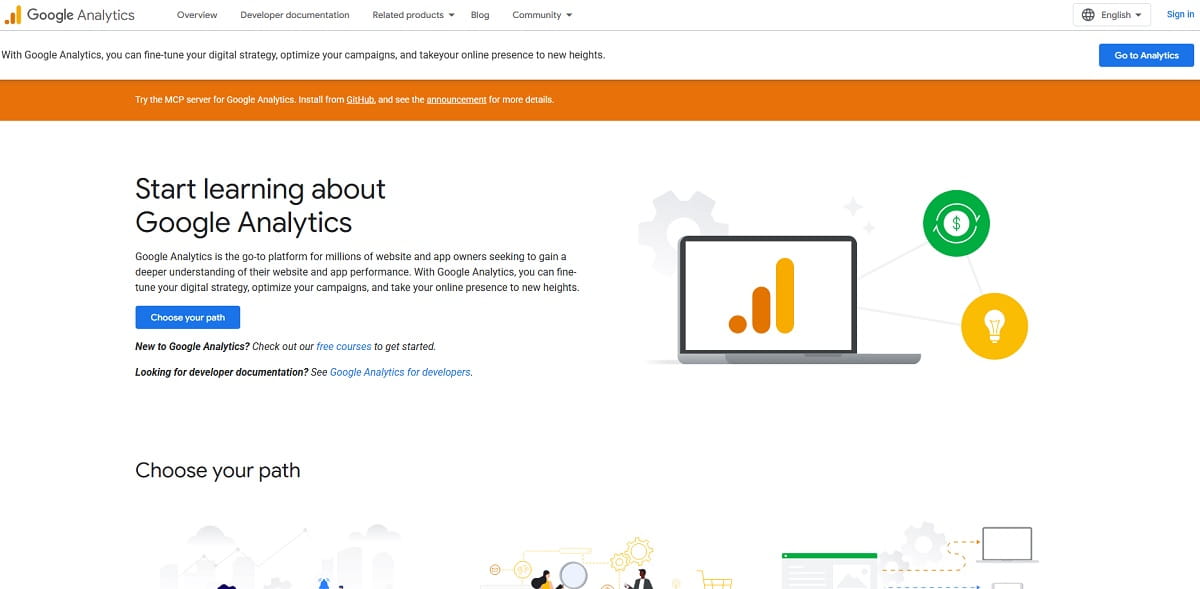
Best for: understanding what is happening on your site.
Google Analytics 4 is still the baseline website analytics platform for small businesses that want to track traffic sources, top pages, and conversions. It is not plug-and-play, and plenty of accounts are poorly configured, but it remains one of the most important small business tools for understanding how people find and use your website.
What I like: once GA4 is set up correctly, it gives you useful visibility into acquisition, user behavior, and conversion trends. It also connects well with other business application tools in your stack.
What I do not like: the learning curve is real. Many small business owners install it, glance at a few graphs, and never configure the events that actually matter.
Quick setup tip: track only three to five real conversions at first, such as lead form submissions, purchases, demo bookings, or call clicks. If you track everything, you will focus on nothing.
Key Features
- Traffic source and channel reporting
- Event-based tracking
- Conversion setup
- Audience insights and funnel views
Plerdy For UX And Conversion Insights
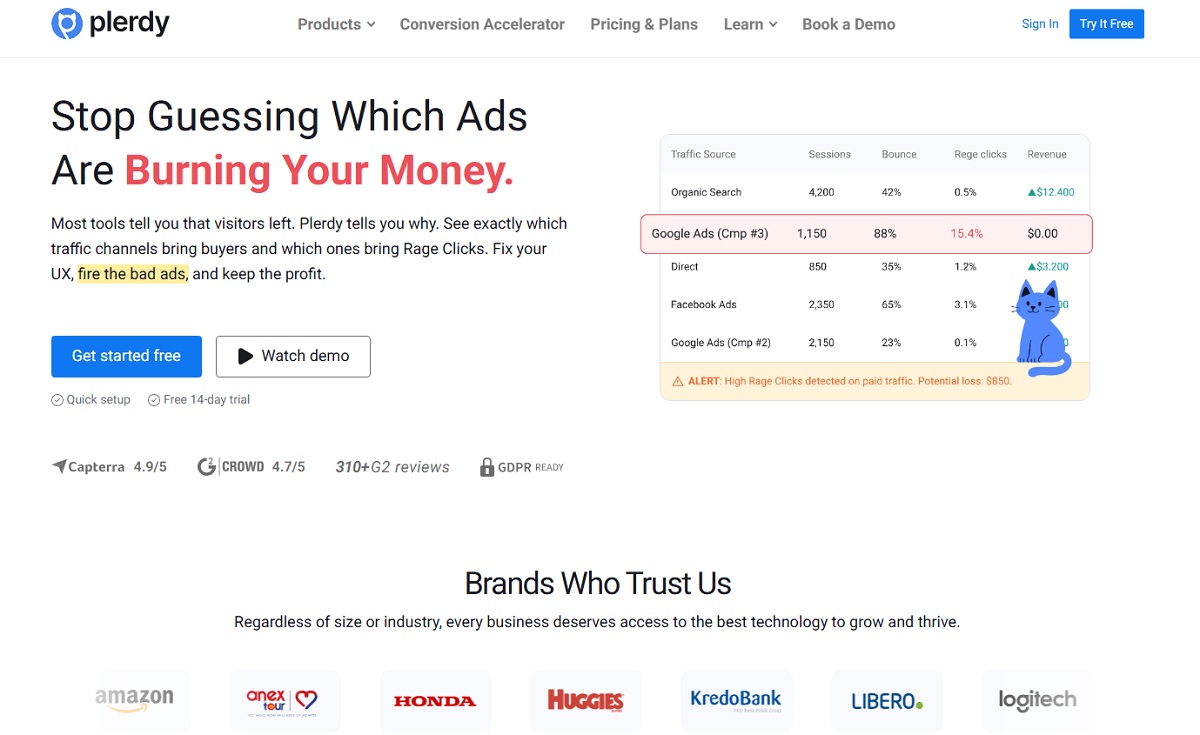
Best for: finding revenue leaks and UX friction fast.
Plerdy is a strong fit for small business teams that need more than pageviews. If you are investing in SEO, ads, or content and asking why the website is not converting, this small business tool helps you move from guessing to diagnosing. It is especially useful when traffic exists, but sales or leads still underperform.
What I like: it connects user behavior to action. You can see where people click, where they stop scrolling, and which pages quietly lose revenue. For many teams, this is one of the most useful business tools because it shows why the site is underperforming, not just that it is underperforming.
What I do not like: like any analytics or optimization platform, it only helps if you actually review the data and act on it. A good tool without a routine still turns into shelfware.
Plerdy’s Lost Revenue Analysis is especially valuable for a small business because it surfaces missed clicks, friction points, and drop-offs without requiring a long investigation. That gives you a faster path from “something feels off” to “here is what we need to fix this week.”
Quick setup tip: pick one money page every week and review it. That could be your main service page, a product page, or a landing page from ads. Make one change based on the behavior data, then review results the next week.
Key Features
- Heatmaps and click tracking
- Session recordings
- Scroll depth insights
- Lost Revenue Analysis
- UX-focused prioritization reports
WordPress For Website Ownership And Content
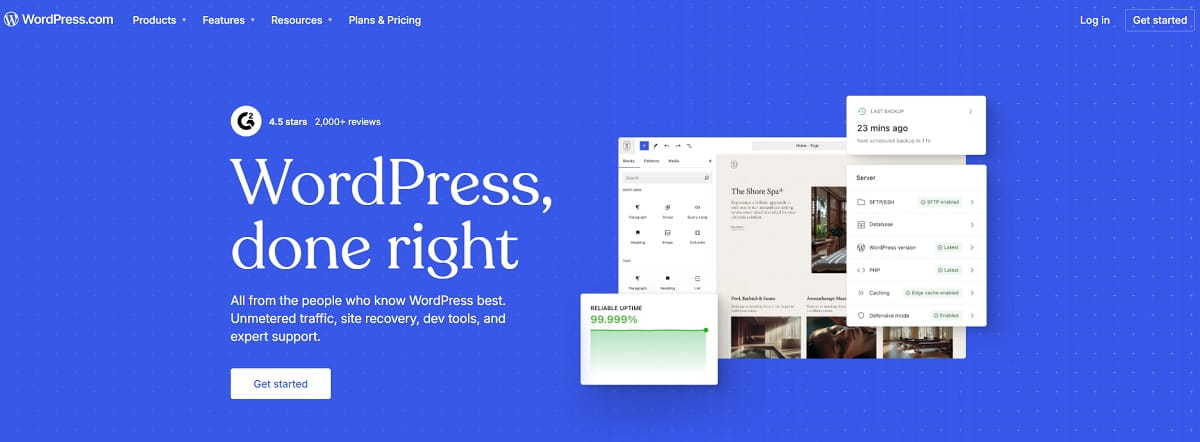
Best for: managing your website without relying on a developer for every update.
WordPress remains one of the best small business tools for companies that want flexible pages, publishing control, and long-term website ownership. If content matters to your growth strategy, whether through blog posts, landing pages, local SEO pages, or guides, WordPress is still a practical choice.
What I like: it is flexible, widely supported, and easy to scale over time.
What I do not like: plugin overload is one of the most common reasons small business websites become slow, messy, or fragile. Too many tools stacked inside one site can quietly damage performance.
Quick setup tip: audit plugins every quarter. If something has not been used in the last 60 days, remove it. That simple habit prevents a lot of mysterious website issues.
Best For
- Content marketing and blogging
- Landing pages and service pages
- Plugin-based expansion
- Long-term website ownership
Money And Finance
Field note: many cash flow problems are really process problems. A business may not need more sales first. It may need faster invoicing, clearer bookkeeping, and fewer payment bottlenecks. The right finance stack reduces stress faster than most founders expect.
Stripe For Online Payments
Best for: getting paid online without making checkout complicated.
Stripe is a strong choice for small businesses that sell products, subscriptions, services, or invoices with payment links. It works well when you want a clean payment experience now, but also want room to scale into more advanced use cases later.
What I like: it is reliable, flexible, and integrates well with many small business apps and ecommerce systems.
What I do not like: the dashboard can feel dense if you are not used to finance tools, and transaction fees deserve attention if margins are tight.
Quick setup tip: create one test payment flow and run a small internal transaction before sending customers through it. That catches tax, email, and checkout issues early.
Key Features
- Checkout pages and payment links
- Subscription billing
- Fraud prevention tools
- Integrations with ecommerce and invoice workflows
QuickBooks Online For Accounting
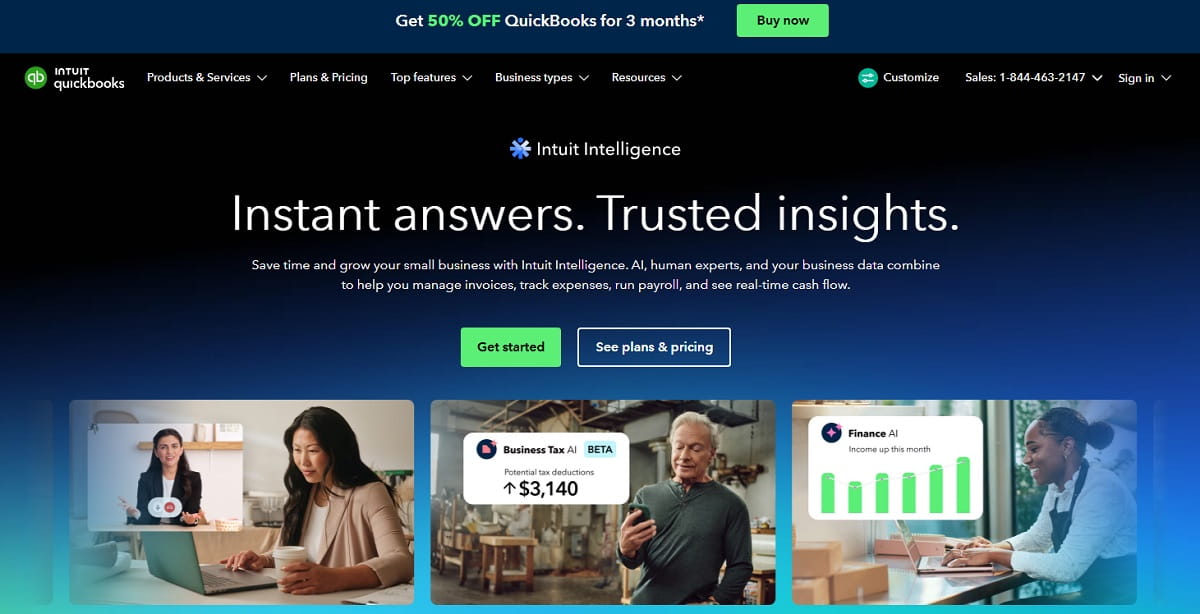
Best for: bookkeeping that does not become a weekly headache.
QuickBooks Online is a solid fit for small businesses with real-world financial complexity: multiple revenue streams, bank feeds, contractor payments, recurring expenses, and regular reporting needs. For many owners, it is the accounting platform that turns finances into a system.
What I like: bookkeepers already know it, bank syncing saves time, and reporting becomes much easier when the structure is set up properly.
What I do not like: pricing increases as you add features, and the automated categorization still needs review if you want clean reports.
Quick setup tip: map your chart of accounts to how you actually run the business. If your categories are confusing, every report becomes less useful.
Best For
- Bank syncing and reconciliation
- Profit and loss reporting
- Invoice tracking
- Payroll and contractor workflows on supported plans
Wave As An Invoicing App For Small Business
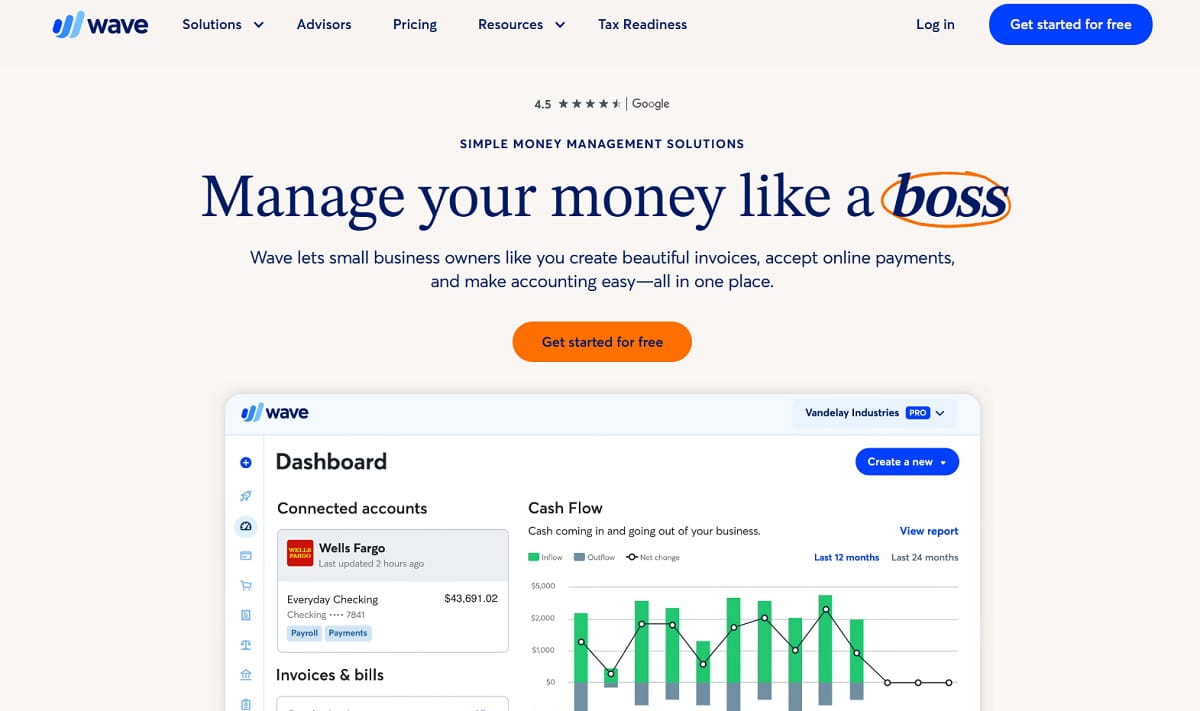
Best for: simple invoicing and light accounting for very small teams.
Wave is a practical starting point for freelancers, consultants, local service businesses, and solo founders who need a straightforward invoicing app without a big learning curve. If you mostly need to send invoices, track expenses, and keep a basic view of cash flow, it does the job well.
What I like: low friction, simple setup, and enough functionality for early-stage businesses.
What I do not like: as the business grows, you may outgrow the reporting, integrations, or workflow depth.
For many owners, Wave works well as an app for invoicing before they move to a more advanced accounting setup. It is also one of the easier small business apps to adopt quickly when the goal is just to send invoices faster and get paid on time.
Quick setup tip: create separate invoice templates for standard work and rush work. That small system saves time and improves consistency.
Key Features
- Invoicing and recurring invoices
- Expense tracking
- Basic reporting
- Payment acceptance in supported markets
Sales And CRM
Mini-story: I once audited a local service business where lead follow-up mostly lived in one person’s memory. When that person went on vacation, revenue dropped. The marketing did not fail. The pipeline just was not real until it lived inside a CRM.
HubSpot CRM As Contact Management Software For Small Business
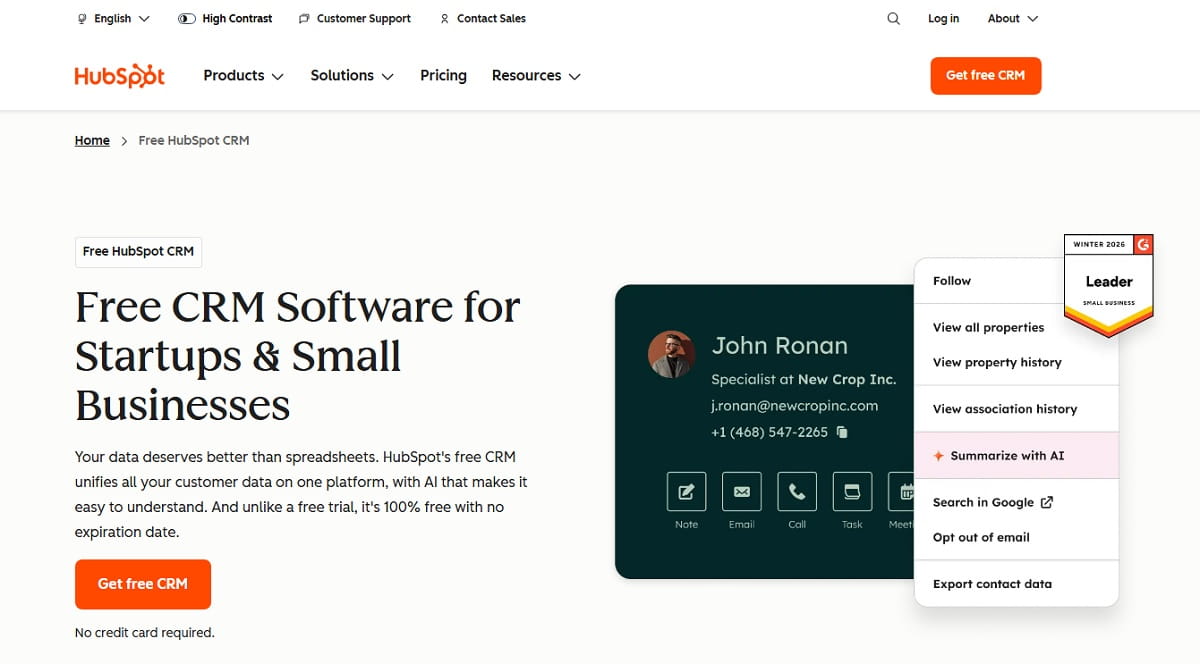
Best for: keeping leads, deals, and follow-ups out of spreadsheets.
HubSpot CRM is one of the best small business tools for owners who need one place for contacts, pipeline stages, and next actions. If leads come from forms, calls, referrals, or outreach, this tool gives your small business a more consistent process for managing them.
What I like: adoption tends to be fast. Teams actually use it because it is approachable.
What I do not like: once you need deeper automation or more advanced reporting, pricing can rise quickly.
HubSpot is also strong contact management software for small business teams that need a clean way to organize prospects without building a complicated enterprise system. If you are still asking “Who followed up with this lead?” too often, that is usually your signal.
Quick setup tip: define deal stages based on real customer actions, not internal opinions. “Proposal Sent” is real. “Might Be Interested” is not.
Best For
- Contact and deal tracking
- Follow-up reminders
- Simple pipeline visibility
- Basic lead capture features
Pipedrive For Sales Pipeline Management
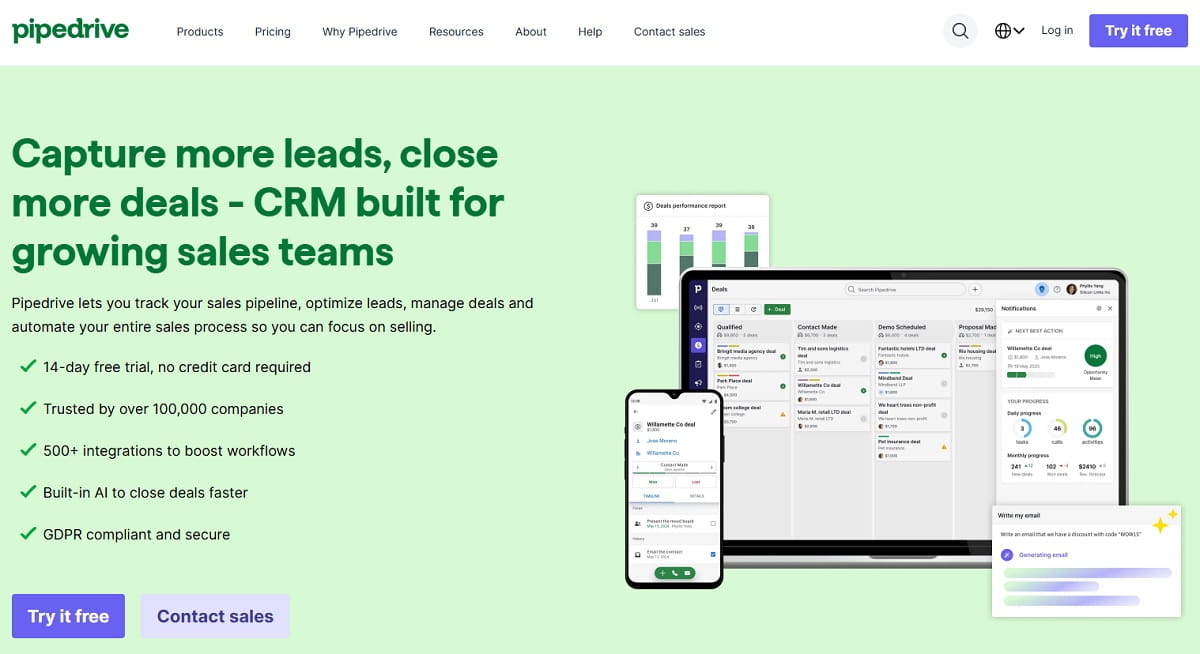
Best for: keeping deal stages visible and actionable.
Pipedrive is a strong fit for small businesses that do active selling and want a focused sales platform. Agencies, B2B service firms, and SaaS companies often prefer it because it keeps the pipeline visual and makes next steps easier to manage.
What I like: simple layout, strong pipeline clarity, and good accountability for sales activity.
What I do not like: if you want advanced marketing automation built into the same system, you may need extra tools.
Quick setup tip: require a next-step date on every active deal. Without a date, it is not a live opportunity. It is just false optimism in CRM form.
Key Features
- Visual pipeline management
- Email sync and tracking
- Task reminders
- Deal-stage reporting
PandaDoc For Proposals And Agreements
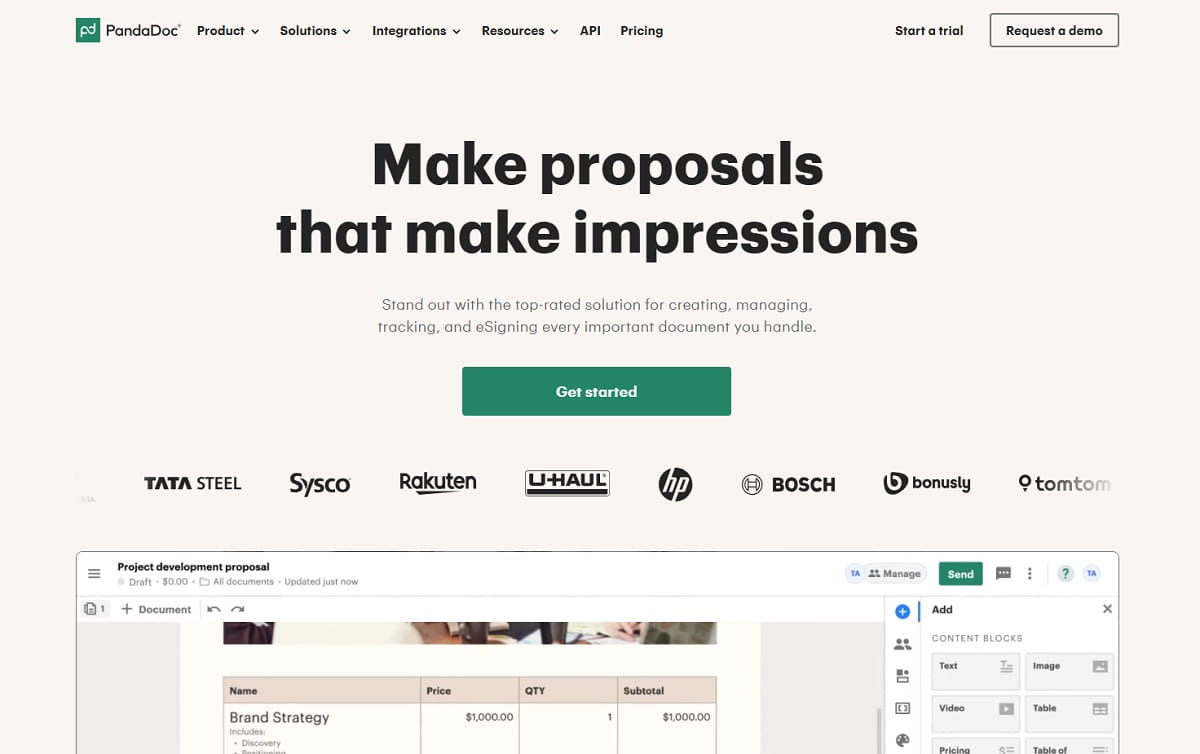
Best for: sending proposals and contracts without document chaos.
PandaDoc is useful for service businesses and agencies that send quotes, proposals, or agreements regularly. It helps standardize the buying experience and often shortens the time between interest and signature.
What I like: it makes the sales process look more professional and cuts down on messy back-and-forth.
What I do not like: it works best when you commit to templates. If every proposal is built from scratch, the value drops.
Quick setup tip: create one default proposal template with tiered pricing options. That structure improves speed and usually makes the sales process easier for both sides.
Best For
- Proposal templates
- E-signatures
- Pricing tables
- Document engagement tracking
Marketing And Content
Field note: marketing rarely fails because the team lacks ideas. It fails because the business cannot publish consistently. Good marketing tools reduce the distance between “we should post this” and “it is already live.”
Mailchimp For Small Business Email Marketing
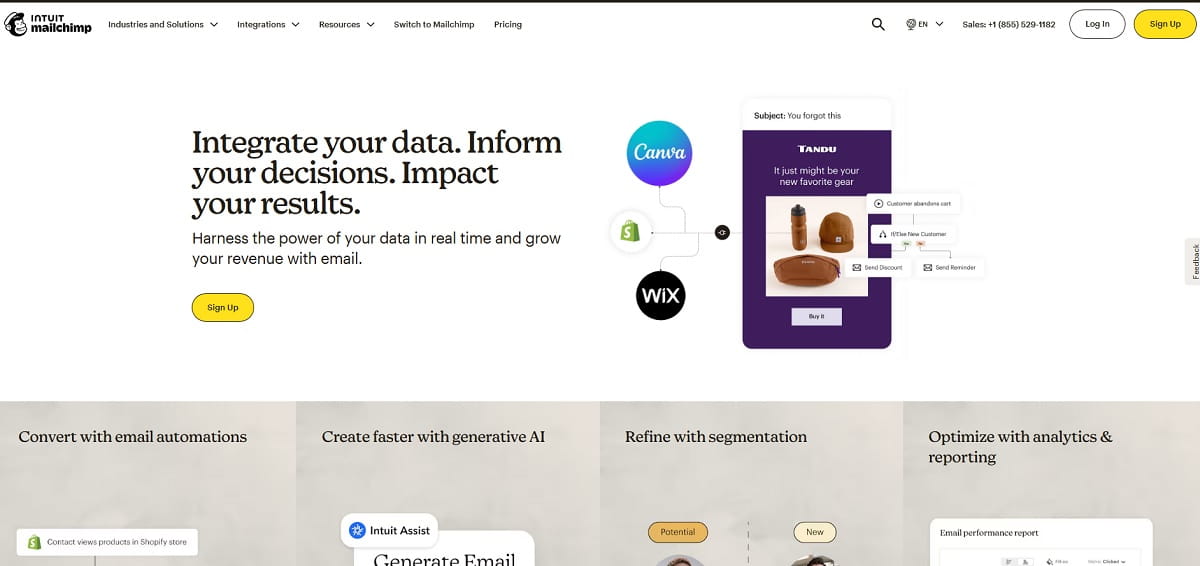
Best for: sending campaigns and basic automations without unnecessary complexity.
Mailchimp remains a practical email platform for small businesses that want newsletters, welcome flows, follow-ups, and simple lifecycle campaigns. If the goal is to stay in touch, drive repeat purchases, or nurture leads, it is still one of the more useful business tools in this category.
What I like: easy to start, decent templates, and good enough for many early and mid-stage email needs.
What I do not like: segmentation and pricing can become frustrating as lists and use cases grow.
Quick setup tip: build one welcome sequence first. Answer the three things new subscribers or customers usually want to know: what you do, how to buy, and how to get help.
Key Features
- Email campaign builder
- Basic automation flows
- Audience management
- Performance reporting
Canva For Fast Visual Content
Best for: creating simple, clean visuals without a designer.
Canva helps small businesses keep content moving. Social graphics, presentation slides, one-pagers, ads, product visuals, and simple branded assets all become easier when you have a design tool the team can actually use.
What I like: speed, templates, and ease of use.
What I do not like: if you rely too heavily on defaults, your brand can start looking like everyone else’s.
Quick setup tip: build a mini brand kit with two fonts, three colors, and simple rules for how visuals should look. That alone improves consistency more than most people expect.
Best For
- Social graphics
- Ads and promo assets
- Presentations
- Fast edits without professional design software
Buffer For Social Scheduling
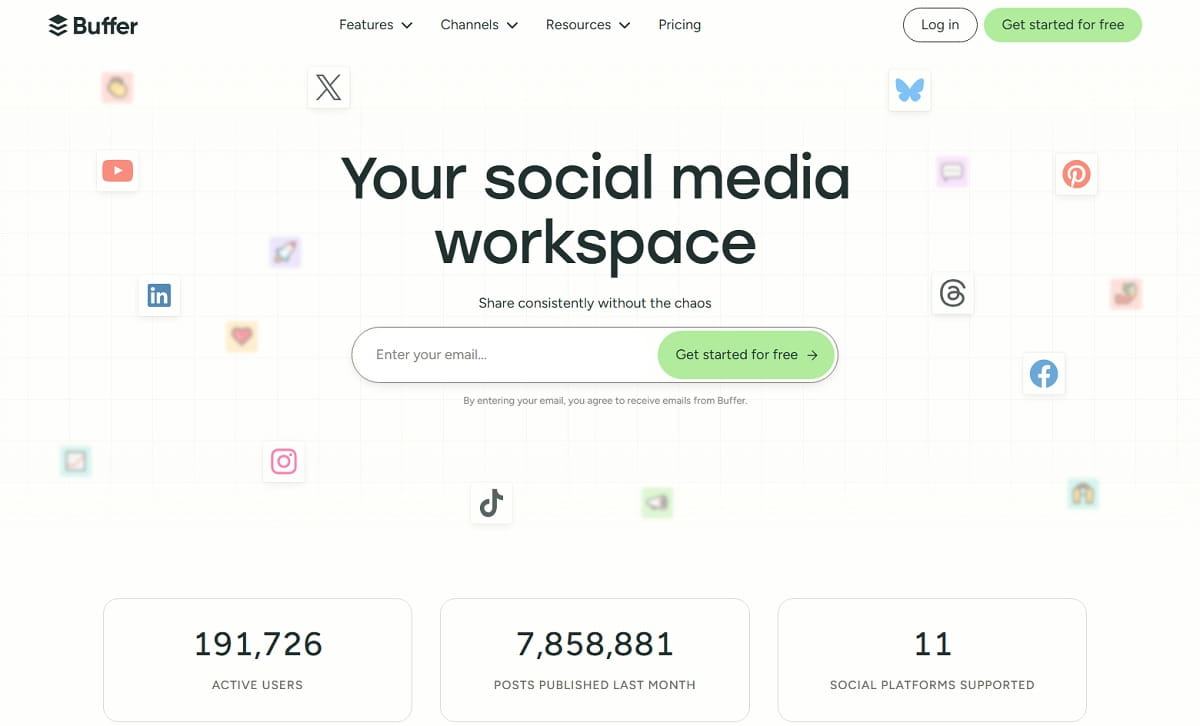
Best for: publishing consistently without losing hours every week.
Buffer works well for small businesses that want a simple workflow for writing, scheduling, and publishing social content. It is a good fit when the real goal is consistency, not becoming a full-time content machine.
What I like: clean workflow, simple scheduling, and less posting stress.
What I do not like: a scheduling tool cannot fix weak messaging. The content still needs a point of view.
Quick setup tip: use a repeating weekly format. For example, two educational posts, two proof posts, and one offer or CTA. Systems usually beat inspiration.
Key Features
- Multi-channel scheduling
- Content calendar
- Basic analytics
- Team collaboration options
Operations And Productivity
Mini-story: I once saw a small ecommerce company managing tasks in three places at once: chat messages, sticky notes, and memory. Returns got missed, important customer issues sat too long, and the owner blamed marketing. It was not a marketing problem. It was an operations problem.
Asana For Project Management
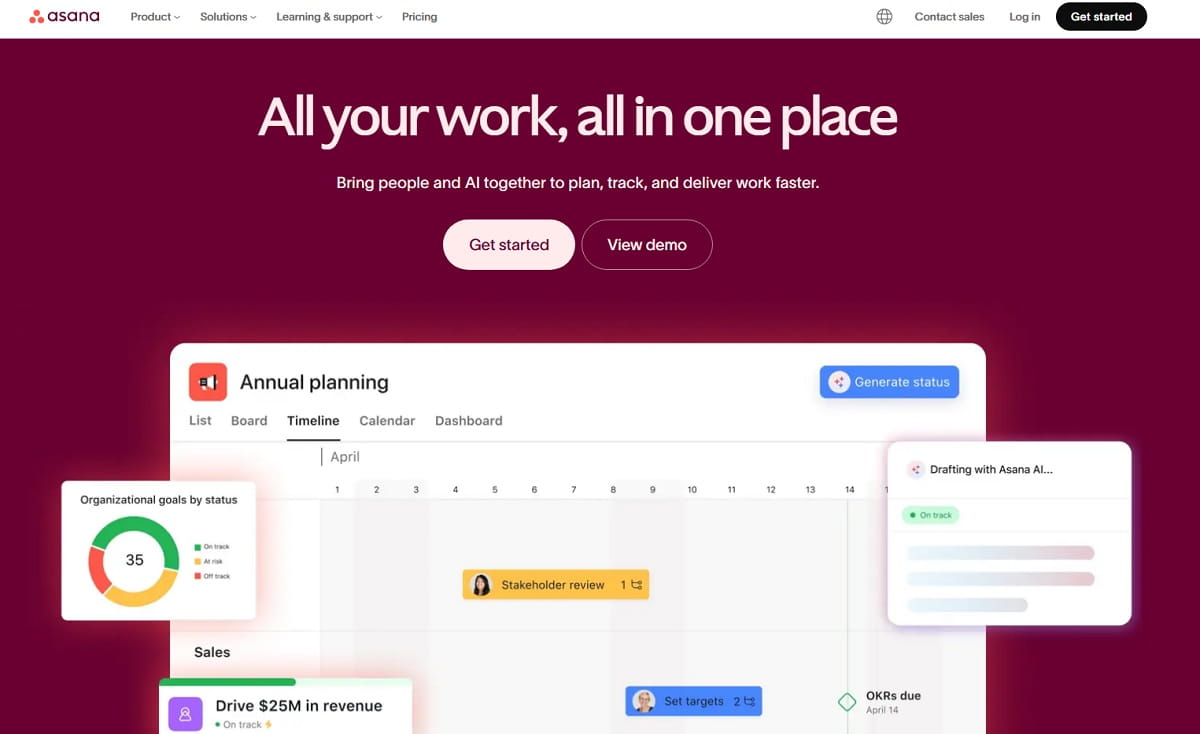
Best for: keeping recurring work and active projects visible.
Asana is one of the top rated small business tools for teams that juggle launches, client work, internal operations, and recurring workflows. If your business struggles with “Who owns this?” or “What is due this week?” it brings structure fast.
What I like: ownership becomes clearer, and recurring work is easier to manage.
What I do not like: teams can overcomplicate it with too many boards, labels, and custom statuses.
Quick setup tip: start with one board for active weekly work. Keep it simple until the team builds the habit of using it.
Best For
- Task management
- Project boards
- Recurring workflows
- Launch planning
Google Workspace For Daily Collaboration
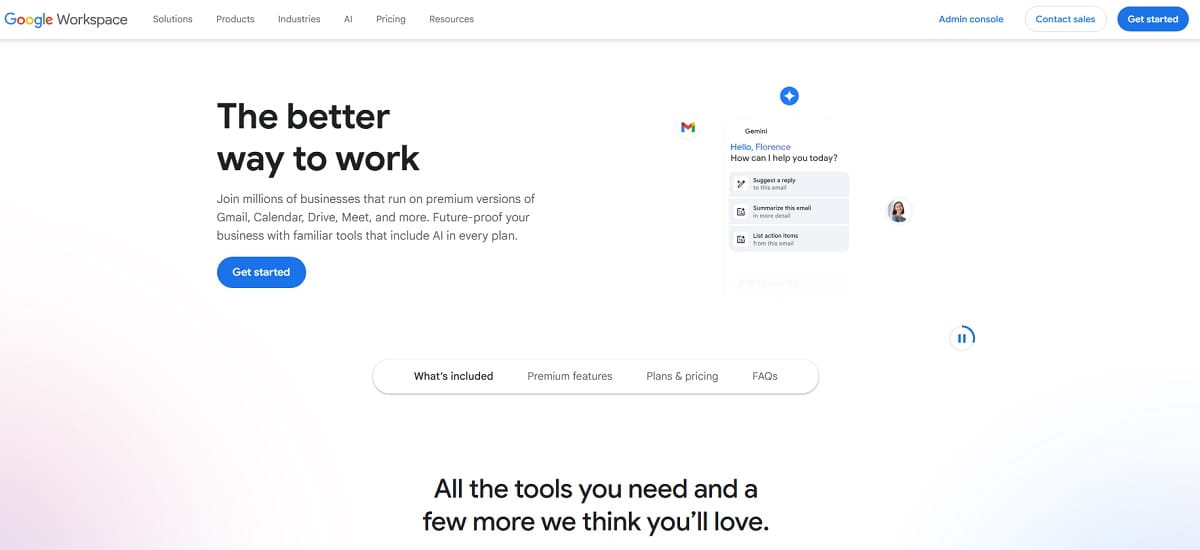
Best for: business email, shared files, and team coordination.
Google Workspace is not flashy, but it is one of the must have software for small business owners who want the business to run like a real system. Shared documents, calendar visibility, stored files, and business email matter more than many founders think.
What I like: most teams already know how to use it, and collaboration is smooth.
What I do not like: without naming rules and a clear structure, file organization can become messy fast.
Quick setup tip: create shared folders or drives for Operations, Sales, and Marketing. Naming discipline feels annoying at first and very smart a month later.
Key Features
- Business email and calendar
- Shared docs, sheets, and slides
- File storage and permissions
- Basic admin controls
Zapier For Workflow Automation
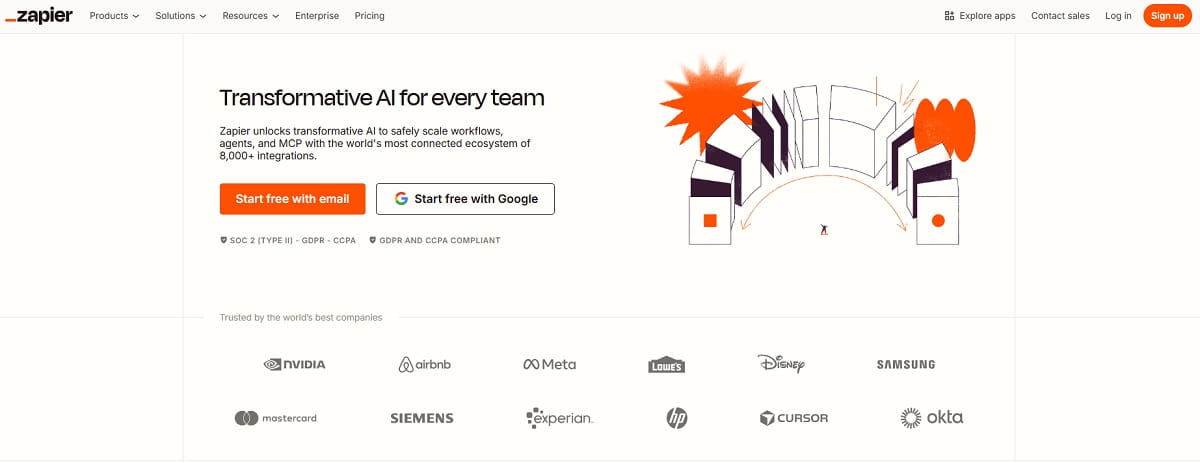
Best for: removing repetitive admin work between tools.
Zapier is the glue layer for many small business apps. It helps connect forms, CRMs, spreadsheets, email tools, and notifications so information moves automatically instead of depending on manual copy-paste work.
What I like: a simple automation can save real time almost immediately.
What I do not like: if you build too many automations without naming or documenting them, the system becomes harder to manage.
Quick setup tip: automate one important workflow first, such as new lead submission to CRM plus internal notification plus follow-up task. Get that stable before adding anything else.
Best For
- Cross-tool automation
- Notifications and handoffs
- Form and CRM connections
- Reducing manual admin work
Must-Have Software For Small Business Owners
If I had to simplify this entire guide into the core software for small business, I would say most companies need five layers.
First, you need a payment or invoicing layer so money moves faster. Second, you need accounting software so the financial picture is not a mystery. Third, you need contact management software or a CRM so leads do not disappear. Fourth, you need website and marketing visibility so you know what is working. Fifth, you need a task or automation layer so the team is not running on memory.
That is the stack. Not 27 disconnected apps. Just the right set of business application tools working together.
Many founders overbuy software because they assume more tools mean more progress. In reality, the best small business apps usually remove confusion, not add more dashboards. A lean stack almost always beats a bloated one.
Best Small Business Tools By Business Type
The best small business tools depend on how your business makes money.
For solo founders, the priority is usually getting paid, keeping finances clean, and staying organized without admin overload. A lighter stack often works best.
For local service businesses, the biggest needs are lead follow-up, proposals, invoicing, and scheduling. Contact management software and payment tools matter more than fancy branding platforms.
For ecommerce teams, the stack should focus on payments, conversion visibility, lifecycle marketing, and operations. Website friction matters a lot more here because traffic is often more expensive.
For agencies and B2B service firms, pipeline visibility, proposals, project management, and team collaboration usually matter the most. The best small business tools are the ones that tighten handoffs from lead to delivery.
How To Choose Your Stack
The best small business tool stack is the one your team will actually use on a busy Tuesday, not the one that looks impressive in a software comparison chart.
- Start with the money flow. If payments, invoicing, or bookkeeping are messy, fix that first.
- Choose for adoption, not features. If the least technical person on your team will never use it, it is the wrong tool.
- Prefer clean integrations. If your CRM, forms, and email tools do not connect, you create manual work forever.
- Respect the learning curve. A powerful platform with a steep setup cost often stays half-used.
- Watch switching costs. Accounting systems and CRMs are painful to change later, so choose carefully.
- Do not pay for “someday.” If you will not use advanced features in the next 90 days, do not buy them yet.
- Keep the stack lean. Tool overload is real, and too many logins create more friction than value.
How To Avoid Tool Overload In A Small Business
Tool overload usually starts with good intentions. A founder buys one app for reporting, one for notes, one for tasks, one for forms, one for chat, and three more because they “integrate with everything.” A month later, nobody knows where work lives.
The fix is simple. Every tool in the stack should have a clear job, a clear owner, and a reason it still exists. If you add a new app, ask which old process or tool it replaces. If the answer is “nothing,” the stack is probably getting heavier, not smarter.
Useful business tools should reduce attention debt. If an app creates more checking, more notifications, and more confusion, it is not helping your small business. It is just busywork with a login.
Mini Starter Stacks
Solo Founder Stack
You need speed, low admin overhead, and tools that are easy to keep running.
- Stripe for payments
- Wave for invoicing and light accounting
- HubSpot CRM for lead tracking
- Canva for simple creative work
- Google Workspace for files, email, and calendar
This setup keeps the business simple and reduces the number of loose ends you carry in your head.
Local Service Business Stack
You need stronger follow-up, cleaner quoting, and more predictable cash flow.
- HubSpot CRM for managing leads
- PandaDoc for proposals and approvals
- QuickBooks Online for bookkeeping
- Google Workspace for scheduling and coordination
- Buffer for staying visible on social
This is a practical stack for service businesses that need more consistency, not more complexity.
Small Ecommerce Store Stack
You need better visibility into payments, customer behavior, and post-click friction.
- Stripe for payments
- QuickBooks Online for finance
- Mailchimp for lifecycle email
- Google Analytics 4 for site performance
- Plerdy for UX and conversion visibility
- Asana for launches and operations
I have seen ecommerce teams increase ad spend while ignoring a broken mobile product page. Once they fixed the page friction, performance improved fast. That is why the right website tools matter.
FAQ: Best Small Business Tools
What Are The Best Small Business Tools To Start With?
Start with tools that fix daily business friction: one for payments or invoicing, one for accounting, one CRM for leads, and one collaboration or task tool. After that, add website and marketing tools to improve visibility and growth.
How Many Small Business Apps Should A Company Use?
Most small businesses work well with five to eight core tools. More than that often creates tool overload, duplicate work, and messy handoffs. The goal is not to collect apps. The goal is to run the business better.
What Is The Best Invoicing App For A Small Business?
That depends on complexity. If you want a simple invoicing app with low friction, Wave is a practical choice for many solo operators and small teams. If your business needs broader accounting features, QuickBooks Online may be the better fit.
What Is The Best Contact Management Software For Small Business?
For many small teams, HubSpot CRM is one of the strongest options because it is easy to adopt and gives you a clear place to manage contacts, deals, and follow-up activity. The best choice is the one your team will actually keep updated.
What Is The Difference Between Small Business Tools And Small Business Software?
In practice, the terms overlap. Small business tools usually refers to the apps and platforms you use every day, while small business software can sound broader or more formal. Either way, the best systems help you save time, reduce friction, and make better decisions.
Which Small Business Apps Matter Most In 2026?
In 2026, the most important small business apps are the ones that improve cash flow, lead management, marketing consistency, and website performance. Payments, CRM, analytics, content, and automation tools usually bring the fastest operational payoff.
Conclusion
The best small business tools are not the fanciest ones. They are the ones that remove friction, improve follow-up, protect cash flow, and make the business less dependent on memory. That is what good software for small business should do.
If you are overwhelmed, do not build a giant stack. Pick one website or analytics tool, one payment or invoicing app, one accounting system, one CRM, and one operations tool. Set them up properly. Use them consistently. Review them every week.
That is how small businesses actually win. Not by collecting more apps, but by using the right tools well.