

Popup forms can help a business collect leads, promote offers, gather feedback, and improve engagement. The problem is not the format itself. The problem is bad timing, weak targeting, and random setup. A popup shown to the wrong visitor at the wrong moment feels like noise.
Plerdy makes popup setup simple. You can build a form without code, choose the right type, set clear rules for where it appears, test it, and launch it fast. This guide walks through that process step by step, without turning it into a long theory lesson.
What Popup Forms Are And Why Timing Matters
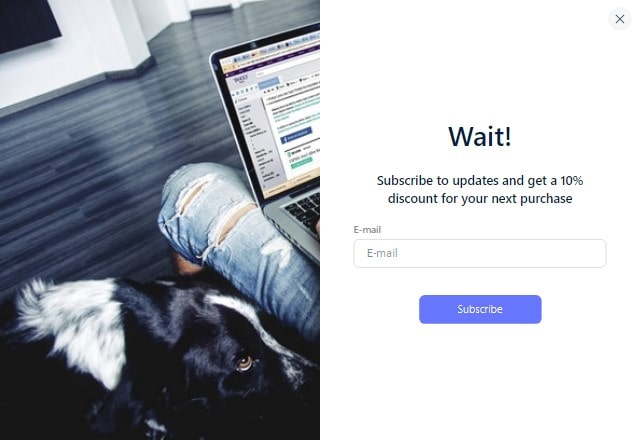
A popup form is a message or form that appears when a visitor shows interest, needs help, or is about to leave. Used well, it supports the page. Used badly, it interrupts the visit for no reason.
That is why timing matters so much. A popup should be well-timed and relevant. Plerdy supports timing options such as exit intent, scroll percent, and click triggers, which gives you a practical way to show a form when interest is already there.
Targeting matters too. You should not show the same popup to everyone. A newsletter signup can make sense on blog pages, but it may feel out of place on checkout or pricing pages. One good popup usually beats five random ones, especially when the message matches the page and the visitor’s intent.
In many cases, small tweaks are enough. You do not need to redesign a page just to collect more leads or highlight an offer. A well-placed popup form can do that job with much less effort.
Types Of Popup Forms You Can Create In Plerdy
Plerdy includes several popup form types, and each one fits a different goal. Picking the right type first makes the whole setup easier.
Lead Generation
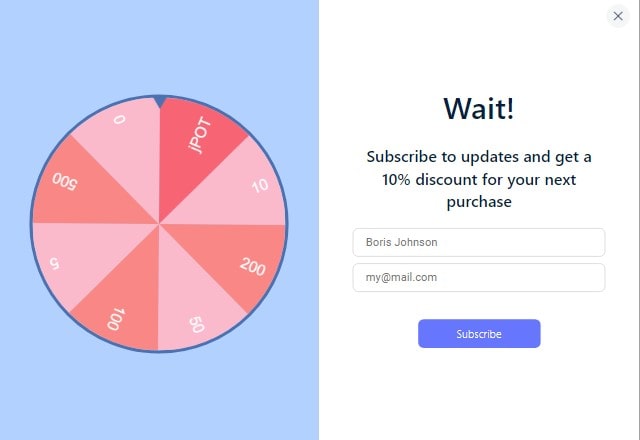
Use this type when the main goal is to collect leads or email addresses. It works well for lead magnets, simple signup offers, or contact requests. After that, email follow-up can help increase sales.
A common use case is a blog post where you want to collect emails with a simple inline or teaser form. Another is a product or service page where you want a lead form without redesigning the layout.
Promotional
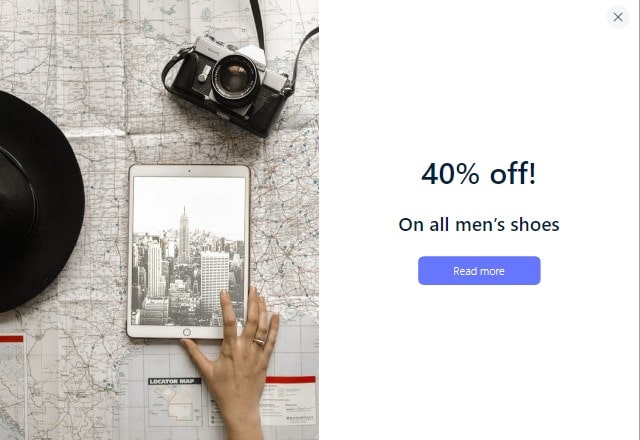
Promotional popup forms are built for offers that visitors might otherwise miss. This can be a discount, a limited-time message, or a sales-related offer shown at the right moment.
One practical example is a last-minute offer before a visitor bounces. Another is a seasonal campaign, including a spin-to-win format like Wheel of Fortune to increase engagement and opt-ins.
Feedback
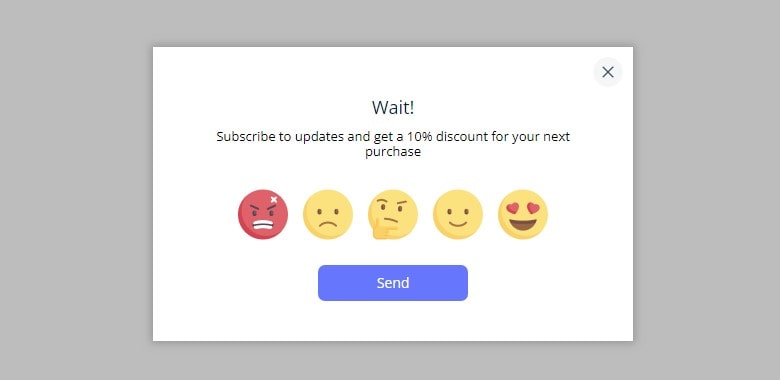
Feedback popups help you collect fast reactions from users. You can ask about website satisfaction, the purchase flow, or whether visitors can find the right product or service.
This type is especially useful on pages where people hesitate. For example, you can ask, “Was anything confusing?” on checkout or pricing pages. Plerdy also supports Emoji and CSAT surveys for quick feedback where it matters.
Engagement
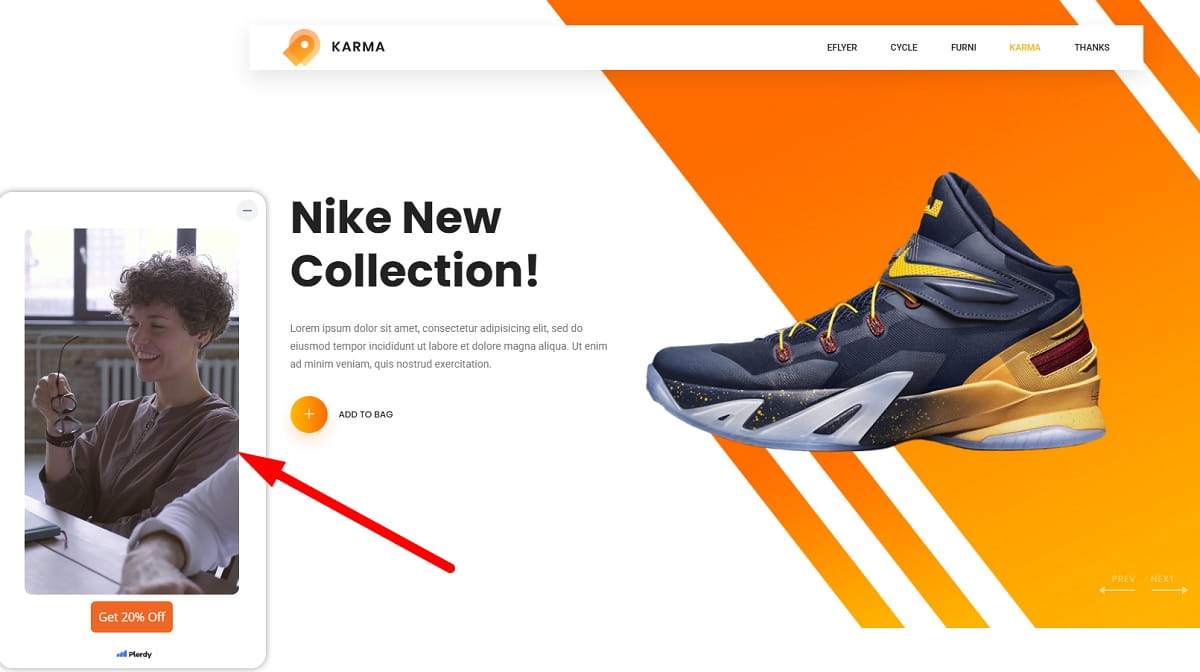
Engagement popups are a good fit when you want to support attention and action with content, especially video. Plerdy supports vertical video popups that work well for webinar invites, product launches, presentations, and similar sales-supporting communication.
You can also use a short “How it works” video before a demo or trial signup. Sometimes a quick visual explanation does more than a long paragraph.
Custom
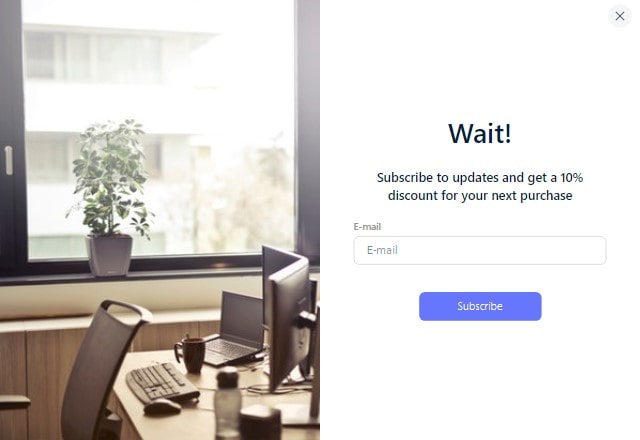
Custom popup forms give you more flexibility. You can create the fields you need and build a format that matches your goal, whether that is a contact form or an email-style builder.
If you need a form inside the page rather than above it, embedded forms are also useful. They let you place a form inside the page layout while keeping the setup simple.
How To Create Your First Popup Form In Plerdy
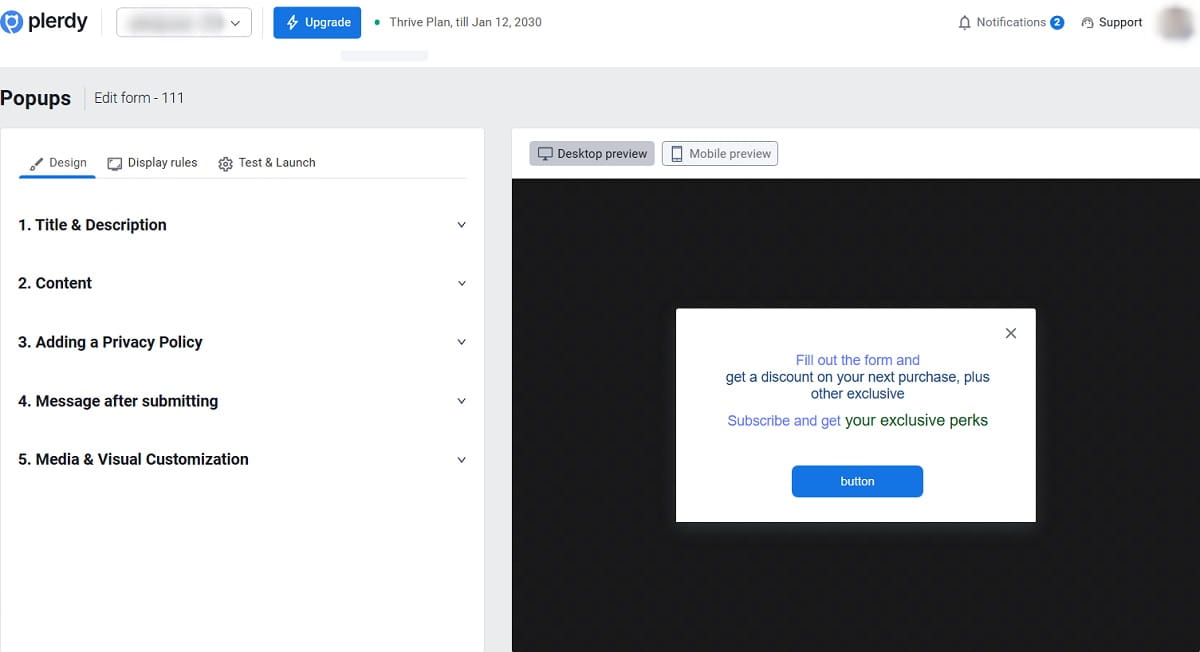
The setup flow in Plerdy is straightforward. You do not need a developer for this. The main thing is to keep each step clear and avoid overcomplicating the rules.
- Go to Forms > Create a form.
- Set up the main content.
- Add a title and subtitle.
- Add the fields you need.
- Set the thank-you state.
- Adjust the background.
- Add rules for when and where the popup should appear.
- Test the popup in Chrome Incognito.
- Launch it for everyone.
- Review statistics and or leads.
That is the basic launch flow. It is quick, and that is part of the point. Plerdy is built so a non-technical business owner can create popup forms without dragging the task into a long setup process.
When you add the title, subtitle, and fields, keep the form focused. Ask only for what you really need. When you set the thank-you state, make sure the visitor understands the action is complete. When you adjust the background, keep readability in mind so the form is easy to scan.
The most important setup step usually comes later, when you choose display rules. That is where popup forms either become useful or become annoying.
How To Choose The Right Trigger And Targeting
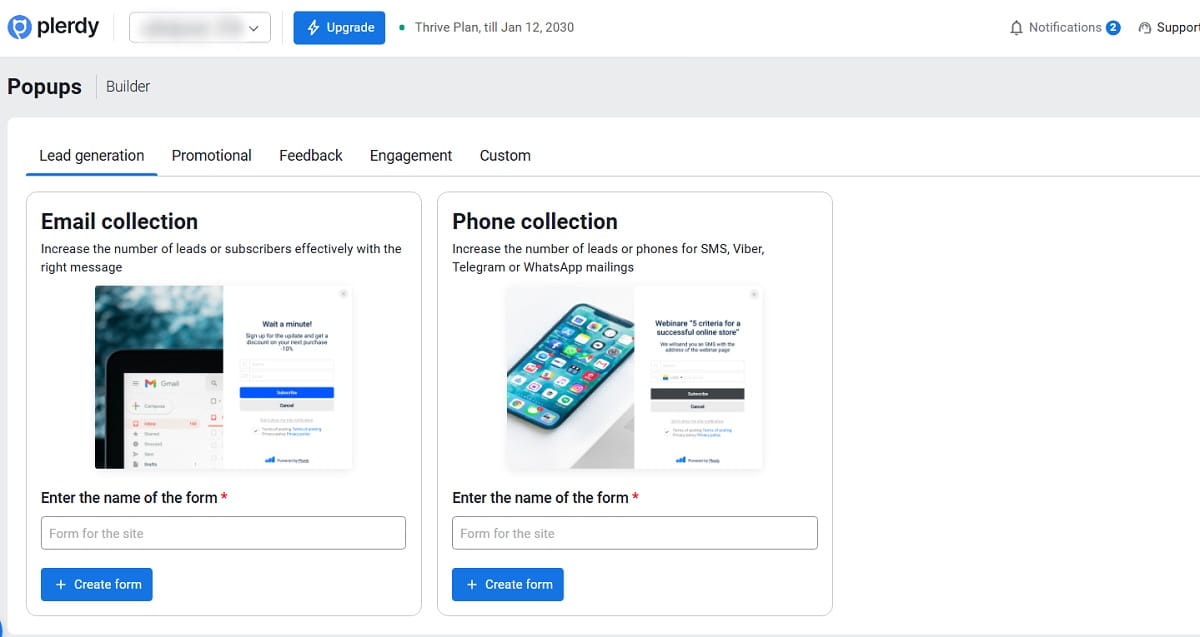
Plerdy gives you several trigger options, including exit intent, click, scroll, and time-based logic. The right choice depends on what you want the visitor to do and where they are in the page journey.
Use Exit Intent When You Want to Recover Leaving Visitors
Exit-intent popups are useful when someone is about to leave. This is a good moment for a last-minute offer, a help message, or a lead capture form. It is often the cleanest way to recover visitors without interrupting them too early.
Use Scroll Triggers When Interest Is Already Proven
If someone has reached 60 percent of a page, that usually means real interest. A lead magnet or newsletter form can make sense here, especially on blog content. It feels more natural because the visitor has already engaged with the page.
Use Click Triggers When You Want a Clear User Signal
A click trigger works well when the popup should appear only after the visitor shows intent. For example, you can trigger a lead magnet after a button click, or show a short video after someone taps a “How It Works” element.
Use URL And User Group Targeting to Keep Forms Relevant
Targeting by URL or user group helps stop irrelevant popups from appearing in the wrong places. That matters more than many teams think.
- Show newsletter signup only on blog pages, not on pricing or checkout.
- Show a feedback popup on checkout or pricing pages where confusion can block action.
- Show a lead form on a product or service page where the visitor is already close to a decision.
There is one more rule worth keeping simple: use only one or two display rules at most. Too many rules make the setup too strict, and many users will never trigger the popup at all. That is an easy mistake to make because extra conditions can look smart on paper. In practice, they often just reduce reach.
Plerdy Features That Make Popup Setup Easier
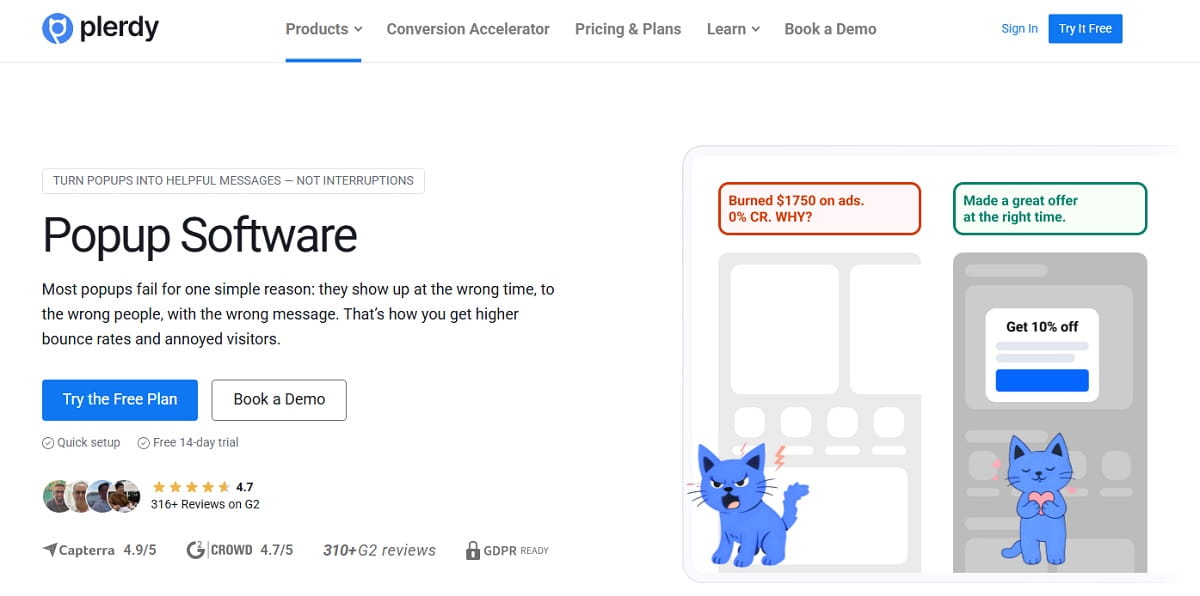
Plerdy includes several features that make popup software easier to use without turning the setup into a technical task.
- Form Designer (No Code): Build lead forms without a developer.
- Exit-Intent Popups: Recover visitors who are about to leave.
- Video Popups: Explain an offer quickly.
- Emoji And CSAT Surveys: Get fast feedback where it matters.
- Wheel of Fortune: Increase engagement during promotions.
- Targeting by URL And User Group: Stop showing irrelevant popups.
- Embedded Forms: Place forms inside the page layout.
- Event Triggers: Use click, scroll, or time to show forms only when interest is proven.
These features matter because they support control. You can choose the format that fits the goal, then limit the popup to the right moment and the right page. That is a much better approach than placing the same message across the whole site and hoping it works.
Simple Best Practices Before You Launch
Before you turn a popup form live for everyone, pause for a minute and check the basics.
- Make sure the popup matches the page goal.
- Choose one clear message, not several competing ideas.
- Use the trigger that fits user behavior instead of showing the form instantly.
- Target by page or user group so the popup stays relevant.
- Keep display rules limited to one or two conditions.
- Remember that one good popup usually beats five random ones.
If the message is helpful, the popup feels like part of the experience. If it is generic, badly timed, or shown everywhere, it feels like clutter. That difference decides a lot.
How To Test And Measure Popup Performance
Testing should happen before a full launch. In Plerdy, the recommended step is simple: test the popup in Chrome Incognito. This helps you check whether the form appears correctly and whether the rules behave the way you expect.
After that, launch it for everyone and review the statistics and or leads. This post-launch check matters because even a well-built popup may need adjustment. Sometimes the trigger is too early. Sometimes the targeting is too broad. Sometimes the message is fine, but the wrong page is carrying it.
You do not need to rebuild everything to improve a popup. Small tweaks can improve results without redesigning the page. That might mean changing the trigger, moving the popup to different URLs, or simplifying the form fields.
FAQ
What Is the Fastest Way to Create a Popup Form in Plerdy?
Go to Forms, create a form, set up the content, add the title, subtitle, and fields, define the thank-you state, adjust the background, add one or two display rules, test it in Chrome Incognito, and then launch it.
Which Popup Type Should I Choose First?
That depends on the goal. Use lead generation for collecting emails or leads, promotional for offers, feedback for satisfaction or confusion checks, engagement for video-based communication, and custom when you need your own field structure.
How Many Display Rules Should I Use?
Keep it to one or two rules at most. Too many rules make the popup too strict, and many visitors will never see it.
What Triggers Work Best for Popup Forms?
Plerdy supports exit intent, scroll percent, click triggers, and time-based events. The best option depends on the page and the goal. Exit intent is useful before bounce, scroll works when interest is already proven, and click is strong when you want a clear action signal.
Can I Show Different Popup Forms on Different Pages?
Yes. Targeting by URL or user group helps you show relevant popup forms only where they make sense, such as blog pages, product pages, pricing pages, or checkout-related points.
How Do I Check Whether a Popup Is Working?
Test it first in Chrome Incognito, then launch it and review the statistics and or leads. That will show whether the popup is being triggered and whether it is supporting the goal you set.