

CRO stands for conversion rate optimization — turning the traffic you already have into more sales, leads, or sign-ups without spending more on ads. Most teams do not have a traffic problem first. They have a conversion problem they keep calling a traffic problem: paid clicks come in, product pages get views, landing pages get visits, and revenue still feels softer than it should. That is where CRO tools start to matter, and it is also where many teams realize a single CRO tool is not enough — they need behavior evidence and a CRO platform that turns insight into action. Plerdy is one of the few platforms built to cover that whole loop in one subscription: heatmaps, session recordings, funnels, on-site pop-ups, and an SEO checker, without forcing you to stitch together three separate logins.
This guide compares the 14 best CRO tools and platforms for 2026, checked against each vendor’s own current site and pricing page rather than older reviews, since this category changes fast (Hotjar merged fully into Contentsquare, so they are listed once, not twice; Heap also joined Contentsquare but still runs under its own brand; and AB Tasty is now part of the Wingify group alongside VWO). You will find a quick-pick table by use case, a feature-by-feature comparison, a full breakdown of every tool with pricing, and a buyer’s framework for choosing between a full CRO platform and a stack of separate CRO tools — whether you are running CRO online for the first time or replacing a point solution you have outgrown.
What’s In This Guide
- What Do CRO Tools Actually Do?
- Quick Answer: Best CRO Tool By Use Case
- CRO Tools Feature Comparison At a Glance
- The 14 Best CRO Tools And Platforms In 2026
- Other Tools Worth Knowing
- CRO Tools Pricing Comparison
- What Is a CRO Platform?
- CRO Platform Vs Standalone CRO Tools
- Best CRO Tools By Use Case
- What Is a CRO Checker, CRO Analyzer, And CRO Analysis?
- How To Choose the Right CRO Platform Or CRO Tool
- Free CRO Tools Vs a Full CRO Platform
- Practical CRO Workflows You Can Copy
- Common Mistakes When Picking CRO Software
- Where Plerdy Fits As a CRO Platform
- Bottom Line: Which CRO Tool Should You Choose?
- FAQ About CRO Tools And CRO Platforms
What Do CRO Tools Actually Do?
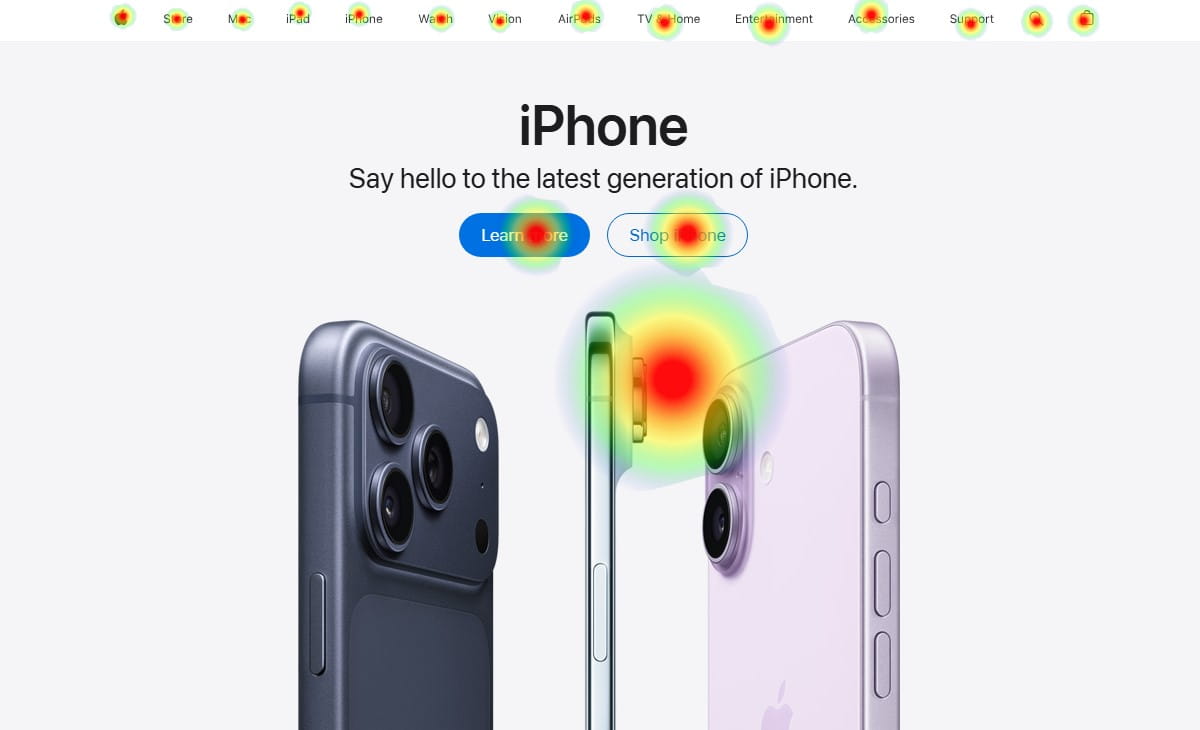 CRO tools help you see where visitors hesitate, misclick, drop off, or abandon a page — through heatmaps, session recordings, funnel analysis, form analytics, on-site surveys, or A/B testing — so your team can fix the friction instead of guessing at it. A single CRO tool usually does one of those jobs well. A CRO platform connects several of them into one workflow: diagnose the problem, decide what to fix, and validate whether the fix worked.
Quick Answer: Best CRO Tool By Use Case
| Use Case | Best Pick | Why |
|---|---|---|
| Best overall / all-in-one CRO platform | Plerdy | Heatmaps, session recordings, funnels, SEO checker, and pop-ups in one subscription with a genuine free plan |
| Best for enterprise experimentation | Optimizely | Deep experimentation and personalization at enterprise scale |
| Best all-in-one testing suite | VWO | A/B testing, personalization, and behavior insights under one roof |
| Best free behavior analytics | Microsoft Clarity | Unlimited sessions, unlimited traffic, no paid tier at all |
| Best for enterprise experience analytics | Contentsquare | AI-assisted journey and struggle analysis at scale |
| Best budget heatmap and A/B testing tool | Crazy Egg | Visual, no-code heatmaps and testing at small-business pricing |
| Best for session search and error tracking | FullStory | Query sessions by behavior or error across your whole dataset |
| Best for AI-driven testing | Kameleoon | AI-built experiments plus feature flags and personalization |
| Best for landing page optimization | Unbounce | AI landing page builder with Smart Traffic auto-routing |
| Best for ad-to-page personalization | Instapage | Personalized post-click pages tied to ad campaigns |
| Best for popups and lead capture | OptinMonster | Exit-intent and behavior-triggered on-site campaigns |
| Best for product-led growth teams | Heap | Autocapture product analytics with AI-flagged friction points |
CRO Tools Feature Comparison At a Glance
A quick scan of what each tool actually includes before the full breakdown below. “Free Plan” means a genuine perpetual free tier exists, not just a trial.
| Tool | Heatmaps | Session Replay | A/B Testing | Funnels | Free Plan |
|---|---|---|---|---|---|
| Plerdy | Yes | Yes | Yes | Yes | Yes |
| VWO | Yes | Yes | Yes | Yes | Yes (Explore tier) |
| Optimizely | No | No | Yes | Limited | No |
| Contentsquare (incl. Hotjar) | Yes | Yes | No | Yes | Yes |
| Crazy Egg | Yes | Limited | Yes | No | No (trial only) |
| FullStory | Yes | Yes | No | Yes | Yes |
| Kameleoon | No | No | Yes | Limited | No |
| AB Tasty | No | No | Yes | Limited | No |
| Microsoft Clarity | Yes | Yes | No | No | Yes (only tier) |
| Mouseflow | Yes | Yes | No | Yes | Yes |
| Unbounce | No | No | Yes | No | No (trial only) |
| Instapage | No | No | Yes | No | No (trial only) |
| OptinMonster | No | No | Yes (campaigns) | No | No (trial only) |
| Heap | No | Yes | No | Yes | Yes |
The 14 Best CRO Tools And Platforms In 2026
Every tool below was checked against its own current site and pricing page rather than older reviews. Pricing changes frequently, so treat every number below as a starting point confirmed in August 2026, and verify the current rate on each vendor’s own pricing page before you buy.
1. Plerdy
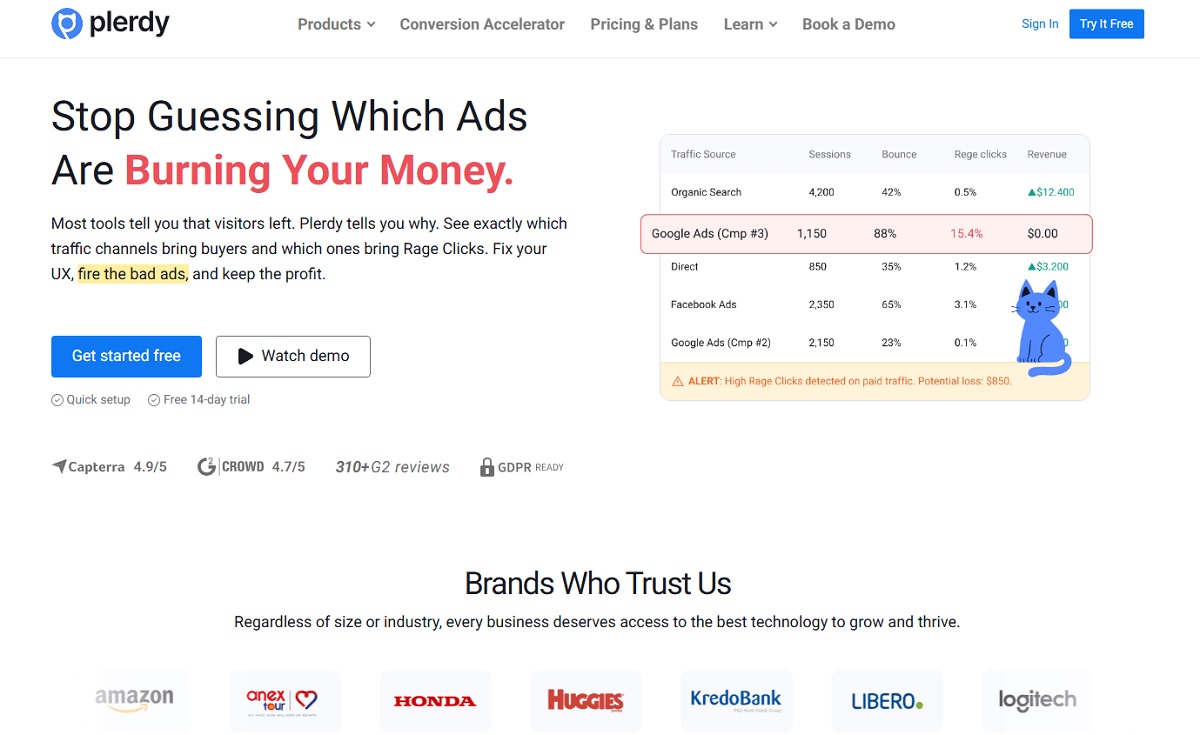
Best for: teams that want heatmaps, session recordings, funnels, an SEO checker, and on-site pop-ups under one login instead of stitching together three or four subscriptions.
Plerdy is a CRO platform built around one loop: see where users hesitate or drop off, decide what to fix, and validate the change. Instead of buying a behavior-analytics tool, a pop-up builder, and an SEO auditor separately, Plerdy folds all of that into one dashboard and one price — which is why it fits ecommerce, SaaS, and lead-gen teams that want breadth without juggling logins. The trade-off is depth: a pure-play enterprise platform like Optimizely will out-feature Plerdy on large-scale experimentation governance specifically, so the strongest fit is small-to-mid teams that want one connected workflow over point-solution specialization.
Key features:
- Click, move, and scroll heatmaps
- Session recordings
- Funnel and drop-off analysis
- On-site pop-ups and forms
- On-page surveys
- A/B testing
- SEO checker
- Error tracking
All under one account, one login, and one price.
Use cases: diagnosing product-page and checkout friction for ecommerce, spotting onboarding confusion for SaaS trials, and validating landing-page proof placement for lead generation.
Pros: one login for behavior analytics, testing, SEO, and pop-ups; a genuinely usable free plan. Cons: teams running large-scale, multi-region experimentation programs may still want a dedicated enterprise testing platform alongside it.
Pricing: free forever plan (100 heatmaps/day, 500 session recordings/month, 5,000 SEO audit checks, 100 pop-ups, unlimited A/B testing); paid plans start at $32/month billed monthly ($21/month billed annually, Startup tier) up to $390/month (Enterprise 3); a 14-day trial of the Scale tier is available with no credit card required — see Plerdy’s current pricing.
2. VWO
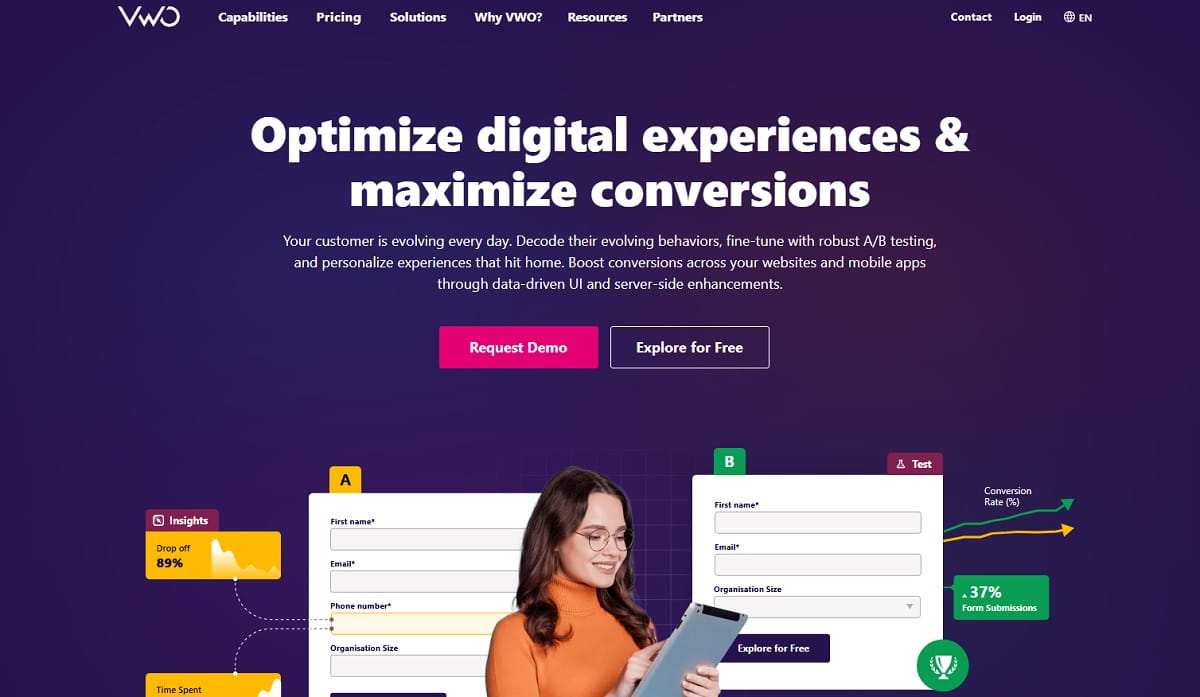
Best for: teams that want experimentation, personalization, and behavior insights (heatmaps, session recordings) in one unified suite.
VWO (Visual Website Optimizer, built by Wingify) positions itself as a “Digital Experience Optimization” platform spanning three areas: experimentation and testing, behavioral insights, and personalization, with an AI layer called Wandz that helps automate the workflow across all three. It is one of the longest-running names in CRO, which shows in how mature the testing and reporting tooling is.
Key features:
- A/B and multivariate testing
- Server-side and feature-flag testing
- Heatmaps and session recordings
- Visitor segmentation
- AI-assisted personalization (Wandz)
Use cases: running structured A/B and multivariate experiments across a marketing site or app while keeping behavior data in the same platform for context.
Pros: mature testing engine bundled with behavior insights and personalization. Cons: no public per-seat pricing, so budgeting requires a sales conversation.
Pricing: a free “Explore” tier is available for self-serve exploration; Growth, Pro, and Enterprise plans are custom-quoted based on traffic — see VWO’s pricing page.
3. Optimizely
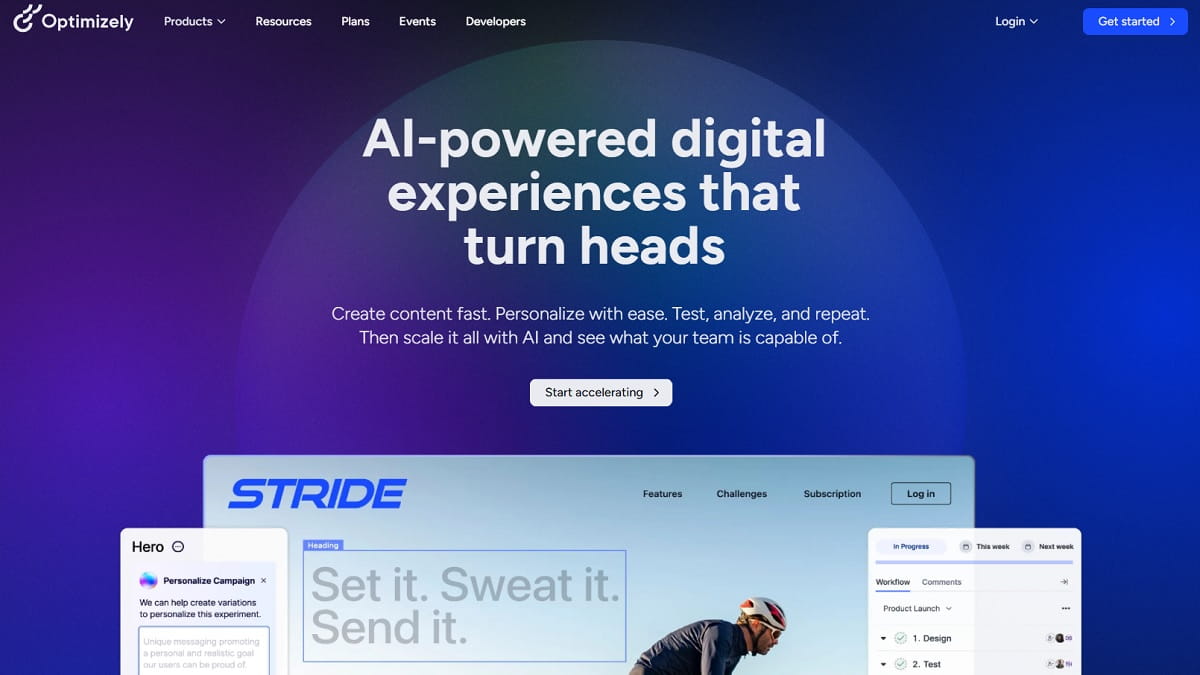
Best for: enterprise teams running high-volume, high-governance experimentation across many pages, apps, and regions.
Optimizely is a long-standing enterprise experimentation platform, now positioned as an AI-driven optimization suite spanning content, experimentation, and agent-assisted workflows, used by large brands such as Nike, Zoom, and Visa. It is built for organizations that need rigorous testing infrastructure, permissioning, and governance across multiple teams — not for a solo operator who wants a quick answer this week.
Key features:
- A/B and multivariate testing
- Feature flags
- AI-assisted experiment creation
- Personalization
- Enterprise permissioning and governance
Use cases: enterprise experimentation programs where multiple teams run concurrent tests under shared governance and reporting standards.
Pros: deep experimentation rigor built for scale. Cons: no free tier and no public pricing — every plan is individually scoped, which slows down evaluation for smaller teams.
Pricing: no free plan; every plan is custom-packaged and quote-only — see Optimizely’s pricing page.
4. Contentsquare (Including Hotjar)
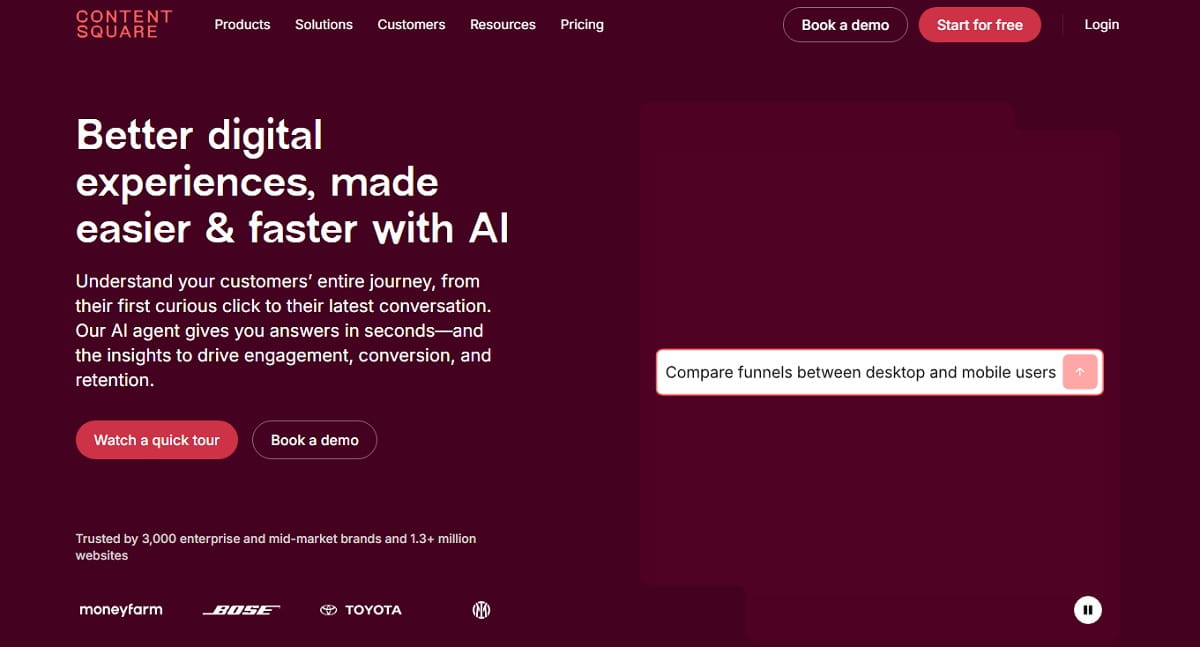
Best for: teams that want to start with familiar, self-serve heatmaps and recordings and scale up to AI-assisted enterprise journey analysis — without switching vendors.
Hotjar merged fully into Contentsquare in 2025, and hotjar.com now redirects to Contentsquare’s own site — so what used to be two separate options is now one company sitting at two ends of the same market. It is listed once here, not twice, for that reason. Self-serve teams who search for “Hotjar” land on Contentsquare’s Experience Analytics and Voice of Customer product lines, with a reportedly more generous free tier than the old standalone Hotjar (up to 200,000 sessions/month) plus a 15-day trial of premium features. Enterprise buyers get Contentsquare’s own core differentiator on top: AI-assisted “struggle” and journey analysis that automatically surfaces where large volumes of users hit friction, instead of relying on someone to scan session recordings one by one.
Key features:
- Heatmaps
- Session recordings and replay
- On-site surveys (Voice of Customer)
- Attention Maps
- Funnels
- AI-assisted struggle and journey analysis
- Enterprise-grade reporting and permissioning
- Error and performance monitoring (added post-merger)
Use cases: a self-serve starting point for teams that want quick heatmap and recording insight without a full enterprise sales process, scaling up to automated pattern detection for large enterprises with high traffic volume.
Pros: one vendor covers both a self-serve free tier and enterprise-grade AI-assisted analysis, so you do not outgrow it. Cons: no longer sold as an independent “Hotjar” product — everything past the free tier runs through Contentsquare’s custom-quoted enterprise sales process.
Pricing: free plan reportedly covering up to 200,000 sessions/month (the former Hotjar tier), plus a 15-day trial of premium features, no card required; paid and enterprise tiers are custom-quoted — see Contentsquare’s Hotjar page and Contentsquare’s pricing page.
5. Crazy Egg
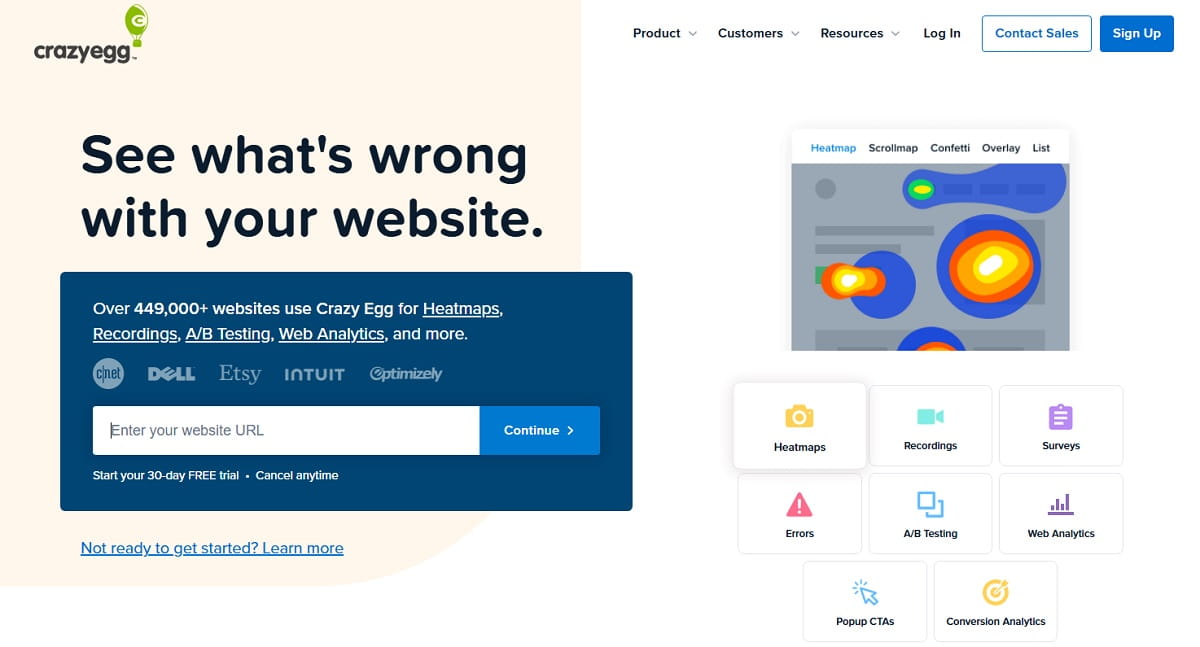
Best for: marketers who want fast, visual, no-code heatmap and A/B-testing reports without engineering involvement.
Crazy Egg bundles heatmaps, session recordings, surveys, error tracking, A/B testing, popup CTAs, and conversion analytics into one small-business-friendly platform. Its heatmap and scroll-map reporting is built for a fast visual read rather than deep technical analysis, which makes it a popular first CRO tool for marketing teams without a dedicated analyst.
Key features:
- Heatmaps
- Scroll maps
- Session recordings
- On-page A/B testing
- Popup CTAs
- Error tracking
- Conversion analytics
Use cases: small marketing teams doing a fast visual audit of a landing page or product page before a redesign.
Pros: fast, visual, no-code reporting; broad feature set for the price. Cons: no perpetual free plan — only a trial before you commit.
Pricing: no free plan, but a free trial is offered; paid plans start at $29/month (Starter, billed annually) up to $599/month (Enterprise) — see Crazy Egg’s pricing page.
6. FullStory
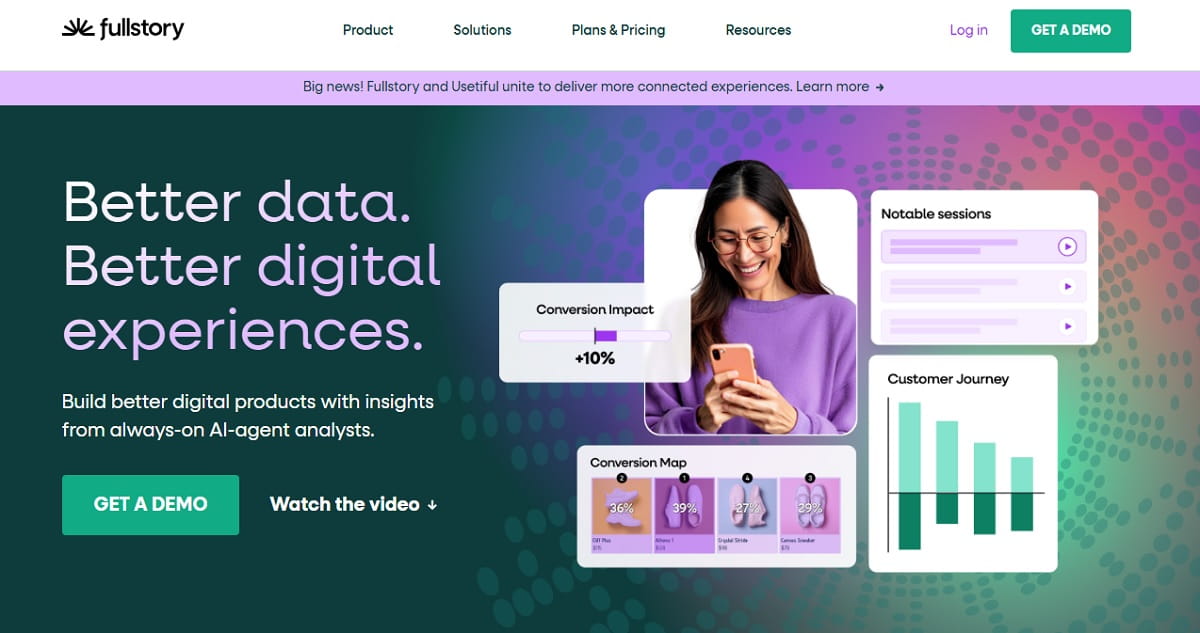
Best for: teams that need to search sessions by behavior or error across a whole dataset, not just scrub recordings one by one.
FullStory’s standout feature is search: instead of watching recordings sequentially, you can query sessions by behavior, error, or custom event across your entire dataset. Built-in error and rage-click tracking makes it a strong pick for teams that want behavior analytics and front-end error monitoring in the same tool.
Key features:
- Searchable session replay
- Heatmaps
- Error and rage-click tracking
- Journey and funnel analysis
Use cases: engineering and product teams that need to find every session where a specific error or friction pattern occurred, not just review a sample.
Pros: best-in-class session search and error tracking. Cons: no published pricing beyond the free tier — everything else requires a sales call.
Pricing: a free forever plan (FullStory Free) covers 30,000 sessions/month with 12 months of retention and up to 10 users, no card required; Business/Advanced/Enterprise tiers are custom quote-only — see FullStory’s pricing page.
7. Kameleoon
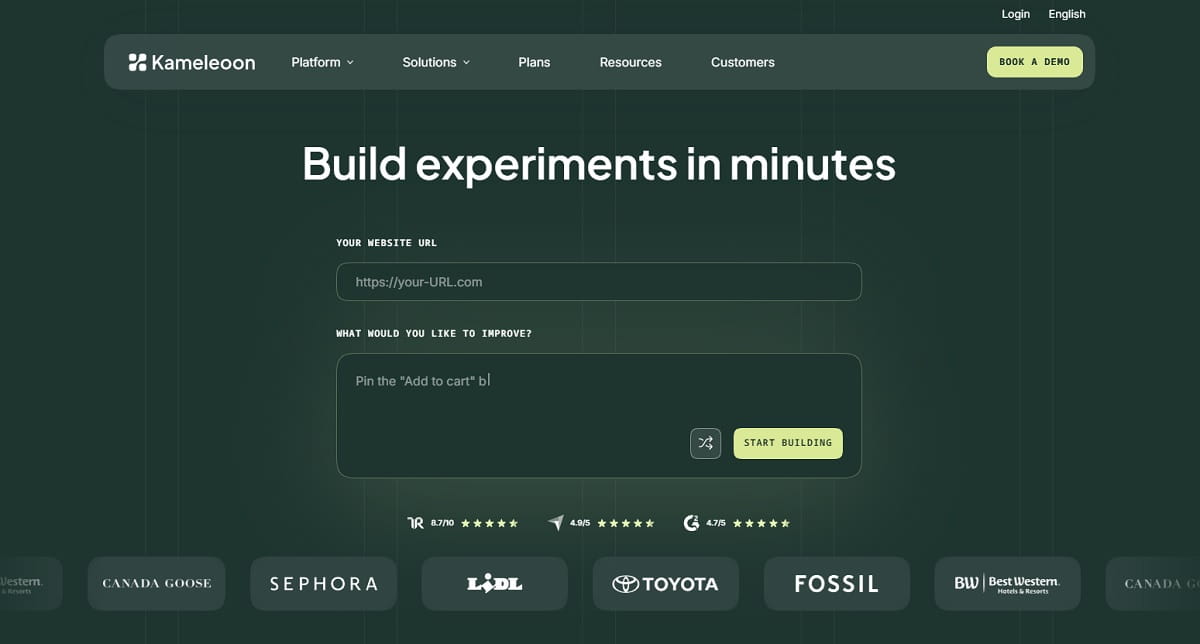
Best for: teams that want to build experiments quickly with AI assistance, alongside feature flags and personalization.
Kameleoon is an AI-driven experimentation platform spanning A/B testing, feature management, personalization, and mobile app testing. Its flagship capability, described on its own site as “Prompt-Based Experimentation,” lets teams build a test by describing it in natural language rather than configuring every variant manually. It remains an independently operated company serving over 1,000 brands.
Key features:
- AI-assisted (prompt-based) experiment creation
- Feature flags for controlled rollouts
- Personalization
- Product recommendations
- Mobile app testing
Use cases: product and growth teams that want to spin up experiments faster without writing full test configurations from scratch.
Pros: AI-assisted experiment setup speeds up test creation. Cons: no public pricing page — every quote is a sales conversation.
Pricing: no free plan; fully custom-quoted based on traffic and modules — contact sales via Kameleoon’s site for a proposal.
8. AB Tasty
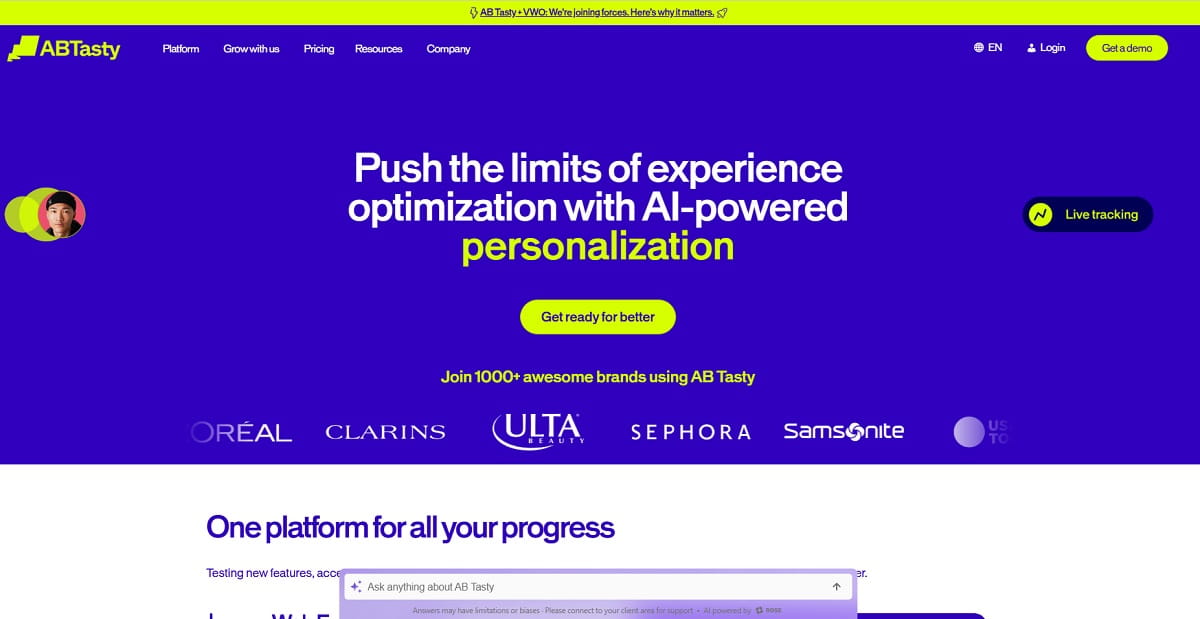
Best for: teams that want web experimentation, feature experimentation, and personalization under one roof, with hands-on onboarding.
AB Tasty covers web experimentation, feature experimentation, personalization, and e-merchandising, and now sits inside the Wingify group alongside VWO — the two brands are shown together in AB Tasty’s own site footer. Every plan includes onboarding, training, and support baked in rather than sold as add-ons, which suits teams that want a guided rollout over a self-serve signup.
Key features:
- A/B and multivariate testing
- Feature-flag experimentation
- Personalization
- E-merchandising
- An AI evidence-based marketing agent (“Evi”)
Use cases: mid-market and enterprise teams that want a hands-on onboarding and training relationship, not just software access.
Pros: onboarding and training included in every plan. Cons: no free trial — evaluation happens through a scoped proof-of-concept instead.
Pricing: no free trial; a complimentary proof-of-concept period is offered instead, then a fully custom quote based on traffic or monthly active users — see AB Tasty’s site.
9. Microsoft Clarity
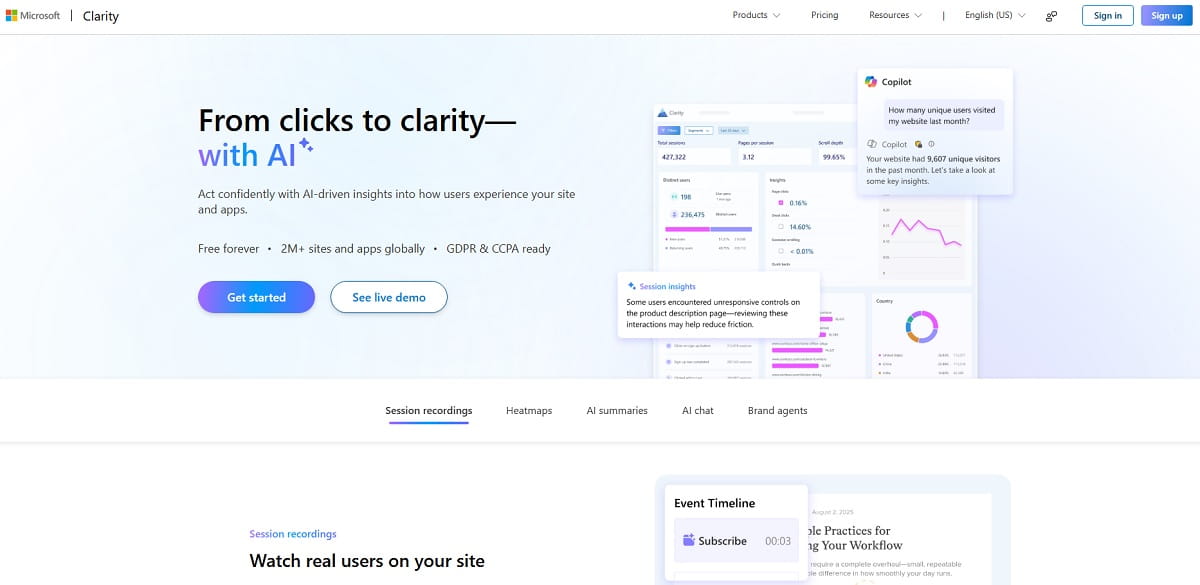
Best for: anyone who wants unlimited heatmaps and session recordings without ever entering a credit card.
Clarity is funded by Microsoft and remains completely free, with no session cap, no traffic limit, and no paid tier at all. It covers heatmaps, session recordings, and AI-generated recording summaries, plus native Google Analytics 4 integration. The trade-off is scope: no A/B testing, no pop-up builder, no funnel analysis — it is a focused recording-and-heatmap tool, not a full CRO suite.
Key features:
- Unlimited heatmaps
- Unlimited session recordings
- AI-generated session summaries
- Native GA4 integration
Use cases: budget-constrained teams or side projects that want real heatmap and recording data with zero cost commitment.
Pros: completely free, no traffic limits. Cons: no A/B testing, funnels, or pop-ups — you will likely pair it with another tool as you grow.
Pricing: 100% free, no paid tier, no session or traffic limit — confirmed directly on Microsoft Clarity’s site: “Free forever.”
10. Mouseflow
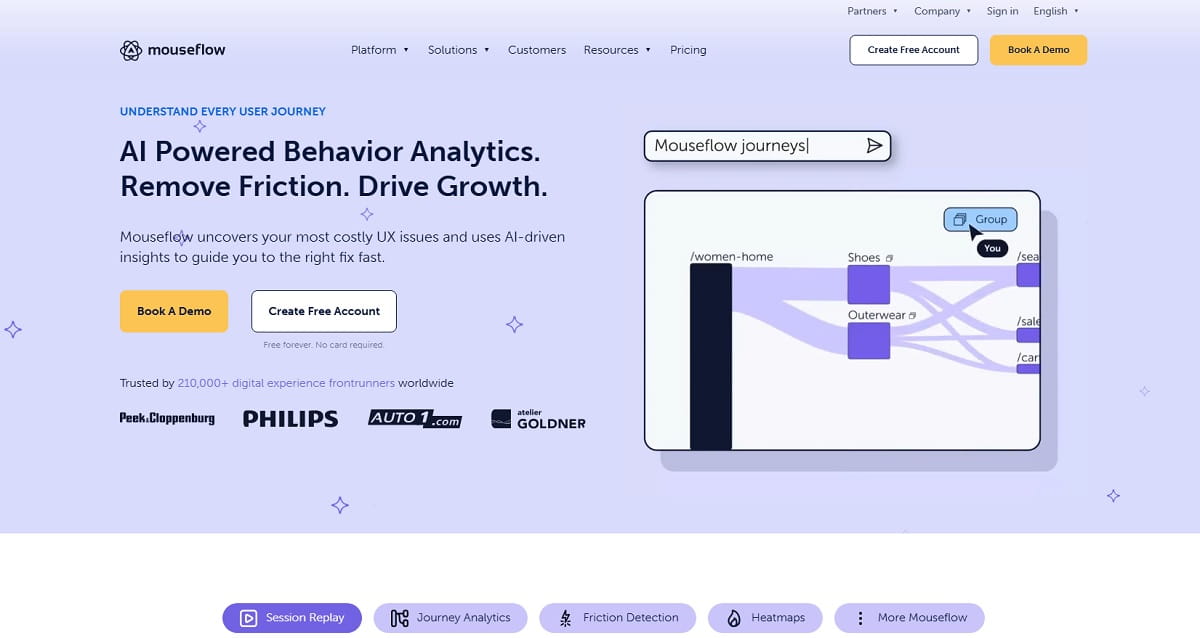
Best for: teams that want session replay tightly paired with form analytics and funnel drop-off tracking, recording 100% of sessions rather than a sample.
Mouseflow combines session replay, multiple heatmap types, form analytics, and conversion funnels around one goal: finding exactly where and why visitors abandon a flow. It records every session rather than sampling, and flags problem sessions automatically through friction and rage-click scoring.
Key features:
- Session replay (100% of sessions)
- Heatmaps
- Automatic friction/rage-click scoring
- Form analytics
- Conversion funnels
- Feedback surveys
Use cases: checkout and lead-form abandonment diagnosis where every session matters, not just a representative sample.
Pros: records every session and auto-flags friction. Cons: advanced funnel features sit behind higher-priced tiers.
Pricing: free plan for up to 500 sessions/month; paid plans start at $25/month (Essential) up to $319/month (Premium), with custom Enterprise pricing — see Mouseflow’s pricing page.
11. Unbounce
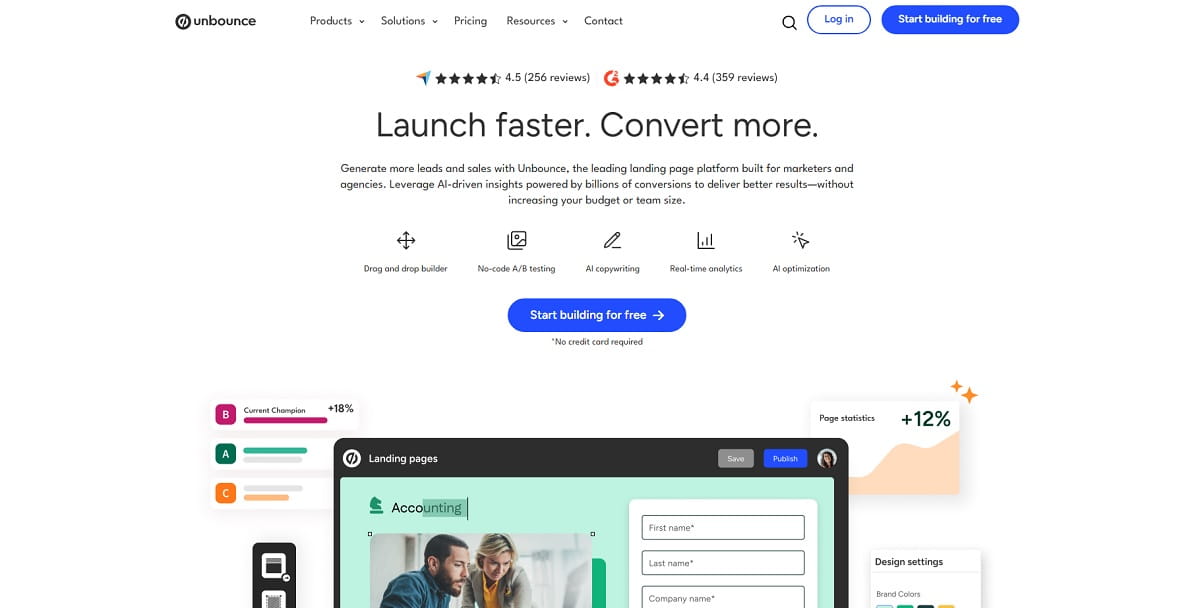
Best for: marketers and agencies who need to launch and test landing pages fast without waiting on a developer.
Unbounce is a landing-page platform built around a drag-and-drop builder, no-code A/B testing, and Smart Traffic — an AI feature that automatically routes each visitor to the landing-page variant most likely to convert them. It fits teams whose main CRO bottleneck is landing-page creation speed and testing, not deep behavior analytics.
Key features:
- Drag-and-drop landing-page builder
- No-code A/B testing
- Smart Traffic AI routing
- Popups and sticky bars
- 100+ templates
Use cases: paid-traffic teams launching and testing multiple landing-page variants for a single campaign.
Pros: fast page creation plus AI traffic routing without manual test setup. Cons: no perpetual free plan — only a 14-day trial.
Pricing: no free plan, 14-day free trial; paid plans start at $29/month ($22/month billed annually, Starter) up to $249/month (Optimize); Concierge and Agency tiers are custom-quoted — see Unbounce’s pricing page.
12. Instapage
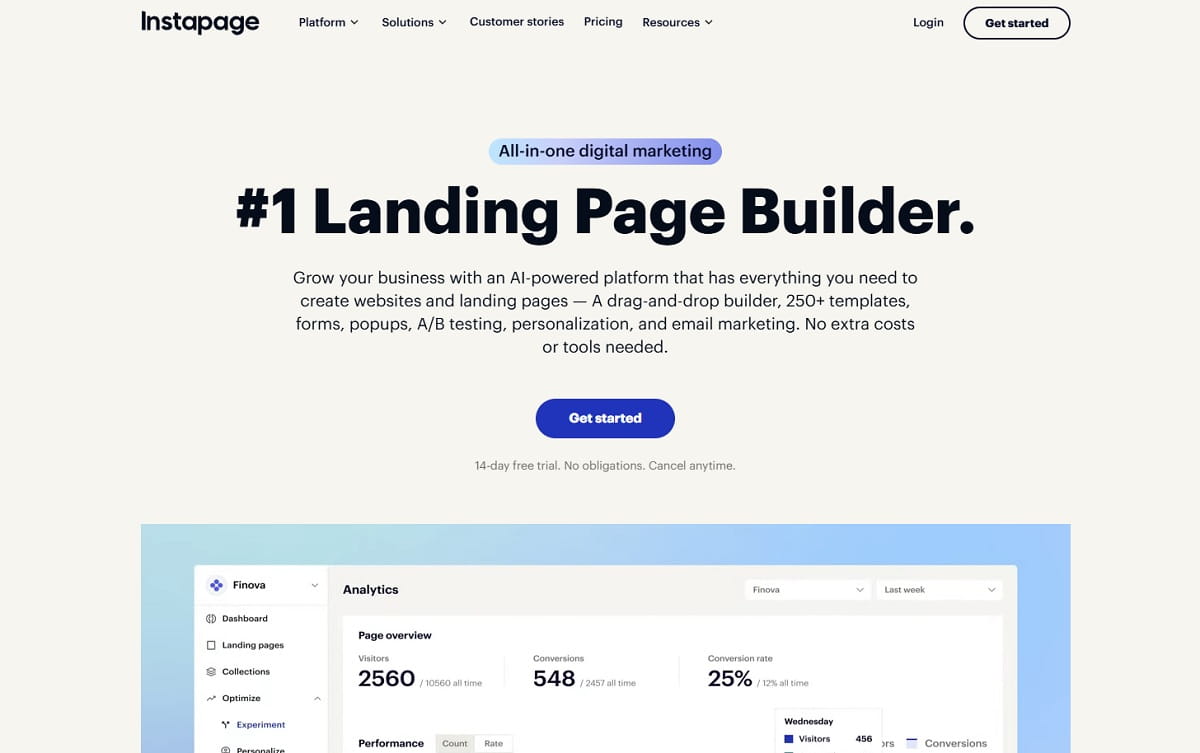
Best for: paid-traffic teams that want post-click landing pages personalized to match each specific ad or campaign.
Instapage focuses on ad-to-page relevance: matching landing-page content and messaging to the specific ad a visitor clicked, on the logic that message mismatch is one of the biggest silent conversion killers in paid campaigns. It has grown into a broader “digital marketing” platform with experimentation and campaign-management tools layered on top of the core page builder.
Key features:
- Ad-to-page personalization at scale
- Drag-and-drop builder
- A/B testing and heatstats
- Campaign and collaboration tools
Use cases: agencies and in-house teams running many simultaneous ad campaigns that each need a message-matched landing page.
Pros: strong ad-to-page message-match personalization. Cons: pricing scales by unique monthly visitors, so cost can climb quickly with traffic.
Pricing: no free plan, 14-day free trial; Create starts at $99/month (15,000 unique visitors), Optimize at $199/month (30,000 visitors); the Convert tier is custom — see Instapage’s pricing page.
13. OptinMonster
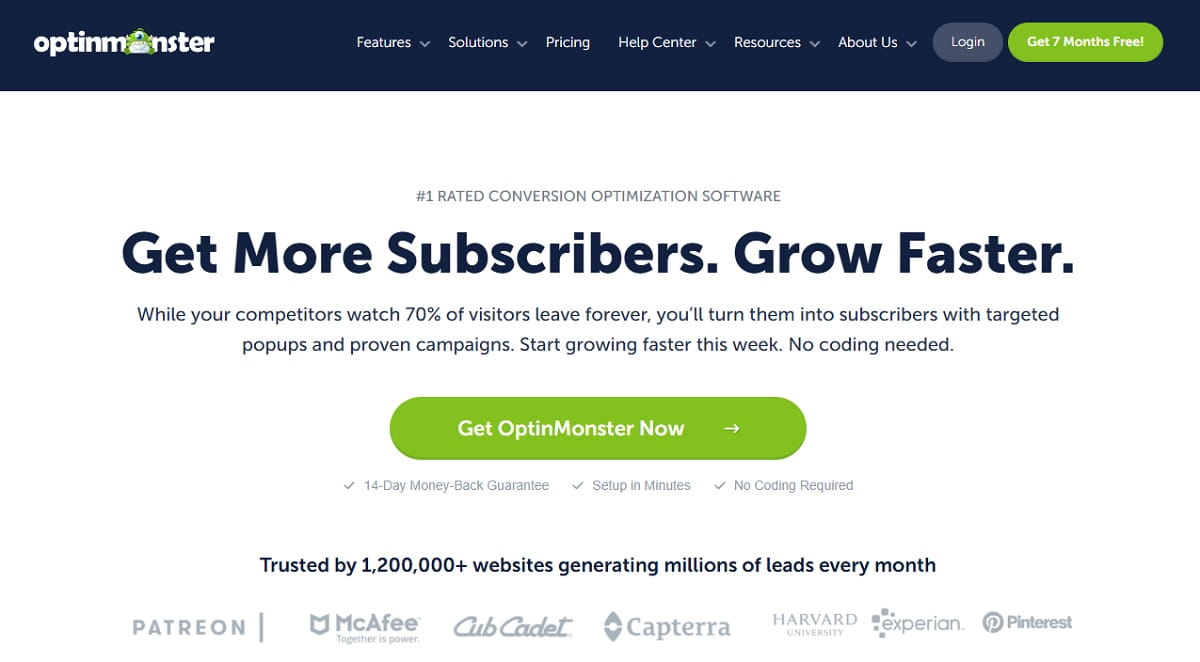
Best for: teams whose main conversion lever is on-site popups, exit-intent offers, and lead capture rather than page-level testing.
OptinMonster is a lead-generation and on-site engagement platform built around behavioral targeting and exit-intent technology — detecting when a visitor is about to leave and showing a timed offer, discount, or lead form before they go. It is widely used on WordPress and ecommerce sites specifically to recover abandoning traffic.
Key features:
- Exit-intent detection
- Behavioral targeting
- Multiple campaign types (popup, floating bar, slide-in, fullscreen)
- A/B testing on campaigns
- Integrations with major email and CRM platforms
Use cases: ecommerce and content sites converting abandoning visitors into email subscribers or discount-code redemptions.
Pros: purpose-built for exit-intent and popup-driven lead capture. Cons: no permanent free plan, and headline prices shown are discounted introductory annual rates — confirm the renewal price before buying.
Pricing: no free plan (14-day money-back guarantee instead); introductory annual pricing starts at $7/month (Basic) up to $49/month (Growth) — see OptinMonster’s pricing page.
14. Heap
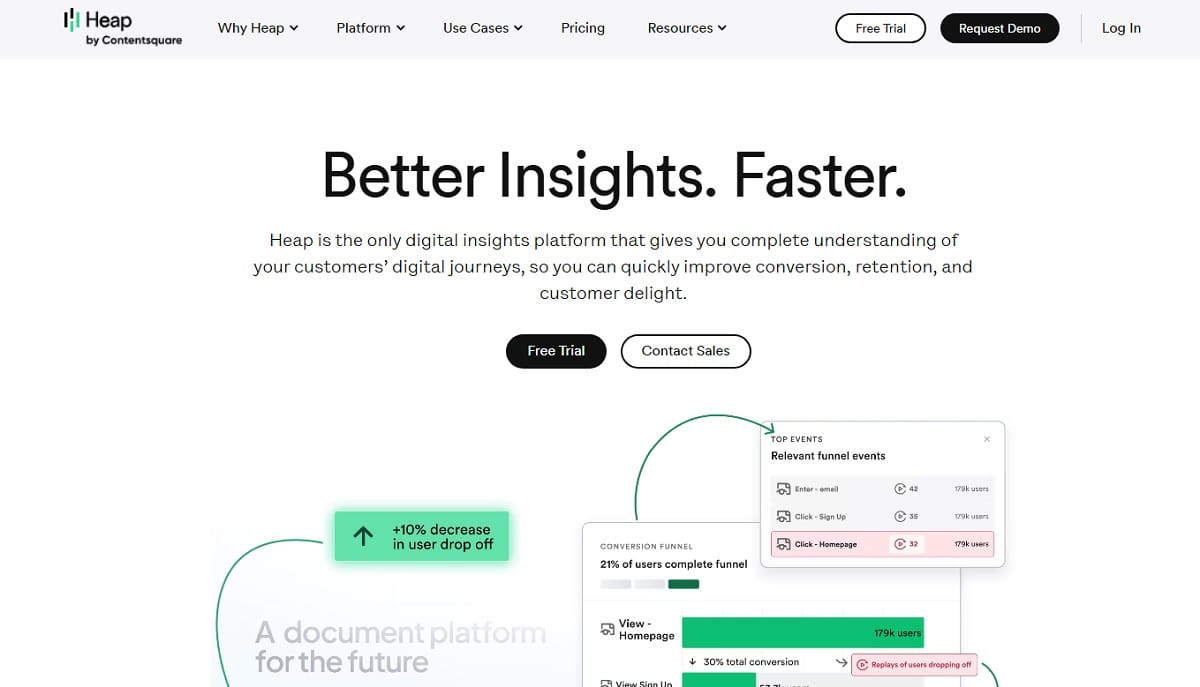
Best for: product-led growth teams that want automatic event capture and AI-flagged friction points instead of manually tagging every click.
Heap auto-captures every user interaction through a single code snippet, so teams do not have to predefine which events to track before they can analyze them. It merged with Contentsquare in 2023 but still operates under its own brand, and adds session replay, heatmaps, and an AI analysis layer (“Heap Illuminate”) that proactively flags friction and opportunity moments in the data.
Key features:
- Automatic event capture (no manual tagging)
- Session replay
- Heatmaps
- AI-flagged friction detection (Heap Illuminate)
- Retroactive analysis of historical data
Use cases: product teams diagnosing where users drop off inside a web app’s activation or onboarding flow.
Pros: no manual event tagging required before you can analyze behavior. Cons: less focused on marketing-site CRO (landing pages, popups) than the product-analytics workflow it’s built for.
Pricing: free plan for up to 10,000 sessions/month with 6 months of data history; Growth, Pro, and Premier tiers are custom, session-based pricing — see Heap’s pricing page.
Other Tools Worth Knowing (Not CRO Tools, But Often Confused For Them)
A few names show up constantly in “best CRO tools” searches without actually being CRO tools themselves. Worth knowing the difference before you add them to a shortlist:
- Google Analytics 4 (GA4) — a free web-analytics tool that tells you what happened (traffic, conversions, drop-off by page), not why. Most teams on this list, including Plerdy, are built to sit on top of GA4 data, not replace it.
- Mixpanel and Amplitude — product analytics platforms focused on event tracking and cohort analysis for SaaS and app teams. They added session replay and heatmaps as secondary features, not their core job, so a dedicated CRO tool usually goes deeper on behavior diagnosis.
- HubSpot and Salesforce — CRM platforms. They matter for CRO only at the reporting layer, tying on-site behavior to closed revenue further down the funnel.
- Zapier — connects your CRO tool’s events (a form submit, a funnel-step completion) to the rest of your stack. It is glue, not a CRO tool on its own.
CRO Tools Pricing Comparison
Checked directly on each vendor’s pricing page in August 2026. “Custom” means no public number is listed and you will need to request a quote.
| Tool | Free Plan | Paid Plans Start At | Pricing Model |
|---|---|---|---|
| Plerdy | Yes | $32/mo ($21/mo annual) | Tiered by usage |
| VWO | Yes (Explore tier) | Custom | Quote-based |
| Optimizely | No | Custom | Fully custom-packaged |
| Contentsquare (incl. Hotjar) | Yes (~200k sessions/mo via Hotjar tier) | Custom | Quote-based |
| Crazy Egg | No (trial only) | $29/mo | Tiered |
| FullStory | Yes (30k sessions/mo) | Custom | Quote-based |
| Kameleoon | No | Custom | Quote-based |
| AB Tasty | No (PoC instead) | Custom | Quote-based |
| Microsoft Clarity | Yes, unlimited | No paid tier | Free only |
| Mouseflow | Yes (500 sessions/mo) | $25/mo | Tiered by traffic |
| Unbounce | No (trial only) | $29/mo ($22/mo annual) | Tiered |
| Instapage | No (trial only) | $99/mo | Tiered by visitors |
| OptinMonster | No | $7/mo (intro rate) | Tiered, annual discounted |
| Heap | Yes (10k sessions/mo) | Custom | Quote-based, session pricing |
What Is a CRO Platform?
A CRO platform is a system that helps you understand user behavior, identify friction, prioritize improvements, and validate conversion changes across key journeys. Many people search for CRO tools when what they really need is a connected workflow: one place to diagnose problems, decide what to fix, and measure whether the fix worked.
That is the real difference between a single CRO tool and a full CRO platform. A standalone CRO tool may solve one task well — heatmaps, or A/B testing, or popups. A CRO platform connects the work: it brings UX analytics, diagnostic data, and decision support into one process. In practice, most teams use a CRO platform for three jobs:
- Diagnose: find where users drop off, hesitate, misclick, or abandon important steps with heatmaps, session recordings, form insights, and funnel analysis.
- Decide: turn evidence into a prioritized list of fixes based on likely impact, implementation effort, and business value.
- Validate: re-check behavior after the update, compare funnel progression, or use A/B testing to confirm the improvement.
CRO Platform Vs Standalone CRO Tools
The honest answer is “it depends” — but there are clear patterns.
A CRO platform tends to win when: you need one source of truth across heatmaps, recordings, funnels, and reporting; you optimize multiple journeys (ecommerce, SaaS, and lead-gen at once); you want a repeatable weekly workflow, not a one-off check; or your traffic is diverse enough that you need strong segmentation across all of it.
Separate CRO tools tend to win when: you have one narrow problem right now, like A/B testing on a single landing page; you already run mature analytics and experimentation and want best-in-class tools for each layer; or procurement rules make one narrowly scoped tool easier to approve than a broader platform.
Many teams land on a practical middle ground: use a CRO platform like Plerdy for diagnosis and prioritization, then use a dedicated experimentation tool for the highest-confidence tests. The platform tells you what to investigate; the testing layer confirms which change actually improved conversion.
Best CRO Tools By Use Case
The best CRO tools depend on the job you need to do. Comparing CRO software by use case usually makes more sense than chasing one generic “best” answer.
- Ecommerce: focus on product-page behavior, cart flow, checkout friction, and post-click behavior from paid traffic — Plerdy, Mouseflow, and Contentsquare all cover this well with heatmaps and funnel analysis.
- SaaS: center on pricing-page behavior, onboarding steps, and activation points — session recording matters most here because SaaS friction is usually confusion, not layout. Plerdy, FullStory, and Heap fit this job.
- Lead generation: prioritize landing page optimization, form analytics, and CTA analysis — Plerdy, Unbounce, and OptinMonster cover the landing-page and capture side directly.
- Landing page optimization: answer whether users understand the offer fast enough, trust it, see proof soon enough, and click the intended CTA — Unbounce and Instapage specialize here.
- Checkout and funnel recovery: funnel analysis, session recording, and form diagnostics matter more than anything flashy — Plerdy and Mouseflow are built for this specifically.
What Is a CRO Checker, CRO Analyzer, And CRO Analysis?
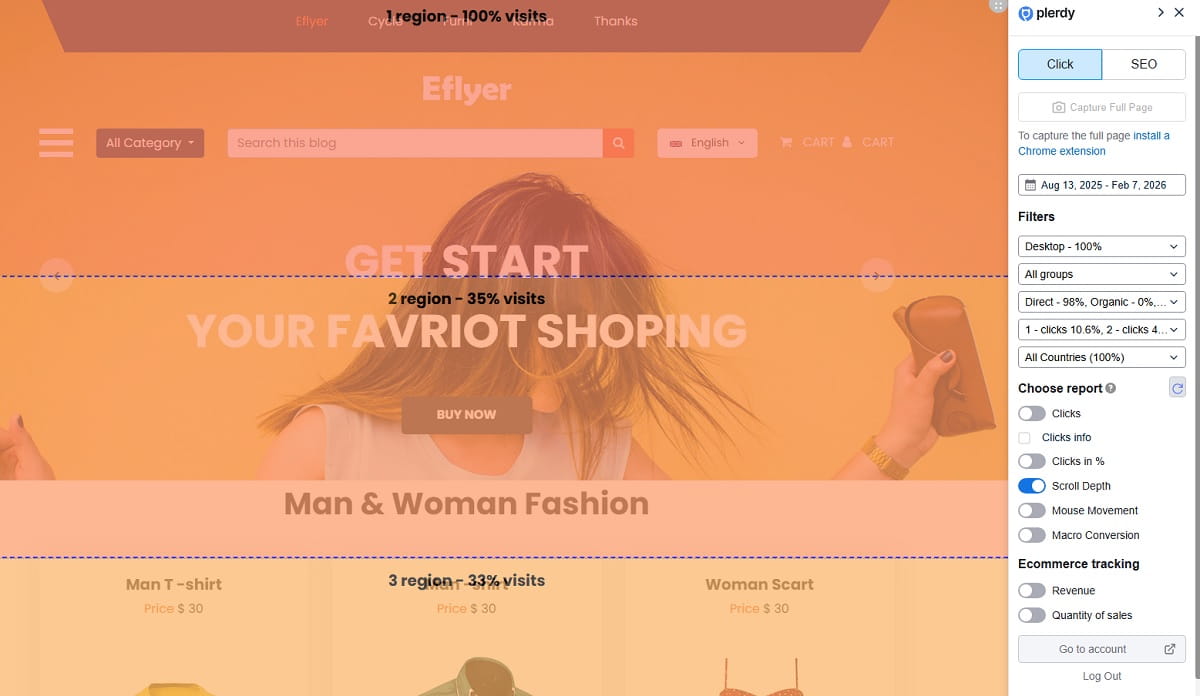
These terms show up in search more often than many teams expect, and people do not always mean the same thing by them.
A CRO checker usually refers to a tool or workflow that reviews a page for conversion issues — CTA clarity, message hierarchy, trust signals, form friction, mobile UX problems, or visual distractions. In some cases, it is almost like a page audit: useful, but usually not enough on its own.
A CRO analyzer generally goes a bit deeper, combining behavioral data, page diagnostics, and funnel evidence to explain what is underperforming and why. It is more valuable when it includes actual user behavior instead of only static page checks.
A good CRO analysis should include: page-level friction review, CTA visibility and engagement, scroll and click behavior, form completion or abandonment issues, funnel step drop-off analysis, segmented behavior by device and traffic source, behavior evidence from heatmaps and session recording, and a prioritized list of changes to test or ship.
How To Choose the Right CRO Platform Or CRO Tool
Choosing the right CRO platform is less about feature checkboxes and more about fit — your team size, funnel complexity, traffic volume, and implementation speed all matter.
- Solo founder or lean operator: prioritize fast setup and simple workflows over enterprise complexity — Plerdy or Microsoft Clarity are practical starting points.
- Small growth team: look for segmentation, recurring reporting, and a consistent backlog — Plerdy, Mouseflow, or Crazy Egg.
- Enterprise team: focus on governance, permissions, and experimentation support across regions — Optimizely, Contentsquare, or Kameleoon.
Decision checklist before you buy: Can your team get useful insight in the first week? Does it cover your main funnel, form, or checkout path? Can you split behavior by device, traffic source, and user type? Will insights turn into real “ship this” tasks? Does it support A/B testing directly, or pair well with a separate testing tool? Can your team actually set up the tracking correctly? Can marketing, product, and UX all use it without heavy training?
Free CRO Tools Vs a Full CRO Platform
People do search for free CRO tools, and sometimes that is a reasonable starting point — but there is a difference between collecting isolated signals and running a repeatable conversion workflow.
Free CRO tools can be enough when: you are early-stage and need basic visibility fast; you are reviewing one landing page, one form, or one narrow funnel issue; or you mainly want to validate whether there is a problem before building a bigger process. Microsoft Clarity (fully free, no limits) and Plerdy’s free plan (100 heatmaps/day, 500 recordings/month) both cover this stage well.
Free tools usually fall short when your site has meaningful traffic, multiple funnels, or paid campaigns running at once — limited segmentation, shallow reporting, and a fragmented workflow across several free tools tend to cost more time than a platform subscription would.
Practical CRO Workflows You Can Copy
These are simple, repeatable loops you can run this week with almost any CRO platform on this list — the sequence matters more than which tool you use.
Workflow 1 — Fix a Product Page With Low Add-To-Cart
- Segment by device and traffic source
- Check heatmaps for engagement with images, reviews, and shipping details
- Watch session recordings for hesitation loops
- Write one hypothesis
- Ship a focused change (move the size guide up, surface shipping info earlier)
- Validate with A/B testing or a before/after funnel comparison
Workflow 2 — Improve Ecommerce Checkout Completion
- Map the funnel from cart to confirmation
- Use funnel analysis to isolate the sharpest drop
- Review session recordings for field confusion or late cost surprises
- Use form analytics to find the fields causing retries
- Ship a focused fix
- Watch for side effects like increased payment failures
Workflow 3 — Landing Page Optimization For Paid Traffic
- Group visitors by campaign intent
- Check above-the-fold engagement with heatmaps
- Watch fast-bounce sessions for mismatch signals
- Move proof points closer to the CTA
- Re-check whether CTA interaction and funnel progression improve
Workflow 4 — Pricing Page With Traffic But Weak Trial Starts
- Segment new vs. returning visitors
- Heatmap the plan cards
- Review session recordings for billing or plan-fit confusion
- Add “best for” labels and reduce comparison overload
- Validate with a segmented trial-start comparison
Common Mistakes When Picking CRO Software
- Buying for features instead of workflow. Evaluate on one real journey first — can your team diagnose, decide, and validate within 7 to 14 days?
- Ignoring segmentation from day one. Set default segments early: mobile vs. desktop, paid vs. organic, new vs. returning.
- Treating A/B testing as the first step. Use heatmaps and session recordings to find friction first, then test your strongest ideas.
- Underestimating setup and implementation. Choose software with clear onboarding and a short path to useful data.
- Collecting insight without shipping changes. Build a weekly cadence: one review, one hypothesis, one shipped change, one re-check.
- Measuring the wrong win. Align on one primary conversion outcome and one guardrail metric per journey.
Where Plerdy Fits As a CRO Platform
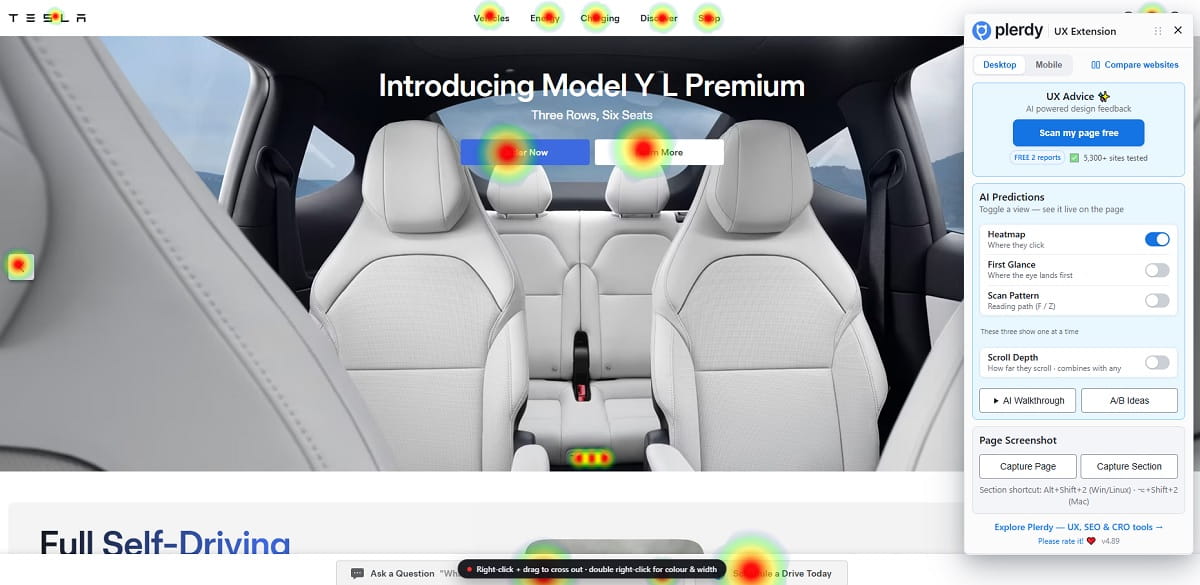
Plerdy fits best as practical CRO software for teams that want behavioral evidence, faster diagnosis, and a simple path from insight to action — without paying for four separate subscriptions to get there. It works especially well for ecommerce CRO, conversion-focused marketing teams, and businesses that need clear UX analysis without turning every optimization decision into a long internal debate.
Example workflow with Plerdy: start with funnel analysis to find the largest drop in the purchase or lead journey, open heatmaps for that step to review CTA interaction and message engagement, watch session recordings for non-converters to see what happens right before they exit, write one hypothesis, ship one focused change, then re-check funnel progression and new recordings to confirm behavior improved.
Who Plerdy is best for: ecommerce teams optimizing product, cart, and checkout pages; marketing-led teams doing landing page optimization based on real visitor behavior; lean teams that want practical CRO analysis without a bloated enterprise process; and teams comparing CRO tools who want one platform covering several high-value diagnostics in a single workflow.
How Plerdy pairs with other CRO tools: if your team already uses a dedicated experimentation platform like VWO or Optimizely, Plerdy can act as the diagnostic layer — use heatmaps, session recordings, and funnel evidence to decide what deserves testing, then validate the highest-confidence ideas with your preferred testing stack.
Bottom Line: Which CRO Tool Should You Choose?
If you want the shortest version of this guide: pick based on the job, not brand familiarity. Choose Plerdy if you want heatmaps, recordings, funnels, SEO, and pop-ups in one subscription with a real free plan. Choose Optimizely or VWO if experimentation at scale is the priority. Choose Microsoft Clarity if budget is the only constraint. Choose Mouseflow or FullStory if you need deep session-level diagnosis. Choose Unbounce or Instapage if landing-page creation speed is the bottleneck. Choose OptinMonster if on-site popups and exit-intent capture are your main lever.
CRO tools are useful when they help you fix real friction. A CRO platform becomes more valuable when it helps your team do that repeatedly, with less guessing and better evidence. If you are comparing CRO tools, start with the journey that matters most right now — checkout, product page, landing page, lead form, or onboarding — and if your priority is one connected workflow for ecommerce, SaaS, or lead generation, Plerdy is a strong CRO platform to evaluate first.
FAQ About CRO Tools And CRO Platforms
What Are the Best CRO Tools?
The strongest overall picks are Plerdy for an all-in-one CRO platform with a real free plan, VWO and Optimizely for enterprise-grade experimentation, Microsoft Clarity for fully free heatmaps and recordings, and Mouseflow or FullStory for deep session-level diagnosis. The right one depends on whether you need one connected platform (Plerdy) or a specialist tool for one specific job.
What Is the Difference Between CRO Tools And a CRO Platform?
CRO tools usually solve one part of the process, such as heatmaps, session recording, form analytics, or A/B testing. A CRO platform connects those activities into one workflow so teams can diagnose friction, prioritize changes, and validate whether conversions improve after the update — Plerdy is built specifically around that connected loop.
What Are the Best CRO Tools For Ecommerce?
For ecommerce, the most useful CRO tools include heatmaps for product-page engagement, session recording for behavior diagnosis, funnel analysis for checkout drop-off, and form analytics for address and payment friction. Plerdy, Mouseflow, and Contentsquare all cover this combination directly.
Are Free CRO Tools Enough For Conversion Optimization?
Free CRO tools can be enough for early-stage teams or narrow page reviews — Microsoft Clarity (fully free) and Plerdy’s free plan both give real heatmap and recording data with no cost. Once you manage several funnels, paid traffic, or ongoing optimization work, a full CRO platform usually provides better segmentation, stronger reporting, and a more repeatable workflow.
What Does a CRO Checker Actually Check?
A CRO checker usually reviews a page for common conversion issues such as weak CTA visibility, message mismatch, poor trust placement, mobile UX problems, form friction, or confusing hierarchy. It can be useful for a page-level review, but deeper CRO analysis usually requires behavioral data and funnel evidence on top of it.
What Is the Best Tool For CRO Analysis?
The best tool for CRO analysis combines behavior evidence (heatmaps, session recordings) with funnel and form diagnostics in one place, rather than a static page checker alone. Plerdy and Contentsquare both combine these into a single analysis workflow; FullStory adds strong session-search on top for teams that need to isolate specific error patterns.
Which CRO Software Has the Best Analytics?
For enterprise-grade, AI-assisted behavior analytics, Contentsquare and FullStory lead on depth and session search. For an all-in-one platform that pairs behavior analytics with SEO, funnels, and testing in one subscription, Plerdy covers the broadest range of analytics without needing a second tool.
Where Can I Find CRO Software That Detects Drop-Off Causes?
Mouseflow and Plerdy both combine funnel analysis with session recordings and automatic friction detection to explain why users drop off, not just where. Heap’s “Illuminate” feature does something similar for in-app product flows by flagging friction points automatically from autocaptured event data.
What’s the Best CRO Platform For Ecommerce?
Plerdy is the strongest all-in-one pick for ecommerce CRO — heatmaps, session recordings, funnel analysis, and an SEO checker in one platform built for product-page and checkout optimization. Contentsquare and Mouseflow are strong alternatives for teams that need enterprise-scale journey analysis or 100%-session recording specifically.
How Do I Choose the Best CRO Software For My Team?
Choose based on team size, business model, and the journeys you need to improve. Ecommerce teams usually need product-page and checkout visibility; SaaS teams need onboarding and pricing insight; lead-gen teams need strong landing-page and form analysis. The best fit is the platform your team can actually use every week — start with a free plan (Plerdy or Microsoft Clarity) before committing to an enterprise contract.
Where Does Plerdy Fit In a CRO Tool Stack?
Plerdy fits as a practical, all-in-one CRO platform for teams that want heatmaps, session recordings, funnel analysis, an SEO checker, and pop-ups in one workflow. It works especially well for ecommerce and marketing-led optimization, and it can also pair with a separate experimentation platform like VWO or Optimizely when large-scale test validation is needed.