

Most “website tips” are either too vague (“make it faster”) or too extreme (“rebuild everything”). This guide is for people who need practical website improvement tips they can apply in days, not quarters: marketers, product owners, and developers who share the same website and the same conversion goals. You’ll fix the boring stuff that quietly hurts a website—slow loading, confusing navigation, weak trust signals, messy tracking, and technical SEO gaps—without turning it into a giant redesign project. Expect clear website optimization tips, real trade-offs, and a simple routine you can repeat every week.
- Improve website speed with Core Web Vitals priorities
- Reduce website friction on mobile navigation and forms
- Make technical SEO basics crawlable and consistent
- Upgrade website trust signals and security headers
- Track the right events and funnels (not “everything”)
- Align website content with SERP intent and website page goals
- Turn website insights into a simple weekly routine
Speed & Core Web Vitals That Actually Move The Needle
Start With Field Data, Not Your Laptop
Before you optimize a website, decide which data you trust. PageSpeed Insights shows both lab data (controlled) and field data from real users when available, and they can disagree. Treat lab data as a debugging flashlight, and field data as the “is this website actually fast for users?” scoreboard. Source
Field note (mistake → impact → 2-minute check): Teams “win” a lab score by testing a cached, logged-in website. Impact: real shoppers still wait. Quick check: open the website in an incognito window on mobile data and watch for the biggest element to appear and whether layout jumps.
Know The 2026 Targets (And Don’t Chase Perfect)
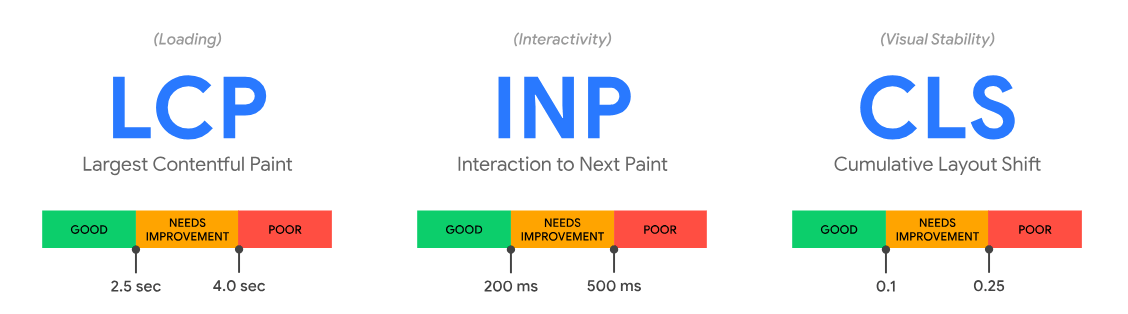
Core Web Vitals focus on three user-experience metrics: Largest Contentful Paint (LCP), Interaction to Next Paint (INP), and Cumulative Layout Shift (CLS). As a rule of thumb, “good” targets are LCP ≤ 2.5s, INP ≤ 200ms, and CLS ≤ 0.1. Source
Don’t obsess over a perfect Lighthouse score if your website is low traffic or your biggest problem is checkout confusion. Speed work is worth it when a website is slow enough to cause bounces or when you have paid traffic bleeding budget.
Practical Fix Order: Images, Fonts, And Third-Party Scripts
Most website performance tips boil down to three buckets: reduce what you ship, delay what you don’t need, and stabilize what moves. Do this now:
- Compress and resize hero images (serve responsive sizes; avoid shipping desktop images to mobile).
- Lazy-load below-the-fold images and videos; keep the first website screen clean.
- Audit third-party scripts (chat, popups, A/B testing, pixels). Keep only what the website uses weekly.
- Host fonts sanely: limit weights, preconnect to font origins, and avoid blocking render.
Field note (2-minute check): If your website homepage loads fast but product website pages crawl, your biggest website issue is often a shared template component (a slider, review widget, or tag manager container). Open one slow website page, then disable one third-party script at a time in a staging environment to see what actually moves the needle.
Technical SEO Tips That Prevent Invisible Crawl Problems
Make Your Internal Links Crawlable And Descriptive
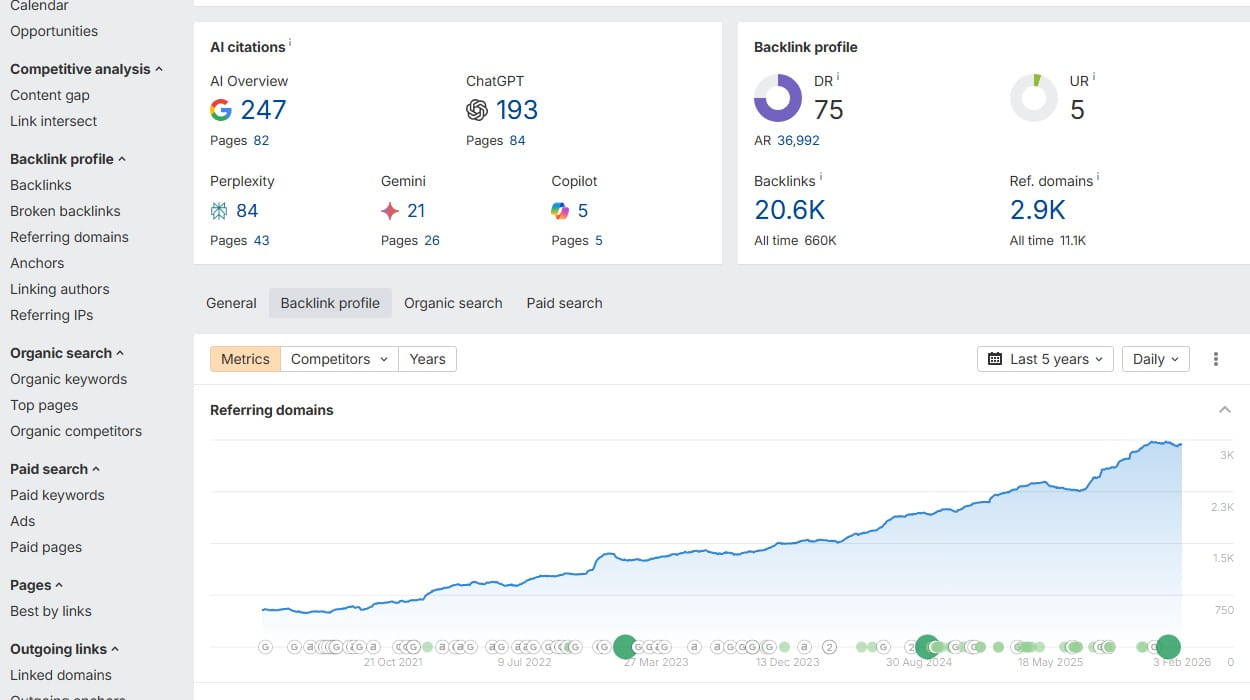
Google’s guidance is simple: use crawlable links and descriptive anchor text so users (and Google) understand what the linked page is about. If your website navigation relies on JavaScript that hides links, you may be making the website harder to crawl than it needs to be. Source
Canonicals, Parameters, And “Duplicate” Pages
If your website creates multiple URLs for the same content (filters, tracking parameters, sort orders), Google will cluster duplicates and choose a representative URL. You can guide that choice using canonicalization methods like rel=”canonical”. Source Google has also described how URL parameters can create duplication clusters and how it selects a “best” URL. Source
If… Then… Technical SEO Decisions
If your website has faceted category website pages that drive organic traffic, then treat them like real landing pages (unique content, stable URLs, internal links).
If faceted website pages are purely for users and create endless combinations, then focus on one canonical version and reduce crawl noise (clean parameter patterns, consistent linking).
Field note (counterintuitive): Blocking URL parameters in robots.txt can feel “clean,” but it may also stop crawlers from seeing canonicals and internal links on those website pages. Fix the website linking first; block later only when you’re confident you’re not hiding important paths.
UX & Accessibility Website Tips That Reduce Rage Clicks

Navigation That Works With One Thumb
On a mobile website, users don’t explore—they scan. Keep primary navigation short, keep key actions reachable, and avoid menus that reflow and shift website content. Your “do this now” test: ask someone to find a product category and the return policy in under 20 seconds. If they fail, your website navigation needs trimming.
Contrast, Labels, And “I Can’t Submit This Form”
Accessibility isn’t only about compliance; it’s about fewer support tickets and fewer abandoned forms. WCAG contrast targets like 4.5:1 for normal text and 3:1 for large text are a fast way to catch “pretty but unreadable” website UI. Source
When you build custom form controls, ARIA attributes like aria-required help assistive tech understand required fields (use native required where possible). Source
Red-Flag Mini List (3 Things That Break A Website Fast)
- Tap targets too small (people miss, then spam-click the website UI).
- Error messages that appear only after a full website page reload.
- Important info hidden behind hover-only UI on a mobile website.
Conversion Optimization Tips For A Better Website Without A Redesign

CTAs: One Primary Action Per Page
Field note (mistake → impact → 2-minute check): Mistake: a website page has a CTA, but the copy changes across sections (“Get Started”, “Request Demo”, “Talk to Sales”) with no clear hierarchy. Impact: users hesitate and bounce. Quick check: scroll the website page and count how many different “primary” actions you ask for.
A high-converting website usually has one “main” action per page. That doesn’t mean only one button; it means one dominant decision. If your website has five equal-looking CTAs, you’re asking users to choose your strategy for you. Make one CTA visually primary, and support it with secondary links that feel lower commitment.
Trust Signals That Don’t Feel Like Noise
Trust signals work when they answer silent objections on a website: shipping time, returns, payment safety, and support availability. Put the relevant trust signal next to the decision, not buried in the footer. If you sell a service, show real process steps, not buzzwords.
If… Then… Conversion Trade-Offs
If your website gets mostly cold traffic, then lead with clarity (what it is, who it’s for, what happens next).
If your website gets returning traffic, then reduce friction (saved carts, faster checkout, fewer fields).
Micro-story #1: A store owner ran ads to a “beautiful” category website page. Traffic looked fine, but sessions ended after 10–15 seconds. The fix wasn’t a new design—it was moving shipping info above the fold, simplifying filters, and removing a heavy popup that covered product tiles on mobile. Suddenly, the website felt usable again.
Analytics & Measurement: Track What You’ll Actually Use
Separate “Decision Events” From “Noise Events”
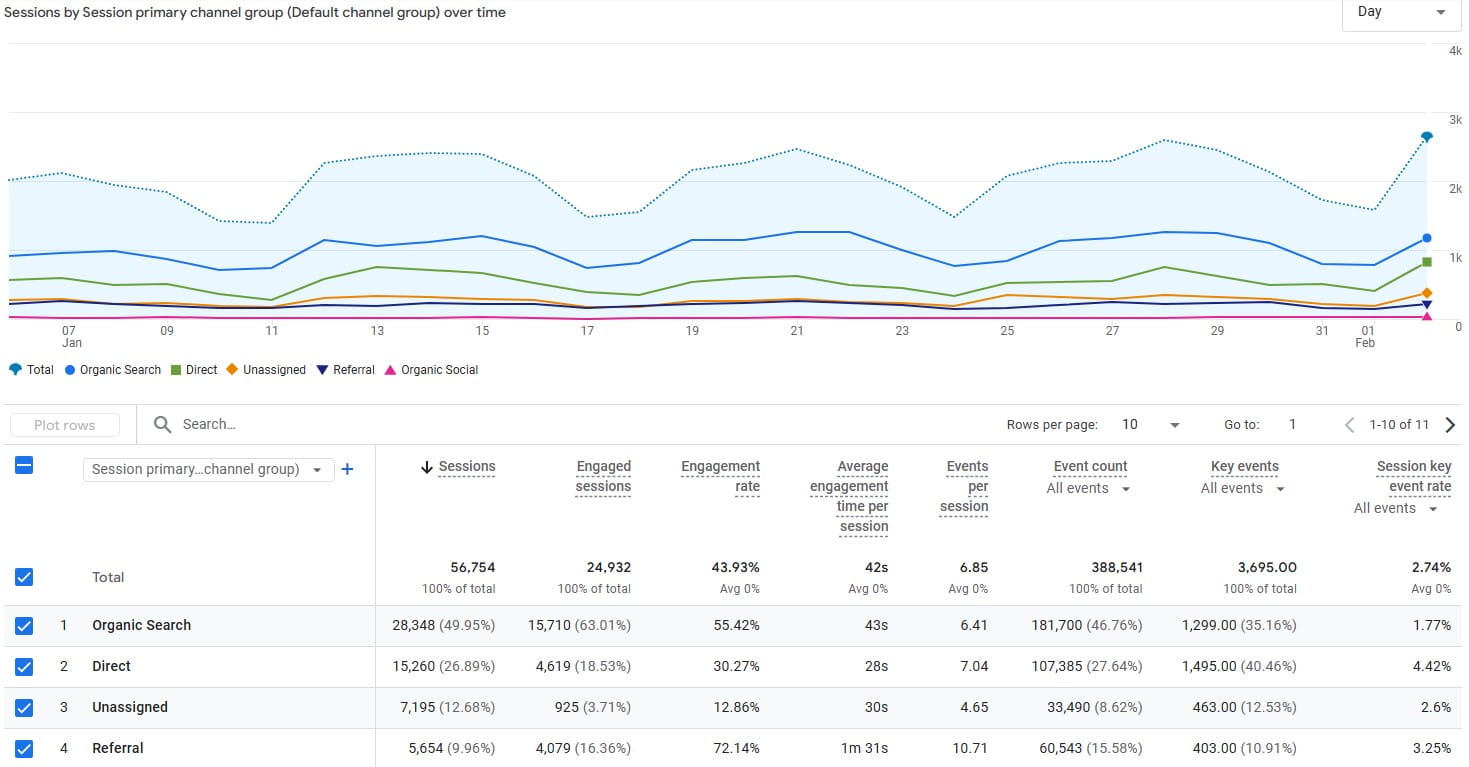
In GA4, recommended ecommerce events like add_to_cart help populate ecommerce reporting when implemented correctly. Source
Field note (counterintuitive): Adding more events rarely improves a website. It usually makes reporting slower and arguments louder. Start with fewer events, verify they fire correctly, and only then expand.
But a website can drown in events. Pick 8–12 decision events you’ll use weekly: view_item, add_to_cart, begin_checkout, purchase (for ecommerce) or lead_submit, call_click, pricing_view (for services). Everything else is optional.
Funnels Beat Dashboards When You Need Answers Fast
Dashboards are nice. Funnels are useful.
One good funnel beats ten pretty charts.
Define the website journey from entry → product → cart → checkout → confirmation, then measure where users drop. If your website has multiple “entry points” (blog, ads, categories), create a funnel per intent. Keep it simple: one funnel per business goal.
Do This Now: A 15-Minute Measurement Reset
- Write the 1–2 primary goals for this website (sell, book, subscribe).
- List the 3 website pages that most influence that goal (landing, product, checkout).
- Verify that each website page fires a single, reliable event when the goal happens.
Content That Matches SERP Intent, Not Internal Opinions
Build A Simple Information Architecture
When a website ranks, it usually matches what the searcher wants quickly. Start by mapping keywords to page types: informational guides, comparison pages, category pages, and product pages. Then make sure each website page answers the implied question in the first screen: “Is this for me?” and “What’s next?”
Title Links And Headings Should Tell The Same Story
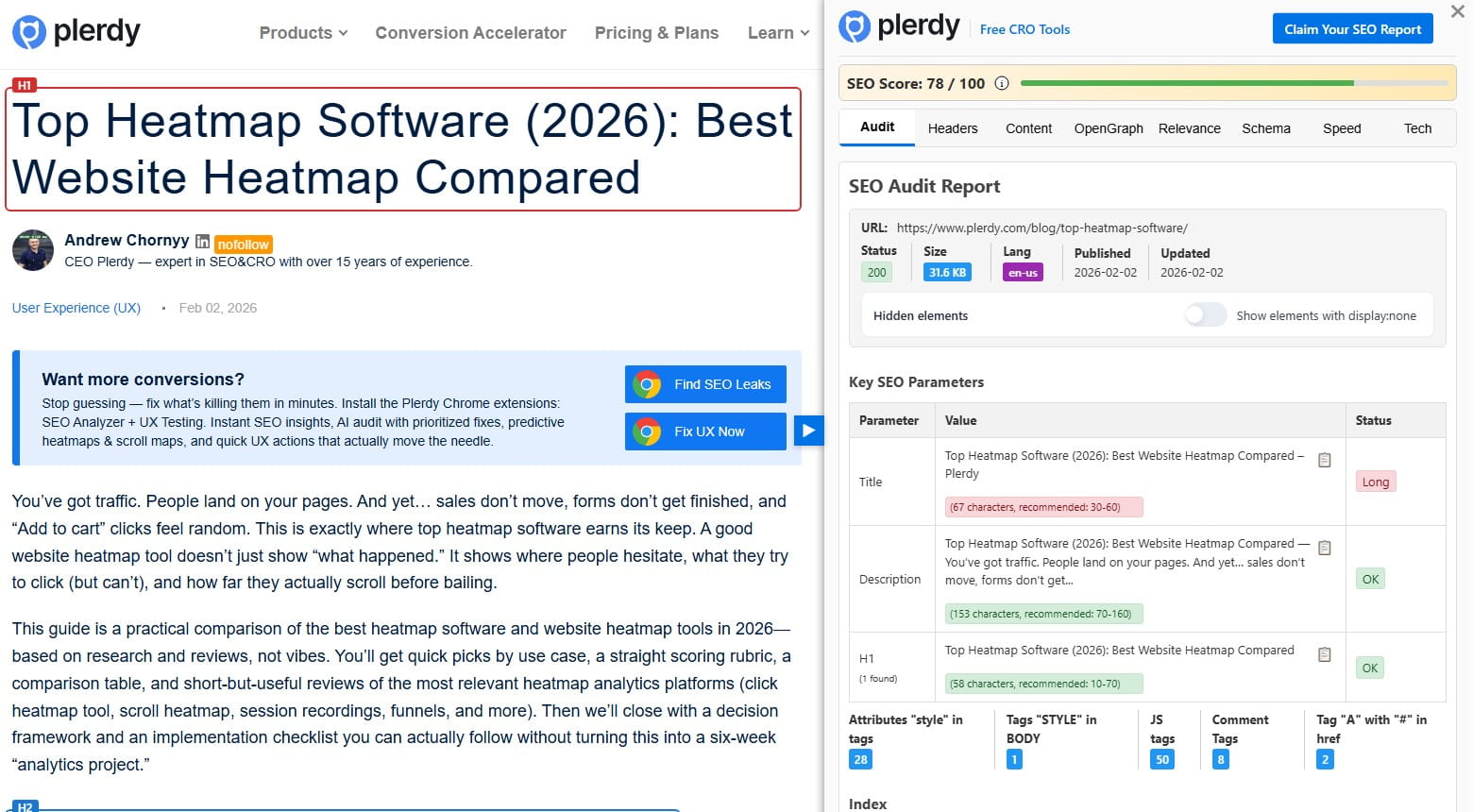
Google notes that it looks at sources like visible headings when creating title links, and multiple headings with the same visual weight can be confusing. Keep one clear main heading and make the rest support it. Source
If… Then… Content Update Choices
If a website page targets a “2026” query, then update it on a schedule (quarterly is often enough).
If the topic changes slowly, then focus on improving examples, screenshots, and internal links instead of rewriting every website paragraph.
Field note (2-minute check): When a website post gets impressions but low clicks, compare your title to the top results. Are you answering the same intent? If not, your “SEO” problem is actually a website promise problem.
Security & Trust: Make Your Website Feel Safe And Be Safe
HTTPS Is Table Stakes (And Still Matters)
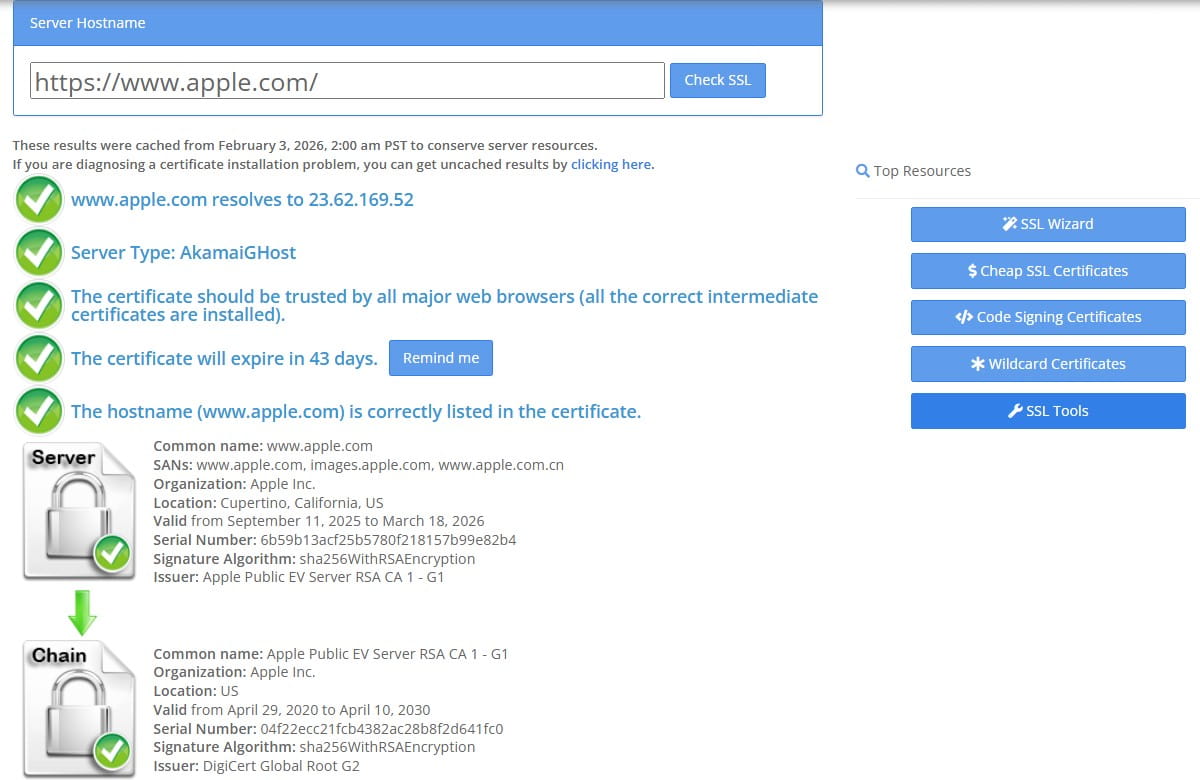
Google announced HTTPS as a ranking signal, and it remains a baseline expectation for any modern website. If your website still has mixed content or inconsistent redirects, fix that first. Source
Add Defensive Headers Where It Makes Sense
Field note (red-flag mini list):
- Website login pages load over HTTP or redirect through mixed-content warnings.
- Website admin panels are reachable on multiple URLs (www vs non-www) without strict redirects.
- Website plugins/themes haven’t been updated in months “because it still works.”
Two practical headers that improve website security posture: HSTS (forces HTTPS after a successful connection) and Content-Security-Policy (limits allowed resource sources, helping reduce XSS risk). Source Source
If… then…
If your website is a simple brochure website, then start with HTTPS redirects + HSTS and keep CSP basic.
If your website runs lots of third-party scripts, then CSP takes effort, but it can prevent the worst kinds of script injection.
Decision Tree: “Is This Security Work Worth It This Week?”
- If the website collects payments or logins → prioritize patches, backups, HTTPS, and headers.
- If the website is content-only → prioritize HTTPS and plugin/theme updates first.
- If you can’t update safely → stage website updates and schedule a maintenance window.
Tools And Workflow: Turn Website Tips Into A Weekly Habit

Use Behavior Data To Pick The Next Fix
Field note (mistake → impact → 2-minute check): Mistake: you trust “common sense” over what users do on the website. Impact: you fix the wrong thing. Quick check: watch 10 sessions on one website page and write down the first three points of confusion you see—then fix only those.
When you’re stuck between “speed vs UX vs SEO,” use behavior signals from the website to choose. Heatmaps and session replay show where users click, hesitate, and rage-click. A practical stack can include Plerdy Heatmap Tool, Plerdy Session Replay, and a short funnel view to connect website friction to outcomes.
Micro-Story #2: The “Everything Looks Fine” Trap
A team shipped a new website header that looked clean. Support tickets went up anyway. Watching recordings showed users missing the login link because it moved into an icon-only menu. The fix was tiny: restore a labeled “Log in” link and reduce menu items. The website didn’t need a redesign—it needed one honest observation.
If… Then… Choosing Between Quick Fixes And Deep Work
If your website has a clear, repeatable complaint (slow website pages, broken search, confusing forms), then fix that first.
If issues are scattered, then pick one high-traffic website page and improve it end-to-end before touching the rest of the website.
Quick Website Tips Checklist
- Check website Core Web Vitals (field data when available) and prioritize the worst template.
- Compress above-the-fold images; remove one unnecessary script from the website.
- Make one primary CTA per key website page; move trust info next to it.
- Fix form labels, required fields, and contrast on the website’s top lead form.
- Audit internal links: descriptive anchors, crawlable navigation, no orphan website pages.
- Verify canonical URLs for category/filter website pages and keep tracking parameters consistent.
- Confirm HTTPS redirects and add HSTS where appropriate.
- Implement 8–12 GA4 decision events and review one website funnel weekly.
- Validate the website sitemap: only 200 status, indexable pages, and updated lastmod where used.
Robots, Sitemaps, And “Don’t Block The Wrong Stuff”
Robots.txt Is About Crawling, Not Hiding Secrets
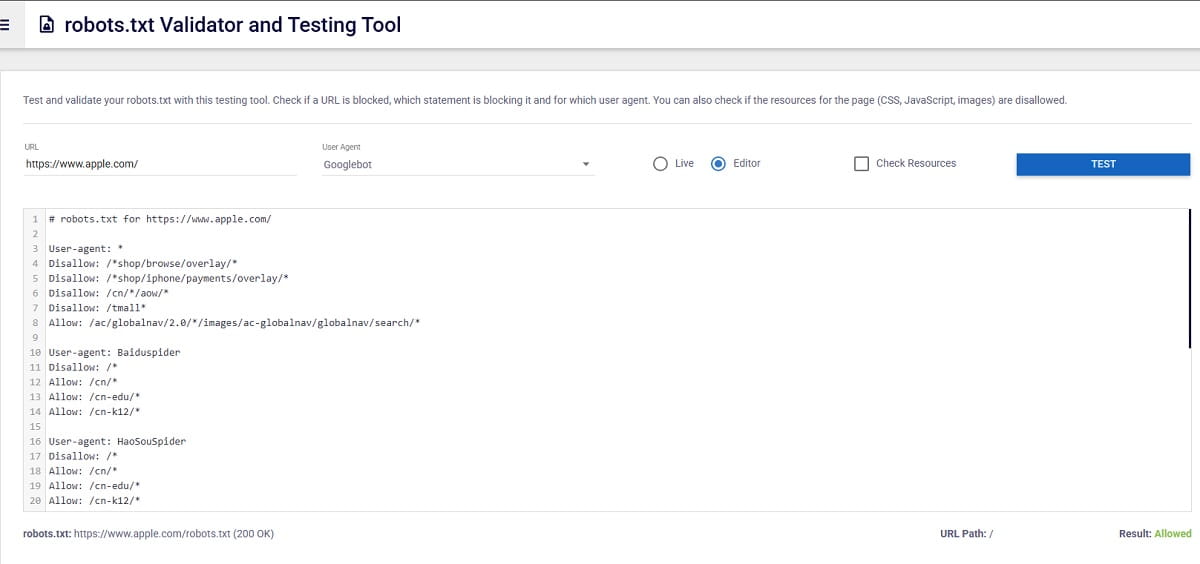
A robots.txt file tells crawlers which URLs they can access on a website, and it’s not a mechanism for keeping a page out of search results. Source This is about guiding crawlers, not securing a website. Don’t rely on robots.txt for protection.
Sitemaps Help Discovery (And Have Real Limits)
Google documents sitemap limits (50,000 URLs or 50MB uncompressed per sitemap) and recommends splitting when needed. Source If your website is large, a sitemap index is cleaner than one huge file.
Field Note: A Quiet Website SEO Killer
Mistake: a website sitemap includes 301 redirects, 404s, and blocked URLs. Impact: crawlers waste budget and you can’t trust indexing reports. 2-minute check: spot-check 20 sitemap URLs and confirm they return 200 and are indexable.
What Are The Most Practical Website Tips For 2026?
Do Core Web Vitals Still Matter For SEO?
What Should I Measure If My Website Has Low Traffic?
Is PageSpeed Insights Enough For Website Performance Work?
How Do I Prevent Duplicate Content Issues On A Website?
What’s One UX Website Tip That Works Almost Everywhere?
Which Security Changes Improve Website Trust The Fastest?
How Do I Turn Website Optimization Tips Into An Ongoing Process?
Conclusion: A Simple Next-Step Plan For Your Website
If you want better results from the same traffic, treat these website tips like a routine, not a one-time project. This week, pick one high-traffic website page and do three things: (1) remove one heavy element (image or script), (2) make the primary CTA painfully clear, and (3) verify tracking for the one event that matters. Next week, repeat on the next template. Over a month, your website gets faster, clearer, and easier to measure—without a risky redesign. Then use real behavior data (heatmaps, replays, funnels) to decide what your website needs next, not what someone “thinks” it needs.