How To Install Plerdy Script Using Magento CMS

Andrew Chornyy - 001

CEO Plerdy — expert in SEO&CRO with over 15 years of experience.

Want more conversions?

Stop guessing — fix what’s killing them in minutes. Install the Plerdy Chrome extensions: SEO Analyzer + UX Testing. Instant SEO insights, AI audit with prioritized fixes, predictive heatmaps & scroll maps, and quick UX actions that actually move the needle.

First, sign in to the Plerdy admin panel and copy the script with your unique identifier.

script-installation-guide-magento-1

script-installation-guide-magento-2
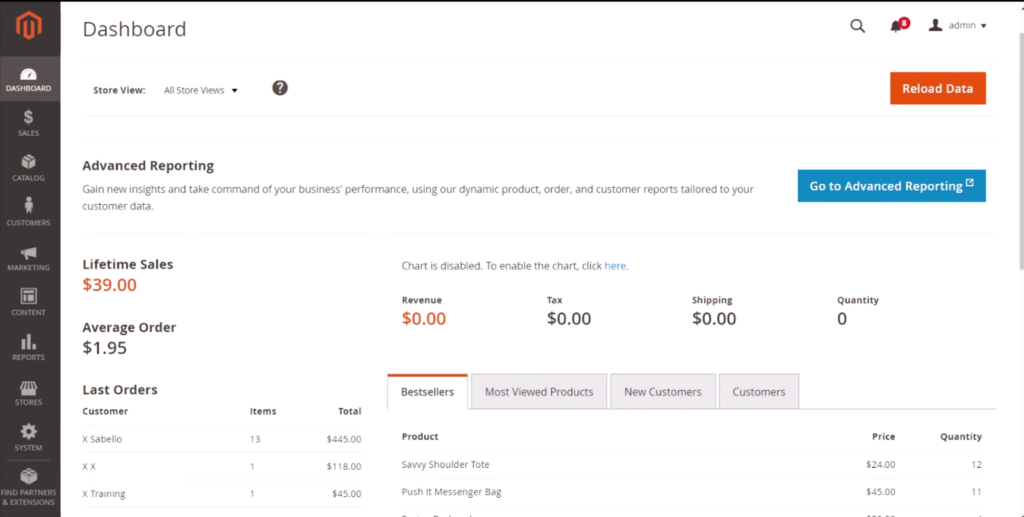
Go to the Magento CMS admin panel.

plerdy script installation magento 1

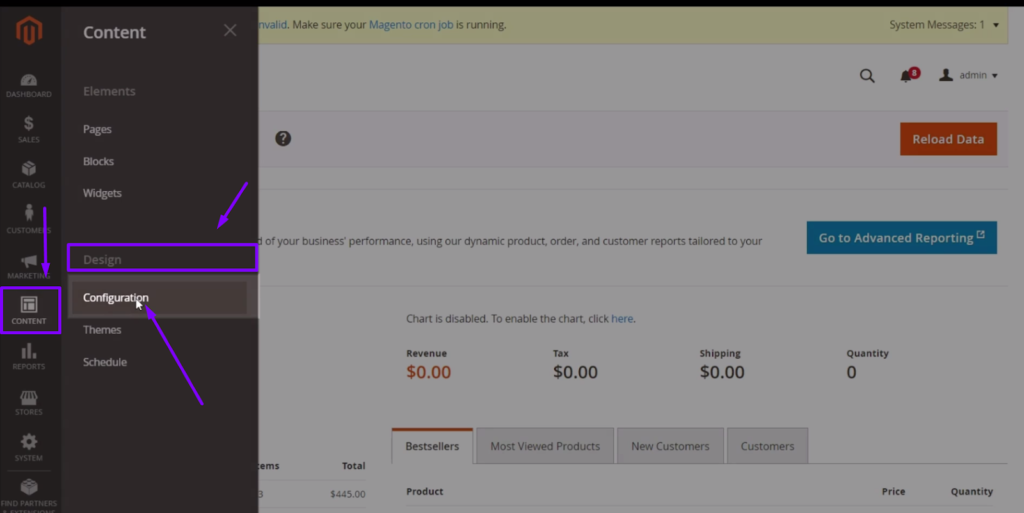
On the left side, choose Content tab > Design > Configuration.
plerdy script installation magento 2

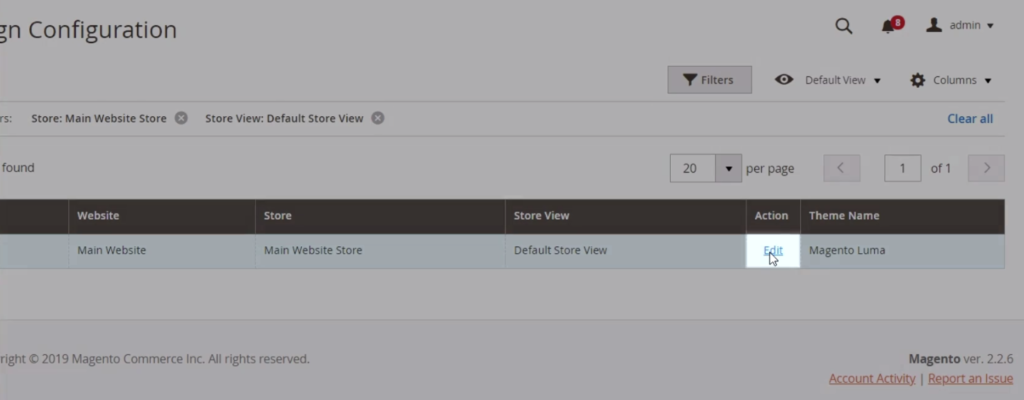
Select the necessary website and click Edit.
plerdy script installation magento 3

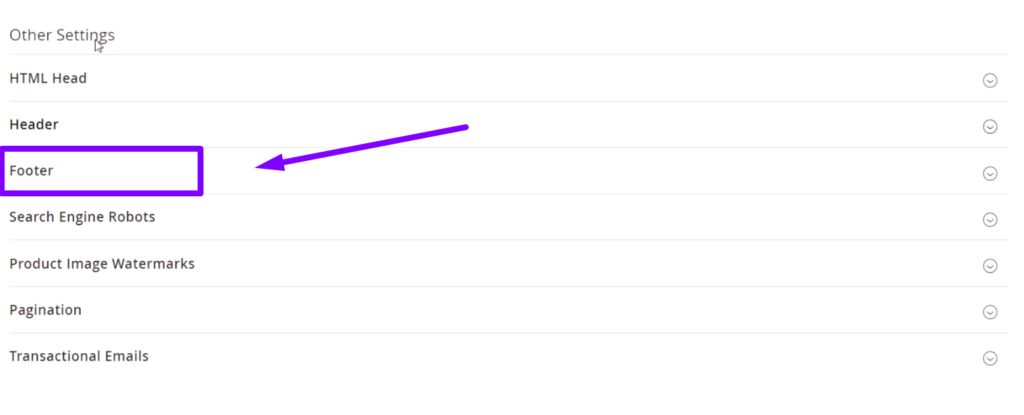
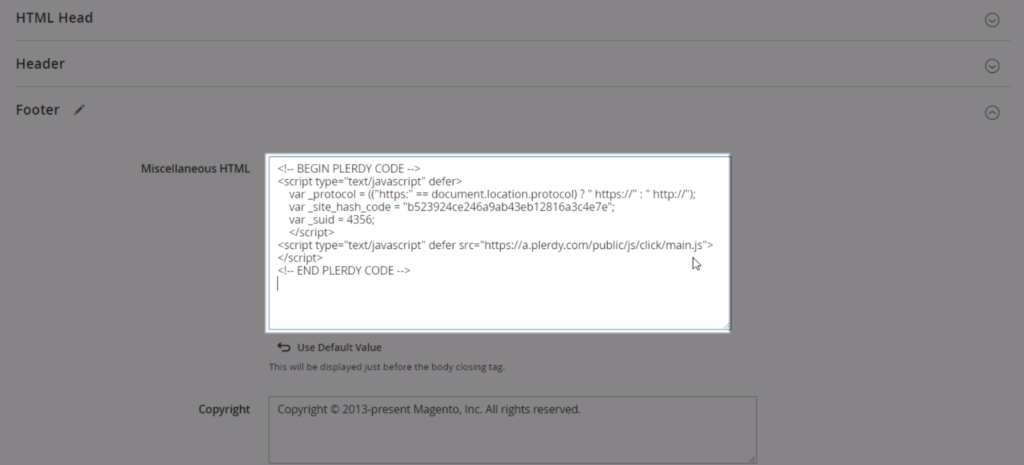
Choose Footer from the available options.
plerdy script installation magento 4

Add the previously copied script to the window that has appeared.
plerdy script installation magento 5

For more detailed steps overview, check our video guide.