

Session recording software has moved from “nice to have” to core infrastructure for product teams, marketers, and ecommerce operators. In 2026, the best tools do more than capture a session and offer a replay: they help you find friction faster, connect behavior to funnels, spot rage clicks, reproduce bugs, and make better UX decisions without guessing. A good session recording tool shows the human story behind your analytics dashboards. That is why website session recording now acts as an evidence layer for CRO, UX, and product decisions.
If you are comparing session replay tools this year, the market is wider than it used to be. You now have lightweight website-focused options, developer-heavy replay platforms, enterprise digital experience suites, and self-hosted replay solutions. Some products are built around conversion optimization and UX analysis, while others use replay mainly for debugging or support. That difference matters more than most buyers expect.
This guide reviews the best session recording software tools for 2026 for practical use cases: CRO, UX research, product analytics, ecommerce analytics, bug reproduction, support triage, and performance troubleshooting. I also include Plerdy as a credible option for teams that need session replay alongside heatmaps and conversion-focused UX analysis. The goal is not to list random session recording tools, but to highlight platforms that solve very different business problems well.
Note: product features, pricing, limits, and packaging change often. Where exact plan details matter, check each vendor’s latest pricing and documentation before buying.
What Session Recording Software Means in 2026
A modern session recording tool does not usually store raw video of the screen in the traditional sense. Most platforms reconstruct a replay of the user session from browser or app events (clicks, scrolls, taps, DOM changes, and related metadata), which makes the replay searchable and more useful for analysis. Major vendors describe session replay in similar “video-like reproduction” terms and tie it directly to UX diagnostics, bug analysis, and product improvement. In practice, strong session replay software turns messy interaction data into something teams can search, share, and act on fast.
The best session recording software in 2026 typically includes:
- Session replay with filtering and segmentation
- Frustration signals (rage clicks, dead clicks, repeated attempts)
- Heatmaps or click tracking
- Funnels, path analysis, or event analytics
- Error or console/network context (for dev-focused tools)
- Privacy controls and masking
- Team sharing, clipping, labeling, and collaboration
Some buyers also compare session recording apps for improving user interface when redesign feedback is too vague to guide the next change.
Who Should Use Session Recording Software
Not every team needs the same session recording tool, but a surprising number of teams benefit from session replay when they use it correctly.
Marketing And CRO Teams
Use session recording and replay to understand why users drop off, why a CTA gets ignored, why mobile conversion drops after a redesign, or why paid traffic bounces fast. Session replay helps you validate hypotheses before changing a page and gives context to funnel analysis and click tracking.
UX Designers And Researchers
A session recording tool helps designers see hesitation, confusion, scroll loops, mis-clicks, and interaction patterns that survey responses often miss. Replay is especially useful after navigation changes, new onboarding, pricing-page edits, or checkout updates. The best teams use replay to record user experience in context instead of depending on isolated comments or assumptions.
Product Managers
Session replay turns product analytics into something actionable. Instead of only seeing a conversion dip, a PM can open the sessions behind the segment and inspect what changed. This shortens the feedback loop between metrics and decisions.
Developers And QA Teams
For app teams, session recording software can be a debugging accelerator when the replay is tied to errors, console logs, network activity, and performance events. The right tool makes bug reproduction much easier than trying to recreate a support ticket from a vague description.
Ecommerce Owners And Growth Teams
Ecommerce teams use session replay to inspect category-page behavior, product-page engagement, cart friction, coupon confusion, and mobile checkout issues. Combined with heatmaps and ecommerce analytics, session recording can reveal exactly where revenue leaks are happening. For retailers, the real question is which top session recording software for online stores makes cart and checkout friction easiest to diagnose.
How We Chose These Tools
This list is editorially curated for fit, not just brand recognition. I prioritized tools that consistently show up in real buying conversations and cover the main session replay use cases in 2026: UX analysis, CRO, product analytics, customer support, and engineering debugging. I also looked at whether each platform handles web session recording in a way that stays useful as traffic volume and internal stakeholders grow.
Selection criteria included:
- Core Session Replay Quality: replay clarity, playback controls, filtering, and reliability
- Searchability: ability to find the right session fast instead of watching random recordings
- Workflow Fit: whether the tool is better for marketers, product teams, dev teams, or enterprise CX
- Supporting Analytics: heatmaps, funnels, event analytics, error tracking, or path analysis
- Privacy And Compliance Controls: masking, data handling, access controls, and opt-out support
- Scalability: whether the session recording tool still works when traffic grows
- Implementation Trade-Offs: setup effort, instrumentation needs, and operational overhead
How To Choose The Right Session Recording Tool
Before you compare features line by line, decide what kind of question your team mostly needs a session replay tool to answer. The wrong purchase usually happens when a team buys a developer replay platform for marketing analysis, or a website-only recording tool for deep product debugging. For some buyers, the shortlist now includes tools for overlaying recorded user interactions on websites when visual review and annotation matter as much as the replay itself.
Start With Your Primary Use Case
- CRO / UX optimization: prioritize replay + heatmaps + funnels + segmentation
- Debugging and bug reproduction: prioritize replay + console logs + network + error linkage
- Product analytics workflow: prioritize replay integrated with events/cohorts/experiments
- Enterprise digital experience: prioritize governance, scale, privacy, and cross-team workflows
Check Session Sampling And Retention Policies
A session recording tool can look affordable until traffic spikes and you realize critical sessions were sampled out or retention is too short for your investigation cycle. For example, Clarity documentation states recording retention details (with standard and favorite recording retention differences), which is exactly the kind of operational detail teams forget to verify early.
Review Privacy Controls Early
Privacy compliance should not be a cleanup task after rollout. Evaluate masking defaults, configurable redaction, access permissions, and data governance. Vendors like Fullstory and Quantum Metric explicitly emphasize privacy and masking controls in their session replay messaging, which is a good sign for regulated teams.
Look At Team Adoption, Not Just Features
The best session replay tool on paper can fail if only one analyst knows how to query it. Watch for search UX, filters, saved views, labeling, and share links. A session replay workflow that product, UX, support, and dev teams can all use will usually produce more value than the “most advanced” tool nobody opens.
The 16 Best Session Recording Software Tools for 2026
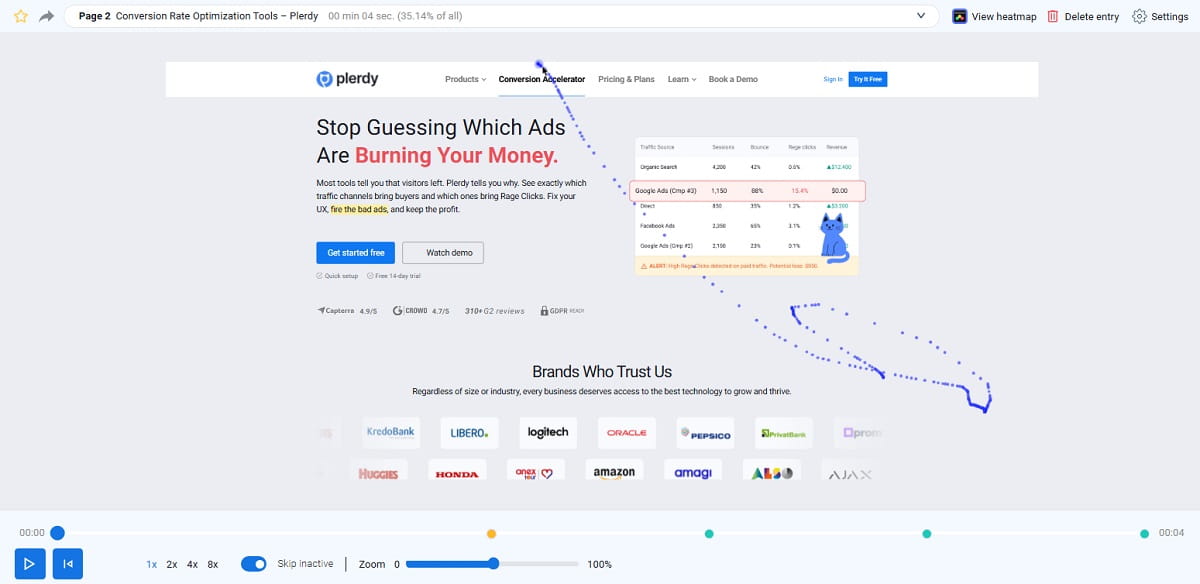
1) Plerdy

Best For: CRO-focused teams, ecommerce owners, and marketers who want session replay together with heatmaps and practical UX/conversion analysis.
Plerdy is a strong fit when the goal of session recording is conversion improvement, not just passive observation. The platform positions its session replay software as a way to record user behavior on desktop and mobile, detect friction, and improve website performance. It is especially useful for teams that want replay as part of a CRO workflow that also includes heatmaps, click tracking, and UX analysis.
What makes Plerdy stand out in this list is editorial fit for marketers and ecommerce teams: the session replay is practical, and the surrounding analysis is geared toward diagnosing revenue-impacting UX issues rather than only technical debugging. For conversion teams, this category increasingly overlaps with tools for recording and overlaying user interactions on websites to explain friction more clearly during reviews.
Key Features
- Session replay / session recording for website behavior review
- Heatmaps and click tracking
- UX/CRO analysis workflows for ecommerce and lead-gen sites
- Filtering and segmentation of sessions by page/device/behavior (depending on setup)
- Conversion-focused insight workflow
Pros
- Good fit for CRO and UX analysis use cases
- Useful for ecommerce teams that need practical behavior evidence
- Replay complements other website optimization tools in the platform
Cons / Limitations
- Not positioned as a developer-first debugging suite
- Teams should confirm current plan packaging and retention for higher traffic projects
Ideal Use Cases
- Ecommerce UX friction and drop-off analysis
- Landing page conversion optimization
- CRO audits combining session replay and heatmaps
Pricing Note: Check latest Plerdy pricing and feature availability by plan.
2) Hotjar

Best For: Marketing teams, UX teams, and SMBs that want an accessible session recording tool with heatmaps and feedback in one place.
Hotjar remains one of the most familiar ways to get started with session recording and replay. It is especially useful when you need quick visual evidence for UX issues and conversion blockers, without a heavy analytics implementation. Hotjar’s strength is not just the session replay itself; it is how easily teams move from a recording to heatmaps, surveys, and qualitative feedback. It is also one of the clearest examples of software that links customer feedback to session recordings for faster UX diagnosis.
Hotjar has also evolved under the Contentsquare umbrella, and the product messaging now highlights upgraded replay capabilities and faster insight workflows. That matters if you want a simpler tool today with a path to more advanced experience analytics later.
Key Features
- Session replay and session recording filters
- Heatmaps and click tracking
- Feedback tools and surveys
- Funnel and behavior analysis support (depending on plan/package)
- Team-friendly sharing for UX and CRO review
Pros
- Easy onboarding for non-technical teams
- Strong fit for website UX analysis and conversion optimization
- Good qualitative stack around replay (feedback + heatmaps)
Cons / Limitations
- Not the strongest choice for deep developer debugging workflows
- Large-scale teams may outgrow a simpler session workflow
Ideal Use Cases
- Landing page optimization
- Ecommerce UX friction review
- Marketing conversion audits
Pricing Note: Check latest pricing and plan limits on the vendor site.
3) Microsoft Clarity
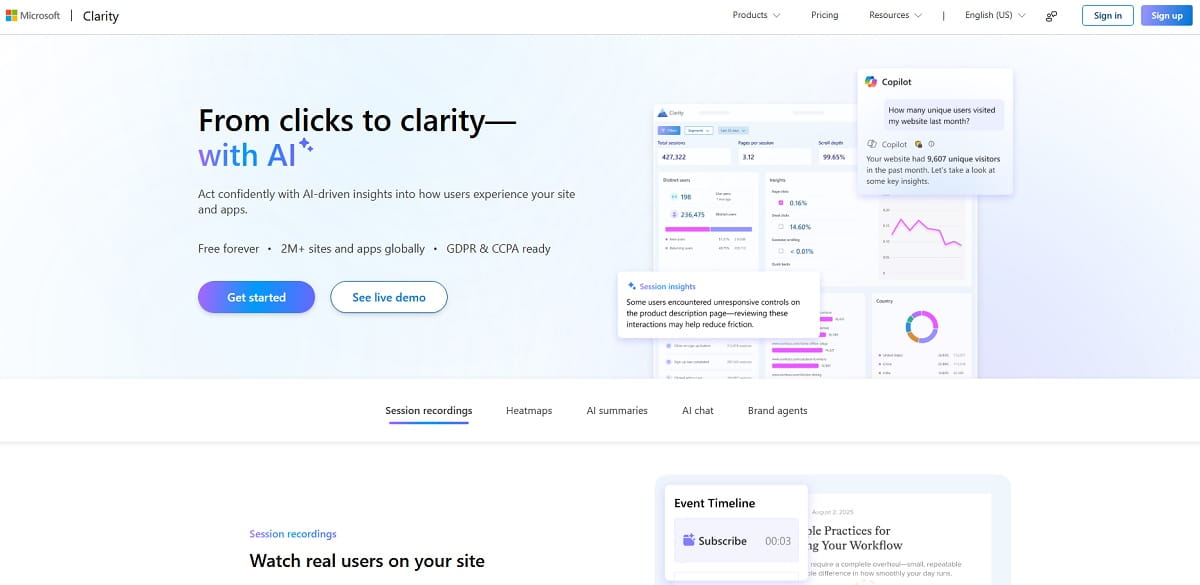
Best For: Teams that need a free session recording tool for websites, especially for early-stage CRO and UX analysis.
Clarity is one of the easiest recommendations when budget is the main constraint. It gives you session recordings, heatmaps, and useful filtering without the normal barrier of a paid plan. Microsoft positions Clarity as a free user behavior analytics tool with session replays and heatmaps, and that value proposition is still hard to ignore for website teams. For lean teams, Clarity is often the first user recording software they deploy before moving into heavier analytics workflows.
Where Clarity works best is fast diagnostics: open a segment, watch a replay, see rage clicks or weird behavior, and decide if a UX issue is real. It is a practical session recording tool for marketers and product teams who need evidence before escalating to design or engineering.
Key Features
- Free session recording and replay
- Heatmaps and click tracking
- Filters for pages, user behavior, and recordings
- Basic frustration and engagement signals
- Integrations and expanding ecosystem
Pros
- Free entry point for session replay
- Very useful for website UX analysis and stakeholder screenshots/clips
- Low friction setup for many sites
Cons / Limitations
- Not a full replacement for enterprise session recording software
- Retention and governance details require review before relying on it for long investigations
Ideal Use Cases
- Small business websites
- Marketing landing pages
- Early-stage product websites validating UX changes
Pricing Note: Clarity is positioned as free; confirm current limits, retention, and terms in Microsoft documentation.
4) Fullstory
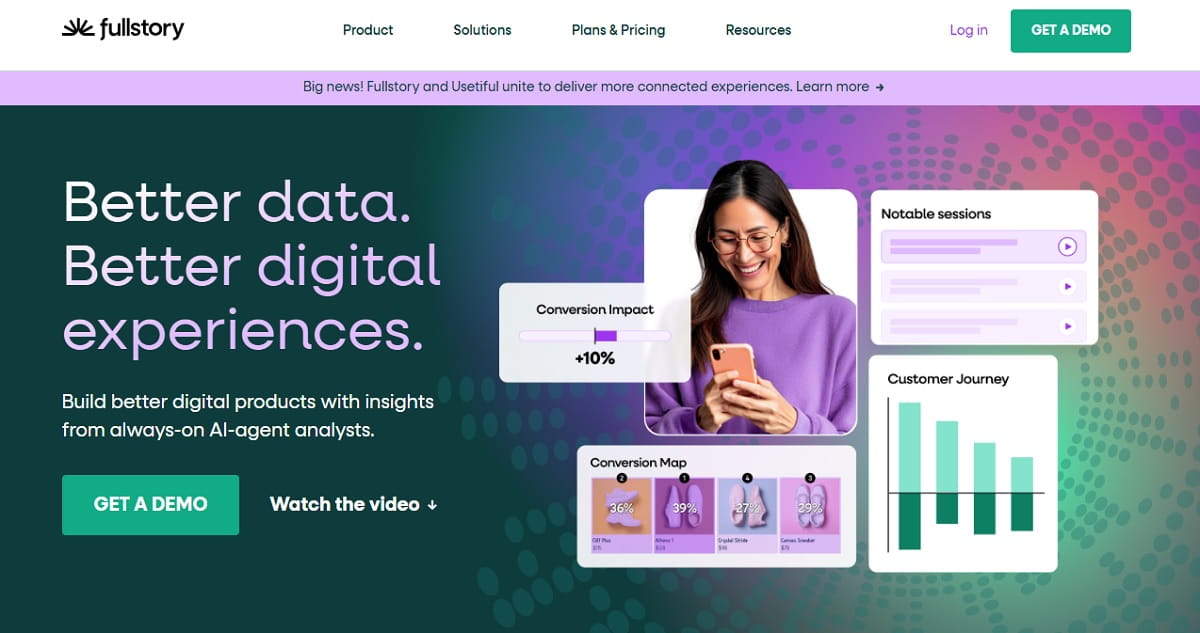
Best For: Mature product and digital teams that want strong session replay with analytics depth and enterprise readiness.
Fullstory is often chosen when a team wants session replay to become part of a broader behavioral analytics workflow rather than a standalone recording tab. Its session replay capabilities are strong, but the real value is how easily teams can segment behavior and connect a replay to journeys, funnels, and other signals.
Fullstory also emphasizes privacy controls and masking options, which is often a deciding factor for larger organizations. Their product pages and support content continue to position session replay as a core capability tied to faster investigation and collaboration.
Key Features
- High-quality session replay
- Behavioral search and segmentation
- Funnels, journeys, and analytics integrations
- Privacy settings and masking controls
- Collaboration workflows for product/UX teams
Pros
- Strong balance of replay and analytics
- Scales better than many SMB-focused tools
- Useful for both product and UX teams
Cons / Limitations
- Can be more than some teams need
- Cost and implementation complexity may be high for small sites
Ideal Use Cases
- SaaS product UX analysis
- Enterprise web/app experience teams
- Cross-functional investigation workflows
Pricing Note: Check latest pricing and plan packaging directly with Fullstory.
5) LogRocket
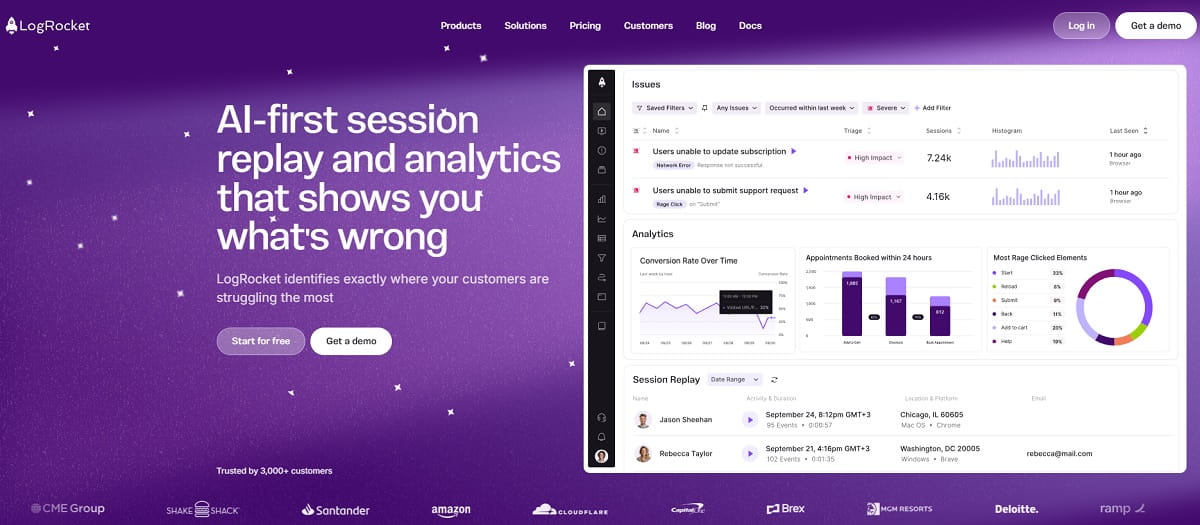
Best For: Engineering and product teams that need session replay plus developer debugging context.
LogRocket is a classic choice when “session replay” really means “I need to see what the user did and what the app did technically at the same time.” Its positioning consistently focuses on session replay tied to analytics, errors, logs, and troubleshooting. This is why it is frequently favored by developer-led teams and modern web app products.
The strength here is context. A replay without console/network/performance data can still help, but a replay with technical signals can shrink debugging time dramatically.
Key Features
- Session replay for web and mobile experiences
- Console and network logging (plan/setup dependent)
- Error and performance context
- User/session metadata and filtering
- Developer-friendly debugging workflows
Pros
- Excellent for bug reproduction and support escalation
- Strong bridge between product analytics and engineering troubleshooting
- Replay is not isolated from technical telemetry
Cons / Limitations
- Can be overkill for pure marketing teams
- Best value appears when engineering actively uses the tool
Ideal Use Cases
- Web app debugging
- Support ticket triage with replay evidence
- Product teams investigating conversion-impacting bugs
Pricing Note: Check latest pricing and event/session limits on vendor pages.
6) Smartlook
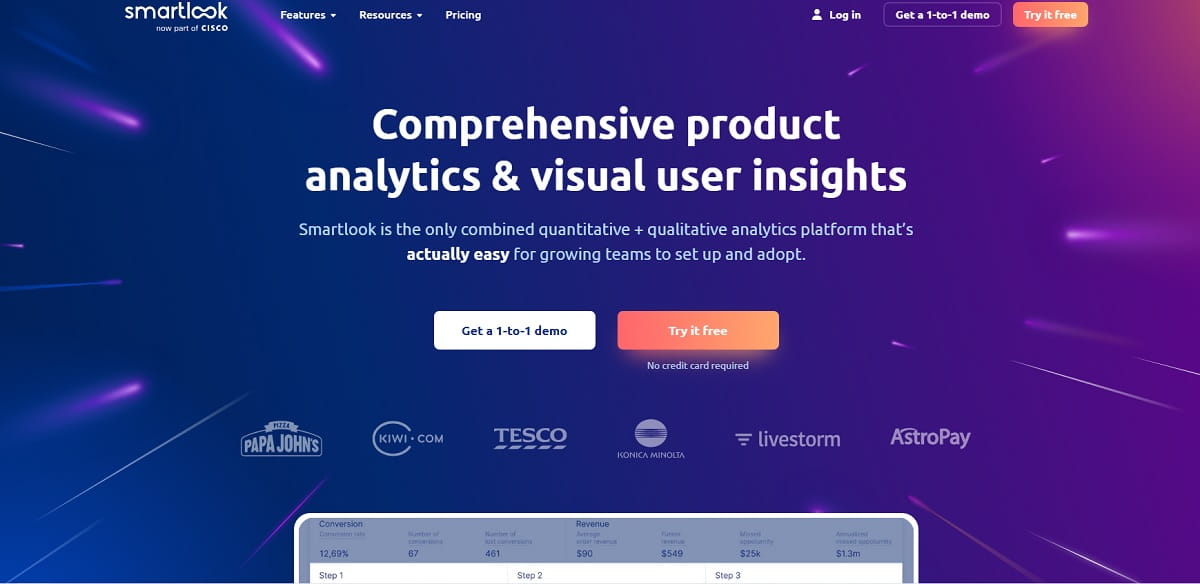
Best For: Teams that want session recording, product analytics signals, and cross-platform visibility without going fully enterprise.
Smartlook has long been a practical session replay tool for teams that want to combine session recording with event tracking, funnels, and heatmaps. Its messaging continues to emphasize always-on session recordings and web/mobile coverage, which makes it attractive for product teams that cannot rely on website-only analysis.
What many teams like about Smartlook is the middle-ground positioning: more product-oriented than lightweight CRO tools, but typically less intimidating than enterprise experience suites.
Key Features
- Session recording and replay for web and mobile
- Event tracking and funnels
- Heatmaps and behavior insights
- Filtering to find important sessions quickly
- UX and product diagnostics in one workflow
Pros
- Good fit for product-led teams
- Cross-platform session replay coverage
- Useful balance of qualitative and quantitative analysis
Cons / Limitations
- May still require thoughtful instrumentation strategy for deeper analysis
- Enterprise governance needs vary by plan
Ideal Use Cases
- SaaS onboarding analysis
- Mobile + web journey review
- Product UX optimization
Pricing Note: Check latest pricing and session volume limits.
7) Mouseflow
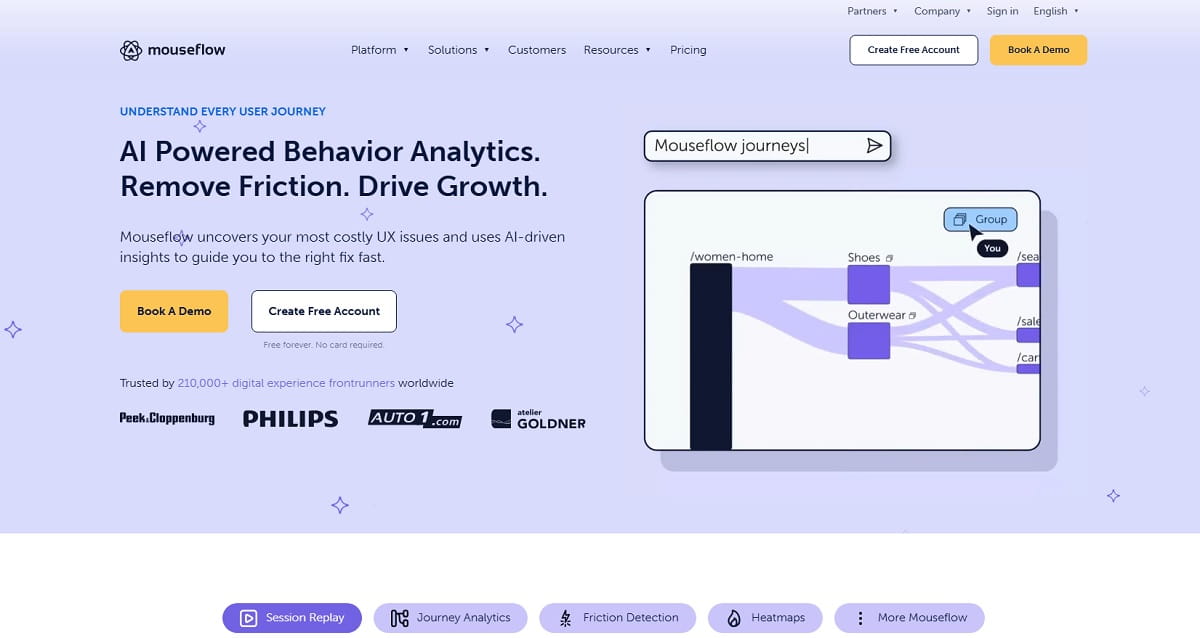
Best For: Website teams that want a mature session replay tool with behavior analytics and conversion-focused workflows.
Mouseflow stays relevant because it does the fundamentals well: session replay, filtering, and behavior analysis for websites. It is often a good fit for CRO teams that want a dedicated website session recording software option with broader behavior analytics capabilities but without moving into a full enterprise platform.
Mouseflow’s product pages continue to frame session replay as a way to find UX friction, validate decisions, and diagnose issues, which is exactly how many ecommerce teams use it in practice.
Key Features
- Session replay and session recording filters
- Heatmaps and click tracking
- Behavior analytics and guided insights
- Journey review for conversion optimization
- Website UX diagnostics
Pros
- Strong website-focused replay workflow
- Good fit for marketers and CRO specialists
- Practical learning curve
Cons / Limitations
- Less developer-centric than tools like LogRocket or Sentry
- Best suited to website analysis rather than deep product telemetry
Ideal Use Cases
- Ecommerce conversion optimization
- Lead-gen page UX review
- Form friction analysis
Pricing Note: Verify current plans, data limits, and retention.
8) PostHog
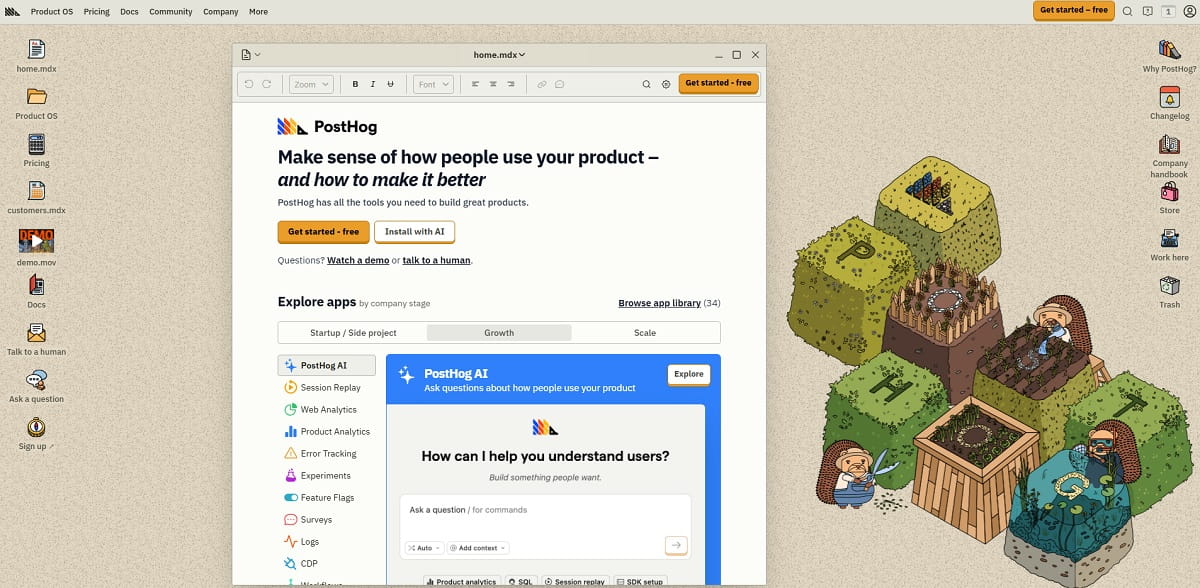
Best For: Product-led teams that want session replay integrated into a broader product analytics stack.
PostHog has become a serious option for teams that want replay, events, experiments, feature flags, and product analytics in one ecosystem. Its session replay docs and product pages frame replay as a core workflow for diagnosing UI issues, support cases, and nuanced user behavior.
The main advantage is cohesion: a session replay is more valuable when you can jump to it from events, cohorts, or product questions without exporting data into another tool.
Key Features
- Session replay for web and app experiences (depending on implementation)
- Product analytics and event correlation
- Experimentation/feature workflows in the broader platform
- Filters and user-level investigation
- Developer and product team collaboration
Pros
- Strong integrated product workflow
- Great for teams that want fewer separate tools
- Replay supports both debugging and UX analysis
Cons / Limitations
- Can feel platform-heavy if you only want basic website session recording
- Setup and governance choices matter a lot
Ideal Use Cases
- SaaS product analytics + replay workflow
- Feature adoption and onboarding investigation
- Experiment analysis with session context
Pricing Note: Check latest pricing, usage-based billing, and replay limits.
9) Contentsquare
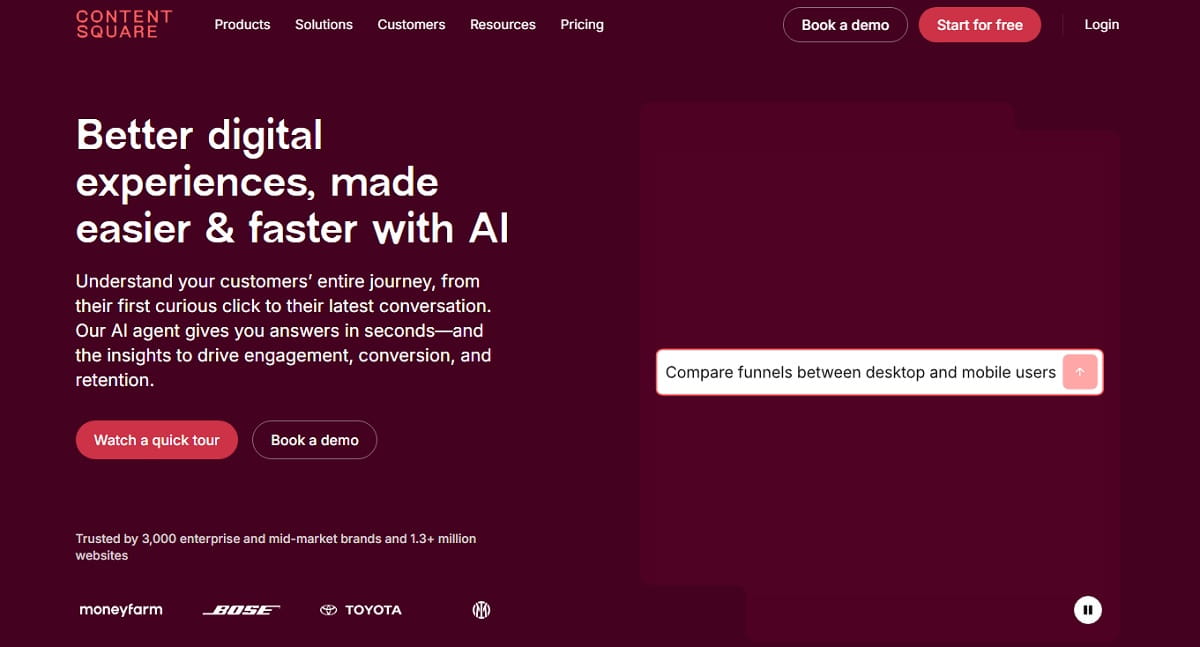
Best For: Larger digital teams that need session replay within a broad digital experience analytics platform.
Contentsquare is not just a session recording tool. It is a digital experience platform where session replay is one capability among many. That is exactly why enterprise teams choose it: replay becomes part of a wider analysis process covering behavior, journeys, and experience optimization at scale.
Contentsquare’s platform pages describe session replay as a way to inspect clicks, scrolls, and errors to uncover pain points and validate hypotheses. For complex organizations, that framing is often more important than a long feature checklist.
Key Features
- Enterprise-grade session replay
- Experience analytics integration
- Behavior investigation across site/app journeys
- Privacy and masking controls
- Cross-team sharing and analysis workflows
Pros
- Strong fit for enterprise UX and digital teams
- Replay is part of a mature analytics environment
- Good for large-scale experience programs
Cons / Limitations
- Too heavy and expensive for many SMB teams
- Requires operational discipline to use well
Ideal Use Cases
- Enterprise ecommerce and digital CX
- Large-scale UX programs
- Cross-functional experience governance
Pricing Note: Enterprise pricing varies; contact vendor for current packaging.
10) Quantum Metric
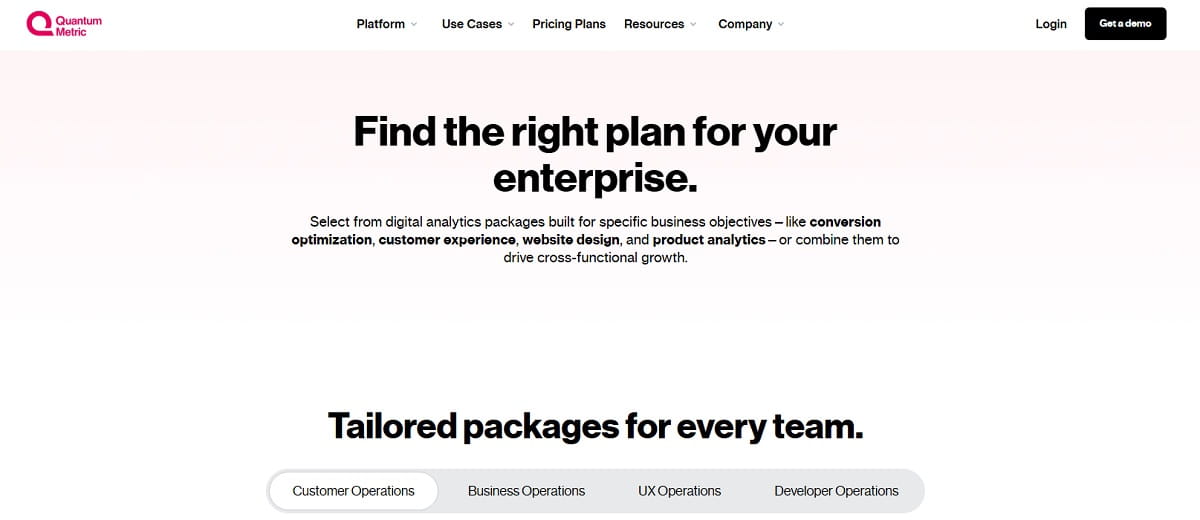
Best For: Enterprise organizations that need deep session replay, experience analytics, and prioritization of digital friction.
Quantum Metric is a serious enterprise session replay platform focused on understanding user friction at scale. Its session replay messaging emphasizes DOM-based capture and behavioral metrics that can surface repeated clicking, reloads, and possible frustration signals, which aligns with enterprise UX and performance investigation needs.
This is a platform for teams that need more than clips and heatmaps. It is typically chosen when replay has to connect to operational decision-making across product, digital, support, and analytics teams.
Key Features
- Enterprise session replay software
- Behavioral signals and friction detection
- Experience analytics and prioritization workflows
- Privacy/security-oriented controls
- Cross-channel/cross-team investigation support
Pros
- Built for scale and enterprise complexity
- Strong friction analysis and prioritization angle
- Replay fits broader digital operations
Cons / Limitations
- Not a lightweight tool for small teams
- Implementation and procurement can be substantial
Ideal Use Cases
- Enterprise digital experience optimization
- High-traffic customer journeys
- Operational monitoring of UX friction
Pricing Note: Contact vendor for current enterprise pricing and deployment details.
11) Glassbox
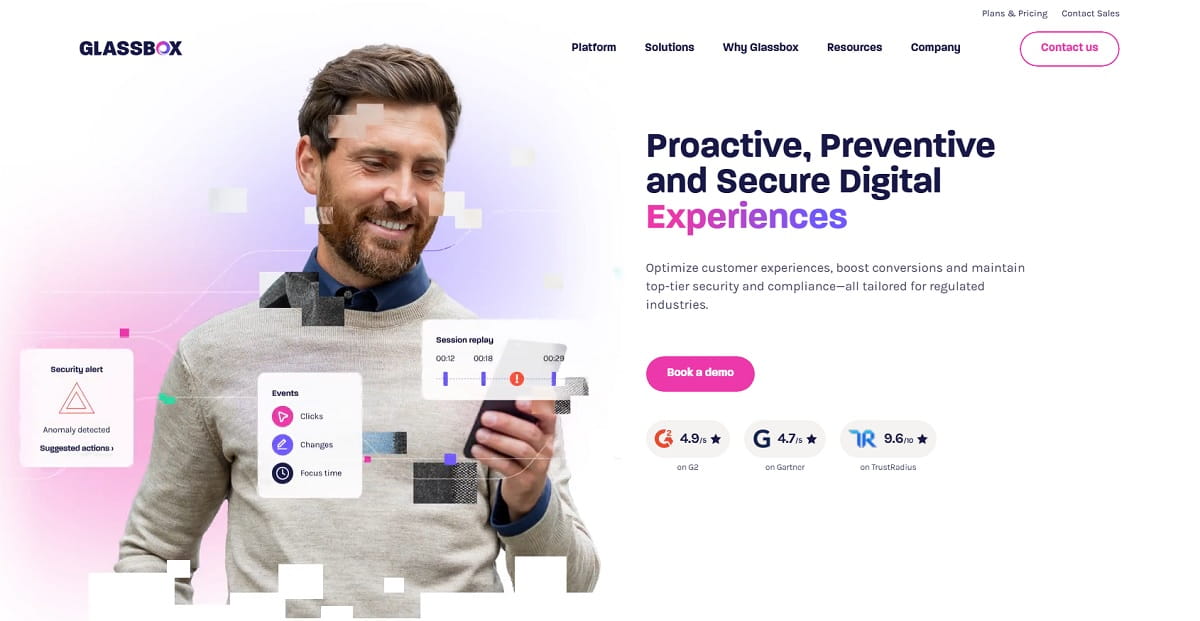
Best For: Regulated industries and enterprises that need large-scale session replay with technical event context.
Glassbox is another enterprise-grade option where session replay is designed for visibility and root-cause analysis across web and mobile experiences. The vendor emphasizes automatic capture of user interactions and technical events, which is a strong fit for teams that need a replay workflow tied to operational troubleshooting and customer struggle analysis.
Glassbox is often evaluated alongside other enterprise experience platforms, and the decision usually comes down to governance, data strategy, and cross-team workflow requirements.
Key Features
- Session replay for web and mobile
- Technical event capture alongside user behavior
- Enterprise experience analytics context
- Scalable session recording workflows
- Root-cause investigation support
Pros
- Strong enterprise-grade session recording capabilities
- Good visibility for complex journeys
- Useful for customer struggle analysis and operational teams
Cons / Limitations
- Can be excessive for smaller digital teams
- Requires stakeholder alignment to unlock full value
Ideal Use Cases
- Banking, insurance, telecom, and large enterprise CX
- Web/mobile customer journey diagnostics
- Cross-functional issue triage
Pricing Note: Enterprise pricing and deployment terms vary.
12) Sentry Session Replay
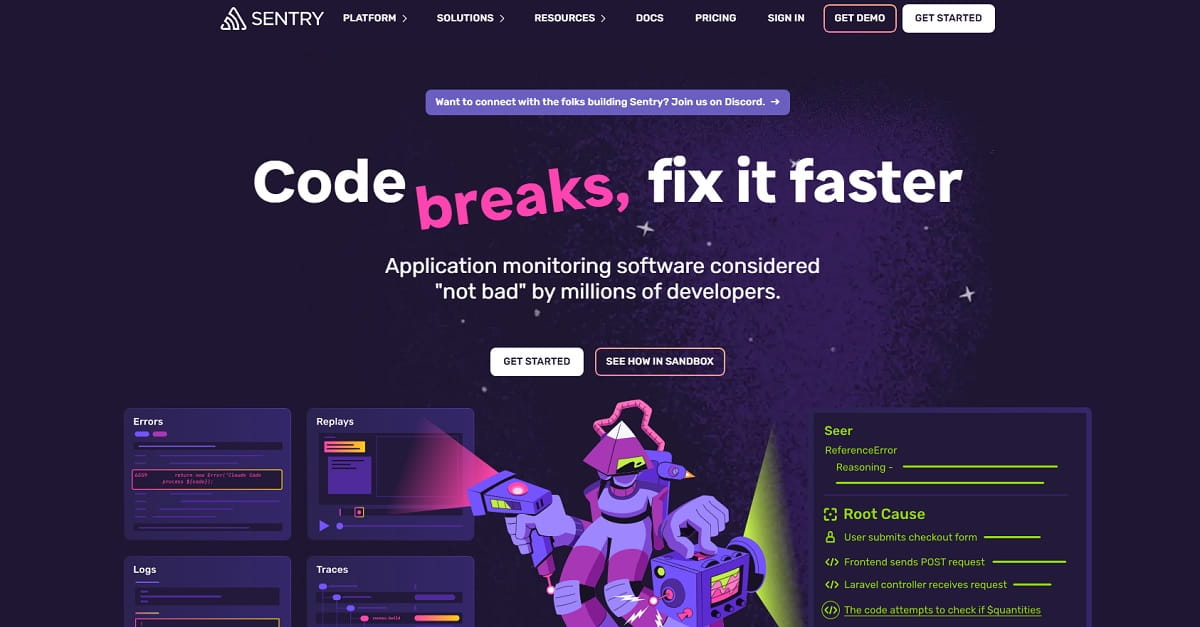
Best For: Engineering teams already using Sentry for errors and performance who want replay attached to issues.
Sentry’s session replay is not trying to be a marketing-first session recording tool. It is strongest when used as an extension of Sentry’s error and performance workflows. If your developers already live in Sentry, adding replay can give immediate visual context to known errors and latency problems, which improves bug reproduction speed.
This is the right choice when the question is “What happened around this error?” rather than “Why did this landing page underperform?”
Key Features
- Session replay tied to errors and performance monitoring
- Developer-centric debugging workflow
- Web/mobile support (check current platform coverage and maturity)
- Issue context and investigation acceleration
- Integration with Sentry alerting/triage processes
Pros
- Excellent fit for dev and QA teams
- Replay is highly actionable when connected to issues
- Strong choice for app reliability workflows
Cons / Limitations
- Not ideal as a standalone CRO/UX session recording tool
- Non-technical stakeholders may not adopt it easily
Ideal Use Cases
- Error debugging and incident triage
- Performance issue investigation
- Support-to-engineering escalation workflows
Pricing Note: Check latest Sentry pricing and replay quotas by plan.
13) Amplitude Session Replay
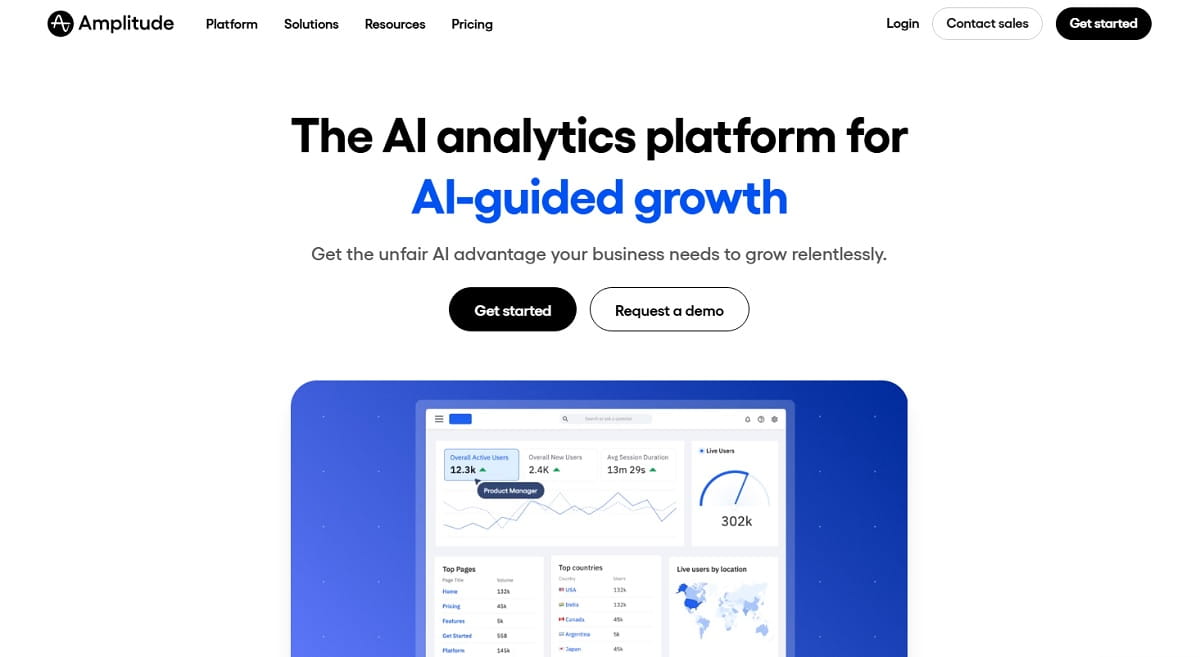
Best For: Teams using Amplitude analytics that want session replay embedded in a product analytics workflow.
Amplitude’s session replay is compelling for teams that already use Amplitude for event analytics, funnels, and experimentation. The platform explicitly positions session replay as a way to uncover qualitative insight from quantitative data, which is exactly the right use case for PMs and growth teams that do not want a separate replay silo.
The major benefit is context switching reduction: from a funnel drop-off to a replay, then back to analysis, without leaving the analytics environment.
Key Features
- Session replay integrated with Amplitude analytics
- Cohort/funnel-driven replay investigation
- Experiment and product analysis context
- Browser SDK plugin / implementation options
- Team workflows around product metrics
Pros
- Great for existing Amplitude users
- Strong analytics-to-replay workflow
- Helps explain why metrics move
Cons / Limitations
- Less compelling if your team does not use Amplitude already
- Replay setup and costs should be reviewed separately from core analytics plans
Ideal Use Cases
- Product analytics teams
- Growth and experimentation teams
- Behavioral funnel diagnosis
Pricing Note: Confirm current replay availability and pricing by plan.
14) Pendo Session Replay
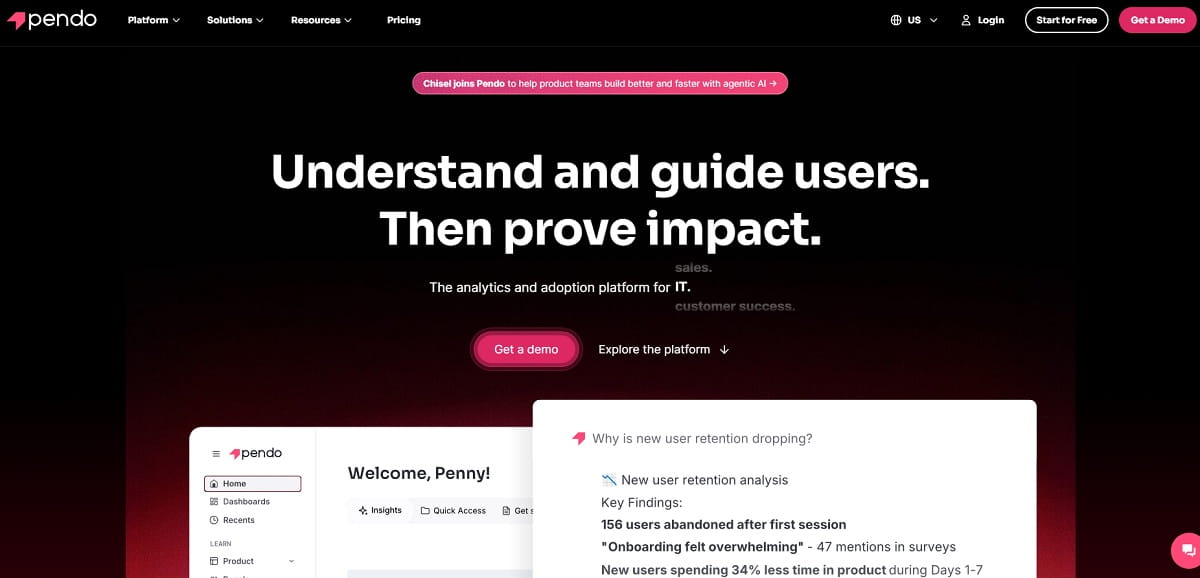
Best For: Product organizations using Pendo who want session replay connected to product analytics and in-app guidance workflows.
Pendo’s session replay makes the most sense inside the broader Pendo ecosystem. Vendor messaging emphasizes integrated replays alongside product analytics, segments, guides, and heatmaps, which is valuable for product teams that already depend on Pendo for adoption and in-app experience work.
If your product org already uses Pendo, keeping session replay in the same platform can reduce tool sprawl and improve collaboration between PM, UX, and customer-facing teams.
Key Features
- Session replay integrated with Pendo product analytics
- Segments and usage-driven replay access
- Heatmaps and in-app guide context
- Web and mobile replay options (check current support details)
- Product team workflow alignment
Pros
- Strong fit for existing Pendo customers
- Integrated product decision workflow
- Good for adoption and experience investigations
Cons / Limitations
- May not be the best standalone session recording tool if you do not use Pendo
- Packaging and feature access can vary
Ideal Use Cases
- Product adoption analysis
- In-app onboarding friction diagnosis
- PM/UX/customer success collaboration
Pricing Note: Check latest Pendo plan details and replay availability.
15) OpenReplay
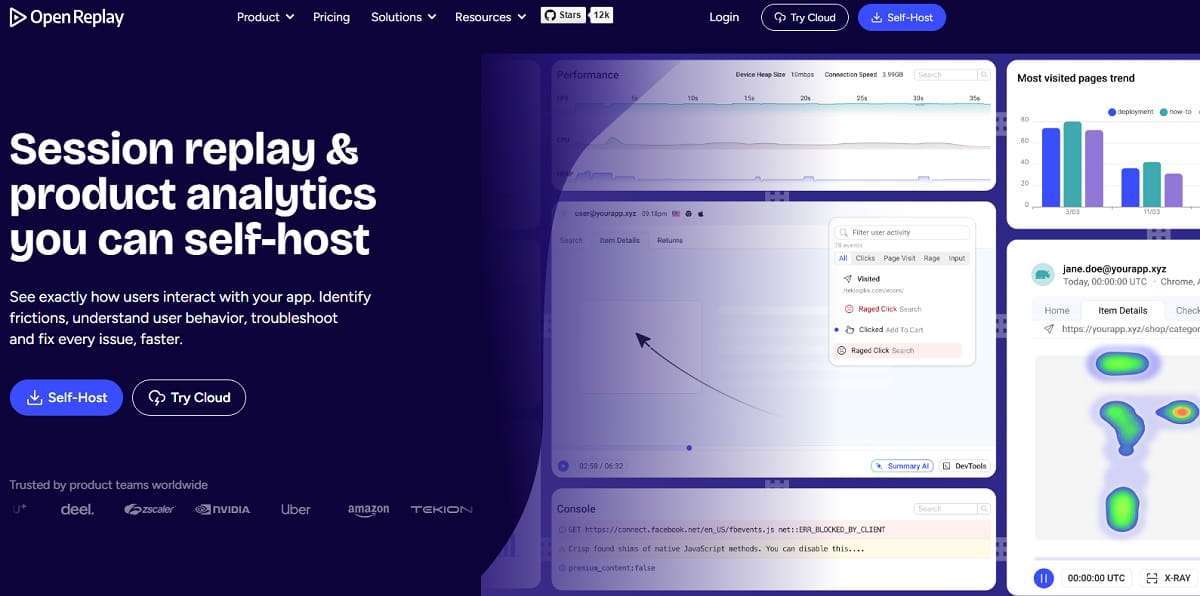
Best For: Teams that want a self-hosted or privacy-forward session replay tool with data control.
OpenReplay stands out because the buying criteria are different. If your top priority is control over data and infrastructure, not just convenience, OpenReplay becomes a very interesting session recording software option. The platform explicitly positions itself as self-hosted session replay and product analytics, and its docs reinforce replay as a core capability for troubleshooting and behavior analysis.
This makes OpenReplay attractive for engineering-led teams, privacy-sensitive environments, and organizations that prefer open-source-aligned tooling.
Key Features
- Session replay with self-hosted deployment options
- Product analytics capabilities
- Troubleshooting and behavior investigation workflows
- Data control and deployment flexibility
- Cloud option for teams that do not want full self-hosting overhead
Pros
- Strong data ownership story
- Good fit for technically capable teams
- Replay + analytics in one platform
Cons / Limitations
- Operational overhead if self-hosting
- Not the simplest session recording tool for non-technical teams
Ideal Use Cases
- Privacy-focused organizations
- Engineering-led SaaS teams
- Self-hosted analytics stack strategies
Pricing Note: Compare cloud vs self-hosted total cost (infrastructure + maintenance).
16) Lucky Orange
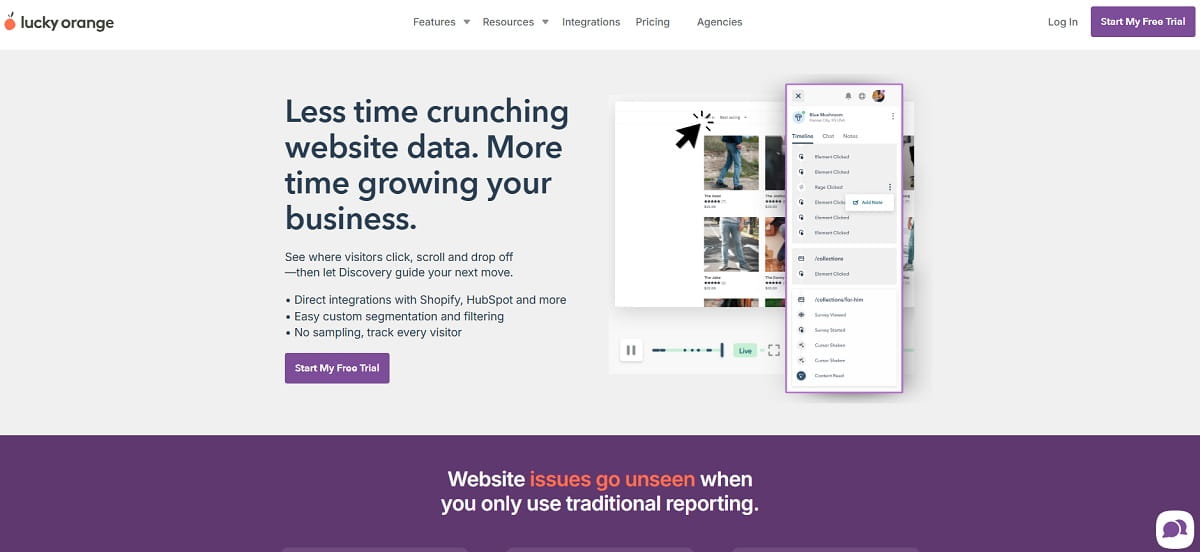
Best For: SMBs and ecommerce teams that want session recordings plus website conversion tools in a straightforward package.
Lucky Orange is a practical website-focused session recording tool for teams that want to improve conversions without building a complex analytics stack. Its positioning is very direct: replay the visitor journey, identify drop-offs and friction, and combine recordings with other website optimization tools.
It is often a good fit for ecommerce stores and lead-gen sites where the team mainly needs fast session replay evidence, heatmaps, and conversion-focused analysis rather than advanced product telemetry.
Key Features
- Session recordings and replay of visitor journeys
- Heatmaps and conversion-oriented website analytics
- Visitor profiles and behavior review
- SMB-friendly workflows
- Useful for ecommerce and campaign performance checks
Pros
- Good value for website-focused teams
- Easy to use for marketers and small businesses
- Strong fit for ecommerce UX and conversion review
Cons / Limitations
- Not a developer-first session replay platform
- Less suitable for complex product analytics use cases
Ideal Use Cases
- Ecommerce optimization
- Lead-gen website CRO
- Campaign landing page analysis
Pricing Note: Check latest plans and feature availability on the Lucky Orange pricing page.
Best Picks By Use Case (Final Verdict)
If you only remember one part of this guide, make it this section. The “best” session recording software depends heavily on what you need the replay to do after you watch it. You can also treat it as a practical best session replay tools 2026 comparison when the full article feels too broad for a fast shortlist.
Best Session Recording Tool for Free Website Analysis
Microsoft Clarity — Best for teams that need immediate session replay and heatmaps without budget friction. A great first step for UX analysis and conversion optimization on websites.
Best Session Replay Tool for Marketing And CRO Teams
Hotjar and Plerdy — Hotjar is excellent for a broad qualitative workflow, while Plerdy is a strong choice for CRO/UX analysis where session replay needs to support website optimization and conversion-focused decisions.
Best Session Replay Tool for Developers
LogRocket and Sentry Session Replay — Choose LogRocket for broader replay + product debugging context, and Sentry when your team already works inside Sentry for errors/performance and wants replay tied to incidents.
Best Session Replay Tool for Product Analytics Teams
PostHog and Amplitude Session Replay — Both are strong when you want session replay directly connected to events, cohorts, and product analysis instead of managing a separate tool.
Best Enterprise Session Recording Software
Contentsquare, Quantum Metric, and Glassbox — These are better for large organizations with scale, governance, and cross-team workflow needs. The right choice depends on procurement, data policy, and platform fit.
Best Self-Hosted Session Replay Tool
OpenReplay — A strong option for teams prioritizing data control and deployment flexibility.
Common Mistakes When Using Session Recordings
Even a great session recording tool can produce bad decisions if the team uses replay badly. These are the mistakes I see most often.
Watching Random Sessions Without A Question
Session replay is not entertainment. Start with a question: Why are mobile users abandoning checkout? Why did sign-up completion fall after the redesign? Why are users rage-clicking the pricing toggle? Then filter the right session set.
Overreacting To One Weird Recording
One session can be useful, but one session is not a pattern. Use replay to generate and validate hypotheses, then check volume through funnels, click tracking, heatmaps, or product analytics before shipping changes.
Ignoring Privacy Configuration
Session recording software should be configured for masking, redaction, and access controls before widespread use. This is not optional if you care about compliance and trust.
Using Replay Without Segmentation
A session replay tool becomes much more valuable when you filter by device, page type, traffic source, error state, user segment, or funnel step. The fastest teams do not watch more replay footage; they watch better sessions.
Treating Session Replay As A Standalone Solution
Replay works best with other signals: heatmaps, funnel analysis, event analytics, performance monitoring, and customer feedback. If your session recording tool supports integrations or adjacent analytics, use them. A user recording tool creates more value when it supports a repeatable investigation workflow instead of one-off reactions.
How To Build A Better Session Replay Workflow
If your team is new to session recording software, use a lightweight operating rhythm:
- Pick one high-value journey (signup, checkout, lead form, onboarding)
- Define 2–3 session replay questions tied to a KPI
- Filter and review a targeted session sample
- Tag recurring friction patterns (rage clicks, dead clicks, hesitation, UI confusion)
- Cross-check with heatmaps/funnels/analytics
- Ship one UX fix
- Review fresh session recordings after the change
This process keeps session replay tied to outcomes instead of turning the tool into a passive archive of recordings nobody revisits. Some teams also evaluate tools for recording user interactions on websites and overlaying instructions when replay needs to support onboarding, QA, or internal review flows.
Conclusion
The best session recording software tools for 2026 are no longer just about watching a replay of a user session. Across this list, the top session replay software 2026 options differ less by raw replay quality than by workflow fit, privacy model, and team adoption. The strongest options help your team move from observation to action: finding friction, reproducing bugs, improving UX, and increasing conversion with less guesswork.
If you are a marketer or CRO specialist, prioritize a session recording tool that combines replay with heatmaps and practical UX analysis. If you are product-led, favor replay integrated with analytics. If you are engineering-led, choose a tool where session replay is attached to technical context. And if you need a conversion-focused website workflow, Plerdy deserves a place on your shortlist alongside the better-known names.
Choose the tool that matches your team’s daily questions, not the longest feature list. That is how session replay becomes useful fast. The strongest platforms do more than replay a visit: they help teams record user experience, validate friction, and improve decisions with less guesswork.
FAQ About Session Recording Software Tools
What Is The Difference Between Session Recording And Session Replay?
In practice, teams often use the terms interchangeably. “Session recording” usually refers to the capture process, while “session replay” refers to the playback experience where you watch and analyze the session. Most vendors bundle both in one tool.
Is Session Recording Software The Same As Screen Recording?
Not exactly. Most session recording software tools reconstruct a replay from captured events (clicks, scrolls, DOM changes, taps, etc.) rather than storing a traditional video file. This usually makes session replay searchable and easier to filter for analysis.
Which Session Replay Tool Is Best For Small Businesses?
It depends on your workflow. Microsoft Clarity is a strong free starting point for website session replay and heatmaps. Hotjar and Lucky Orange are strong choices for SMB marketing and UX workflows. Plerdy is a good fit when you want session replay plus CRO and UX analysis for website optimization.
Which Session Recording Tool Is Best For Developers?
Developer teams often prefer LogRocket or Sentry Session Replay because the replay is tied to technical debugging context like errors, performance signals, logs, or issue workflows. If your team is debugging web apps, this context is often more valuable than a standalone replay view.
Can Session Replay Help With Conversion Optimization?
Yes. Session replay is very useful for conversion optimization when paired with funnels, heatmaps, click tracking, and segmentation. A replay can show why users hesitate, rage-click, abandon forms, or miss key CTAs. The highest-value improvements usually come from combining session recordings with quantitative analytics.
Are Session Recording Tools Safe For Privacy Compliance?
They can be, but only if configured correctly. You should review masking, redaction, data retention, access permissions, and consent requirements before rollout. Many major session recording software vendors provide privacy controls, but the responsibility to configure them properly still sits with your team.
Do I Need Heatmaps If I Already Have Session Replay?
Usually, yes. Session replay helps you inspect individual sessions in detail, while heatmaps help you see behavior patterns across many sessions. Together, they create a much stronger UX analysis workflow than either one alone.
How Many Session Recordings Should I Review Per Week?
There is no universal number. Start with targeted session samples tied to a specific funnel step, page type, or issue segment. Reviewing 20 relevant sessions is often more useful than watching 200 random recordings. The best session replay workflow is selective, not endless.
Should Ecommerce Stores Use A Dedicated Session Recording Tool?
In most cases, yes. Ecommerce journeys are full of small UX problems that standard analytics miss: filter confusion, variant mis-clicks, shipping-cost surprises, coupon friction, and mobile checkout problems. A dedicated session recording tool helps uncover these issues faster and can directly support conversion improvements.
What Should I Check Before Buying A Session Recording Software Tool?
Check session sampling, replay retention, privacy controls, filtering/search, integrations, performance impact, and how well the tool fits your main use case (CRO, UX analysis, product analytics, or debugging). Also confirm current pricing and usage limits because packaging changes frequently.