

UserTesting remains one of the best-known names in user research, but it is also one of the most opaque to buy: procurement trackers that log real customer contracts put the average deal between roughly $36,000 (SMB) and $148,000 (Enterprise) a year, and the company does not publish a price list — you only find out after a sales call. When that cost, or the credit-based buying model behind it, stops making sense, teams start looking for a UserTesting alternative. Some want a full research-panel swap. Some are actually searching for a UserZoom alternative without realizing UserZoom merged into UserTesting in 2023 and no longer exists as a separate product (more on that below). And a growing group wants a specifically EU-hosted, GDPR-first option instead of a US-based panel.
This guide compares 10 real, currently active UserTesting alternatives and competitors — starting with Plerdy, a UX and conversion-analytics platform that replaces the “watch how real users actually behave on my site” half of UserTesting’s job at a fraction of the cost — with pricing, pros, cons, and the specific use case each tool actually fits, not just a name-drop.
Best UserTesting Alternative: Fast Answer
If you only read one paragraph: for continuous, low-cost insight into how real visitors already use your site (heatmaps, session replay, on-site feedback), Plerdy is the fastest and cheapest starting point. For a like-for-like swap of UserTesting’s recruited-panel, moderated-and-unmoderated research methodology, Userlytics is the closest feature match. For teams that specifically need an EU-hosted, GDPR-documented panel, use Userfeel or UXtweak (both EU-based). For fast, unmoderated prototype testing, Maze. There is no single “best” — the right pick depends on whether you need behavioral data, moderated interviews, or design-stage validation.
Why Teams Look For a UserTesting Alternative In 2026
Across the alternative-seeking articles and buyer reports we reviewed for this update, the same four reasons come up on repeat:
- Opaque, credit-based pricing. UserTesting sells prepaid credit bundles tied to annual contracts; the cost per test swings with participant demographics, session length, device, and whether you use UserTesting’s own panel or bring your own testers.
- High entry cost for small and mid-size teams. Buyer-reported spend across UserTesting’s tiers runs from roughly $12,000 to $113,000+ a year, with a realistic entry point around $25,000–$35,000.
- Slow turnaround for recruited-panel studies. Waiting on niche-audience recruitment can take days to weeks, which does not fit sprint-based product cycles.
- Data-residency and GDPR requirements. EU and UK teams increasingly need to show a testing panel and data pipeline that stays inside the EU — something a US-headquartered platform cannot always guarantee by default.
- Panel quality and no-show rates. Buyers switching platforms consistently flag anonymous, generic third-party testers and no-show rates as high as 50% on niche-audience recruitment as a reason to look elsewhere — panel quality is worth piloting before you sign an annual contract.
Is UserZoom Still the Same As UserTesting In 2026?
No — and this trips up a lot of searches. UserZoom does not exist as an independent product anymore. UserTesting acquired UserZoom in 2022, and the companies completed their merger in 2023 under the single UserTesting brand, with UserZoom’s benchmarking tools, quantitative metrics, and enterprise analytics folded directly into the UserTesting platform. If you are searching for a “UserZoom alternative,” “UserZoom competitor,” or “best UserZoom alternative,” you are — in practice — looking for exactly the same thing as a UserTesting alternative, and every tool compared in this article applies equally to both searches. Legacy UserZoom customers are typically migrated onto UserTesting’s standard credit-based contracts at renewal, so the pricing and buying-process complaints in the section above apply to former UserZoom accounts too.
The same logic applies to Validately: UserZoom acquired Validately back in 2019, so Validately has been folded into what is now UserTesting for years — it is not a live, independent product you can switch to today.
How Much Does UserTesting Cost?
UserTesting does not publish pricing on its site — you have to talk to sales. Based on aggregated buyer-reported contract data from procurement trackers (not UserTesting’s own figures), the rough ranges are:
| Tier | Reported Annual Range | Reported Average |
|---|---|---|
| SMB / entry contracts | ≈ $12,000 – $36,000 | ≈ $36,265 |
| Mid-market | ≈ $25,000 – $70,000 | ≈ $40,000 (median across all tiers) |
| Enterprise | ≈ $70,000 – $113,000+ | ≈ $147,756 |
Figures are third-party buyer-reported estimates (Vendr, UserIntuition, SpendHound), not an official UserTesting price list — treat them as a planning range, not a quote.
For reference, UserTesting Inc. is headquartered at 660 4th Street, San Francisco, CA, with additional offices serving EMEA and APAC customers.
Moderated vs. Unmoderated Testing: Which UserTesting Alternative Fits?
UserTesting sells both formats, and its credit-based pricing quietly punishes the wrong choice: a moderated session with a live facilitator typically burns three to five times more credits than the same task run unmoderated. Before picking a replacement, know which one you actually need.
- Unmoderated — participants complete tasks alone, on their own schedule, and you review a recording afterward. Faster, cheaper, and good for quantitative signal (completion rate, time-on-task, misclicks). Maze, Lyssna, and Plerdy’s session replay all live here.
- Moderated — a facilitator runs a live session, asks follow-up questions, and probes the “why” behind a reaction in real time. Slower and pricier, but it is the only format that reliably surfaces reasoning, not just behavior. Lookback, Userlytics, and Discuss specialize here; Userfeel and Userlytics support both.
A practical rule: use unmoderated tools for high-volume, repeatable checks (does this new checkout flow work?), and reserve moderated sessions for the handful of studies each quarter where you genuinely need to hear someone explain their confusion out loud.
10 Best UserTesting Alternatives And Competitors
Ranked with Plerdy first as the tool we build and know best — every entry below is verified as an active, currently sold product as of August 2026, with sourced pricing where the vendor allows it.
1. Plerdy — Best For Continuous UX Insight From Real Visitors
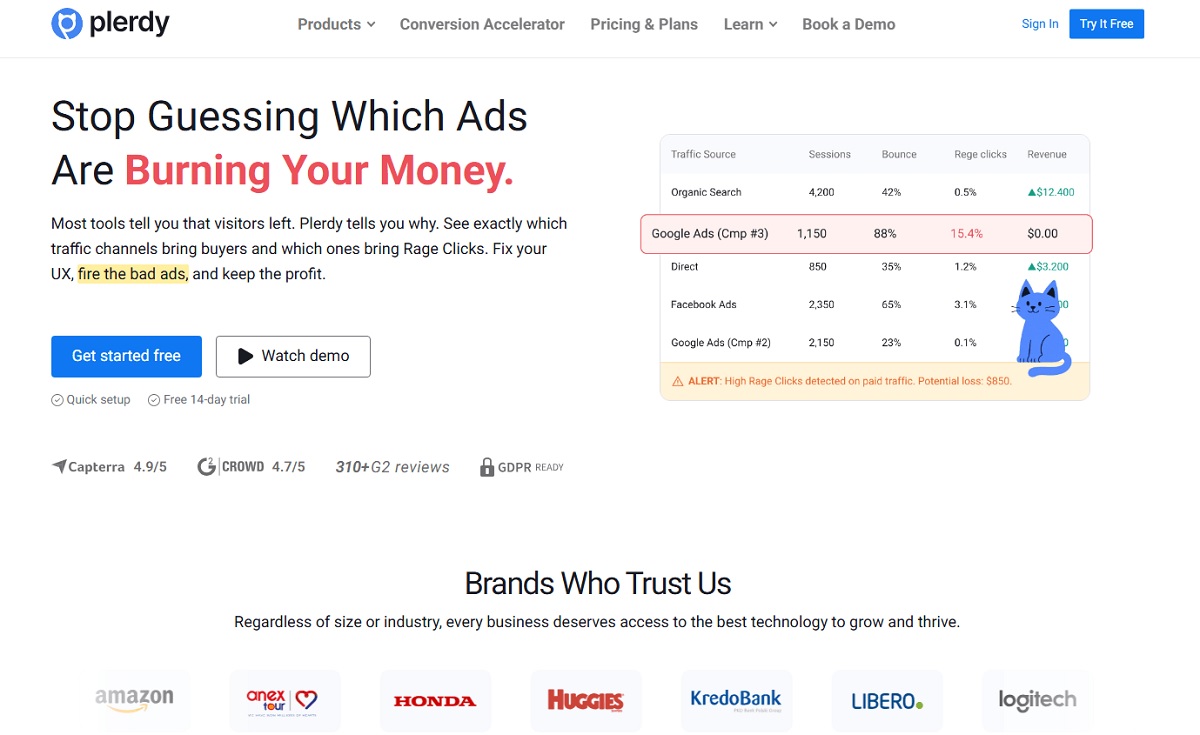
Plerdy is a UX and conversion-rate-optimization analytics platform: heatmaps, session replay, on-site feedback popups (NPS/surveys), conversion-funnel reports, and a built-in SEO checker in one dashboard. It replaces the part of UserTesting’s job that is about watching what real visitors already do on your site, without recruiting or paying for a panel of testers.
- Best for: ecommerce, SaaS, and agency teams that already have traffic and want continuous, real-user signal instead of periodic recruited studies.
- Key features: click/scroll/mouse-move heatmaps, session recordings with rage-click and error detection, on-site pop-up surveys and NPS widgets, funnel and conversion reports, built-in SEO audit tool.
- Pros: combines behavior analytics, on-site feedback, and SEO in one tool; fast setup; a fraction of the cost of a recruited-panel platform.
- Cons: not a recruited-tester panel — there is no built-in pool of moderated interviewees, so teams that specifically need scripted, narrated usability sessions with recruited strangers should pair Plerdy with a panel tool such as Userlytics or Userfeel for that piece.
- Pricing: free plan (2,000 pageviews/day); paid tiers start around $29/month (Start), $59/month (Business), $99/month (Premium), 20% off on annual billing — see plerdy.com/pricing for current plans.
2. Maze — Best For Fast Unmoderated Prototype Testing
Maze is the standard choice for validating Figma, Sketch, or Adobe XD prototypes before anything is built, with five-second tests, tree testing, card sorting, and an AI summarization layer (“Maze AI”) on top.
- Best for: product and design teams validating prototypes in design sprints.
- Key features: prototype testing with direct design-tool integration, five-second tests, tree testing, card sorting, built-in panel, AI-generated insight summaries.
- Pros: fast unmoderated setup, strong design-tool integration, good for early-stage validation.
- Cons: no public pricing even for entry tiers; qualitative/moderated depth is lighter than UserTesting or Userlytics.
- Pricing: free plan available; Maze does not publish a price list — third-party trackers estimate Starter around $99/month (single seat) and Team around $249/month (3 seats), with Vendr’s transaction data showing a median annual contract near $29,000; Enterprise and the AI Moderator feature are custom-quoted.
3. Lyssna (Formerly UsabilityHub) — Best For Budget Unmoderated Tasks
Lyssna is the lowest-friction way to run quick unmoderated tasks — five-second tests, first-click tests, preference tests, and surveys — with a permanent free tier that does not require a credit card.
- Best for: budget-conscious teams running quick unmoderated tasks and surveys, not deep interviews.
- Key features: five-second test, first-click test, preference test, card sorting/tree testing, 690,000+ participant panel, free plan (3 active tests, 5 responses each).
- Pros: lowest barrier to entry of any tool on this list, good for quick directional feedback, more transparent pricing tiers than UserTesting’s credit system.
- Cons: no live moderated interviews — task-based only, so it cannot replace UserTesting’s qualitative-interview use case.
- Pricing: free tier; Basic around $75/month; Pro around $175/month (third-party estimates); Enterprise custom. Panel recruitment is billed separately as credits (1 credit ≈ $1), with bulk discounts at 2,500/5,000/15,000 credits.
4. Lookback — Best For Live Moderated Interviews
Lookback is built around real-time, live moderated video sessions with in-call tagging and a dedicated observer mode so stakeholders can watch (and comment) without joining the call.
- Best for: UX teams running live moderated interviews with stakeholders watching in real time.
- Key features: live moderated video interviews with in-call notes/tags, unmoderated diary-style recording, observer mode for stakeholders, native iOS/Android SDK for mobile-app testing.
- Pros: strong for live moderated interviews, good stakeholder-observer workflow, native mobile-app testing.
- Cons: annual commitment only, and built-in panel access is limited to single digits (1, 10, or 30 participants) per tier — recruitment is largely your own job.
- Pricing: published tiers — Freelance $299/year, Team $1,782/year, Insights Hub $4,122/year, custom Enterprise. All plans are annual-only, with no monthly option; extra session packs of 10 cost $137–$299 depending on tier.
5. Userlytics — Best For UserTesting-Style Feature Parity
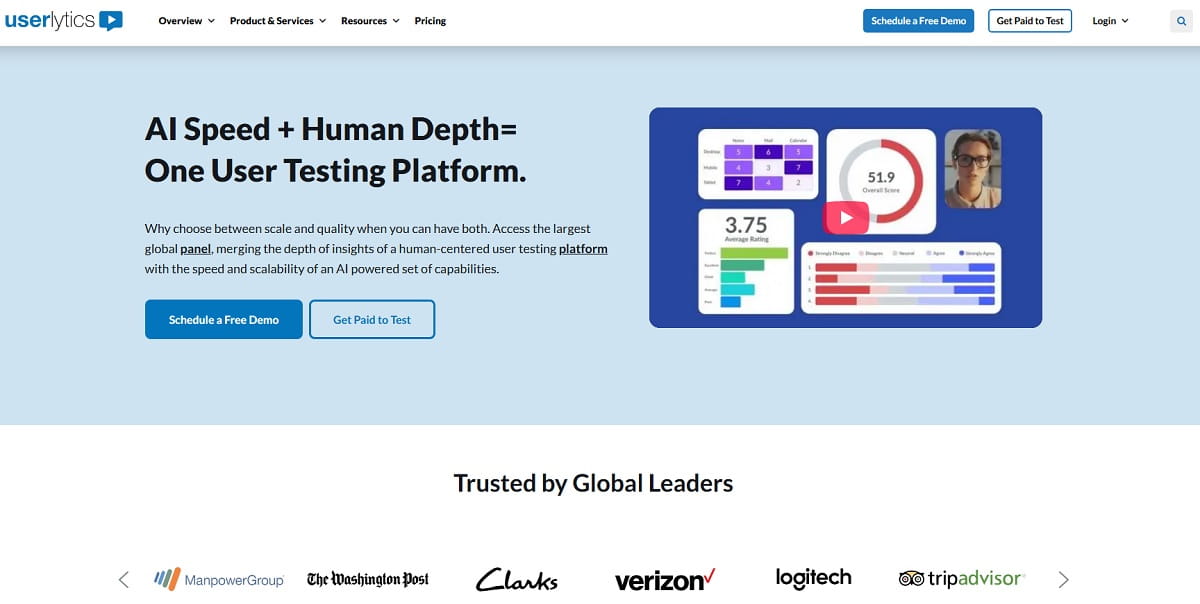
Of every tool in this list, Userlytics matches UserTesting’s own research-method breadth most closely — moderated and unmoderated studies, branching logic, card sorting, tree testing, and a panel spanning 2M+ participants internationally.
- Best for: teams that want to swap UserTesting for a cheaper vendor without changing their research methodology.
- Key features: moderated + unmoderated testing, branching logic, card sorting/tree testing, large international panel, video-based session review and UX scoring.
- Pros: closest like-for-like swap for UserTesting’s methodology, large global panel, flexible self-recruit or panel options.
- Cons: interface is frequently described as dated in reviews; full pricing still requires a sales conversation.
- Pricing: self-recruit Premium $699/month, Advanced $999/month (annual billing); panel-based Enterprise starts around $34/session with volume tiers (50–1,750 sessions/year); project-based pay-as-you-go with a 5-session minimum, custom quote.
6. dscout — Best For Longitudinal And Diary Studies
dscout is built for research that happens over days or weeks, not a single session — participants complete mobile “missions” with photo, video, and text entries as they go about real life.
- Best for: teams studying behavior change over time — habits, journeys, in-context usage — rather than one-off task completion.
- Key features: mobile diary missions with photo/video/text capture, in-context real-world research, Recruit panel or bring-your-own participants, combined qualitative and quantitative analysis tools.
- Pros: unmatched for longitudinal, in-context behavioral research; strong mobile capture experience.
- Cons: expensive and enterprise-oriented; overkill for a quick usability check; steeper learning curve than task-based tools.
- Pricing: fully custom, no published price list. Market estimates from buyer-side trackers put small-team annual platform subscriptions around $15,000–$35,000, with individual studies commonly $15,000–$50,000+ — treat these as market estimates, not quotes.
7. Userfeel — Best EU-Hosted, GDPR-First Alternative
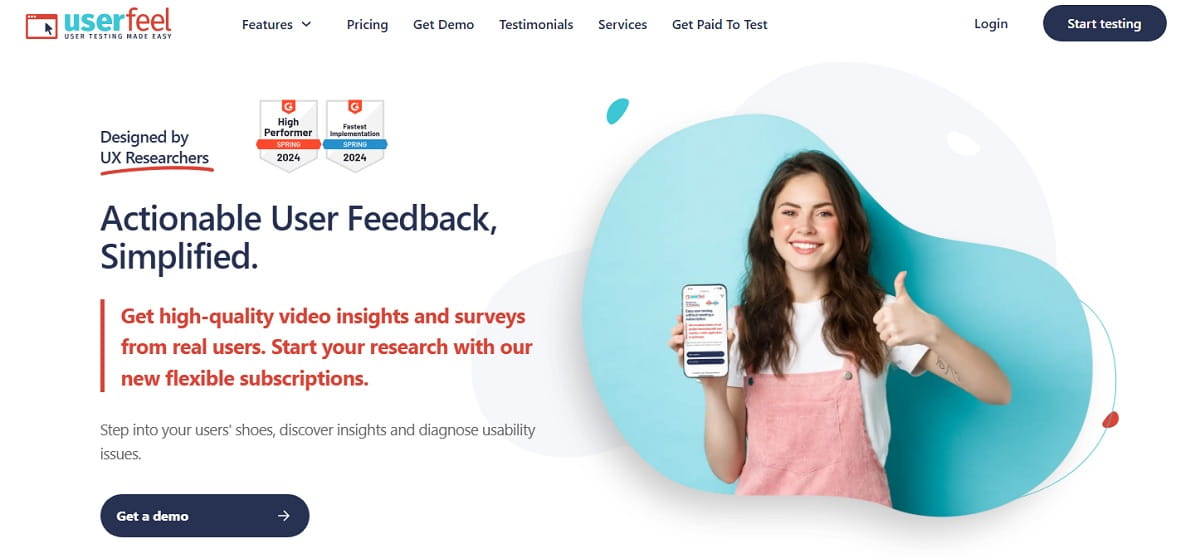
Userfeel is a UK/EU-based usability-testing service, pay-as-you-go with no subscription requirement — and it is the specific EU-angle tool people searching “userfeel alternative eu” or “tools like userfeel in europe” are usually trying to confirm still fits that need. It does.
- Best for: EU and UK teams that need a GDPR-defensible, pay-as-you-go alternative instead of a US-hosted panel.
- Key features: 130,000+ testers across 40 languages, moderated and unmoderated sessions, GDPR-compliant, ISO/IEC 27001:2022 and SOC 2 Type II certified, no subscription or credit card required to start.
- Pros: genuinely EU-hosted with documented GDPR/ISO/SOC2 compliance, no subscription lock-in, simple per-test pricing.
- Cons: smaller panel than UserTesting or Userlytics; fewer built-in analysis/reporting tools; better suited to individual tests than a running research program.
- Pricing: credit-based, no subscription — roughly $30 for a 60-minute unmoderated test with your own testers, up to about $180 for a 60-minute moderated session using Userfeel’s panel (≈$60/credit; 0.5 credit for a 60-min unmoderated test, 1 credit moderated).
8. UXtweak — Best All-In-One EU-Based Research Suite
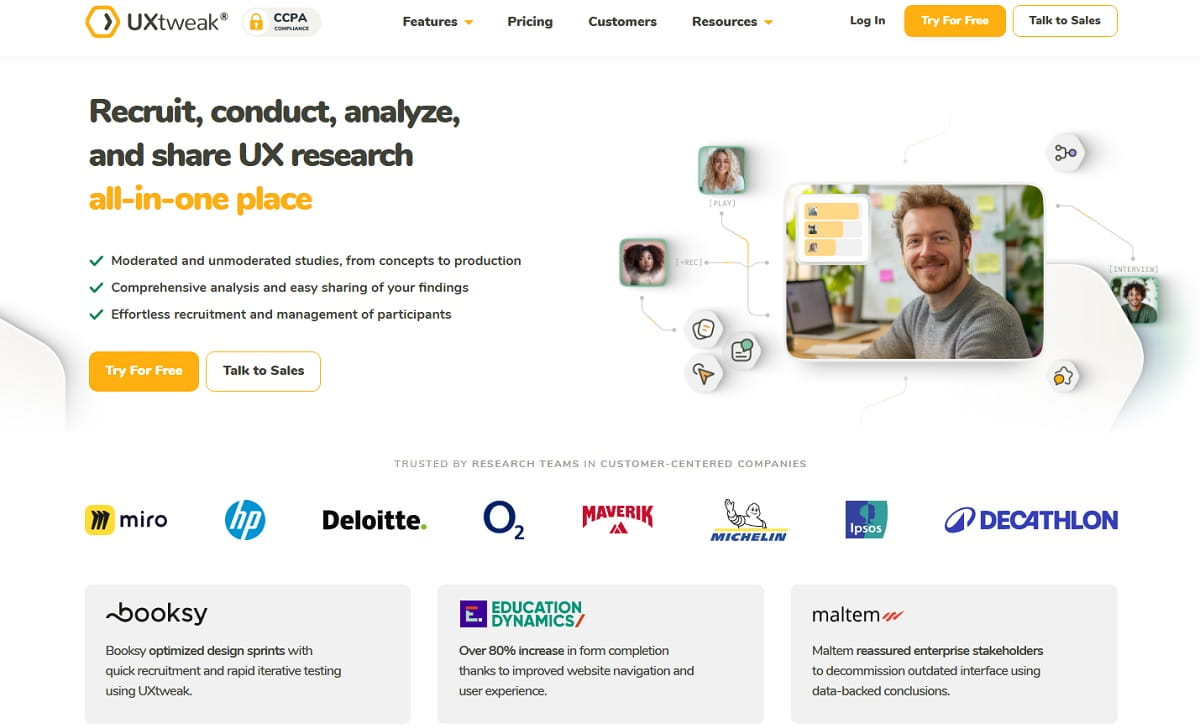
UXtweak is a Slovakia-based, all-in-one UX research suite — usability testing, tree testing, card sorting, and session recording under one login — and is the second natural fit for the EU-hosted query cluster alongside Userfeel.
- Best for: budget-conscious teams that want several research methods in one tool instead of stitching multiple vendors together.
- Key features: moderated + unmoderated usability testing, card sorting, tree testing, session recording and heatmaps, free plan with 15 responses/month.
- Pros: broad method coverage in a single platform, EU-based (Bratislava), generous free tier.
- Cons: minor UI rough edges reported in reviews; some enterprise-grade features still behind Userlytics or UserTesting.
- Pricing: free plan (15 responses/month, 1 active study, 14-day results access); Business from roughly €92/month (≈$99); custom Enterprise; 20% off annual billing; add-ons for moderated research, AI credits, and participants.
9. Usersnap — Best For Continuous In-Product Feedback
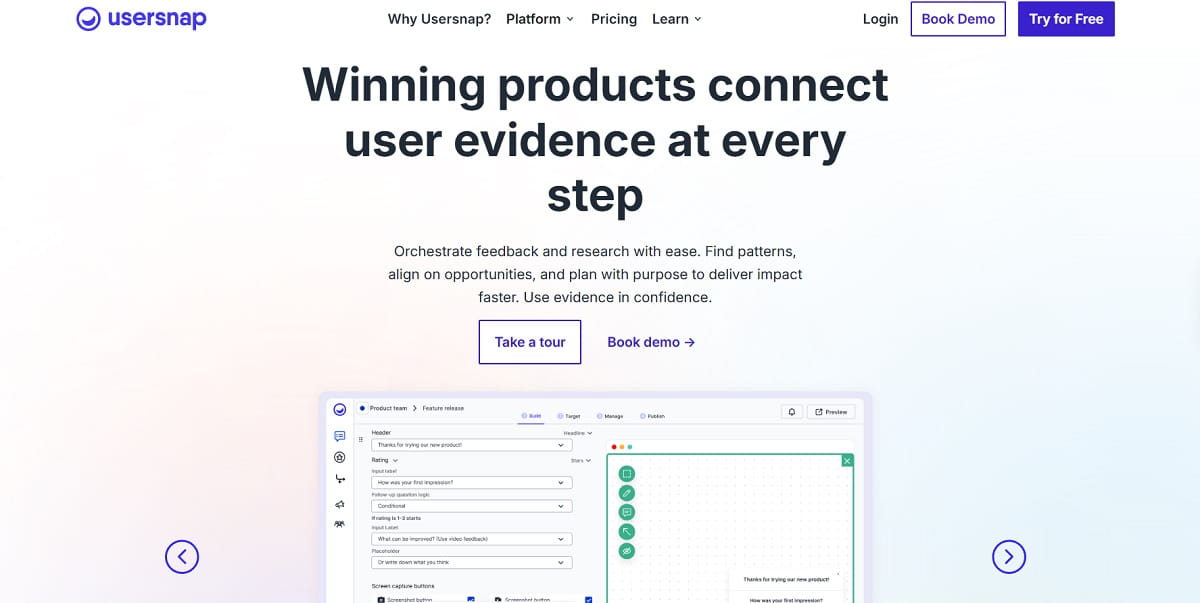
Usersnap is a visual feedback and bug-reporting tool, not a full usability-research platform — it fits the lighter, “ask real customers what’s wrong right now” slice of what people expect from UserTesting.
- Best for: SaaS teams collecting continuous visual feedback and bug reports from real customers rather than running discrete usability studies.
- Key features: screenshot and screen-recording feedback widgets, in-app micro-surveys, visual bug reports with console/browser metadata attached automatically, Jira and Slack integrations.
- Pros: fast to deploy for ongoing in-product feedback, strong developer-workflow integrations.
- Cons: not built for structured usability studies — no recruited-tester panel at all.
- Pricing: Startup $99/month, Company $189/month, Premium $329/month, custom Enterprise; free tier for the first 20 feedback items.
10. Discuss — Best For Enterprise Moderated Interviews

Discuss is an enterprise qualitative-research platform built for human-led and AI-assisted moderated interviews and focus groups, with full-service global recruitment on top.
- Best for: enterprise research teams running frequent moderated interviews and focus groups with full-service recruitment.
- Key features: live moderated interviews and focus groups, “Genie” AI research agents for faster analysis (2026), global full-service recruitment, unlimited-seat licensing model.
- Pros: enterprise-grade moderated research with white-glove recruitment; AI-assisted analysis added in 2026.
- Cons: no published pricing; built for enterprise budgets, overkill for a small team’s occasional study.
- Pricing: not publicly listed; buyer-reported data puts seat-based licensing starting near $89/user/month, with full-service enterprise projects (recruitment included) often exceeding $15,000.
UserTesting Alternatives Comparison Table
| Tool | Best For | Key Strength | Pricing Starts At | Replaces UserTesting For |
|---|---|---|---|---|
| Plerdy | Continuous UX insight from real traffic | Heatmaps + session replay + on-site feedback + SEO in one tool | Free / from $29/mo | Watching real user behavior without a recruited panel |
| Maze | Unmoderated prototype testing | Deep Figma/Sketch/Adobe XD integration | Free / ~$99/mo (est.) | Pre-build design validation |
| Lyssna | Budget unmoderated tasks | Free tier, 690k+ panel | Free / ~$75/mo (est.) | Quick directional feedback |
| Lookback | Live moderated interviews | Real-time observer mode | $299/yr | Live moderated sessions |
| Userlytics | Like-for-like UserTesting swap | 2M+ international panel, moderated + unmoderated | ~$699/mo (est.) | Direct methodology replacement |
| dscout | Longitudinal diary studies | Mobile in-context capture over weeks | Custom (~$15k+/yr est.) | Behavior-over-time research |
| Userfeel | EU-hosted, GDPR-first testing | ISO 27001 + SOC 2, no subscription | ~$30/test (est.) | GDPR-defensible panel testing |
| UXtweak | All-in-one EU research suite | Usability + tree testing + card sorting + recording | Free / ~€92/mo | Multi-method EU-based platform |
| Usersnap | Continuous in-product feedback | Screen-capture widgets + dev integrations | $99/mo | Ongoing customer feedback, not studies |
| Discuss | Enterprise moderated interviews | Full-service global recruitment + AI agents | ~$89/seat/mo (est.) | Enterprise qualitative research |
Prices marked “est.” are third-party buyer-reported estimates, not official vendor price lists — confirm current pricing directly with each vendor before budgeting.
Best EU-Hosted And GDPR-First Alternatives To UserTesting
A specific and recurring search behind “UserTesting alternative” queries is data residency: teams that need to show a panel and data pipeline staying inside the EU rather than a US-headquartered platform. Two tools on this list are built for that from the ground up:
- Userfeel (UK/EU) — GDPR-compliant, ISO/IEC 27001:2022 and SOC 2 Type II certified, no subscription required.
- UXtweak (Slovakia, EU) — full research suite hosted and operated inside the EU, with a free tier to start.
Neither UserTesting nor UserZoom (now the same company) publishes EU-only hosting as a standard option — if EU data residency is a hard requirement, start with these two rather than requesting a custom compliance addendum from a US vendor.
How To Choose the Best UserTesting Alternative
- Decide what job you actually need done. “See how real users behave on my live site” (Plerdy), “validate a prototype before building it” (Maze), “run a live moderated interview” (Lookback, Userlytics, Discuss), and “study behavior over days or weeks” (dscout) are four different jobs — UserTesting bundles versions of all four, which is exactly why it costs what it costs.
- Check the pricing model, not just the sticker price. Credit-based (UserTesting, Userlytics panel, Userfeel), seat-based (Discuss, UXtweak), and session-packet (Lookback) models behave very differently as usage scales.
- Confirm data residency if you are in the EU/UK. Ask specifically where participant data and recordings are stored, not just whether the vendor “supports GDPR.”
- Test the panel quality before committing to a contract. Run one paid pilot study on any vendor’s panel before signing an annual deal — panel quality is the single hardest thing to evaluate from a features page.
- Read the contract terms, not just the plan name. Annual-only commitments (Lookback), credit expiry rules (UserTesting, Userlytics, Userfeel), and per-seat licensing (Discuss, UXtweak) all change the real cost at renewal — ask specifically how unused credits or sessions are handled.
- Match language and geography coverage to your audience. A 2M-participant panel is meaningless if it barely covers the languages or regions your actual users are in — Userlytics and Userfeel both publish language coverage; ask any vendor that doesn’t.
Conclusion
There is no single “best” UserTesting alternative because UserTesting itself bundles several different research jobs into one contract. If your actual goal is understanding what real visitors do on your site without paying for a recruited panel, start with Plerdy. If you need to replace UserTesting’s moderated-interview or prototype-testing workflow specifically, Userlytics, Lookback, or Maze are closer matches. And if you were searching for a UserZoom or Validately alternative, the honest answer is that both brands are now part of UserTesting — so every comparison in this article already applies to you.
FAQ About UserTesting Alternatives
What Is the Best UserTesting Alternative?
It depends on the job. For continuous behavioral insight from real visitors at low cost, Plerdy is the fastest starting point. For a direct, like-for-like swap of UserTesting’s own moderated-and-unmoderated methodology, Userlytics is the closest match.
What Is the Best UserZoom Alternative?
The same tools that work as UserTesting alternatives, because UserZoom merged into UserTesting in 2023 and no longer exists as a separate product. Every alternative compared in this article — Plerdy, Maze, Userlytics, Userfeel, UXtweak, and the rest — applies equally to a “UserZoom alternative” search.
What Happened to UserZoom? Is It the Same As UserTesting Now?
UserTesting acquired UserZoom in 2022, and the two companies completed their merger in 2023 under the single UserTesting brand. UserZoom’s benchmarking and quantitative-metrics tools now live inside the UserTesting platform, and legacy UserZoom customers are typically migrated onto UserTesting’s standard credit-based contracts at renewal.
Is Validately Still an Alternative to UserTesting?
No. UserZoom acquired Validately in 2019, and UserZoom itself was later folded into UserTesting in 2022–2023. Validately is not a live, independently sold product today — if you used to run studies on Validately, you are effectively already a UserTesting customer, and the tools in this article are your real alternatives.
Is Plerdy a UserTesting Alternative?
Partly, by design. Plerdy replaces the “watch how real users behave on my live site” part of UserTesting’s job — heatmaps, session replay, on-site feedback, funnel analysis — without a recruited-tester panel. If you specifically need scripted, narrated moderated interviews with recruited strangers, pair Plerdy with a panel tool such as Userlytics or Userfeel for that piece.
What Is a Cheaper UserTesting Alternative?
Plerdy (free plan, paid tiers from about $29/month) and Lyssna (free tier, paid tiers from about $75/month) are the two lowest-cost options on this list. Userfeel is also low-cost on a pay-as-you-go basis, at roughly $30 per 60-minute unmoderated test, with no subscription required.
What Is the Best Moderated Usability Testing Alternative to UserTesting?
Userlytics and Lookback are the strongest options for live, moderated sessions. Userlytics covers moderated and unmoderated studies with a large international panel; Lookback is built specifically around real-time video interviews with a stakeholder observer mode. Discuss is the enterprise-scale option for moderated interviews and focus groups with full-service recruitment.
Is There a GDPR-Compliant, EU-Hosted Alternative to UserTesting?
Yes. Userfeel (UK/EU, GDPR-compliant, ISO/IEC 27001:2022 and SOC 2 Type II certified) and UXtweak (based in Bratislava, Slovakia) are both built and hosted in the EU. Neither UserTesting nor the now-merged UserZoom offers EU-only hosting as a standard option.
How Much Does UserTesting Cost?
UserTesting does not publish pricing publicly. Third-party procurement trackers report SMB contracts averaging around $36,000/year and Enterprise contracts averaging around $147,756/year, with a realistic entry point near $25,000–$35,000/year. These are buyer-reported estimates, not an official price list — request a current quote directly from UserTesting.
Where Is UserTesting Headquartered?
UserTesting Inc. is headquartered in San Francisco, California (660 4th Street), with additional offices supporting EMEA and APAC customers.