



















Stop guessing what visitors think. Ask them — at the right moment.

Website Feedback Tool

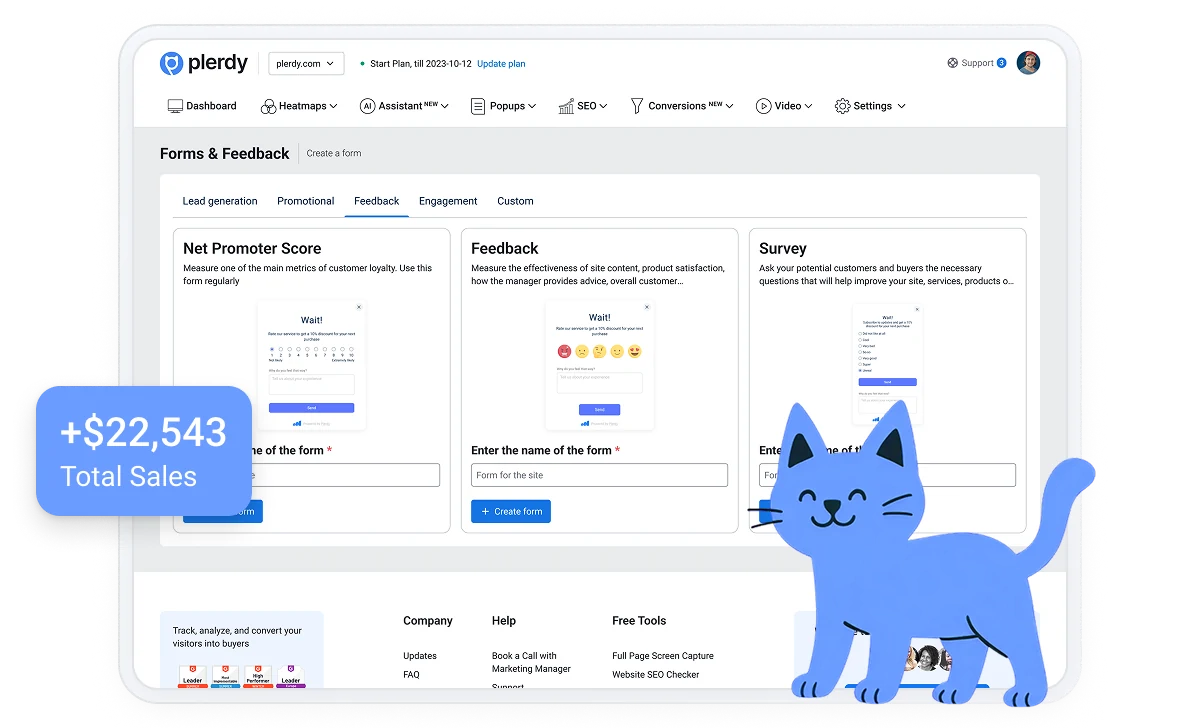
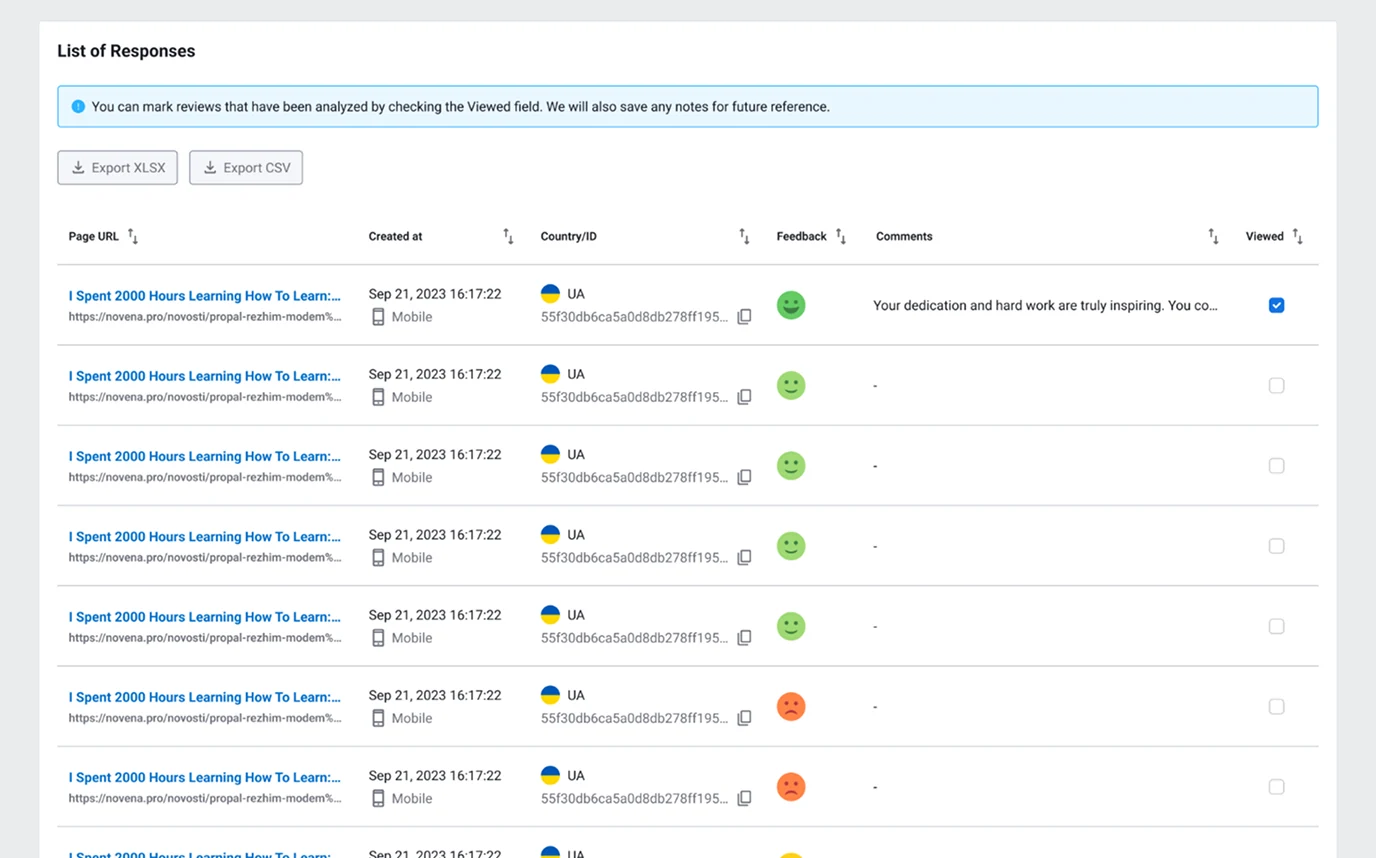
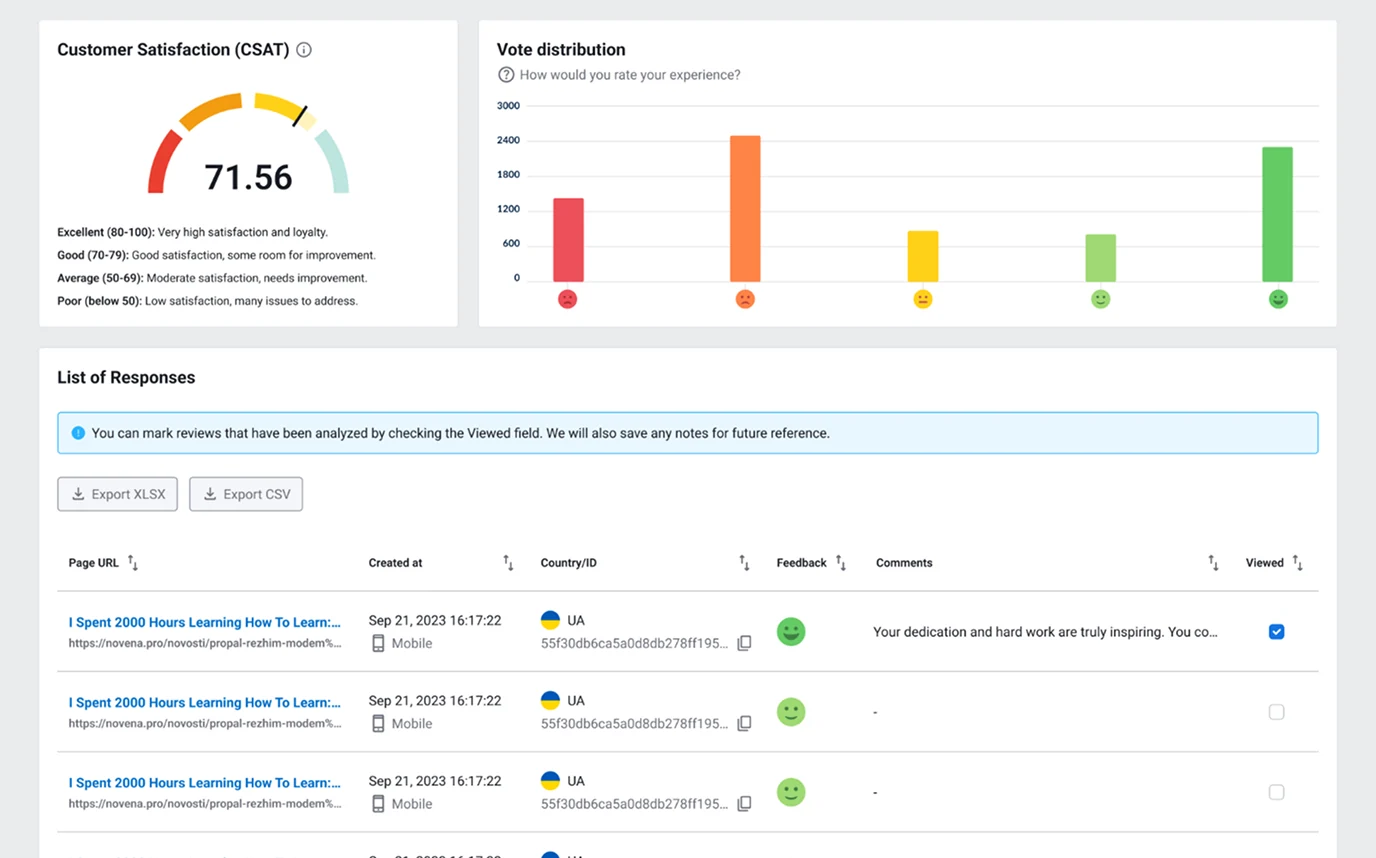
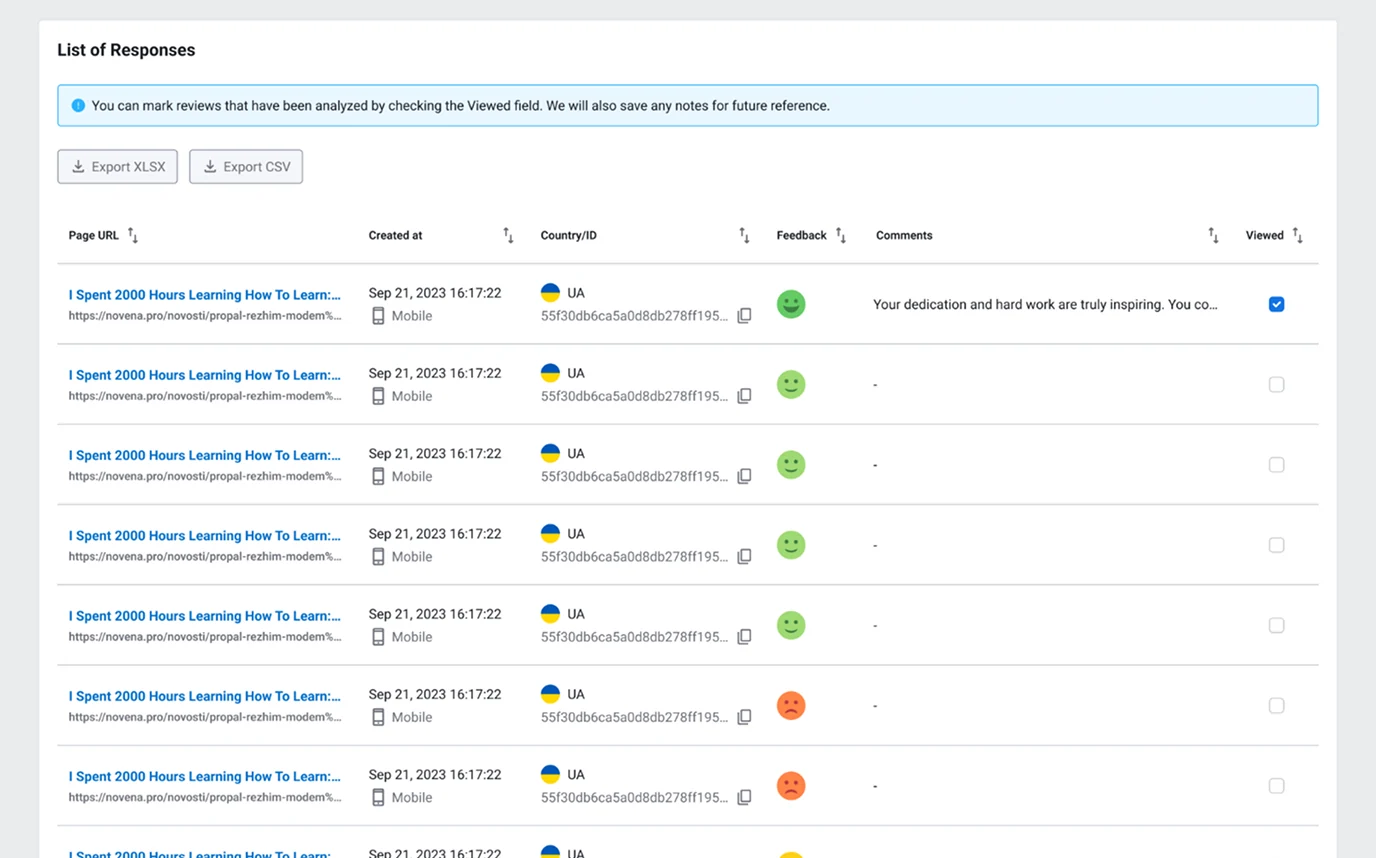
Plerdy Website Feedback Tool helps you collect fast, structured feedback with NPS, CSAT, and CES surveys, displayed at the right time to the right people. You’ll understand what’s frustrating users, what they love, and what to fix first — without coding.
Quick setup
Free 14-day trial
4.7

316+ Reviews on G2

4.9/5
4.7/5
310+ G2 reviews
Website Heatmap Tool Website Heatmap Tool

Brands Who Trust Us

Regardless of size or industry, every business deserves access to the best technology to grow and thrive.

The “Aha” You Get in the First 30 Minutes

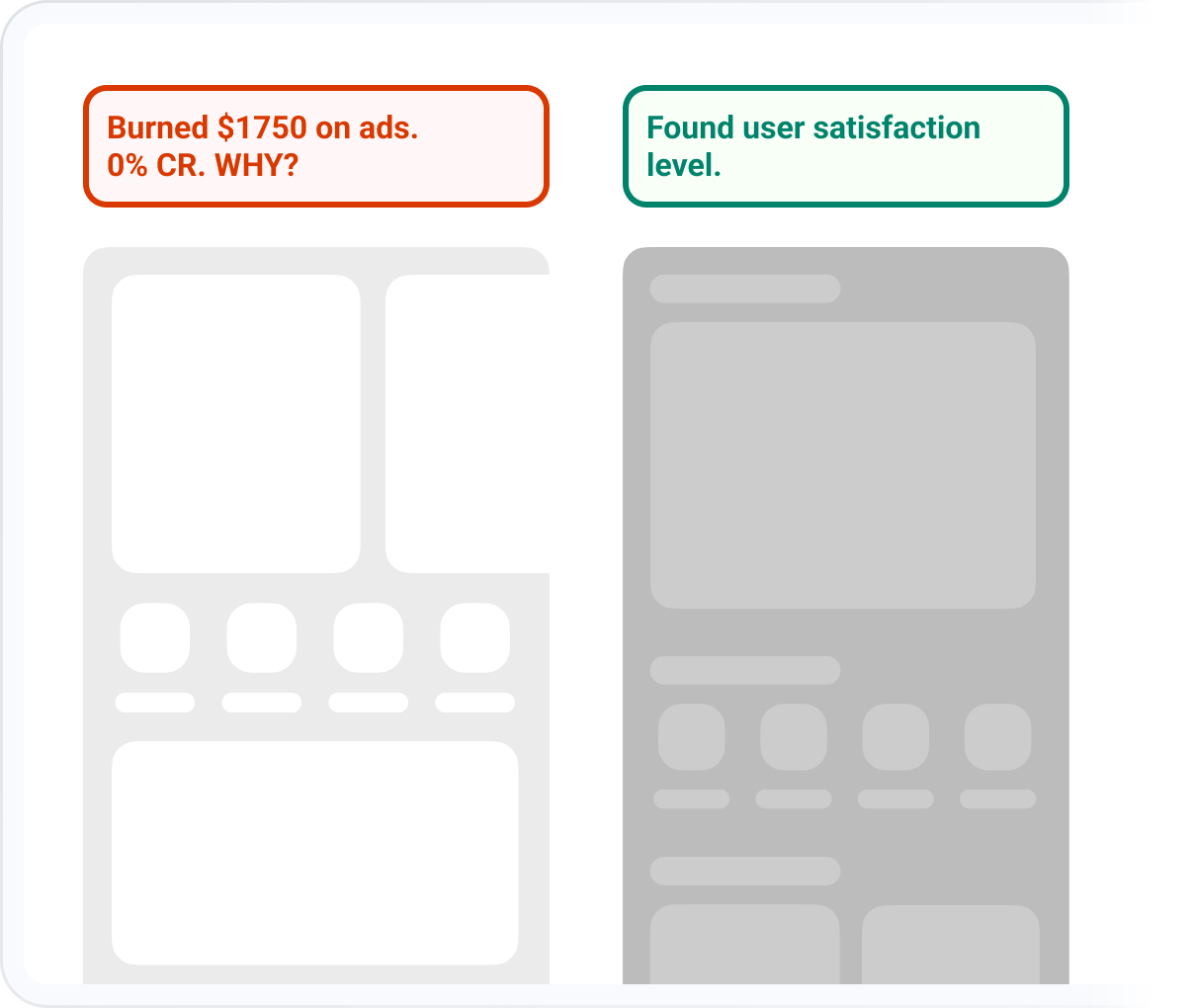
If your site gets traffic but conversions aren’t where you want them, the reason is often simple: something feels unclear, difficult, or untrustworthy—and visitors leave without telling you why.

Exit Insights

You can ask one smart question and instantly learn why people leave

Behavior Triggers

You can trigger surveys based on behavior (scroll, click, exit) — not randomly

Response Segmentation

You can segment responses so you’re not mixing new visitors with loyal customers

Quick check

Is This for You?

This tool is built for business owners with a website or online store who want to:
  • Find out why users don’t convert (and what to fix)
  • Measure satisfaction and loyalty after changes, launches, or campaigns
  • Reduce friction in checkout or lead forms
  • Improve customer experience without long research projects
Is This for You?

Where You’ll Feel the Impact First

If you run an online store

Store size and product count don’t matter.
  • Checkout + cart: “What stopped you from completing your order?”
  • Product pages: “Did you find the info you needed (shipping/returns/sizing)?”
  • After purchase: measure satisfaction and find repeat-purchase opportunities
  • After support interactions: see where customers feel stuck

If you sell services or SaaS

Useful for any type of business.
  • Pricing page: “Is anything unclear about plans or next steps?”
  • Lead forms: “What’s missing before you contact us?”
  • After onboarding: measure effort and satisfaction early
  • After releasing changes: validate whether updates helped or hurt
What to Do Next
simple playbook

What to Do Next

  • Choose one goal: more conversions, less friction, higher loyalty
  • Pick one key moment: checkout exit, pricing page visit, post-purchase, post-support
  • Launch one survey for up to 30 days for the same audience (clean data)
  • Segment results (new vs returning / buyers vs non-buyers)
  • Fix the top 1–2 issues and rerun the survey to measure improvement
Small feedback loops beat months of guessing.
Seamless Integration With Your Stack
Shopify logo WordPress logo Wix logo Drupal Logo Webflow logo

Ready to Stop Guessing?

Every minute you wait is another potential customer clicking away in frustration. Plerdy shows you the leak in minutes.

We’ll help you spot the biggest conversion leaks on your site

What is a website feedback tool?

A website feedback tool collects responses from real visitors while they use your site — so you can understand satisfaction, effort, and loyalty without relying on assumptions.

  • The surveys included: NPS, CSAT, and CES
    The surveys included: NPS, CSAT, and CES

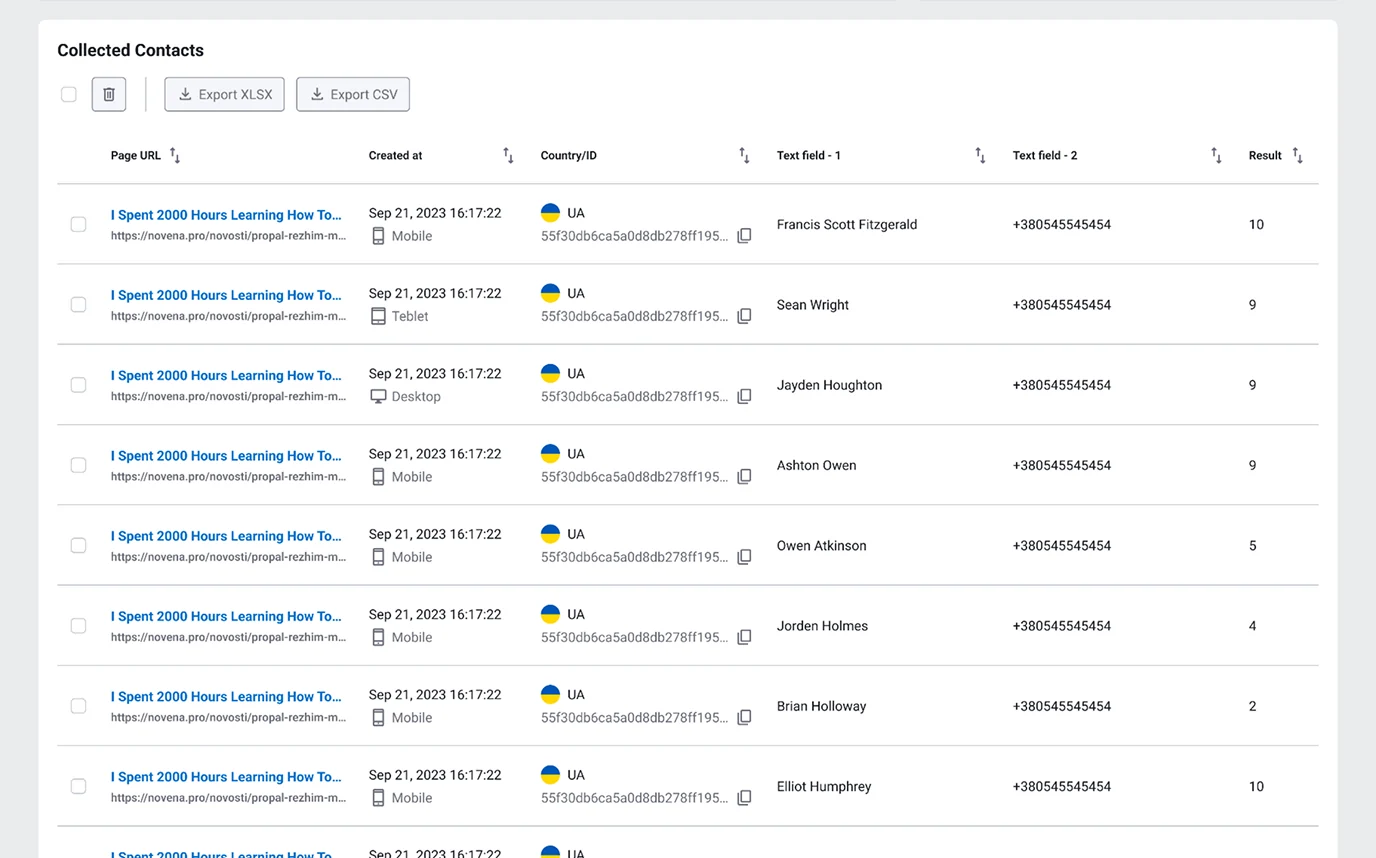
    NPS (Net Promoter Score) — loyalty Answers: “How likely are you to recommend us?”
    Best for: measuring brand loyalty, long-term satisfaction, product-market fit signals.

    CSAT (Customer Satisfaction) — satisfaction Answers: “How satisfied are you with this experience?”
    Best for: checkout, support, post-purchase moments, key pages.

    CES (Customer Effort Score) — effort Answers: “How easy was it to complete this?”
    Best for: checkout, lead forms, onboarding — anywhere friction kills conversion.

  • Why timing and targeting matter
    Product and placement decisions

    Most surveys fail because they’re shown to everyone at random. That produces noisy data and annoys visitors.
    Plerdy helps you collect cleaner insights with:

    • Advanced display rules (show based on scroll, click, exit intent, page behavior)
    • Audience segmentation (don’t mix first-time visitors with loyal customers)
    • No-code survey editing (change questions, add custom fields, adjust styling)
  • Segmenting results
    Page-level profitability

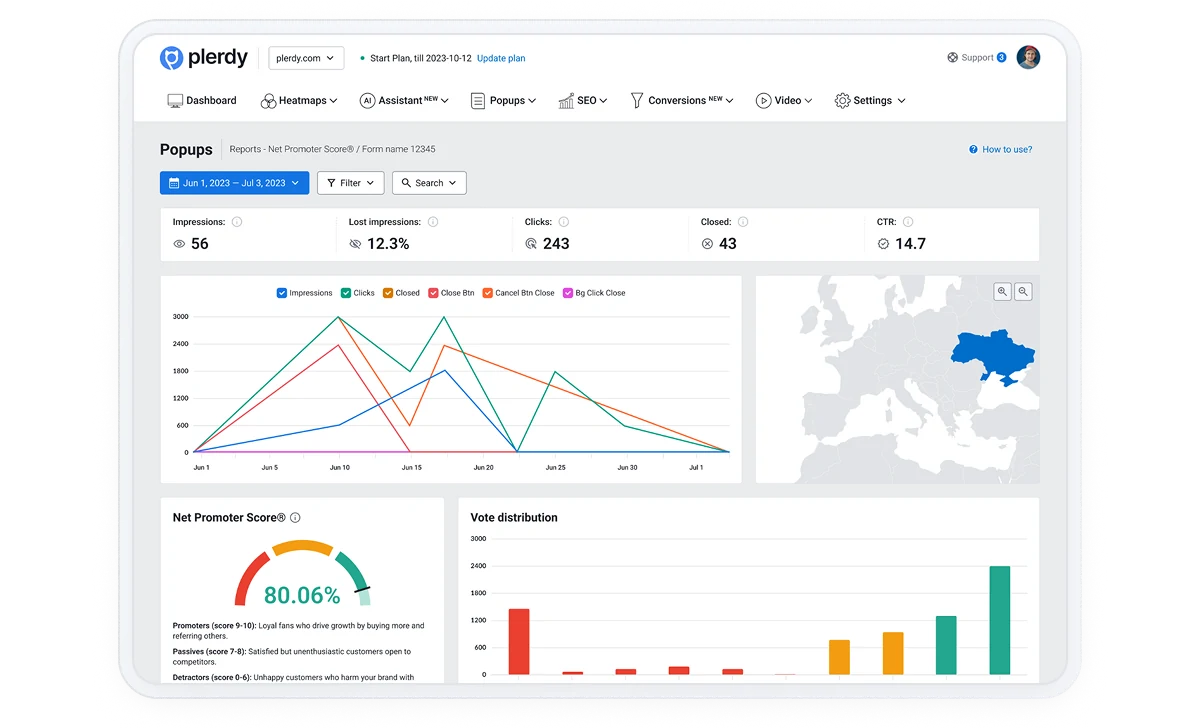
    Not all feedback should be treated the same. After running NPS, you can group respondents into:

    • Detractors (0–6): unhappy users who often signal trust issues or friction
    • Passives (7–8): satisfied but not loyal — easy to lose after one bad experience
    • Promoters (9–10): loyal users who love the product and can drive referrals

    The real value: you can identify what each group needs and optimize your site without blindly changing everything.

  • Use cases that owners actually use
    Page-level profitability

    Here are feedback setups that produce clear actions:

    • Exit feedback on key pages: “What stopped you today?”
    • Checkout effort check (CES): “How easy was checkout?”
    • Pricing clarity (CSAT): “Is anything unclear about plans or next steps?”
    • Post-purchase NPS: “Would you recommend us?” + “Why?”
    • Change validation: after redesign, ask “Is this easier than before?”

What Do Customers Like Most About Plerdy?

Discover why customers love Plerdy's comprehensive and intuitive web optimization tools, as acclaimed on G2.com


award HighPerformer award Mid-Market Europe HighPerformer award MomentumLeader Leader award Leader Europe award Leader Small-Business Leader award Leader Small-Business Leader award HighPerformer Europe award BestRelationship Small-Business award Leader award BestRelationship Small-Business award HighPerformer Mid-Market
"UX Tool for SEO, CRO & More"

ability to get feedback on users on how they are using a website. Video recordings, heat maps and more features that can help with a websites SEO and UX experience.

Newaz C.

Newaz C.

"Powerful and User-Friendly"

Based on user reviews and feedback, one of the standout features of Plerdy is its powerful set of tools for website optimization. Users appreciate the comprehensive capabilities offered by Plerdy, including features like heatmaps that provide valuable insights into user behavior on websites. Additionally, users have praised the ease of use of the tool and the exceptional customer support provided by the Plerdy team. These factors contribute to a positive user experience and make Plerdy a popular choice among website owners.

Aivaras J.

Aivaras J.

"All-in-One Conversion tool"

It's really comprehensive tool for customer behavior analysis and plenty useful and easy to use tools like: heatmaps, scroll depth, text selection, review, NPS and feedback forms, seo and plenty of other robust features. Also I like user-friendly UI and API integration.

Murat D.

Murat D.

FAQ

316+ G2 reviews

Want to Know What’s Stopping Customers from Buying on Your Site?

  • 100% visual clarity on what works and what doesn’t
  • Real-time behavior tracking for clicks, scrolls, and mouse movement
  • Actionable insights that improve UX, SEO, and conversions

$0 / Forever

  • 100* Heatmaps (daily limit)
  • 500* Video sessions
  • 5,000* SEO audit
  • 100* Pop-up
  • 100* E-commerce tracking
  • 100* Conversions
  • 2* AI UX Assistant
  • Unlimited A/B testing
  • 1 Months of storage
Try the Free Plan

Articles from the blog

Content for UX designers, SEO specialists, and business owners