

PostHog bundles product analytics, session replay, feature flags, experiments, surveys and error tracking into one developer-first platform, and for engineering-led teams that bundle is genuinely hard to beat. The trouble starts when you only need two of those six products, when HogQL turns every question into a SQL ticket, or when six separate usage meters turn a predictable bill into a surprise. That is why PostHog alternatives stays a busy search. Plerdy answers the most common version of that problem — it replaces PostHog’s replay, heatmap, funnel, survey and A/B layers for website and ecommerce teams at a flat monthly price, with no SQL and no per-product meters — and it opens the list below, followed by thirteen more PostHog competitors chosen for different stacks, budgets and compliance rules.
This is not a rewrite of other listicles. Every price, plan limit and ownership claim below was checked against the vendor’s own pricing page, documentation or acquisition announcement in 2026. That check matters more than usual here: the product analytics market consolidated hard between 2023 and 2026, and several tools still recommended as PostHog alternatives in currently ranking articles have been absorbed, rebranded or shut down. They are named with dates and sources in PostHog Alternatives That Changed Hands Or Shut Down.
PostHog Is Six Products In One — Decide Which One You Are Replacing
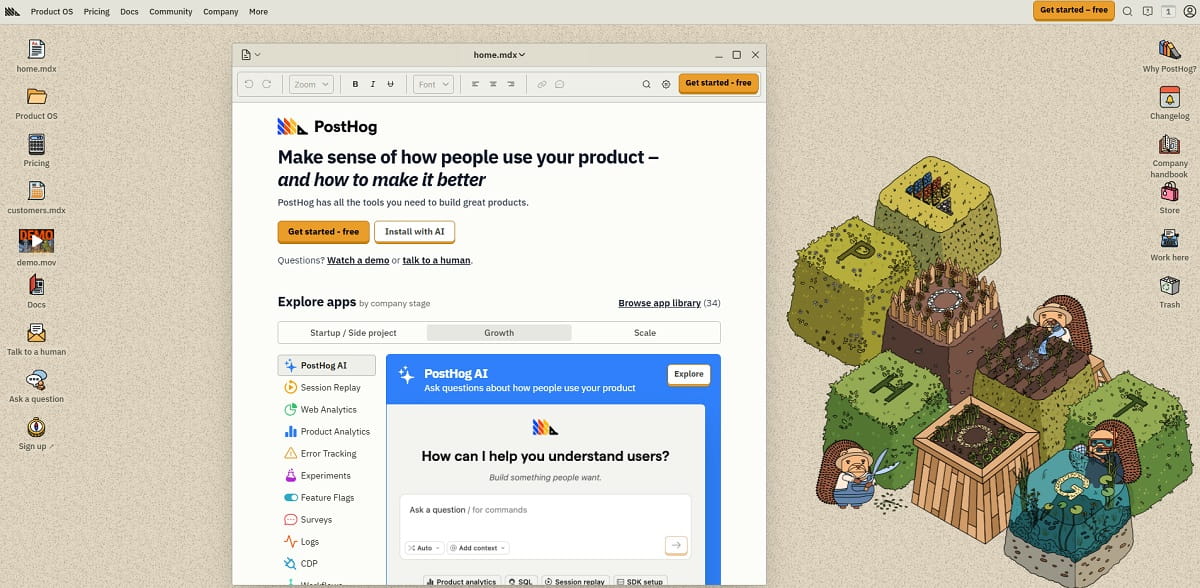
Almost every comparison article treats PostHog as a single product and then lists product analytics tools. That framing is why so many of those lists fail in practice. PostHog’s own pricing page meters six core products separately, each with its own free allowance: analytics at 1M events a month, session replay at 5K recordings, feature flags at 1M requests, error tracking at 100K exceptions, surveys at 1,500 responses and the data warehouse at 1M rows. Experiments are billed together with feature flags.
So before you compare anything, open your billing page and see which meters are actually moving. A team leaving over replay cost needs a different tool than a team leaving over flag governance, and one “best alternative” answer cannot serve both. Use this table to route yourself to the right section.
| PostHog Product You Are Replacing | Closest Direct Replacement | Budget Pick | Self-Hosted Pick |
|---|---|---|---|
| Product analytics (events, funnels, retention) | Amplitude | Mixpanel | Matomo |
| Session replay | FullStory | Microsoft Clarity | OpenReplay |
| Feature flags | Statsig | GrowthBook | Flagsmith |
| Experiments and A/B testing | Statsig | Plerdy | GrowthBook |
| Surveys and in-app feedback | Pendo | Plerdy | — |
| Heatmaps and web behavior | Plerdy | Microsoft Clarity | Matomo |
| Error tracking tied to sessions | LogRocket | Plerdy | OpenReplay |
| The whole bundle at once | Amplitude | Plerdy | Matomo plus GrowthBook |
Most teams find only two or three rows apply to them. That is the useful discovery: you are rarely replacing PostHog, you are replacing two of its products, and the right answer is usually one focused tool rather than another all-in-one suite.
Why Teams Look For PostHog Alternatives
Switching analytics platforms costs real engineering weeks, so nobody does it for entertainment. Across migration threads, review sites and vendor comparison pages, five reasons repeat. Which one applies to you decides which tool below is the right answer.
1. The Learning Curve Is Steep, And HogQL Is a Wall
PostHog holds a strong 4.5 out of 5 across more than a thousand G2 reviews, and the most repeated criticism inside those reviews is not a missing feature — it is time to first insight. The interface exposes six products at once, initial setup involves reverse proxy configuration, event instrumentation and identity management, and any non-standard question eventually lands in HogQL, PostHog’s SQL dialect. For an engineering team that is a feature. For a product manager, a growth marketer or a CRO specialist who needs an answer before Thursday’s meeting, it is a blocker, and it is the most common trigger for the search you just ran.
2. Six Usage Meters Make Bills Hard To Forecast
PostHog’s per-unit pricing is unusually transparent, and the free tier is genuinely generous. The catch is structural: analytics bills per event, replay bills per recording, flags bill per request, error tracking bills per exception, surveys bill per response and the warehouse bills per row. Six independent meters means six independent ways to blow a budget, and switching on a new product to “try it” quietly starts a new bill. Teams that want a fixed monthly number rather than a usage forecast end up on flat-rate platforms such as Plerdy or seat-based products such as GrowthBook.
3. Open Source Does Not Mean Practically Self-Hostable
This is the misconception that sends the most people looking, and it deserves a direct quote. PostHog’s self-hosting documentation states that “we don’t offer customer support for product, infrastructure, or other questions for self-hosted instances”, that self-hosted deployments are officially unsupported, and that “new deployments of PostHog’s paid open source product using Kubernetes are no longer supported”. The supported open-source path is a Docker Compose hobby deploy, and the docs steer you away from it if you expect to ingest more than roughly 300k events, 1k recordings or 300k flag API calls.
If your reason for choosing PostHog was data residency, a procurement rule against third-party SaaS, or an air-gapped environment, PostHog Cloud is the only realistic option and the open-source licence does not help you. That is a real gap, and Matomo, GrowthBook, Flagsmith and OpenReplay all fill it with deployments they actively support at scale.
4. It Is Built For Product Engineers, Not Marketing Or CRO Teams
PostHog answers “what did users do inside the product”. It has no SEO layer, no SERP tracking, no ecommerce revenue attribution by product, no form-field analytics and no pop-up or lead-capture builder. A marketing team running a content site or an online store needs traffic source, scroll behavior, technical errors and revenue in the same view. That is a different job, and it is the job Plerdy, Contentsquare and Microsoft Clarity are built for.
5. Each Individual Product Is Good, Not Best-In-Class
An all-in-one suite trades depth for breadth. PostHog’s experimentation engine does not match Statsig on sequential testing, CUPED variance reduction or warehouse-native analysis. Its replay does not match FullStory on retroactive search across historical sessions. Its flags do not match LaunchDarkly on enterprise governance and approval workflows. If one of those six products is core to how your company operates, the specialist usually wins.
How We Chose These PostHog Alternatives
Most “best PostHog alternatives” lists are assembled from other lists, which is exactly how discontinued products stay in circulation for years. Four checks decided what appears below, and several widely recommended names failed them.
- It replaces at least one core PostHog product on real traffic. PostHog exists to capture behavior and act on it: event analytics, session replay, feature flags, experiments, surveys and error tracking. A tool qualifies only if it fully replaces at least one of those, and we say which one. Customer data platforms, BI dashboards and warehouse query tools did not qualify, however often they appear elsewhere.
- It is actually purchasable in 2026. We opened every vendor’s pricing page and checked every ownership change against the acquirer’s own announcement. Products that were absorbed or shut down are named in their own section rather than quietly dropped.
- Pricing is verifiable. Every figure below comes from the vendor’s public pricing page, or is explicitly marked as quote-only. Where a vendor publishes no list price, we say so instead of inventing a range.
- The trade-off is stated. Every entry names what it does not do. A PostHog alternative that replaces replay but not feature flags is useful information; pretending it replaces everything is not.
One deliberate omission: this article contains no satisfaction scores of our own and no invented percentage uplifts. Where a rating appears, it is attributed to a public review platform. Behavioral analytics results depend on your traffic, your funnel and your baseline, so any article quoting a single “average conversion lift” for a tool category is quoting a number that does not exist. Measure your own baseline before and after the switch instead.
PostHog Alternatives Compared At a Glance
“Paid from” is the cheapest publicly listed paid tier. “Replaces” lists which PostHog products the tool genuinely covers. All figures verified against vendor pricing pages in 2026.
| Tool | Best For | Replaces In PostHog | Free Tier | Paid From | Self-Host |
|---|---|---|---|---|---|
| Plerdy | Website and ecommerce conversion analytics | Replay, heatmaps, surveys, A/B, errors | Yes, permanent | $21/mo annual | No |
| Amplitude | Closest full-suite replacement | Analytics, replay, flags, experiments, surveys | 2M events/mo | Usage-based | No |
| Mixpanel | Event analytics without the SQL | Analytics, replay | 1M events + 10K replays | Usage-based | No |
| Heap By Contentsquare | Teams that hate instrumenting events | Analytics, replay | 10K sessions/mo | Quote only | No |
| FullStory | Replay-led behavioral analysis | Replay, analytics, heatmaps | 30K sessions/mo | Quote only | No |
| LogRocket | Frontend debugging plus analytics | Replay, error tracking, analytics, surveys | 14-day trial | $176/mo | Enterprise |
| Contentsquare (Hotjar) | Experience analytics and voice of customer | Replay, heatmaps, surveys, errors | 200K sessions/mo | $49/mo annual | No |
| Microsoft Clarity | Free session replay and heatmaps | Replay, heatmaps | Free, unlimited traffic | Free | No |
| Matomo | Data ownership and self-hosting | Analytics, heatmaps, replay, A/B | Self-hosted free | €29/mo cloud | Yes |
| Statsig (Amplitude) | Experimentation at scale | Flags, experiments, analytics, replay | 2M events + 50K replays | $150/mo | Warehouse-native |
| GrowthBook | Open-source warehouse-native testing | Flags, experiments, analytics | 3 users, unlimited flags | $40/seat/mo | Yes |
| Flagsmith | Feature flags in regulated industries | Flags, remote config, A/B | 50K requests/mo | $40/mo annual | Yes |
| Pendo | In-app guides, NPS and surveys | Analytics, surveys, replay | 500 MAU | Quote only | No |
| OpenReplay | Self-hosted session replay | Replay, heatmaps, analytics | Open source, free | $199/mo managed | Yes |
1. Plerdy — Best For Website And Ecommerce Conversion Analytics
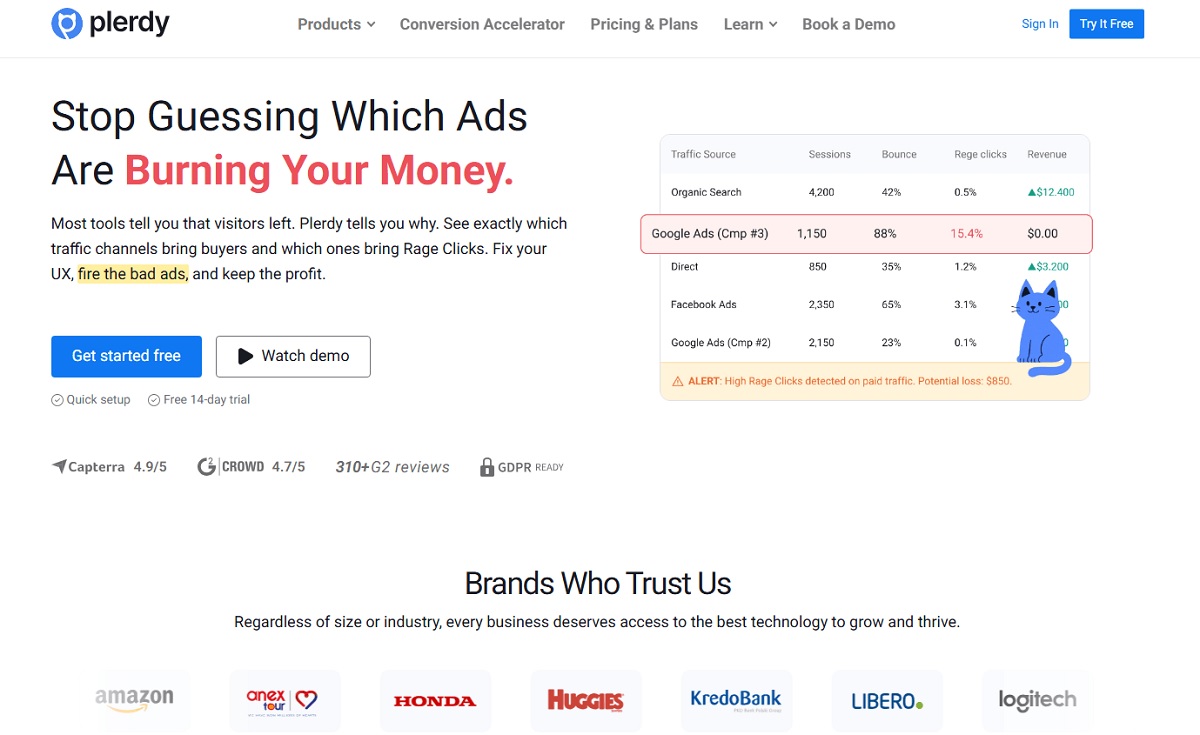
Plerdy is the strongest fit for the version of PostHog that most non-engineering teams actually use: session replay, heatmaps, funnels, surveys and A/B tests, minus the SQL and minus the six meters. You define a goal, watch the funnel leak, then open the heatmap and the recordings for exactly the visitors who dropped — inside one interface, on one flat subscription. For marketing, CRO and ecommerce teams whose product is the website, that closes the loop PostHog leaves open, because PostHog has no SEO layer and no product-level revenue view at all.
The pricing model is the second reason teams move. Where PostHog meters six products independently, Plerdy publishes one price per plan with clear limits on heatmaps, video sessions, pop-ups and conversions. The Startup plan is $32/month billed monthly or $21/month annually, and the free tier is permanent rather than a trial — 100 heatmaps a day, 500 video sessions, 5,000 SEO audit pages and unlimited A/B testing. Unlimited A/B testing on every tier, free included, is unusual: PostHog charges experiments through the feature flag meter.
The honest limit: Plerdy is a web and ecommerce platform, not a product analytics warehouse. It does not ship feature flags for server-side release control, it has no SQL query layer, and it does not do retention matrices or cohort regressions at Amplitude’s depth. If you use PostHog primarily to gate releases behind flags, go to Statsig or Flagsmith. If you use it to understand why a landing page or a checkout leaks revenue, Plerdy replaces more of that stack than anything else on this list, at a fraction of the enterprise price.
Key Features
- Website heatmap tool — click, scroll, move, hover and staying-time maps, segmented by device, traffic source and date range.
- Session replay — full visit recordings linked to the funnel step where the visitor dropped out.
- Conversion funnel analysis — step-by-step drop-off with the recordings behind each drop one click away.
- Event and goal tracking — custom events defined without a developer for standard element interactions.
- A/B testing — unlimited experiments on every plan, including the free tier.
- Pop-up and smart forms — exit-intent offers, lead capture and NPS widgets triggered by behavior, not a separate subscription.
- Website feedback and NPS — the survey layer PostHog meters per response, included in the plan.
- Ecommerce sales performance — product-level revenue attribution, cart and checkout tracking.
- Error tracking — the JavaScript failures sitting behind rage clicks, tied to the session that hit them.
- SEO checker and SERP tracker — on-page audits and keyword positions, a layer PostHog has never had.
Pros And Cons
| Pros | Cons |
|---|---|
| Permanent free plan with real limits, not a 14-day teaser | No feature flags for server-side release control |
| One flat price instead of six independent usage meters | No SQL or warehouse query layer |
| Funnels, heatmaps, replay and surveys in one product | Retention and cohort depth is below Amplitude or Mixpanel |
| Unlimited A/B testing on every tier, free included | No native iOS and Android SDKs |
| Adds SEO, SERP and error layers PostHog does not have | Smaller integration marketplace than Amplitude or Segment |
| No SQL required — a marketer can run it without engineering | Not built for product-led B2B SaaS instrumentation depth |
Pricing: Free forever. Startup $21/month annually or $32 monthly, Scale $42/month annually or $64 monthly, Thrive $70/month annually or $108 monthly, Enterprise tiers from $97 to $253/month annually.
Best for: ecommerce stores, SaaS marketing sites, content publishers and agencies that need conversion analytics with the visual evidence attached.
2. Amplitude — The Closest Full-Suite PostHog Replacement
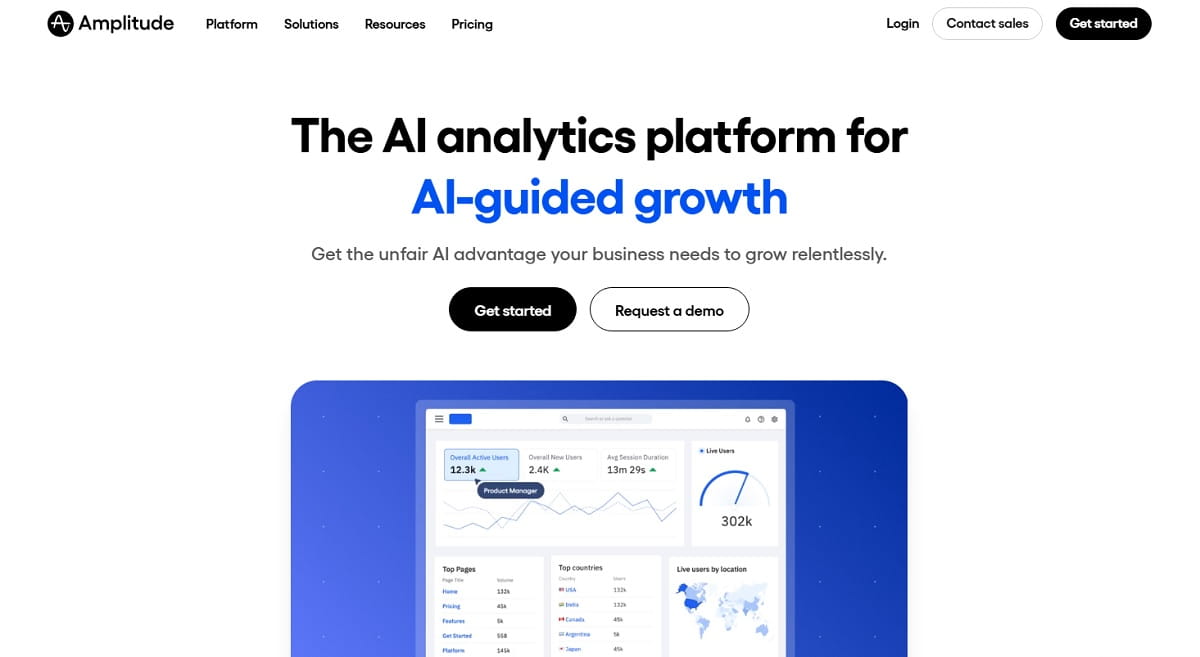
If you want to replace PostHog with one platform rather than three, Amplitude is the closest match on paper and in practice. Its free plan now carries analytics, session replay, feature flags, web experimentation and guides and surveys — the same product set PostHog bundles — with 2M events a month and no credit card. That is double PostHog’s free event allowance, and it makes Amplitude the cheapest way to test a full-suite migration.
The difference is depth versus developer control. Amplitude’s behavioral cohorting, retention curves, funnel comparison and predictive analytics are more mature than PostHog’s, and the whole product is designed to be driven by a product manager through a UI rather than by an engineer through SQL. Where PostHog gives you HogQL and expects you to use it, Amplitude gives you saved charts, alerting and governance. The trade is that Amplitude is not open source, is not self-hostable, and its serious pricing tiers are quote-only rather than published per-unit.
Amplitude also got substantially stronger on the one axis where PostHog used to beat it. On 5 May 2026 it took on Statsig’s brand, customers and platform, committing to maintain and develop it across cloud and data warehouse. That gives Amplitude a serious experimentation engine alongside its analytics, and it is worth asking sales which of the two platforms your use case should sit on. It also means Statsig is no longer an independent second option — treat entries 2 and 10 on this list as one vendor.
Watch the plan boundaries. Enhanced session replay is capped at 20K monthly recordings on Growth and 50K on Enterprise, and heatmaps only appear from the Plus tier upward. If replay volume is the reason you are leaving PostHog, price that line specifically before committing.
Key Features
- Behavioral cohorts, retention curves and funnel analysis with UI-driven segmentation.
- Session replay bundled with analytics, so a chart point opens the recordings behind it.
- Feature flags and web experimentation included from the free plan.
- Guides and surveys for in-product feedback, replacing PostHog’s survey meter.
- Unlimited seats on every plan, including free.
- Mature iOS, Android and server-side SDKs plus a large integration catalogue.
Pros And Cons
| Pros | Cons |
|---|---|
| 2M free events a month, double PostHog’s allowance | Serious tiers are quote-only, not published per unit |
| Replaces five of PostHog’s six products in one platform | No self-hosting and not open source |
| Deepest retention and cohort analysis on this list | Replay volume capped by tier, not billed per recording |
| Product managers can work without engineering support | Heatmaps gated behind the Plus tier |
| Unlimited seats at every tier | Enterprise contracts are annual, not pay-as-you-go |
Pricing: Free with 2M events a month. Plus starts at $0 and scales with usage up to 70M events a month. Growth and Enterprise are custom, event-based quotes.
Best for: product teams that want PostHog’s breadth with more analytical depth and less SQL.
3. Mixpanel — Best For Event Analytics Without The Learning Curve
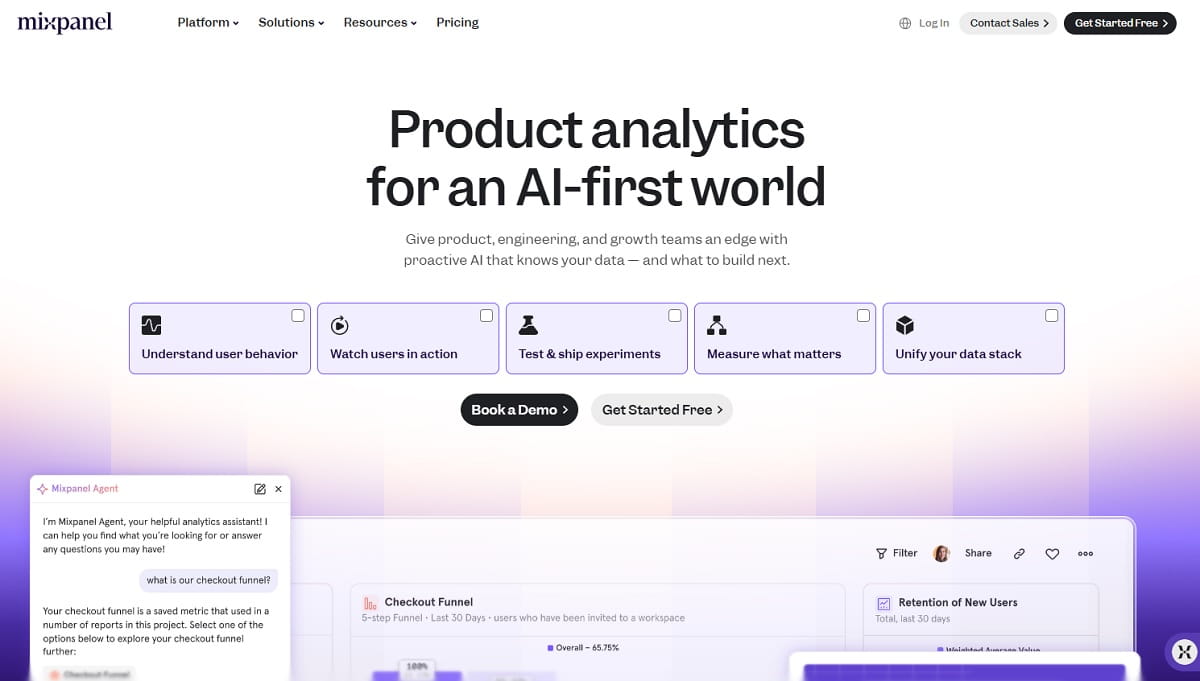
Mixpanel is the answer when the specific thing driving you away from PostHog is time to first chart. It does one job — event-based product analytics — and it has spent fifteen years making funnels, retention and segmentation legible to people who do not write SQL. A product manager can build a funnel report on their first afternoon, which is a claim PostHog cannot honestly make.
The 2026 free plan is competitive: 1M events a month plus 10K session replays, matching PostHog’s event allowance and doubling its replay allowance. Growth scales to 20M events and up to 500K replays a month, and Enterprise runs to 1T events on a quote. Replay is included at every tier rather than metered separately, which removes one of the six meters teams complain about.
What you give up is everything outside analytics. Mixpanel has no feature flags, no experimentation engine and no error tracking, so a team using four of PostHog’s six products will need Mixpanel plus a flags tool such as GrowthBook or Flagsmith. It is also event-first, not autocapture-first: define an event today and you get data from today, never from last quarter.
Key Features
- Funnels, retention, flows and cohort segmentation with a genuinely fast query UI.
- Session replay included on all plans, from 10K a month free to 500K on Growth.
- Web and mobile autocapture for pageviews, clicks, scrolls, dead clicks and rage clicks.
- Warehouse connectors for Snowflake, BigQuery and Redshift.
- Board-level sharing, alerts and scheduled digests for non-analyst stakeholders.
Pros And Cons
| Pros | Cons |
|---|---|
| Fastest path from install to a usable funnel report | No feature flags or experimentation engine |
| 10K free session replays a month, double PostHog’s | No error tracking or data warehouse product |
| Replay not metered as a separate product | Not retroactive — new events have no history |
| Retention analysis is strong and easy to read | No self-hosting and not open source |
| Clear published event tiers | Costs climb quickly with deep instrumentation |
Pricing: Free up to 1M events and 10K replays a month. Growth starts at $0 with volume-based scaling up to 20M events. Enterprise is quote-based.
Best for: product and growth teams that want PostHog’s analytics without PostHog’s other five products or its SQL layer.
4. Heap By Contentsquare — Best For Retroactive Analytics Without Instrumentation
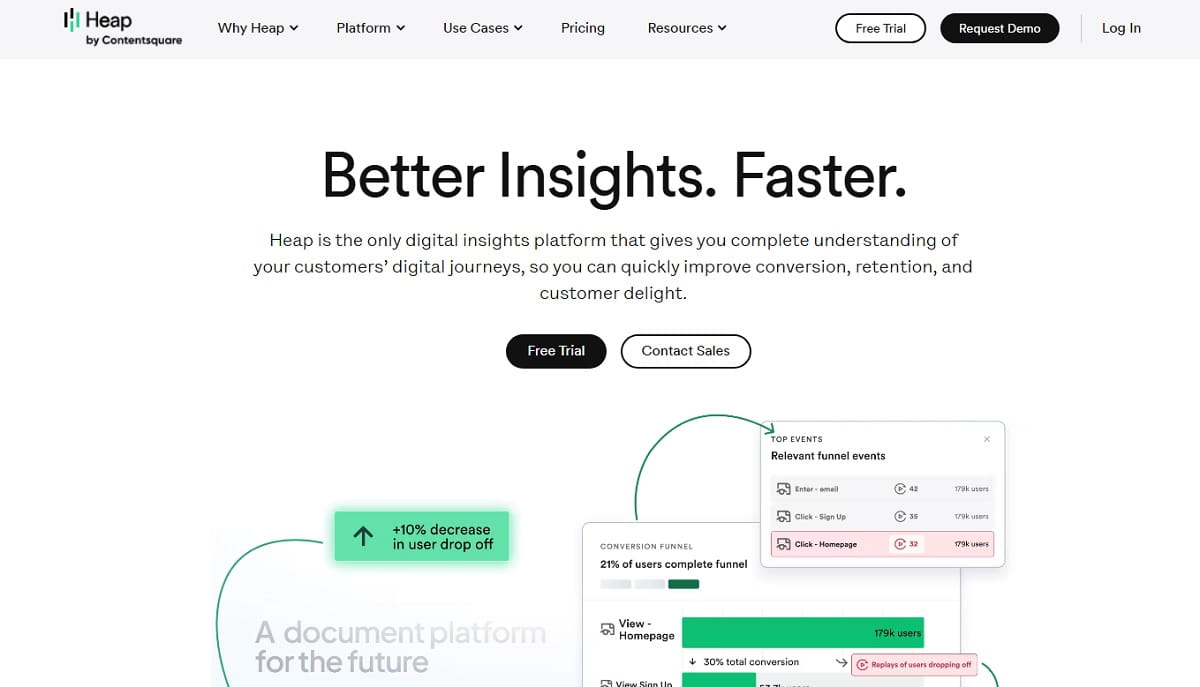
Heap solves the problem that costs PostHog users the most time: deciding in advance what to track. Heap autocaptures the full interaction stream, so you define an event today and immediately get historical data for it. If a question comes up in October about behavior in June, Heap answers it. PostHog, which is event-first with optional autocapture, generally cannot.
For teams whose real complaint is “our instrumentation backlog is six weeks long”, that single difference is worth the switch on its own. Heap’s free plan covers 10K monthly sessions with core analytics charts and six months of data history, which is enough to validate the retroactive workflow before talking to sales.
Two caveats. First, Heap is now part of Contentsquare, so a multi-year commitment is a commitment to that platform rather than to an independent product — the brand, the pricing page and the free plan all still exist, but the enterprise conversation is increasingly a Contentsquare conversation. Second, Heap publishes no list price above the free tier: Growth, Pro and Premier all require a quote based on session volume.
Key Features
- Autocapture of every click, form interaction, pageview and swipe with retroactive event definition.
- Journeys and funnel analysis that backfill against historical data.
- Session replay tied to the analytics events, not a separate product.
- Unlimited enrichment sources for joining behavioral data with CRM or billing attributes.
- Contentsquare zone-based analysis available across the wider platform.
Pros And Cons
| Pros | Cons |
|---|---|
| True retroactive analysis — no instrumentation backlog | No published pricing above the free tier |
| Free plan with 10K sessions and six months of history | Now a Contentsquare product, not independent |
| Removes the biggest source of PostHog engineering tickets | No feature flags or experimentation |
| Session replay bundled with analytics | Autocapture volume can make governance harder |
| Strong for B2B SaaS with complex multi-step flows | No self-hosting option |
Pricing: Free up to 10K monthly sessions. Growth, Pro and Premier are quote-only, priced on session volume.
Best for: teams that lose weeks to instrumentation planning and want the data to already be there.
5. FullStory — Best For Replay-Led Behavioral Analysis
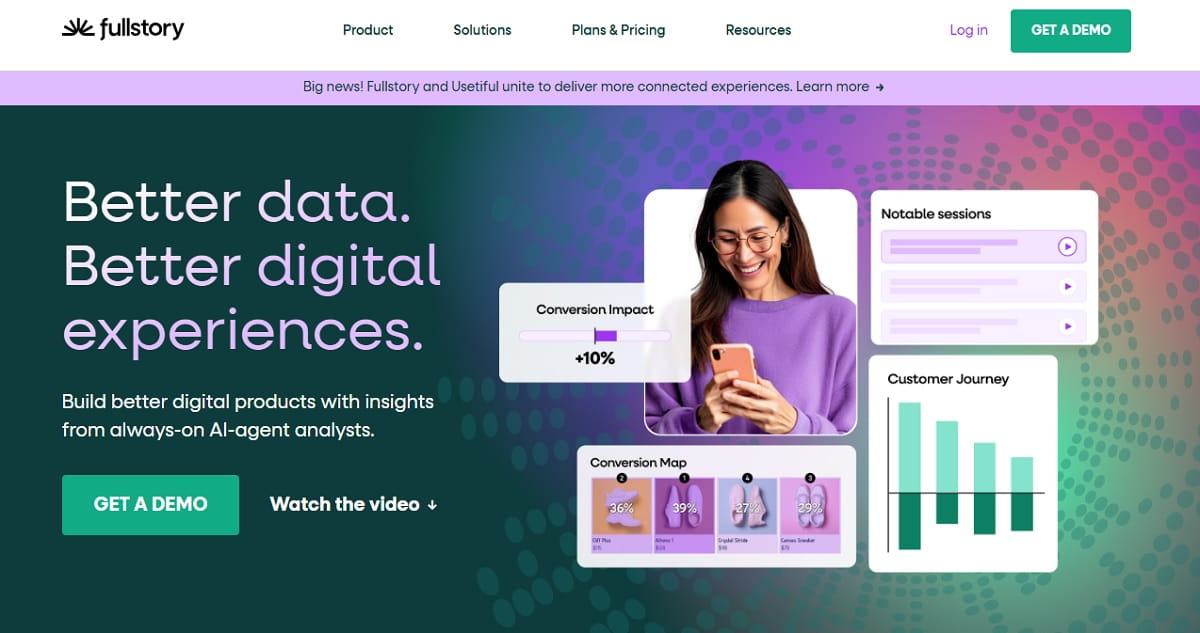
If session replay is the PostHog product you use most, FullStory is the direct upgrade. It is built replay-first: every session is indexed and searchable, so you can find every user who rage-clicked a specific button last month without having tagged that button in advance. PostHog’s replay is good, but it is a companion to the analytics; in FullStory the replay is the analytics.
The free tier is the most generous replay allowance on this list from a commercial vendor — 30,000 sessions a month with twelve months of data retention and up to ten users, no credit card. Against PostHog’s 5K free recordings, that is a six-fold difference, and it is the reason FullStory appears in so many “PostHog is charging us too much for replay” threads.
The trade-off is transparency. FullStory publishes no prices at all above the free tier: Business, Advanced and Enterprise are all “request pricing”, and several capabilities that feel core — mobile analytics, guides and surveys, StoryAI — are add-ons rather than inclusions. Budget for a sales cycle, not a credit card.
Key Features
- Indexed, fully searchable session replay with retroactive segment building.
- Click, scroll and engagement heatmaps generated from the replay data.
- Frustration signals — rage clicks, dead clicks, error clicks — surfaced automatically.
- Funnels and conversion analysis built on the same captured stream.
- Data Direct export into a warehouse for teams that want raw event access.
Pros And Cons
| Pros | Cons |
|---|---|
| 30K free sessions a month, six times PostHog’s replay allowance | No published pricing above the free tier |
| Best-in-class retroactive session search | Mobile analytics and surveys are paid add-ons |
| Heatmaps included, unlike most analytics suites | No feature flags or experimentation |
| Twelve months of retention on the free plan | No self-hosting option |
| Strong frustration-signal detection out of the box | Enterprise-weight tool for a small team’s budget |
Pricing: FullStory Free with 30,000 sessions a month and up to ten users. Business, Advanced and Enterprise are quote-only.
Best for: UX and product teams whose primary PostHog use case is watching and searching sessions.
6. LogRocket — Best For Frontend Debugging Plus Product Analytics
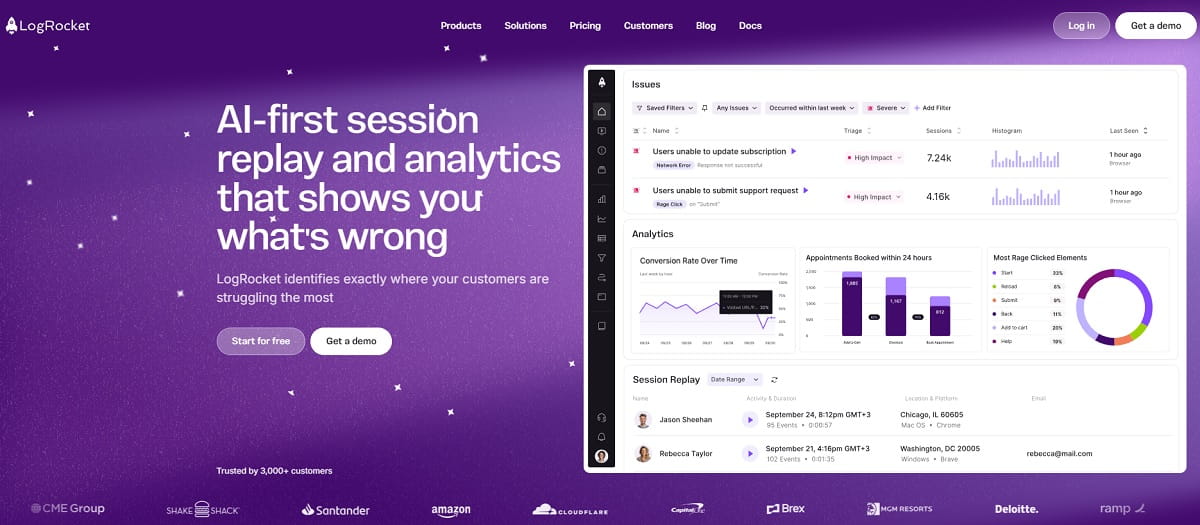
LogRocket is the PostHog alternative for teams where engineering and product share the same dashboard. It combines session replay with console logs, network requests, stack traces and frontend performance data, so a support ticket becomes a reproducible bug in one click. That replaces two PostHog products at once — session replay and error tracking — and does both better than the bundle does.
The 2026 pricing page is refreshingly explicit about what is unlimited: analytics events, error events and log events are all uncapped on every plan, and you pay purely for session volume. Core starts at $176/month for 25K sessions, and the AI tier is included free above 100K sessions a month. Heatmaps, clickmaps, funnels and surveys are all bundled rather than metered.
What is missing is the release-control half of PostHog. LogRocket has no feature flags and no experimentation engine, so a team using PostHog to gate rollouts will need a second tool. There is also no free tier, only a 14-day trial, which makes it the hardest tool here to evaluate without a budget conversation.
Key Features
- Session replay with console, network, Redux and stack-trace context attached.
- Unlimited analytics, error and log events on every plan.
- Heatmaps, clickmaps and conversion funnels bundled at no extra meter.
- Frontend performance monitoring including Core Web Vitals by session.
- In-app surveys and AI session summaries, issue detection and funnel insights on Pro.
Pros And Cons
| Pros | Cons |
|---|---|
| Replaces PostHog replay and error tracking in one product | No free tier, only a 14-day trial |
| Unlimited analytics, error and log events on all plans | Highest published entry price on this list |
| Published pricing, unlike Heap, FullStory and Pendo | No feature flags or experiments |
| Best bridge between engineering and product teams | Self-hosting only on Enterprise |
| Heatmaps and surveys bundled, not metered | Overkill for a marketing-only use case |
Pricing: Core from $176/month for 25K sessions. Pro adds AI features and is included free above 100K sessions a month. Enterprise is custom with unlimited seats.
Best for: product-plus-engineering teams that need to reproduce frontend bugs, not just count events.
7. Contentsquare (Hotjar) — Best For Experience Analytics And Voice Of Customer
If you were about to recommend Hotjar, this is the entry you want. Hotjar merged into the Contentsquare group in July 2025, and hotjar.com/pricing now redirects to Contentsquare’s pricing page. The Hotjar brand and product names survive into 2026, but billing, packaging and the roadmap sit with Contentsquare, and what used to be one bill is now three separately priced lines: Experience Analytics, Voice of Customer and Product Analytics.
The good news for anyone leaving PostHog over replay costs is that the free plan improved substantially in the process. Contentsquare’s free tier covers 200,000 monthly sessions with session replay, heatmaps, funnels, error monitoring and 100 survey responses a month. Against PostHog’s 5,000 free recordings, that is a different order of magnitude, and it costs nothing.
The caution is packaging. Growth starts at $49/month billed annually with 7,000 sessions, and surveys sit in a separately priced Voice of Customer line rather than the same bill. Read the session allowance and the product-line split carefully before assuming the free tier’s generosity carries into the paid ones.
Key Features
- Session replay and click, scroll and move heatmaps at web scale.
- Zone-based heatmaps that attribute revenue to individual page regions on paid tiers.
- Funnels and journey analysis across multi-page flows.
- Voice of Customer surveys, feedback widgets and NPS as a separate product line.
- Error monitoring and AI insight summaries through Sense Chat on higher tiers.
Pros And Cons
| Pros | Cons |
|---|---|
| 200K free monthly sessions — the largest free replay allowance here | Hotjar’s single bill is now three product lines |
| Heatmaps, replay, funnels and error monitoring on the free plan | Growth tier drops to 7,000 sessions a month |
| Enterprise-grade experience analytics under one roof | Surveys priced separately from replay |
| Strong for ecommerce merchandising decisions | No feature flags or experimentation |
| Mature survey and feedback tooling inherited from Hotjar | Migration confusion for existing Hotjar accounts through 2026 |
Pricing: Free with 200K monthly sessions. Growth from $49/month billed annually. Pro and Enterprise are quote-only.
Best for: marketing and ecommerce teams replacing PostHog’s replay, heatmap and survey layers at web scale.
8. Microsoft Clarity — Best Free PostHog Alternative For Session Replay
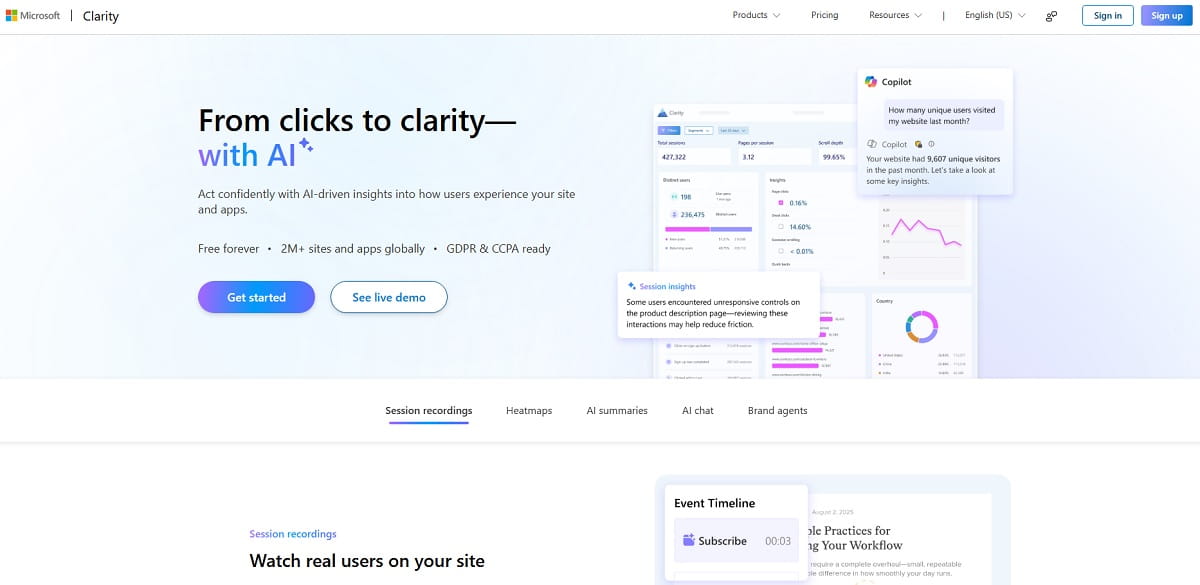
Microsoft Clarity is free forever with no traffic limits, which makes it the fastest way to stop paying PostHog for session recordings. There is no session cap, no sampling tier and no upgrade path, because there is nothing to upgrade to. For a team whose replay meter is the line item causing pain, installing Clarity alongside PostHog and then switching off PostHog replay is a same-day fix.
What you get is a genuinely complete replay and heatmap product: recordings, click, scroll and area heatmaps, frustration signals such as rage clicks and dead clicks, Copilot AI summaries of session batches, mobile SDKs for Android, iOS, Flutter and React Native, and a GA4 integration that lets you jump from a Google Analytics segment straight into the matching recordings.
The limits are real and worth stating. Clarity is not a product analytics platform: no custom event modelling of any depth, no retention matrices, no feature flags, no experimentation, no data warehouse, and your behavioral data lives on Microsoft’s infrastructure, which some compliance teams will not accept. It replaces exactly one of PostHog’s six products, and it replaces it completely, for nothing.
Key Features
- Unlimited session recordings and heatmaps with no traffic ceiling.
- Rage click, dead click, excessive scrolling and quick-back frustration signals.
- Copilot AI summaries and natural-language querying of session data.
- Mobile SDKs for Android, iOS, Flutter and React Native.
- Google Analytics integration for jumping from a segment to its recordings.
- GDPR and CCPA ready with configurable masking of sensitive fields.
Pros And Cons
| Pros | Cons |
|---|---|
| Genuinely free with no traffic limits at any volume | Replaces only replay and heatmaps, nothing else |
| Full heatmap suite plus frustration signals | No feature flags, experiments or surveys |
| Mobile SDKs included at no cost | Shallow event modelling and no retention analysis |
| Copilot AI summarisation built in | Data sits on Microsoft infrastructure |
| Installs in minutes with no procurement | No paid support tier if something breaks |
Pricing: Free forever, no traffic limits, no paid tier.
Best for: any team paying PostHog for session replay who does not also need the analytics layer attached to it.
9. Matomo — Best Self-Hosted PostHog Alternative For Data Ownership
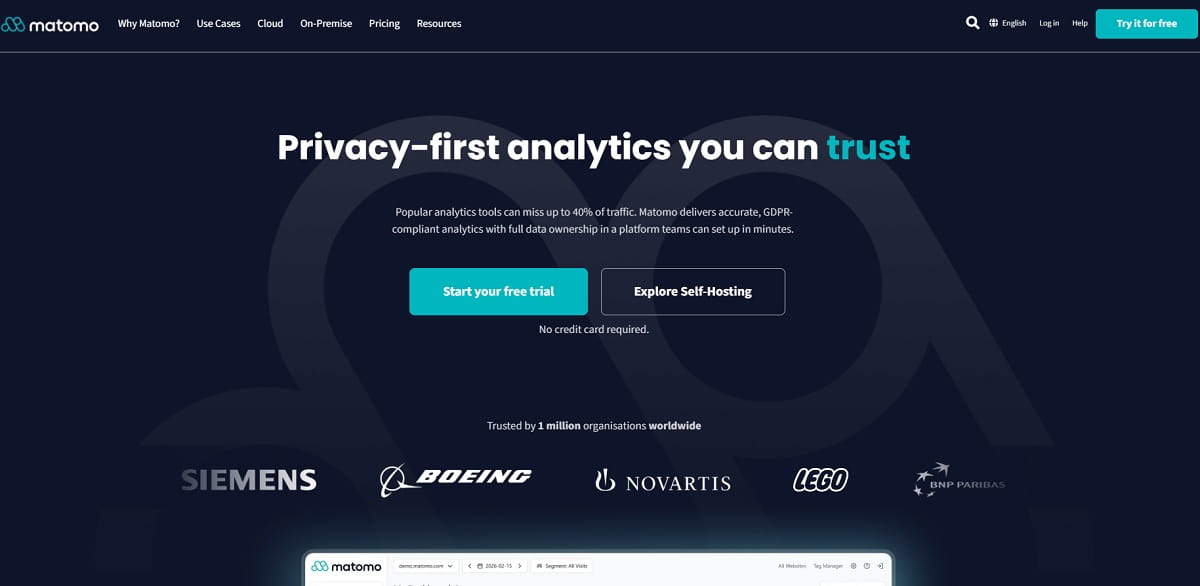
Matomo is the tool to reach for when you chose PostHog for the open-source licence and then discovered PostHog does not support self-hosting at scale. Matomo Community is free forever on your own servers with unlimited users and unlimited hits, it has been shipped and supported that way since 2007, and the company’s entire positioning is 100% data ownership. There is no hobby-deploy disclaimer.
The behavioral layer is the part most people miss. Matomo has heatmaps and session recording, form analytics, media analytics and A/B testing — not as core features, but as premium plugins. On Matomo Cloud they arrive through bundles: heatmaps, session recording, form analytics and media analytics from the Team bundle at €275/month, and A/B testing in the Enterprise bundle. Self-hosters can buy the individual plugins outright instead, which is usually far cheaper for a single capability.
Matomo is web analytics with behavioral extensions, not product analytics. It has no feature flags, no server-side experimentation and no event-stream modelling at Amplitude’s depth, and the premium plugin pricing surprises people who assume open source means everything is free. Read the bundle table before you plan a migration.
Key Features
- Self-hosted Community edition, free forever, unlimited users and unlimited hits.
- Matomo Cloud with EU hosting from €29/month for 50,000 hits.
- Heatmaps and session recording as premium plugins showing clicks, hovers, typing and scroll.
- Form analytics identifying which field kills a conversion.
- A/B testing plugin for server-side and client-side experiments.
- No data sampling, full raw data export and GDPR-compliant configuration out of the box.
Pros And Cons
| Pros | Cons |
|---|---|
| Self-hosting that is actually supported, unlike PostHog’s | Behavioral features are paid plugins, not core |
| 100% data ownership with no third-party processor | Cloud bundles get expensive quickly |
| Free forever on your own infrastructure | No feature flags or server-side experimentation |
| No sampling at any volume | Product analytics depth below Amplitude or Mixpanel |
| Nearly twenty years of stable releases | Self-hosting means you own the ops burden |
Pricing: Community self-hosted free. Cloud from €29/month billed annually for 50,000 hits. Team bundle €275/month adds heatmaps, session recording, form and media analytics. Premium plugins can be bought individually for self-hosted installs.
Best for: public sector, healthcare, finance and any team whose compliance rules make cloud SaaS a non-starter.
10. Statsig (Amplitude) — Best For Experimentation At Scale
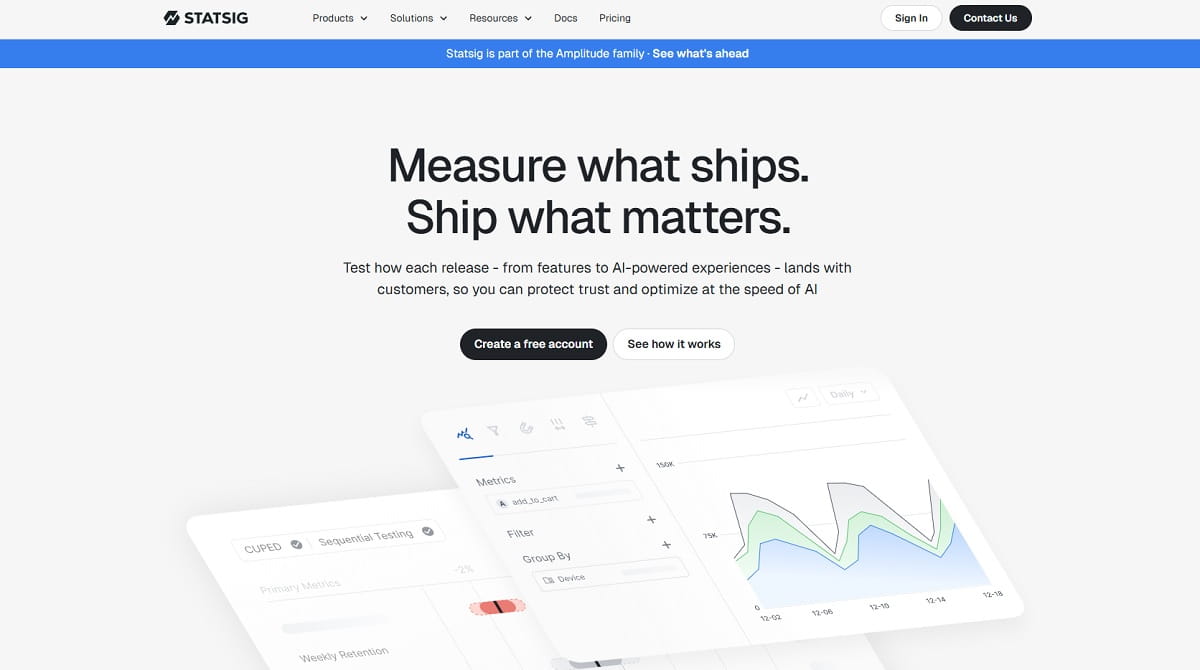
Statsig is the specialist that beats PostHog on its own experimentation ground. Where PostHog treats experiments as a layer on top of feature flags, Statsig is built around statistical rigour: sequential testing, CUPED variance reduction, multi-arm bandits, warehouse-native deployment and switchback tests. If your company runs experiments as a core operating practice rather than an occasional check, this is the upgrade.
The free Developer plan is unusually large: 2M events a month, unlimited flag and config checks, 50,000 session replays a month, plus A/B testing, feature flags and product analytics with one year of retention. Pro is $150/month with 5M events, then $0.05 per additional 1,000 events, and 100,000 monthly replays. Unlimited flag checks on the free plan directly removes PostHog’s per-request flag meter.
The ownership history is the part you have to understand before signing, because it happened in two steps and most comparison articles report only the first. OpenAI acquired Statsig in September 2025 for a reported $1.1 billion and founder Vijaye Raji became OpenAI’s CTO of Applications. Then on 5 May 2026 Amplitude announced it would take on Statsig’s brand and customers and would “maintain and develop the current Statsig platform across the cloud and data warehouse, including support for existing customers”. The engineering team that built Statsig stayed at OpenAI. Statsig’s own site now carries a “Statsig is part of the Amplitude family” banner, the pricing page is unchanged, and the free Developer plan is still open to new signups.
Read that carefully before you shortlist both. Statsig and Amplitude are no longer independent vendors, so putting one of each on a shortlist is not the risk diversification it looks like. The specific thing to weigh is that Amplitude now owns a codebase whose original authors work somewhere else: the platform and the support commitment are real and funded, but the innovation pace that made Statsig worth choosing over PostHog came from a team no longer working on it. If you are signing a multi-year deal, ask Amplitude directly about the integrated roadmap for the two platforms that it has said it is building.
Key Features
- Sequential testing, CUPED variance reduction and multi-arm bandits on Pro and above.
- Unlimited feature flag and dynamic config checks on every plan, including free.
- 50,000 free session replays a month, ten times PostHog’s allowance.
- Warehouse-native deployment running experiments directly on Snowflake or BigQuery.
- Product analytics, metrics catalogue and automated guardrail metrics.
- HIPAA eligibility, SSO and role-based access on Enterprise.
Pros And Cons
| Pros | Cons |
|---|---|
| Deepest experimentation statistics of any tool here | Brand and customers moved to Amplitude on 5 May 2026 |
| Unlimited flag checks removes PostHog’s flag meter entirely | Pro jumps to a $150/month baseline |
| 50K free session replays a month | Analytics UI assumes some statistical literacy |
| Warehouse-native option for teams with a data platform | No heatmaps or SEO layer |
| Generous 2M-event free Developer plan | Founding engineering team stayed at OpenAI |
| Platform now funded and supported by Amplitude | Overkill if you run fewer than a few tests a quarter |
Pricing: Developer free with 2M events and 50K replays a month. Pro $150/month with 5M events, then $0.05 per 1,000 extra events. Enterprise is custom with warehouse-native deployment.
Best for: engineering-led teams for whom experimentation, not analytics, is the reason PostHog is in the stack.
11. GrowthBook — Best Open-Source Warehouse-Native Experimentation
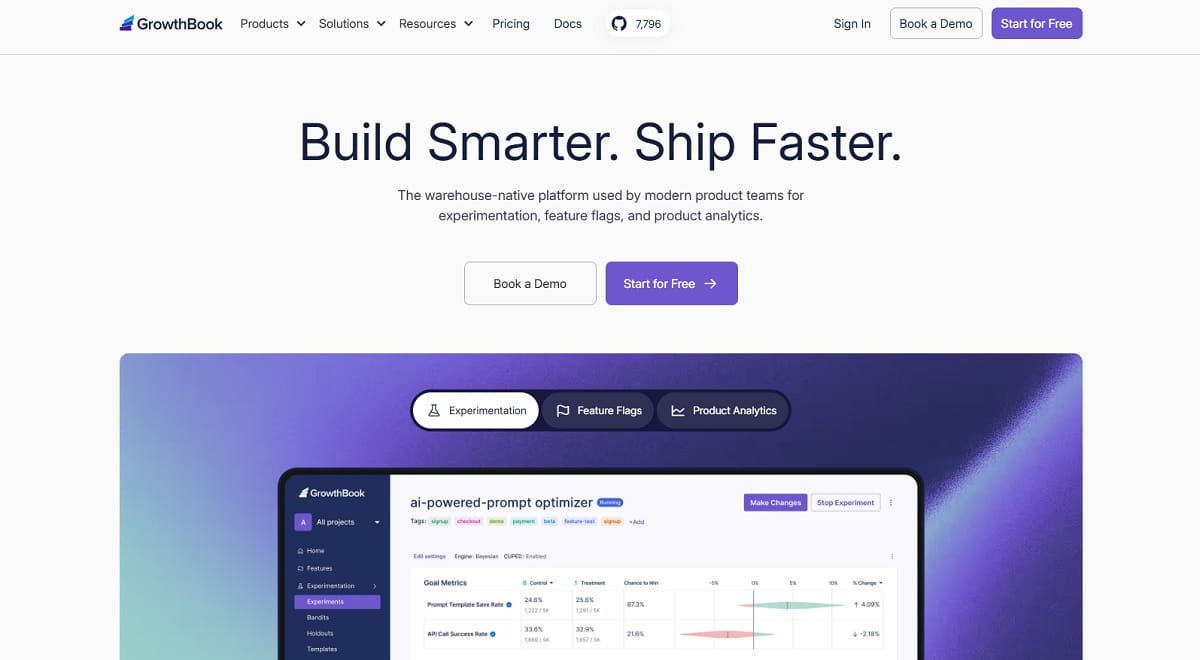
GrowthBook is what PostHog’s open-source promise looks like when the vendor actually supports self-hosting. It is open source, self-hostable with unlimited users, and warehouse-native: instead of asking you to duplicate your event stream into another SaaS, it runs experiment analysis directly against Snowflake, BigQuery, Redshift or whatever you already have. Your data never leaves your warehouse.
The commercial model is refreshingly simple next to PostHog’s six meters: the cloud Starter plan is free for up to three users with unlimited feature flags and unlimited experiments, Pro is $40 per seat per month for up to fifty users, and the self-hosted open-source edition is free with unlimited users. You pay for seats, not for events, requests or recordings, which makes the bill predictable no matter how much traffic you get.
The gap is behavioral analytics. GrowthBook has no session replay, no heatmaps and no surveys — it assumes your event data already exists somewhere. Pair it with Microsoft Clarity or Plerdy for the visual layer, and you have replaced most of PostHog for close to nothing.
Key Features
- Open source with a supported self-hosted edition and unlimited users.
- Warehouse-native analysis against Snowflake, BigQuery, Redshift, Databricks and more.
- Unlimited feature flags and experiments on every plan, including free.
- Bayesian and frequentist statistics engines with CUPED and sequential testing on Pro.
- Percentage rollouts, instant kill switches and safe rollouts with auto-rollback.
- SDKs for JavaScript, React, Python, Go, Ruby, PHP, Java and more.
Pros And Cons
| Pros | Cons |
|---|---|
| Genuinely supported self-hosting, unlike PostHog’s | No session replay, heatmaps or surveys |
| Seat-based pricing — no event, request or recording meters | Requires a data warehouse to be useful |
| Data never leaves your warehouse | Free cloud plan capped at three users |
| Unlimited flags and experiments at every tier | Analyst skills needed to get full value |
| Both Bayesian and frequentist engines | Smaller ecosystem than LaunchDarkly |
Pricing: Cloud Starter free for three users. Pro $40 per seat per month up to fifty users. Self-hosted open source free with unlimited users. Enterprise is custom.
Best for: data-mature teams that already have a warehouse and want flags and experiments without another SaaS copy of their data.
12. Flagsmith — Best For Feature Flags In Regulated Industries
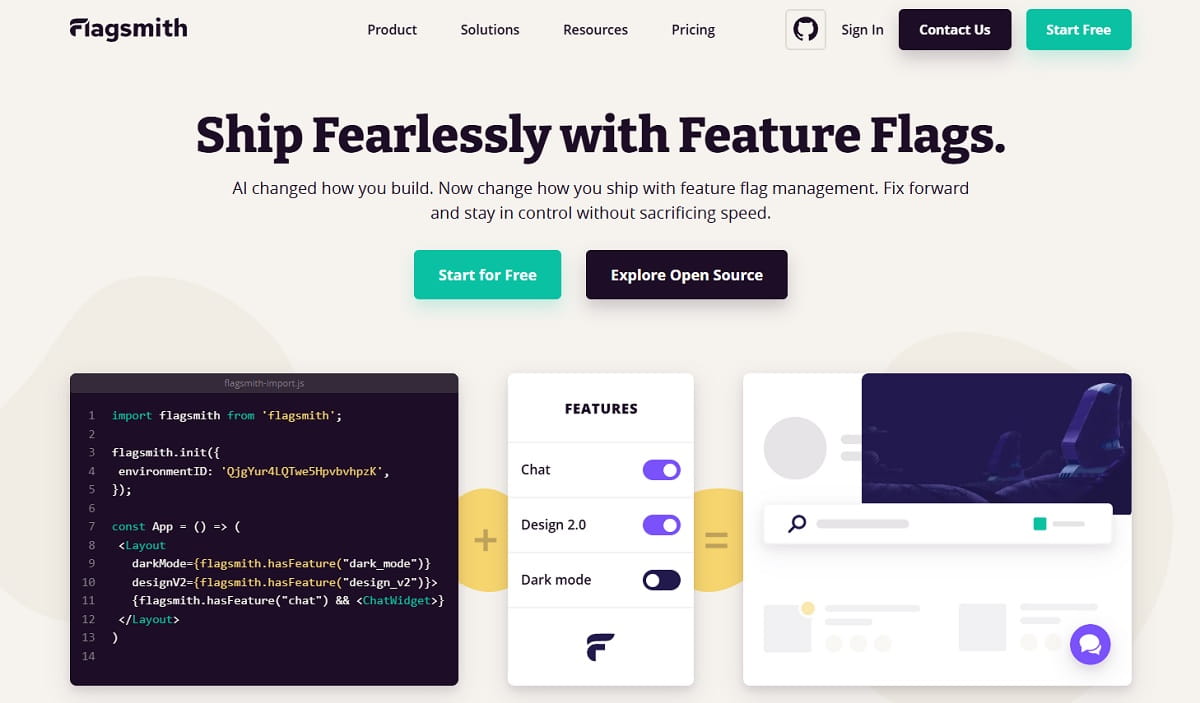
Flagsmith is the feature flag platform for teams whose blocker is not price but procurement. It is open source with SaaS, private cloud and on-premises deployment options, and it is the option banks, insurers and healthcare providers reach for when the flag evaluation itself has to happen inside their own perimeter. That is a specific problem PostHog cannot solve, given its own documentation now steers scaled self-hosting away.
The free plan covers 50,000 requests a month with one team member and unlimited flags and environments. Start-Up is $40/month billed yearly or $45 monthly with 1M requests and three members, and Scale-Up runs from $250/month yearly with 5M+ requests, five to twenty members at $50 per additional member, plus governance features, role-based access control and audit logs.
Flagsmith does flags, remote config, segmentation and A/B testing. It has no product analytics, no session replay and no surveys, so it is a component in a replacement stack rather than a whole answer. For most teams the pairing is Flagsmith plus one analytics tool from the earlier part of this list.
Key Features
- Open-source core with SaaS, private cloud and on-premises deployment.
- Unlimited feature flags and environments on every plan, free included.
- Remote configuration for changing behavior without a release.
- Segment-based targeting plus A/B and multivariate testing.
- Role-based access control, audit logs and scheduled flag changes on paid tiers.
- Edge API for low-latency flag evaluation across regions.
Pros And Cons
| Pros | Cons |
|---|---|
| On-premises deployment that the vendor actually supports | Flags only — no analytics, replay or surveys |
| Free plan with unlimited flags and environments | Free tier limited to one team member |
| Published per-request pricing, no quote required to start | Per-member charges add up on Scale-Up |
| Built for audit trails and regulated release governance | Experimentation depth below Statsig or GrowthBook |
| Open source with a real community edition | Needs pairing with an analytics tool |
Pricing: Free with 50,000 requests a month. Start-Up $40/month yearly or $45 monthly. Scale-Up from $250/month yearly. Enterprise is custom with tailored hosting.
Best for: regulated industries and any team that must evaluate flags inside its own infrastructure.
13. Pendo — Best For In-App Guides, NPS And Surveys
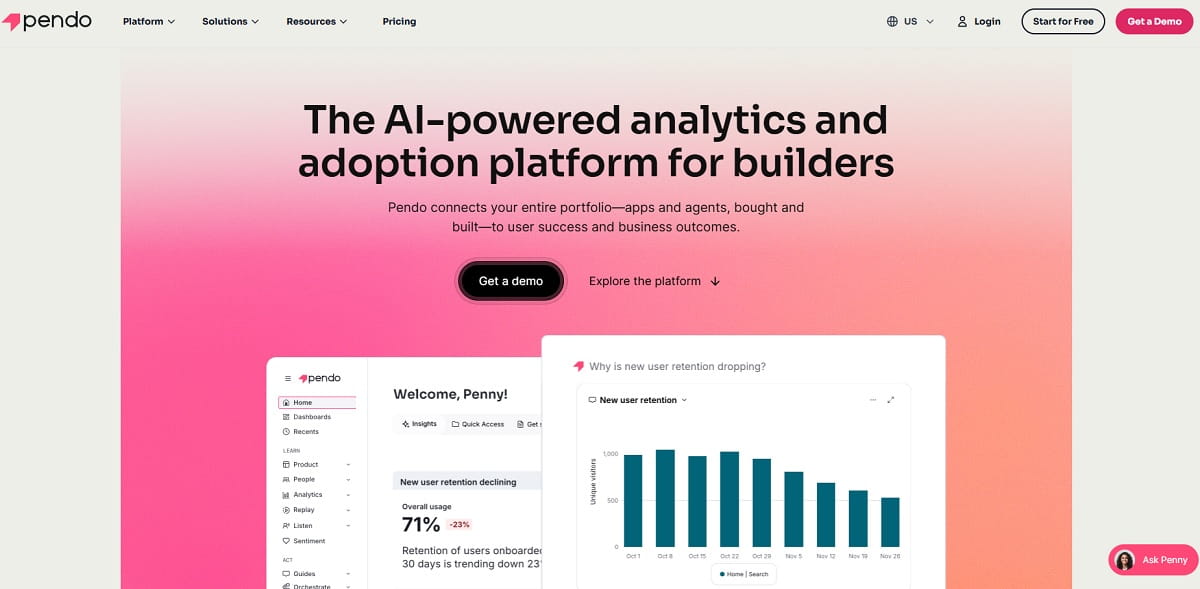
Pendo is the answer when the PostHog product you actually rely on is surveys, and you also want to act on the answers inside the product. It combines product analytics with in-app guides, walkthroughs, NPS and survey tooling, so a segment identified in analytics can be targeted with an in-app message without shipping code. PostHog’s surveys collect feedback; Pendo closes the loop.
The free plan supports up to 500 monthly active users and includes product analytics, in-app guides, Pendo-branded roadmaps and NPS surveys, which is enough for a small SaaS to run the full workflow. Session replay starts at the Base tier. Everything above free is quote-based, priced on MAU volume and the modules you select.
Pendo is a product-led growth platform first and an analytics platform second. It has no feature flags, no experimentation engine, no heatmaps and no self-hosting, and MAU-based pricing punishes consumer products with large user counts and low revenue per user. For B2B SaaS with a few thousand accounts, the economics work well.
Key Features
- In-app guides, tooltips and onboarding walkthroughs built without engineering.
- NPS, in-product surveys and sentiment analysis tied to behavioral segments.
- Product analytics with paths, funnels and feature adoption reporting.
- Session replay from the Base tier upward.
- Product roadmapping and feedback aggregation in the same platform.
Pros And Cons
| Pros | Cons |
|---|---|
| Best survey-plus-action workflow of any tool here | No published pricing above the free tier |
| Free plan up to 500 MAU with guides and NPS included | MAU pricing punishes large consumer user bases |
| In-app guides need no engineering to ship | No feature flags or experimentation |
| Analytics and onboarding share one segment model | Session replay gated behind a paid tier |
| Strong fit for B2B SaaS adoption programmes | No self-hosting or heatmaps |
Pricing: Free up to 500 monthly active users. Base, Core and Ultimate are quote-based on MAU volume and module selection.
Best for: B2B SaaS teams replacing PostHog’s surveys and wanting in-app guidance in the same tool.
14. OpenReplay — Best Open-Source Self-Hosted Session Replay
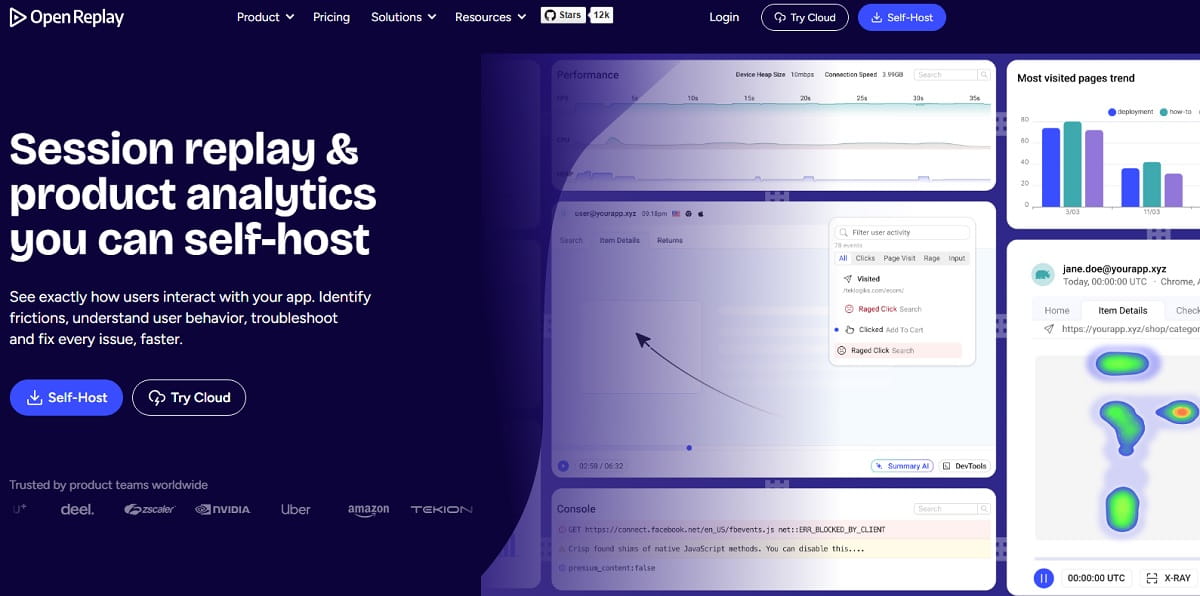
OpenReplay is the tool that actually delivers what people expect from “open-source PostHog”: session replay you run entirely on your own infrastructure, free, with no vendor holding your recordings. For teams under data residency rules that still need to watch sessions, it is often the only workable option, because Clarity, FullStory and Contentsquare are all cloud-only.
The feature set is deeper than replay alone. OpenReplay includes co-browsing for live support sessions, developer tools with console logs, network requests and state snapshots, plus heatmaps and product analytics — and the pricing page is explicit that these are available across the open-source, Dedicated and Enterprise tiers rather than being paywalled. The managed Dedicated plan starts at $199/month, billed hourly at $0.276, with a seven-day trial and no credit card.
The cost is operational. Self-hosting session replay means running the ingestion, storage and playback stack yourself, and replay data grows fast. Budget for infrastructure and someone to own it. There are also no feature flags and no experimentation, so this is a replay replacement, not a suite replacement.
Key Features
- Fully self-hosted, open-source session replay with no per-recording fee.
- Co-browsing for live assisted-support sessions.
- Developer tools: console logs, network requests, state snapshots and stack traces.
- Heatmaps and product analytics included at every tier.
- Managed Dedicated deployment from $199/month for teams that want the stack run for them.
- Fine-grained data sanitisation for PII before recordings leave the browser.
Pros And Cons
| Pros | Cons |
|---|---|
| Free and genuinely self-hostable with no recording cap | You own the infrastructure and its cost |
| Recordings never leave your environment | No feature flags or experimentation |
| Developer tooling on par with LogRocket | Replay storage grows quickly at scale |
| Heatmaps and analytics not paywalled | Smaller ecosystem and integration catalogue |
| Co-browsing is rare at this price point | Managed plan starts at $199/month |
Pricing: Open source free, self-hosted on your own infrastructure. Dedicated managed from $199/month billed hourly. Enterprise is custom.
Best for: engineering teams with data residency requirements that still need session replay and frontend debugging.
Best PostHog Alternative For Each Use Case
The list above is ordered by general fit. This section is ordered by the constraint you actually have, which is usually the faster way to decide.
Best Free PostHog Alternative
Microsoft Clarity if you need replay and heatmaps — free forever, no traffic ceiling, no upgrade path because none is needed. Contentsquare if you want replay plus funnels plus error monitoring, at 200,000 free sessions a month. Amplitude if you need the full product suite free, at 2M events a month. Plerdy if you want a permanent free plan that also covers pop-ups, SEO auditing and unlimited A/B testing. All four are free plans, not trials.
Best Open-Source PostHog Alternative
Matomo for analytics, OpenReplay for session replay, GrowthBook for experiments and flags, Flagsmith for flags with governance. This is the combination that delivers what PostHog’s licence implies but its documentation declines to support. Three products instead of one is more work, but each is supported by its vendor when self-hosted, which the PostHog Kubernetes path no longer is.
Best PostHog Alternative For Feature Flags
Statsig if you want unlimited flag checks with serious experimentation attached — noting that it has been an Amplitude product since 5 May 2026, so it is not a separate vendor from Amplitude on a shortlist. GrowthBook if you want open source and seat-based pricing. Flagsmith if evaluation must happen on your own infrastructure. LaunchDarkly if you need enterprise governance, approval workflows and the largest SDK ecosystem — its Developer plan is free with 100K experimentation MAU a month, and Foundation is $10 per service connection plus $8.33 per 1K client-side MAU. Unleash at $75 per seat a month is the open-source option when you want unlimited flags with seat pricing rather than request pricing.
Best PostHog Alternative For Session Replay
FullStory for retroactive search across 30,000 free monthly sessions. Microsoft Clarity when the budget is zero. LogRocket when the replay needs console logs and stack traces attached. OpenReplay when recordings cannot leave your infrastructure. Plerdy when the replay needs to sit next to a conversion funnel and a heatmap rather than a debugger.
Best PostHog Alternative For Surveys
Pendo if you want to act on responses with in-app guides. Contentsquare if surveys sit alongside replay and heatmaps in a Voice of Customer programme. Plerdy if you want NPS and feedback widgets triggered by on-site behavior without a separate subscription. Amplitude also includes guides and surveys on its free plan, which makes it worth testing if you are already evaluating it for analytics.
Best PostHog Alternative For Marketing And CRO Teams
Plerdy is the closest single-tool fit, because it is the only platform on this list that combines behavioral analytics with SEO auditing, SERP tracking, ecommerce revenue attribution and lead-capture pop-ups. Contentsquare is the enterprise version of the same idea at a higher price point. Microsoft Clarity plus Google Analytics 4 is the zero-budget combination, at the cost of running two dashboards.
Best PostHog Alternative For Enterprise Scale
Amplitude for analytics governance, data access controls and RBAC. Contentsquare for experience analytics across large ecommerce estates. Statsig Enterprise for warehouse-native experimentation with HIPAA eligibility. Expect quote-based pricing and an annual contract in all three cases.
PostHog Alternatives That Changed Hands Or Shut Down
This is the section most comparison articles skip, and it is the reason so many of them recommend products you cannot buy. Every status below links to the vendor’s or acquirer’s own announcement.
| Product | What Happened | When | What To Do Instead |
|---|---|---|---|
| June | Wound down operations; founding team joined Amplitude | Shut down 8 August 2025 | Use Amplitude, which absorbed the team |
| Hotjar | Merged into the Contentsquare group; hotjar.com/pricing now redirects | 1 July 2025 | Buy it as Contentsquare and check the three-product split |
| Heap | Acquired by Contentsquare; now positioned as its product analytics capability | 2023, integration ongoing | Heap is still buyable, but treat it as a Contentsquare commitment |
| Statsig | Acquired by OpenAI for a reported $1.1 billion; team joined OpenAI | September 2025 | See the row below — the story did not end there |
| Statsig (again) | Amplitude took on the brand, customers and platform; founding team stayed at OpenAI | 5 May 2026 | Statsig is still sold and supported, but it is now an Amplitude product — do not count it as a second vendor |
| Google Optimize | Sunset by Google; still listed in older A/B testing comparisons | 30 September 2023 | GrowthBook, Statsig or Plerdy for A/B testing |
The practical lesson is not that acquisitions are bad. Heap is a stronger product inside Contentsquare than it was alone, and Contentsquare’s free tier is far better than Hotjar’s ever was. The lesson is narrower and more useful: an alternatives list is a snapshot of an ownership map, and that map changed five times here between 2023 and 2026. Statsig alone changed hands twice in eight months, which is why any article that reports only the OpenAI deal now gives you an answer that is one step out of date. Vendor pricing pages and acquirer announcements are the only sources worth trusting, and both are linked above.
Tools Often Listed That Do Not Replace PostHog
These products appear in most PostHog alternatives lists. They are good tools, and none of them replaces PostHog’s core job. Including them without that caveat is how a comparison article wastes a reader’s week.
- Google Analytics 4 — free, excellent for acquisition, channels and campaign attribution, and genuinely useful next to a product analytics tool. It is not a PostHog replacement: no session replay, no feature flags, no experimentation since Optimize was retired, and an event model built for marketing rather than product instrumentation. Use it alongside, not instead.
- Plausible and Umami — privacy-first, cookieless, open source, and both a pleasure to run. They deliver traffic, goals, funnels and user journeys. Neither has session replay, feature flags or experimentation, so they replace the thinnest slice of PostHog. Plausible Cloud starts at $9/month, and both can be self-hosted.
- Countly — self-hosted product analytics with a free Lite edition, genuinely relevant for mobile-heavy teams under residency rules. It qualifies as an analytics replacement but not as a replay, flags or experimentation replacement, and its commercial tiers are quote-based.
- Segment and RudderStack — customer data platforms. They move events between systems; they do not analyse them. If your PostHog problem is data plumbing, a CDP helps. If it is analysis, it does not.
- Snowflake and BigQuery — warehouses, not analytics products. They pair with GrowthBook or Statsig rather than replacing PostHog on their own.
- Userpilot and other product-led growth suites — strong at in-app onboarding and adoption, weaker as a general analytics replacement, and none of them offers feature flags for backend release control.
How To Move Off PostHog Without Losing Your Data
The migration itself is more mechanical than most teams expect, and the mistakes are consistent. Six steps, in order.
- Export the raw events first. Use PostHog’s batch exports or API to push your event history into S3, BigQuery or Snowflake before you cancel anything. Do this even if you never query it — a compliance request two years from now will ask for data your new vendor never had.
- Screenshot the dashboards that matter. No platform on this list reconstructs PostHog insights from an export. There is no shared format for saved funnels, cohorts or retention charts. Capture them as images with the date range visible, because they become your only historical reference.
- Inventory your feature flags before you touch them. Every flag key in your codebase is a dependency. List them, mark which are permanent kill switches and which are stale rollout flags from 2024, and delete the stale ones before migrating rather than after.
- Run both tools in parallel for one full billing cycle. This is the step teams skip and regret. Overlapping data confirms the new tool counts sessions and conversions the way you expect, and it gives you a mapped period instead of a gap. Different vendors define a session differently, and that difference shows up as a fake step change in your metrics if you cut over cleanly.
- Re-baseline your KPIs after the overlap. Compare the same week measured by both tools, write down the ratio, and share it with everyone who reads the dashboards. Otherwise the first monthly report after the switch gets read as a performance change rather than a measurement change.
- Turn off PostHog products one at a time. Because PostHog meters six products separately, you can disable replay while keeping analytics, or drop flags while keeping surveys. A partial migration is a legitimate outcome, and often the cheapest one — many teams keep PostHog analytics and move only replay to Clarity or the survey layer to Plerdy.
How To Choose The Right PostHog Alternative
Four questions decide it. Answer them in order and the shortlist usually collapses to one or two names.
Which PostHog Products Are You Actually Paying For?
Open your billing page. If five of the six meters read zero, you are not replacing an all-in-one platform, you are replacing one product, and a specialist will be cheaper and better. This single check saves more money than any negotiation.
Who Runs It Day To Day?
If the answer is an engineer, PostHog’s SQL layer is an asset and Statsig or GrowthBook are natural moves. If the answer is a marketer, a product manager or a CRO specialist, the constraint is time to insight, and Plerdy, Mixpanel or Contentsquare get answers out faster. Buying a tool your team cannot drive is the most expensive mistake available here.
Where Is the Data Allowed To Live?
If a compliance rule requires data residency or on-premises processing, most of this list disqualifies itself immediately. The European Data Protection Board’s guidance on international data transfers is why the self-hosted analytics category exists at all. Matomo, OpenReplay, GrowthBook and Flagsmith are the four here that answer it with deployments their vendors support.
Do You Need a Predictable Bill Or the Lowest Bill?
These are different questions. The lowest bill at low volume is Microsoft Clarity or a free tier. The most predictable bill is flat-rate or seat-based pricing — Plerdy from $21/month annually, GrowthBook at $40 per seat, Flagsmith from $40/month — because none of them scales with traffic. Usage-based platforms are cheaper until the month they are not.
What PostHog Still Does Better Than Every Alternative
An alternatives article that never says “stay” is a sales page. Four cases where PostHog is the right answer and switching would be a downgrade.
- You genuinely use four or more of the six products. Replacing PostHog then means buying three vendors, wiring three SDKs and reconciling three definitions of a session. The bundle discount is real, and so is the integration you get for free.
- Your team writes SQL comfortably. HogQL is the complaint of teams that cannot use it and the killer feature for teams that can. No tool on this list matches the flexibility of querying your own event data directly next to replay, flags and experiments.
- You are early and small. PostHog’s free tier — 1M events, 5K recordings, 1M flag requests, 1,500 survey responses and 100K error exceptions a month — is one of the most generous in software, and the company says most of its users never pay anything. Leaving a free tier to pay $150/month elsewhere needs a specific reason.
- You want everything joined by default. A replay linked to the flag variant a user saw, linked to the experiment they were enrolled in, linked to the error they hit, is genuinely hard to reproduce across three vendors. If that chain is how you debug, keep it.
The honest summary is that PostHog is excellent at being six products for one engineering team, and poor at being one product for a marketing team. Diagnose which of those you are before you migrate anything.
Frequently Asked Questions
What Is the Best PostHog Alternative In 2026?
There is no single answer, because PostHog is six products. For the full bundle in one platform, Amplitude is the closest match and its free plan carries 2M events a month. For website and ecommerce conversion work without SQL, Plerdy replaces the replay, heatmap, funnel, survey and A/B layers from $21/month annually. For experimentation, Statsig goes deeper than PostHog. For self-hosting the vendor actually supports, Matomo plus GrowthBook. Start by checking which PostHog meters are actually moving on your bill.
Is There a Free PostHog Alternative?
Several, and they are free plans rather than trials. Microsoft Clarity is free forever with no traffic limits for session replay and heatmaps. Contentsquare’s free tier covers 200,000 monthly sessions with replay, heatmaps, funnels and error monitoring. Amplitude gives 2M events a month with analytics, replay, flags and surveys. FullStory Free includes 30,000 sessions a month. Plerdy has a permanent free plan with 100 daily heatmaps, 500 video sessions and unlimited A/B testing. GrowthBook and Flagsmith both offer free tiers plus free self-hosted editions.
Can You Self-Host PostHog, And Is There a Better Self-Hosted Option?
Only as a hobby deployment. PostHog’s own documentation states that self-hosted deployments are officially unsupported, that it does not offer customer support for self-hosted instances, and that new Kubernetes deployments of the paid open source product are no longer supported. The docs steer you to Cloud above roughly 300k events, 1k recordings or 300k flag API calls a month. For self-hosting that is genuinely supported, use Matomo for analytics, OpenReplay for session replay, and GrowthBook or Flagsmith for feature flags and experiments.
Which PostHog Alternative Is Best For Feature Flags?
Statsig for teams that want unlimited flag checks with serious experimentation attached, free up to 2M events a month and $150/month on Pro — but count it as Amplitude, which has owned the brand, customers and platform since 5 May 2026. GrowthBook for open source and seat-based pricing at $40 per seat, free for three users. Flagsmith for on-premises evaluation in regulated industries, free up to 50,000 requests a month and $40/month on Start-Up. LaunchDarkly for enterprise governance and approval workflows, with a free Developer plan and Foundation at $10 per service connection. Unleash at $75 per seat is the open-source option with seat rather than request pricing.
Who Owns Statsig Now, And Is It Still Available?
Statsig is now part of the Amplitude family, and it changed hands twice. OpenAI acquired Statsig in September 2025 for a reported $1.1 billion and named founder Vijaye Raji as CTO of Applications. Then on 5 May 2026 Amplitude announced it would take on Statsig’s brand and customers and maintain and develop the platform across cloud and data warehouse, including support for existing customers, while the engineering team stayed at OpenAI. The product is still sold: the pricing page, the free Developer plan with 2M events and 50,000 session replays a month, and the $150/month Pro tier are all live. The practical consequence for a shortlist is that Statsig and Amplitude are one vendor, not two.
Is Hotjar Still a PostHog Alternative?
Yes, but you now buy it as Contentsquare. Hotjar merged into the Contentsquare group on 1 July 2025 and hotjar.com/pricing redirects to Contentsquare’s pricing page. The Hotjar brand and product names persist through 2026, while billing and packaging moved to Contentsquare’s three product lines: Experience Analytics for heatmaps and recordings from $49/month, Voice of Customer for surveys, and Product Analytics on a quote. The free plan improved in the process, to 200,000 monthly sessions with replay, heatmaps, funnels and error monitoring.
Which PostHog Alternative Is Cheapest At Scale?
It depends on what scales. If traffic scales, avoid per-event and per-recording pricing entirely: Microsoft Clarity is free at any volume, Plerdy is flat-rate from $21/month annually, and self-hosted Matomo, GrowthBook, Flagsmith and OpenReplay cost infrastructure rather than usage. If your team scales instead, seat-based tools get expensive: GrowthBook at $40 per seat and Unleash at $75 per seat cross over quickly past ten people. Price the dimension that actually grows in your business, not the headline number.
Can I Migrate My PostHog Data To Another Tool?
You can export raw events through PostHog’s batch exports or API into cloud storage or a warehouse, and you should do that before cancelling. What you cannot do is import that history and get your old reports back — there is no shared format, and no platform on this list reconstructs PostHog funnels, cohorts or retention charts from an export. The workable approach is to export the raw events for archival, screenshot your key dashboards with date ranges visible, and run both tools in parallel for one billing cycle so you have overlapping data rather than a gap.
What Is the Best PostHog Alternative For a Marketing Team?
Plerdy, because it is the only tool on this list that puts behavioral analytics next to SEO auditing, SERP tracking, ecommerce revenue attribution and lead-capture pop-ups, with no SQL layer to learn and a flat monthly price from $21. Contentsquare is the enterprise version of the same idea from $49/month. If the budget is zero, Microsoft Clarity plus Google Analytics 4 covers replay, heatmaps and acquisition at the cost of running two dashboards. PostHog itself has no SEO, SERP or revenue-attribution layer at all.
Is Google Analytics 4 a PostHog Alternative?
Not really, and lists that place it as one are misleading. GA4 is free and strong at acquisition, channel attribution and campaign measurement, but it has no session replay, no feature flags, no surveys and no experimentation since Google Optimize was retired on 30 September 2023. Its event model is built for marketing rather than product instrumentation. Run GA4 alongside a behavioral tool — Clarity or Plerdy are the common pairings — rather than treating it as a replacement.
Final Thoughts
The PostHog alternatives market changed more between 2023 and 2026 than in the decade before it. Hotjar merged into Contentsquare, Heap became a Contentsquare capability, Statsig went to OpenAI and then to Amplitude, June shut down entirely, Google Optimize was retired, and PostHog itself quietly withdrew support for scaled self-hosting. Any comparison article that has not been re-verified against vendor pages is recommending at least one product whose terms changed underneath it.
Cut through it by naming your constraint. A compliance mandate points to Matomo or OpenReplay. Experimentation depth points to Statsig or GrowthBook. A replay bill points to Microsoft Clarity or FullStory. Analytical depth points to Amplitude. And if the real problem is that PostHog tells your engineers what users did but never tells your marketing team why a landing page or a checkout leaks revenue, the answer is a platform that shows the session, the heatmap, the funnel step and the SEO issue together — which is where Plerdy starts, free, on the same afternoon you install the tag.
For deeper comparisons of individual tools on this list, see our breakdowns of Mixpanel alternatives, Heap alternatives, FullStory alternatives, LogRocket alternatives, Contentsquare alternatives, Microsoft Clarity alternatives and Google Analytics alternatives.