

Matomo earned its reputation honestly. It was the open-source escape hatch when Google Analytics became a compliance headache, and for thousands of teams it still is. But the reasons people arrive at a Matomo alternatives search are just as honest: the self-hosted version slows down once traffic climbs, the “free” edition stops being free the moment you want heatmaps or funnels, and Matomo Cloud bills on hits — not pageviews — so an event-heavy site can triple its invoice without gaining a single visitor.
This guide compares 12 tools that genuinely replace Matomo, starting with Plerdy, which folds traffic analytics, heatmaps, session replay, funnels and an SEO checker into one subscription instead of six paid plugins. Every price below was read from the vendor’s own pricing or marketplace page, and every product’s status was verified — because half the Matomo listicles still online recommend a Piwik PRO free plan that is being switched off in March 2026 and a Woopra that was absorbed by another company back in 2022.
Table Of Contents
- Why Teams Look For A Matomo Alternative
- The Real Cost Of “Free” Matomo
- How We Picked And Tested These Matomo Alternatives
- Matomo Alternatives Compared At A Glance
- Free And Lightweight Options Worth Knowing
- Tools We Left Off This List, And Why
- How To Choose The Right Matomo Alternative
- How To Migrate Off Matomo Without Losing Your History
- Frequently Asked Questions
Why Teams Look For A Matomo Alternative

Matomo is not a bad product. It is a 2007-era architecture carrying a 2026 workload, and the friction shows up in five predictable places. Working out which one is your problem is what makes the rest of this list useful — the right replacement for a compliance officer is the wrong replacement for a growth team.
1. Self-Hosting Costs More Than The License Saves
Matomo On-Premise is free to download, but you supply the server, the MySQL or MariaDB tuning, the cron jobs that build reports, the upgrades and the backups. At low traffic that is a weekend. Past a few million actions a month, archiving turns into a batch job that has to be babysat, and the “free” tool now occupies a slice of a DevOps salary. Matomo’s own performance FAQ exists precisely because this is the most common support theme.
2. The Features You Actually Wanted Are Paid Plugins
Heatmaps, session recordings, funnels, form analytics, A/B testing and custom reports are not in the free core. Each is a separate yearly subscription on the Matomo Marketplace. The next section prices this out exactly.
3. Cloud Billing Counts Hits, Not Visitors
Matomo Cloud quotas are measured in hits, and a hit is any tracked request — a pageview, an event, a download, a site search, an outlink, a content impression. Matomo’s own definition of a hit confirms this. Add event tracking to a site and quota consumption can double while your audience stays identical.
4. Traffic Numbers Do Not Explain Behavior
Matomo tells you that 4,200 people reached checkout and 380 finished. Without paid add-ons it does not show you the dead button, the rage-clicked filter, or the form field where sessions die. That gap is why so many Matomo users run a second behavior tool alongside it — and why consolidating both layers is the most common reason teams switch.
5. The Interface Assumes You Already Know What You Want
Matomo inherits Google Analytics’ report-tree mental model: dozens of menus, each one a table. Teams that need a marketing manager or a founder to self-serve consistently rate this as the hardest part of adoption, and it is the entire pitch of the simple-analytics category below.
The Real Cost Of “Free” Matomo
This is the table nobody publishes, and it is the most useful number in a Matomo migration decision. Prices below are the list rates on the Matomo Marketplace for a Matomo On-Premise install at the smallest user tier (1 to 4 users), billed yearly, read directly from each plugin’s marketplace page.
| Matomo Premium Plugin (On-Premise, 1–4 Users) | List Price | What It Unlocks |
|---|---|---|
| Heatmap & Session Recording | €219 / year | Click, scroll and move maps; session replays |
| A/B Testing | €219 / year | Split tests and experiment reporting |
| Custom Reports | €219 / year | Build your own report dimensions |
| Funnels | €199 / year | Multi-step conversion funnels |
| Media Analytics | €179 / year | Video and audio engagement |
| Form Analytics | €149 / year | Field-level form drop-off |
| Premium Bundle (all plugins) | €1,649 / year | Every premium plugin at the 1–4 user tier |
So the honest framing is this. Matomo On-Premise is free if you want pageview reporting and nothing else. The moment you want the behavior layer that made you look at analytics in the first place, self-hosted Matomo costs €219 to €1,649 a year on top of your server and your maintenance time.
And Matomo Cloud Scales Faster Than Most Teams Expect
Matomo Cloud bundles the premium plugins, which is the right call for most buyers — but the hits meter moves quickly. These are the published Cloud rates on matomo.org/pricing at annual billing:
| Matomo Cloud Tier | Price (Annual Billing) | Cost Per 100k Hits |
|---|---|---|
| 50,000 hits / month | €22 / month | €44.00 |
| 100,000 hits / month | €38 / month | €38.00 |
| 300,000 hits / month | €75 / month | €25.00 |
| 1,000,000 hits / month | €172 / month | €17.20 |
| 5,000,000 hits / month | €822 / month | €16.44 |
| 10,000,000 hits / month | €1,600 / month | €16.00 |
Run those numbers against your own event volume before you compare anything else on this page. A site doing 400,000 monthly pageviews with three tracked events per session is not a 400,000-hit site — it is closer to a 1.2 million-hit site, and that is a different price bracket entirely.
How We Picked And Tested These Matomo Alternatives
Most “best Matomo alternatives” posts are lists of whatever ranked last year. Here is what we actually did, so you can judge the output:
- We defined the job first. A Matomo alternative has to do at least two of three things: report web traffic at visit and page level, keep you compliant and in control of your data (self-hosting, EU residency, or cookieless collection), and let you export or own the raw data. Tools that only run surveys, only do CRM, or only do tag management were excluded, however popular.
- We verified status on the vendor’s own site. Not on review aggregators. That is how the Piwik PRO free-plan shutdown and the Woopra acquisition made it into this article, and how several tools other lists still recommend got cut.
- We read pricing pages, not press coverage. Every number here comes from a vendor pricing page or marketplace listing. Where a vendor publishes only a slider or a “contact us” button, we say so instead of guessing.
- We labeled the fit honestly. Some tools on this list are drop-in replacements. Some replace only part of Matomo’s job and are the right answer only for a specific sub-intent — free heatmaps, product analytics, enterprise governance. Each entry says which it is.
- We did not invent benchmarks. There is no reliable public benchmark comparing script weight or query latency across all twelve of these tools under identical conditions. Where speed matters to you, the migration section explains how to measure it on your own site in an afternoon.
Matomo Alternatives Compared At A Glance
| # | Tool | Best For | Hosting | Heatmaps / Replay | Free Plan | Paid From |
|---|---|---|---|---|---|---|
| 1 | Plerdy | Behavior and conversion analytics in one tool | Cloud | Yes, included | Yes, forever | $21 / month |
| 2 | Piwik PRO | Enterprise governance and consent | EU / US / private cloud | No | No — Core plan ends 2026 | €36 / month |
| 3 | Plausible | Simple open-source traffic reporting | Cloud (EU) or self-host | No | Trial only | $9 / month |
| 4 | Fathom | Zero-config privacy reporting | Cloud (EU isolation) | No | Trial only | $15 / month |
| 5 | Umami | Free self-hosted replacement | Self-host (MIT) or cloud | No | Yes (Hobby) | Event-based tiers |
| 6 | PostHog | Product teams and engineers | Cloud — self-host unsupported | Yes | Yes, generous | Usage-based |
| 7 | Microsoft Clarity | Free heatmaps and session replay | Cloud | Yes | Yes, unlimited | Free |
| 8 | Google Analytics 4 | Free full-feature reporting | Cloud (Google) | No | Yes | Free / GA360 |
| 9 | Mixpanel | Product analytics and funnels | Cloud (EU option) | No | Yes | Usage-based |
| 10 | Simple Analytics | EU hosting, minimal interface | Cloud (EU) | No | Yes, limited | $20 / month |
| 11 | Pirsch | Budget German-hosted analytics | Cloud (Germany) | No | Trial only | $6 / month |
| 12 | Rybbit | New open-source stack with replay | Self-host (AGPL) or cloud | Yes | Yes, limited | Low-cost tiers |
1. Plerdy — Best Overall Matomo Alternative For Behavior And Conversion Analytics

Plerdy is the closest thing on this list to a one-for-one replacement of “Matomo plus the plugins you were about to buy.” It reports the traffic side — sources, pages, events, e-commerce revenue, funnels — and then keeps going into the layer Matomo charges extra for: click, scroll and move heatmaps, session replay, pop-ups and smart forms, feedback surveys, and an SEO checker that flags on-page problems on the same URLs you are already analysing.
For teams leaving Matomo because “we could see the drop-off but never the reason,” that is the structural difference. You stop reconciling a traffic tool against a behavior tool and read both from one URL report.
Key Features
- Heatmaps with element-level detail — clicks, scroll depth, mouse movement and hover maps, segmented by device, traffic source and date, so a mobile drop-off can be isolated from a desktop one.
- Session replay — watch the actual sessions behind a funnel step, with rage-click detection flagging the repeated taps that signal a broken or misleading element.
- Conversion funnel analysis — build multi-step funnels and jump straight from a leaking step into the replays of the sessions that leaked.
- Event and goal tracking — track button clicks, form submits and custom events without editing site code for every new goal.
- E-commerce sales performance — revenue attributed to specific page elements, so you can see which block on a category page actually earns.
- A/B testing and error tracking — included rather than sold as separate yearly plugins.
- SEO checker and SERP checker — on-page audits and position tracking alongside behavior data.
How Plerdy Compares To Matomo
Matomo’s premium bundle for a small team is €1,649 a year at the 1–4 user tier, and that is before hosting. Plerdy’s paid plans start at $21 a month with heatmaps, replay, funnels, pop-ups, A/B testing and the SEO tools in the box, plus a free-forever tier for small sites. The trade-off is directional: Matomo gives you deeper raw log-level control and true self-hosting; Plerdy gives you the behavior layer, e-commerce attribution and conversion tooling without assembling them from parts. Plerdy is a cloud product — if physically holding the database is a hard legal requirement, look at Piwik PRO, Umami or Rybbit instead.
Pros And Cons
- Pros: Traffic, behavior, conversion and SEO tooling in one subscription; a genuine free-forever plan; rage-click detection and element-level revenue reporting that Matomo needs paid plugins for; GDPR documentation and a published do-not-track policy; fast setup with one script and CMS plugins.
- Cons: No self-hosted edition, so air-gapped or on-premise-only requirements rule it out; the breadth of modules means a short learning curve before the dashboard feels obvious; not a log-file analytics tool, so historic server logs stay where they are.
Pricing And Best For
Free-forever plan with capped heatmaps, session recordings, SEO audits and pop-ups. Paid plans run from $21 a month (Startup) to $253 a month (Enterprise 3) on Plerdy’s pricing page, scaling on heatmaps, sessions and SEO audits rather than on hits.
Best for marketing, CRO and e-commerce teams who left Matomo because traffic charts alone never told them what to fix.
2. Piwik PRO — Best Enterprise Matomo Alternative
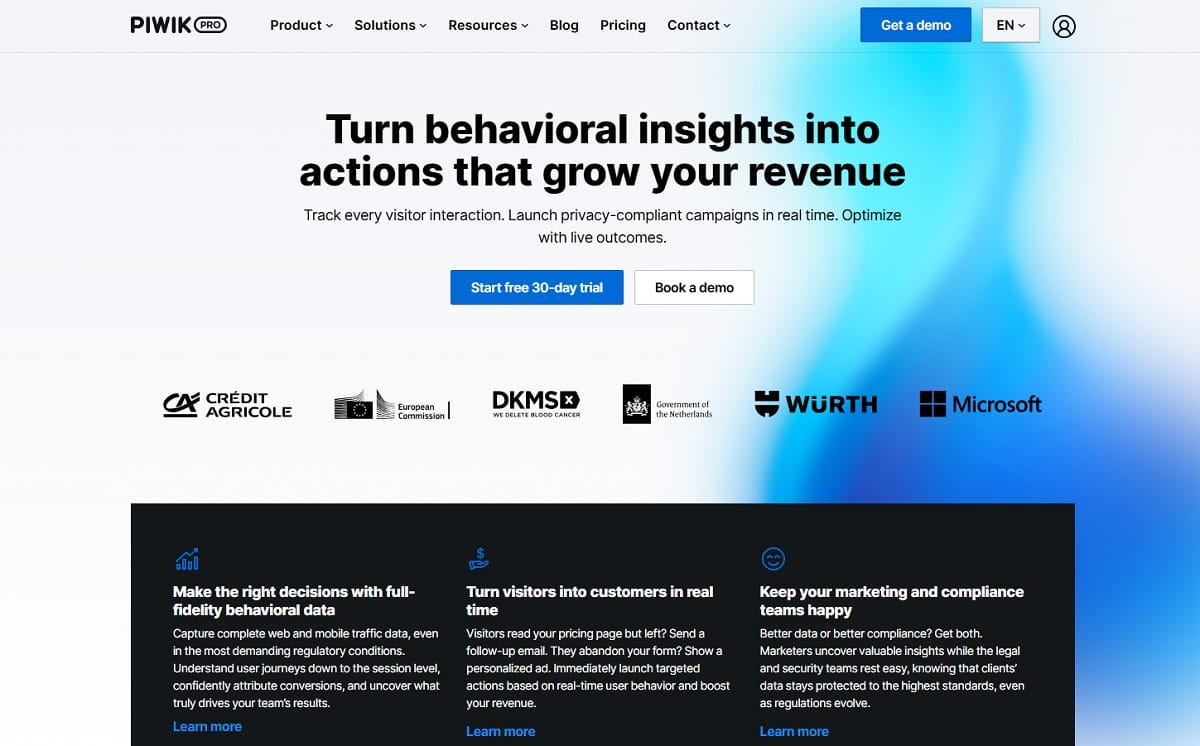
Piwik PRO shares Matomo’s ancestry — both descend from the original Piwik project — which makes it the least disorienting migration on this list. The reports look familiar, the data model is familiar, and the pitch is everything Matomo On-Premise struggles with at scale: unsampled data, faster reporting on large datasets, a built-in consent manager, a tag manager, and hosting you choose by jurisdiction.
Key Features
- Four modules in one platform: Analytics, Tag Manager, Consent Manager and Data Activation.
- Hosting in the EU (Sweden by default, with Germany and Netherlands options), plus US, Hong Kong and UAE regions; private cloud on Enterprise.
- Unsampled raw data with 25-month default retention and raw-data export.
- Enterprise governance: SSO, SOC 2, and HIPAA with a BAA on the Enterprise tier.
- Google Ads and Search Console integrations, plus a friendly custom report builder.
How Piwik PRO Compares To Matomo
This is the upgrade path Matomo On-Premise users take when archiving jobs start timing out. Piwik PRO handles the scale and support that self-hosting does not, and its consent management is genuinely stronger than Matomo’s. What you give up is Matomo’s open-source license and the option of running everything on your own metal for free.
One thing every older listicle gets wrong: Piwik PRO’s free Core plan is gone. Existing Core accounts were moved to Business in December 2025, and the company set 31 March 2026 as the final deadline, after which unmigrated accounts lose access to the product and their data. If a comparison article still tells you Piwik PRO has a free tier, it was written before that change. Confirm current terms on Piwik PRO’s pricing page.
Pros And Cons
- Pros: Familiar to anyone who knows Matomo; a genuine enterprise compliance posture; consent management included rather than bolted on; jurisdiction choice for data residency; dedicated support.
- Cons: No free plan any more; no self-hosting in the open-source sense; no heatmaps or session replay; Enterprise pricing climbs quickly and is oriented to annual billing.
Pricing And Best For
Business from €36 a month for up to 2 million actions across up to 20 domains, with a 30-day trial and no card required. Enterprise from €366 a month billed annually, with tiered action limits and private-cloud options.
Best for regulated industries — finance, healthcare, public sector — that need Matomo’s philosophy with an enterprise contract behind it.
3. Plausible Analytics — Best Lightweight Open-Source Matomo Alternative

Plausible answers a specific complaint: Matomo does far more than most sites need, and the interface charges you for that breadth every time you open it. Plausible is one page. Traffic, sources, pages, countries, devices, goals — all filterable in place, with a script that is a small fraction of the size of a full analytics tag.
Key Features
- Single-page dashboard with every metric filterable in place, plus shareable public dashboards.
- Cookieless by design, so no consent banner is required for analytics in most EU setups.
- Open source under AGPL with a documented self-hosting path, or EU-hosted cloud.
- Goals, custom events, funnels and campaign/UTM reporting on higher tiers.
- Search Console integration and scheduled email or Slack traffic reports.
How Plausible Compares To Matomo
Plausible replaces Matomo’s core web reporting and its privacy posture, and deliberately does not replace the rest. There is no session replay, no heatmap, no visitor log to click through. If you used Matomo mostly to answer “where is traffic coming from and which pages work,” Plausible does that in a tenth of the interface. If you used Matomo’s visitor profiles or premium plugins, Plausible will feel thin.
Pros And Cons
- Pros: Genuinely fast to read and fast to load; open source and auditable; EU-hosted cloud; simple flat pricing; self-hosting is free.
- Cons: No heatmaps or replay; less historical segmentation than Matomo; self-hosting needs ClickHouse and PostgreSQL, which is not a beginner deployment; no free cloud tier, only a trial.
Pricing And Best For
Cloud plans start at $9 a month at the entry tier, with Growth and Business tiers adding sites, team members and features; annual billing gives two months free, and there is a 30-day trial with no card. Self-hosting is free. Check Plausible’s pricing for current tiers.
Best for blogs, SaaS marketing sites and agencies that want privacy-compliant traffic reporting anyone on the team can read.
4. Fathom Analytics — Best For Simple, EU-Isolated Reporting
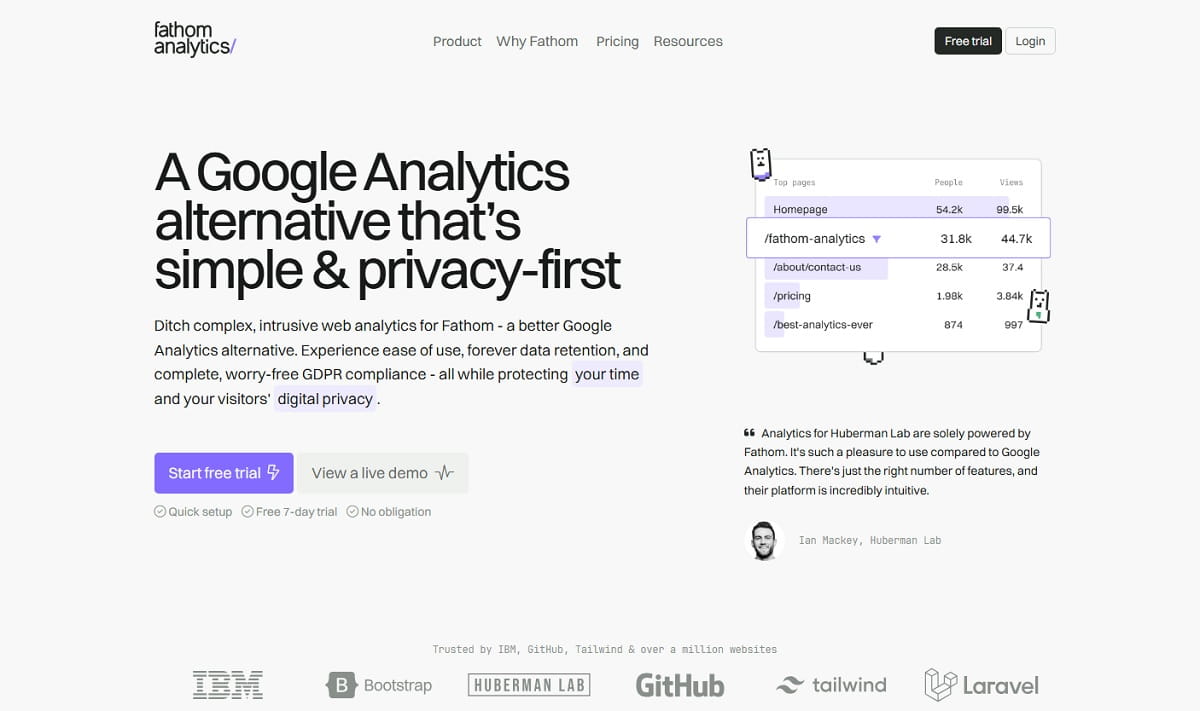
Fathom occupies the same simplicity niche as Plausible but sells a slightly different promise: every feature on every plan, no upsells, no discounts, and EU isolation as a first-class product feature rather than a hosting-region checkbox. For teams that left Matomo after a legal review rather than a usability complaint, that framing matters.
Key Features
- All features on all paid tiers — events, goals, uptime monitoring, email reports, exports, unlimited team members.
- EU isolation, so EU visitor data is processed in the EU.
- Cookieless tracking with no consent banner required for analytics in most setups.
- Automatic bot filtering, and analytics that keep collecting during a traffic spike instead of cutting off.
- Forever data retention while you remain a customer, with unlimited exports.
How Fathom Compares To Matomo
Fathom replaces Matomo’s reporting and compliance role and removes the hosting burden entirely. It is the “I never want to think about this again” option. What it does not replace: anything behavioral, anything self-hosted, and anything that needs custom dimensions at Matomo’s depth.
Pros And Cons
- Pros: No feature gating between tiers; a strong, plainly documented privacy posture; 50 sites included; no throttling during spikes; free trial without a card.
- Cons: More expensive per pageview than Plausible or Pirsch at small volumes; no heatmaps, replay or A/B testing; no open-source or self-hosted edition; limited depth for product analytics questions.
Pricing And Best For
From $15 a month for 100,000 pageviews and $45 a month for 500,000, scaling to 25 million-plus tiers; annual billing saves two months and extra 50-site packs cost $10 a month. Current tiers are on Fathom’s pricing page.
Best for agencies and consultants managing many client sites who need defensible privacy handling and zero maintenance.
5. Umami — Best Free Self-Hosted Matomo Alternative
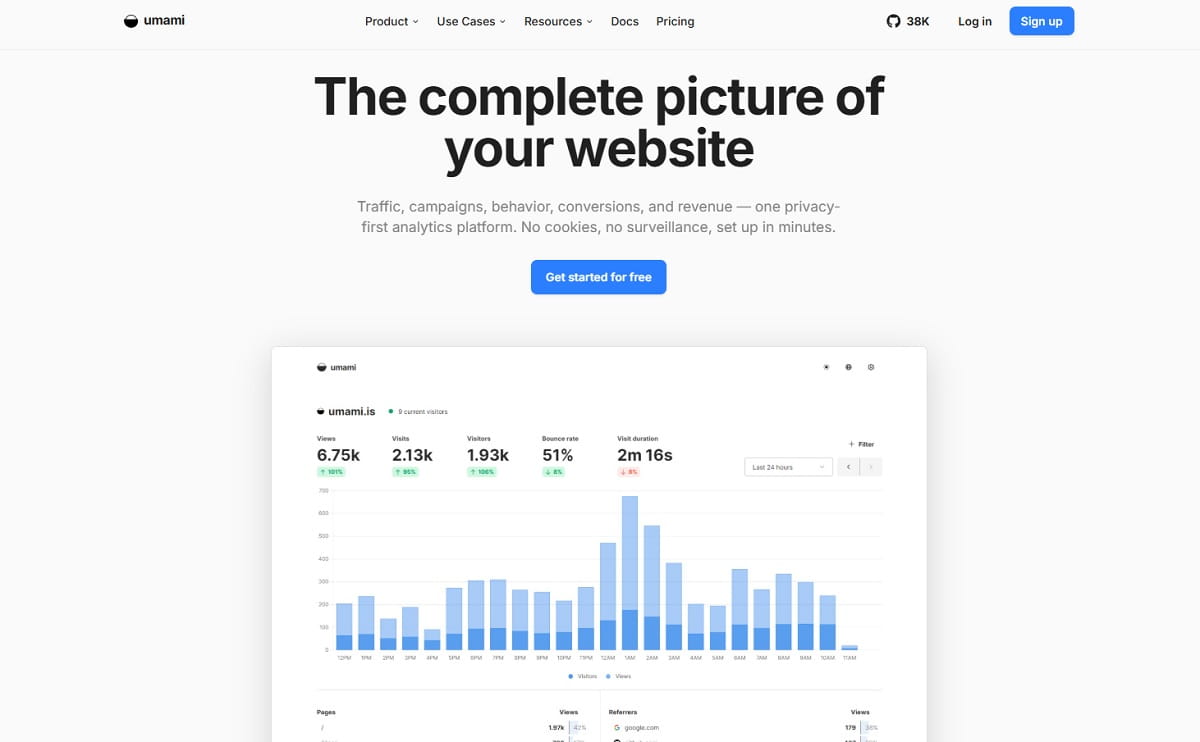
If the thing you liked about Matomo was that the database lived on your server, Umami is the most direct swap here. It is MIT-licensed, runs from a Docker image against PostgreSQL or MySQL, and deploys on a small VPS in minutes rather than the afternoon Matomo can demand. The dashboard is deliberately narrow: pageviews, referrers, pages, countries, devices and custom events.
Key Features
- MIT license, self-hostable for free, with no feature paywall in the open-source build.
- Cookieless, anonymised collection; no consent banner required for analytics in most EU setups.
- Unlimited websites and users on a self-hosted instance.
- Custom events with properties, plus an API for exporting into your own warehouse.
- Managed Umami Cloud with US and EU server regions for teams that do not want to run it.
How Umami Compares To Matomo
Umami wins on operational simplicity and loses on depth. Matomo has years of reports, segments, e-commerce tracking and plugins that Umami does not attempt. But a self-hosted Umami instance on a small VPS handles a mid-size site without archiving cron jobs, database tuning or a €219 plugin invoice — and that is the entire point.
Pros And Cons
- Pros: Free and genuinely open source; trivial to deploy and upgrade; light script; full data ownership; a free cloud Hobby tier for small projects.
- Cons: Far fewer reports than Matomo; no heatmaps or classic session replay; basic e-commerce reporting; self-hosting still means you own backups and uptime.
Pricing And Best For
Self-hosting is free under MIT. Umami Cloud offers a free Hobby tier (a monthly event allowance, a handful of sites, limited retention) with paid tiers above it billed on events; check Umami’s pricing page for current numbers, as the cloud tiers were revised recently.
Best for developers, indie hackers and privacy-conscious teams who want Matomo’s data ownership without Matomo’s operational weight.
6. PostHog — Best Matomo Alternative For Product Teams And Engineers
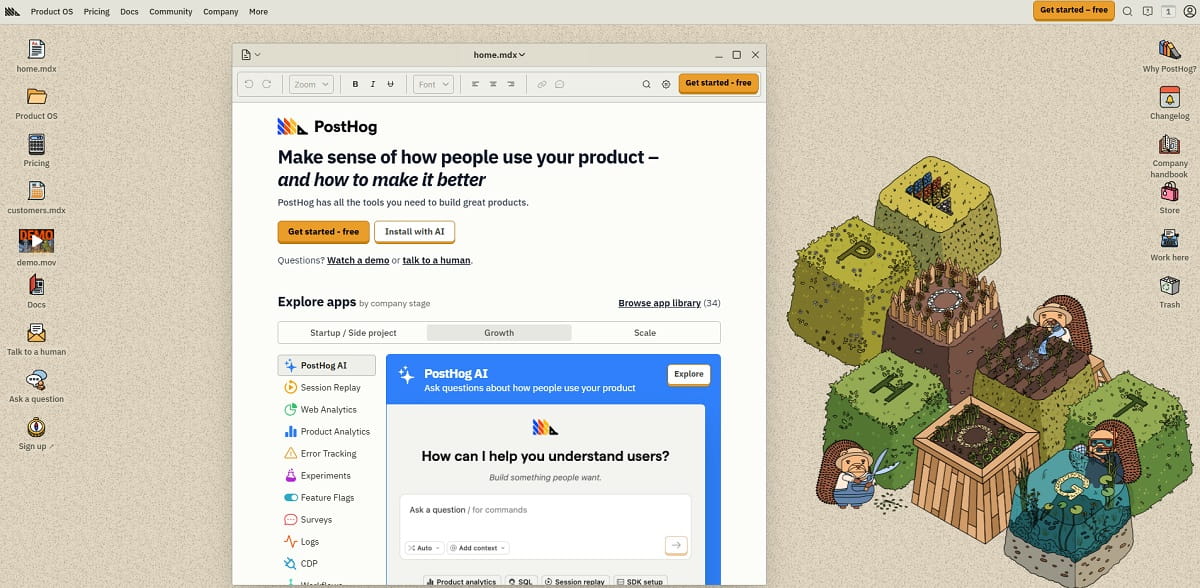
PostHog is a different category of tool that many Matomo users end up in anyway, because the question they actually had was about the product, not the website. It combines web and product analytics, session replay, feature flags, experiments, surveys and error tracking, with a SQL layer underneath for anyone who wants to leave the dashboard behind.
Key Features
- Product analytics with autocapture, funnels, retention, cohorts and path analysis.
- Session replay with console logs and network activity, plus heatmaps.
- Feature flags and A/B experiments in the same platform as the analytics that measure them.
- SQL access to your own event data, plus a data warehouse layer.
- Surveys and error tracking, so one script covers several vendors’ worth of tooling.
How PostHog Compares To Matomo
PostHog replaces Matomo’s analytics and its premium plugin layer — replay, heatmaps, A/B testing, funnels — inside a free tier most small teams never exceed. The important caveat, and PostHog says this itself: self-hosting is officially unsupported. PostHog’s own self-hosting documentation states there is no customer support for self-hosted instances, no tagged releases or published CVEs, that paid features are cloud-only, and that users assume all responsibility and risk including data loss. If you are leaving Matomo specifically to keep the database in-house, PostHog is not your replacement.
Pros And Cons
- Pros: A very generous free tier (1M analytics events, 5,000 replays and 1M feature-flag requests a month); replay, flags, experiments and analytics in one place; SQL access to raw events; strong developer documentation.
- Cons: Self-hosting is unsupported and free-tier-only; usage-based pricing can surprise you on a high-volume marketing site; heavier script than the simple-analytics tools; overkill for a content site that just wants traffic reports.
Pricing And Best For
Free tier with monthly resets, then pay-as-you-go on each product independently; see PostHog’s pricing.
Best for SaaS and product teams whose Matomo install was really being used as a product analytics tool. If you are weighing this one seriously, our PostHog alternatives comparison covers the trade-offs in more depth.
7. Microsoft Clarity — Best Free Heatmap And Session Replay Alternative
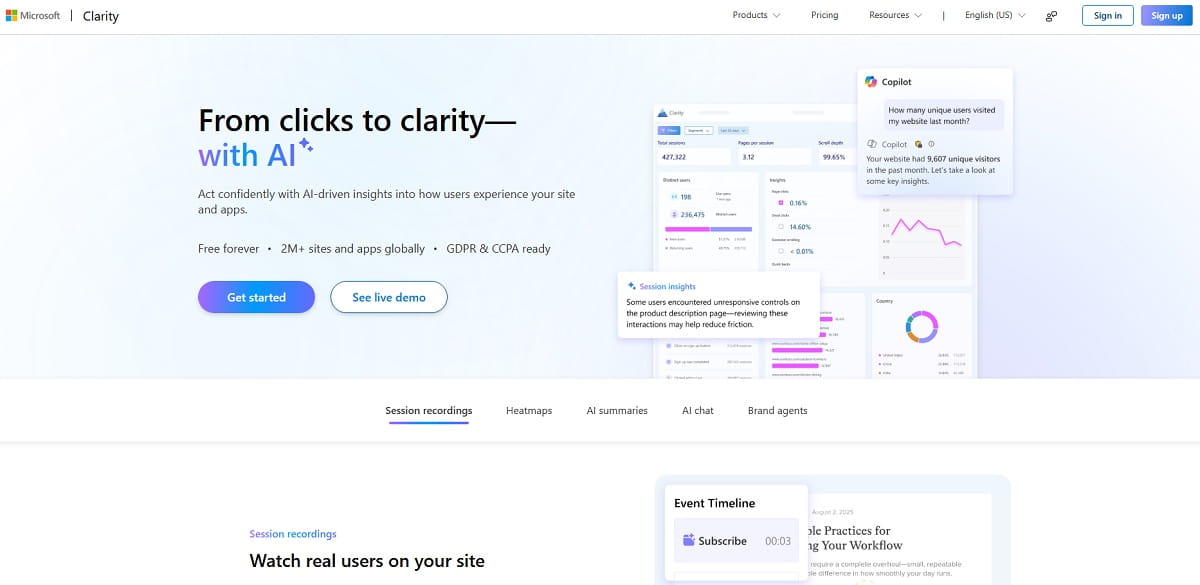
Clarity is the most-installed free behavior tool on the web, and it directly replaces the most expensive single item in Matomo’s catalogue — the €219-a-year Heatmap & Session Recording plugin — at no cost and with no traffic limit. It is a partial replacement, not a full one: Clarity does not aim to be your traffic-reporting system of record.
Key Features
- Unlimited session recordings and heatmaps, free, with no traffic ceiling.
- Frustration signals: rage clicks, dead clicks, excessive scrolling and quick backs.
- AI summaries and conversational exploration over your recordings.
- Google Analytics integration, so replays can be opened from GA4 segments.
- GDPR and CCPA readiness documented by Microsoft.
How Clarity Compares To Matomo
Clarity replaces Matomo’s behavior plugins and nothing else. Traffic acquisition reporting, goal revenue, campaign attribution and multi-year historical comparison all stay with whatever you pick as your primary analytics tool. Many teams run Clarity next to Plausible or Umami for exactly this reason. The trade-off is the one you would expect from a free product from a large platform vendor: visitor behavior data lives on Microsoft’s infrastructure, and retention and segmentation are shallower than a paid tool’s.
Pros And Cons
- Pros: Free with no traffic limits; excellent frustration-signal detection; quick setup; AI summarisation of recordings; integrates with GA4.
- Cons: Not a traffic-analytics replacement on its own; limited data retention and export; no self-hosting or EU-only residency option; basic segmentation compared with paid behavior tools; your visitor data feeds a large platform vendor.
Pricing And Best For
Free.
Best for teams that want the Matomo heatmap plugin’s output without the invoice, and who already have a traffic tool they trust. If you need heatmaps, replay and traffic reporting under one login with deeper retention, compare it against our Microsoft Clarity alternatives breakdown.
8. Google Analytics 4 — Best Free Full-Feature Analytics, With Privacy Trade-Offs

It would be dishonest to write a Matomo alternatives list without GA4. Most people running Matomo left Google Analytics in the first place, but a meaningful share go back — usually because they need the ad-platform integrations, the free ceiling, or the BigQuery export that no privacy-first tool matches.
Key Features
- Event-based data model with exploration reports, funnels, path analysis and cohorts.
- Free BigQuery export, giving genuine raw-data access at no cost.
- Native Google Ads, Search Console and Looker Studio integration.
- Predictive audiences and machine-learning-modelled conversions.
- Consent Mode for regions where consent gating is required.
How GA4 Compares To Matomo
GA4 matches or beats Matomo on analytical depth and integrations, and loses decisively on the thing Matomo exists for. It samples data on large properties, models conversions rather than counting them, gives you no ownership of the collection layer, and has been the subject of adverse rulings from several European data protection authorities — the French CNIL decision is the best known. The 2023 EU–US Data Privacy Framework changed that landscape, but “changed” is not “settled,” and it is why Matomo users left in the first place. If GA4 is on your shortlist, read our full Google Analytics alternatives comparison before deciding.
Pros And Cons
- Pros: Free at almost any volume; unmatched ad-platform integration; free BigQuery raw export; enormous documentation and hiring pool; predictive metrics.
- Cons: Data sampling and modelled conversions; a steep interface; consent banners required in the EU, which costs real data; no data ownership; ad blockers remove a meaningful slice of traffic; ongoing regulatory uncertainty in Europe.
Pricing And Best For
Free; Google Analytics 360 is enterprise-priced on request.
Best for teams whose primary constraint is budget and whose marketing runs on Google Ads — with the explicit understanding that this is the opposite of Matomo’s value proposition.
9. Mixpanel — Best For Product Analytics And Funnels
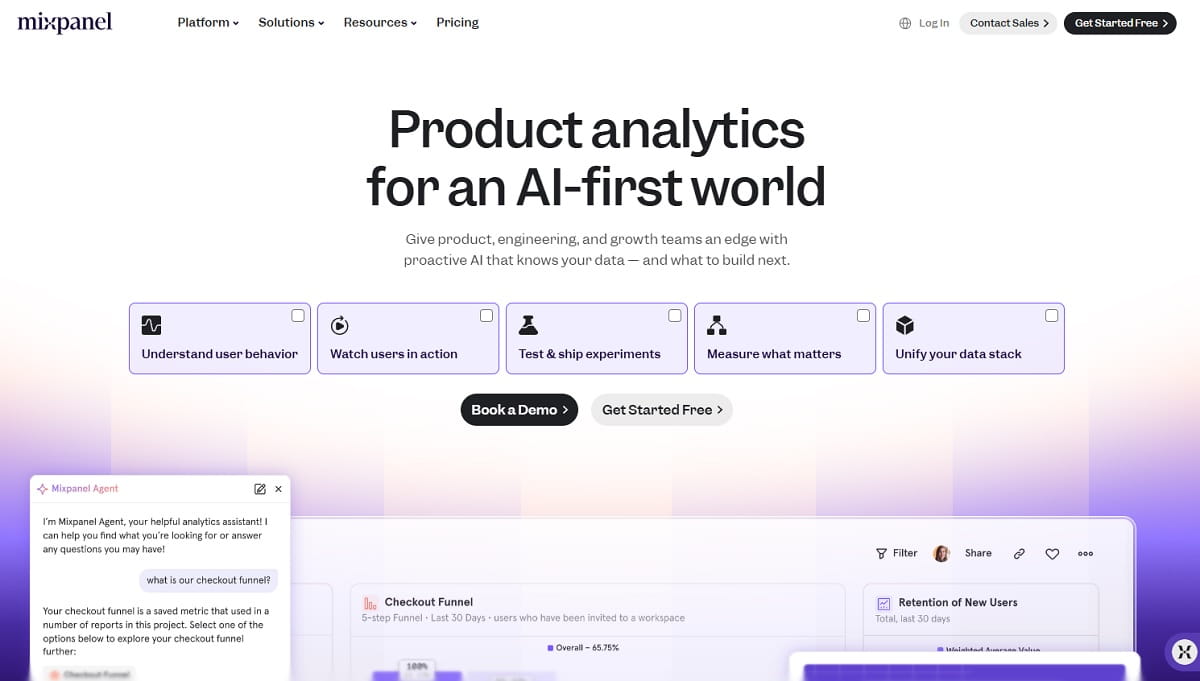
Mixpanel appears on most Matomo lists for one reason: teams that outgrew Matomo’s funnel plugin want a tool built around funnels from the ground up. Mixpanel is event-first rather than pageview-first, and its retention and cohort reporting is a genuine step up from anything in Matomo’s catalogue.
Key Features
- Funnel, retention, flow and cohort analysis built around user-level events.
- Interactive boards and self-serve report building for non-technical users.
- EU data residency option for teams with GDPR obligations.
- Warehouse connectors and raw event export.
- Session replay available as an add-on product.
How Mixpanel Compares To Matomo
Mixpanel replaces Matomo’s funnel and goal reporting with far more depth, and replaces almost nothing else. Marketing-site metrics — referrers, campaigns, SEO landing pages — are weaker than Matomo’s, and you will need a companion tool for them. Choose Mixpanel when the question you keep asking is “what do users do after signup,” not “where did this month’s traffic come from.”
Pros And Cons
- Pros: Best-in-class funnel and retention analysis; an approachable interface for a product analytics tool; EU residency available; a generous free tier at small event volumes.
- Cons: Weak as a website analytics replacement; requires deliberate event taxonomy work before it is useful; usage-based pricing scales with event volume; no self-hosting.
Pricing And Best For
Free tier with a monthly event allowance, then usage-based Growth and Enterprise tiers on Mixpanel’s pricing page.
Best for product and growth teams. Our Mixpanel alternatives guide covers the category if you want more options here.
10. Simple Analytics — Best For EU-Hosted, Cookie-Free Reporting
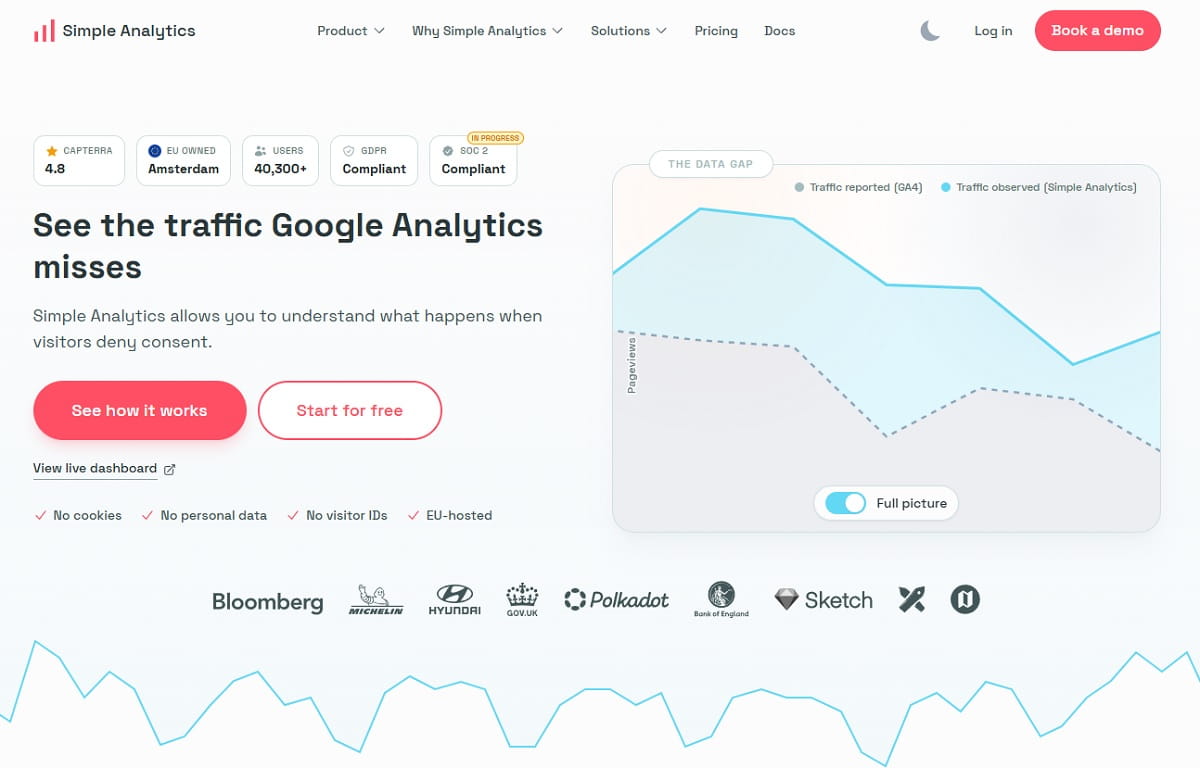
Simple Analytics is a Dutch product built on one uncompromising position: collect no personal data at all. No cookies, no fingerprinting, no stored unique visitor identifiers, and servers in the EU. For organisations whose legal team writes the analytics requirements, that is a shorter conversation than any other tool here.
Key Features
- EU-hosted and GDPR-compliant from install, with no consent banner required.
- Single-screen dashboard with pages, referrers, countries, devices and events.
- Goals and custom events, plus an AI-assisted query layer over your data.
- Public dashboard sharing and automated email reports.
- Enterprise tier with SSO, role-based access and SOC 2.
How Simple Analytics Compares To Matomo
It replaces Matomo’s traffic reporting with a stricter privacy stance and a much smaller surface area. Where Matomo can be configured to store IP addresses and visitor IDs, Simple Analytics structurally does not. The cost is depth: no visitor log, no session replay, and no e-commerce funnel reporting at Matomo’s level.
Pros And Cons
- Pros: The strictest no-personal-data position in the category; EU hosting; a free plan with unlimited pageviews at 30-day history; a clean, quickly readable dashboard; 14-day trial without a card.
- Cons: The entry paid tier is pricier than Plausible or Pirsch; very limited historical depth on the free plan; no behavior tooling; not suited to complex e-commerce attribution.
Pricing And Best For
Free plan with unlimited pageviews but 30-day history, one user and up to five sites; paid plans from $20 a month, billed on data points, per Simple Analytics’ pricing page.
Best for European organisations, public-sector sites and privacy-led brands where the compliance bar is set by counsel, not by marketing.
11. Pirsch Analytics — Best Budget German-Hosted Matomo Alternative

Pirsch is the cheapest credible entry point on this list, and it is German-hosted, which puts it under one of the strictest data-protection regimes in Europe. At $6 a month it undercuts almost everything else while still including funnels, A/B testing and API access on the higher tier.
Key Features
- Cloud hosting in Germany with 100% data ownership stated on every plan.
- Cookieless tracking, plus server-side and proxy integrations to survive ad blockers.
- Up to 50 websites on the entry plan, unlimited on Plus.
- Funnels, A/B testing, teams and white labeling on the Plus tier.
- Full API access, and an on-premise installation option on Enterprise.
How Pirsch Compares To Matomo
Pirsch covers Matomo’s core traffic reporting plus funnels and split testing — two things Matomo charges €199 and €219 a year for — at a fraction of the cost and with no server administration. What it lacks is Matomo’s report depth, plugin ecosystem and free self-hosted edition; the on-premise option sits behind an Enterprise contract.
Pros And Cons
- Pros: A very low entry price; German data residency; funnels and A/B testing on Plus; a 30-day trial with no card; generous site limits.
- Cons: A smaller company and ecosystem than the market leaders; no heatmaps or session replay; on-premise only on Enterprise; usage counts events and session extensions, not just pageviews, so read the meter definition before you size a plan.
Pricing And Best For
Standard from $6 a month for 10,000 monthly page views; Plus at $12 a month adds unlimited sites, funnels, A/B testing and white labeling; Enterprise is custom. See Pirsch’s pricing page.
Best for small businesses, freelancers and DACH-region sites that want EU hosting on a small budget.
12. Rybbit — Best New Open-Source Alternative With Session Replay
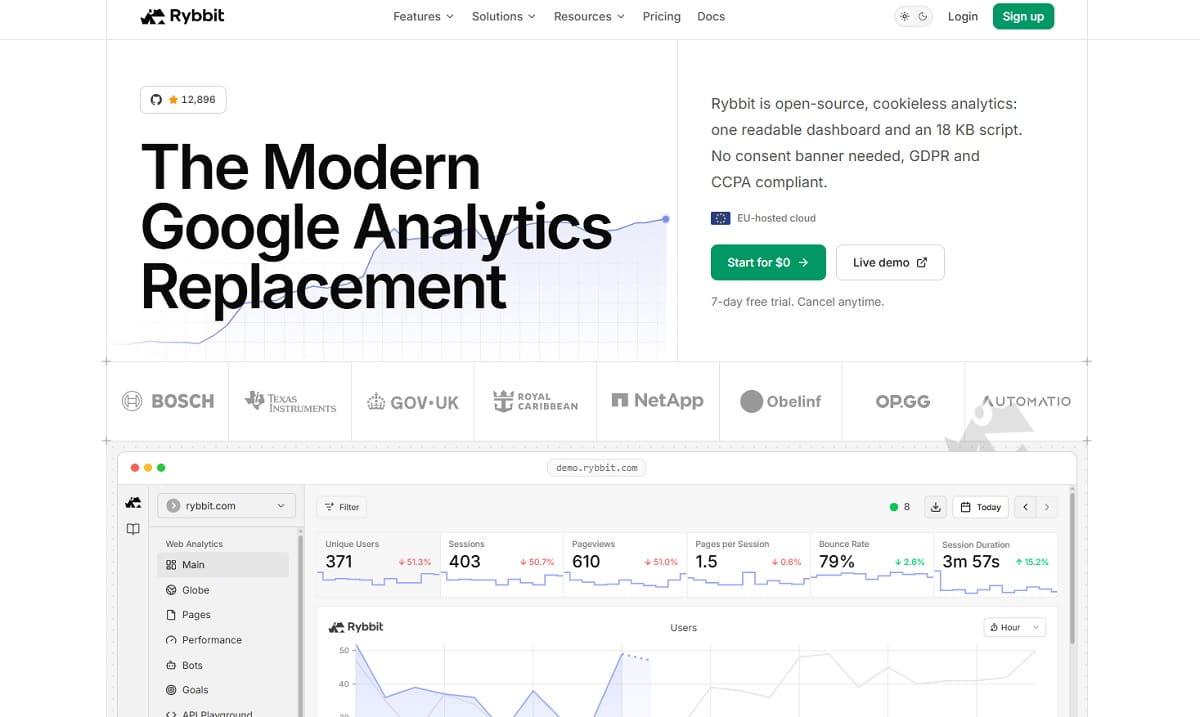
Rybbit is the newest tool here and the only self-hostable open-source option that ships session replay, funnels and Core Web Vitals in the same package. Released publicly in April 2025 under AGPL-3.0, it targets exactly the gap that Plausible and Umami leave open for Matomo refugees: privacy-first analytics that still shows you behavior.
Key Features
- Open source under AGPL-3.0; runs on any VPS with all data on your own infrastructure.
- Session replay, funnels, goals, user journeys and retention in the core product.
- Core Web Vitals reporting alongside traffic, which most privacy tools omit.
- Cookieless tracking with a lightweight script.
- A managed cloud option for teams that do not want to self-host.
How Rybbit Compares To Matomo
On paper this is the closest open-source match to “Matomo plus the premium bundle” — self-hosted, privacy-first, with replay and funnels included rather than licensed. The honest caveat is maturity. Rybbit is roughly a year old, built by a very small team, and does not yet have Matomo’s fifteen years of edge-case handling, integrations or enterprise track record. Treat it as a strong bet for a side project or a new site, and a considered risk for a business-critical analytics migration.
Pros And Cons
- Pros: Behavior features included in an open-source, self-hostable package; a modern, readable interface; Web Vitals built in; active development and a public roadmap.
- Cons: A young project with a small maintainer base, which is a real continuity risk for critical systems; a smaller integration ecosystem; community-led documentation and support; a feature set still moving quickly.
Pricing And Best For
Free when self-hosted under AGPL-3.0; managed cloud tiers are published on Rybbit’s site.
Best for developers and technical teams who want Matomo’s data ownership plus replay and funnels, and who are comfortable adopting a young project.
Free And Lightweight Matomo Alternatives Worth Knowing
These did not earn full entries — each replaces only a narrow slice of what Matomo does — but they are legitimate, actively maintained, and the right answer in specific situations.
| Tool | What It Is | Cost | When To Pick It |
|---|---|---|---|
| GoatCounter | Minimal open-source analytics under the EUPL-1.2 license, hosted or self-hosted | Free for non-commercial use, donation-supported | Personal blogs, open-source project sites, documentation |
| Open Web Analytics | PHP/MySQL self-hosted analytics with basic heatmaps; stable release 1.8.1 shipped in September 2025 | Free, open source | LAMP-stack shops that want a familiar deployment model |
| Clicky | Long-running hosted analytics with real-time reporting, heatmaps and split testing | Free tier; paid from roughly $10 a month | Sites that want live visitor monitoring without a big platform |
| Countly Lite | Open-source, self-hosted product analytics focused on mobile, web and IoT apps | Free (Lite edition) | App-first companies replacing Matomo’s mobile SDK usage |
| Cloudflare Web Analytics | Server-side traffic reporting for sites already behind Cloudflare | Free | Basic pageview counts that ad blockers cannot remove |
Tools We Left Off This List, And Why
Every one of these appears on at least one competing Matomo alternatives article. Each was checked against the vendor’s own site and cut for a stated reason. This is the section that saves you an afternoon.
- Woopra — still online, but it was acquired by Appier in October 2022 and repositioned as customer journey intelligence rather than web analytics, and company headcount is now very small. It is not a like-for-like Matomo replacement, and adopting it carries continuity risk.
- Heap — acquired by Contentsquare, completed December 2023, and still sold as a distinct product. It is genuine product analytics, but it does not address the privacy, self-hosting or data-ownership reasons people leave Matomo. See our Heap alternatives comparison if that is your actual need.
- Contentsquare — an excellent experience analytics platform, but enterprise-contracted with no public pricing and no self-hosting. It answers a different budget question entirely; our Contentsquare alternatives post covers that tier.
- Adobe Analytics — enterprise-only, quote-based, and structurally the opposite of Matomo’s ownership model. It appears on several lists because it is a big name, not because it is a plausible migration for a Matomo user.
- Amplitude — product analytics, not web analytics. Strong at what it does, wrong shape for replacing a site analytics install.
- Google Optimize — shut down in September 2023. If you find it in a Matomo alternatives list, that list has not been updated in three years. Our Google Optimize alternatives guide covers replacements.
- Statcounter — still operating, but the feature set has not kept pace and the free tier’s log limits make it unworkable for anything but a small hobby site.
How To Choose The Right Matomo Alternative
Work down this list in order. The first constraint that applies to you eliminates most of the options, which is faster than comparing feature grids.
| If Your Constraint Is… | Shortlist | Why |
|---|---|---|
| The data must physically stay on our servers | Umami, Rybbit, Open Web Analytics, Matomo On-Premise | Only genuinely self-hostable options qualify. Rule out every cloud-only tool immediately. |
| We need a signed enterprise contract and compliance certifications | Piwik PRO, Adobe Analytics | SOC 2, HIPAA with a BAA, SSO and private cloud are contract features, not product features. |
| We could see the drop-off but never the reason | Plerdy, PostHog, Microsoft Clarity | You need heatmaps and session replay, not more traffic charts. |
| Nobody on the team opens the analytics tool | Plausible, Fathom, Simple Analytics | Single-screen dashboards get read. Report trees do not. |
| Budget is the binding constraint | Umami, Microsoft Clarity, Pirsch, GA4 | Free self-hosted, free behavior tooling, or the cheapest EU-hosted tier. |
| The questions are about product usage, not traffic | PostHog, Mixpanel | Event-first data models handle retention and cohorts that pageview tools cannot. |
| We are an e-commerce store optimising revenue per page | Plerdy | Element-level revenue attribution plus funnels and replay on the same URLs. |
One practical note that saves money: two of these categories combine well. A lightweight traffic tool plus a behavior tool — Plausible plus Clarity, for instance — costs less than a single all-in-one platform, at the price of reconciling two datasets and two logins. All-in-one wins when the same person has to answer both “how much traffic” and “why did it not convert.” Splitting wins when those are two different teams with two different budgets.
How To Migrate Off Matomo Without Losing Your History
The biggest reason teams stay on a tool they have outgrown is fear of losing years of data. Here is the sequence that avoids that.
- Export before you cancel anything. Matomo’s Reporting API returns any report as CSV, JSON, XML or TSV. Pull your core reports — Visits Summary, Referrers, Pages, Goals, E-commerce — month by month for the full history. On a self-hosted install you can also dump the “matomo_log_visit” and “matomo_log_link_visit_action” tables, which is the only way to preserve visit-level detail.
- Store the export somewhere the new tool cannot overwrite. A spreadsheet, a warehouse table, or a BI dataset. Historical Matomo data almost never imports cleanly into another vendor’s schema — treat it as an archive you can query, not as data you will migrate.
- Run both tools in parallel for at least 30 days. This is not optional. Every analytics tool counts differently: cookieless tools estimate unique visitors, some filter bots more aggressively, and ad blockers hit each script differently. Without an overlap period you will never know whether a 12% traffic drop is a real drop or a measurement change.
- Document your definitions during the overlap. Write down the delta between the two tools for sessions, unique visitors and each key conversion. That one-page note is what stops a quarterly review from turning into an argument about whose number is right.
- Rebuild goals before you rebuild reports. Conversions are what the business reads. Get every goal firing and verified in the new tool during the overlap window, and only then recreate dashboards.
- Measure the script impact yourself. There is no reliable public benchmark comparing all of these tools’ script weight under identical conditions, and any article that hands you one made it up. Run PageSpeed Insights or a WebPageTest run on the same template page with the old tag and the new tag, three runs each, and compare Largest Contentful Paint and total blocking time. Twenty minutes of work gives you a number that is actually about your site.
- Only then decommission Matomo. Keep the instance readable — not collecting — for one full reporting cycle after the switch.
Frequently Asked Questions
What Is The Best Free Matomo Alternative?
It depends which half of Matomo you are replacing. For self-hosted traffic analytics with full data ownership, Umami is the strongest free option — MIT-licensed, easy to deploy, and unlimited on your own server. For the heatmaps and session recordings that Matomo sells as a €219-a-year plugin, Microsoft Clarity is free with no traffic limit. For a free plan that covers both traffic reporting and behavior tools inside one hosted product, Plerdy’s free-forever tier is the shortest path.
Why Is Self-Hosted Matomo So Slow?
Matomo pre-computes reports through an archiving process that runs over your raw log tables. On a small site that finishes in seconds. As “matomo_log_visit” and “matomo_log_link_visit_action” grow into tens of millions of rows, archiving becomes a long batch job — and if it is triggered by browser requests rather than a properly configured cron job, report pages block while it runs. Matomo publishes a performance guide for exactly this, but the fix is real infrastructure work: cron-based archiving, database tuning, more RAM, and often archiving on a separate server.
Does Matomo Include Heatmaps And Session Recording?
Not in the free On-Premise core. Heatmaps and session recording are a paid premium plugin on the Matomo Marketplace, listed at €219 a year for a 1-to-4-user On-Premise install and rising with user count. They are bundled into Matomo Cloud plans. If heatmaps and replay are the reason you are evaluating analytics at all, tools that include them by default — Plerdy, PostHog, Microsoft Clarity, Rybbit — remove that line item entirely.
Is Piwik PRO Still Free?
No. Piwik PRO discontinued its free Core plan. Existing Core accounts were transitioned to the paid Business plan in December 2025, and the company set 31 March 2026 as the final deadline, after which unmigrated accounts lose access to both the product and their data. Business now starts at €36 a month. Any article that still describes a free Piwik PRO tier predates the change — check the vendor’s pricing page before you plan around it.
Can I Import My Matomo Data Into Another Tool?
You can export it reliably; importing it into a different vendor’s schema rarely works cleanly. Matomo’s Reporting API returns any report as CSV, JSON, XML or TSV, and self-hosted installs can dump the raw log tables directly. The practical approach used by most teams is to archive the export in a spreadsheet or warehouse for historical reference and start the new tool with a clean baseline, running both in parallel for at least 30 days so you can document the measurement delta.
Do Matomo Alternatives Get Blocked By Ad Blockers?
Some do. Google Analytics is on every major blocklist and loses the most traffic. Privacy-first tools are blocked less often, but their default script filenames still appear on community lists, so none of them are immune out of the box. The reliable mitigations are the same everywhere: serve the tracking script from your own domain through a proxy or a self-hosted install, or use a server-side integration. Pirsch, Plausible and Umami all document proxy setups, and Cloudflare Web Analytics sidesteps the issue entirely by measuring at the edge.
Are Matomo Alternatives GDPR Compliant Without A Cookie Banner?
Several are, and it depends on the configuration rather than the logo. Plausible, Fathom, Simple Analytics, Umami and Pirsch all collect without cookies and without storing personal identifiers, which is why they can generally run without an analytics consent banner in the EU. Matomo can be configured the same way, and Piwik PRO ships a consent manager for cases where consent is required anyway. Google Analytics 4 cannot: it needs consent gating in the EU. Compliance is ultimately a judgement your data protection officer makes about your specific setup, not a checkbox any vendor can tick for you.
Which Matomo Alternative Is Best For E-Commerce?
For stores, the deciding factor is whether the tool connects revenue to specific page elements. Plerdy does this directly — e-commerce sales performance reporting shows which blocks on a category or product page generate revenue, and you can open the session replays behind a leaking checkout step from the same report. GA4 is stronger on ad-platform attribution and free BigQuery export. Piwik PRO is the pick when the constraint is compliance rather than optimisation. Many stores end up running a privacy-first traffic tool plus a behavior tool, which is exactly the split Plerdy consolidates.
The Verdict
Matomo is still the right tool for one specific buyer: a team with the infrastructure skills to run it, a genuine legal need to hold the database, and no requirement for behavior analytics. If that is you, stay — and budget honestly for the plugins.
For everyone else the decision usually resolves in a single line. If the database must sit on your own hardware, go to Umami or Rybbit. If you need an enterprise contract and consent governance, go to Piwik PRO and plan around the end of its free tier. If nobody on your team reads the analytics, go to Plausible or Fathom. And if the reason you are reading a Matomo alternatives article at all is that you could see the drop-off but never the cause, Plerdy puts the traffic report, the heatmap, the session replay, the funnel and the revenue attribution behind one login — which is the thing Matomo asks you to assemble from six paid plugins and a server.
Start free with Plerdy and run it alongside Matomo for a month. The overlap period costs nothing and settles the question with your own data.