

Choosing between Shopify A/B testing tools is not as simple as picking the app with the nicest dashboard. One store needs product page testing. Another needs pricing tests. A small team may only want to test popups and banners without calling a developer every Friday. A bigger Shopify Plus brand may need advanced ecommerce experiments, audience segments, personalization, and cleaner reporting across traffic sources.
That is why this article is a tool comparison, not another long tutorial about how Shopify split testing works. For the full testing process, read Plerdy’s Shopify A/B Testing guide. If you need technical setup details, Plerdy also explains how to add A/B testing code to Shopify. Here, the focus is different: which tool fits which Shopify store situation, where each tool is strong, and where it may quietly become too much or too little.
The best choice often depends on what you are trying to improve. Are users ignoring your Add to Cart button? Are shoppers leaving after scrolling only halfway down the product page? Are free shipping banners helping or just adding noise? Are price tests increasing revenue but hurting margin? Good Shopify CRO tools should help answer these questions without turning every test into a messy guessing session.
Why Shopify Stores Need More Than Basic A/B Testing In 2026

Basic A/B testing is still useful. Testing one headline against another can show something. Testing two product images can also help. But Shopify stores in 2026 usually have a harder problem. Traffic is expensive, visitors arrive from many sources, and one small design change can affect conversion rate, average order value, margin, scroll depth, popup signups, and even SEO behavior.
A simple winner label is not always enough. A variation may increase Shopify sales from mobile traffic but perform worse for returning visitors. A discount popup may lift email captures but reduce product page focus. A price test may lift revenue per visitor but create weird customer questions if the offer logic is not clear. This is where Shopify conversion optimization needs more than a button that says “start test.”
Strong ecommerce CRO starts before the experiment. You need to know where shoppers click, where they stop scrolling, which CTAs are ignored, which collection pages feel overloaded, and whether your landing page promise matches the product page. User behavior analysis, Shopify heatmap data, sales trends, ecommerce tracking, popup performance, and UX analytics make test ideas sharper.
In real Shopify audits, many weak tests fail because the idea was random. Someone changed a button color because a competitor did it. Someone tested a free shipping banner without checking whether visitors even reached that part of the page. Someone redesigned a product page before seeing that the real friction was size selection or a hidden review block. A good testing stack should reduce that kind of waste.
How We Chose The Best Shopify A/B Testing Tools
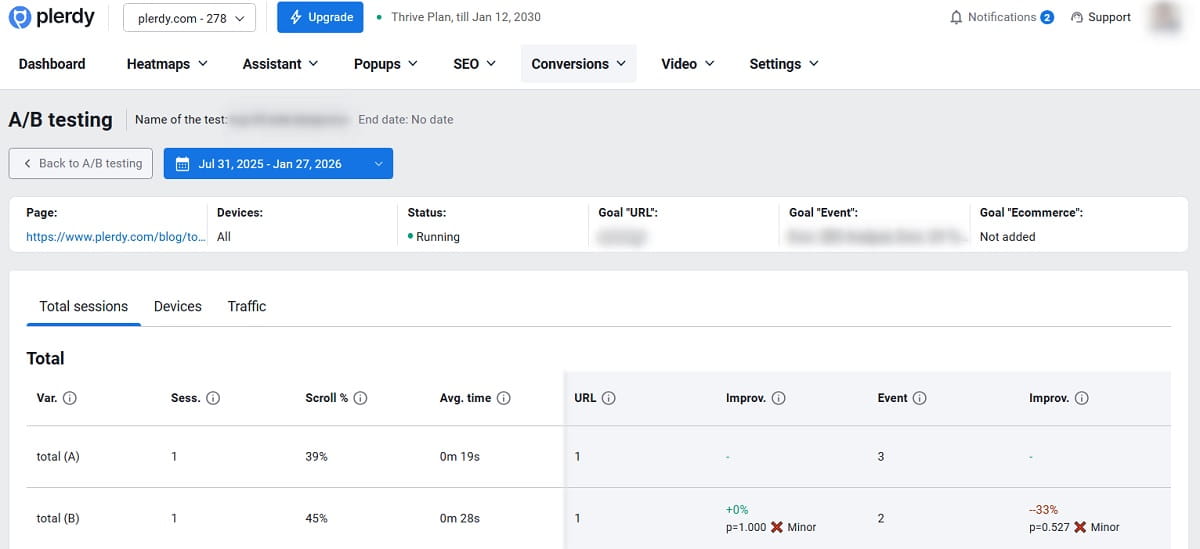
The best A/B testing tools for Shopify are not all the same type of software. Some are full testing platforms. Some are Shopify A/B testing apps built around themes, templates, or prices. Some are landing page testing tools. Some are popup tools. Some are behavior analytics tools that help before the test and during the test.
For this comparison, the main question is practical: can the tool help Shopify store owners make better CRO decisions? Not in theory, but on real store pages with product grids, sticky carts, size selectors, shipping bars, discount logic, mobile layouts, popups, and paid traffic landing pages.
The tools were judged by several factors:
- How useful the tool is for Shopify product page optimization, landing page testing, popups, pricing, bundles, checkout optimization, or personalization.
- Whether a small ecommerce team can use it without heavy development work.
- How well the tool supports real ecommerce experiments instead of only cosmetic page changes.
- Whether reporting helps teams understand revenue, sales trends, user behavior, or friction.
- How much the tool overlaps with other Shopify analytics or CRO tools a store may already use.
- Whether the tool is better for early-stage stores, growing brands, agencies, or advanced CRO teams.
Pricing changes often, and features can vary by plan. So this article avoids pretending that one static price table will stay correct all year. Always check the official website or Shopify App Store page before buying, especially if you need checkout-related testing, price testing, advanced segmentation, or multi-store support.
Quick Comparison Table Of The Best Shopify A/B Testing Tools
| Tool | Best For | Main Shopify Use Case | Possible Limitation |
|---|---|---|---|
| Plerdy | CRO, UX analytics, and A/B test ideas | Analyze clicks, scroll depth, heatmaps, popups, SEO, and ecommerce behavior before testing | Not only a standalone split testing app |
| Intelligems | Price, offer, and shipping tests | Test prices, discounts, bundles, and free shipping thresholds | May be too advanced for small stores |
| Shoplift | No-code Shopify testing | Test product pages, CTAs, landing pages, and theme sections | Less focused on pricing experiments |
| Shogun | Page and landing page testing | Test Shopify pages, templates, content blocks, and campaign layouts | Can overlap with existing page builders |
| ABConvert | Shopify-specific A/B tests | Test pricing, shipping, checkout, themes, and product templates | Features may depend on plan or order volume |
| OptiMonk | Popup and offer testing | Test discounts, exit popups, free shipping messages, and lead forms | Not a full product page testing platform |
| VWO | Advanced CRO teams | Run A/B tests, personalization, heatmaps, recordings, and funnel research | Can feel heavy for small Shopify stores |
| GemX | Shopify page and funnel tests | Test layouts, offers, content, and funnel steps | Best fit depends on current Shopify page setup |
| Convert | Technical CRO and agencies | Run flexible A/B tests with targeting, goals, and advanced setup | Needs more testing knowledge |
| Dynamic Yield | Enterprise personalization | Test and personalize ecommerce experiences for different audiences | Too complex for most small stores |
Full Tool Reviews
1. Plerdy
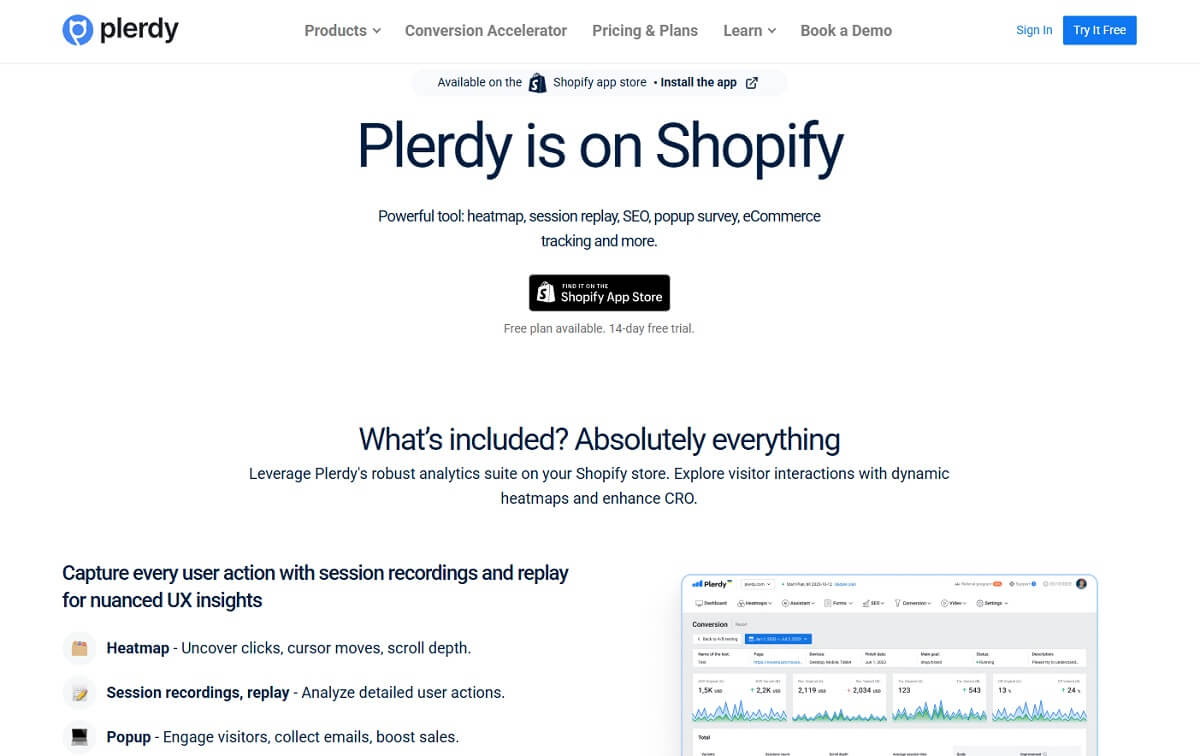
Plerdy should not be treated as just another basic Shopify split testing app. Its stronger role is earlier and wider: it helps Shopify teams understand what visitors actually do before they decide what to test. That matters more than many people admit. A test idea based on real click behavior, scroll depth, ecommerce tracking, popup interaction, and SEO analytics is usually better than a test idea pulled from a random CRO checklist.
For Shopify store owners, Plerdy can support A/B test ideas for product pages, category pages, banners, CTAs, popups, forms, landing pages, and other revenue-sensitive page elements. A store might use a Shopify heatmap to see that mobile visitors tap product images but ignore the size guide. Another store might see that users scroll past a free shipping banner but stop near reviews. That tells the team what to test next, and also what not to waste time testing.
Plerdy is especially useful when teams want to connect user behavior analysis with sales trends. Its Shopify-related product page presents Plerdy as a CRO and UX analytics tool with heatmaps, session replay, SEO, popup surveys, ecommerce tracking, and more. For behavior analysis before the test, Plerdy can help you find stronger test ideas.
The best Shopify use case is pre-test research and post-test behavior monitoring. For example, before changing the Add to Cart block, you can check where visitors click, how far they scroll, whether they notice trust badges, and whether product descriptions are too low on the page. During or after an experiment, you can compare behavior changes instead of only staring at one conversion number.
Main strengths include heatmaps, scroll depth, click tracking, UX analytics, SEO analytics, popup tools, ecommerce tracking, and support for A/B testing ideas. Plerdy helps teams find weak page elements, not just launch variants. It is a good fit for Shopify teams that want more than isolated test results. They want to know why visitors hesitate, click, scroll, ignore, or leave.
The limitation is also part of the positioning. If you want only a dedicated pricing test engine, Plerdy is not the same category as Intelligems or ABConvert. If you want only landing page creation, it is not Unbounce. Plerdy fits best as the CRO intelligence layer in your Shopify testing stack. Use it when you need cleaner A/B test ideas, better UX analysis, and a more practical way to increase Shopify sales without guessing.
2. Intelligems
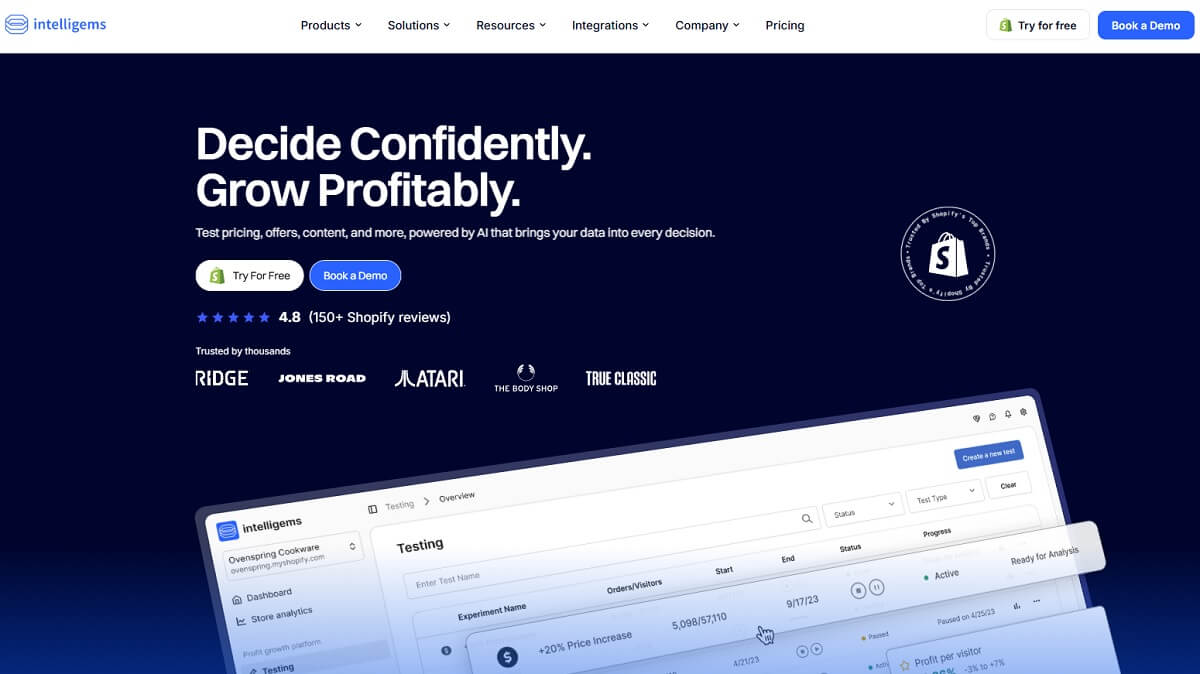
Intelligems is one of the most relevant A/B testing tools for Shopify when the question is not only “which page converts better?” but “which price, offer, or shipping setup makes better business sense?” That distinction is important. Many ecommerce A/B testing tools can test a headline. Fewer are built around pricing, discounts, shipping thresholds, and profitability.
For Shopify stores, Intelligems is useful for testing product prices, shipping rates, discount strategies, offers, content, and customer segments. A practical example: a skincare brand may test whether a $49 bundle with free shipping beats a $44 bundle with paid shipping. The answer may not be obvious from conversion rate alone because margin and average order value matter.
The main strength is profit-focused testing. Intelligems is a strong fit for brands with enough traffic and orders to run meaningful ecommerce experiments. It can help teams stop treating discounts as magic and start measuring whether an offer really improves the business. For teams that constantly debate free shipping thresholds, bundles, and price points, this can be very valuable.
The caution is that pricing tests need care. You need clean tracking, enough sample size, and a clear understanding of margin. Small Shopify stores with low traffic may struggle to get reliable results fast. Also, price testing can affect customer perception if it is handled poorly. Do not use it casually just because the feature exists.
Intelligems is best for growth-stage or larger Shopify brands where pricing and offer strategy directly affect profit. It may be too much if you only want to test button copy or a product image. But if your team is serious about revenue per visitor, margin, shipping, and bundles, it belongs near the top of the shortlist.
3. Shoplift
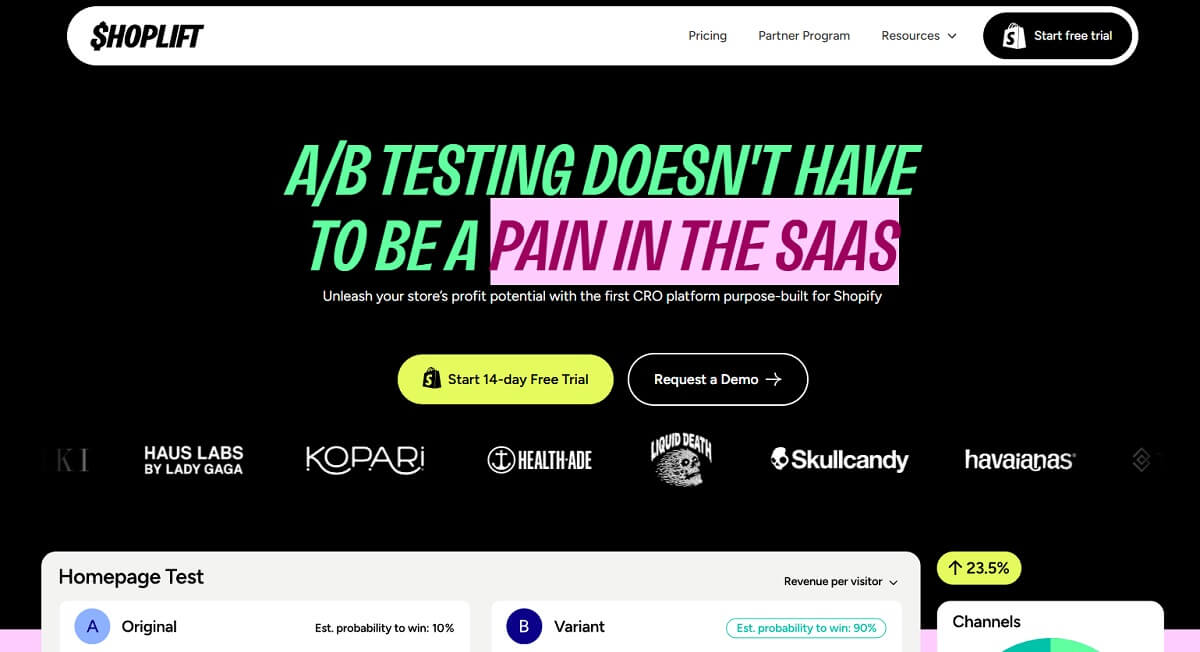
Shoplift is built for Shopify teams that want no-code testing inside a familiar ecommerce workflow. It focuses on making Shopify split testing easier for marketers who do not want to wait for development cycles every time they want to test a product page block, collection layout, landing page, theme section, or CTA.
A common Shopify use case is product page testing. For example, a store could test a sticky Add to Cart button, a different review placement, a shorter product description above the fold, or a new hero section for a bestseller. These are the kinds of page-level tests that often get stuck in a backlog when a brand depends fully on developers.
Shoplift’s main strength is speed. It is useful when a Shopify marketer sees a friction point and wants to test a realistic variation quickly. That makes it attractive for growing brands that already have enough traffic but do not yet have a large CRO team. It also fits agencies that manage multiple Shopify clients and need a practical testing workflow.
The possible limitation is scope. If your main goal is complex pricing science, Shoplift may not be the most specialized option. If your store needs enterprise-level experimentation governance, it may also feel lighter than platforms like Optimizely or VWO. But for practical Shopify product page optimization and storefront experiments, Shoplift is a strong option.
Use Shoplift when your team wants to test visible store elements without turning every experiment into a development project. Pair it with a behavior analytics tool like Plerdy if you want better evidence before deciding which page section deserves a test.
4. Shogun
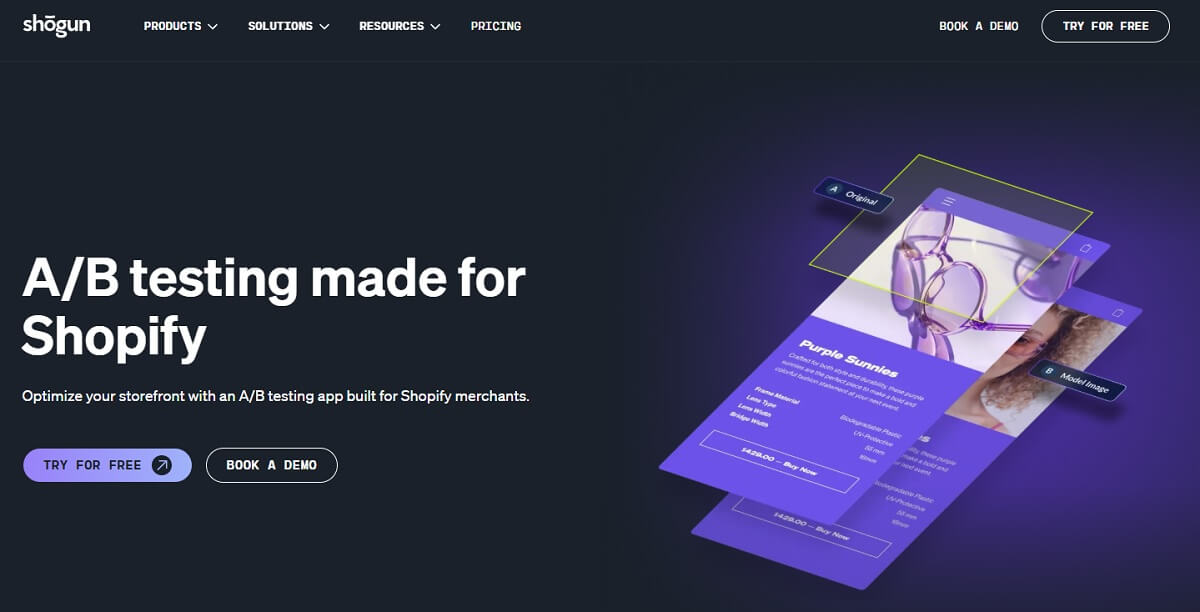
Shogun is best known by many Shopify marketers as a page builder, but its A/B testing and personalization products make it relevant for Shopify CRO teams too. It can be useful when a store wants to test pages, templates, themes, prices, or personalized page content without rebuilding the whole storefront.
The best use case is content and page experimentation. A Shopify brand running paid traffic to a campaign page could test two hero messages, two layouts, or two product story angles. A store with seasonal promotions could test a landing page for “free gift” messaging against “limited-time discount” messaging. These are not tiny tests, but they are still manageable for marketing teams.
Shogun’s main strength is marketer control over page experiences. It is a good fit for teams already using Shogun or teams that want landing page testing close to the content creation process. It can also help when product pages need better storytelling and not only small visual tweaks.
The limitation is overlap. If your Shopify store already uses another page builder, another testing app, and another personalization tool, adding Shogun may create more stack complexity. Before choosing it, check whether it replaces something or just adds another layer.
Shogun is worth considering for Shopify stores where content production and CRO are connected. It is less ideal if your only need is popup testing or pure price testing. For page-heavy campaigns, though, it can be a practical part of a Shopify conversion optimization stack.
5. ABConvert
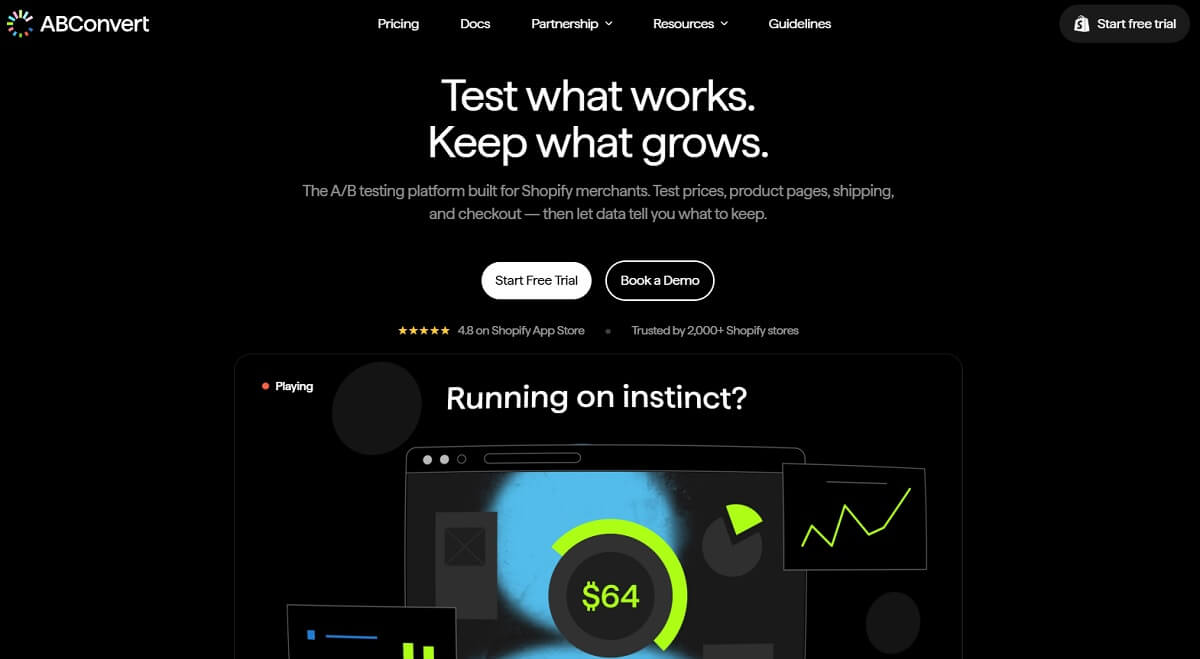
ABConvert is a Shopify-focused A/B testing platform built around ecommerce use cases such as prices, product pages, shipping, checkout, templates, and themes. That makes it different from general website testing platforms. It speaks more directly to the daily problems Shopify merchants have.
A practical test could be a shipping threshold experiment. For example, a store might compare free shipping at $50 against free shipping at $75 and measure not only conversion rate but average order value and margin impact. Another store might test a checkout-related offer or a product template change to see whether users move through the buying path with less hesitation.
The main strength is ecommerce reporting. Shopify store owners usually need more than clicks. They need to know whether a test improves AOV, revenue per visitor, margin, or checkout behavior. ABConvert is built closer to those questions than a generic landing page A/B testing tool.
The possible limitation is that pricing and feature access may vary by plan and order volume. That is normal in this category, but it means small stores should check carefully before committing. Do not choose it only because it has many test types. Choose it because those test types match your actual roadmap.
ABConvert is a good fit for Shopify merchants who want practical testing across prices, shipping, pages, themes, and checkout without moving into a large enterprise testing platform. It is especially interesting for teams that care about business metrics, not just surface-level conversion rate optimization.
6. OptiMonk
OptiMonk is not a full Shopify product page testing platform, and that is fine. Its strength is popup testing, onsite messaging, lead capture, personalization, and offer experiments. For many Shopify stores, that is a big part of ecommerce CRO because popups can help or hurt depending on timing, offer, design, and audience.
A store could use OptiMonk to test an exit-intent discount against a free shipping reminder. Another could test popup headlines for new visitors, returning visitors, or cart abandoners. A fashion store might test whether a size-guide popup works better than a discount popup on product pages. Small changes here can affect email capture, cart recovery, and buying focus.
The main strength is speed and relevance for Shopify popup tools. OptiMonk is useful for teams that want to test messages and offers without changing core theme files. It also works well for ecommerce marketers who run frequent campaigns and need fast popup A/B testing around seasonal traffic.
The limitation is scope. If your main CRO issue is product page layout, checkout optimization, pricing, or full-funnel testing, OptiMonk alone is not enough. It should be seen as an offer and messaging layer, not the entire experimentation system.
OptiMonk is a good fit for stores where lead capture, promotional messaging, and personalized onsite offers are important. Use it carefully, though. Too many popups can damage UX. Before testing more popup variants, check behavior data in a tool like Plerdy to see whether popups are helping shoppers or interrupting them.
7. VWO
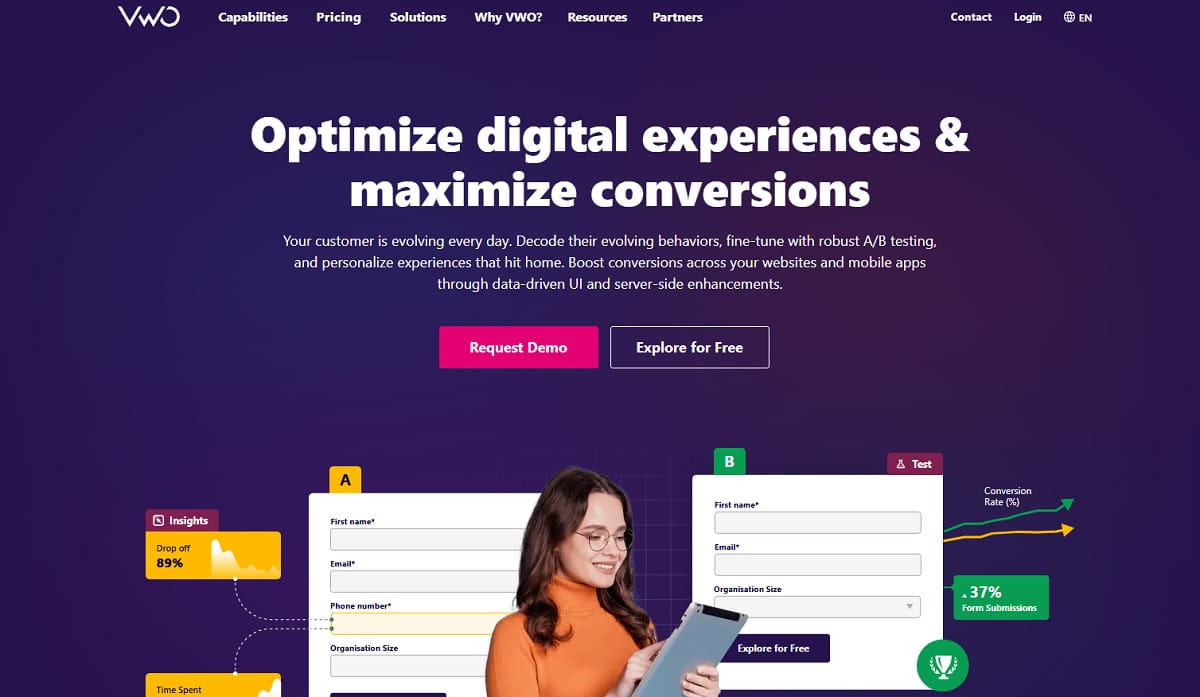
VWO is a mature experimentation platform with A/B testing, personalization, heatmaps, session recordings, funnel research, and other behavior analytics features depending on setup and plan. For Shopify, it is usually more attractive to mid-size and larger teams than to very small stores.
The best Shopify use case is advanced testing across important funnel pages. A brand could test a new product page structure, compare landing page variants, personalize content for traffic sources, or use heatmaps and recordings to research why checkout flow performance dropped after a theme change.
VWO’s main strength is that testing and research can live closer together. That matters because ecommerce experiments are often weak when teams separate “what users did” from “what we tested.” Heatmaps, session recordings, and funnels can help CRO teams understand why one variation won or lost.
The limitation is complexity. VWO can feel heavy if a Shopify store only wants to test one banner or one popup. Teams need enough traffic, internal discipline, and a clear experimentation process. Otherwise, a powerful platform can become an expensive place where half-finished tests sit quietly.
VWO is best for established Shopify teams, agencies, and ecommerce CRO specialists who already know how to plan tests and interpret results. Smaller stores may prefer simpler Shopify A/B testing apps first, then move up when testing becomes a regular growth process.
8. GemX
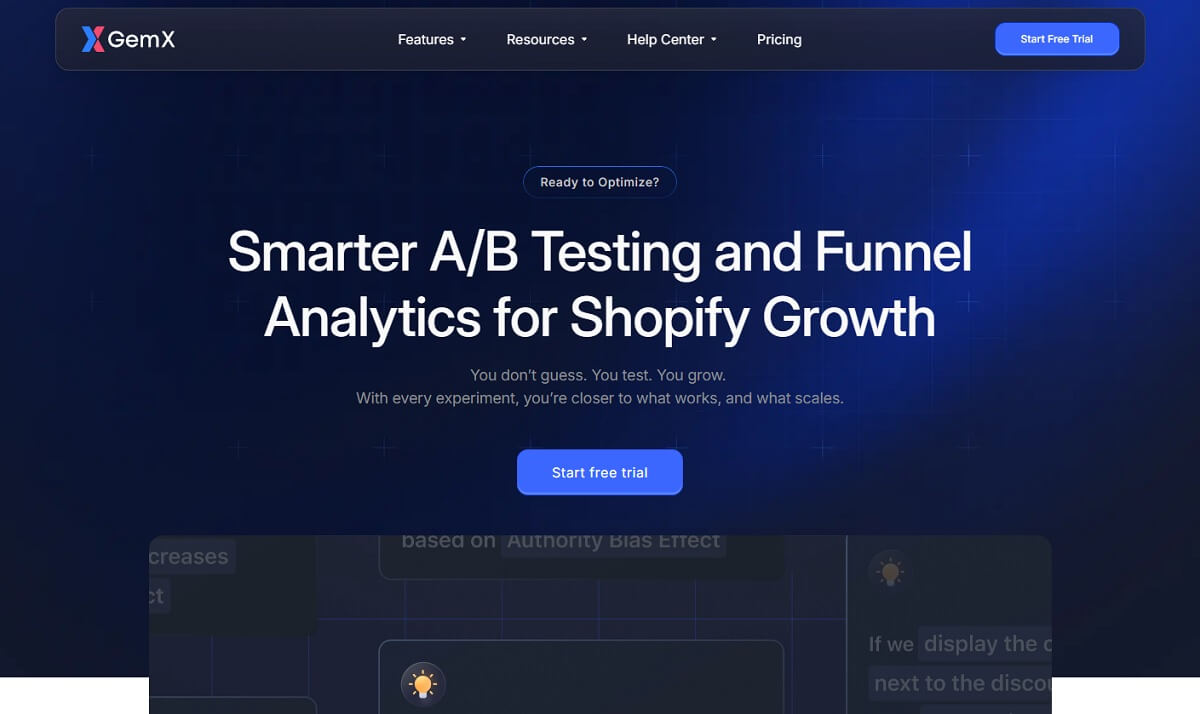
GemX is connected with the GemPages ecosystem and focuses on Shopify A/B testing and CRO across layouts, content, offers, and funnels. It is worth watching because many Shopify teams want testing closer to page creation, especially when they build campaign pages, product pages, or landing pages quickly.
A practical Shopify test could compare two product page layouts for paid traffic. Another could test a landing page with a bundle-first structure against a single-product structure. A store could also look at funnel movement and drop-off points to see whether the variation is improving the path to purchase or just getting more clicks in one area.
GemX’s main strength is full-funnel thinking for Shopify experiments. Instead of treating one page block as the whole story, it can help merchants think about how shoppers move between pages and where they leave. That is useful for ecommerce CRO because product discovery, product detail pages, cart, and checkout are connected.
The limitation is market maturity and fit. Some teams may prefer older platforms with larger ecosystems, more integrations, or deeper enterprise controls. Also, stores not using GemPages should check how naturally GemX fits their current workflow.
GemX is a good option for Shopify stores that want page and funnel experiments without building a heavy CRO stack. It is especially relevant for teams already comfortable with GemPages or stores that want to test more than isolated headlines.
9. Convert
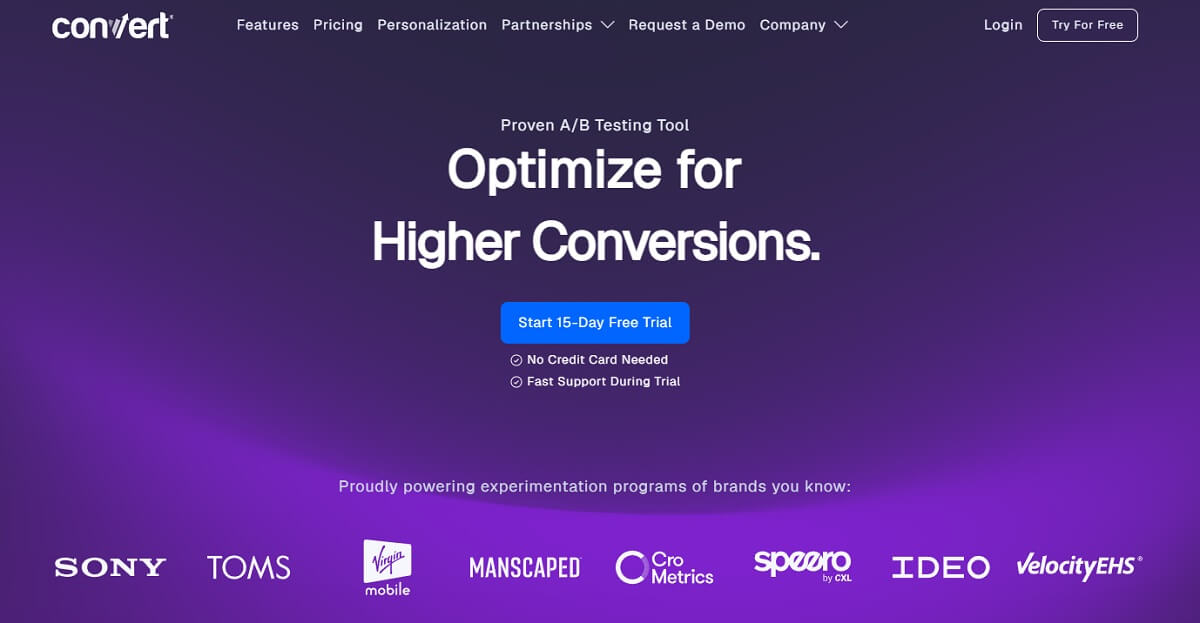
Convert is a flexible experimentation platform for teams that want A/B testing, split testing, targeting, goals, APIs, personalization, and Shopify testing support without necessarily jumping into the biggest enterprise tools. It is not a casual “install and forget” app. It is better for teams that know what they want to measure.
For Shopify, Convert can support landing page testing, product page testing, audience targeting, and more technical experiments. An agency might use it to test different page experiences for paid traffic and organic traffic. A CRO team might test product page recommendations or different collection page structures while using custom goals.
The main strength is control. Convert can be a strong fit when a Shopify store needs experimentation flexibility, privacy-conscious setup, and more advanced targeting. It is often more suitable for CRO professionals than for a solo store owner testing their first product banner.
The limitation is that flexibility requires knowledge. If the team does not understand sample size, goals, QA, tracking, and segmentation, Convert may feel like too much. It can do many things, but it will not automatically create a testing strategy for you.
Convert is best for agencies, technical marketers, and ecommerce CRO teams that want a serious testing platform and can manage implementation quality. Pairing it with Shopify analytics and UX analytics can make the test planning process stronger.
10. Dynamic Yield
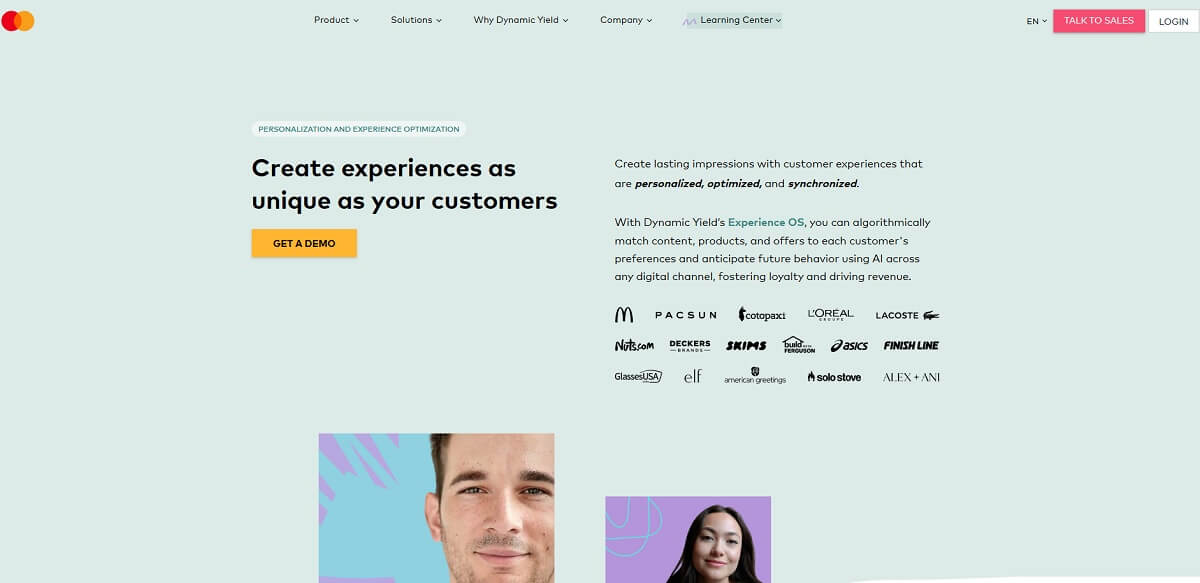
Dynamic Yield by Mastercard is more than an A/B testing tool. It is an enterprise personalization and experience optimization platform. For Shopify Plus and larger ecommerce teams, it can support personalized experiences, recommendations, testing, and segmentation across the shopper journey.
A practical Shopify Plus use case might be personalized product recommendations based on behavior, region, or purchase intent. Another could be testing different homepage experiences for first-time visitors and returning customers. A larger brand may use Dynamic Yield to test and personalize experiences at scale rather than manually creating small one-off tests.
The main strength is advanced personalization. For stores with enough traffic, product complexity, and internal resources, this can be powerful. It is useful when the question is not only “which variation wins?” but “which experience should each audience see?”
The limitation is obvious: it is not built for every Shopify store. Smaller teams may find it too advanced, too expensive, or too operationally demanding. Enterprise tools also need strategy, clean data, and ownership. Without that, personalization can become noise.
Dynamic Yield is best for Shopify Plus brands and enterprise ecommerce teams that already have testing maturity and want personalization at scale. It is not the first tool most small Shopify store owners should buy.
Other Shopify A/B Testing Tools Worth Checking
Some tools are useful but did not make the main top 10 because they are either broader than the core Shopify testing intent or better for a narrower use case.
Optimizely
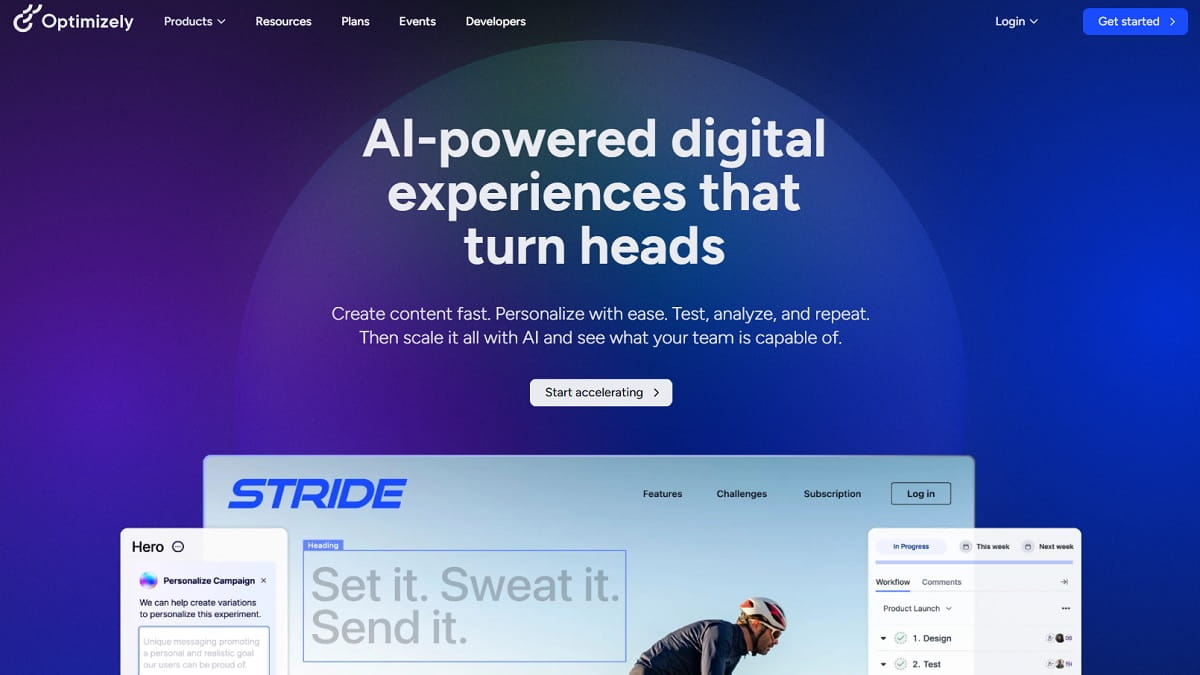
Optimizely is a major digital experience and experimentation platform. It can be powerful for large teams that need web experimentation, personalization, content workflows, and enterprise governance. For most normal Shopify stores, though, it may be more platform than they need. Consider it if you have an advanced CRO program, internal technical support, and a serious experimentation roadmap.
Unbounce
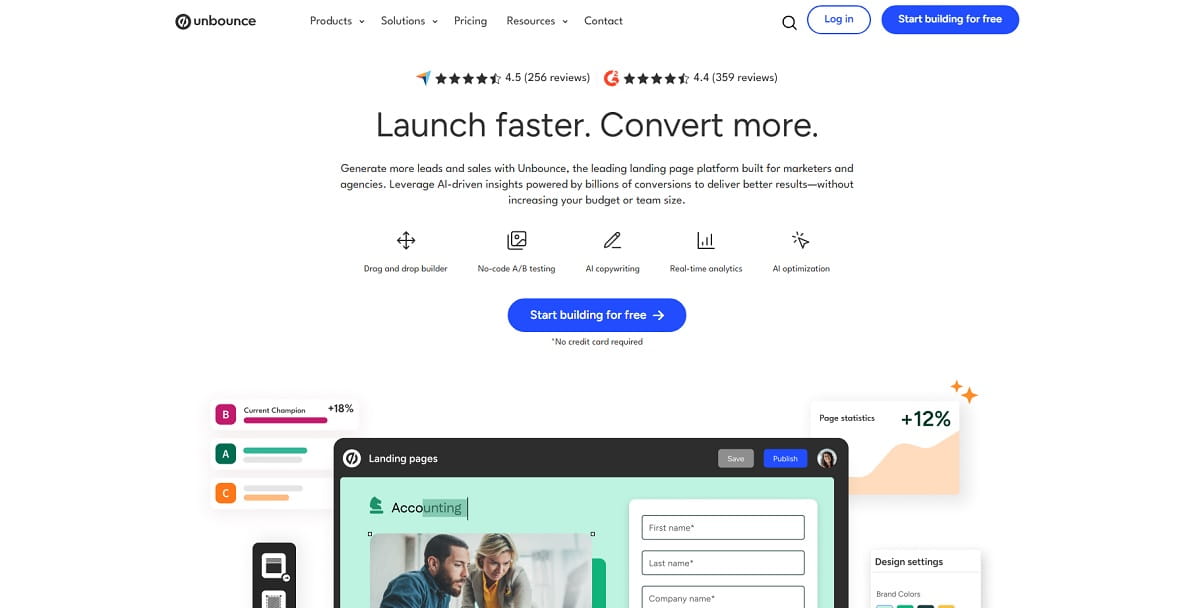
Unbounce is strong for landing page testing, especially paid traffic campaigns. It can help Shopify teams build and test campaign pages before sending visitors toward a product or checkout flow. The caution is tracking. If your Unbounce page sends shoppers into Shopify checkout, make sure variant data and purchase tracking are connected properly. Otherwise, you may know which page got clicks but not which one actually produced sales.
How To Choose The Right Shopify A/B Testing Tool
Start with the problem, not the software category. This sounds basic, but many Shopify store owners skip it. They buy a tool for price testing when the real issue is unclear product information. Or they buy a popup platform when the real problem is that mobile visitors cannot find the Add to Cart button.
Use this simple decision path:
- If you need better A/B test ideas before changing pages, start with Plerdy for user behavior analysis, heatmaps, scroll depth, ecommerce tracking, SEO analytics, and UX analytics.
- If you need to test prices, shipping thresholds, discounts, and offers, compare Intelligems and ABConvert first.
- If you want no-code Shopify page and theme experiments, look at Shoplift, Shogun, and GemX.
- If popups, lead capture, and onsite messages are the main focus, OptiMonk is a better match than a broad testing suite.
- If your team already runs advanced CRO and needs more research, targeting, and experimentation controls, compare VWO and Convert.
- If you run a large Shopify Plus operation with personalization needs, Dynamic Yield or Optimizely may be worth exploring.
- If paid traffic landing pages are the main issue, Unbounce can help, but tracking must be planned carefully.
Also check overlap. If your store already uses heatmaps, popup tools, landing page builders, Shopify analytics, and a separate testing app, adding another platform may create reporting confusion. Sometimes the best move is not adding more software. It is cleaning up the stack and making sure each tool has a clear job.
Traffic matters too. A/B testing tools for Shopify can make setup easy, but they cannot create statistical confidence from tiny sample sizes. If your store has low traffic, focus first on stronger qualitative insights, clear UX fixes, SEO improvements, popup testing, and obvious conversion blockers. Not every decision needs a formal test.
How Plerdy Fits Into A Shopify Testing Stack
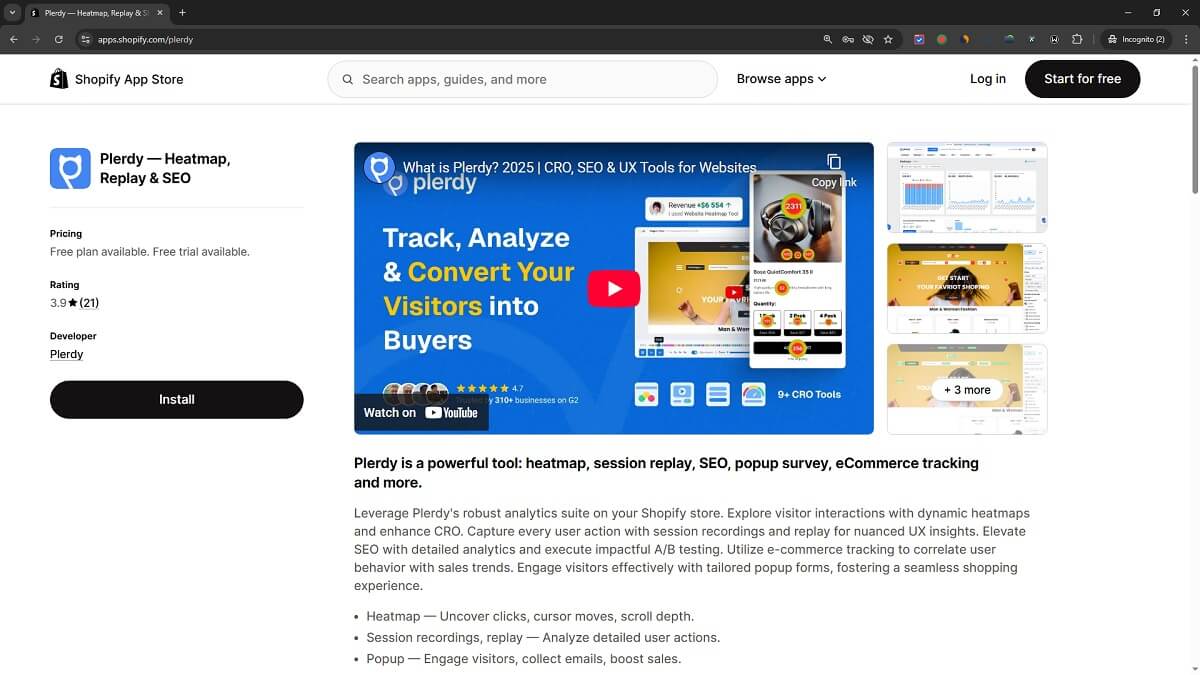
Plerdy fits best as the research and CRO intelligence layer around your Shopify testing work. It helps before the test because it shows what users do. It helps during the test because you can monitor behavior changes. It helps after the test because the result can be interpreted with more context than “variation B won.”
A simple example: a store wants to test a new product page layout. Before launching the test, Plerdy heatmaps show that users click the product image gallery often but rarely reach the materials section. Scroll depth shows that mobile users stop before the review block. Ecommerce tracking shows that users who interact with size information are more likely to buy. Now the test idea becomes sharper: move size guidance and review proof higher, not just change the hero headline.
Another example: a store wants to increase Shopify sales with popup offers. Plerdy can help analyze whether visitors interact with current popups, whether forms create friction, and whether behavior differs by page type. Then a tool like OptiMonk can test offer variants, or Plerdy’s own popup tools can support lead capture and onsite messaging.
Plerdy also helps reduce cannibalization between tools. You do not need to position it as a replacement for every Shopify A/B testing app. It can work beside specialized tools. Use Plerdy to find friction, support hypotheses, analyze UX, connect behavior with sales trends, and choose better test priorities. Then use a dedicated platform when you need advanced price tests, theme tests, or enterprise personalization.
This is a healthier way to think about Shopify conversion optimization. First understand behavior. Then test. Then interpret the result with context. It is slower than guessing, maybe, but it wastes less traffic.
Common Mistakes When Choosing Shopify A/B Testing Tools
Choosing A Tool Before Defining The Testing Roadmap
A tool cannot fix a weak testing roadmap. Before buying anything, list the next 10 ecommerce experiments you actually want to run. Product image test? Bundle pricing? Popup offer? Landing page testing? Checkout optimization? Category page layout? The right tool becomes much clearer when the roadmap is real.
Testing Without Behavior Research
Many Shopify teams test too early. They change page elements before checking heatmaps, scroll depth, click behavior, form friction, or session recordings. This creates shallow tests. Plerdy helps here because it gives user behavior analysis before the test idea becomes final.
Ignoring Margin And Average Order Value
A variation can increase conversion rate while lowering profit. This happens often with aggressive discounts, free shipping offers, and bundle tests. For pricing and offer experiments, tools like Intelligems and ABConvert can be more useful than basic page testing tools because they focus closer to ecommerce metrics.
Buying Enterprise Software For A Small Testing Program
Big platforms are not bad. They are just not always needed. A small Shopify team may get more value from Plerdy, Shoplift, OptiMonk, or ABConvert than from a complex enterprise platform. Choose for the next six months of actual work, not for an imaginary CRO department.
Forgetting Technical Setup And Tracking
If tracking is wrong, the test is not useful. This is especially true when landing pages, Shopify checkout, GA4, popup tools, and third-party scripts all meet in the same funnel. If you need technical setup details, Plerdy also explains how to add A/B testing code to Shopify. Do not skip QA just because the app says no-code.
Running Too Many Small Tests At Once
Testing every minor detail can make results noisy. Shopify store owners often get better results by testing fewer but more meaningful changes. A product page test that changes review placement, value proposition clarity, and size help may be more useful than five tiny button color tests.
Final Recommendation
There is no single best Shopify A/B testing tool for every store. The best choice depends on your store size, traffic, CRO maturity, technical resources, and the type of experiments you need to run.
For most Shopify teams, Plerdy is the best starting point because it helps answer the question that comes before testing: what should we test and why? It gives Shopify store owners behavior insights, Shopify heatmap data, scroll depth, SEO analytics, popup tools, ecommerce tracking, and UX analytics that can make A/B test ideas more practical.
If your main focus is pricing, offers, and shipping, compare Intelligems and ABConvert. If you want fast no-code storefront testing, look at Shoplift, Shogun, and GemX. If popup offers are central to your growth, OptiMonk deserves attention. If you have an advanced CRO team, VWO or Convert may fit better. If you are an enterprise Shopify Plus brand with personalization goals, Dynamic Yield or Optimizely may be worth a deeper review.
The smartest Shopify testing stack is usually not the stack with the most tools. It is the stack where every tool has a job. Plerdy helps you understand behavior and find better test ideas. A specialized testing tool helps you run the right experiment. Shopify analytics and ecommerce tracking help you judge the business result. That combination is more useful than chasing another shiny app and hoping it will magically increase Shopify sales.
FAQ
What Are The Best A/B Testing Tools For Shopify Stores In 2026?
The best A/B testing tools for Shopify stores in 2026 include Plerdy, Intelligems, Shoplift, Shogun, ABConvert, OptiMonk, VWO, GemX, Convert, and Dynamic Yield. Plerdy is especially useful for user behavior analysis, Shopify heatmaps, scroll depth, ecommerce tracking, SEO analytics, popups, and better A/B test ideas before changing store pages.
Is Plerdy An A/B Testing Tool For Shopify?
Plerdy can support Shopify A/B testing, but its strongest role is as a Shopify CRO and UX analytics tool. It helps store owners analyze clicks, scroll depth, user behavior, SEO issues, popups, ecommerce tracking, and weak page elements before launching tests. That makes it useful before and during A/B testing, not only after a variation is live.
Which Shopify A/B Testing Tool Is Best For Product Page Testing?
For product page testing, Shoplift, Shogun, GemX, ABConvert, VWO, and Convert can be good options depending on the store size and testing needs. Plerdy is useful before product page testing because it shows where users click, where they stop scrolling, and which product page elements may create friction.
Which Tool Is Best For Shopify Price Testing?
Intelligems and ABConvert are two of the strongest choices for Shopify price testing because they focus on ecommerce metrics such as prices, offers, shipping rates, revenue per visitor, average order value, and margin impact. Pricing features and plan limits can change, so stores should check current details on the official tool pages.
Do Small Shopify Stores Need Advanced A/B Testing Software?
Not always. Small Shopify stores often get more value from behavior analysis, UX fixes, popup testing, SEO improvements, and obvious product page optimization before buying advanced testing software. If traffic is low, formal A/B tests may take too long to produce reliable results. Plerdy can help small teams find practical CRO issues before they invest in heavier experimentation tools.
What Is The Difference Between Shopify A/B Testing Apps And Shopify CRO Tools?
Shopify A/B testing apps help run experiments by showing different page, price, offer, or design variations to visitors. Shopify CRO tools can be broader. They may include heatmaps, session replay, scroll tracking, SEO analytics, popup tools, ecommerce tracking, and user behavior analysis. A tool like Plerdy helps teams understand what to test, while dedicated testing apps help run specific experiments.
Can Shopify Stores Use More Than One A/B Testing Or CRO Tool?
Yes, but each tool should have a clear job. For example, a Shopify team might use Plerdy for heatmaps, UX analytics, ecommerce tracking, popup analysis, and A/B test ideas, then use Intelligems for price testing or Shoplift for no-code product page testing. Too many overlapping tools can create tracking confusion, so the stack should stay simple.
What Should Shopify Stores Test First?
Shopify stores should test elements that affect buying decisions, such as product page images, Add to Cart placement, product descriptions, reviews, free shipping banners, popup offers, bundle presentation, collection page layouts, landing page copy, and checkout-related messages. Before choosing the first test, it is smart to review user behavior analysis, Shopify heatmap data, scroll depth, and sales trends.
Are Landing Page A/B Testing Tools Useful For Shopify Stores?
Landing page A/B testing tools can be useful for Shopify stores that run paid campaigns, influencer campaigns, or seasonal promotions. Tools like Unbounce can help test landing page copy and layouts before visitors move to Shopify checkout. The main caution is tracking. Variant data should be connected to Shopify purchases, not only page clicks.
How Do I Avoid Choosing The Wrong Shopify A/B Testing Tool?
Start by listing the actual experiments your store needs to run. If the list is mostly pricing, choose a price testing tool. If it is mostly popups, choose a popup testing tool. If it is mostly page layout and theme changes, choose a Shopify page or theme testing tool. If you are not sure what to test, start with Plerdy to analyze behavior and find better CRO opportunities.