

The best website survey tools do more than publish a questionnaire. They ask the right visitor at the right moment, retain journey context, and help your team connect an answer with behavior. This comparison covers tools for onsite surveys, exit feedback, NPS, CSAT, CES, embedded forms, user research, and enterprise experience programs.
Best Website Survey Tools at a Glance
Plerdy is the strongest fit when a CRO or UX team needs surveys alongside heatmaps, session replays, funnels, and user behavior data. Hotjar and Survicate are strong alternatives for contextual onsite feedback. Qualaroo specializes in targeted survey nudges, while Mopinion suits structured digital feedback programs. For long standalone surveys, consider SurveyMonkey, Typeform, or Jotform. Enterprise teams should evaluate Qualtrics; teams needing simple free forms can start with Google Forms or Microsoft Forms.
Website Survey Tools Comparison
| Tool | Best for | Website context | Behavior analytics | Primary limitation |
|---|---|---|---|---|
| Plerdy | CRO and UX diagnosis | Targeted onsite surveys and journey context | Heatmaps, recordings, funnels, events | Not designed for large external research panels |
| Hotjar Surveys | Behavior plus feedback | Onsite, exit, embedded, and linked surveys | Session recordings and heatmaps | Advanced research workflows may need other tools |
| Survicate | Multi-channel product feedback | Detailed targeting, attributes, and triggers | Through integrations | Behavior analysis is not the central product |
| Qualaroo | Contextual micro-surveys | Behavior-based Nudges and page targeting | Heatmaps and recordings available | Less suitable for broad market research |
| Mopinion | Digital feedback management | Web, app, and email feedback programs | Metadata and integrations | More setup than a basic form builder |
| SurveyMonkey | General survey research | Embed, popup invitation, button, and links | Limited native journey diagnosis | Not primarily a behavioral analytics suite |
| Typeform | Branded conversational forms | Website embeds and standalone links | Completion analytics and integrations | Less granular onsite targeting |
| Jotform | Flexible forms and workflows | Embeds, links, and multiple publishing options | Form reports and exports | Website interception is not its main focus |
| SurveySparrow | Recurring customer feedback | Targeted website and app micro-surveys | Feedback analysis and integrations | Broad platform can require configuration |
| Qualtrics | Enterprise digital experience programs | Advanced website and app targeting | Operational and experience data connections | Complexity and enterprise-oriented buying process |
| Google Forms | Free, simple surveys | Embed or share by link | Google Sheets analysis | No native behavioral triggers or session context |
| Microsoft Forms | Microsoft 365 teams | Embed, share, and collaborate | Charts and Excel export | Limited onsite visitor targeting |
Pricing note: plans, free limits, response allowances, and feature packaging change frequently. This guide compares product fit and documented capabilities rather than publishing prices that may be outdated when you read them. Verify current pricing on each official site.
How we Evaluated Website Survey Software
This ranking is based on suitability for website feedback and conversion work, using current public product documentation, help centers, available product pages, and Plerdy’s practical experience with onsite UX and CRO analysis. Plerdy is our product, so we identify its best-fit use case and limitations instead of presenting the list as an anonymous laboratory test.
Each tool was evaluated against eight criteria:
- Deployment: popup, widget, embed, overlay, button, or standalone link.
- Targeting: page, event, device, traffic source, user attribute, and exit intent.
- Survey logic: question types, branching, follow-ups, scoring, and multilingual support.
- Context: whether a response retains page, segment, device, or journey information.
- Behavior evidence: connection to heatmaps, recordings, events, or funnels.
- Analysis: filters, themes, sentiment, reports, exports, and team workflows.
- Integrations: CRM, analytics, support, collaboration, and data tools.
- Operational fit: setup effort, governance, privacy controls, and use-case match.
A survey builder can be excellent for research and still rank lower for onsite CRO if it cannot target a frustrated checkout visitor or connect the answer with the page behavior that produced it.
1. Plerdy
Best for: CRO and UX teamsCategory: feedback + behavior analytics
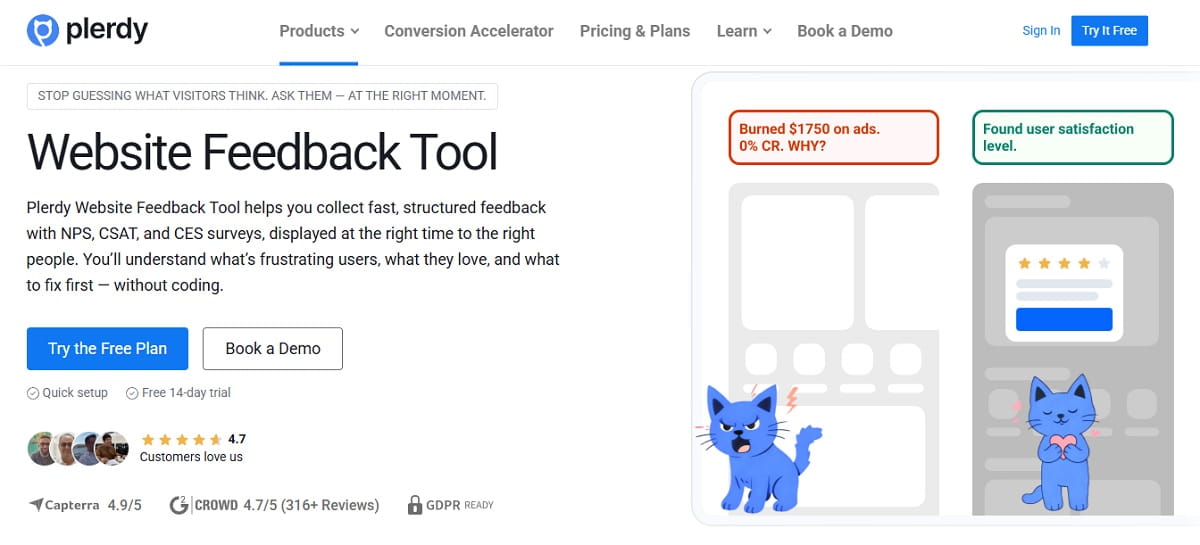
Plerdy is the strongest option in this list when the goal is not merely collecting responses but diagnosing why a website loses conversions. Teams can run NPS, CSAT, CES, and custom surveys, target relevant visitor moments, and then investigate the same journey with heatmaps, session recordings, event tracking, and conversion funnels.
This matters because a comment such as “checkout was confusing” is only the beginning. Plerdy helps a team locate the funnel step, observe clicks and scrolling, review representative sessions, and measure the page after a fix. The product is especially relevant to ecommerce, SaaS, lead-generation websites, and agencies working on conversion optimization.
- Strengths: survey metrics, behavioral context, funnel analysis, UX evidence, and a direct path from feedback to CRO hypothesis.
- Watch for: teams running complex academic research, large respondent panels, or long offline questionnaires may need a dedicated research platform.
- Ideal survey: “What stopped you from completing your purchase today?” triggered near checkout exit, then analyzed with the corresponding sessions and funnel.
2. Hotjar Surveys
Best for: familiar behavior-feedback workflowsCategory: digital experience analytics
Hotjar Surveys supports onsite, exit, embedded, popup, button, and link-based collection. Its clearest advantage is the ability to add behavioral context: teams can move from a survey response to the respondent’s session recording and inspect what happened before the answer.
Hotjar’s survey product is now presented as part of Contentsquare, so buyers should review the current packaging and migration path. It remains a practical option for teams already comfortable with Hotjar’s heatmaps and recordings.
- Strengths: fast survey creation, templates, exit feedback, AI summaries, and session context.
- Watch for: enterprise research governance and complex questionnaire programs may be better served by a specialized platform.
- Ideal survey: a short exit question on a high-drop-off pricing or checkout page.
3. Survicate
Best for: product and customer feedback programsCategory: multi-channel surveys
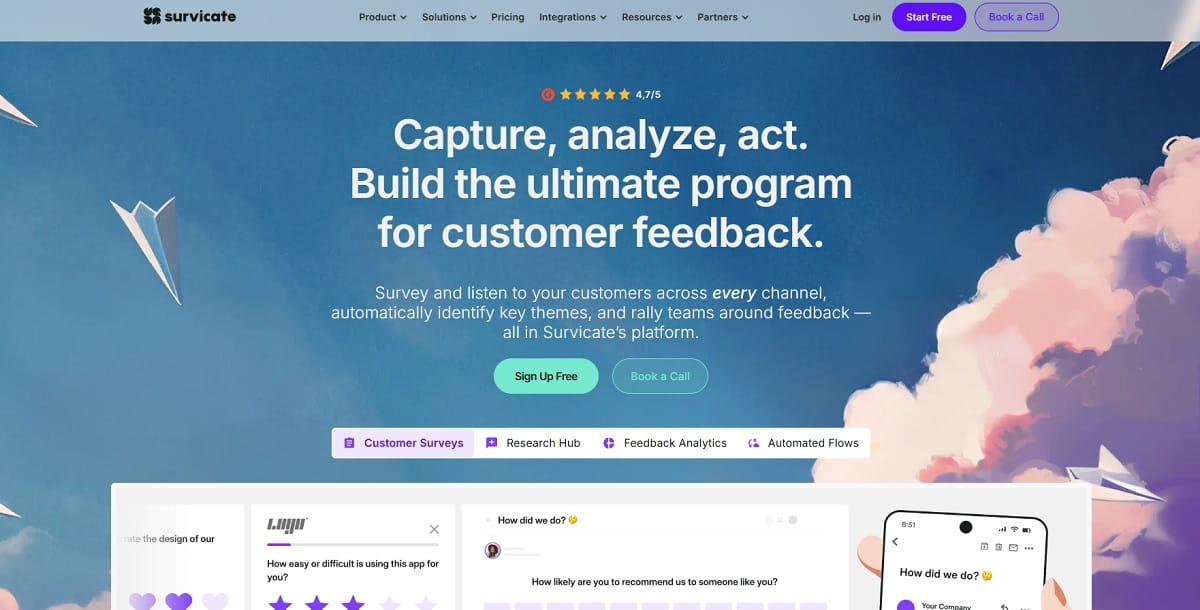
Survicate is built for continuous feedback across websites, products, email, and mobile apps. Its website tools support URL conditions, visitor attributes, device and language targeting, visit frequency, source, depth, pages viewed, and event-based triggers. That makes it useful when the same survey should reach a precise user segment rather than every visitor.
- Strengths: granular targeting, recurring surveys, feedback buttons, integrations, and developer options.
- Watch for: teams wanting native heatmaps and funnel diagnosis may need to integrate another behavioral analytics product.
- Ideal survey: onboarding feedback shown only to logged-in users who completed a defined product event.
4. Qualaroo
Best for: targeted onsite micro-surveysCategory: contextual feedback
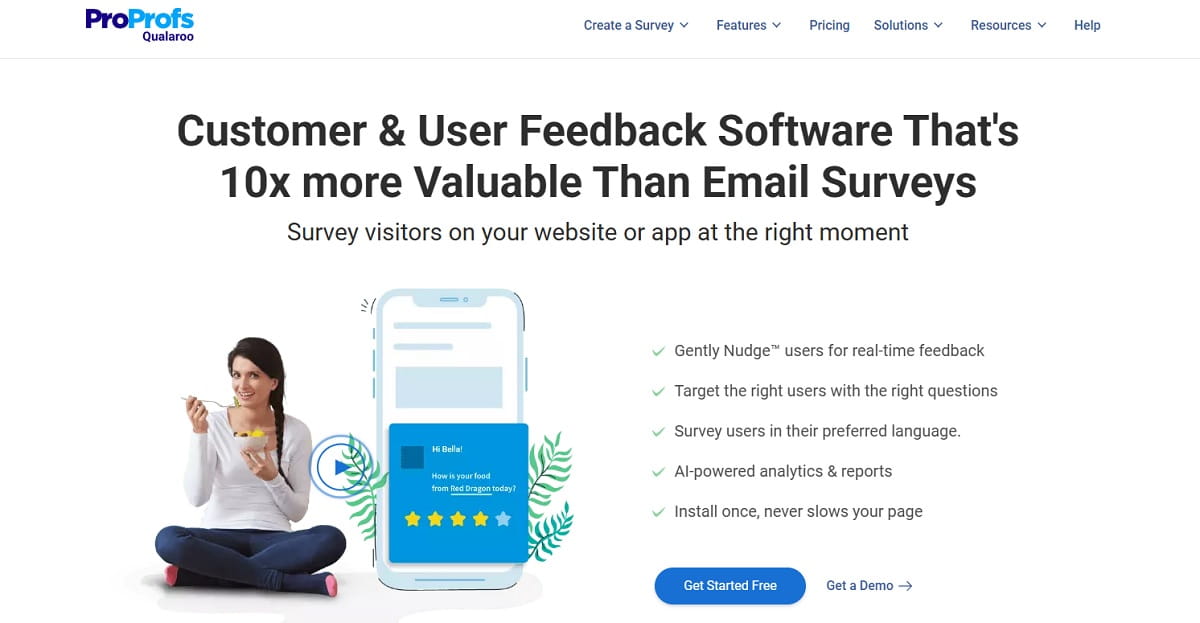
Qualaroo is centered on lightweight “Nudges” shown to specific users while they browse a website, app, product, or prototype. Targeting can use the page, device, action, behavior, cookies, visit history, or data passed from the application. Branching logic helps keep each interaction relevant.
Qualaroo now also promotes heatmaps and session recordings, making it more useful for teams that want to compare what visitors say with what they do.
- Strengths: contextual prompts, behavior-based triggers, branching, user identification, and website/app focus.
- Watch for: it is better suited to focused micro-surveys than broad external market research.
- Ideal survey: “Is anything preventing you from choosing a plan?” shown after meaningful pricing-page engagement.
5. Mopinion
Best for: structured digital feedback programsCategory: web, app, and email feedback
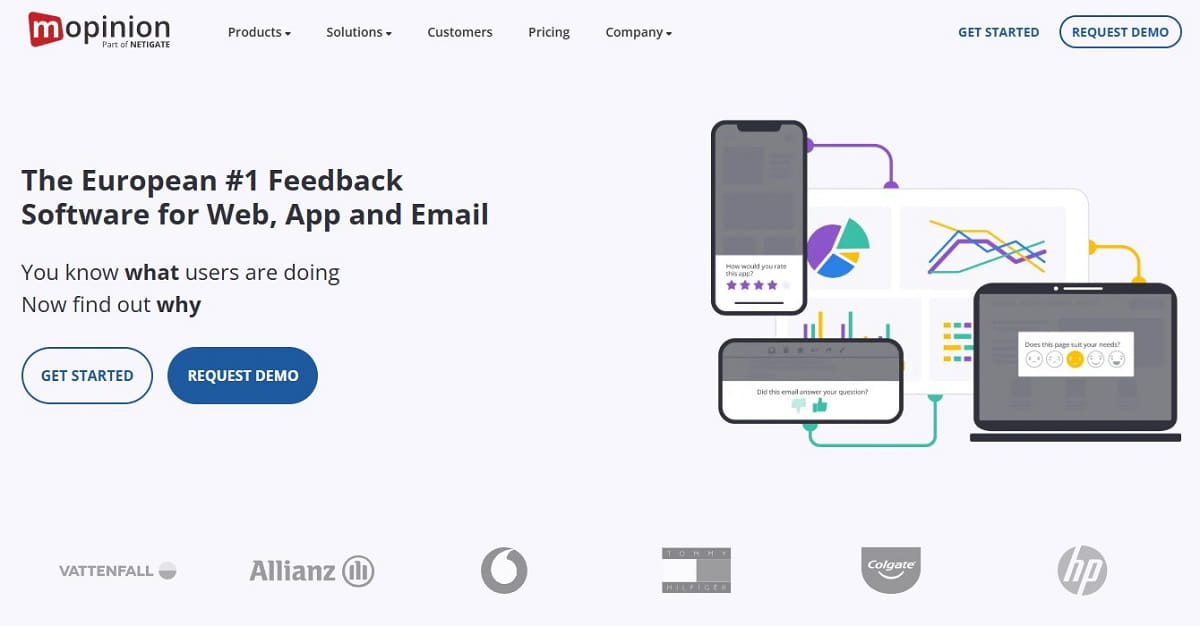
Mopinion focuses on digital feedback across websites, mobile apps, and email. Teams can design branded feedback forms, use different question types and CX metrics, trigger surveys from behavior or events, retain metadata, and distribute findings through reporting and integrations.
- Strengths: flexible form design, digital journey triggers, feedback metadata, dashboards, and cross-channel coverage.
- Watch for: it requires more planning than a simple link-based form, which is unnecessary for a one-off internal poll.
- Ideal survey: a checkout goal-completion survey triggered differently for successful and abandoning visitors.
6. SurveyMonkey
Best for: general-purpose survey programsCategory: online survey platform
SurveyMonkey is a broad survey platform with templates, question logic, response collection, reporting, and research features. Its website collector can embed a survey, place a button, or show a popup invitation. This makes it capable of website feedback while retaining the flexibility needed for customer, employee, event, or market research.
- Strengths: mature survey builder, templates, flexible distribution, reporting, and broad organizational adoption.
- Watch for: native website behavior diagnosis is not as deep as platforms built around heatmaps, recordings, and conversion funnels.
- Ideal survey: a structured website satisfaction study that will also be distributed through email.
7. Typeform
Best for: polished conversational surveysCategory: forms and surveys
Typeform is known for a one-question-at-a-time experience, strong visual presentation, and easy website embedding. It works well for lead qualification, applications, quizzes, product feedback, and research where the form itself must feel branded and engaging.
- Strengths: presentation, branching, multimedia, embeds, integrations, and completion reporting.
- Watch for: page- and behavior-specific onsite targeting is not the central strength, so teams may need their tag manager or another delivery layer.
- Ideal survey: a longer post-demo or product-discovery questionnaire opened from a website CTA.
8. Jotform
Best for: flexible survey workflowsCategory: form builder and automation
Jotform combines a no-code builder, extensive templates, conditional logic, multiple layouts, embeds, reports, and workflow automation. It is especially useful when a “survey” also needs file uploads, approvals, signatures, payments, or connections to operational processes.
- Strengths: form flexibility, templates, workflow features, publishing options, integrations, and exports.
- Watch for: it is a form platform first, so sophisticated visitor interception and behavioral targeting are not its defining advantages.
- Ideal survey: a detailed client intake and satisfaction workflow embedded on a service website.
9. SurveySparrow
Best for: recurring CX and product feedbackCategory: customer feedback platform
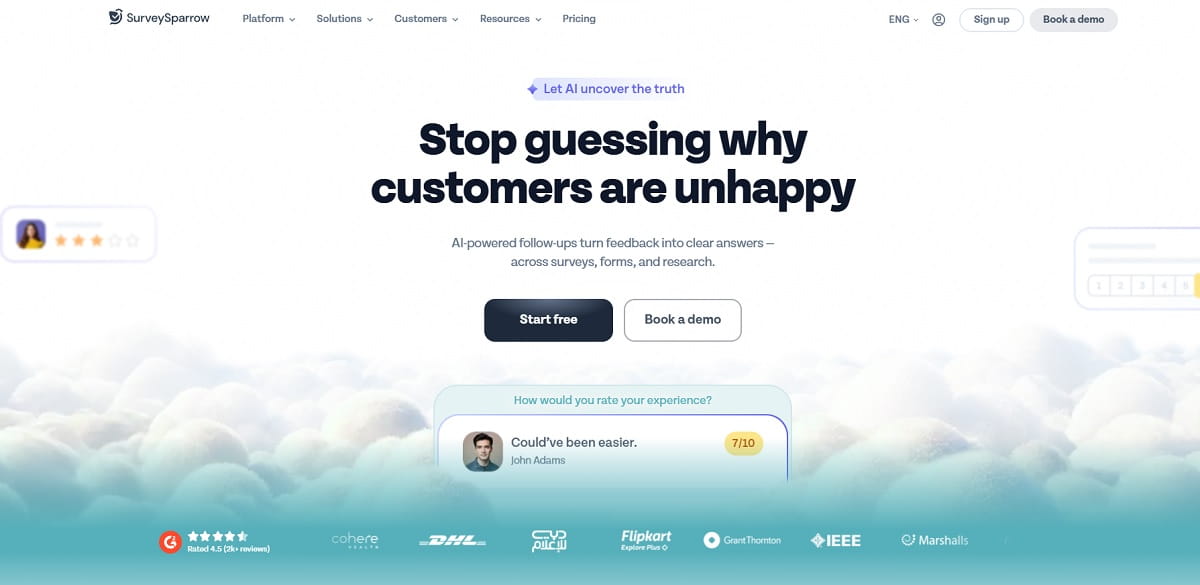
SurveySparrow supports surveys, forms, recurring feedback, customer experience programs, and targeted website or app micro-surveys. Current product messaging emphasizes behavior-based targeting and adaptive follow-up, which can help teams capture more specific context than a fixed rating alone.
- Strengths: multi-channel delivery, recurring surveys, conversational experience, website micro-surveys, and CX workflows.
- Watch for: broad functionality means teams should scope required modules carefully before comparing total cost.
- Ideal survey: recurring relationship and transactional feedback across web, app, and email.
10. Qualtrics
Best for: enterprise experience managementCategory: enterprise XM
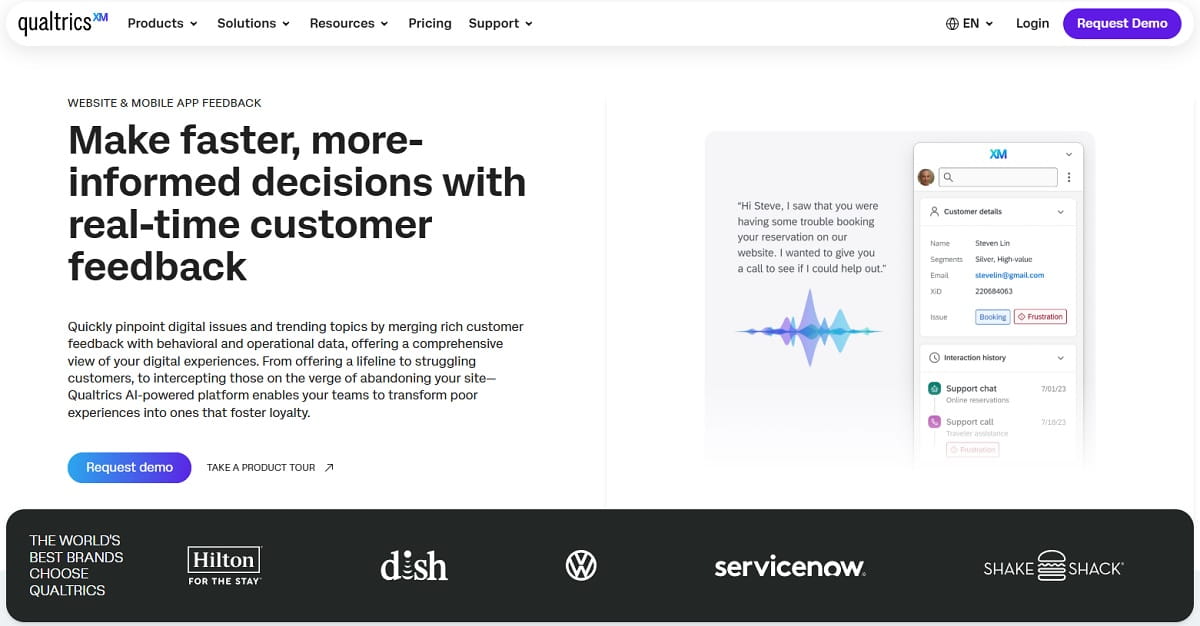
Qualtrics is designed for organizations that need website and app feedback within a wider customer experience program. It can support targeted intercepts, open-text feedback, structured metrics, operational data, advanced analysis, workflows, permissions, and enterprise integrations.
- Strengths: enterprise scale, advanced research, governance, multi-channel experience data, analysis, and action workflows.
- Watch for: it may be excessive for a small company that needs one onsite exit survey and a simple dashboard.
- Ideal survey: a multi-market digital experience program with governed metrics, segments, and closed-loop workflows.
11. Google Forms
Best for: simple free surveysCategory: online forms
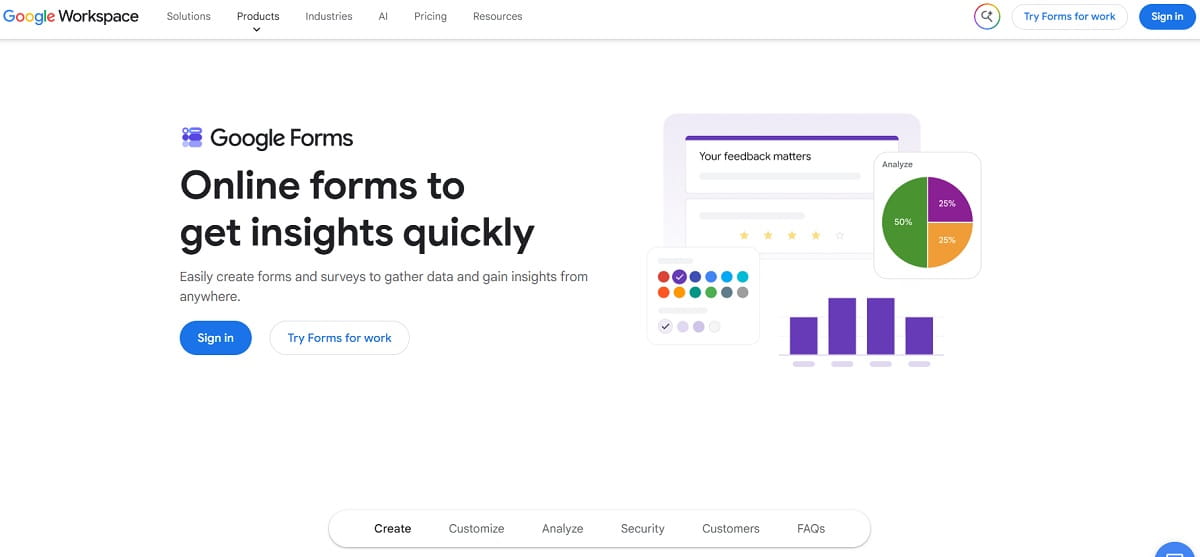
Google Forms makes it easy to create a survey, add basic logic, embed it on a webpage, share it by link, and analyze responses in Google Sheets. It is a practical starting point for small teams, internal research, event feedback, and low-complexity questionnaires.
- Strengths: simplicity, collaboration, Google Sheets, familiar interface, and low barrier to entry.
- Watch for: it lacks native exit intent, audience targeting, visitor frequency rules, session recordings, and behavioral journey context.
- Ideal survey: a simple embedded questionnaire where every visitor sees the same form.
12. Microsoft Forms
Best for: Microsoft 365 organizationsCategory: forms, polls, and quizzes
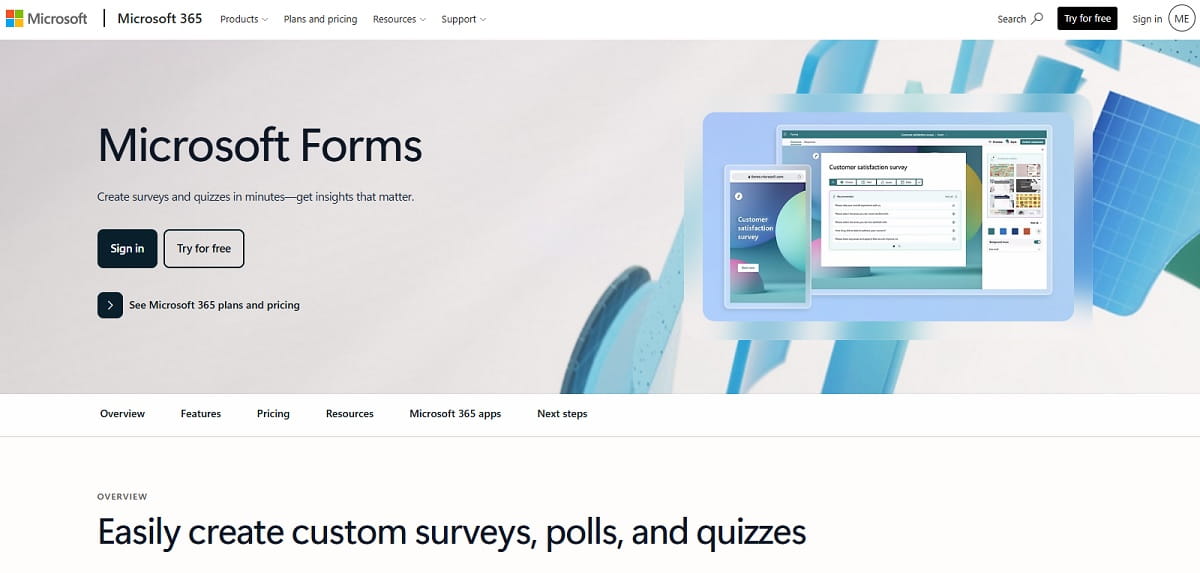
Microsoft Forms supports surveys, polls, quizzes, branching, real-time charts, collaboration, and Excel exports. It fits organizations that already work in Teams, SharePoint, OneDrive, and Excel and want straightforward feedback collection without adding a separate platform.
- Strengths: Microsoft ecosystem integration, collaboration, browser access, built-in charts, and Excel analysis.
- Watch for: native onsite targeting and behavioral context are limited compared with dedicated website feedback tools.
- Ideal survey: an embedded customer questionnaire or internal satisfaction survey managed by a Microsoft 365 team.
How to Choose the Right Website Survey Tool
Start with the decision, not the feature list. A checkout team needs different software from an academic researcher or an HR department.
| If you need to… | Prioritize… | Shortlist |
|---|---|---|
| Find conversion barriers | Exit triggers, behavior data, funnels, recordings | Plerdy, Hotjar, Qualaroo |
| Target precise product segments | User attributes, events, logged-in status, frequency | Survicate, SurveySparrow, Qualaroo |
| Run digital feedback across web and app | Cross-channel forms, metadata, dashboards, governance | Mopinion, Survicate, Qualtrics |
| Create long research questionnaires | Logic, question types, distribution, analysis | SurveyMonkey, Qualtrics, Jotform |
| Build polished lead or discovery forms | Design, conversational flow, embeds, integrations | Typeform, Jotform |
| Launch a simple low-cost survey | Ease, embeds, collaboration, spreadsheet exports | Google Forms, Microsoft Forms |
Questions to Ask During a Trial
- Can the survey appear after a specific page event rather than only after a timer?
- Can we suppress it for users who already responded or saw it recently?
- Does each response retain page, device, source, campaign, or user attributes?
- Can we inspect what the respondent did before submitting feedback?
- Can open-text themes be reviewed and corrected by a human?
- Can the team export raw data and connect it to the CRM or analytics stack?
- Can we redact sensitive information and control retention and access?
- Can we measure whether the product or page change improved the original outcome?
How to Use Website Surveys Without Annoying Visitors
- Choose one journey problem. Examples include checkout abandonment, unclear pricing, failed onboarding, or content usefulness.
- Define the target segment. Specify page, device, source, visit history, lifecycle stage, or event.
- Ask one neutral primary question. Add one conditional follow-up only when it changes the decision.
- Control frequency. Do not show the same prompt on every page or every visit.
- Keep context. Store the relevant page and journey metadata with the response.
- Validate behavior. Compare survey themes with funnels, clicks, errors, scrolls, and sessions.
- Change the experience. Assign an owner, implement a fix, and document the hypothesis.
- Measure again. Track both survey themes and conversion or task completion.
Pew Research Center’s methodology guidance explains why wording, response options, and question order can influence results. Pretest important questions before treating small changes as customer trends.
| Trigger | Question | Decision supported |
|---|---|---|
| Exit intent on checkout | What stopped you from completing your purchase today? | Prioritize checkout barriers |
| Repeated pricing visits | What information do you still need before choosing a plan? | Improve pricing and sales content |
| Successful task | How easy was it to complete this task? | Track CES and friction |
| Deep article scroll | Did this page answer your question? | Improve content usefulness |
| Onboarding inactivity | What is preventing you from finishing setup? | Reduce time to value |
| Post-purchase | What nearly prevented you from ordering? | Find hidden friction among converters |
For more copy-ready prompts, see Plerdy’s collection of website survey questions. After choosing a tool, document how feedback will be assigned, acted on, and measured inside your wider Voice of the Customer program.
Connect Survey Answers With Real Website Behavior
Plerdy combines website feedback with heatmaps, session recordings, conversion funnels, event tracking, and UX analysis so your team can find the revenue leak behind the response.
Website Survey Tools FAQ
What is a website survey tool?
A website survey tool displays, embeds, or links questionnaires for website visitors. It helps businesses collect feedback about visitor intent, satisfaction, effort, usability, content quality, and conversion barriers.
What is the best website survey tool?
The best website survey tool depends on the use case. Plerdy is a strong option when feedback must be connected with heatmaps, session recordings, conversion funnels, event tracking, and CRO analysis. General survey platforms may be better for long questionnaires, external respondent panels, or broad market research.
Which website survey tools offer free options?
Several platforms offer a free plan, free product tier, or trial, including Plerdy, Hotjar, Survicate, Typeform, Jotform, SurveySparrow, Google Forms, and Microsoft Forms. Features, response limits, and availability can change, so verify the current conditions on each official website.
What is the difference between a website survey and an online survey?
A website survey is embedded or triggered within a visitor’s website journey and can use page, event, device, traffic source, or audience context. An online survey may simply be distributed as a standalone link through email, social media, SMS, or another channel.
Can website surveys improve conversion rate?
Website surveys can reveal why visitors hesitate, abandon a funnel, or fail to complete a task. Collecting feedback alone does not improve conversion rate. The team must validate the feedback with behavioral data, change the website experience, and measure the result.
When should a website survey appear?
A website survey should appear after a meaningful event, such as task completion, checkout hesitation, repeated pricing-page visits, deep scrolling, purchase, onboarding inactivity, support resolution, or exit intent. Avoid showing the same survey on every page or during every visit.
How many questions should an onsite website survey contain?
Most onsite surveys should contain one primary question and, when useful, one conditional follow-up. Longer research surveys are usually better opened on a dedicated page or sent to a specifically recruited audience.
What features matter most in website survey software?
Important features include page and event targeting, audience segmentation, display-frequency controls, branching logic, branding, mobile support, response context, integrations, raw-data exports, analytics, behavioral evidence, and appropriate privacy controls.
Choose the Tool That Helps Your Team Act
The best website survey software is not the platform with the longest feature page. It is the one that can reach the correct visitor, preserve the context behind the answer, route the insight to an owner, and help prove whether the resulting change worked.
For conversion and UX work, begin with Plerdy, Hotjar, Survicate, or Qualaroo. For broad standalone research, compare SurveyMonkey, Typeform, Jotform, SurveySparrow, and Qualtrics. Use Google Forms or Microsoft Forms when simplicity matters more than targeting and behavioral context. Whatever you choose, run one focused survey on one important journey before scaling the program.