

If you are comparing conversion rate optimization tools, you are probably not looking for more theory. You want to know which tools help you find friction faster, which platforms are strong for testing, and which conversion rate optimization software fits your workflow without turning into an expensive dashboard nobody checks. That is the real problem for most teams. They do not lack reports. They lack a practical system for spotting issues, prioritizing fixes, and proving what improves revenue.
This guide compares the best conversion rate optimization tools and software for 2026. It covers the main categories, a side-by-side comparison table, detailed software reviews, free options worth testing, and recommended stacks by use case. If you are choosing conversion optimization software for ecommerce, SaaS, lead generation, or agency work, this page is built to help you pick the right stack with less guesswork and less overlap.
If your goal is a broader framework for choosing a full CRO platform, team workflow, and optimization process, read our CRO platform guide. This page is more focused on conversion rate optimization software reviews, comparison, and tool selection.
What Are Conversion Rate Optimization Tools?
Conversion rate optimization tools are software products that help you improve the percentage of visitors who complete a desired action. That action might be a purchase, add to cart, demo request, lead form submission, trial signup, or email subscription. In practice, good conversion rate optimization software helps you answer three questions: what is happening, why it is happening, and what change is most likely to improve the result.
Most strong CRO workflows use a simple chain:
- Analytics to measure what is happening across pages, steps, devices, and traffic sources.
- Behavior insight to understand why users hesitate, abandon, or get confused.
- Experimentation to validate whether a change really improves conversion.
- Performance monitoring to make sure speed and stability are not quietly hurting revenue.
- Feedback and research to capture objections, trust issues, and missing information.
The best conversion optimization software does not just collect data. It helps a team move from observation to action. For example, you find checkout drop-off in analytics, review heatmaps and session recordings to see where people struggle, then run an A/B test on a clearer shipping step or less distracting cart layout. That is where CRO tools start paying for themselves.
How We Evaluated The Best Conversion Rate Optimization Tools
Not every CRO tool solves the same problem, so this comparison looks at tools through a practical buyer lens, not just feature lists. We evaluated each option based on how well it supports real optimization work: diagnosing friction, finding patterns, validating hypotheses, and fitting different team sizes.
- Workflow fit: Does the tool help with analytics, behavior insights, testing, feedback, or performance?
- Ease of adoption: Can a small or mid-size team actually use it every week?
- Depth: Is it good for quick wins, or does it support a mature experimentation program?
- Use case strength: Is it better for ecommerce, SaaS, agencies, or enterprise teams?
- Pricing level: Does the value match the likely budget and traffic level?
- Scalability: Can the software grow with a larger testing and analytics workflow?
- Privacy and control: Does it offer masking, consent-friendly options, or strong governance?
That matters because the best conversion rate optimization software for a Shopify brand is rarely the same as the best option for an enterprise product team. Some tools are ideal for finding on-page friction quickly. Others are stronger for experimentation governance, product analytics, or personalization at scale.
Conversion Rate Optimization Software Vs A CRO Platform
The terms get mixed together all the time, but they are not exactly the same. Conversion rate optimization software usually refers to the individual tools or software suites you use to analyze behavior, collect feedback, run tests, and monitor performance. A CRO platform is broader. It often means a more complete system, or even a full optimization environment, that combines multiple capabilities under one approach.
That difference matters because this page is intentionally focused on the software comparison side: the best conversion rate optimization tools, software reviews, and buyer-oriented selection advice. If you are comparing broader CRO platform strategy, process design, or how to build a full-stack optimization workflow, that is where our CRO tools and CRO platform guide is the better fit.
Conversion Rate Optimization Software Comparison Table
Use this conversion rate optimization software comparison table to quickly evaluate which tools fit your team size, workflow, and testing maturity before reading the detailed reviews below.
| Tool | Best For | Key Features | Pricing Range | Ideal Company Size |
|---|---|---|---|---|
| Plerdy | Ecommerce UX and CRO workflows | Heatmaps, session replay, event tracking, conversion insights | Mid | SMB to Mid-Market |
| Hotjar | Quick qualitative insights | Heatmaps, session recordings, feedback widgets, surveys | Low to Mid | SMB to Mid-Market |
| Crazy Egg | Simple click tracking | Heatmaps, scrollmaps, snapshots, basic recordings | Low to Mid | SMB |
| FullStory | Deep session replay and frustration signals | Session replay, auto-capture events, funnels, error insights | High | Mid-Market to Enterprise |
| Contentsquare | Enterprise digital experience analytics | Journey analysis, heatmaps, zones, segmentation, DX metrics | High | Enterprise |
| VWO | Experimentation plus CRO research | A/B testing, split URL tests, heatmaps, surveys | Mid to High | SMB to Mid-Market |
| Optimizely | Enterprise experimentation | A/B testing, feature flags, personalization, governance | High | Enterprise |
| AB Tasty | Testing and personalization for ecommerce | A/B testing, personalization, recommendations, widgets | High | Mid-Market to Enterprise |
| Convert.com | Privacy-conscious A/B testing | A/B testing, server-side options, strong consent controls | Mid | Mid-Market |
| Mixpanel | Product and event analytics | Funnels, cohorts, retention, paths, event segmentation | Mid to High | SMB to Enterprise |
| Amplitude | Behavioral analytics at scale | Funnels, journeys, cohorts, experimentation add-ons | Mid to High | Mid-Market to Enterprise |
| GA4 | Baseline web analytics | Traffic analysis, events, conversions, exploration reports | Low | All sizes |
| SpeedCurve | Performance monitoring for CRO | Core Web Vitals tracking, synthetic tests, alerts | Mid to High | Mid-Market to Enterprise |
The Main Types Of Conversion Rate Optimization Tools
Heatmaps And Click Tracking
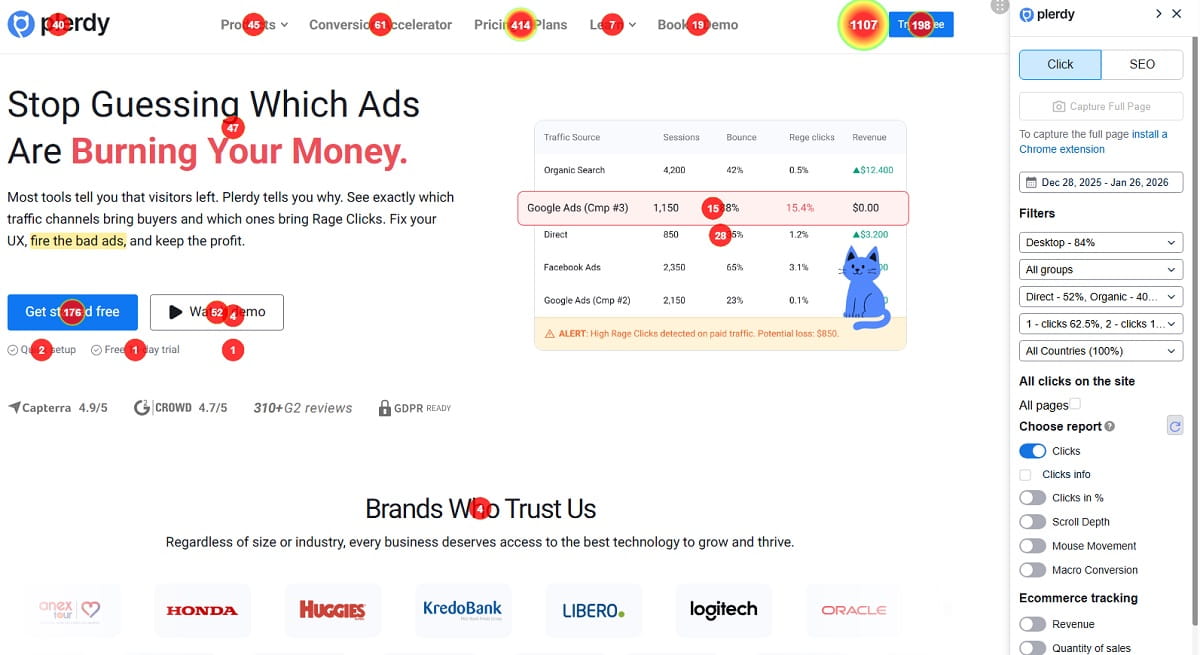
Heatmap tools show where users click, tap, hover, and how far they scroll. They help answer a very specific CRO question: what parts of this page attract attention, and what parts get ignored? That is especially useful on product pages, category pages, landing pages, and checkout steps where small distractions can quietly hurt conversion.
Good heatmaps are rarely useful in isolation. They become far more valuable when you segment by device, traffic source, landing page type, or new versus returning users. Mobile attention patterns can look completely different from desktop, especially when galleries, size selectors, sticky CTAs, or shipping tabs compete for attention.
- Use when: visitors miss key CTAs or stop scrolling before important content.
- Use when: users click non-clickable elements and expect something to happen.
- Use when: you need fast visual proof before prioritizing UX changes.
Session Recording And Replay
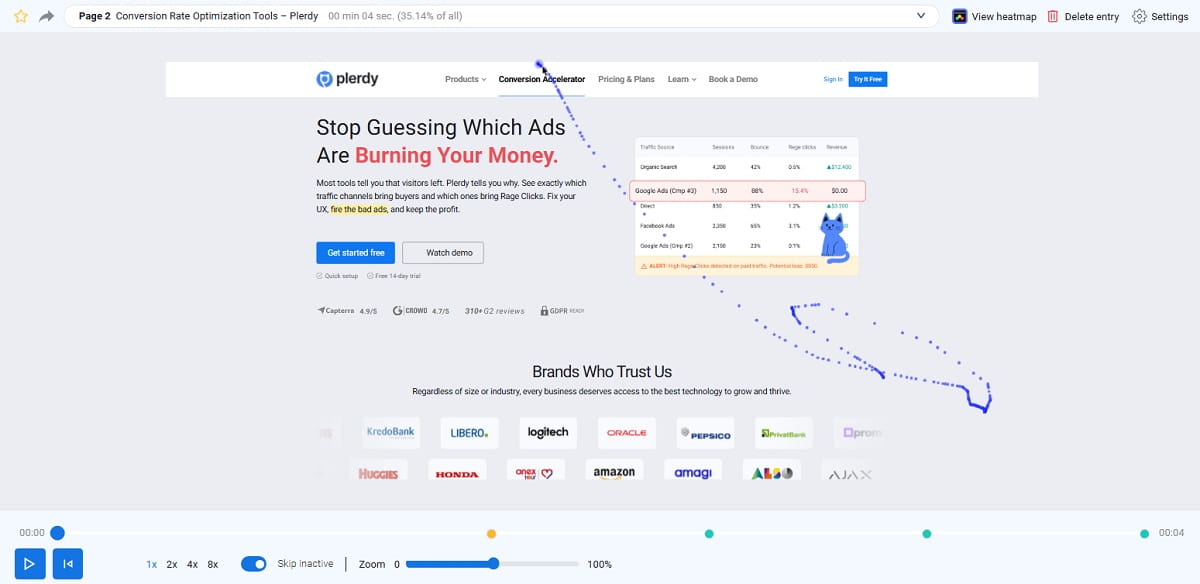
Session recording tools replay real visits so you can see hesitation, loops, misclicks, rage clicks, abandoned forms, and broken interface moments. Heatmaps show the pattern. Session replay shows the story behind that pattern. For many teams, this is where the biggest “oh, that is the problem” moments happen.
The best workflow is not random replay browsing. It is targeted review. Watch sessions from users who reached checkout but did not purchase, opened a product page but never added to cart, or interacted heavily with a form and then dropped. That is where session recording tools become practical conversion rate optimization software rather than just interesting footage.
- Use when: checkout abandonment feels high and analytics alone is too vague.
- Use when: page elements look fine in design reviews but users still struggle.
- Use when: you need evidence for what to fix first.
Funnel Analytics And Journey Insights
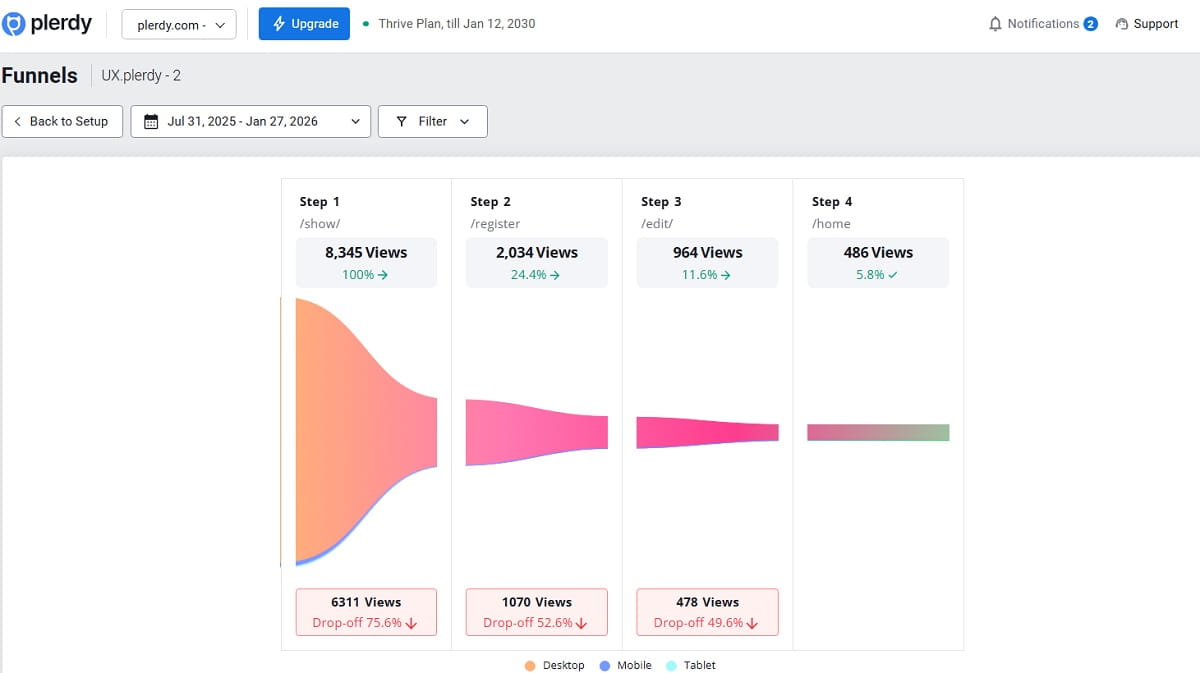
Funnel analytics shows where users drop between steps: homepage to category, category to product page, product page to cart, cart to checkout, and checkout to purchase. This is one of the most useful layers in conversion rate optimization software because it tells you where revenue leakage actually happens.
Journey tools go a step further by showing loops and alternative paths. That matters because real users do not always move in a clean straight line. They compare products, jump back to search, open FAQs, revisit shipping info, and hesitate around trust signals. Good journey analysis helps you simplify what matters instead of redesigning everything at once.
- Use when: you want to quantify drop-off by step and segment.
- Use when: paid and organic traffic behave differently.
- Use when: you want to connect UX issues to revenue impact.
A/B Testing And Experimentation
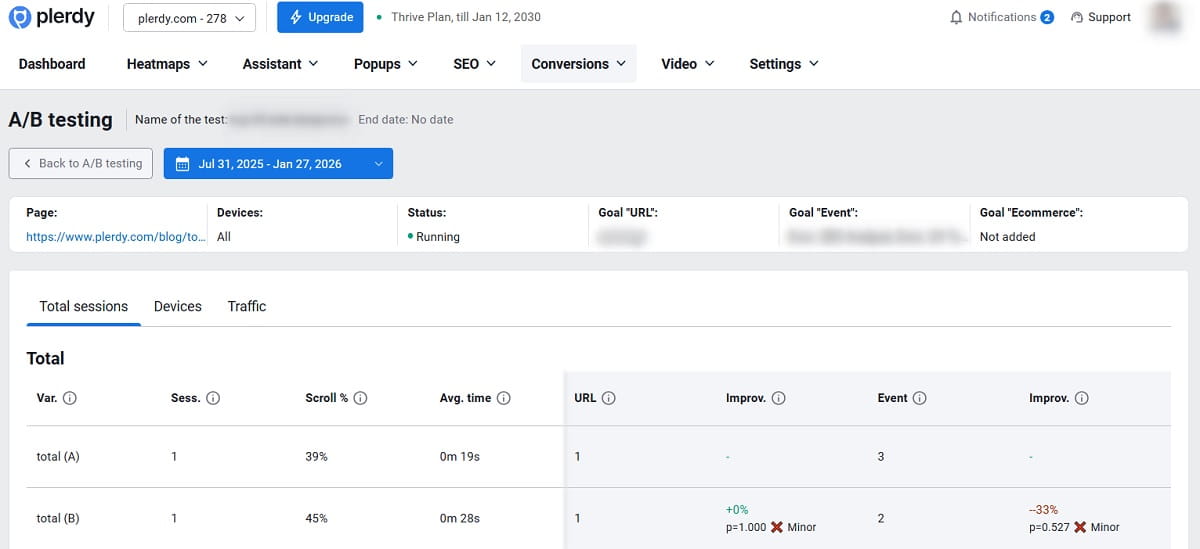
A/B testing tools help you validate whether a change really improves conversion. Behavior tools can suggest a problem, but experimentation software helps prove causality. That is why A/B testing remains one of the most important categories of conversion optimization software for teams with enough traffic to test responsibly.
Tests work best when the hypothesis is clear and the measurement is clean. Instead of changing five things at once, strong experiments isolate one or two meaningful variables: headline clarity, CTA treatment, trust proof, form length, cart layout, or shipping explanation. For more mature teams, server-side testing and feature flags become important too.
- Use when: traffic is high enough to reach meaningful results.
- Use when: changes affect revenue and you need proof before rollout.
- Use when: your team wants a repeatable testing process, not random page edits.
Surveys, On-Site Feedback And User Research
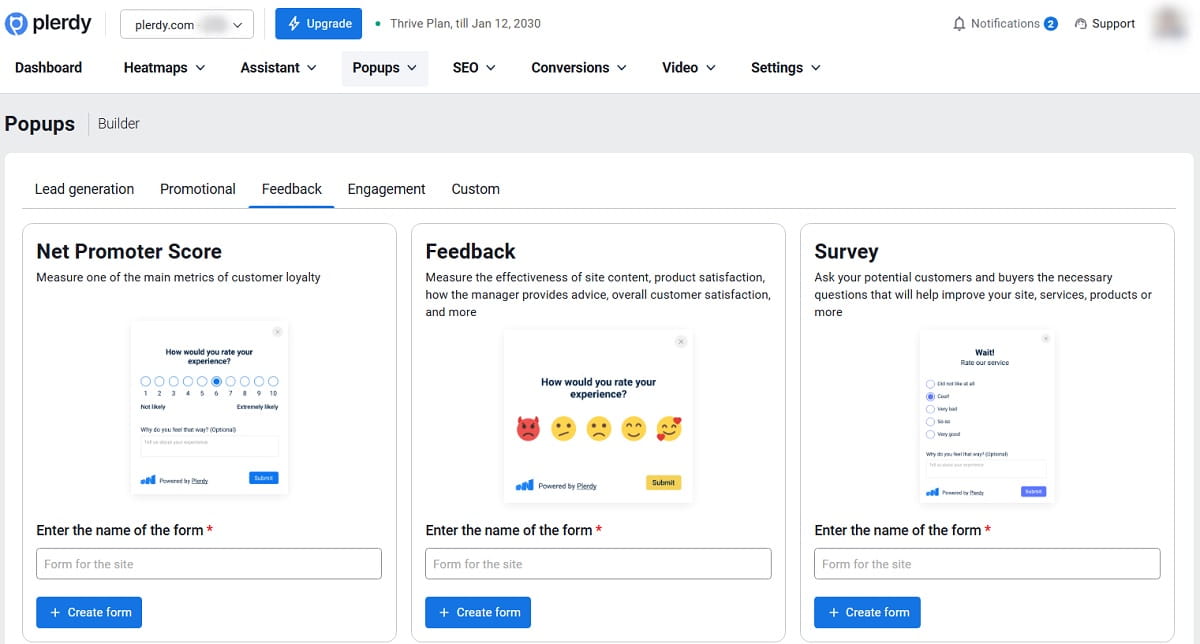
Surveys and feedback widgets answer the “why” more directly than most analytics tools can. A short question like “What stopped you from buying today?” can reveal friction you will not see in charts: unclear sizing, hidden fees, missing payment options, weak trust, or simply the wrong expectation from an ad or email.
The strongest feedback workflows are behavior-triggered. Ask at exit, after long time on page, after abandoned form attempts, or after users spend time around key content without progressing. Keep questions short. Treat responses as a source of hypotheses and customer language, not as final truth on their own.
- Use when: you need better customer language for copy and messaging.
- Use when: you suspect pricing, shipping, or trust issues but need confirmation.
- Use when: you want better experiment ideas based on real objections.
Personalization And Recommendations
Personalization tools adapt content, recommendations, or offers based on behavior, audience, or context. In ecommerce, that might mean different banners for first-time visitors, category-specific recommendations, or audience-based trust messaging. In SaaS, it may mean onboarding changes, role-based messaging, or different trial prompts.
This type of conversion optimization software can be powerful, but it is easy to overbuild. Start with a few segments that clearly behave differently. If you cannot measure lift by segment, you may end up with a smarter-looking experience that adds complexity without improving performance.
- Use when: key segments have different intent or objections.
- Use when: recommendations can reduce decision fatigue.
- Use when: you have enough traffic to evaluate segment performance properly.
Performance Monitoring And Core Web Vitals
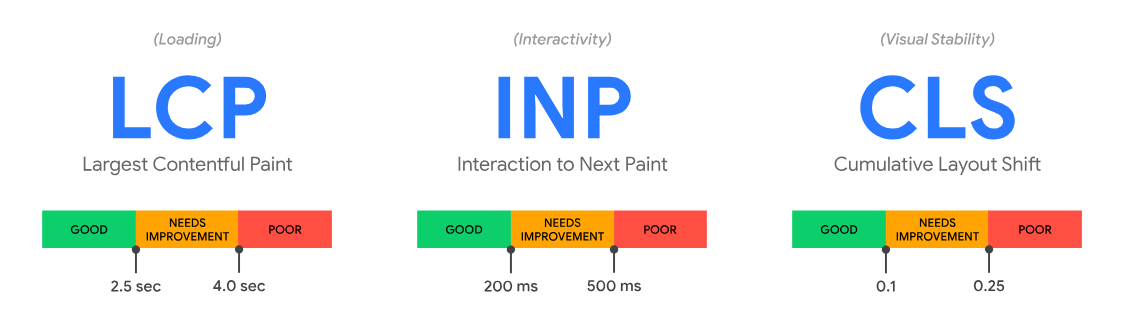
Speed is not a separate technical issue floating somewhere outside CRO. It is part of conversion. Slow product pages, delayed interactions, unstable layouts, and heavy scripts reduce trust and increase abandonment, especially on mobile. That is why performance monitoring belongs inside a serious conversion rate optimization software stack.
It also protects you from bad interpretation. A page variation may look like a winner because it loads faster, not because the UX change was better. Monitoring Core Web Vitals and page performance helps separate those factors and gives both growth teams and developers something objective to work with.
- Use when: bounce is high and mobile conversion is weak.
- Use when: your team ships often and needs regression alerts.
- Use when: you want to connect performance work to revenue outcomes.
Best Conversion Rate Optimization Software Reviews
Plerdy (Fast Ecommerce UX Insights Without Guesswork)
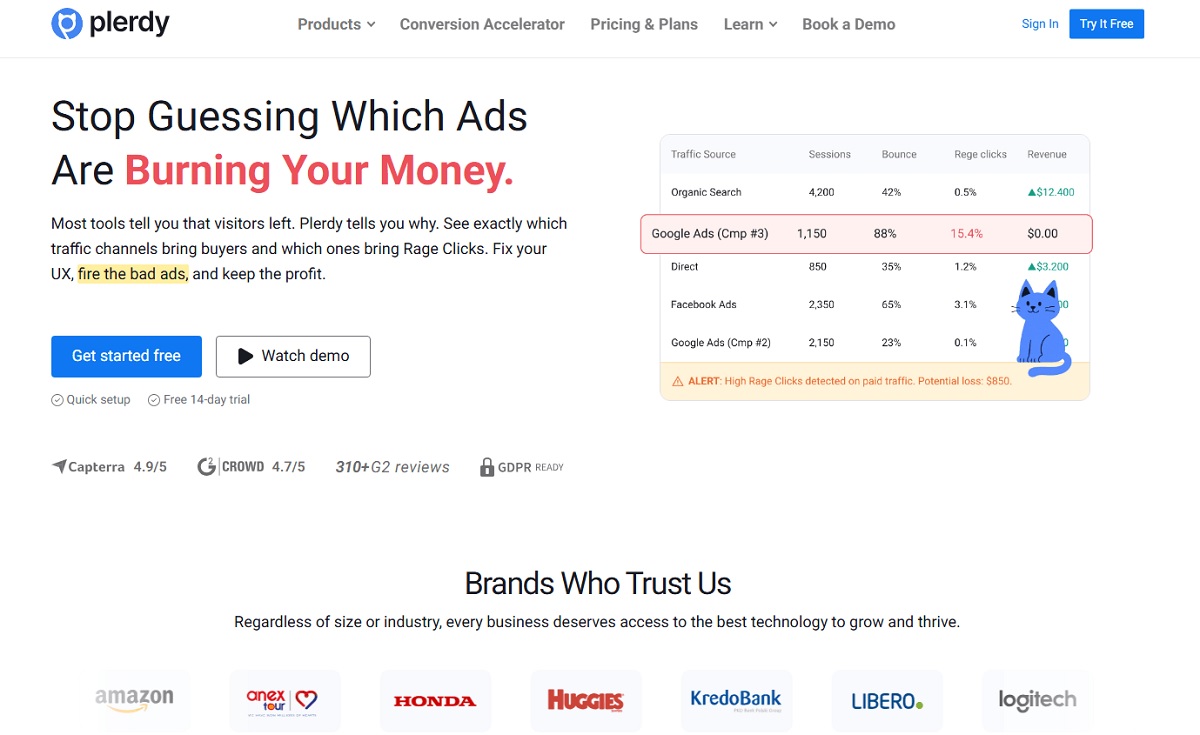
Plerdy is a strong choice when your workflow starts with fast on-page diagnosis. It is especially useful for ecommerce teams that want to understand how users behave on product pages, category pages, blog landing pages, and checkout-related flows without waiting for a slow, overcomplicated reporting cycle. In that sense, Plerdy works well as practical conversion optimization software for teams that need quick visibility into friction.
Its main strength is speed-to-insight. You can review heatmaps, session replays, and behavior patterns on pages that directly affect revenue, then turn those findings into a backlog of usability fixes and experiments. That is often where smaller teams get stuck: they know something is wrong, but they cannot isolate what deserves attention first.
Plerdy is especially useful when the real problems are visual hierarchy, weak add-to-cart support, unclear shipping information, or distracting page elements. It is not trying to be the heaviest enterprise experimentation suite on the market, and honestly that is part of the appeal. For many brands, it is a better fit as conversion rate optimization software because it helps the team act faster instead of just generating another layer of reports.
- Best for: Ecommerce and growth teams that want fast UX insight to feed a test backlog.
- Why choose it: Strong for identifying friction quickly on revenue-driving pages.
- Pros:
- Clear heatmaps and UX signals for ecommerce pages
- Session replay helps validate friction before testing
- Practical for teams that want quick prioritization
- Cons:
- Advanced experimentation requires pairing with A/B testing tools
- Best results come from consistent review cadence
Hotjar (The Classic CRO Research Bundle For Quick Answers)
Hotjar remains one of the most familiar names in conversion rate optimization tools because it combines heatmaps, session recordings, surveys, and feedback in a simple interface. It is often a good fit when a team needs quick qualitative insight and wants to get moving without a heavy implementation cycle.
That simplicity is the reason Hotjar keeps showing up in conversion rate optimization software reviews. It helps teams answer practical questions fast: where do people stop, what do they click, what feels confusing, and what do visitors say they expected to find? For landing pages and ecommerce pages, that can be enough to prioritize useful fixes quickly.
- Best for: Teams that want fast qualitative insight to prioritize tests.
- Why choose it: A familiar all-in-one research layer for smaller CRO programs.
- Pros:
- Good balance of heatmaps, recordings, and feedback
- Easy to deploy and use for quick CRO audits
- Useful survey and poll features for “why” insights
- Cons:
- Can get expensive as traffic and needs grow
- Not an experimentation platform by itself
Crazy Egg (Simple Heatmap Tools And Page Snapshots)
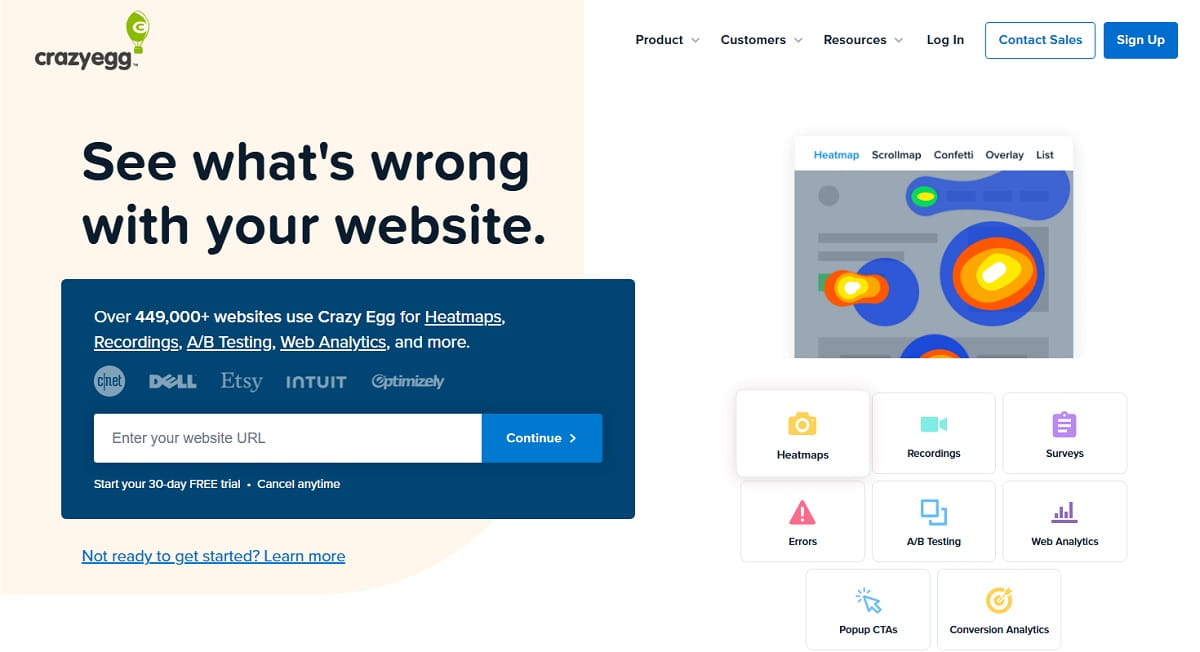
Crazy Egg is a practical option if you want straightforward heatmaps and click tracking with less complexity. It is useful when the main question is simple: are users actually interacting with the page elements we expect them to use? That makes it a decent entry point for small teams evaluating conversion optimization software without jumping straight into enterprise tooling.
It works best on high-value pages where layout and interaction matter: landing pages, category pages, PDPs, pricing pages, and forms. It may not give the same depth as more advanced journey or replay platforms, but it can still be very helpful for fast visual diagnosis and light optimization work.
- Best for: Small teams that want simple click tracking and heatmaps.
- Why choose it: Lightweight setup and clear visual data for page-level analysis.
- Pros:
- Simple, clear heatmaps and scroll behavior
- Good for quick checks on key pages
- Low setup complexity
- Cons:
- Less depth than dedicated journey analytics platforms
- Experimentation depth varies by plan
FullStory (Session Replay With Strong Frustration Signals)
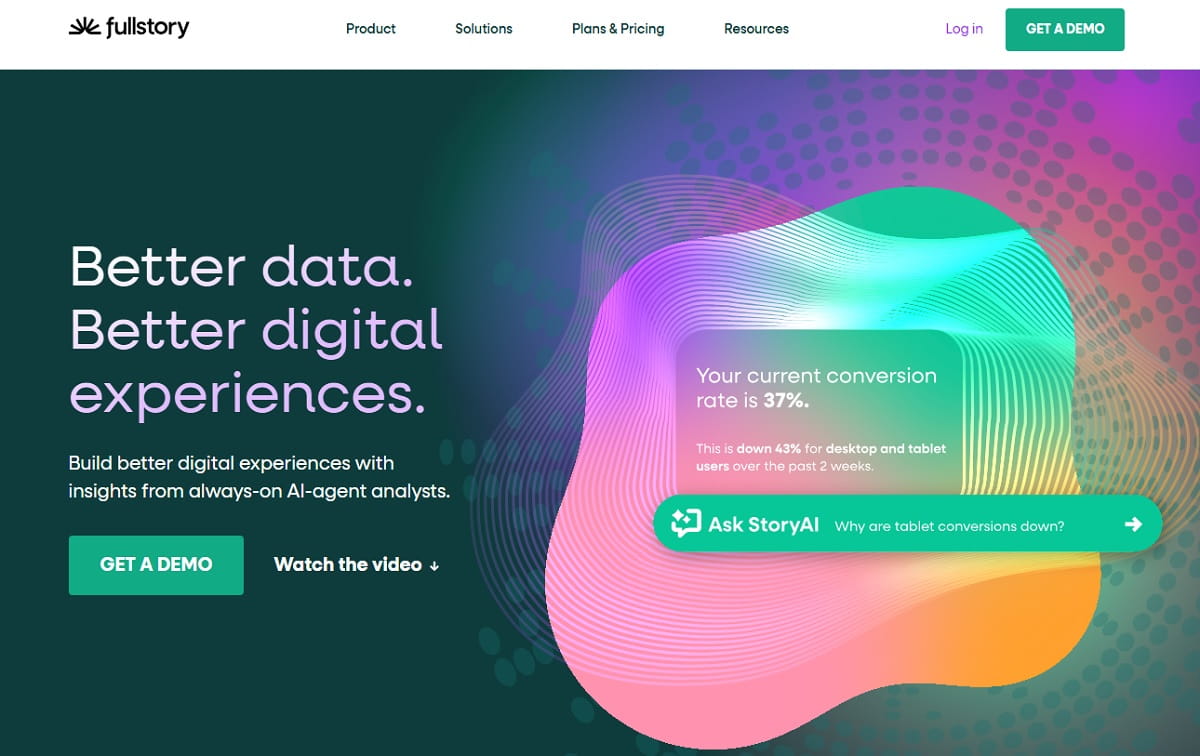
FullStory is one of the strongest tools in this list for replay-driven diagnosis. It is built for teams that need to understand friction at scale, especially when dead clicks, rage clicks, errors, or broken interaction states are causing real revenue loss. For that reason, it is often a serious contender in enterprise conversion rate optimization software reviews.
Where FullStory stands out is not just session replay quality, but the way it helps teams search, filter, and surface moments of frustration without manually reviewing endless sessions. That makes it particularly useful for product teams, larger ecommerce teams, and growth teams working closely with developers.
- Best for: Mid-market and enterprise teams diagnosing complex UX issues.
- Why choose it: Strong replay search, frustration signals, and engineering-friendly diagnosis.
- Pros:
- Excellent session replay quality and search
- Frustration and error signals speed up diagnosis
- Works well with product and engineering teams
- Cons:
- Higher cost for many teams
- Requires strong governance for privacy and masking
Contentsquare (Enterprise Journey Analytics And Experience Scoring)
Contentsquare is designed for large-scale digital experience analysis. It is a stronger fit for enterprise teams that need journey visibility across many templates, markets, teams, and traffic sources. This is not just page-level analysis software. It is closer to an enterprise-grade experience intelligence layer.
That scale is the advantage and, in a way, the tradeoff. Smaller teams may find it heavier than they need. But for organizations managing large ecommerce ecosystems or complex multi-market properties, Contentsquare can be a serious enterprise conversion optimization software option when reporting consistency and impact modeling matter as much as raw observations.
- Best for: Enterprise ecommerce and product teams optimizing at scale.
- Why choose it: Strong journey analytics and reporting across large digital ecosystems.
- Pros:
- Strong journey analytics and segmentation
- Built for large sites and complex experiences
- Good reporting for cross-team alignment
- Cons:
- Not ideal for small budgets
- Setup and adoption require process maturity
VWO (A/B Testing Tools Plus CRO Research In One Place)
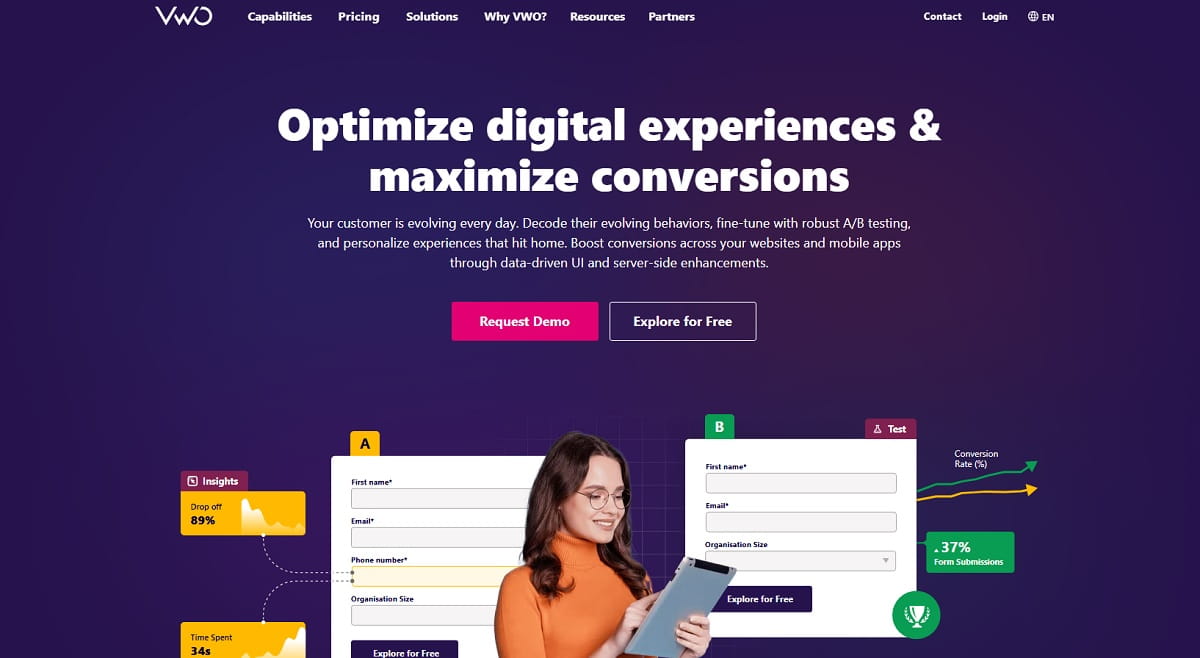
VWO is one of the better-known names in conversion rate optimization software because it brings experimentation and supporting research features into the same environment. For teams that want A/B testing plus heatmaps, surveys, and related insight tools without stitching together too many products, it can be a practical middle ground.
That is also why VWO often ranks high in best conversion rate optimization tools conversations. It gives marketing and growth teams an easier path from idea to experiment. It is especially useful when landing page testing is frequent and the team wants software that supports both diagnosis and validation.
- Best for: Teams that want research and testing under one roof.
- Why choose it: Balanced experimentation suite for marketing-led optimization programs.
- Pros:
- Strong A/B testing features and experiment management
- Includes supporting CRO research features
- Good for marketing-led testing programs
- Cons:
- Advanced teams may want deeper product analytics elsewhere
- Requires careful QA to avoid test side effects
Optimizely (Enterprise Experimentation And Feature Flag Control)
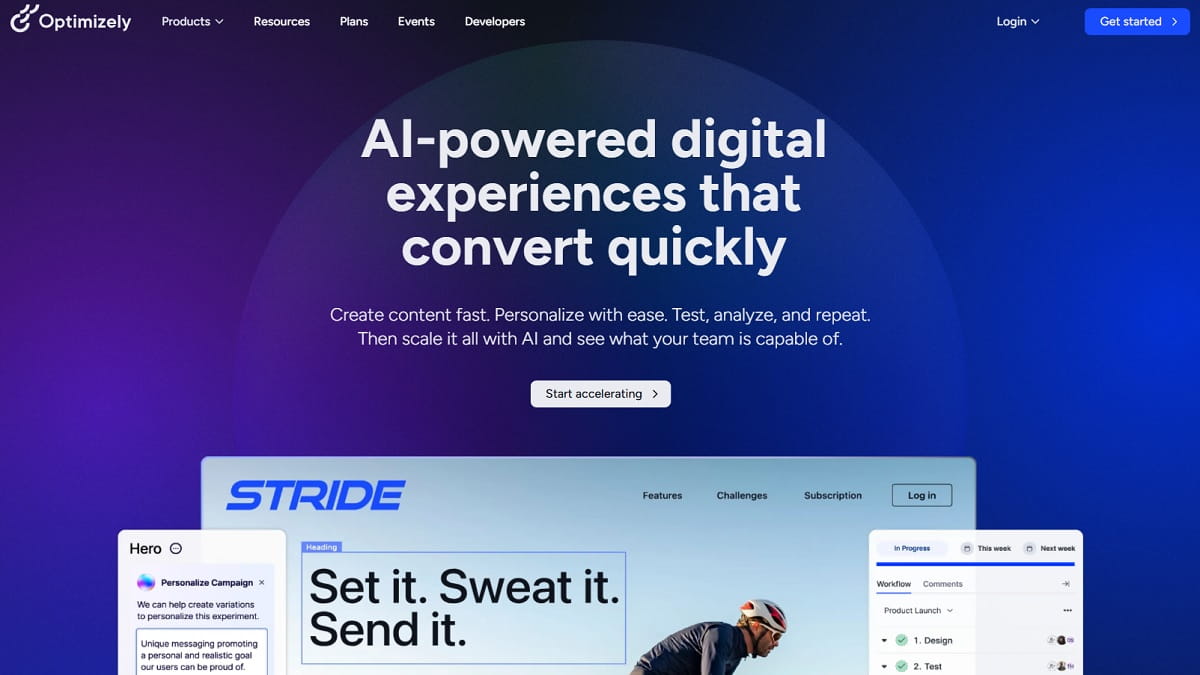
Optimizely is one of the most established enterprise experimentation platforms in the market. It is best suited for organizations that already have meaningful traffic, strong governance needs, and a product or engineering workflow where front-end visual testing alone is not enough.
In other words, Optimizely is not the tool most teams start with, but it is often the one mature experimentation programs grow into. If your team needs server-side testing, feature flags, rollout control, and structured experimentation governance, it remains one of the stronger enterprise options in conversion rate optimization software reviews.
- Best for: Enterprise product teams running frequent, controlled experiments.
- Why choose it: Strong governance, scalability, and product experimentation support.
- Pros:
- Strong experimentation governance and scalability
- Feature flags and server-side testing for product teams
- Good for organizations with mature experimentation culture
- Cons:
- High pricing for smaller teams
- Requires process maturity to get full value
AB Tasty (Testing And Personalization With Ecommerce Focus)
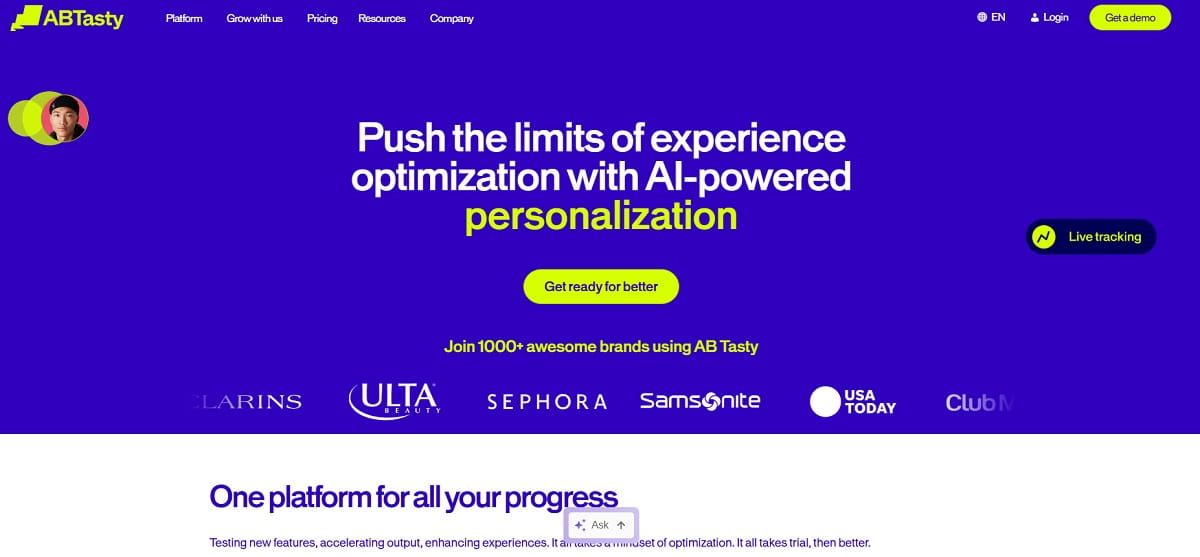
AB Tasty combines experimentation and personalization in a way that makes sense for ecommerce teams with real segmentation opportunities. It is useful when you want to test not only page layout or messaging, but also audience-specific content, recommendations, merchandising treatments, or trust elements.
That makes it appealing for brands that are beyond basic testing and want to tailor experiences by audience or behavior. Still, the software gets more valuable when the team has the traffic and discipline to measure results carefully. Without that, personalization can become noise instead of lift.
- Best for: Ecommerce teams combining A/B tests with targeted personalization.
- Why choose it: Strong mix of testing, messaging, and recommendation workflows.
- Pros:
- Good blend of experimentation and personalization
- Fits ecommerce use cases like merchandising and messaging
- Supports ongoing optimization programs
- Cons:
- Can be complex to manage without a clear plan
- Pricing is usually better suited to larger teams
Convert.com (Privacy-Focused A/B Testing For Serious Programs)
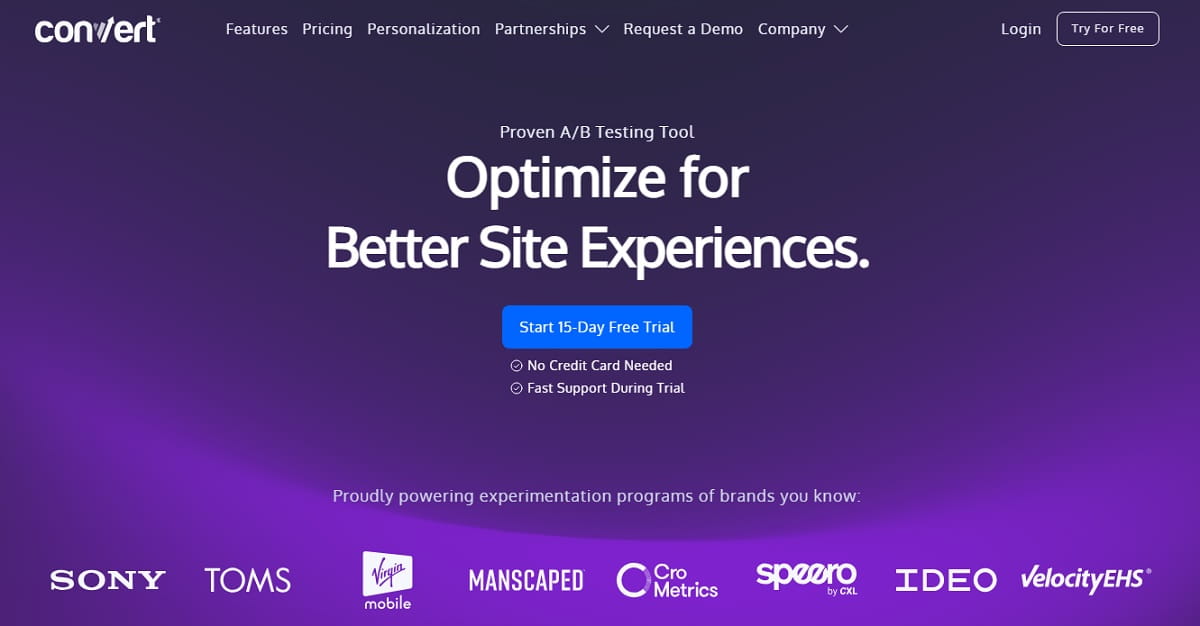
Convert.com is often chosen by teams that care about experimentation quality and privacy controls more than flashy interface layers. It is a focused A/B testing option for organizations that already have analytics and insight tools in place and mainly need a reliable experimentation layer with stronger consent and compliance alignment.
It may not feel as broad as some all-in-one suites, but that is exactly why some teams prefer it. In stricter environments, or in organizations with established research and analytics stacks, Convert.com can be a strong choice in the best conversion rate optimization software category.
- Best for: Teams prioritizing privacy while running serious experiments.
- Why choose it: Strong consent-friendly experimentation with less suite bloat.
- Pros:
- Strong privacy posture and consent controls
- Reliable experimentation features
- Good fit for teams with existing analytics stacks
- Cons:
- Less “all-in-one” than broader CRO suites
- Advanced usage may require more technical involvement
Mixpanel (Event Analytics And Funnel Analytics For Growth Teams)
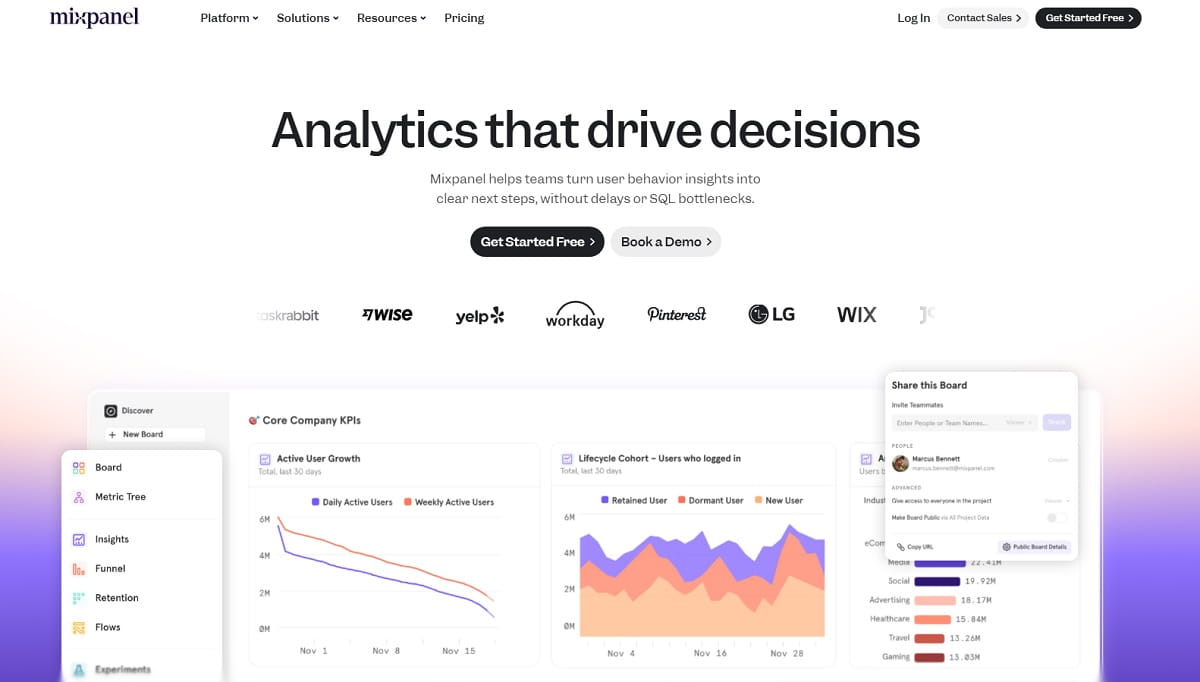
Mixpanel is a strong product and event analytics tool for teams that care about conversion beyond a single pageview. It is especially useful when user behavior unfolds across multiple sessions, product interactions, onboarding steps, or retention moments. In those cases, page-level CRO tools alone are not enough.
For growth teams and SaaS teams, Mixpanel can be one of the most valuable layers in a conversion rate optimization software stack because it helps identify which user segments convert, which events correlate with stronger outcomes, and where the biggest drop-offs happen over time.
- Best for: Teams that want strong funnel analytics and segmentation.
- Why choose it: Excellent event-driven visibility for growth and product flows.
- Pros:
- Excellent funnel and cohort analysis
- Strong segmentation and behavioral insights
- Useful for both ecommerce and product-led flows
- Cons:
- Requires clean event tracking to be reliable
- Not a heatmap or session replay tool
Amplitude (Journey Insights For Product-Led Growth And Ecommerce)
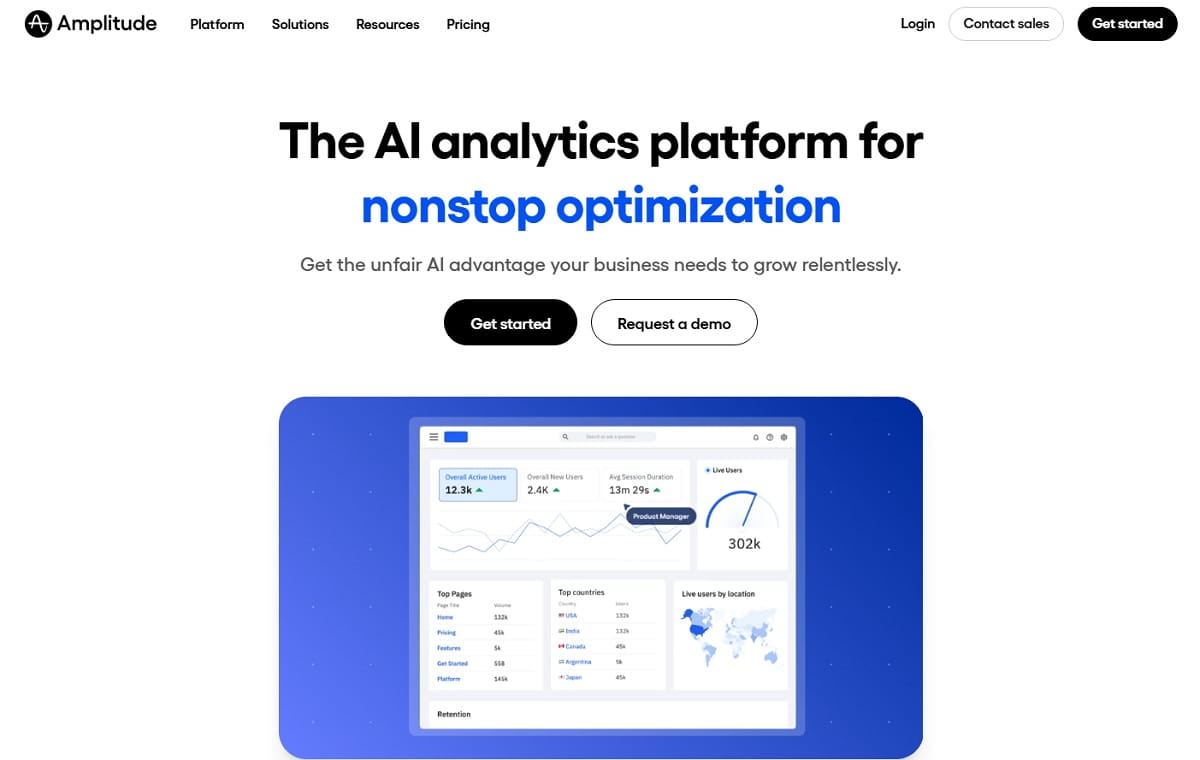
Amplitude is another leading behavioral analytics platform and a strong choice when the conversion story is bigger than one page or one session. It helps teams understand the behaviors that lead to activation, repeat engagement, upsells, and longer-term revenue outcomes.
That makes it a strong option for SaaS, PLG, and more advanced ecommerce programs where journey mapping matters as much as page optimization. It is not the only tool you need, but inside a broader conversion optimization software stack, it can become one of the highest-value decision layers.
- Best for: SaaS and product teams optimizing multi-step journeys.
- Why choose it: Strong journey analysis for complex user behavior and growth loops.
- Pros:
- Strong journey analysis and segmentation
- Great for PLG and multi-step product funnels
- Scales well for larger datasets
- Cons:
- Implementation quality determines insight quality
- Not an experimentation tool by default
GA4 (Baseline Analytics For Traffic And Conversion Tracking)
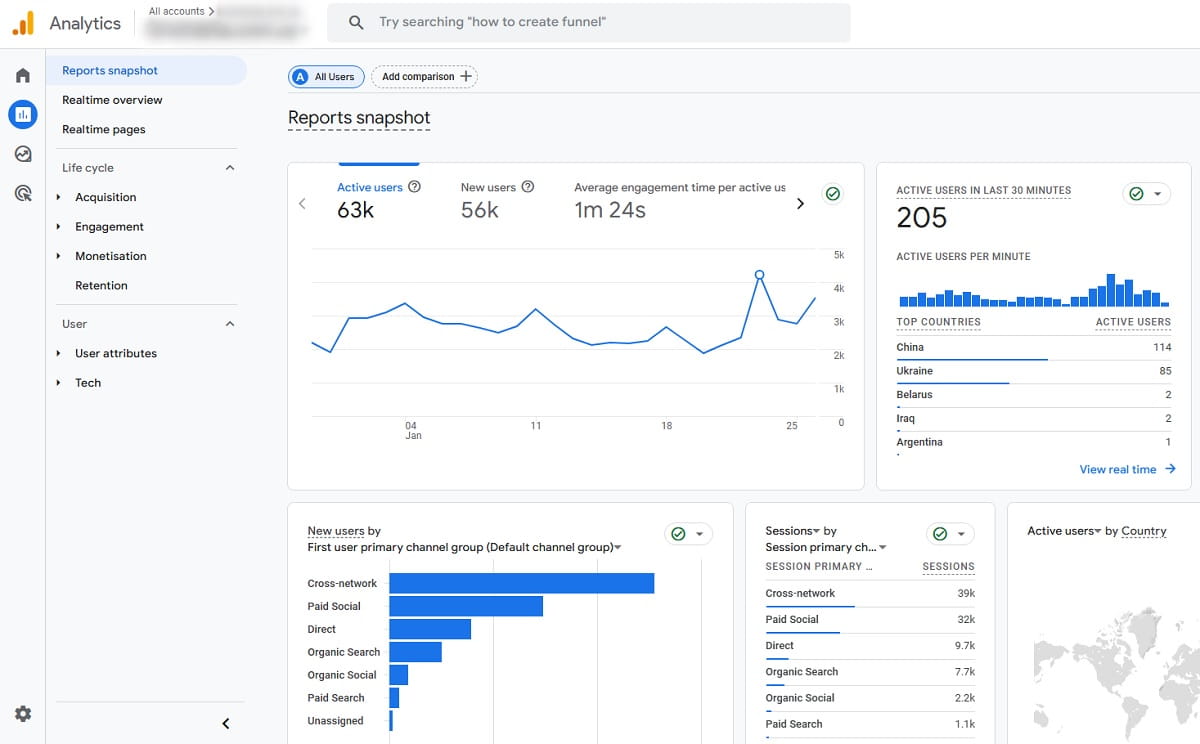
GA4 is rarely the only answer, but it is still a baseline layer in many conversion rate optimization tool stacks. Clean event tracking, conversion definitions, funnel views, and segment analysis can get a team surprisingly far before they add more specialized software.
Where GA4 helps most is narrowing the question. Which pages underperform? Which device segments struggle? Which traffic sources bounce early? Which landing pages drive visits but weak conversion quality? Once those answers are clearer, behavior tools and testing tools become much more useful.
- Best for: Any team needing baseline analytics before deeper CRO work.
- Why choose it: Foundational traffic and conversion reporting with wide integration support.
- Pros:
- Strong baseline reporting for acquisition and conversions
- Widely supported integrations
- Useful for segmentation and funnel exploration
- Cons:
- Setup quality varies and affects reliability
- Limited qualitative insight without companion tools
SpeedCurve (Performance Monitoring That Supports CRO Decisions)
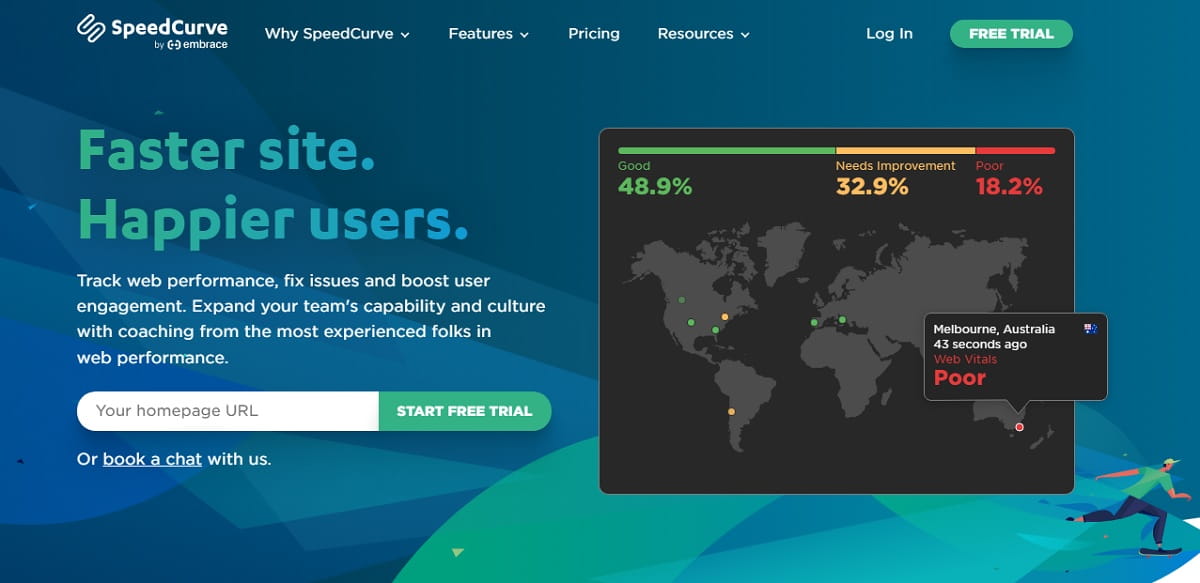
SpeedCurve helps teams monitor performance changes over time instead of guessing whether releases damaged speed. For CRO, that matters more than many teams admit. Core Web Vitals, loading behavior, and layout stability can directly influence conversion, especially on mobile and product-heavy pages.
It is not a behavior analysis tool and not an experimentation suite, but that does not make it secondary. In many cases, strong performance monitoring protects the rest of your conversion optimization software stack from false conclusions.
- Best for: Teams that treat speed as a conversion lever and need monitoring.
- Why choose it: Reliable oversight of performance changes that can affect conversion.
- Pros:
- Ongoing Core Web Vitals monitoring and alerts
- Helps prevent performance regressions during CRO changes
- Useful reporting for engineering and growth teams
- Cons:
- Not a behavioral insights or testing platform
- Best value comes from consistent monitoring processes
Best Conversion Optimization Software By Use Case
Best for Ecommerce
Plerdy, Hotjar, VWO, and AB Tasty are strong options for ecommerce because they help teams understand product page friction, cart hesitation, checkout issues, trust gaps, and merchandising opportunities. If your business depends on category pages, PDP clarity, shipping transparency, and mobile conversion, these tools usually matter more than abstract reporting features.
Best for SaaS and PLG
Mixpanel, Amplitude, FullStory, and Optimizely fit better when conversion depends on onboarding, activation, repeat product actions, and deeper behavior analysis across sessions. SaaS teams usually need event visibility and experimentation depth, not just page-level click data.
Best for Small Businesses
GA4, Plerdy, Hotjar, and Crazy Egg are practical starting points for smaller teams because they offer a simpler learning curve and faster path to action. The best conversion rate optimization tools for small businesses are usually the ones people will actually review every week.
Best for Agencies
Plerdy, GA4, VWO, and Hotjar can work well for agencies that need repeatable audits, quick visual diagnosis, and testing support across multiple clients. Agency workflows benefit from software that is practical, easy to explain, and consistent across different site types.
Best for Enterprise Teams
Contentsquare, FullStory, Optimizely, and AB Tasty are stronger fits for organizations with mature governance, larger datasets, more segmentation needs, and cross-functional optimization programs. At that level, software depth and process control matter as much as interface simplicity.
Free CRO Tools And Free Plans Worth Trying
Not every team needs a big paid stack on day one. Free CRO tools and entry-level plans can still help you find meaningful issues, especially if you focus on your highest-value pages instead of trying to analyze the whole site at once.
- GA4: A common free starting point for traffic, event, funnel, and conversion tracking.
- Hotjar Free Plan: Useful for lighter heatmap and recording workflows when traffic is still manageable.
- Crazy Egg Trials or Entry Plans: Worth testing if you mainly need click and scroll visibility.
- Plerdy Entry Options: Helpful when you want fast ecommerce UX insight without building a large stack first.
Still, free CRO tools come with limits. They usually restrict traffic, data history, recordings, exports, or advanced testing capability. That is fine in the early stage. Just do not confuse a useful free plan with a long-term optimization system. Once the team starts relying on the data every week, it usually becomes obvious where paid software adds real value.
How To Choose The Right CRO Tool Stack
Choosing the best conversion rate optimization software gets easier when you build around workflow, not hype. A lot of teams buy overlapping products because they compare features in a vacuum. That usually leads to clutter, not clarity.
- Start with the conversion that matters most. Purchase, lead submission, demo booking, trial activation, or add to cart. Your tool stack should make that outcome measurable.
- Identify your money pages and critical steps. Product pages, cart, checkout, pricing, signup, key landing pages, or onboarding screens.
- Pick an insight layer first. Heatmaps, session recording tools, and feedback software should help you diagnose friction clearly.
- Add experimentation only when it makes sense. If traffic is low, focus on usability and clarity fixes before forcing A/B tests.
- Check team ownership. Who reviews the data, writes hypotheses, approves changes, and monitors outcomes?
- Model cost at real scale. Many tools price by sessions, traffic, seats, or usage. Mid-size traffic can make an affordable tool feel expensive very quickly.
- Review privacy and compliance early. This matters for session replay, user-level analytics, and long-term adoption.
Helpful standards and supporting references include Google Search Central for measurement and performance visibility, Nielsen Norman Group for UX research guidance, and Baymard Institute for ecommerce UX benchmarks and research.
CRO Tool Stacks By Scenario
Small Ecommerce Store
Recommended stack: Plerdy, GA4, Hotjar or Crazy Egg, plus basic performance monitoring.
Why this works: Small teams need a simple stack that helps them identify friction fast on product pages, cart steps, and top landing pages. Analytics shows the drop. Heatmaps and replays explain the hesitation. That is usually enough to find practical wins without drowning in tools.
Growing Shopify Brand
Recommended stack: Plerdy, GA4, VWO or Convert.com, Hotjar, and SpeedCurve or similar monitoring.
Why this works: Once traffic grows, experimentation matters more. You still need fast on-page diagnosis, but now you also need software that can validate changes responsibly. This kind of stack supports both daily UX improvement and more serious testing.
SaaS With Product-Led Growth
Recommended stack: Amplitude or Mixpanel, FullStory, Optimizely or VWO, and GA4.
Why this works: PLG conversion depends on product actions, activation, and journey analysis across sessions. Product analytics plus replay gives the team visibility. Experimentation then helps validate onboarding, trial, pricing, and upgrade changes.
Agency Managing Multiple Clients
Recommended stack: Plerdy, GA4, VWO or Convert.com, Hotjar or equivalent feedback tools, and performance monitoring when needed.
Why this works: Agencies need repeatable, explainable processes. A consistent insight layer makes it easier to audit multiple sites, find revenue friction quickly, and move clients toward structured optimization instead of one-off redesign opinions.
How To Use Conversion Rate Optimization Tools To Get Wins In 30 Days
This four-week plan is designed to make your software stack useful quickly. Not perfect. Useful. That matters more.
Week 1: Baseline And Triage
- Define one primary conversion goal and 2–3 supporting micro-conversions.
- Build a simple funnel in GA4, Mixpanel, or Amplitude.
- Choose 3–5 money pages that drive revenue or lead quality.
- Set up heatmaps and session replay on those pages.
- Create a top friction list with screenshots, replays, and notes.
Week 2: Diagnose And Write Hypotheses
- Review mobile and desktop heatmaps separately.
- Watch recordings from users who dropped at key moments.
- Tag issues by clarity, trust, usability, speed, and intent mismatch.
- Write 5–8 testable hypotheses with expected impact and effort.
Week 3: Ship Fixes And Launch 1–2 Experiments
- Ship a few no-regret usability fixes first.
- Launch 1–2 A/B tests on your highest-traffic pages if sample size allows.
- Track revenue outcomes, not just click lift.
Week 4: Analyze, Document, And Scale
- Review segment-level results by device, channel, and audience.
- Document what worked and what did not.
- Turn wins into templates, rules, or reusable page patterns.
- Plan the next month around the strongest remaining opportunities.
Common CRO Mistakes Even With Great Tools
- Watching random replays without a question. Start from a funnel problem or page issue, then review targeted sessions.
- Ignoring segmentation. Mobile, paid traffic, and first-time users often behave very differently.
- Testing too many changes at once. You need a clean hypothesis, not a mystery bundle.
- Optimizing clicks instead of outcomes. More clicks do not always mean more revenue.
- Forgetting performance. A faster page can look like a better UX change if you are not careful.
- Forcing A/B tests on low traffic. Some teams need usability fixes before they need testing software.
- No QA process for experiments. Broken tracking and broken variants create false confidence.
- Collecting data without a routine. The best conversion rate optimization tools still fail if nobody reviews them regularly.
- Skipping customer language. Surveys and feedback often reveal the objection that analytics cannot explain.
FAQs About Conversion Rate Optimization Tools
What are conversion rate optimization tools, and how do they work?
Conversion rate optimization tools are software products that help improve the percentage of users who complete a desired action. They work by measuring behavior, revealing friction, and validating whether a change increases conversion. A strong stack often combines analytics, heatmaps, session recording tools, feedback, and A/B testing software.
What is the best conversion rate optimization software for ecommerce?
The best conversion rate optimization software for ecommerce depends on your workflow, but many teams start with a mix of analytics, heatmaps, session replay, and testing tools. Plerdy is a strong option for fast ecommerce UX insight, while tools like VWO, Hotjar, and AB Tasty can support testing, research, and personalization depending on team size and traffic.
What is the difference between conversion rate optimization tools and a CRO platform?
Conversion rate optimization tools usually refer to individual software products or suites used for analytics, behavior insights, testing, and feedback. A CRO platform is a broader concept and often describes a more complete optimization environment or strategy. This page focuses on software comparison and reviews, while a CRO platform guide is better for broader workflow planning.
Are there any free CRO tools worth using?
Yes. GA4 is a strong free starting point for traffic and funnel tracking, and some tools offer free plans or entry-level options for heatmaps, session recordings, or light research. Free CRO tools are useful for early-stage analysis, but growing teams usually need paid software once traffic, workflow complexity, and reporting needs increase.
Do I need A/B testing tools to do CRO well?
No. You can still improve conversion with analytics, heatmaps, session replay, surveys, and usability fixes. A/B testing tools become more important when your traffic is high enough to produce meaningful results and when the changes you are making have measurable revenue impact.
What should I look for in conversion rate optimization software reviews?
Look beyond feature lists. The best conversion rate optimization software reviews should explain what the tool is best for, where it is limited, how it fits different team sizes, and whether it supports your actual workflow. Pricing level, privacy controls, learning curve, and integration fit matter almost as much as the feature set itself.
Which conversion optimization software is best for small businesses?
Small businesses usually do best with a simple stack: one analytics layer, one behavior insight tool, and a lightweight feedback or replay workflow. GA4, Plerdy, Hotjar, and Crazy Egg are often practical options because they are easier to implement and more likely to be reviewed regularly by a small team.
How long does it take to see results from conversion rate optimization tools?
Many teams find quick wins in the first one to two weeks by fixing clarity problems, removing friction, and improving key pages. Reliable testing outcomes take longer and depend on traffic and effect size. The fastest path to results is usually a weekly routine of review, prioritization, implementation, and follow-up.
Conclusion
The best conversion rate optimization tools are not always the biggest suites or the most expensive dashboards. They are the ones that help your team find friction, prioritize changes, and improve conversion consistently. Start with clear measurement, add behavior insight, and then use experimentation where traffic supports it. If you are choosing conversion rate optimization software for ecommerce and want practical insights you can act on quickly, Plerdy is a strong place to start.
CTA: Want to find friction on your PDPs and checkout faster? Try Plerdy and build a CRO backlog based on real user behavior.