

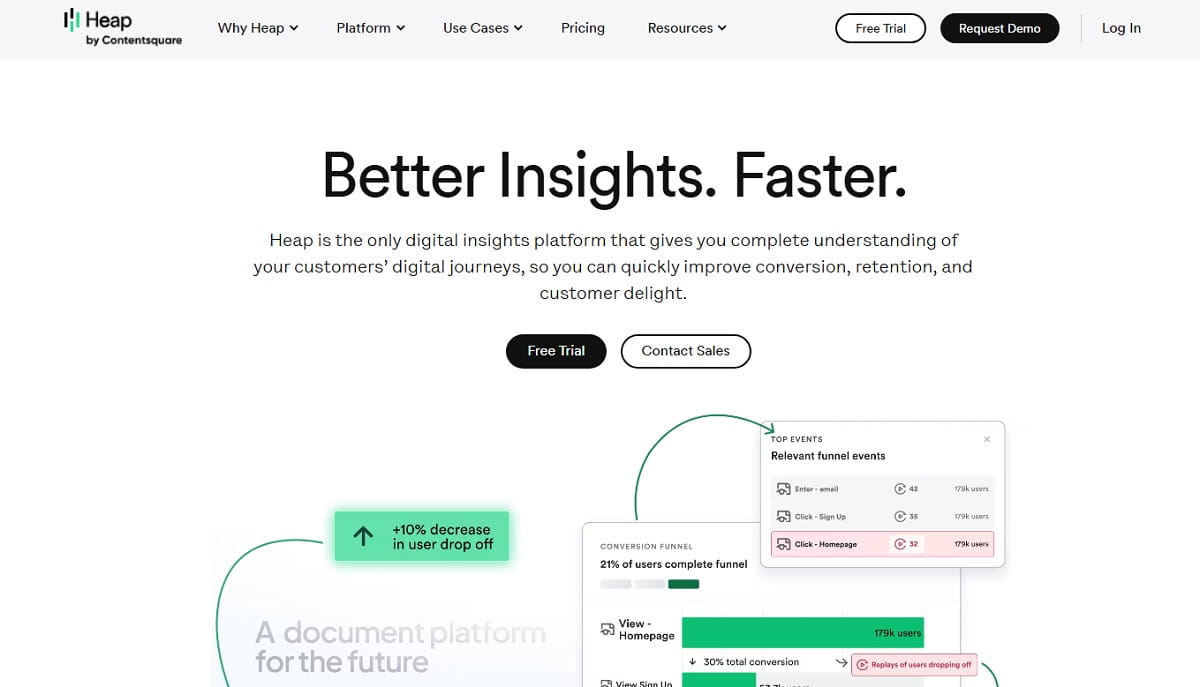
Heap built its reputation on one promise: autocapture everything, ask questions later. In late 2023 that promise changed hands — Heap was acquired by Contentsquare, and a lot of product, marketing, and CRO teams have been quietly shopping for a replacement ever since. Some want a tool built for marketers instead of data analysts. Some want transparent, self-serve pricing instead of a sales call. Some just want session replay and conversion funnels in the same dashboard as their SEO and heatmap tools – which is exactly the gap Plerdy fills, and why it opens this list.
Below is a tested, source-checked comparison of the 10 best Heap alternatives on the market in 2026 – what each one actually does, who it’s genuinely built for, what it costs today (verified on each vendor’s own pricing page, not an old review), and where it falls short.
Jump to a tool:
- Why Are Teams Looking For Heap Alternatives In 2026?
- What Happened To Heap? The Contentsquare Acquisition
- Is Heap Still Worth Using In 2026?
- How We Evaluated These Heap Alternatives
- Quick Comparison Table
- The 10 Best Heap Alternatives And Competitors In 2026
- How To Choose the Right Alternative
- FAQ
Why Are Teams Looking For Heap Alternatives In 2026?
Three things are driving the search volume behind “Heap alternatives” right now:
- The Contentsquare acquisition. Heap is no longer an independent company — see below. Existing customers are reasonably asking what that means for their roadmap, support, and contract terms.
- Pricing has moved further from self-serve. Heap’s own comparison page and Contentsquare’s pricing page both route visitors to a demo request rather than a published price list, which is a dealbreaker for smaller teams that want to see numbers before they talk to sales.
- A mismatch between “product analytics” and what marketing/CRO teams actually need. Heap was built for teams who think in event schemas and cohorts. A lot of searchers really want heatmaps, session replay, pop-ups, and conversion-funnel fixes in one dashboard — which is a different job than SQL-level product analytics, and it’s where a tool like Plerdy is a closer fit than a like-for-like “Heap clone.”
There’s also a quieter, practical reason: Heap’s autocapture model records every click and pageview by default, which sounds simple until a team has to retroactively clean up, label, and govern thousands of unplanned events — the same “unlimited data, unlimited noise” trade-off that pushes some teams toward tools with clearer event-planning controls (Mixpanel, Amplitude) and pushes others toward tools that simplify the whole job instead of expanding it (Plerdy). Whichever of those applies to you, this guide separates true Heap replacements from tools that only cover part of the job.
What Happened To Heap? The Contentsquare Acquisition Explained
On September 28, 2023, Contentsquare announced a definitive agreement to acquire Heap, calling it the largest acquisition in Contentsquare’s history. The deal closed on December 7, 2023. Heap now operates under the Contentsquare brand, and Heap’s own site displays Contentsquare branding throughout — including on its own alternatives-comparison page.
That matters for anyone evaluating Heap alternatives for two reasons:
- If you’re already a Heap customer, “Contentsquare” is arguably the safest like-for-like upgrade path, since it’s literally the company steering Heap’s roadmap now (see the Contentsquare entry below).
- If part of why you’re looking elsewhere is Heap’s shift toward enterprise, demo-gated pricing, that shift traces directly back to this acquisition — and it’s worth knowing before you invest engineering time in migrating a tracking plan onto a platform whose long-term positioning is still settling.
Is Heap Still Worth Using In 2026?
For some teams, yes. Heap’s own comparison page still leads with three real strengths: autocapture (no manual event tracking required), retroactive analysis (asking new questions of historical data without re-instrumenting), and reduced engineering overhead compared to tools that require a strict tracking plan. If your team already has Heap instrumented, is happy with support, and doesn’t mind demo-gated pricing for anything beyond the current contract, switching purely because of the acquisition headline probably isn’t worth the migration cost.
Where it stops making sense is when the acquisition changes what you actually need from the relationship: teams that want a published price list instead of a sales call, teams whose real job is marketing/CRO rather than product-analytics-engineering, or teams who were already finding Heap’s autocapture model noisy at scale. That’s the audience this list is built for.
How We Evaluated These Heap Alternatives
Every tool below was checked directly against its current official pricing and product pages as of August 2026 — not against older review roundups, which is where a lot of “Heap alternatives” lists go stale (tools get acquired, free tiers get cut, pricing pages get rebuilt). For each one, we looked at:
- Data capture model — autocapture vs. manual event tracking vs. both
- Native session replay — included or a separate add-on
- Funnel and retention depth — how far analysis goes beyond basic event counts
- Pricing transparency — published self-serve pricing vs. quote-only
- Setup effort — whether a non-engineer can get value on day one
Tools that only solve one narrow piece of what Heap does — a customer data platform, a pure heatmap tool, a pure survey tool — were left off the core list rather than padded in to hit a round number. That’s also why customer-data-platform tools like Segment or RudderStack aren’t ranked here: they move and route data, they don’t give you a dashboard to actually look at user behavior the way Heap does.
Quick Comparison: Best Heap Alternatives At a Glance
| Tool | Best For | Free Plan | Starting Paid Price | Native Session Replay |
|---|---|---|---|---|
| Plerdy | Marketing/CRO teams wanting analytics + heatmaps + SEO in one tool | Yes, forever | $21/mo (billed annually) | Yes |
| PostHog | Engineering-led product teams, open source/self-hosting | Yes, 1M events/mo | Usage-based from $0/mo | Yes |
| Mixpanel | Cross-functional SaaS teams needing fast self-serve reporting | Yes, 1M events/mo | Usage-based from $0/mo | Yes |
| Amplitude | Data-mature enterprise product orgs | Yes, 2M events/mo | Usage-based from $0/mo | Yes |
| FullStory | UX diagnosis via high-fidelity session replay | Yes, 30K sessions/mo | Custom quote | Yes |
| Contentsquare | Existing Heap customers wanting an enterprise upgrade path | Limited free option | Custom quote | Yes |
| Pendo | PLG SaaS teams wanting analytics + in-app guidance | Yes, 500 MAU | Custom quote | Yes (Core tier+) |
| Glassbox | Regulated enterprises (banking, insurance) | No | Custom quote | Yes |
| LogRocket | Engineering/QA teams debugging real user sessions | No (14-day trial) | From ~$176/mo | Yes |
| Google Analytics 4 | Free marketing/acquisition reporting | Yes, ~10M events/mo | Free (GA360 custom) | No |
Feature Depth: How Each Tool Actually Captures Data
| Tool | Capture Model | Feature Flags / Experiments | Data Warehouse / SQL Access | Built-In SEO Tools |
|---|---|---|---|---|
| Plerdy | Autocapture (heatmaps + replay) | A/B testing (unlimited, all paid plans) | No | Yes |
| PostHog | Autocapture + manual events | Yes, native | Yes, HogQL | No |
| Mixpanel | Autocapture + precision tracking | Yes | Headless SDK | No |
| Amplitude | Autocapture + manual events | Yes, native | Yes, CDP layer | No |
| FullStory | Autocapture only | No | No | No |
| Contentsquare | Autocapture (zone-based) | No | No | No |
| Pendo | Autocapture | No | No | No |
| Glassbox | Autocapture (tagless) | No | No | No |
| LogRocket | Autocapture + manual events | No | No | No |
| Google Analytics 4 | Autocapture (Enhanced Measurement) | No | Yes, BigQuery export | No |
The 10 Best Heap Alternatives And Competitors In 2026
1. Plerdy — Best All-In-One Alternative For Marketing And CRO Teams
- Best for: marketing, CRO, and ecommerce teams who want heatmaps, session replay, and conversion funnels without an analytics-engineering team.
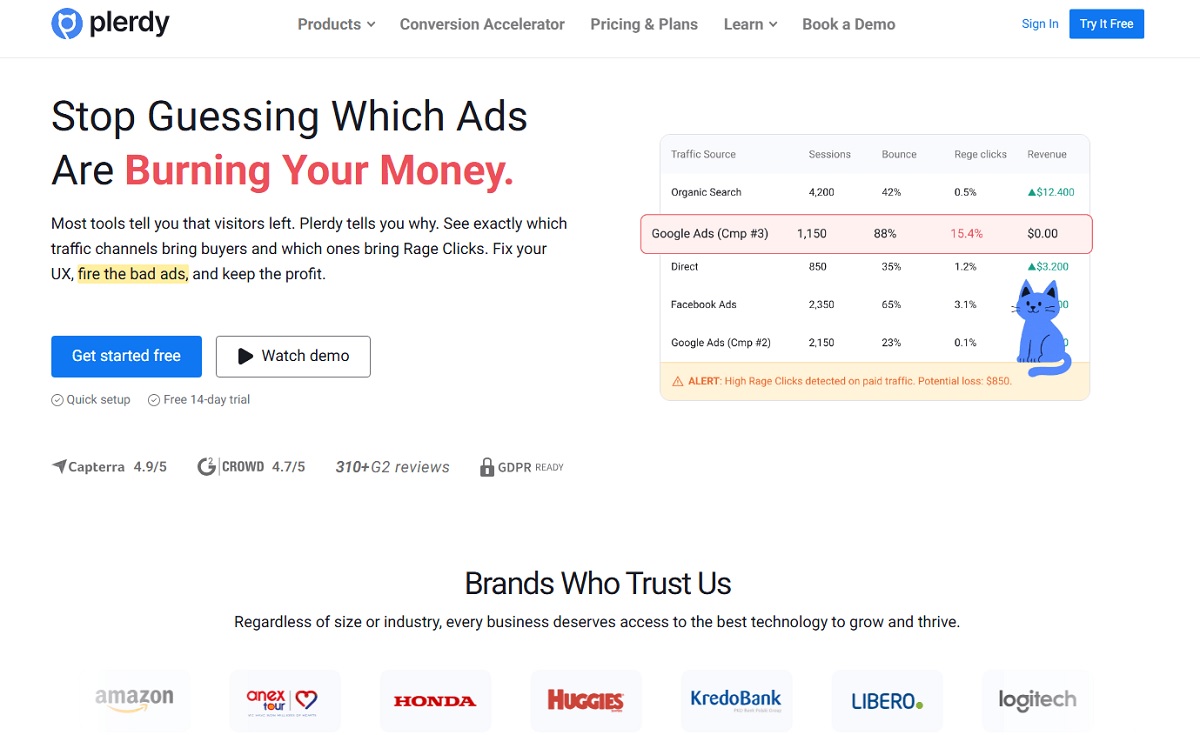
Plerdy is a website analytics and conversion-optimization platform that answers a different question than Heap does. Where Heap is built for product teams who define events and query cohorts, Plerdy is built for marketers and CRO teams who want to see, on one screen, where visitors click, where they rage-click, where they drop out of a funnel, and how to fix it — with pop-ups, forms, and A/B tests built into the same tool instead of a separate stack.
Key Features And Use Cases
- Heatmaps and click maps for every page, updated automatically as traffic comes in
- Session replay with rage-click and JavaScript error detection, so a support or UX team can watch exactly what went wrong
- Conversion-funnel analysis to find the exact step where visitors drop off
- Unlimited A/B testing on every paid plan, for testing a fix the moment you spot the problem
- Smart pop-ups and forms to capture leads or recover an abandoning visitor without a developer
- A built-in SEO checker and SERP checker, plus an ecommerce-specific tracking module
Typical use case: a CRO or growth marketer notices a checkout page has a high exit rate in the funnel report, opens session replay to watch three real sessions on that step, spots a confusing shipping-cost field, and ships an A/B test of a fix — all inside one tool, same afternoon.
Pros And Cons
Pros:
- A genuine free-forever plan, not a time-limited trial
- Fully public pricing on every tier — no demo-gate, unlike most of this list
- Analytics, CRO, and SEO auditing bundled into one subscription
- Setup doesn’t require an engineer to define a tracking plan first
Cons:
- Not built for SQL-level product-analytics queries or deep event-schema modeling the way Amplitude or PostHog are
- Less suited to teams whose product is a native mobile app rather than a website
Pricing
Free forever (100 heatmaps/day, 500 video sessions, 5,000 SEO audits, 100 pop-ups, unlimited A/B testing). Paid plans start at Startup ($21/mo billed annually, $32 month-to-month), Scale ($42/mo annually — most popular), Thrive ($70/mo annually), up to Enterprise tiers from $97/mo annually. Source: plerdy.com/pricing.
2. PostHog — Best Open-Source, All-In-One Alternative
- Best for: engineering-led product teams and startups who want one platform instead of five, and the option to self-host.
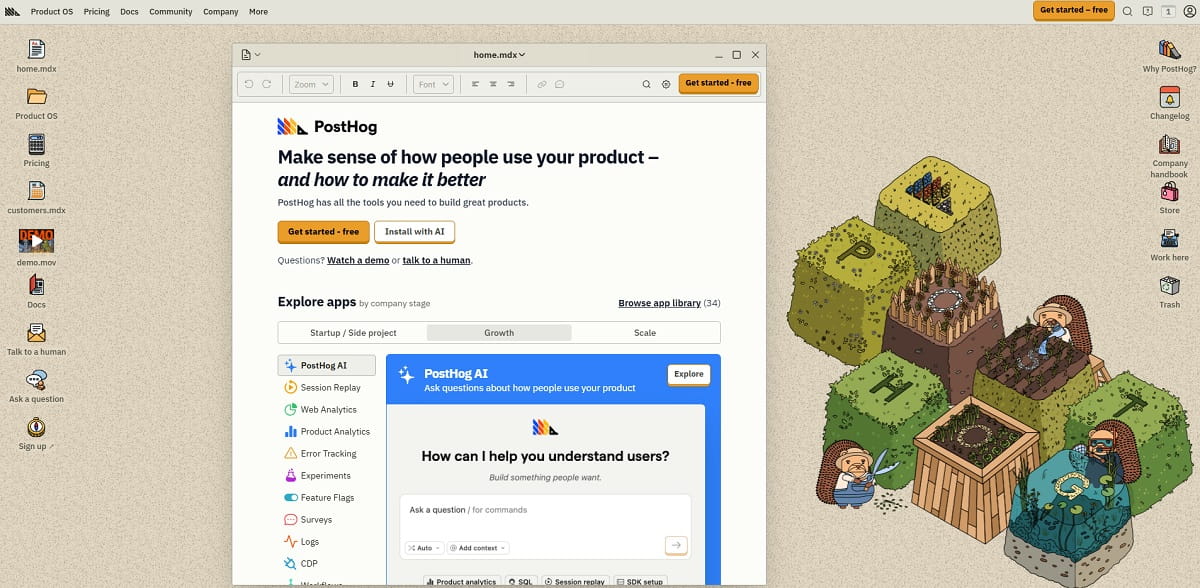
PostHog is an open-source product-analytics suite that bundles analytics, session replay, feature flags, A/B testing/experiments, surveys, error tracking, and a SQL-queryable data warehouse into one product. Like Heap, it supports autocapture out of the box, but it also lets engineers write custom events and run raw HogQL/SQL queries — closer to a developer’s toolkit than a marketer’s dashboard.
Key Features And Use Cases
- Autocapture plus manual event tracking, so teams can start fast and refine later
- Funnels, paths, and retention analysis for classic product-analytics questions
- Session replay bundled into the same platform as analytics, not a separate product
- Feature flags with local evaluation, plus native A/B testing/experiments
- In-product surveys and error tracking
- Self-hosted deployment option for teams with data-residency requirements
Typical use case: an engineering-led startup replaces four separate tools (analytics, session replay, feature flags, and a bug-tracking add-on) with one PostHog instance, and queries the underlying event data directly with SQL when the built-in dashboards aren’t enough.
Pros And Cons
Pros:
- An unusually generous free tier across every product area
- A single platform that genuinely replaces several point tools
- Transparent usage-based pricing published in full, not hidden behind a quote
- Open-source flexibility, including self-hosting
Cons:
- The interface leans technical and can feel like overkill for a small marketing team
- Usage-based billing means costs can be harder to forecast at high volume
Pricing
Free up to 1M analytics events/month, 5,000 web session replays, 1M feature-flag requests, 100,000 tracked error exceptions, and 1,500 survey responses. Beyond that, pay-as-you-go from $0.00005 per event (scaling down at volume) and $0.005 per session replay recording. Source: posthog.com/pricing.
3. Mixpanel — Best For Fast, Cross-Functional Self-Serve Reporting
- Best for: cross-functional SaaS teams (product, growth, and marketing together) who want to build their own reports without waiting on a data team.
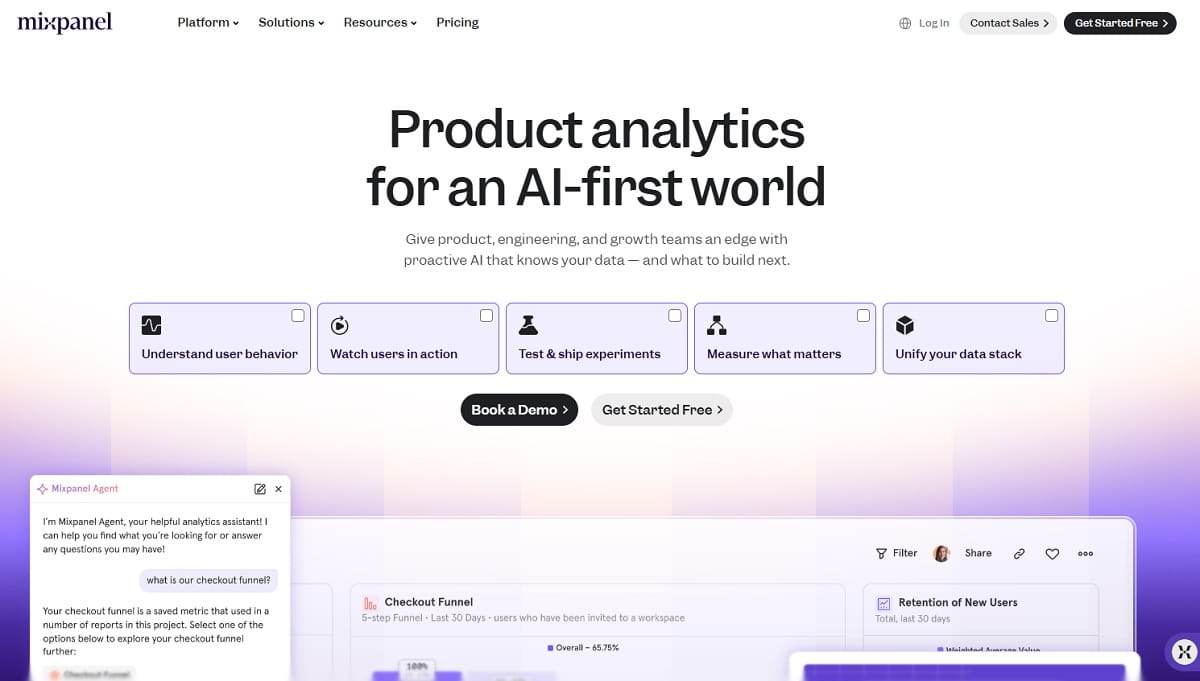
Mixpanel is an event-based product-analytics platform that, like Heap, supports autocapture — but also lets teams define precise events when they want tighter control. It’s built around fast, self-serve exploration: funnels, retention, cohorts, and now an AI assistant (Mixpanel AI) that can answer questions in plain language.
Key Features And Use Cases
- Behavioral funnels and retention analysis with a fast, self-serve report builder
- Session replay with heatmaps included, not a bolt-on
- A/B testing and feature flags for running and measuring experiments
- “Metric Trees” for tying day-to-day metrics to business outcomes
- A headless SDK for teams that want programmatic access to the same data
- Mixpanel AI for asking questions of the data in plain language
Typical use case: a growth marketer builds a retention cohort report without filing a data-team ticket, then asks Mixpanel AI a follow-up question in plain English instead of writing a new query.
Pros And Cons
Pros:
- Quick onboarding and a self-serve UI that non-analysts can actually use
- A generous session-replay allowance included on the free tier
- A startup program offering the first year free to eligible early-stage companies
Cons:
- Costs can climb quickly at high event volumes
- Less suited than PostHog to teams that want to own their raw data in a warehouse rather than inside Mixpanel’s platform
Pricing
Free up to 1M events/month and 10,000 session replays/month. Growth plan starts free and scales with usage up to 20M events/month, with volume discounts. Enterprise is custom-priced, scaling to 1T events/month. Source: mixpanel.com/pricing.
4. Amplitude — Best For Data-Mature Enterprise Product Teams
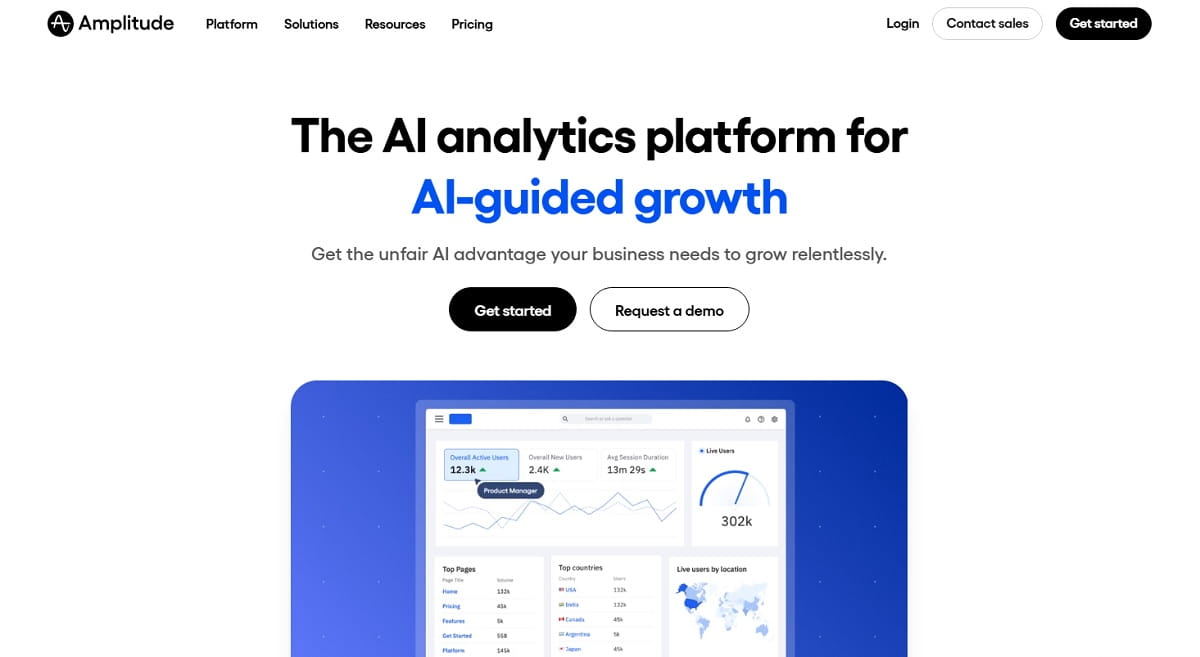
- Best for: larger, data-driven product organizations that want deep behavioral analysis and native experimentation in the same platform.
Amplitude is one of the two or three names that come up in almost every “Heap alternative” search, and for good reason — it’s built for the same core job (understanding product usage at scale) but adds native experimentation (feature flags and A/B testing), a built-in CDP layer, and AI-assisted insights on top.
Key Features And Use Cases
- Event analytics, funnels, retention, and user-path analysis for deep behavioral questions
- Cohort building for segmenting users by behavior, not just attributes
- Native A/B testing and feature management, without a separate experimentation tool
- Session replay included, with volume scaling by plan
- Customer-data-platform capabilities for activating analytics data elsewhere
- AI agents for surfacing insights automatically instead of building every dashboard by hand
Typical use case: a data-mature product org runs a feature-flagged experiment, measures its impact with the same behavioral-analytics engine used for everyday reporting, and pushes the results into a CDP-fed marketing workflow — all without stitching together three vendors.
Pros And Cons
Pros:
- Genuinely deep behavioral analytics paired with experimentation in one product
- A permanently free tier rather than a time-limited trial
- Strong governance controls for larger organizations
Cons:
- Getting full value still requires more deliberate event planning than a pure-autocapture tool
- Higher-volume session-replay and governance features are gated behind custom Enterprise pricing
Pricing
Free permanently up to 2M events/month, including analytics, session replay, and experimentation. Plus plan starts at $0 for the first 2M events/month, then scales with usage up to 70M events. Growth and Enterprise are custom, event-based pricing. Source: amplitude.com/pricing.
5. FullStory — Best For UX Diagnosis Through Session Replay
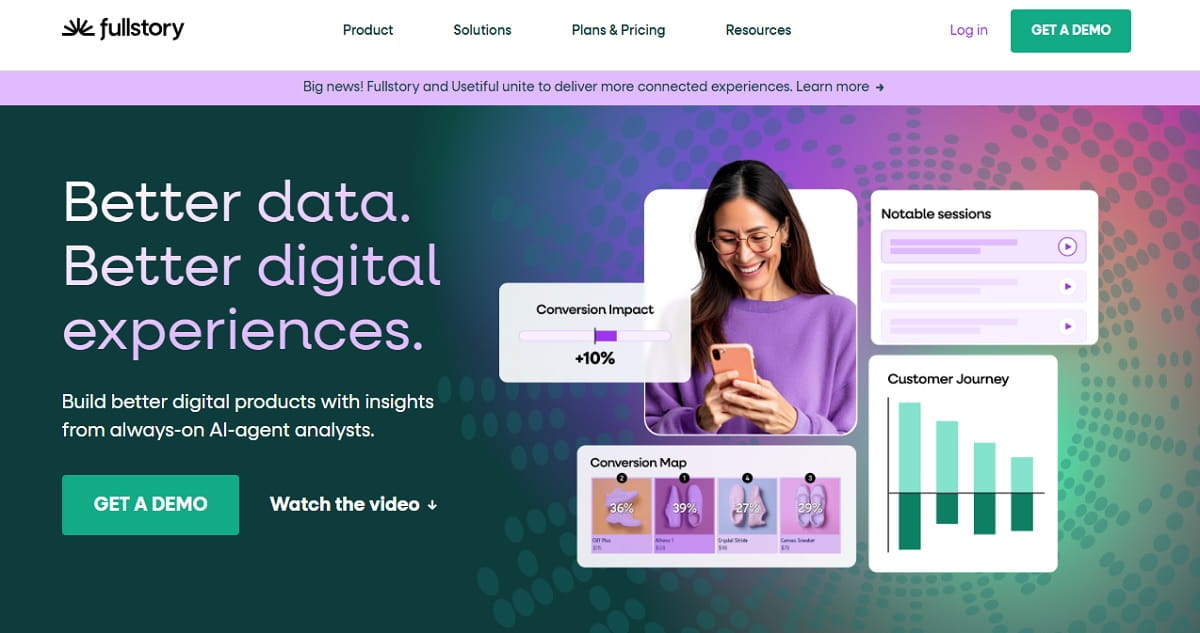
- Best for: teams whose top priority is finding and fixing UX friction through high-fidelity session replay — arguably the closest philosophical match to Heap’s original autocapture-first pitch.
FullStory’s “Fullcapture” technology automatically records a privacy-first, complete history of every interaction, paired with session replay, heatmaps, and journey maps. It leans more toward UX diagnosis (why did this user get stuck?) than SQL-style product analytics.
Key Features And Use Cases
- Autocapture-based session replay with a complete, privacy-first interaction history
- Product and mobile analytics layered on top of the same captured data
- Heatmaps and journey maps for visualizing behavior across a whole flow
- In-product guides and surveys
- StoryAI for surfacing behavioral insights automatically, in plain language
Typical use case: a UX researcher gets a spike in support tickets about a broken checkout flow, filters session replay to the affected page, and confirms the exact interaction that’s failing within minutes instead of trying to reproduce it manually.
Pros And Cons
Pros:
- A genuinely generous free tier for a session-replay-first tool
- Privacy-first autocapture by default
- Strong AI-assisted insight surfacing (StoryAI)
Cons:
- Paid pricing isn’t published anywhere — every paid tier requires a sales conversation
- Product-analytics depth (cohorts, SQL-style querying) is shallower than Amplitude, Mixpanel, or PostHog
Pricing
Free tier includes 30,000 sessions/month, 12 months of data retention, and up to 10 users, with no credit card required. Paid Business, Advanced, and Enterprise tiers are custom-quoted only. Source: fullstory.com/plans.
6. Contentsquare — Best For Existing Heap Customers Going Enterprise
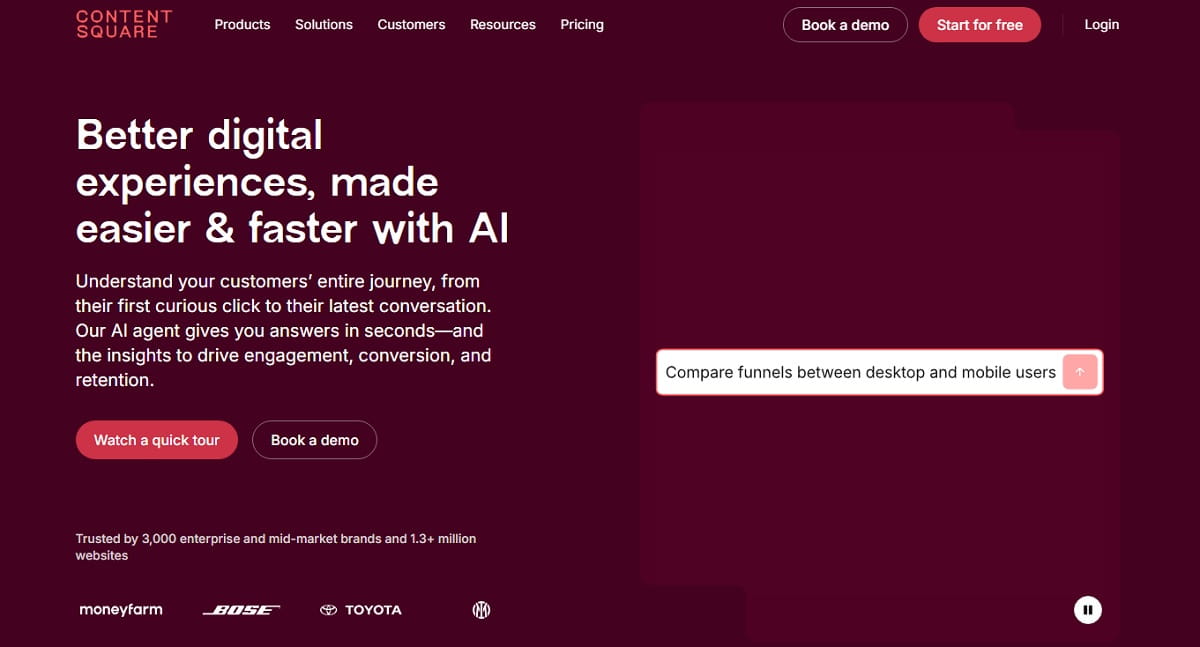
- Best for: large, global enterprises — including current Heap customers — who want to move up to Contentsquare’s broader experience-analytics platform rather than migrate away entirely.
This is the one entry on this list that isn’t really a competitor to Heap anymore — it’s Heap’s parent company. Contentsquare positions its combined platform around zone-based interaction analysis, revenue attribution, and session replay, and has published a roadmap for merging Heap’s product-analytics strengths into its own experience-analytics suite.
Key Features And Use Cases
- Customer-journey and zone-based interaction analysis across an entire site or app
- Session replay bundled with the same journey data
- Revenue-attribution modeling for tying UX issues to lost revenue
- Enterprise-grade compliance tooling, including GDPR-focused data handling
Typical use case: a global enterprise already running Heap wants one contract, one vendor, and a broader experience-analytics suite instead of running a separate best-of-breed tool for every function.
Pros And Cons
Pros:
- Continuity rather than a migration for existing Heap customers
- Access to Contentsquare’s broader enterprise feature set
Cons:
- Pricing is entirely custom and demo-gated
- Implementation cycles run longer than most other tools on this list
- A poor fit for the small, self-serve teams Heap originally attracted
Pricing
No public pricing; Contentsquare’s pricing page offers a free-start option and a “book a demo” path, with all paid tiers custom-quoted. Source: contentsquare.com/pricing.
7. Pendo — Best For Analytics Plus In-App Guidance
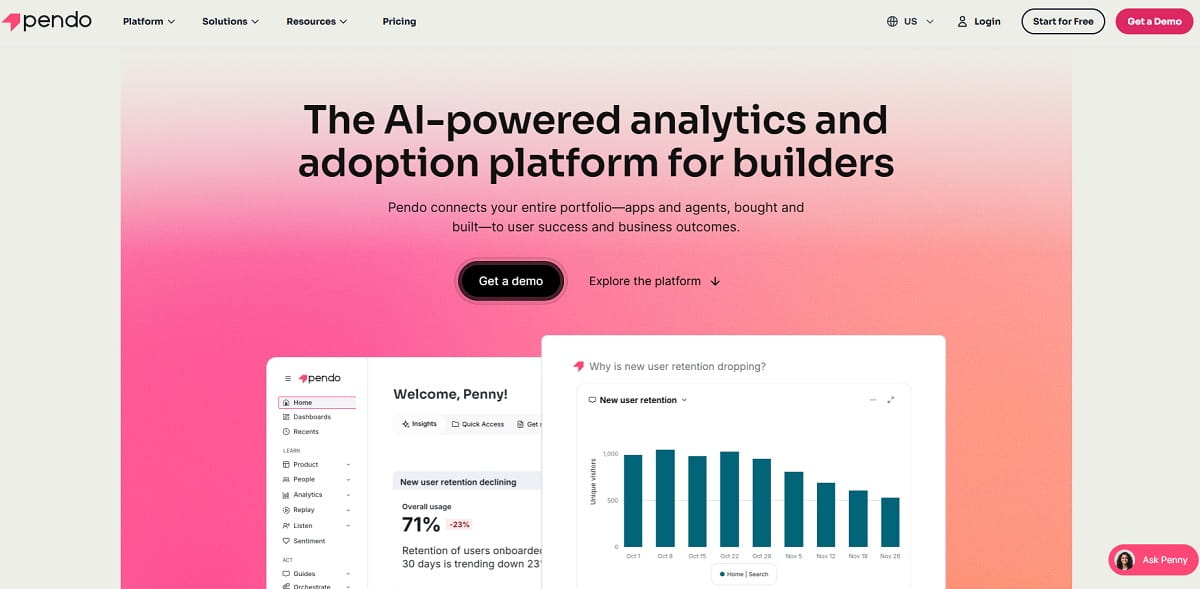
- Best for: product-led-growth SaaS teams that want product analytics and in-app onboarding/guidance in the same tool, not just measurement.
Pendo pairs autocapture-based product analytics with in-app guides, walkthroughs, and NPS/sentiment surveys — so the same platform that tells you where users struggle can also fix it with an in-product message, without an engineering ticket.
Key Features And Use Cases
- Autocapture-based product analytics, including funnels, retention, and cohort analysis
- In-app guides and walkthroughs that non-technical teams can build themselves
- NPS and sentiment surveys for qualitative feedback alongside behavioral data
- Session replay, available from the Core tier and above
- Product roadmap tools for closing the loop between feedback and what ships
Typical use case: a PLG SaaS team spots a feature with low adoption in the analytics dashboard, builds an in-app walkthrough for it without an engineer, then measures whether the walkthrough moved adoption — all in Pendo.
Pros And Cons
Pros:
- A genuinely useful combination of analytics and in-app guidance that most pure analytics tools don’t offer
- A usable free tier for small products
Cons:
- Session replay is locked behind a higher tier
- Pricing is entirely custom, based on monthly active users
- Raw analytics depth is shallower than dedicated tools like Amplitude or Mixpanel for teams that don’t need the guidance features
Pricing
Free up to 500 monthly active users, including product analytics, in-app guides, and NPS surveys. Paid Base, Core (adds session replay), and Ultimate tiers are all custom-priced by MAU. Source: pendo.io/pricing.
8. Glassbox — Best For Regulated Enterprises

- Best for: banks, insurers, and other highly regulated enterprises that need session replay and journey analytics with compliance built in, not bolted on.
Glassbox is an enterprise digital-experience-analytics platform aimed squarely at industries where “we recorded a user’s session” carries real compliance and fraud-prevention weight — financial services, insurance, and large-scale ecommerce.
Key Features And Use Cases
- Customer-journey analytics purpose-built for regulated data handling
- Session replay with tagless, mobile-first tracking
- Struggle and error detection to flag friction automatically
- Funnel analysis alongside the same compliance-grade data
- AI-assisted insights and digital record-keeping for audit requirements
Typical use case: a bank’s digital team needs session-level proof of what a customer saw during a disputed transaction, with a data-handling process that satisfies compliance — not something a generic analytics tool is built to guarantee.
Pros And Cons
Pros:
- Purpose-built for regulated data handling
- Strong mobile-app coverage
- Built-in fraud and struggle detection that generic analytics tools don’t offer
Cons:
- Enterprise-only — there’s no free or self-serve plan
- Meaningfully more implementation effort than Heap’s original lightweight autocapture pitch
Pricing
No public pricing; Glassbox requires a demo request for a custom enterprise quote. Source: glassbox.com/platform/plans-pricing.
9. LogRocket — Best For Engineering And QA Teams
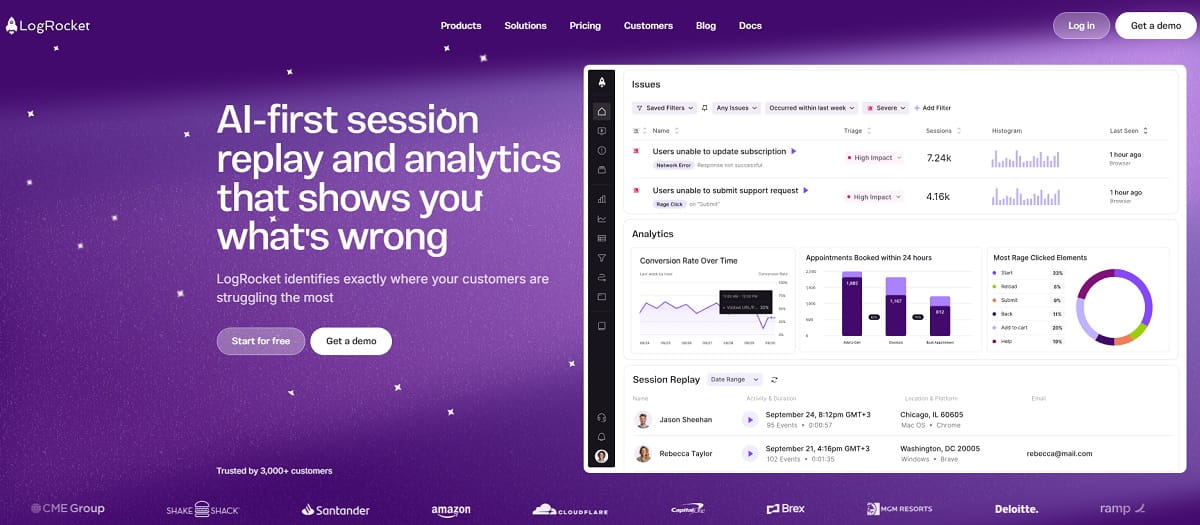
- Best for: engineering and QA teams who need to reproduce and debug real user-reported bugs, not just measure product usage.
LogRocket is the one tool on this list built session-replay-first for developers: it pairs DOM-level session replay with console logs, network requests, and performance metrics, plus AI-assisted issue detection (Galileo AI) that flags the sessions most likely to explain a bug report.
Key Features And Use Cases
- Session replay combined with console logs and network request data
- Error tracking tied directly to the session where it happened
- Product analytics, including funnels and path analysis
- AI-generated session summaries and automatic issue detection (Galileo AI)
Typical use case: an engineer gets a vague bug report (“checkout sometimes fails”), pulls up the exact session with console errors and network calls attached, and reproduces the bug in minutes instead of guessing from a support ticket.
Pros And Cons
Pros:
- Unlimited analytics, error, and log events on every plan
- A genuinely unique combination of replay-plus-debugging-context that pure product-analytics tools don’t offer
Cons:
- Paid entry price is higher than most other alternatives here
- Not the right tool for teams whose real need is marketing/product analytics rather than technical debugging
Pricing
No free plan, but a 14-day free trial with no credit card required. The Core plan starts around $176/month (session-volume based; analytics, logs, and error events are unlimited on every plan). Source: logrocket.com/pricing.
10. Google Analytics 4 (GA4) — Best Free Option For Marketing Attribution
- Best for: teams whose immediate priority is free marketing and acquisition reporting — best paired with a dedicated behavior tool rather than used as a full Heap replacement.
GA4 is Google’s free web-and-app analytics platform. It’s worth including because it’s genuinely free at meaningful scale and because a lot of “Heap alternative” searches are really budget-driven — but it’s built for a different job than Heap. GA4 answers “where did this traffic come from and did it convert,” not “where exactly did this user get stuck on the page,” since it has no native session replay or heatmaps.
Key Features And Use Cases
- Event tracking with Enhanced Measurement autocapture
- Marketing-attribution modeling across channels
- Cross-platform tracking for web and app in one property
- Ecommerce tracking built in
- Native BigQuery export for custom analysis outside the interface
Typical use case: a marketing team wants free, reliable acquisition and conversion reporting to sit alongside a dedicated behavior-analytics tool like Plerdy — GA4 for “where traffic came from,” Plerdy for “what it did once it landed.”
Pros And Cons
Pros:
- Free at a scale most teams will never exceed
- Near-universal integration with the rest of the marketing stack
- Free BigQuery export
Cons:
- No native session replay or heatmaps
- Shallower cohort/behavioral tooling than purpose-built product-analytics platforms
- A genuinely steep learning curve for its own interface
Pricing
Free up to roughly 10 million events/month for most properties. GA360, the enterprise tier, is custom-priced. Source: Google Analytics.
How To Choose the Right Heap Alternative For Your Team
Match the tool to the job, not the other way around:
- Marketing or CRO team, no dedicated data engineer: Plerdy — heatmaps, session replay, funnels, pop-ups, and SEO auditing in one subscription with public pricing.
- Engineering-led startup that wants one platform and control over hosting: PostHog.
- Cross-functional SaaS team that wants fast, self-serve reports: Mixpanel.
- Data-mature enterprise product org that also wants native experimentation: Amplitude.
- Team whose main job is diagnosing UX friction, not running SQL queries: FullStory.
- Existing Heap customer ready to go bigger, not away: Contentsquare.
- PLG SaaS team that wants analytics plus in-app onboarding: Pendo.
- Bank, insurer, or other regulated enterprise: Glassbox.
- Engineering or QA team debugging real user sessions: LogRocket.
- Zero budget, marketing-attribution-only need: Google Analytics 4 — paired with a lightweight behavior tool like Plerdy for the session-replay and heatmap side GA4 doesn’t cover.
Frequently Asked Questions
Why Are Companies Switching Away From Heap?
Two reasons come up most often: Heap’s 2023 acquisition by Contentsquare has pushed the product toward enterprise, demo-gated pricing instead of transparent self-serve plans, and many searchers were never actually looking for deep SQL-style product analytics in the first place — they wanted heatmaps, session replay, and conversion-funnel fixes in one marketing-friendly tool.
Is Heap Still Being Developed After the Contentsquare Acquisition?
Yes. The acquisition closed on December 7, 2023, and Contentsquare has published plans to merge Heap’s product-analytics capabilities into its own experience-analytics platform rather than shut it down. Existing Heap customers should expect the product to evolve as part of Contentsquare’s roadmap rather than stand still.
What Is the Closest Free Alternative To Heap?
For pure product analytics, PostHog and Amplitude both offer permanently free tiers with genuinely useful limits (1M and 2M events/month respectively). For teams that want heatmaps and session replay rather than event-schema analytics, Plerdy’s free-forever plan is the closer fit.
Which Heap Alternative Is Best For Small Businesses And Marketing Teams?
Plerdy, for teams that want heatmaps, session replay, conversion funnels, and SEO auditing without hiring a data analyst first. Mixpanel is a reasonable second choice if the team is comfortable with more traditional event-based product analytics.
Do Any Heap Alternatives Combine Session Replay With SEO Tools In One Platform?
Yes — Plerdy is the only tool on this list that bundles session replay and heatmaps with a built-in SEO checker and SERP checker, so a marketing team can diagnose both UX and search-visibility issues without a second subscription.
How Much Do Heap Alternatives Typically Cost?
It ranges widely. Plerdy, PostHog, Mixpanel, and Amplitude all publish transparent pricing starting free and scaling with usage or plan tier. FullStory, Contentsquare, Pendo, and Glassbox are quote-only for paid plans. LogRocket’s paid entry point starts around $176/month. Google Analytics 4 is free for most properties.
Is a Customer Data Platform Like Segment Or RudderStack a Heap Alternative?
Not really. A CDP moves and routes customer data between tools — it doesn’t give you a dashboard for looking at funnels, heatmaps, or session replay the way Heap and the tools above do. Some teams run a CDP alongside one of these tools rather than instead of it.
Which Heap Alternative Is Easiest To Set Up Without an Engineer?
Plerdy and Mixpanel are both built for self-serve setup by a marketer or growth team. PostHog, Amplitude, Contentsquare, and Glassbox generally benefit from engineering involvement to get full value.
Final Verdict: Which Heap Alternative Should You Choose?
If you’re a marketing or CRO team that wants heatmaps, session replay, and conversion-funnel fixes without an engineering-heavy setup, Plerdy is the most direct fit on this list, and it’s the only tool here with fully public pricing on every plan. If you’re an engineering-led product team, PostHog is the strongest open-source, all-in-one pick. And if you’re already deep into Heap and just need more enterprise firepower, Contentsquare — Heap’s own parent company — is the least disruptive upgrade path. Everything else on this list solves a real, narrower version of the same problem: pick based on the job in front of you, not the longest feature list.