

The best VWO alternatives depend on which part of VWO you use. If you mostly open it for heatmaps, recordings and a few tests, Plerdy, Crazy Egg and Zoho PageSense cover that and publish their prices. If you want VWO-style web testing with a price list, look at Convert Experiences. Engineering teams usually end up on PostHog or GrowthBook, and enterprise programs on Optimizely, Kameleoon or Adobe Target.
We build Plerdy, a CRO platform with heatmaps, session recordings, funnels, SEO checks and unlimited A/B testing, so it goes first and we say where it falls short. Every other price and status was checked on the vendor’s own site in October 2026. That check turned up two changes older lists miss: VWO and AB Tasty now sell under one brand, Wingify, and Statsig is now run by Amplitude.
What’s In This Guide
- Quick Picks: The Best VWO Alternative For Each Job
- VWO Is Now Wingify: What Changed In 2026
- Which Part Of VWO Do You Actually Use?
- VWO Alternatives Compared At A Glance
- The 12 Best VWO Alternatives
- Tools We Left Out, And Why
- Is Mouseflow A VWO Alternative?
- How To Choose The Best VWO Alternative For Your Team
- How To Migrate Off VWO Without Losing Your Baseline
- Frequently Asked Questions About VWO Alternatives
Quick Picks: The Best VWO Alternative For Each Job
Start from the job, not the brand:
- Heatmaps, recordings and tests in one account: Plerdy, with unlimited A/B testing on every plan.
- Like-for-like web testing with public prices: Convert Experiences, which also migrates your live VWO tests.
- Budget CRO that stays inside the Zoho stack: Zoho PageSense.
- Product and engineering teams: PostHog or GrowthBook.
- Enterprise governance and personalization: Optimizely, Kameleoon or Adobe Target.
- Campaign landing pages: Unbounce.
- E-commerce stores on a free plan: Omniconvert.
VWO Is Now Wingify: What Changed In 2026
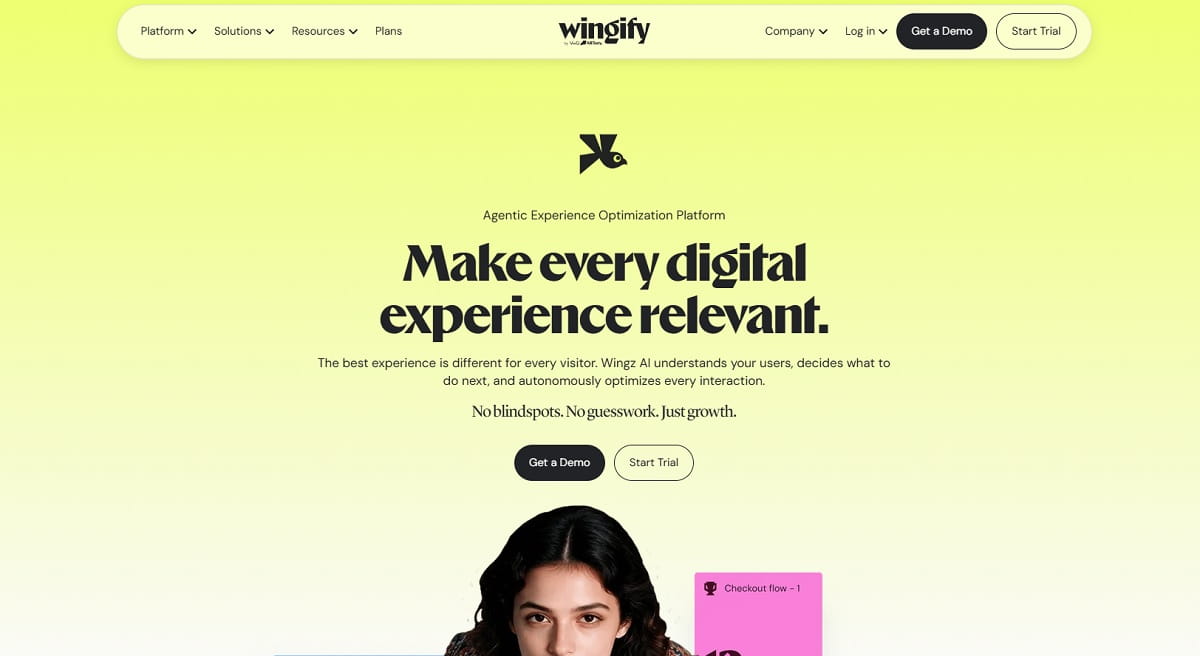
Here are the dates, each from Wingify’s own announcements:
- January 20, 2026: VWO and AB Tasty announced they would merge, with Everstone Capital backing the combined company.
- June 13, 2026: the VWO app moved from app.vwo.com to app.wingify.com, according to Wingify’s product update. Campaigns and tracking kept running.
- September 16, 2026: the unified Wingify brand launched. The company reports more than $100 million in revenue, over 4,000 customers and Sparsh Gupta as CEO.
The home and pricing pages on vwo.com now redirect to wingify.com. Wingify has not said whether the VWO and AB Tasty product names will stay. Most buyers still search for “VWO,” which is why this guide uses it.
Three things follow for anyone comparing alternatives:
- AB Tasty is no longer a separate alternative. It is the same company as VWO. Several lists still rank it as a way to leave VWO. We do not.
- There are no public prices. The Wingify pricing page lists six products, each with Growth, Pro and Enterprise tiers, and every tier says “Schedule a Demo.” The sign-up form offers a 30-day free trial with no card.
- The suite is wide. Experimentation, personalization, behavior analytics, journey analytics, feature management and user feedback are separate products. A team that needs two of them still has to ask how the quote is built.
Which Part Of VWO Do You Actually Use?
VWO is several products under one login, so the right replacement depends on which one you open. Match your own use to a row:
| What You Use VWO For | Typical Team | Look At |
|---|---|---|
| Heatmaps and recordings, plus a few tests a month | CRO, UX and marketing teams | Plerdy, Crazy Egg, Zoho PageSense |
| Web A/B tests with a visual editor | CRO teams and agencies | Convert, Kameleoon, Optimizely |
| Feature flags and server-side experiments | Product and engineering teams | PostHog, GrowthBook, Statsig |
| Personalization at enterprise scale | Large marketing organizations | Optimizely, Kameleoon, Adobe Target |
| Testing campaign landing pages | Paid media teams | Unbounce |
| Testing online store pages | E-commerce and D2C teams | Omniconvert, Plerdy |
One more question narrows the list faster than any feature chart: where do experiment results live? If they sit inside the testing vendor, switching later means losing the history. If they sit in your warehouse, as with GrowthBook, the vendor can be replaced.
VWO Alternatives Compared At A Glance
“Not advertised” means the vendor’s own pages do not list the capability, so treat it as unconfirmed, not as proven absent. Prices are per month, as published in October 2026.
| # | Tool | Best For | A/B Testing | Heatmaps And Recordings | Free Option | Paid From |
|---|---|---|---|---|---|---|
| 1 | Plerdy | Behavior data plus tests | Unlimited, all plans | Yes | Free plan, no time limit | $21 yearly, $32 monthly |
| 2 | Convert Experiences | Web testing with public prices | Yes, all plans | Yes, built in | 15-day trial | $299 yearly, $399 monthly |
| 3 | Zoho PageSense | Zoho users on a budget | Enterprise plan only | Yes, on the free plan | Free to 5,000 users | €12 yearly (no A/B) |
| 4 | Crazy Egg | Heatmaps with light testing | Plus plan and up | Yes | Trial only | $29 yearly |
| 5 | PostHog | Product teams | Yes, billed with flags | Replay yes | 1M events, 5K recordings | Usage-based |
| 6 | GrowthBook | Warehouse-native testing | Yes, unlimited | Not advertised | Free cloud and self-hosted | $40 per seat |
| 7 | Optimizely | Enterprise programs | Yes, plus bandits | Not advertised | None advertised | Quote only |
| 8 | Kameleoon | Regulated industries | Yes | Not advertised | PBX trial | Quote only |
| 9 | Adobe Target | Adobe Experience Cloud users | Yes, plus Auto-Target | Not advertised | None advertised | Quote only |
| 10 | Omniconvert Explore | E-commerce stores | Yes, free to 50K users | Not advertised | Free to 50K tested users | On request |
| 11 | Unbounce | Landing page campaigns | Experiment plan and up | Not advertised | 14-day trial | $112 yearly for A/B |
| 12 | Statsig | High-volume experiments | Yes | Replay yes, no heatmaps | Free to 2M events | $150 |
The 12 Best VWO Alternatives
Each entry has the same parts: what the tool replaces, key features, use cases, pros, cons, pricing and who it fits best.
1. Plerdy: Best For Teams That Use VWO Mostly For Behavior Data
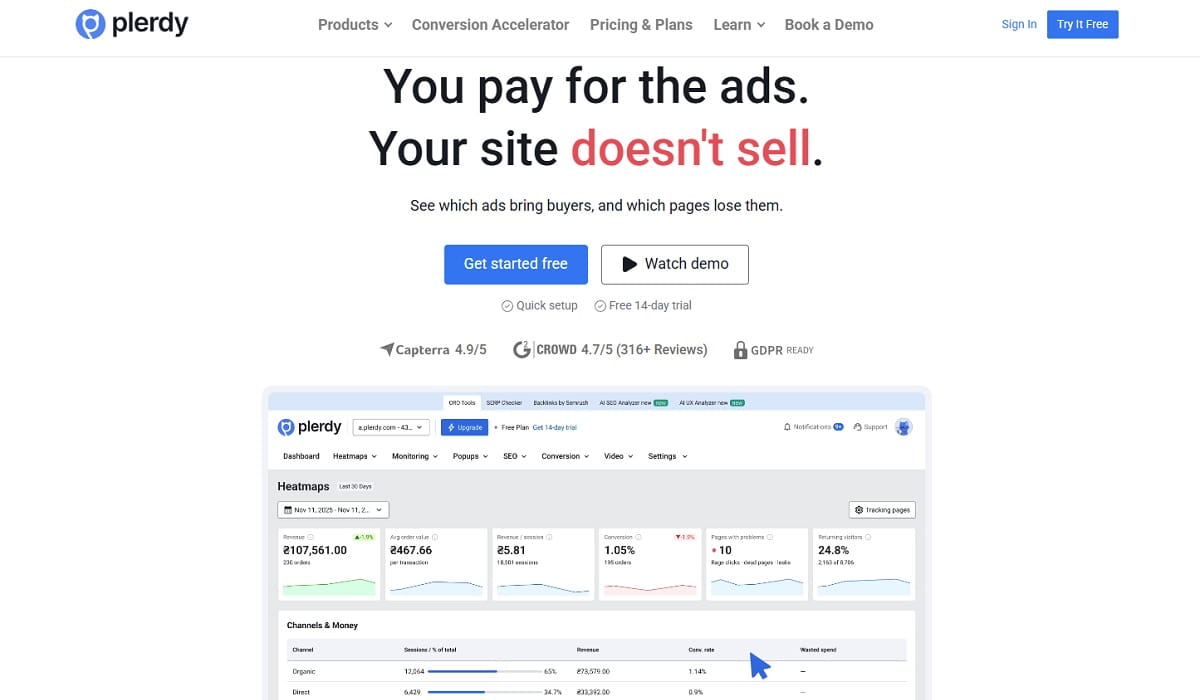
Plerdy replaces the part of VWO most teams open every week: heatmaps, session recordings, funnels and a handful of A/B tests. Traffic sources and conversions sit in the same account, so a test idea starts from a heatmap or a recording instead of a guess. A/B testing is unlimited on every plan, including the free one, and every price is public.
Key features: click, scroll and hover heatmaps; session recordings; conversion funnels; event and goal tracking; e-commerce sales reports; JavaScript error tracking; pop-ups and surveys; an SEO checker; and A/B testing with element, HTML and CSS edits, goals that can feed GA4, and targeting by device, country or traffic source.
Use cases: finding dead clicks on a landing page before you test it; testing a headline after a scroll map shows visitors leaving above it; catching a JavaScript error that only fires in one variant; comparing how paid and organic visitors behave on the same page.
Pros:
- Unlimited A/B tests on every plan, the free plan included.
- Behavior data, traffic sources, funnels and SEO checks in one account.
- One tracking script and a public price list, with no sales call.
- The free plan has no time limit.
Cons:
- No feature flags, server-side testing or mobile app testing, which VWO covers.
- The A/B tool page documents element-level edits and goals. It does not document multivariate or split-URL tests, so confirm those in the trial if you need them.
- Heatmap and recording volumes are set by plan, and the free plan keeps data for 1 month.
Pricing: the free plan includes 100 daily heatmaps, 500 video sessions, 5,000 SEO audit pages and 100 pop-ups. Startup is $32/mo, or $21/mo billed yearly. Scale is $64 or $42, Thrive is $108 or $70, and the three Enterprise tiers run from $149 to $390/mo ($97 to $253 yearly). The 14-day trial has Scale limits and needs no card. See Plerdy pricing.
Best for: UX, CRO and e-commerce teams that need to see why a page fails before they test a fix.
2. Convert Experiences: Best For Like-For-Like Web Testing With Public Prices
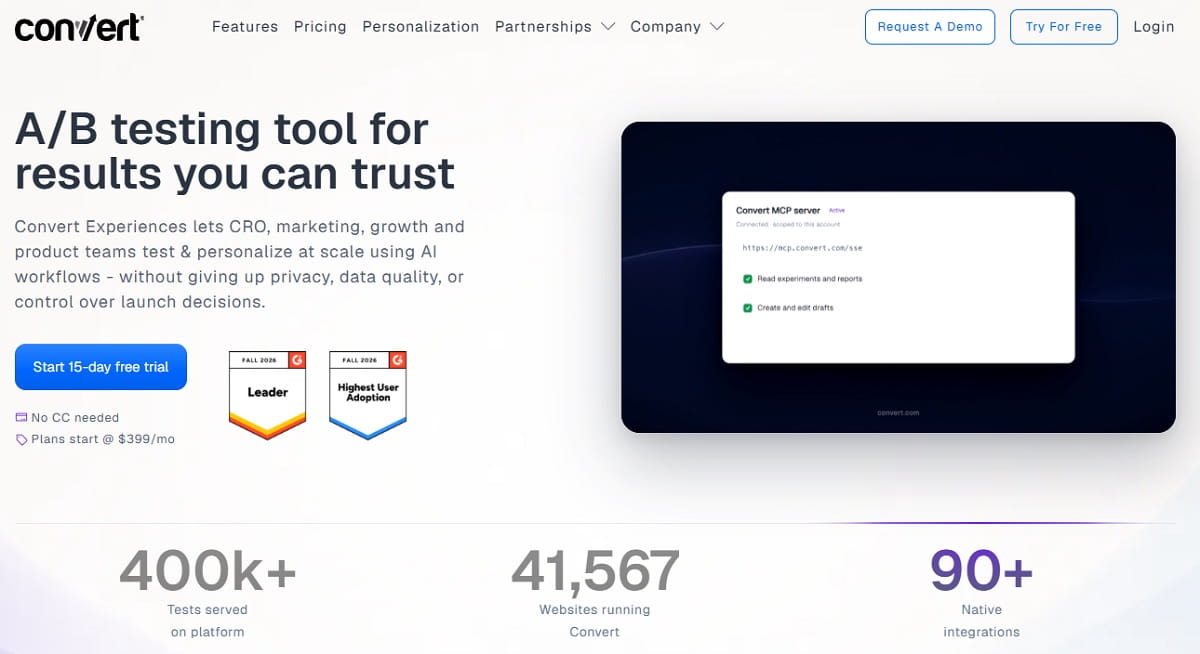
Convert is the closest swap for VWO’s web testing. It has a visual editor, A/B and split URL tests, and flat plans billed by tested users, where each visitor is counted once. It also ships a Chrome extension that copies your VWO experiments into a Convert project, which removes most of the switching work.
Key features: A/B and split URL tests on every plan; multivariate and multipage tests, feature flags, multi-armed bandit and sequential testing on Pro; behavioral targeting; heatmaps and session recordings that Convert says are built in; and a VWO migration tool.
Use cases: replacing VWO web tests without rebuilding each one; teams that were surprised by a module-based quote; testing programs that need server-side flags on the Pro plan.
Pros:
- Flat monthly and yearly prices, published.
- The migration tool imports hypotheses, A/B, split URL, multivariate and personalization tests with their goals and traffic split.
- Behavior tools are built in, so a second vendor is optional.
Cons:
- Multivariate tests, feature flags and bandits need the Pro plan at $420/mo yearly.
- The migration copies setups, not history. Results, reports, heatmaps and recordings stay in VWO, and imported tests arrive as drafts.
- Both public plans include 100K tested users. Growth overage is $399 per extra 100K.
- No free plan, only a 15-day trial.
Pricing: Growth is $399/mo, or $299/mo billed yearly. Pro is $599/mo, or $420/mo billed yearly. Enterprise starts at 1M tested users and is quoted. The trial lasts 15 days with no card. See Convert pricing.
Best for: CRO teams and agencies that like VWO’s testing and dislike its pricing.
3. Zoho PageSense: Best For Zoho Users And Budget-Conscious CRO
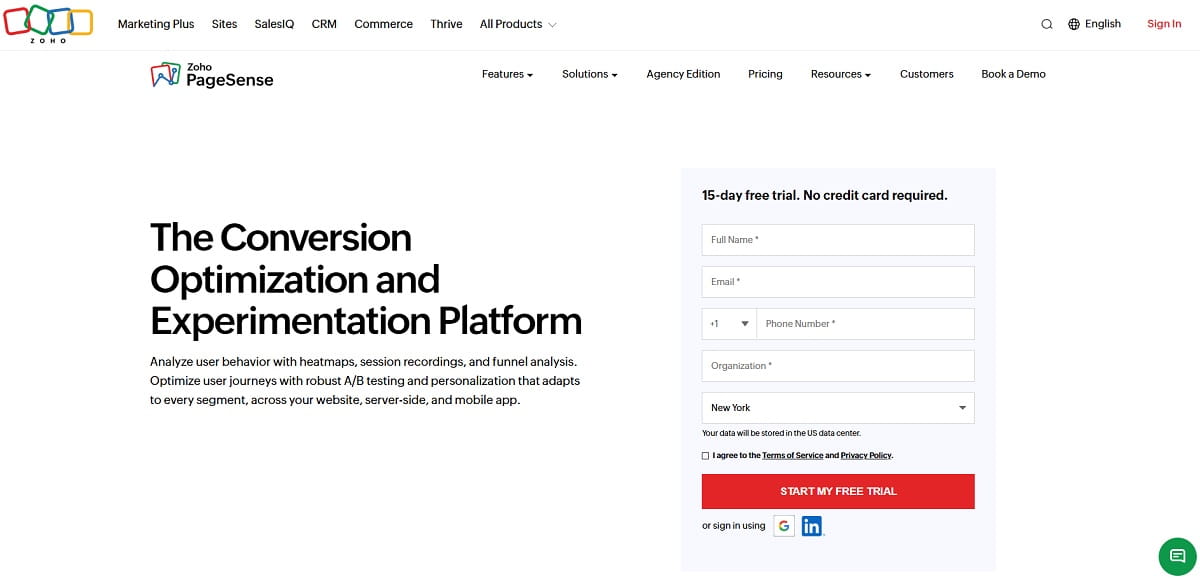
PageSense is Zoho’s conversion optimization suite. The free plan already has heatmaps, session recordings, funnels and form analytics, which is more behavior data than most free tiers give. A/B testing, split URL tests and personalization sit on the top plan. Zoho says it can target visitors with Zoho CRM data such as account tier and deal stage.
Key features: web and mobile analytics; goals and funnel analysis; heatmaps; session recording; form analytics; polls, pop-ups and web push on Professional; A/B, split URL, full-stack testing and personalization on Enterprise.
Use cases: small teams already on Zoho CRM; sites that want behavior data first and tests later; agencies that need several projects under one login.
Pros:
- The free plan covers up to 5,000 monthly tracked users with heatmaps and recordings.
- Low entry prices that scale by tracked users, up to 1,000,000.
- A 15-day trial with every feature and no card.
Cons:
- A/B testing is only on the Enterprise plan. Professional adds engagement tools, not experiments.
- The free plan keeps 1 month of data and 5 goals.
- Zoho’s VWO comparison page says “no feature-gating,” yet testing is limited to the top plan.
Pricing: Free forever is $0 for 5,000 monthly tracked users. Professional starts at €12/mo billed yearly for 10,000 users. Enterprise starts at €29.42/mo billed yearly for 10,000 users. Those are the figures on the European price page, and Zoho’s comparison page quotes “from $16” in dollars. See PageSense pricing.
Best for: teams that run on Zoho and want heatmaps now, with a path to testing later. Compare it with Plerdy in our Plerdy vs. Zoho PageSense review.
4. Crazy Egg: Best For Heatmaps On A Small Budget
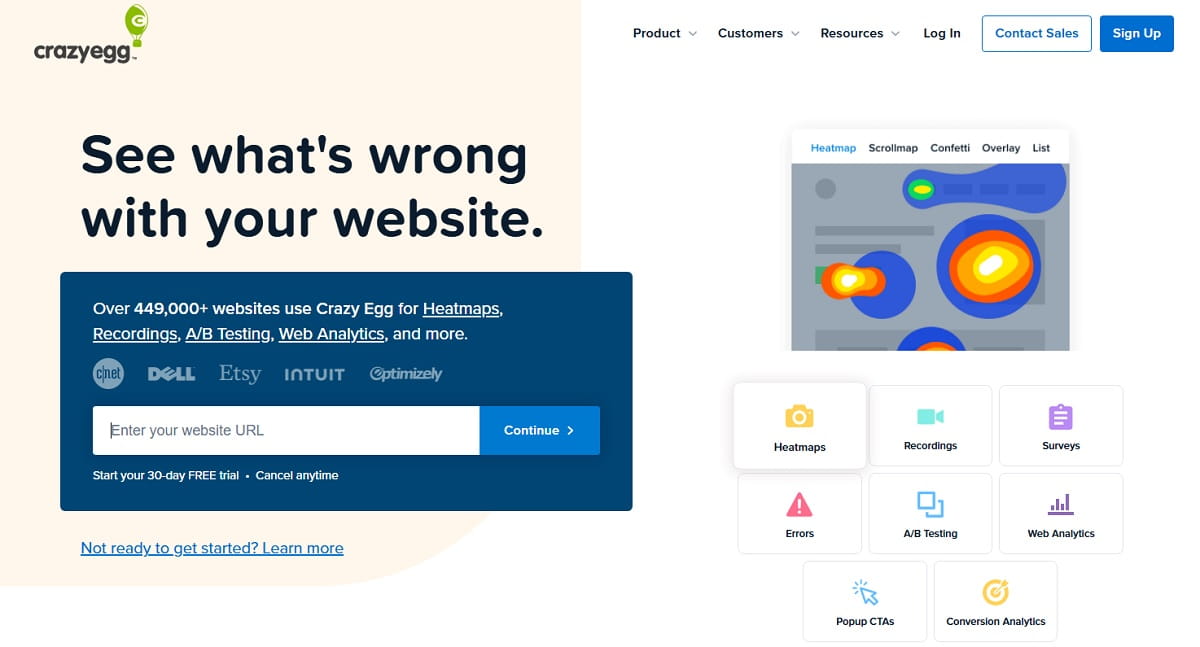
Crazy Egg replaces VWO’s behavior analytics at a lower price. Heatmaps, recordings, surveys, conversion tracking and AI analysis of heatmaps and recordings are on every plan. The catch is where testing starts: not on the $29 plan, but on Plus at $99.
Key features: heatmaps and session recordings; surveys; conversion tracking and funnel reports; web analytics; unlimited A/B tests, CTAs and error tracking from Plus; test targeting by device on Plus and by country, UTM and conversions on Pro.
Use cases: small sites that want to see clicks before they redesign; marketers who run a test or two a quarter; teams that need unlimited domains and users on one plan.
Pros:
- Unlimited domains and team members on every plan.
- Error tracking that shows JavaScript failures, which VWO’s pricing page does not list.
- Simple published prices.
Cons:
- No A/B testing on Starter. Real entry price for testing is $99/mo.
- Starter covers only 5,000 tracked pageviews and 50 recordings a month.
- No free plan is listed, and no feature flags or server-side testing.
Pricing: billed yearly, Starter is $29/mo (5,000 pageviews), Plus is $99/mo (150,000), Pro is $249/mo (500,000) and Enterprise is $599/mo (1,000,000). Every plan starts with a trial. See Crazy Egg pricing. Our Crazy Egg vs. Plerdy page shows the differences in detail.
Best for: small marketing teams and site owners who want heatmaps first and testing second.
5. PostHog: Best VWO Alternative For Product And Engineering Teams
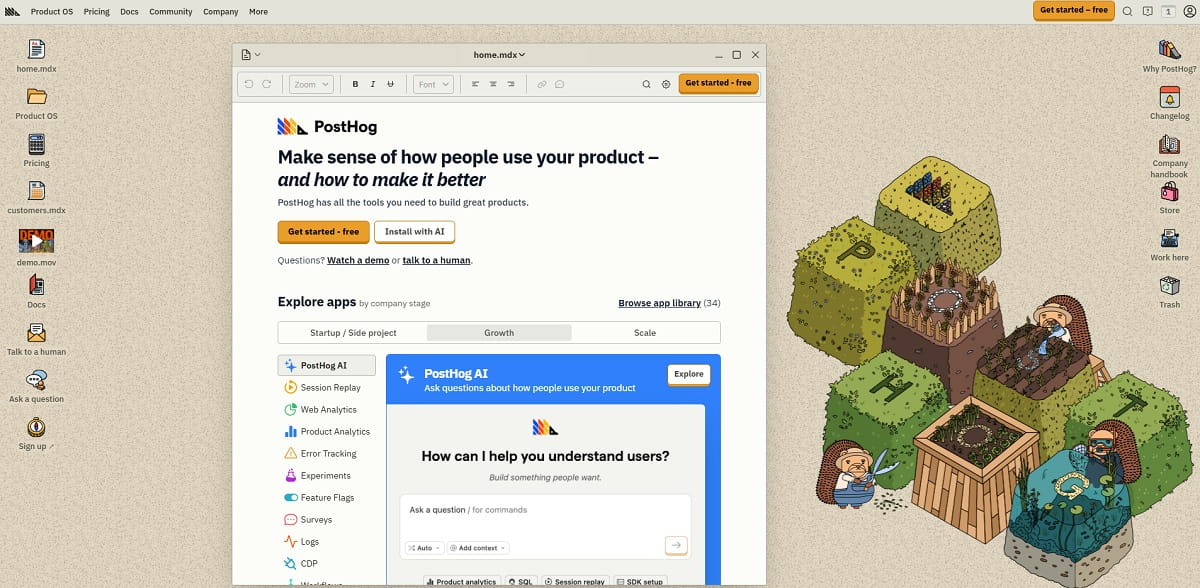
PostHog is one open-source platform for experiments, feature flags, product analytics, session replay, surveys, error tracking and a data warehouse. Engineers own the setup, and every product reads the same events. It is built for people who define events and read data, not for a marketer who wants to drag a headline in an editor.
Key features: experiments and feature flags; product analytics with funnels and retention; session replay and heatmaps; surveys; error tracking; data warehouse; cloud in the US or EU; an MIT-licensed open-source version you can self-host.
Use cases: testing product changes behind feature flags; measuring an experiment against the same events as your funnels; consolidating analytics, replay and testing under one contract.
Pros:
- A large free tier that resets every month and does not expire.
- Billing limits per product, so a spike cannot turn into a surprise invoice.
- Open source, so you are not locked into one vendor’s price changes.
Cons:
- Aimed at technical users. Marketers will find the no-code editing thin compared with VWO.
- Usage-based billing is harder to forecast than a flat contract.
- No personalization product comparable to VWO’s.
Pricing: the free tier each month covers 1M analytics events, 5K recordings, 1M feature flag requests (experiments are billed with flags), 100K error exceptions and 1,500 survey responses. After that you pay as you go: anonymous events cost $0.00005 each and identified events $0.000198 each beyond the first million. There are no minimums. See PostHog pricing. For more options, read our PostHog alternatives guide.
Best for: product teams that want testing, analytics and replay on one dataset.
6. GrowthBook: Best Open-Source Option With Warehouse-Native Results
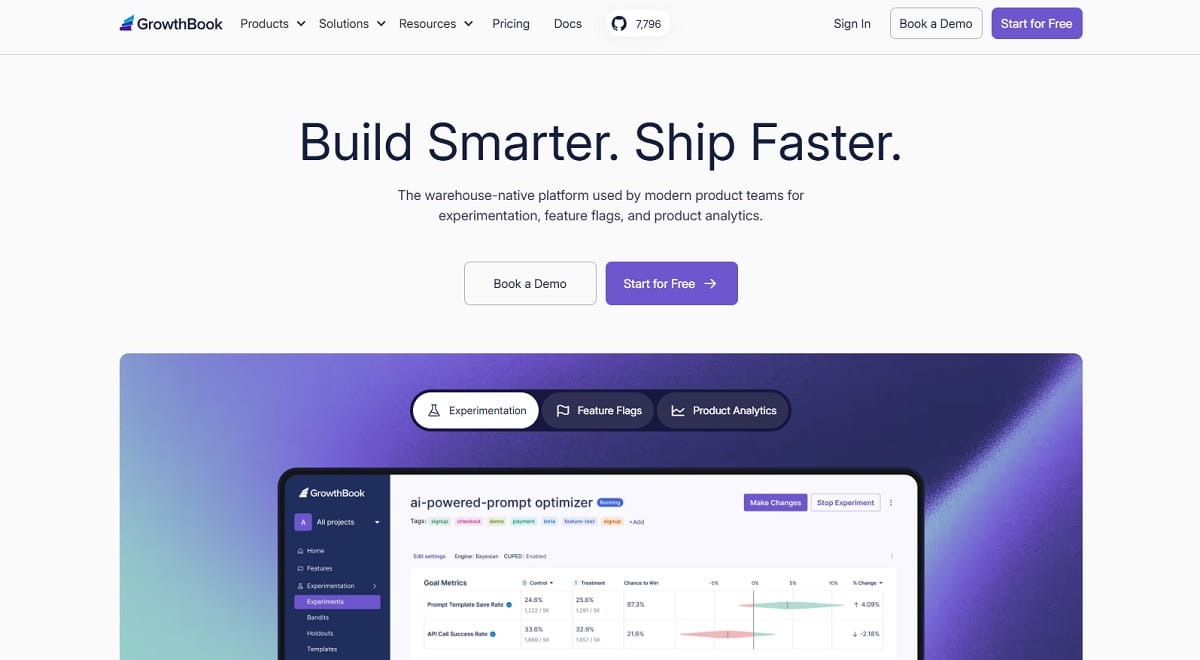
GrowthBook treats your data warehouse as the source of truth. Metrics are written in SQL you can read, results are computed against your own data, and the whole stack can be self-hosted. When history lives in your warehouse, changing testing tools later costs little, which is the opposite of a long-term VWO contract.
Key features: unlimited feature flags and experiments on every plan; bring-your-own-warehouse or managed warehouse; self-hosting; multi-arm bandits, safe rollouts, CUPED and sequential testing on higher plans; an AI visual editor on Pro.
Use cases: experiment analysis that data teams can audit; teams that must keep data inside their own cloud; replacing VWO’s testing half while keeping analytics elsewhere.
Pros:
- The Starter cloud plan is free for up to 3 users, and self-hosted open source has unlimited users.
- Transparent statistics, with the SQL behind each metric visible.
- No limits on flags, experiments or traffic on any plan.
Cons:
- No heatmaps or session replay, so it replaces only the testing side of VWO.
- The visual editor is a Pro feature, so marketing-led teams start at $40 per seat.
- It works best when someone on the team can define metrics in SQL.
Pricing: Starter is free for 3 users. Pro is $40 per seat per month for up to 30 users and adds the visual editor, bandits and safe rollouts. Enterprise is custom with SSO, SCIM and a 99.99% uptime SLA. See GrowthBook pricing.
Best for: data-literate product teams that want to own their experiment data.
7. Optimizely: Best For Mature Enterprise Experimentation
Optimizely is the platform VWO is usually measured against at the top of the market. Its experimentation product lists A/B and multivariate tests, bandits and a visual editor for web, server-side control for deeper changes, and AI that suggests what to test next. The buying process is a contract, and nothing is priced publicly.
Key features: A/B and multivariate tests; multi-armed bandits; visual editor; server-side experimentation; pre-built AI agents and test recommendations; integrations with the rest of your marketing stack.
Use cases: large programs with many teams running tests; organizations that want experimentation from the same vendor as content and personalization; frontend and feature experimentation under one process.
Pros:
- Covers every test type most enterprises ask for.
- Mature web and server-side options in the same vendor.
- A long enterprise track record and a large partner network.
Cons:
- No published prices, and the “Plans and pricing” route ends at sales.
- Heatmaps and session recordings are not advertised, so you will likely add a behavior tool.
- Heavier to buy and set up than a self-serve tool.
Pricing: custom contract only, with no public rates. Ask which products and how many monthly visitors the quote covers before you compare it with Wingify’s. We compare the two in Optimizely vs. VWO, and our Optimizely alternatives page covers the next step down.
Best for: established experimentation teams with an enterprise budget.
8. Kameleoon: Best For Regulated Industries
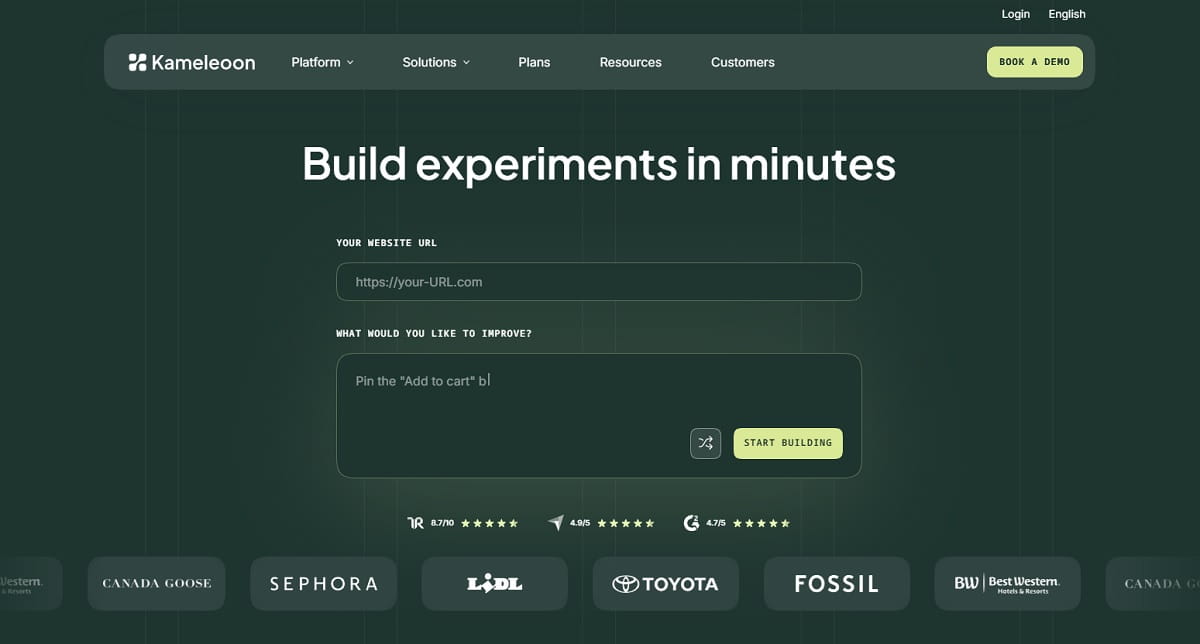
Kameleoon is the answer when VWO has to pass a security review. It says it is ISO 27001 and SOC 2 certified and lists GDPR, CCPA and HIPAA compliance, which makes it a frequent pick for healthcare and finance. Its current pitch is PBX, an AI assistant that builds experiment variations from a text prompt.
Key features: web experimentation; feature management; personalization; mobile app testing; recommendations and search; consent management; PBX, which needs the Kameleoon browser extension and a desktop computer.
Use cases: healthcare and financial services teams with compliance reviews; marketing teams that want fewer developer requests; companies that need an EU-based vendor.
Pros:
- Compliance and certification claims are listed in one place.
- Testing, flags, personalization and mobile apps from one vendor.
- Prompt-based test creation shortens setup for routine variations.
Cons:
- No prices on its homepage, so it does not solve VWO’s transparency problem.
- Heatmaps and recordings are not advertised.
- AI-built variations still need human QA before they go live.
Pricing: the site links to plans but shows no numbers on the pages we checked, so plan on a quote. A free trial for PBX is offered on sign-up. See Kameleoon.
Best for: compliance-bound teams that need enterprise-grade testing.
9. Adobe Target: Best For Adobe Experience Cloud Users
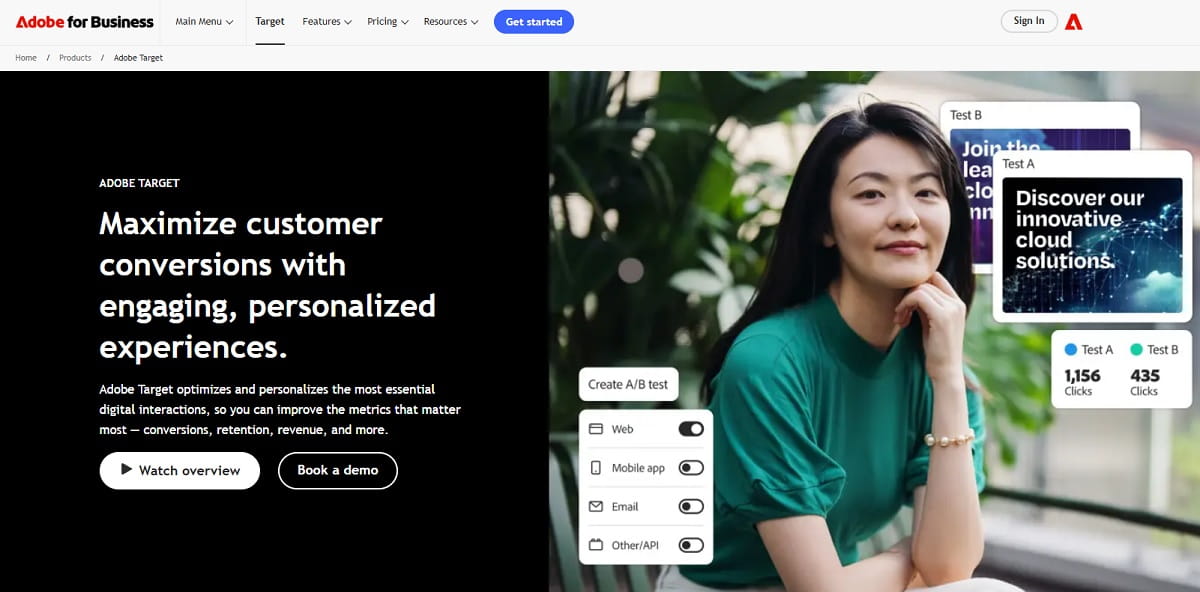
Adobe Target is Adobe’s engine for testing and personalization. Its documentation lists A/B tests, multivariate tests, Experience Targeting and Automated Personalization, plus Auto-Allocate and Auto-Target, which use machine learning to shift traffic to better experiences. The reason to pick it is the ecosystem: if your data already lives in Adobe’s stack, Target reads from it directly.
Key features: A/B and multivariate tests; Auto-Allocate; Auto-Target; Automated Personalization; Experience Targeting; delivery across web, apps and other channels from Adobe’s platform.
Use cases: enterprises on Adobe Analytics and Experience Platform; high-traffic sites that want automated traffic allocation; teams that test across web and mobile.
Pros:
- Native connection to Adobe audiences and analytics.
- Automation features aimed at high-traffic sites.
- Enterprise-level support and governance.
Cons:
- Adobe does not publish prices.
- Outside the Adobe stack, it is a heavy way to run an A/B test.
- Heatmaps and session recordings are not advertised.
Pricing: contact Adobe for a quote. No public rates or open trial.
Best for: large companies already committed to Adobe Experience Cloud.
10. Omniconvert Explore: Best Free Plan For E-Commerce Testing
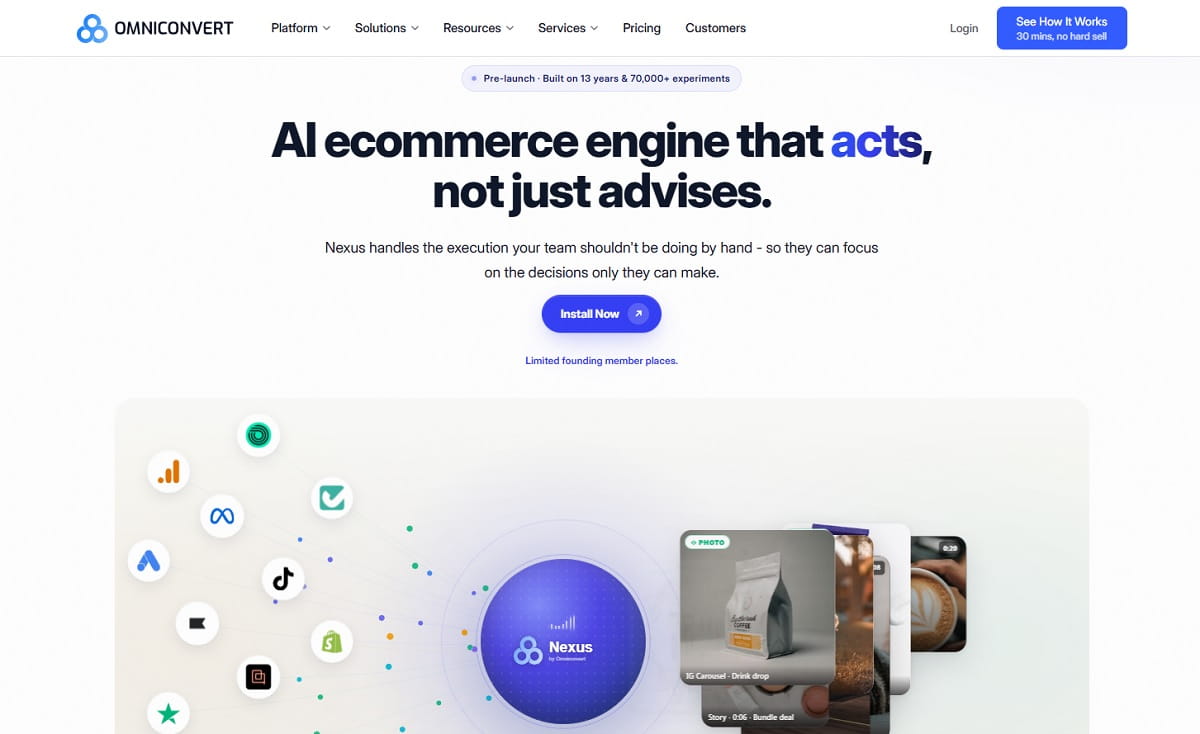
Omniconvert is a CRO platform built around online stores. Its Explore product has a visual editor, A/B and multivariate tests, segmentation and personalization, and it is free for up to 50,000 tested users a month. Pulse, its survey product, adds NPS and customer feedback.
Key features: A/B and multivariate testing; visual editor; segmentation; personalization; NPS and customer surveys through Pulse.
Use cases: online stores that test product pages and checkout; D2C brands that segment by customer value; teams that want surveys and tests in one place.
Pros:
- The free tier includes the full Explore feature set up to 50K tested users.
- Built for e-commerce, with segmentation as a core feature.
- Survey and testing data sit together.
Cons:
- Past the free limit, experiments pause until the next billing cycle or until you upgrade.
- Paid Explore tiers are quoted, not listed.
- Heatmaps and recordings are not advertised.
Pricing: Explore is free for 50,000 tested users per month. Paid tiers run from 100K to over 2M users with 30% off yearly billing, and the prices are on request. Pulse Expert is $290 a year. See Omniconvert pricing.
Best for: small and mid-size online stores that want real testing without a monthly bill.
11. Unbounce: Best For Landing Page Campaigns
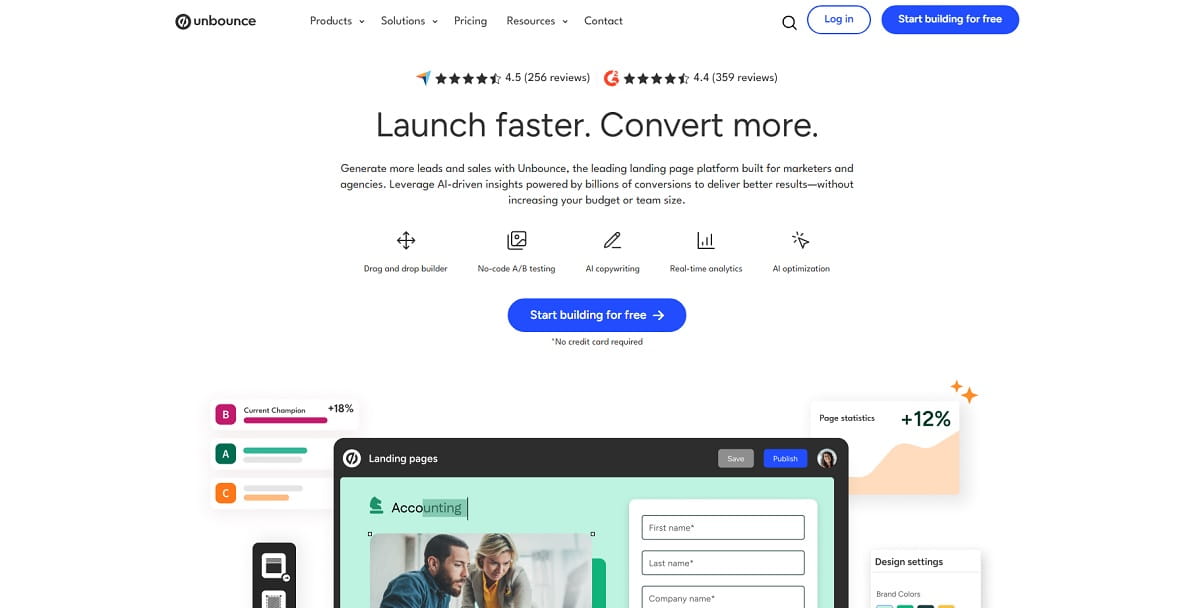
Unbounce solves a problem VWO does not: it builds the landing page and tests it. VWO optimizes pages that already exist. Unbounce lets a marketer publish a campaign page, split traffic and swap copy without a developer. The Optimize plan adds AI traffic optimization, which routes each visitor to the variant most likely to convert.
Key features: drag-and-drop page builder; unlimited A/B testing from the Experiment plan; AI copywriting from Build; AI traffic optimization on Optimize; pop-ups and sticky bars; an MCP server on all plans.
Use cases: paid search and social campaign pages; agencies launching many pages quickly; low-traffic campaigns where classic tests are slow to reach significance.
Pros:
- Builds, hosts and tests the page in one tool.
- Public prices and a 14-day trial with no card.
- No developer needed for most changes.
Cons:
- Tests only the pages built inside Unbounce, not your existing site.
- Testing starts at $149/mo, not at the $29 headline price.
- No heatmaps or recordings are advertised.
Pricing: monthly, Starter is $29 (up to 500 visitors), Build is $99 (20K), Experiment is $149 (30K) and Optimize is $249 (50K). Yearly billing saves 25%, which makes them $22, $74, $112 and $187. Concierge and Agency are custom. See Unbounce pricing, or read our Unbounce alternatives.
Best for: paid media teams whose tests live on campaign pages.
12. Statsig: Best For High-Volume Experiments, With A Status Caveat
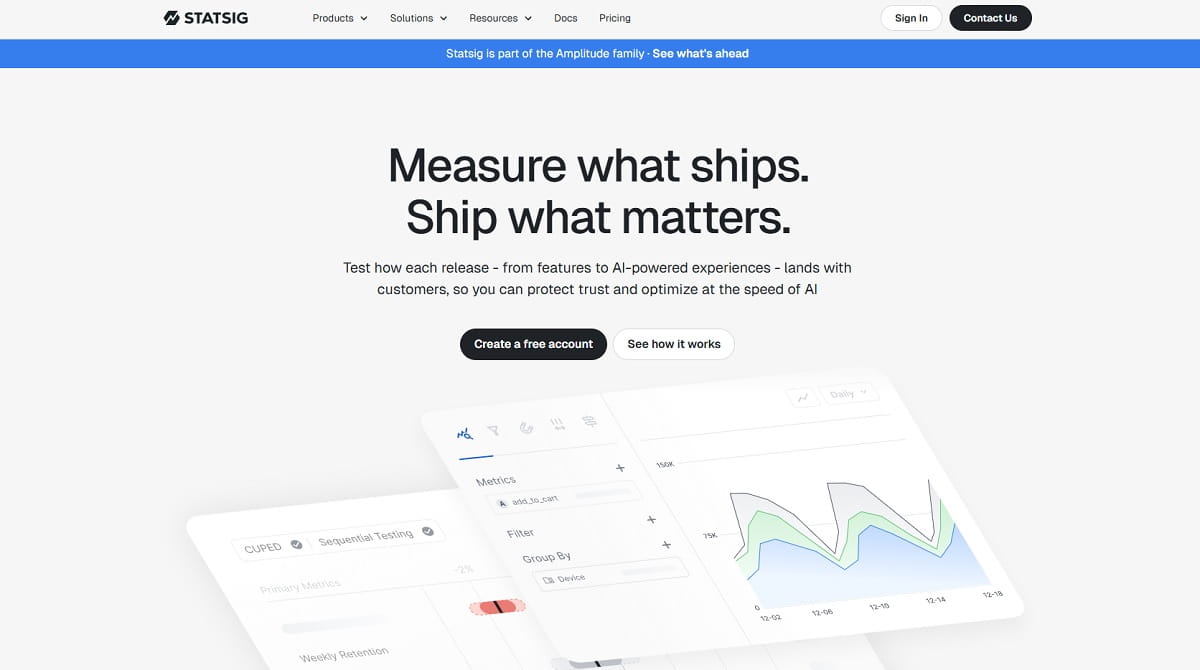
Statsig runs A/B tests, feature gates, product analytics and session replay on one event pipeline, and offers a warehouse-native deployment. It is still sold and still publishes prices, but its ownership changed. OpenAI bought it in 2025 for about $1.1 billion, and in May 2026 Amplitude took over the brand, the customers and the platform, while the original team stayed at OpenAI.
Key features: experiments and feature gates; product analytics; session replay; unlimited flag and config checks; warehouse-native deployment on Enterprise; unlimited seats.
Use cases: product teams running many concurrent experiments; companies that want results computed in their own warehouse; teams that want analytics, flags and tests on one pipeline.
Pros:
- The free Developer tier includes 2M events and 50,000 session replays a month.
- Experimentation is not gated behind the paid tier.
- Pro at $150/mo is low for a platform built for scale.
Cons:
- The roadmap now depends on Amplitude. MarTech reports that the people who built the product work elsewhere and that Amplitude now has two overlapping products.
- No heatmaps and no marketer-friendly visual editor.
- Each Pro subscription covers one project.
Pricing: Developer is free. Pro is $150/mo with 5M events, then $0.05 per additional 1,000, and 100,000 session replays. Enterprise is custom. The pricing page shows no transition notice, so ask about contract terms and roadmap before you sign. See Statsig pricing.
Best for: technical teams comfortable with an ownership change who want a strong free tier.
Tools We Left Out, And Why
These names still appear on VWO comparison lists. Each one failed our test: can a team replace VWO’s main job with it, and is it independent and sold today?
| Tool | Status | Why It Is Not On The List |
|---|---|---|
| AB Tasty | Same company as VWO | Both brands sit under Wingify. Moving from one to the other is not a change of vendor. Read our AB Tasty alternatives guide if you use that product. |
| Google Optimize | Shut down | Google ended Optimize and Optimize 360 on September 30, 2023, per its own notice. |
| Mouseflow, Hotjar, Microsoft Clarity | Behavior tools | They show what visitors did. None of them advertises A/B testing, so they work next to a testing tool, not instead of VWO. |
| Eppo, now Datadog Experiments | Part of Datadog | Datadog acquired Eppo in May 2025 and made Datadog Experiments generally available in April 2026. It fits teams already on Datadog, not a general VWO replacement. |
| Instapage | Landing page builder | It is another page builder that tests only its own pages. Unbounce covers that use case on this list. |
Is Mouseflow A VWO Alternative?
Not on its own. Mouseflow lists session replay, heatmaps, friction detection, conversion funnels, form analytics and feedback surveys on its features page. It does not list A/B testing, and running experiments is VWO’s core job.
People who search “Mouseflow vs VWO” are usually choosing between understanding behavior and changing it. Those are two purchases. A common setup is one behavior tool (Mouseflow, Plerdy or Crazy Egg) plus one testing tool (Convert, GrowthBook or PostHog), and it often costs less than one VWO contract that covers both. Our side-by-side pages go deeper: VWO vs. Mouseflow and VWO vs. Hotjar.
How To Choose The Best VWO Alternative For Your Team
Answer these five questions in order. Most teams reach a shortlist of two or three tools by the third.
- Which VWO product do you use every week? Behavior analytics points to Plerdy, Crazy Egg or Zoho PageSense. Web testing points to Convert, Kameleoon or Optimizely.
- Who runs the tests? Marketers need a visual editor. Engineers are happy with SDKs and flags, which is where PostHog and GrowthBook fit.
- What does the real price look like? Check the plan where A/B testing starts. Crazy Egg starts at $99, Unbounce at $149 and Zoho PageSense on Enterprise, even though their headline prices are lower.
- Where should results live? If you want history to survive a vendor change, pick a tool that reports from your warehouse or lets you export everything.
- Do you need a security review? Then start with Kameleoon, Optimizely or Adobe Target and ask for the compliance documents first.
If you are not sure, test two tools on the same page for a month. Start with the Plerdy free plan for behavior data, and add a testing tool from the list above. Our guides to the best A/B testing tools and the best free A/B testing tools cover the wider market.
How To Migrate Off VWO Without Losing Your Baseline
The costly mistake in switching is losing comparability with what you measured before. These steps prevent it:
- Export your history first. Test names, dates, variants, sample sizes and results. Once the contract ends, this is usually gone.
- Write down your metric definitions. What counts as a conversion, which sessions are excluded and how visitors are bucketed. Two tools rarely define these the same way.
- Move the tests. Convert’s extension copies live VWO tests into a project as drafts. Other vendors will usually help during a trial. Ask before you sign.
- Run both tools in parallel for two to four weeks. Only one tool should assign variants. The goal is to see how the numbers differ on the same traffic.
- Re-run one finished test. If a known winner does not repeat, the problem is the setup, not the tool.
- Check how visitors are counted. Tested users, monthly tracked users and events are billed differently, and that is where surprise invoices come from.
- Remove the VWO script last and keep the exported history somewhere permanent.
Google’s guidance on website testing and Search applies to every tool here: do not show Googlebot different content than users see, use 302 redirects for split tests, put rel=”canonical” on alternate URLs, and remove test scripts when the test ends. For the testing method itself, Nielsen Norman Group’s A/B Testing 101 is a good primer, and our A/B testing best practices and significance calculator help you size and read a test.
Frequently Asked Questions About VWO Alternatives
What Are the Best VWO Alternatives?
The strongest options in 2026 are Plerdy, Convert Experiences, Zoho PageSense, Crazy Egg, PostHog, GrowthBook, Optimizely, Kameleoon, Adobe Target, Omniconvert, Unbounce and Statsig. The right one depends on whether you need heatmaps, web A/B testing, feature flags, landing pages or enterprise personalization. VWO covers several of these, so most teams replace the one or two parts they use.
Is VWO Now Called Wingify?
Wingify is the company behind VWO, and on September 16, 2026 it launched Wingify as the unified brand for VWO and AB Tasty. The vwo.com home and pricing pages now redirect to wingify.com, and the app moved to app.wingify.com in June. Wingify has not said whether the VWO product name will continue.
Is AB Tasty Still a Separate VWO Alternative?
No. AB Tasty and VWO now sit under Wingify, so switching from one to the other keeps you with the same company. Some older comparison pages still list AB Tasty as a competitor.
Which VWO Alternative Is Best For UX Audits?
Plerdy. It combines heatmaps, session recordings, conversion funnels, error tracking, pop-ups and an SEO checker in one account, and A/B testing is unlimited on every plan, including the free one.
What Is the Best VWO Alternative For Conversion Optimization?
For teams that need behavior data and tests together, Plerdy and Zoho PageSense. For teams that mainly run web tests, Convert Experiences. For campaign pages, Unbounce. Pick by the job: behavior analytics, web testing, landing pages or product experiments each have a different best answer.
Is There a Free VWO Alternative?
Yes. Plerdy has a free plan with unlimited A/B testing. PostHog, Statsig and GrowthBook have free tiers with experimentation, Omniconvert Explore is free up to 50,000 tested users a month, and Zoho PageSense is free up to 5,000 users with heatmaps and recordings but without A/B testing. Wingify offers a 30-day trial, not a permanent free plan.
What Is a Cheap And Simple VWO Alternative?
Plerdy starts at $21/mo billed yearly with unlimited tests and a free plan. Crazy Egg starts at $29/mo, but testing begins on the $99 plan. Zoho PageSense is cheapest for heatmaps and recordings, with testing on its Enterprise plan. All three install with a tracking snippet.
What Is the Cheapest VWO Alternative That Includes A/B Testing?
Plerdy, Omniconvert Explore, PostHog, GrowthBook and Statsig include testing in free plans or tiers. Among paid plans, Plerdy’s A/B testing is in every tier from $21/mo yearly, while Crazy Egg gates it at $99/mo and Unbounce at $149/mo.
What Is the Best VWO Alternative For Product Teams?
PostHog or GrowthBook. Both are open source, built around feature flags and event data instead of a marketer-facing visual editor, and both publish prices with a free tier. Statsig is a third option, with the ownership caveat described above.
Which VWO Competitors Are Best For Enterprise A/B Testing?
Optimizely, Kameleoon and Adobe Target. Kameleoon lists ISO 27001, SOC 2, GDPR, CCPA and HIPAA compliance, Adobe Target fits Adobe Experience Cloud users, and Optimizely offers the widest set of test types. None publishes prices.
Is Mouseflow a Good VWO Alternative?
Only for the behavior analytics half. Mouseflow covers session replay, heatmaps, funnels and forms but lists no A/B testing, so it cannot replace VWO’s experimentation. It pairs well with a dedicated testing tool.
Is There a VWO Chrome Extension, And What Can Replace It?
Yes. The VWO plugin is a Chrome extension from Wingify for QA checks, observations and heatmap downloads, and it needs an active VWO account. If you leave VWO, it stops being useful. For quick page analysis without an account, the Plerdy UX Prediction extension shows AI-predicted attention heatmaps and scroll depth on any page.
Do I Need a VWO Partner Agency Or an Alternative Tool?
Choose an agency if you are staying on VWO and need help with strategy, setup or running tests. Choose an alternative if VWO costs too much, is too complex, or does not match the CRO, UX or landing page work you do now. Many agencies also run Convert, Plerdy or PostHog, so ask which tools they cover before you hire.
Does Switching A/B Testing Tools Affect SEO?
Not if you follow Google’s testing rules. Show Googlebot the same content as users, use 302 redirects for split tests, add rel=”canonical” to alternate URLs and remove old test scripts after the switch. Small changes such as button text rarely affect rankings, according to Google’s documentation.
What Happened To Google Optimize?
Google shut down Optimize and Optimize 360 on September 30, 2023, so neither belongs on a list of current VWO alternatives. Teams that used it moved to tools such as VWO, Convert, PostHog or Plerdy.