

Microsoft Clarity is still one of the most generous free behavior analytics tools. But “free heatmaps and recordings” is not the same as a complete CRO, product analytics, debugging, privacy, or mobile UX workflow. This guide compares the strongest Microsoft Clarity alternatives by the job they actually help you finish.
Editorial disclosure: Plerdy publishes this comparison and is included below. We identify that conflict clearly, use the same selection criteria for every product, link to first-party documentation, and explain where another tool is the better fit. No position was sold.
Quick Answer: Which Microsoft Clarity Alternative Should you Choose?
Plerdy is the best all-in-one Microsoft Clarity alternative for CRO and ecommerce teams because it connects heatmaps and session replay with funnels, A/B testing, event goals, SEO auditing, and revenue analysis. Choose PostHog for product analytics and experiments, LogRocket for frontend debugging, Contentsquare for behavioral research plus user feedback, OpenReplay or Matomo for greater infrastructure control, and UXCam for mobile-first product analysis.
Do not switch only because a competitor has a longer feature list. First identify the decision your current Clarity setup cannot support. If Clarity already answers your questions, keep it—and add a specialized tool only where a measurable gap exists.
Microsoft Clarity Alternatives Compared
| Tool | Best for | Free option / starting price* | Strongest differentiator | Main tradeoff |
|---|---|---|---|---|
| Plerdy | All-in-one CRO, UX, SEO, and ecommerce | Free; Startup from $21/month annually | Behavior data connects to experiments, SEO, and revenue | Less developer-centric than LogRocket or OpenReplay |
| Contentsquare | Behavior research plus user feedback | Free; paid pricing varies | Experience Analytics and Voice of Customer | Paid evaluation can be more complex after the Hotjar merger |
| PostHog | Product analytics and experimentation | 1M analytics events and 5K recordings free | Events, flags, experiments, surveys, and replay in one stack | Usage-based pricing needs active cost monitoring |
| Mouseflow | Funnels and form analytics | Free; Essential from $25/month | Form friction and conversion funnels | Tracking stops when the session quota is exhausted |
| Fullstory | Enterprise behavioral intelligence | Free tier; paid plans by quote | Powerful search, segmentation, and digital experience workflows | Limited public pricing for serious deployments |
| LogRocket | Frontend debugging and product analytics | Trial; example starts at $176/month for 25K sessions | Replay tied to console, network, errors, and app state | Overkill for teams that only need marketing heatmaps |
| Crazy Egg | Simple website heatmaps and A/B tests | Free analytics tier; Starter $29/month annually | Accessible visual reports plus no-code testing | Lower plans have tight recording and report allowances |
| Lucky Orange | SMB ecommerce and live visitor support | 7-day trial; Build $32/month annually | Live chat, visitor view, surveys, replays, and heatmaps | Session-based plans and 60-day storage on standard tiers |
| Heatmap.com | Revenue-aware ecommerce optimization | 14-day trial; quote-based | Revenue overlays on heatmaps and recordings | No transparent public price for the main product |
| OpenReplay | Open-source and self-hosted replay | Open-source edition free; Dedicated from $199/month | Source access, deployment control, and developer tooling | Self-hosting adds infrastructure and maintenance work |
| Matomo | Data ownership and privacy-conscious analytics | Community core free; Team bundle from €230/month | Self-hosting and broad first-party web analytics | Heatmaps and replay are paid add-ons/bundles, not core free features |
| UXCam | Mobile-first product UX | Custom quote | Gesture, issue, crash, freeze, and mobile journey context | No transparent public price |
*Public list prices and free allowances checked August, 2026. Taxes, contracts, monthly billing, overages, data retention, and product bundles can change the effective cost. Verify the linked official pricing page before purchasing.
Is Microsoft Clarity Still Good in 2026?
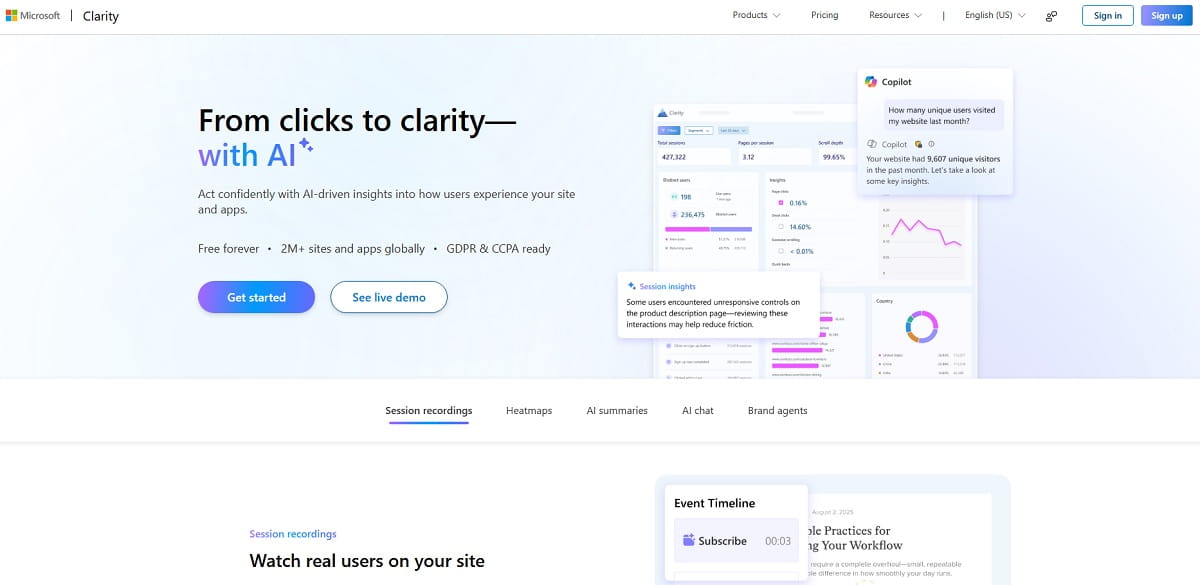
Yes. Clarity remains a compelling choice when the primary need is free visual behavior analytics. Its official pricing page lists unlimited heatmaps, always-on recordings, rage and dead-click signals, more than 40 filters, unlimited sites, and unlimited team members without a traffic-based bill. Microsoft has also added funnels, smart events, Copilot summaries, mobile SDKs, and Google Analytics integration. Comparisons that say Clarity has “no funnels” or “no mobile support” are now outdated.
There are still operational limits. Microsoft’s client API documentation says Clarity retains up to 100,000 session recordings per project per day and may sample after that. Standard recording playback is available for 30 days; labeled or favorited recordings and heatmap data can be retained for up to nine months under the current retention policy. Those rules matter when recordings support long research cycles or compliance investigations.
Stay With Clarity When:
- You need fast, low-cost access to heatmaps and replay across multiple sites.
- Your team already uses a separate platform for experiments, product analytics, feedback, and quantitative reporting.
- Thirty-day playback is enough, and labeling the small number of important recordings is practical.
- The current consent, masking, data-location, and procurement model passes your review.
Consider an Alternative When:
- Insights must flow directly into A/B tests, SEO fixes, form improvements, or ecommerce revenue analysis.
- Developers need console logs, network payloads, stack traces, application state, and release context beside every replay.
- You require self-hosting, longer replay retention, a specific data region, or tighter governance controls.
- Your researchers need surveys, interviews, direct feedback, advanced mobile journeys, or collaboration workflows.
Need a Head-to-Head Comparison First?
Use our focused guides for a deeper look at Microsoft Clarity vs. Hotjar, Clarity vs. Google Analytics vs. Hotjar, or Mouseflow vs. Microsoft Clarity. This page answers the broader “which alternatives should I shortlist?” question; those pages answer a narrower product-versus-product question.
Why Teams Look for Microsoft Clarity Alternatives
The real dividing line is not whether another tool can draw a heatmap. Most can. It is whether the platform shortens the path from “we noticed a problem” to “we diagnosed, prioritized, changed, and measured it.” For broader market maps, see Plerdy’s guides to heatmap software, session recording software, and user behavior analytics tools.
1. From Observation to Conversion Action
Clarity helps reveal behavior, but CRO teams often need funnels, event goals, testing, revenue segmentation, and change validation in one workflow. A platform such as Plerdy or Crazy Egg reduces handoffs between a replay tool, spreadsheet, testing product, and reporting dashboard.
2. Deeper Product and Engineering Context
A replay of a broken flow shows the symptom. LogRocket, OpenReplay, PostHog, and Fullstory can add technical or event context that helps locate the cause: request failures, console errors, feature-flag exposure, release versions, and structured event properties.
3. Feedback that Explains Intent
Heatmaps show what happened, not why. Contentsquare and Lucky Orange combine behavioral evidence with surveys, feedback, or direct visitor conversations. That pairing is valuable when several plausible explanations fit the same click pattern.
4. Governance, Retention, and Infrastructure Control
For regulated or privacy-sensitive organizations, vendor architecture can outweigh interface polish. Matomo and OpenReplay offer self-hosted paths. Whatever you choose, analytics does not remove the need for lawful collection, purpose limitation, masking, access control, and retention rules. Microsoft’s consent guidance notes consent-signal enforcement for EEA, UK, and Switzerland traffic from October 31, 2025.
5. Specialized Ecommerce or Mobile Analysis
Generic replay can miss the metric a specialized team values most. Heatmap.com links interactions to revenue. Plerdy connects behavioral data with ecommerce performance and conversion work. UXCam is designed around mobile gestures, app issues, crashes, and screen journeys. Specialization can make analysis faster even when Clarity technically records the experience.
How we Selected and Compared These Tools
We reviewed the search intent behind “Microsoft Clarity alternatives,” examined leading comparison pages, and checked each shortlisted platform’s official product, pricing, documentation, or support pages on August 12, 2026. A tool qualified only if it offered session replay, heatmaps, behavioral analytics, or a closely related workflow that solves a clear Clarity limitation.
| Factor | Weight | What we looked for |
|---|---|---|
| Use-case fit | 30% | A distinct reason to choose the product instead of free Clarity |
| Analysis depth | 25% | Replay, heatmaps, segments, funnels, events, errors, feedback, or mobile context |
| Actionability | 20% | Testing, collaboration, debugging, prioritization, and measurable follow-through |
| Price transparency and value | 15% | Free allowance, public entry price, usage model, retention, and hidden scaling factors |
| Governance and deployment | 10% | Masking, hosting choices, data regions, access, and retention controls |
We did not turn unlike products into a false 9.7-versus-9.6 score. Rankings reflect common buyer needs, while every section states the audience, advantage, and tradeoff. We also excluded products with a confirmed end-of-life path for new buyers.
12 Best Microsoft Clarity Alternatives for 2026
Below are 12 Microsoft Clarity alternatives selected for different business and analytics needs. Each tool is evaluated by its strongest use case, pricing, key advantages, and limitations, helping you quickly choose the right platform for CRO, product analytics, debugging, privacy, ecommerce, or mobile UX.
1. Plerdy — Best All-in-one Alternative for CRO, UX, SEO, and Ecommerce
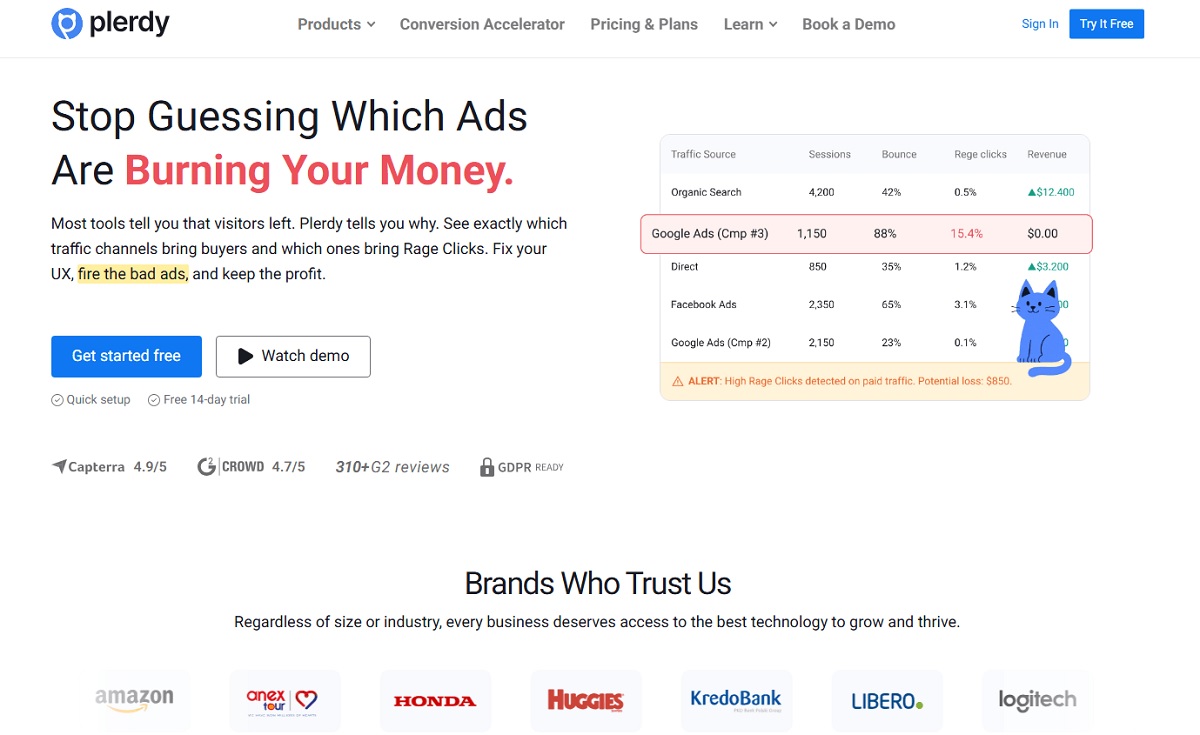
Plerdy is the strongest choice when the limitation is not recording sessions but acting on them. Its toolkit combines website heatmaps, session replay, event goals, funnels, A/B testing, user feedback, ecommerce analysis, and technical SEO monitoring. A marketer can spot friction, isolate the segment, test a change, and watch the conversion outcome without assembling several disconnected subscriptions.
The Plerdy pricing page lists a Free plan with daily heatmap access, 500 video sessions, SEO audit capacity, and unlimited A/B testing. Startup begins at $21 per month with annual billing ($32 month to month), with higher limits and longer storage. The fit is especially strong for small and mid-sized teams that want more than a free replay viewer but do not want an enterprise analytics contract.
Plerdy connects session recordings with events, segments, conversion analysis, and optimization workflows.
Advantages
- One toolkit for behavioral analysis, experimentation, SEO, and ecommerce.
- Public pricing and a usable free entry point.
- Funnels, event goals, feedback, and revenue context help prioritize fixes.
Watch-outs
- Not as code-centric as LogRocket or OpenReplay.
- Teams wanting only free, high-volume replay may still prefer Clarity.
Bottom line: choose Plerdy when Clarity finds problems but your team still lacks a connected process for prioritizing and improving conversions.
2. Contentsquare — Best for Behavioral Research Plus User Feedback
Contentsquare is the modern answer for buyers who once would have chosen Hotjar. Hotjar became part of Contentsquare, and the company began moving eligible Hotjar accounts to Contentsquare plans on July 1, 2025. Its small-team offering combines Experience Analytics—replay, heatmaps, funnels, and journey analysis—with Voice of Customer capabilities such as surveys, interviews, and user tests. Teams specifically replacing Hotjar can also use our broader Hotjar alternatives comparison.
The official small-team page currently advertises a free plan with up to 200,000 monthly sessions, unlimited heatmaps, funnels, and team members, plus limited feedback and user-testing allowances. Paid packaging is broader and can depend on products and traffic, so compare the current quote with your real capture needs—not an old Hotjar review.
Advantages
- Combines observed behavior with direct customer feedback.
- Suitable path from a free team setup to enterprise experience analytics.
- Strong journey and research collaboration story.
Watch-outs
- Post-merger packaging is more complex than a single-purpose tool.
- When a plan allowance is reached, data collection can pause for the cycle.
Bottom line: choose Contentsquare when your team needs both the “what” from behavior data and the “why” from customer research.
3. PostHog — Best for Product Analytics, Feature Flags, and Experiments
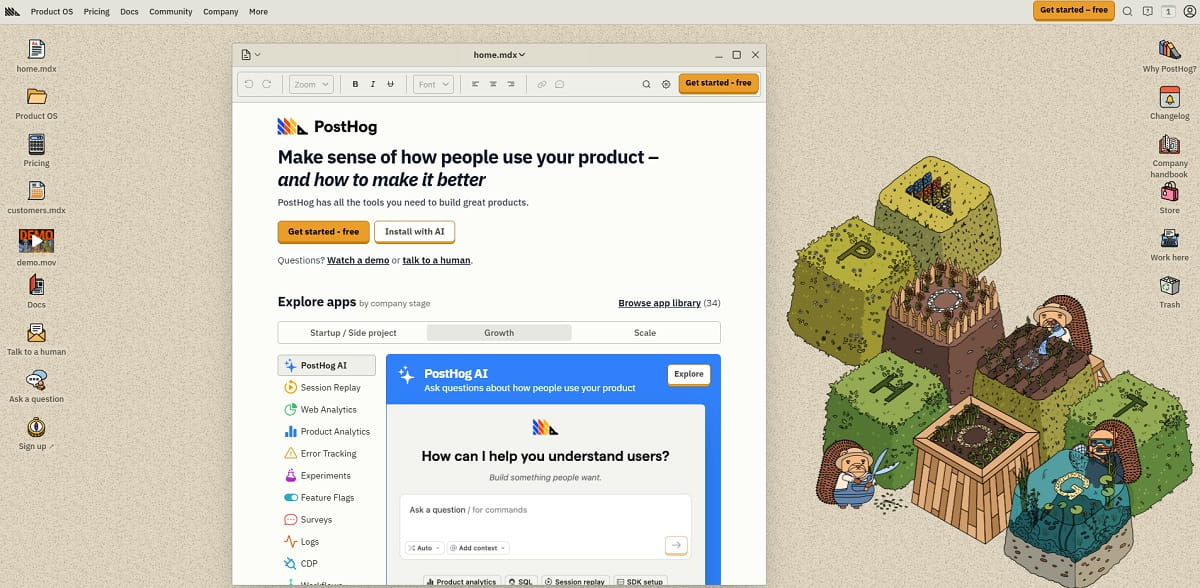
PostHog goes beyond a visual analytics replacement. It connects event-based product analytics, session replay, feature flags, experiments, surveys, error tracking, data pipelines, and a warehouse-oriented workflow. That makes it useful when the same team ships features and investigates whether those releases improved activation or retention.
PostHog’s pricing page currently includes 1 million product analytics events, 5,000 session recordings, 1,500 survey responses, and substantial allowances for several other products each month before usage charges. Cloud is available in US and EU regions. The modular model is attractive at low volume, but every product has its own meter, so configure billing limits and forecast high-capture periods.
Advantages
- Replay is connected to events, releases, flags, and experiments.
- Generous free allowances and transparent unit pricing.
- Strong choice for teams with developers and a structured event taxonomy.
Watch-outs
- More setup and analytical discipline than a plug-and-play heatmap tool.
- Multiple usage meters can make spend less predictable at scale.
Bottom line: choose PostHog when session replay should be part of a broader product-development data stack.
4. Mouseflow — Best for Form Analytics and Conversion Funnels
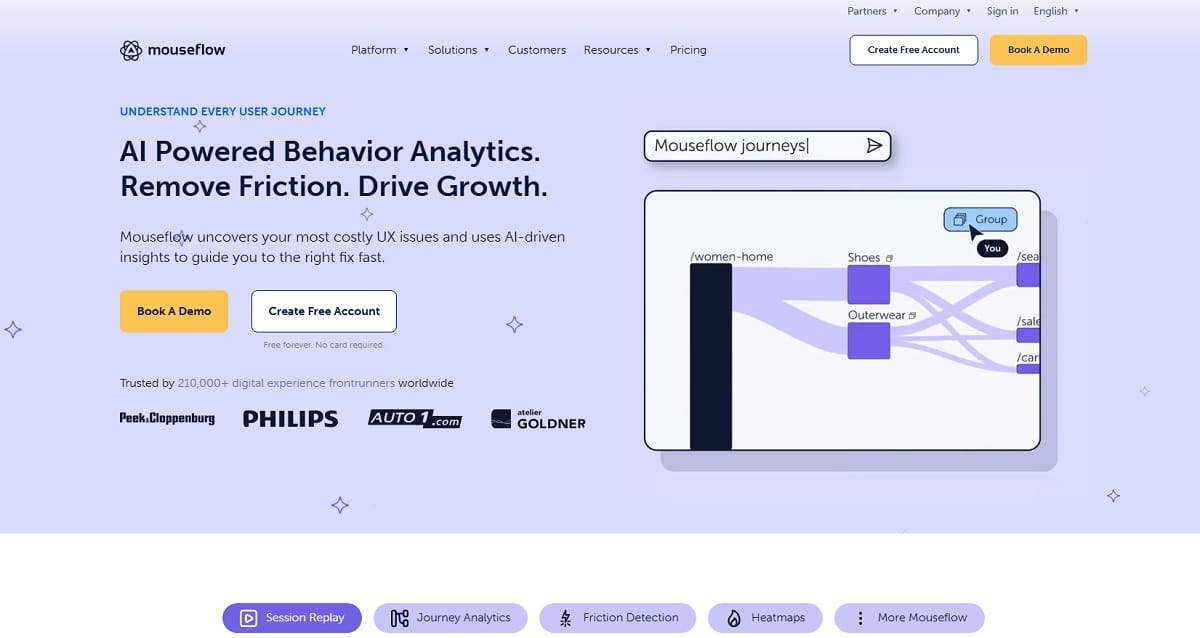
Mouseflow is a focused Microsoft Clarity competitor for teams that care about forms and conversion paths. It combines recordings with click, movement, scroll, attention, and geographic heatmaps, then adds funnels, friction signals, form analytics, and surveys. Form reports help separate abandonment, blank submissions, refills, and time spent—details a generic replay sample can make laborious to quantify.
According to official pricing, the Free plan records 500 sessions, Essential begins at $25 per month, Advanced at $109, and Premium at $319, with enterprise pricing by quote. The important constraint is session volume: collection stops after the quota is consumed, so traffic spikes can create blind spots.
Advantages
- Purpose-built form analytics and straightforward funnels.
- Several heatmap types plus friction scoring.
- Clear public tier structure.
Watch-outs
- Session quotas require careful sampling and forecasting.
- Less suited to feature-flag or deep engineering workflows.
Bottom line: choose Mouseflow when form drop-off and funnel leakage are more important than broad, no-cost recording volume.
5. Fullstory — Best for Enterprise Behavioral Intelligence
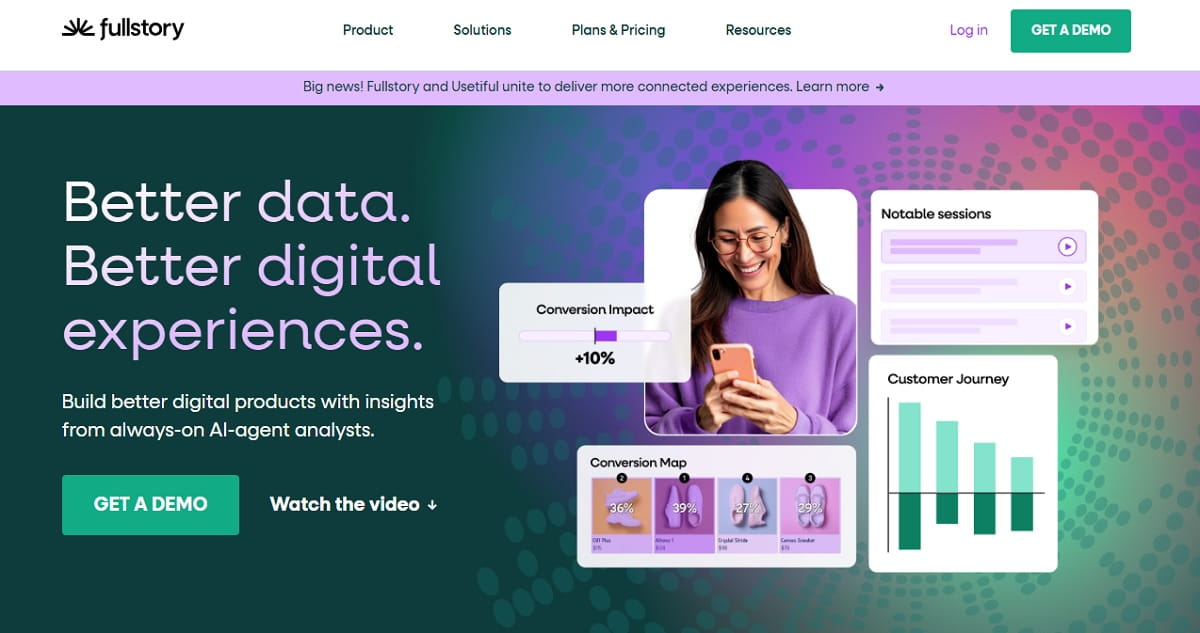
Fullstory is designed for organizations that want to search and segment a large body of behavioral data, collaborate across product and support, and investigate complex digital experience issues. Its strength is the connection between high-fidelity replay and structured analysis rather than a static collection of page screenshots.
The current Fullstory plans page lists a Fullstory Free package with up to 30,000 sessions per month, 12 months of retention, basic product analytics and debugging, and up to 10 users. Paid Business, Advanced, and Enterprise plans require a quote. That free package is notable, but sophisticated governance, analytics, and enterprise workflows belong in a procurement-led evaluation.
Advantages
- Strong search, segmentation, replay, and collaboration.
- Long retention on the published free offer.
- Fits cross-functional product, support, and experience teams.
Watch-outs
- Paid cost is not publicly transparent.
- Can be more platform than a small marketing team needs.
Bottom line: shortlist Fullstory when analysis depth, collaboration, and enterprise readiness matter more than a simple public price.
6. LogRocket — Best for Session Replay With Frontend Debugging
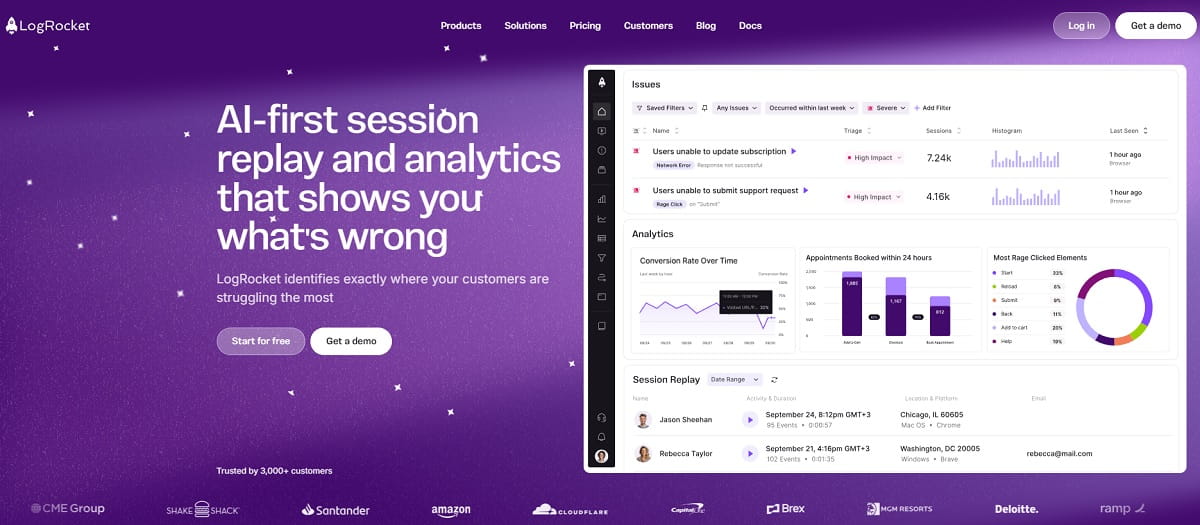
LogRocket helps engineers answer the question a heatmap cannot: what exactly failed in the application when the user got stuck? Its replay can be paired with console output, network activity, JavaScript errors, performance data, and application state. Product teams also get funnels, path analysis, heatmaps, surveys, and issue prioritization.
LogRocket’s pricing calculator currently shows an example starting price of $176 per month for 25,000 sessions, with a 14-day trial; final cost changes with sessions, retention, and product choices. Enterprise options include additional security and deployment controls. Compare only the sessions that need technical capture, because indiscriminate recording can inflate cost without helping debugging.
Advantages
- Excellent technical context beside every replay.
- Bridges product analytics and engineering diagnosis.
- Useful issue and performance prioritization.
Watch-outs
- Far more expensive than free Clarity for broad capture.
- Requires thoughtful privacy masking and technical implementation.
Bottom line: choose LogRocket when the replay must lead an engineer to a reproducible frontend problem.
7. Crazy Egg — Best for Simple Heatmaps and no-code A/B Testing
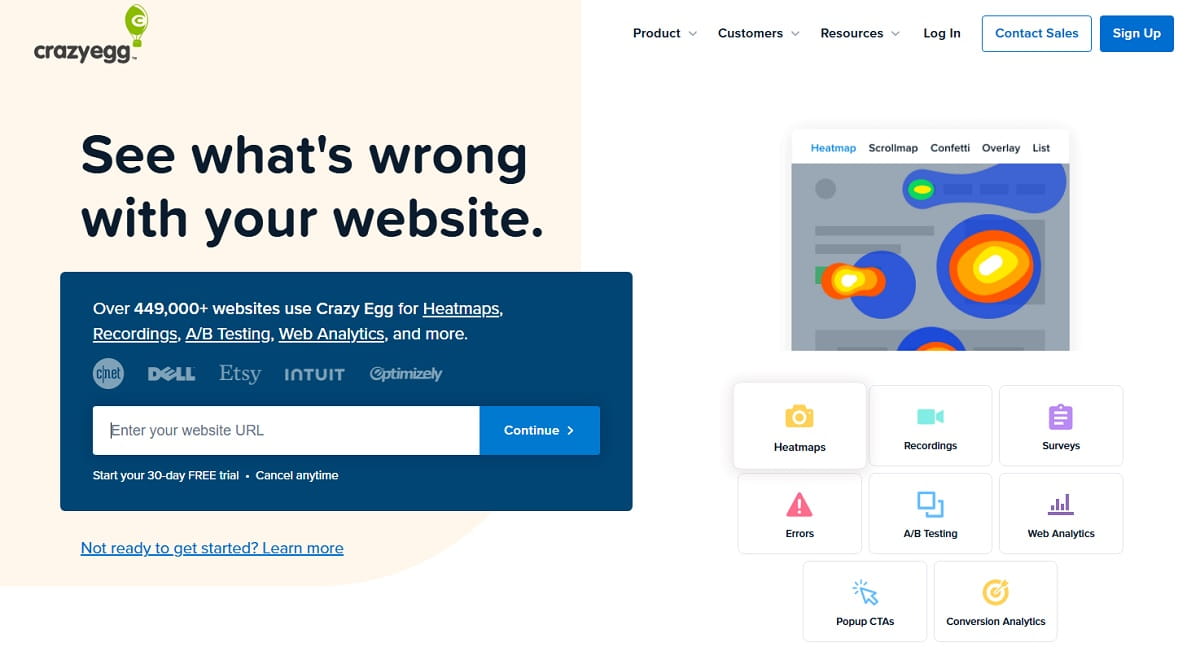
Crazy Egg packages visual reports, recordings, web analytics, error tracking, surveys, CTAs, and A/B testing in an approachable interface. Its Snapshots include familiar heatmap, scrollmap, and confetti-style views. It is a sensible upgrade when a marketing team sees a problem in Clarity and wants to launch a simple test without adding a separate experimentation platform.
The official pricing page lists Starter at $29 per month billed annually, with 5,000 tracked pageviews, five heatmap reports, 50 recordings, and six months of storage. Plus is $99 per month annually and expands pageviews, recordings, storage, and unlimited A/B testing. Read the allowances carefully: the attractive entry price is designed for modest volume.
Advantages
- Easy visual reports for non-technical teams.
- No-code A/B testing and calls to action on higher tiers.
- Public plan comparison and 30-day trial.
Watch-outs
- Entry-tier heatmap and recording limits are restrictive.
- Less depth for product events and developer debugging.
Bottom line: choose Crazy Egg for a straightforward website optimization workflow with light experimentation.
8. Lucky Orange — Best for SMB Ecommerce and Live Visitor Engagement
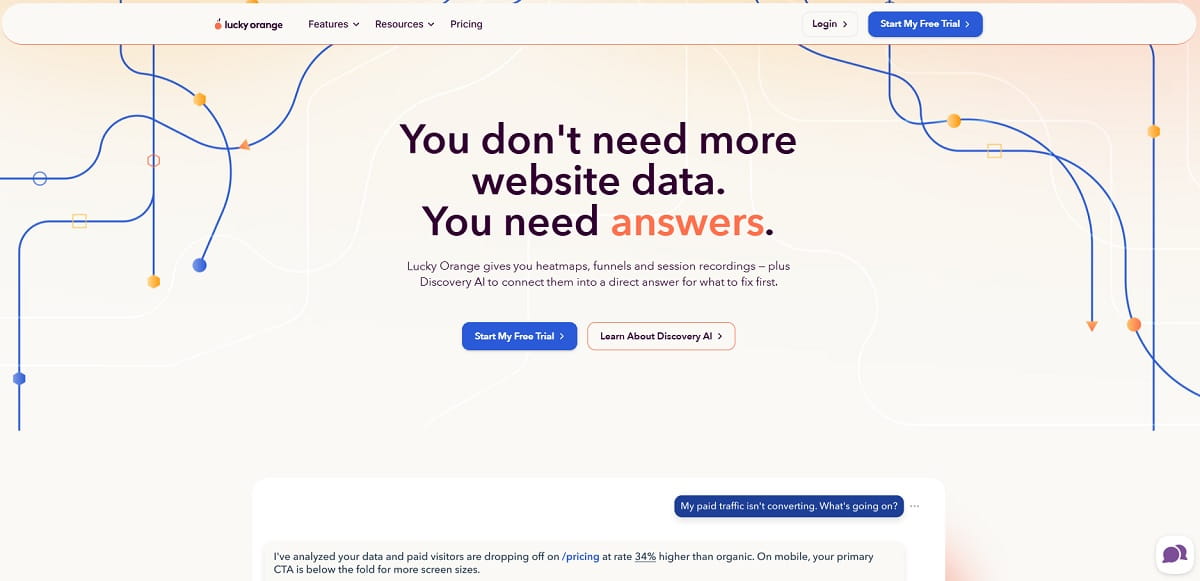
Lucky Orange blends analysis with customer interaction. Dynamic heatmaps, session recordings, conversion funnels, form analytics, and surveys sit beside live chat and a live visitor view. For a small ecommerce or support team, the ability to notice friction and start a conversation can be more useful than another analytics dashboard.
Lucky Orange pricing lists Build at $32 per month on annual billing for 3,500 monthly sessions, Grow at $72, Expand at $199, and Scale at $839. Standard feature lists include unlimited team members, recordings, heatmaps, surveys, and announcements, but storage is 60 days on the published tiers and extra sites add cost.
Advantages
- Live chat and visitor view add an immediate response channel.
- Good mix of heatmaps, replay, forms, funnels, and feedback.
- Accessible for small online businesses.
Watch-outs
- Monthly session limits are much lower than Clarity’s broad free capture.
- Standard retention may be short for longitudinal research.
Bottom line: choose Lucky Orange when talking to an at-risk visitor is part of the optimization strategy.
9. Heatmap.com — Best for Revenue-Based Ecommerce Heatmaps
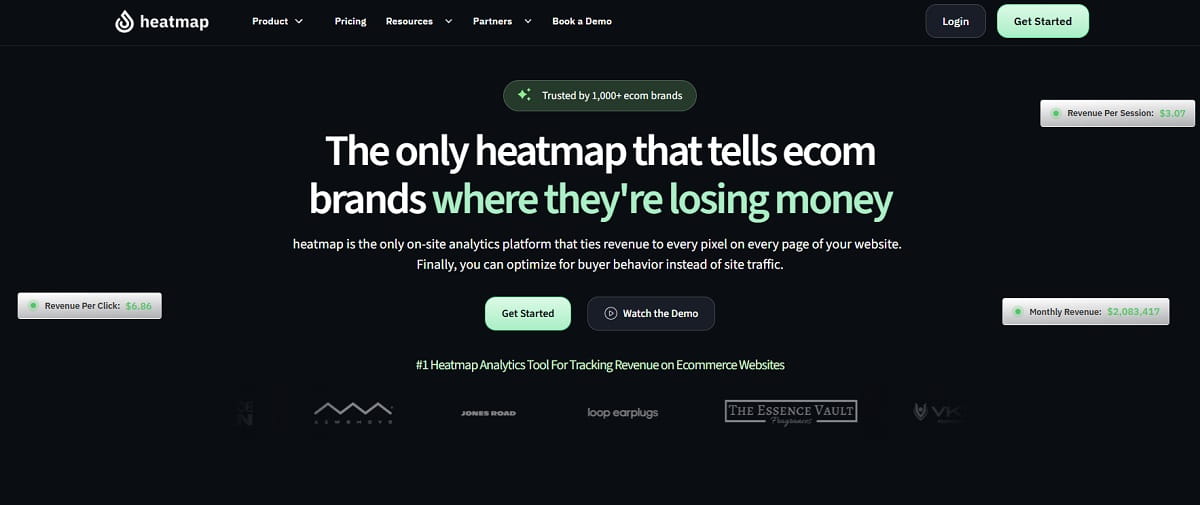
Heatmap.com focuses on a question ordinary heatmap software does not answer well: which clicks and page elements are associated with actual revenue? Its behavioral suite combines revenue heatmaps, scrollmaps, recordings, funnel analysis, JavaScript error visibility, and integrations with testing tools. That helps ecommerce teams prioritize a quiet high-value segment over a noisy low-value pattern.
The official pricing page offers a 14-day trial, but the core web analytics product uses consultation or revenue-based pricing instead of a simple public monthly figure. Ask how attributed revenue is calculated, which platforms are supported, how returns affect reporting, and what traffic or order volume changes the contract.
Advantages
- Revenue context makes prioritization commercially relevant.
- Combines heatmaps, replay, funnels, and error signals.
- Designed around ecommerce optimization workflows.
Watch-outs
- Pricing is not transparent.
- Less compelling for content, SaaS, or lead-generation sites without direct purchase data.
Bottom line: choose Heatmap.com when revenue attribution—not general click popularity—should rank optimization opportunities.
10. OpenReplay — Best Open-Source and Self-Hosted Alternative
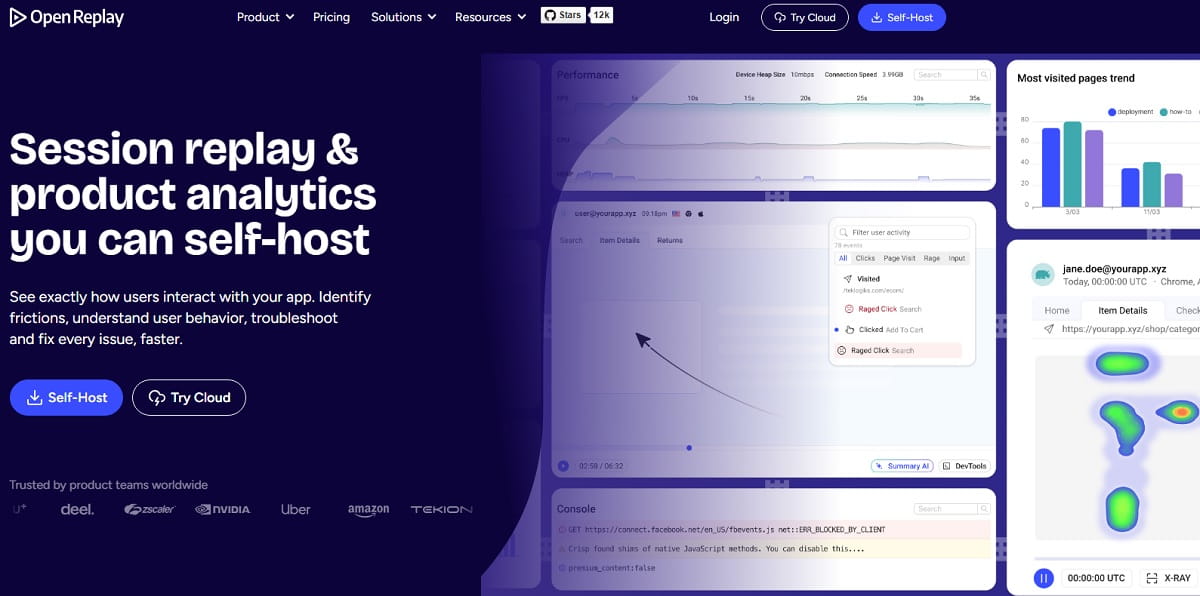
OpenReplay offers session replay, developer tools, product analytics, heatmaps, funnels, and co-browsing with an open-source deployment path. For organizations that cannot send detailed application sessions to a standard SaaS vendor, control of the software and infrastructure can be the deciding feature.
The OpenReplay pricing page lists the self-hosted open-source edition as free and a Dedicated offer from $199 per month, with BYOC and enterprise arrangements available. “Free self-hosted” is not “free to operate”: include compute, storage, backups, upgrades, monitoring, security review, and engineering ownership in the total cost.
Advantages
- Open-source code and a self-hosted deployment option.
- Rich developer context and co-browsing.
- Flexible route for data residency and internal architecture requirements.
Watch-outs
- Infrastructure responsibility moves to your team.
- Less friendly for a marketer who only wants quick heatmaps.
Bottom line: choose OpenReplay when owning the deployment is a requirement rather than a hobby.
11. Matomo — Best for Data Ownership and Privacy-Conscious Web Analytics
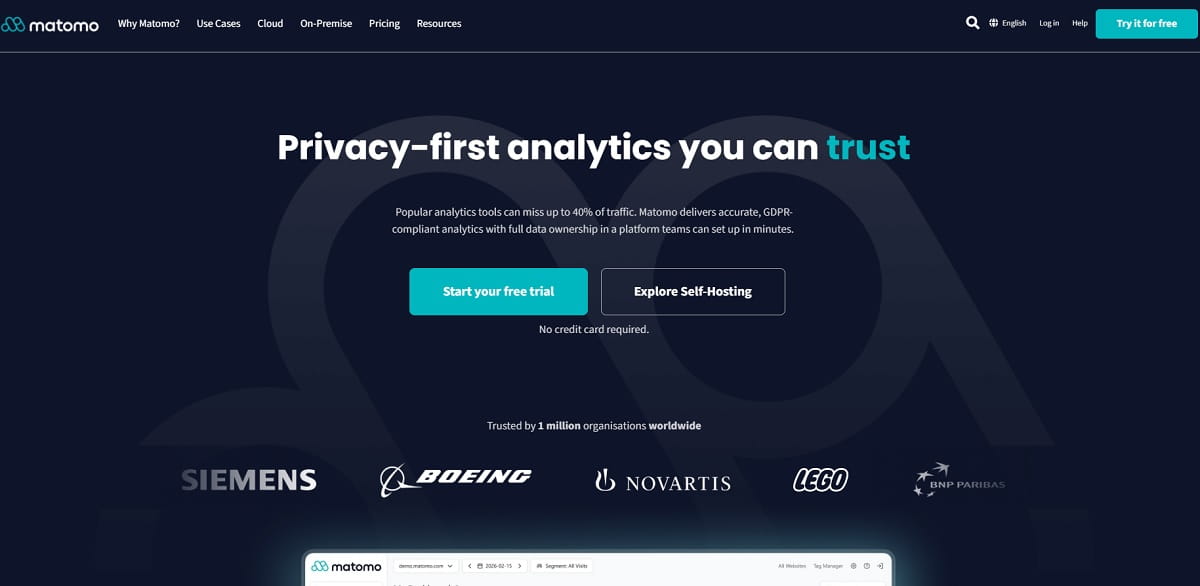
Matomo is broader than a session replay tool. It is a first-party web analytics platform with a self-hosted Community edition and paid cloud or on-premise capabilities. Organizations often consider it when data ownership, infrastructure control, and reducing dependence on advertising-oriented analytics ecosystems are central requirements.
There is an important pricing nuance. The free Community core does not automatically equal a free Clarity replacement: Heatmaps & Session Recording, funnels, form analytics, and A/B testing are premium capabilities. The current Matomo pricing page lists a Team bundle from €230 per month with heatmaps and replay; higher bundles add experimentation and other features. Self-hosted recordings can be retained according to your configuration and storage, while Matomo Cloud heatmap and replay data is normally retained for three months.
Advantages
- Strong data-ownership and self-hosting story.
- Combines quantitative web analytics with optional behavior tools.
- Flexible retention when self-hosted.
Watch-outs
- The free core is not a feature-for-feature free Clarity alternative.
- Premium bundle and infrastructure costs can be significant.
Bottom line: choose Matomo when governance and first-party analytics architecture justify the additional cost and ownership.
12. UXCam — Best for Mobile-First Product Experience Analysis
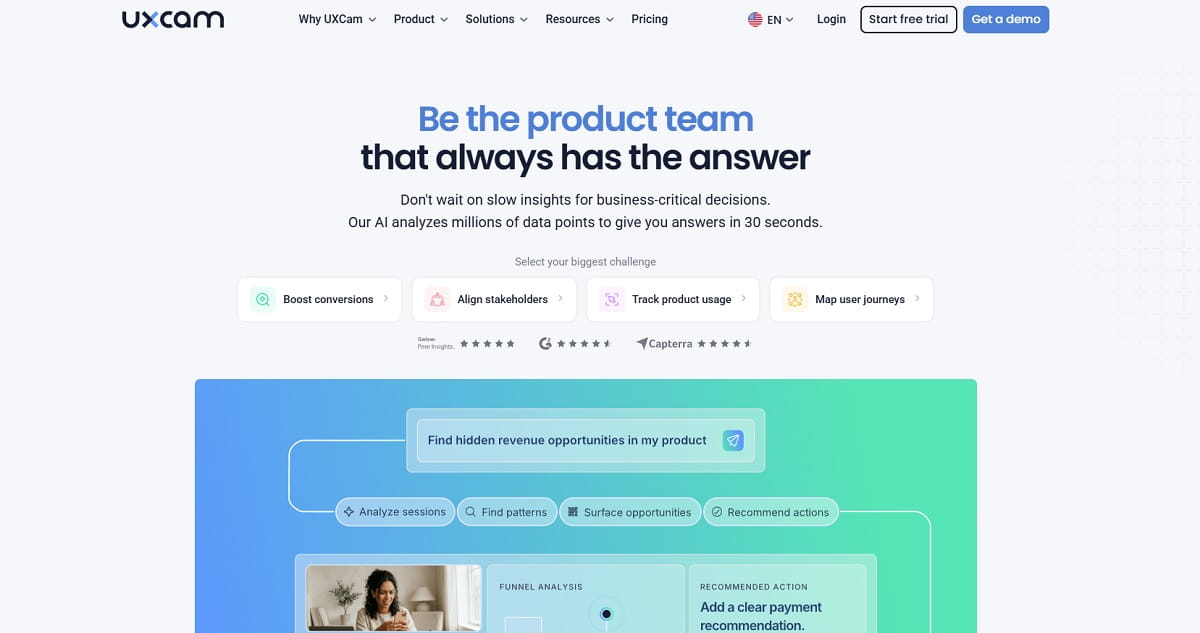
Microsoft Clarity now supports mobile SDKs, so “Clarity cannot record apps” is no longer a valid comparison. UXCam’s advantage is specialization: mobile screen journeys, gesture behavior, rage taps, UI freezes, crashes, logs, and issue context are central to the workflow rather than an extension of a web product. UXCam also supports web analysis, but mobile product teams remain its clearest audience.
UXCam does not publish a simple current list price, so request a quote based on monthly active users or sessions, platforms, retention, seats, and required modules. During the trial, test performance overhead, screen and text masking, crash correlation, and whether product managers can build useful segments without engineering help. Its session replay documentation provides a useful view of the current replay and issue-analysis workflow.
Advantages
- Deep mobile gesture, journey, crash, and freeze context.
- Replay designed for product teams, not only web marketers.
- Useful app issue and behavioral segmentation.
Watch-outs
- No transparent public pricing.
- Web-only marketing teams can buy a better-fitting, simpler platform.
Bottom line: choose UXCam when mobile product experience is the main problem—not simply another channel to record.
How to Choose the Right Clarity Alternative by Use Case
For CRO and Ecommerce Teams: Plerdy
Pick Plerdy if the desired outcome is higher conversion—not merely more recordings. Its combination of heatmaps, replay, funnels, event goals, A/B testing, ecommerce sales performance, and SEO alerts keeps diagnosis and action close together.
For Product Analytics and Feature Delivery: PostHog
Pick PostHog if every replay should connect to structured events, feature flags, releases, experiments, and retention analysis. It delivers the most coherent workflow for engineering-led product teams among the tools in this list.
For Debugging: LogRocket or OpenReplay
Pick LogRocket for a polished managed workflow and OpenReplay when deployment control or open source matters. In both cases, scope capture to the application journeys where technical context has value.
For Research and Customer Feedback: Contentsquare
Pick Contentsquare when recordings and heatmaps need to be paired with surveys, interviews, or user tests. It is a better research system than relying on behavioral inference alone.
For Privacy and Data Ownership: Matomo or OpenReplay
Self-hosting can improve control, but it does not create compliance automatically. Your organization still owns consent, lawful purpose, minimization, masking, security, access, deletion, and vendor governance. Involve privacy and security teams before running any replay tool on authenticated or sensitive journeys.
For Mobile Product Teams: UXCam
Pick UXCam when native app gestures, freezes, crashes, and mobile navigation are daily product questions. Compare it against Clarity’s current SDK—not outdated assumptions about Clarity being web-only.
Microsoft Clarity Migration Checklist
- Write down the decision gap. State what your team cannot decide or fix with Clarity today.
- Inventory current setup. List projects, domains, custom tags, smart events, funnels, filters, integrations, consent signals, masked elements, and key recordings.
- Define comparable events. Use the same names and success conditions in both tools; document where definitions differ.
- Review sensitive surfaces. Exclude passwords, payment fields, health or financial details, private messages, and any data your policy does not permit collecting.
- Run a limited parallel test. Start with one domain, route, or traffic sample for two to four weeks instead of replacing Clarity in a single release.
- Measure script impact. Check Core Web Vitals, request volume, app errors, and tag-manager behavior before and after deployment.
- Compare analytical coverage. Validate session counts, bot filtering, SPA navigation, iframe behavior, funnel completion, revenue, and device segmentation.
- Test the team workflow. Ask a marketer, researcher, product manager, developer, and support agent to complete a real investigation.
- Plan retention. Favorite or label important Clarity recordings before the playback window expires; keep only data your policy permits.
- Set a decision date. Choose the winner using predefined success criteria, then remove duplicate scripts and revoke unused access.
Should you Replace Microsoft Clarity or use Two Tools Together?
For most teams, a controlled overlap is safer than an immediate replacement. Clarity can remain the broad, free observation layer while a specialized product covers a smaller, high-value need: Plerdy for conversion work, PostHog for product decisions, LogRocket for debugging, or UXCam for mobile workflows.
Two tools become a bad idea when they duplicate capture without distinct owners or decisions. They can also increase page weight, consent complexity, privacy exposure, and analytical disagreement. Define the role of each platform in one sentence. If both sentences are “watch recordings and view heatmaps,” consolidate.
| Situation | Recommended approach |
|---|---|
| Clarity works, but CRO execution is fragmented | Pair with Plerdy during evaluation; consolidate if Plerdy covers the required capture volume. |
| Developers need network, console, and error context | Use LogRocket or OpenReplay on application routes; keep Clarity only where broad marketing-site visibility adds value. |
| Self-hosting is mandatory | Plan a full replacement with OpenReplay or Matomo after security and infrastructure review. |
| Only free heatmaps and recordings are required | Keep Clarity. A migration adds work without a clear business benefit. |
Frequently Asked Questions
What Is the Best Microsoft Clarity Alternative?
Plerdy is the best fit for teams that want heatmaps and session replay together with conversion funnels, A/B testing, SEO analysis, and ecommerce revenue insights. PostHog is stronger for product analytics and feature experimentation, while LogRocket is better for developer debugging. The right choice depends on the job Clarity does not complete for your team.
Is There a Free Alternative to Microsoft Clarity?
Yes. Plerdy, Contentsquare, PostHog, Mouseflow, Fullstory, and Matomo Community offer free entry points, although their quotas and included capabilities differ. Microsoft Clarity remains unusually generous for free heatmaps and session replay, so compare the workflow you need rather than the price alone.
Is Plerdy Better Than Microsoft Clarity?
Plerdy is a better choice when a team needs to turn behavioral evidence into CRO work through funnels, A/B testing, SEO auditing, event tracking, and ecommerce revenue analysis. Clarity can be the better choice when the priority is a generous, no-cost way to review heatmaps and recordings.
Is Hotjar Still a Separate Microsoft Clarity Alternative?
Not in the way it used to be. Hotjar became part of Contentsquare, and eligible Hotjar accounts began migrating to Contentsquare plans on July 1, 2025. Buyers should now evaluate Contentsquare Experience Analytics and Voice of Customer rather than assume old Hotjar plans and limits still apply. See the official migration explanation.
Can Microsoft Clarity Replace Google Analytics?
Usually no. Clarity explains how people interact with pages through recordings, heatmaps, and behavioral signals. Google Analytics measures acquisition, events, audiences, and attribution at a broader quantitative level. Many teams use both because the products answer different questions.
Does Microsoft Clarity Support Mobile Apps?
Yes. Microsoft provides native Android, iOS, React Native, and other mobile SDK guidance. A mobile-focused alternative such as UXCam may still be preferable when a team needs deeper gesture, crash, freeze, and mobile product analysis workflows.
Can I Use Microsoft Clarity and Another Analytics Tool Together?
Yes. Running Clarity beside a second platform is often the safest way to evaluate an alternative. Check consent rules, script performance, duplicate event naming, masking, and data retention before deploying both across all traffic.
How Do I Switch From Microsoft Clarity Without Losing Useful Data?
Define the events and segments you rely on, document consent and masking rules, install the new tool on a limited traffic slice, compare outputs for two to four weeks, and export or label important Clarity recordings before their retention window expires. Remove Clarity only after stakeholders accept the replacement data.
Final Verdict
Microsoft Clarity is difficult to beat on the price of basic behavioral visibility: zero. The best alternative is therefore not the tool with the most similar heatmap. It is the one that completes a valuable workflow Clarity leaves unfinished.
For most CRO, ecommerce, and growth teams, start with Plerdy. It keeps the evidence—clicks, scrolls, recordings, events, funnels—close to the actions that improve a site: testing, SEO fixes, feedback, and revenue analysis. If your gap is product experimentation, debugging, self-hosting, enterprise research, or mobile specialization, use the corresponding pick above.