

Google Optimize is gone, but the need for simple website testing did not disappear. After the Google Optimize sunset, many marketers started looking for Google Optimize alternatives that feel easy, useful, and not too technical. Some teams need a full enterprise platform. Others need a Google Optimize free alternative or a practical Google Optimize replacement for small business websites, landing pages, ecommerce pages, and lead-generation forms.
This guide compares the best Google Optimize alternatives for A/B testing, UX research, conversion optimization, and website optimization. You will see where Plerdy, Optimizely, VWO, AB Tasty, and Kameleoon fit best. Not every tool is for every team. A small business does not always need a huge enterprise experimentation system. Sometimes a lighter A/B testing tool with heatmaps, session recordings, SEO checks, pop-ups, and conversion tracking gives more value.
What Was Google Optimize?
Google Optimize was Google’s website testing tool for A/B tests, multivariate tests, redirects, and personalization. Many marketers used it because it was connected with Google Analytics and felt easier to start with than large enterprise experimentation platforms.
For small and mid-sized businesses, Google Optimize was useful because it helped test page changes without buying a costly CRO platform. Teams could compare headlines, CTAs, layouts, forms, product blocks, and landing page versions. It was not perfect, and the free version had limits, but it gave many companies a simple way to start website optimization.
The problem now is simple: Google Optimize is no longer available. That is why searches for Google Optimize alternative, Google Optimize replacement, Google Optimize sunset replacement, and Google Optimize alternatives for small business still have value. People are not looking for history only. They need a tool they can actually use today.
Why And When Did Google Optimize Shut Down?
Google Optimize and Optimize 360 stopped working after September 30, 2023. Active experiments and personalizations ended, so teams could no longer use Google Optimize as their A/B testing tool.
Google explained that Optimize did not include many of the features and services customers needed for modern experimentation. Instead of continuing the product, Google shifted attention toward integrations between Google Analytics and third-party A/B testing platforms.
For marketers, this created a clear problem. They had to find a new Google Optimize replacement, rebuild testing workflows, and choose whether they needed a simple tool or a more advanced experimentation platform. Some teams moved to enterprise products like Optimizely, VWO, AB Tasty, or Kameleoon. Others needed a more affordable website optimization tool like Plerdy, where A/B testing works together with heatmaps, session recordings, SEO audit, pop-ups, and conversion tracking.
Is Google Optimize Still Available?
No, Google Optimize is not available anymore. Google Optimize and Google Optimize 360 stopped working after September 30, 2023. You cannot create new tests, continue active experiments, or use it as a free A/B testing tool today.
This is why many businesses still search for a Google Optimize free alternative, Google Optimize sunset replacement, or Google Optimize alternatives for small business. The intent is practical. People want to know what replaced Google Optimize and which tool can help them keep testing pages without slowing down marketing work.
GA4 is not a direct Google Optimize replacement. GA4 helps with analytics and reporting, but it does not replace a visual A/B testing platform by itself. So if your team wants to test landing pages, product pages, CTAs, forms, pricing blocks, or signup flows, you need a dedicated A/B testing tool.
How The Google Optimize Sunset Affects Businesses
Testing Workflows Had To Move
The Google Optimize sunset forced teams to move their testing process to another platform. This was not only about choosing a new tool. Marketers also had to rebuild experiments, reconnect analytics, check tracking, and decide how test results would be reported inside the team.
Small Businesses Lost A Free Testing Option
One reason Google Optimize was popular was simple: it helped smaller teams start A/B testing without a large budget. After the shutdown, many companies started searching for a Google Optimize free alternative or a low-cost Google Optimize replacement. For this type of team, a tool like Plerdy can be useful because it combines A/B testing with behavior analytics, SEO checks, pop-ups, and conversion tracking.
Enterprise Teams Needed More Control
Larger companies usually need more than a basic website test. They may need multivariate testing, server-side testing, feature flags, advanced targeting, approvals, and deeper integrations. That is why platforms like Optimizely, VWO, AB Tasty, and Kameleoon are often better for mature experimentation teams.
Google Optimize Alternatives Comparison
Before choosing a Google Optimize replacement, compare the tools by use case, pricing, and the main value they bring. Some platforms are better for enterprise experimentation. Others are easier for small teams that need a Google Optimize alternative without a long setup.
| Tool | Best For | Price | Main Value |
|---|---|---|---|
| Plerdy | Small and mid-sized businesses that need an affordable Google Optimize alternative | Free plan available; Startup from $21/month with yearly billing | A/B testing, heatmaps, session recordings, SEO audit, pop-ups, ecommerce tracking, and conversions in one platform |
| Optimizely | Enterprise teams with mature experimentation programs | Custom pricing by request | Advanced A/B testing, personalization, AI predictive audiences, and enterprise experiment management |
| VWO | CRO and growth teams that need testing with behavior analytics | Explore for free; paid plans use demo/custom pricing on the official pricing page | A/B testing, Split URL testing, Multivariate testing, visual/code editor, targeting, and reporting |
| AB Tasty | Mid-market and enterprise teams focused on experimentation and personalization | Custom/demo pricing; no public fixed price shown | A/B/n testing, Multivariate testing, WYSIWYG editor, real-time results, personalization, feature flags, and rollout control |
| Kameleoon | Teams that need AI-assisted experiments and feature rollouts | Free trial available; Enterprise/custom pricing based on usage and traffic model | Prompt-based experimentation, feature flags, progressive rollout, real-time reporting, targeting, and AI-assisted test creation |
If you need Google Optimize alternatives for small business, Plerdy is the easiest option to start with because it has a free plan and a clear paid entry price. If you compare Optimizely vs VWO vs Google Optimize alternatives, the choice becomes more enterprise-focused: Optimizely is stronger for complex experimentation, VWO is strong for CRO teams, while AB Tasty and Kameleoon fit teams that need personalization, feature flags, and rollout control.
Top 5 Google Optimize Alternatives
1. Plerdy A/B Testing Tool
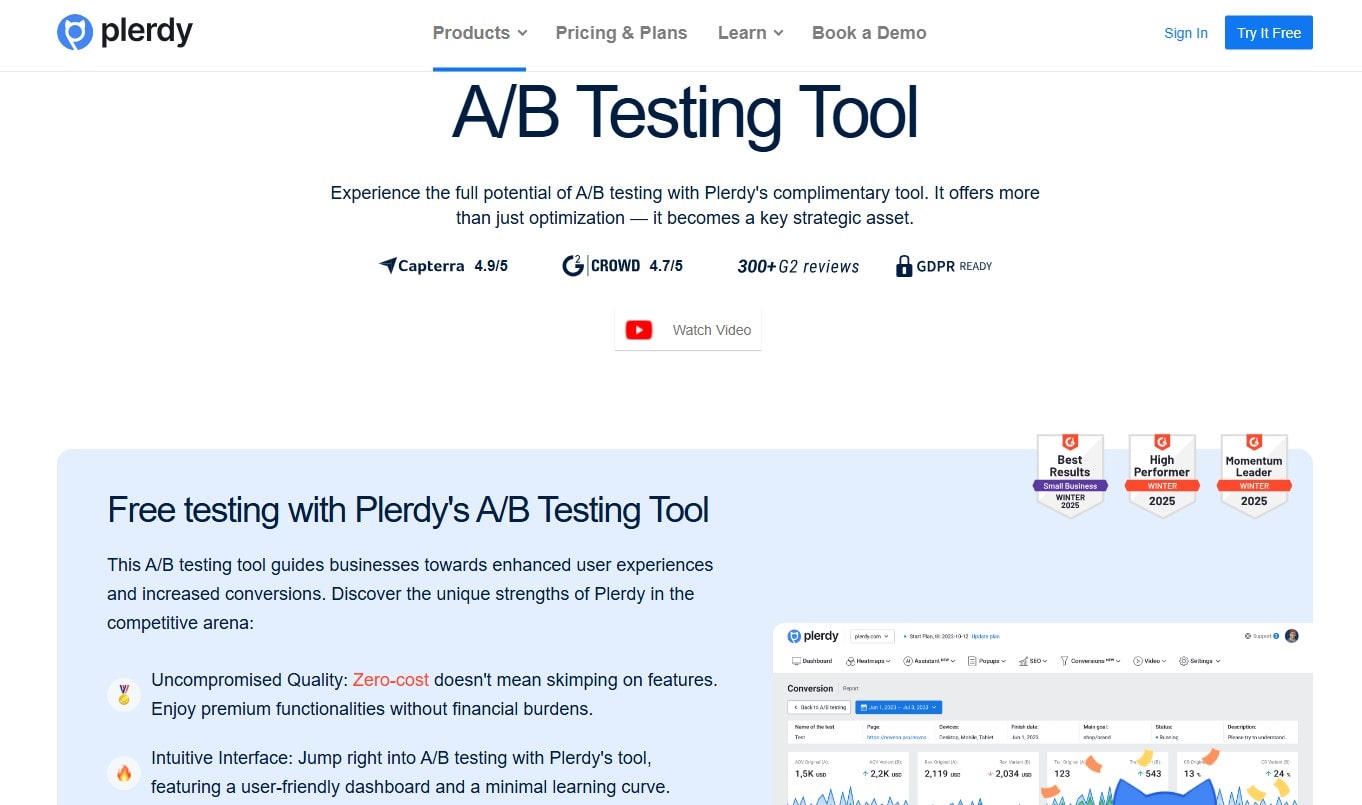
Plerdy is a strong Google Optimize alternative for small and mid-sized teams that need testing without a heavy enterprise setup. It is not only an A/B testing tool. Plerdy also includes heatmaps, session recordings, SEO audit, pop-ups, ecommerce tracking, conversion tracking, and GA4 integration. That matters because a test result alone does not always explain user behavior.
Best for: small businesses, ecommerce sites, SaaS teams, agencies, and marketers who need a Google Optimize replacement with extra CRO and UX data.
Main features:
- A/B testing for page changes, CTAs, forms, offers, headlines, and layouts.
- Heatmaps to see where users click and how they interact with page elements.
- Session recordings to understand real user behavior before and after a test.
- SEO audit tools for checking technical and on-page SEO issues.
- Pop-ups and forms for lead generation tests.
- Conversion tracking and ecommerce tracking for measuring business results.
- Google Analytics 4 integration for cleaner reporting.
Why it works after Google Optimize: Google Optimize helped teams run tests, but it did not give the full behavior picture. Plerdy is useful when you want to test a page and also see UX issues, SEO problems, user clicks, scroll behavior, and conversion paths in one place.
Main limitation: Plerdy is not a heavy enterprise experimentation suite like Optimizely. If your company needs complex server-side experimentation, feature governance, and deep enterprise workflows, another platform may fit better.
2. Optimizely Web Experimentation
Optimizely is one of the strongest Google Optimize alternatives for enterprise teams. It is built for companies that need A/B testing, multivariate testing, advanced experimentation, personalization, and structured CRO workflows. For large websites, this matters because one experiment can affect many pages, teams, markets, or customer segments.
Best for: enterprise companies, mature CRO teams, product teams, and businesses with high traffic and complex testing needs.
Main features:
- A/B testing for web pages, user flows, and digital experiences.
- Multivariate testing for checking several page elements at the same time.
- Advanced experimentation for larger optimization programs.
- CRO-focused reporting to help teams reduce guesswork.
- Options for teams that need more technical control.
Why it works after Google Optimize: Optimizely is much more advanced than Google Optimize was. It is a better fit when testing is not just a small marketing task, but a serious business process with traffic, budget, and technical support behind it.
Main limitation: Optimizely can be too much for small businesses. If your team only wants to test a headline, CTA, pricing block, or form, the platform may feel expensive and complex.
3. VWO Testing
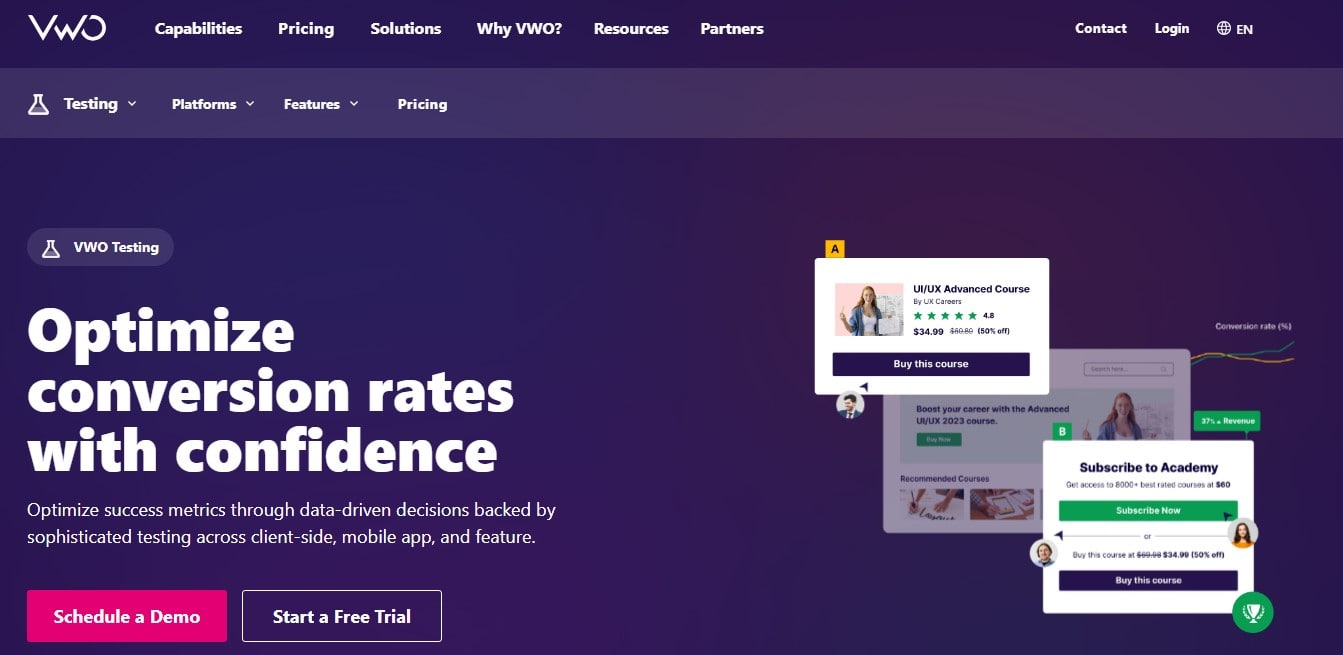
VWO is a strong Google Optimize replacement for CRO and growth teams. It supports A/B testing, Split testing, Multivariate testing, custom goals, audience targeting, and funnel-focused reporting. This makes it useful for teams that want more structure than Google Optimize gave.
Best for: CRO teams, growth marketers, agencies, ecommerce sites, and SaaS companies with regular testing needs.
Main features:
- A/B testing for comparing page variations.
- Split testing for large design or flow changes on different URLs.
- Multivariate testing for testing combinations of page elements.
- Code editor and widget options for advanced page modifications.
- Audience targeting by traffic source, device, visitor type, behavior, and other conditions.
- Custom goals and funnel tracking for measuring test impact.
Why it works after Google Optimize: VWO is useful when your team wants testing plus deeper optimization logic. It is not only about changing one button. It helps teams connect experiments with audience rules, goals, and conversion behavior.
Main limitation: VWO can feel broad if your team only needs a very simple A/B testing tool. It is stronger when you already have a CRO process or plan to build one.
4. AB Tasty
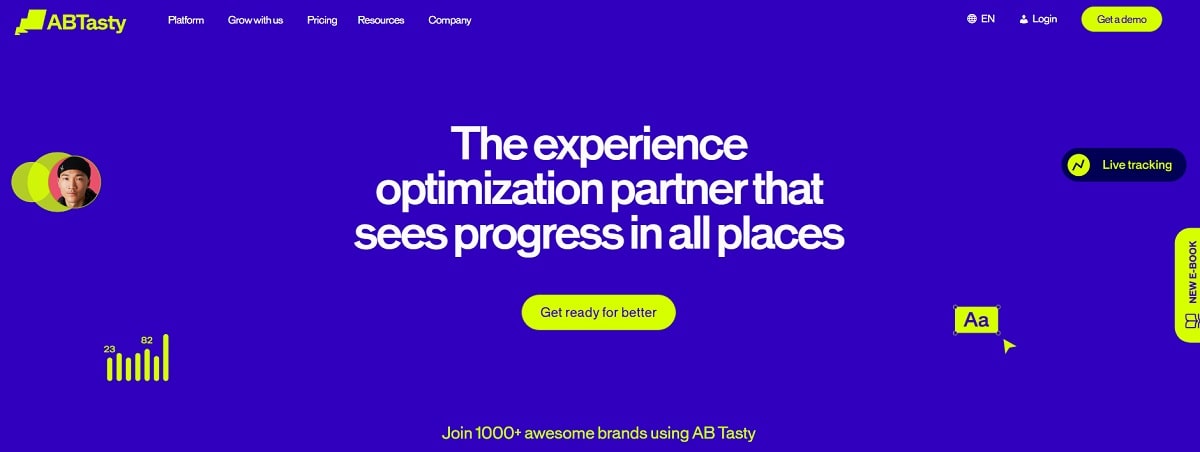
AB Tasty is a Google Optimize alternative for teams that need experimentation, personalization, and release management in one platform. It is not just a basic split testing tool. AB Tasty includes A/B/n testing, multivariate testing, reports, dashboards, WYSIWYG editing, real-time results, segmentation, feature flags, and progressive deployment.
Best for: mid-market and enterprise teams that want to connect website testing, personalization, and product release control.
Main features:
- A/B/n testing for comparing several variations.
- Multivariate testing for checking combinations of elements.
- WYSIWYG editor and code editor for different team skills.
- Real-time results and reporting dashboards.
- Segmentation and personalization options.
- Feature flags, progressive deployment, and rollback options.
- Analytics connectors, including Google Analytics and Adobe Analytics.
Why it works after Google Optimize: AB Tasty covers more than page testing. It can support experiments, personalized campaigns, and safer feature releases. That makes it useful for teams where CRO and product experimentation overlap.
Main limitation: AB Tasty is usually not the simplest choice for a small website. It makes more sense when a company already has traffic, a CRO process, and people responsible for experiments.
5. Kameleoon
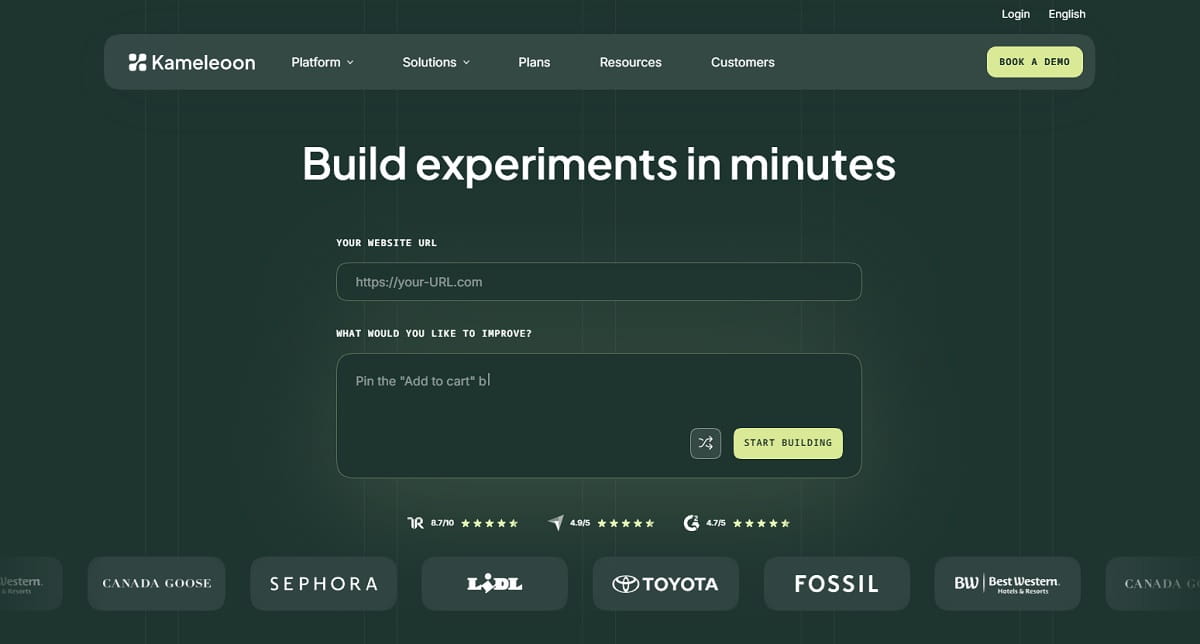
Kameleoon is a Google Optimize alternative for teams that want advanced experimentation with AI-assisted workflows. The platform helps teams build, test, and roll out experiments across websites and product interfaces. It also supports feature flags, targeting, progressive rollout, and real-time performance data.
Best for: product teams, marketing teams, engineering teams, and companies that need controlled experimentation across web and product experiences.
Main features:
- AI-assisted experiment creation with prompt-based workflows.
- Web and product experimentation.
- Feature flags for controlled releases.
- Progressive rollout based on user targeting and real-time data.
- Visual and code-ready experiment output.
- Shared experimentation workflows for marketing, product, and engineering teams.
Why it works after Google Optimize: Kameleoon is useful when a team wants more than classic A/B testing. It can support idea generation, experiment building, feature rollout, and performance monitoring in one workflow.
Main limitation: Kameleoon may be too advanced for small teams that only need to test one landing page or CTA. It fits better when experimentation is already part of the product or marketing process.
How To Choose The Best Google Optimize Alternative
The best Google Optimize alternative is not always the most famous one. It is the tool that fits your traffic, budget, team skills, and testing goals. A small business does not need the same platform as a global ecommerce brand. And buying a huge enterprise tool only to test one CTA button is not a smart move.
Start With Your Testing Maturity
If your team is new to A/B testing, choose a tool that is easy to launch and does not require a long technical setup. Plerdy is a good fit here because it combines A/B testing with heatmaps, recordings, SEO audit, pop-ups, and conversion tracking. If your company already runs many tests every month, tools like Optimizely, VWO, AB Tasty, or Kameleoon may give more advanced workflows.
Check Whether You Need More Than A/B Testing
Google Optimize was useful, but it did not show the full visitor journey. That is why many teams now want tools with behavior analytics. Heatmaps, session recordings, form analytics, surveys, and funnels help you understand what to test before you create a variation. Without that research, A/B testing can turn into guessing with nicer charts.
Think About Pricing Early
Pricing is one of the biggest reasons people still search for a Google Optimize free alternative. Some tools offer free or lower-cost entry plans. Others work through custom pricing and sales calls. This is not bad, but it matters. A small team usually needs fast setup and predictable cost. An enterprise team may need governance, security, server-side testing, and support.
Look At GA4 And Data Integrations
Many marketers used Google Optimize because it worked closely with Google Analytics. After the sunset, check how each tool sends experiment data into your analytics stack. GA4, CRM tools, ecommerce platforms, and tag managers can all matter. The cleaner the integration, the easier it is to trust the test result.
Conclusion
Google Optimize is no longer available, so waiting for it to return is not a strategy. The better move is to choose a Google Optimize replacement that matches how your team actually works. Plerdy is a strong option for small and mid-sized teams that want A/B testing together with heatmaps, session recordings, SEO checks, pop-ups, ecommerce tracking, and conversion tools. Optimizely, VWO, AB Tasty, and Kameleoon are better for larger teams with more complex experimentation needs.
The right choice depends on your budget, traffic, and testing maturity. If you need a simple Google Optimize alternative for practical website optimization, start with the tool that helps you test faster and understand user behavior better. A long feature list means nothing if your team cannot launch the first test.
FAQ About Google Optimize Alternatives
Is Google Optimize Still Available?
No, Google Optimize is not available anymore. Google Optimize and Optimize 360 stopped working after September 30, 2023, so businesses now need another A/B testing tool for website experiments and personalization.
Why Did Google Optimize Shut Down?
Google shut down Google Optimize because the product did not include many of the features and services users needed for modern experimentation. Google shifted focus toward third-party A/B testing integrations with Google Analytics.
What Is The Best Google Optimize Alternative?
The best Google Optimize alternative depends on your business size and testing needs. Plerdy is a strong choice for small and mid-sized teams that need A/B testing, heatmaps, session recordings, SEO tools, pop-ups, and conversion tracking in one platform. Optimizely, VWO, AB Tasty, and Kameleoon are stronger for larger experimentation programs.
Is There A Free Google Optimize Alternative?
Yes, some tools offer free plans or free trials. Plerdy can be a practical Google Optimize free alternative for teams that need A/B testing together with heatmaps, SEO checks, session recordings, and conversion tracking.
What Replaced Google Optimize After It Shut Down?
Google did not release a direct one-to-one replacement for Google Optimize. Instead, businesses now use third-party A/B testing tools such as Plerdy, VWO, Optimizely, AB Tasty, and Kameleoon.
Is GA4 A Replacement For Google Optimize?
No, GA4 is not a direct replacement for Google Optimize. GA4 helps with analytics and reporting, but it does not replace a visual A/B testing platform for creating and running website experiments.