

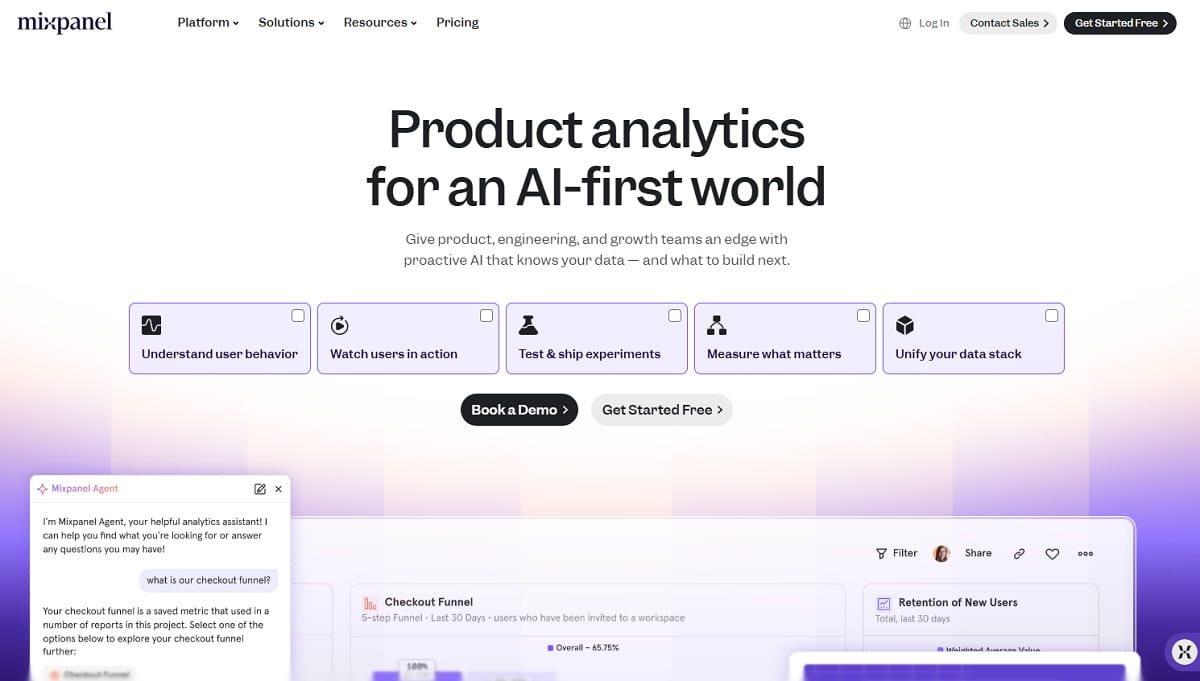
Mixpanel is still one of the sharpest event-analytics products on the market, and for a lot of teams it is the right answer. But event-based billing that grows with your success, a tracking model that cannot look backwards, and a data layer that says nothing about why a funnel step leaks are the three reasons the phrase Mixpanel alternatives keeps landing in search boxes. Plerdy answers the third problem directly — conversion funnels and event goals sitting on top of heatmaps, session replay and ecommerce revenue data in one subscription that starts free — and it opens the list below, followed by twelve more Mixpanel competitors picked for different stacks, budgets and compliance rules.
This is not a rewrite of other listicles. Every price, plan limit and ownership claim below was checked against the vendor’s own pricing page or press release in September 2026. That matters more than usual this year: four products that still appear as “Mixpanel alternatives” in currently ranking articles have been discontinued, absorbed or rebranded since those articles were published. They are listed, with dates and sources, in Tools That Are No Longer Safe Bets.
Why Teams Look For Mixpanel Alternatives
Switching an analytics platform is expensive, so nobody does it for fun. Across migration threads, review sites and vendor comparison pages, five reasons repeat. Which one applies to you decides which tool below is the right answer — a team leaving over cost needs a different platform than a team leaving over data residency.
1. Event Volume Pricing Punishes Growth
Mixpanel’s published plans give you up to 1M events a month free with 10K session replays, then Growth scales to 20M events a month, and Enterprise runs to 1T events on a quote. The model is transparent, but it ties your bill to instrumentation depth. Every new feature you track and every new user you win adds events, so the teams with the most to analyse are the ones paying most for the privilege. Plenty of teams respond by tracking less, which quietly defeats the point of buying analytics at all.
2. Newly Defined Events Have No History
Mixpanel is an event-first platform: you decide what to track, you ship the instrumentation, and data starts from that moment. If a question comes up in October about behavior in June, and you were not already sending that event in June, the answer does not exist. Platforms built on autocapture — Heap and FullStory in particular — record the raw interaction stream and let you define an event afterwards, then backfill the report. That single difference is the most common reason product teams move.
3. Autocapture Is Web Only
Mixpanel did ship autocapture, and it is better than the “Mixpanel has no autocapture” line still repeated in older comparison posts. It collects pageviews, scrolls, form interactions, element clicks, dead clicks and rage clicks. But Mixpanel’s own documentation states that autocapture is currently available for web only via Mixpanel’s JavaScript SDK. If your product is an iOS or Android app, you are back to manual instrumentation for the surface that matters most.
4. Events Tell You What Happened, Not Why
A funnel report showing heavy drop-off at checkout step two is a question, not an answer. Mixpanel added session replay, which helps, but it has no heatmap layer, no scroll-depth analysis, no form-field analytics and no SEO or technical-error view. Marketing and CRO teams end up buying a second behavioral tool and stitching two dashboards together. Platforms such as Plerdy, FullStory and LogRocket keep the “what” and the “why” in one place.
5. Data Residency, Consent And Ownership
Public-sector bodies, healthcare providers, banks and any organisation operating under strict EU guidance often cannot send behavioral data to a third-party US-hosted SaaS at all. The European Data Protection Board’s guidance on international transfers is the reason self-hosted analytics exists as a category. Matomo, PostHog, Countly and Piwik PRO all answer this; Mixpanel, by design, does not.
How We Chose These Mixpanel Alternatives
Most “best Mixpanel alternatives” lists are assembled from other lists, which is how discontinued products stay in circulation for years. Four checks decided what appears below:
- It replaces the core job. Mixpanel exists to answer behavioral questions with event data: custom event tracking, funnels, retention and cohorts, and user-level segmentation. A tool qualifies only if it does at least three of those four on real traffic. Survey platforms, heatmap-only tools and customer data platforms did not qualify, however often they appear elsewhere.
- It is actually available in September 2026. We opened every vendor’s pricing page and checked every ownership change this month. Four widely recommended products failed this test outright.
- Pricing is verifiable. Every figure below comes from the vendor’s public pricing page, or is explicitly marked as quote-only. Where a vendor publishes no list price, we say so instead of guessing.
- It serves a distinct buyer. Thirteen near-identical event platforms would be useless. Each entry covers a different situation: web conversion, scale, open source, autocapture, free, privacy, onboarding, replay, engineering, self-hosted mobile, mobile engagement, regulated industry, enterprise.
One thing you will not find here is an invented performance number. There is no reliable public benchmark for “switching analytics platforms lifts conversion by a given percentage”, so we do not publish one. The honest measurement is the one you run on your own funnel, in parallel, for one billing cycle after switching — the method is in the migration section.
Mixpanel Alternatives Compared At A Glance
Entry price is the cheapest publicly listed paid tier. “Retroactive” means you can define an event today and see historical data for it. All figures verified September 2026.
| Tool | Best For | Free Tier | Paid From | Retroactive | Self-Host |
|---|---|---|---|---|---|
| Plerdy | Web and ecommerce conversion analytics | Yes, permanent | $21/mo annual | No | No |
| Amplitude | Closest full-scale replacement | 2M events/mo | Usage-based | No | No |
| PostHog | Engineering-led product teams | 1M events/mo | Pay as you go | Partial | Yes |
| Heap by Contentsquare | Teams that hate instrumenting events | 10k sessions/mo | Quote only | Yes | No |
| Google Analytics 4 | Free web acquisition analytics | Yes, full product | GA4 360 quote | No | No |
| Matomo | Privacy and data ownership | Self-hosted free | €29/mo cloud | No | Yes |
| Pendo | Analytics plus in-app onboarding | 500 MAU | Quote only | No | No |
| FullStory | Replay-led behavioral analysis | 30k sessions/mo | Quote only | Yes | No |
| LogRocket | Frontend engineering and product | 14-day trial | $176/mo | Partial | Enterprise |
| Countly | Self-hosted mobile and web | Countly Lite | $175/mo | No | Yes |
| CleverTap | Mobile analytics plus messaging | Trial only | $85/mo | No | No |
| Piwik PRO | Regulated industries | 30-day trial | €36/mo | No | Yes |
| Adobe Analytics | Enterprise Adobe stacks | No | Quote only | No | No |
1. Plerdy — Best For Web And Ecommerce Conversion Analytics
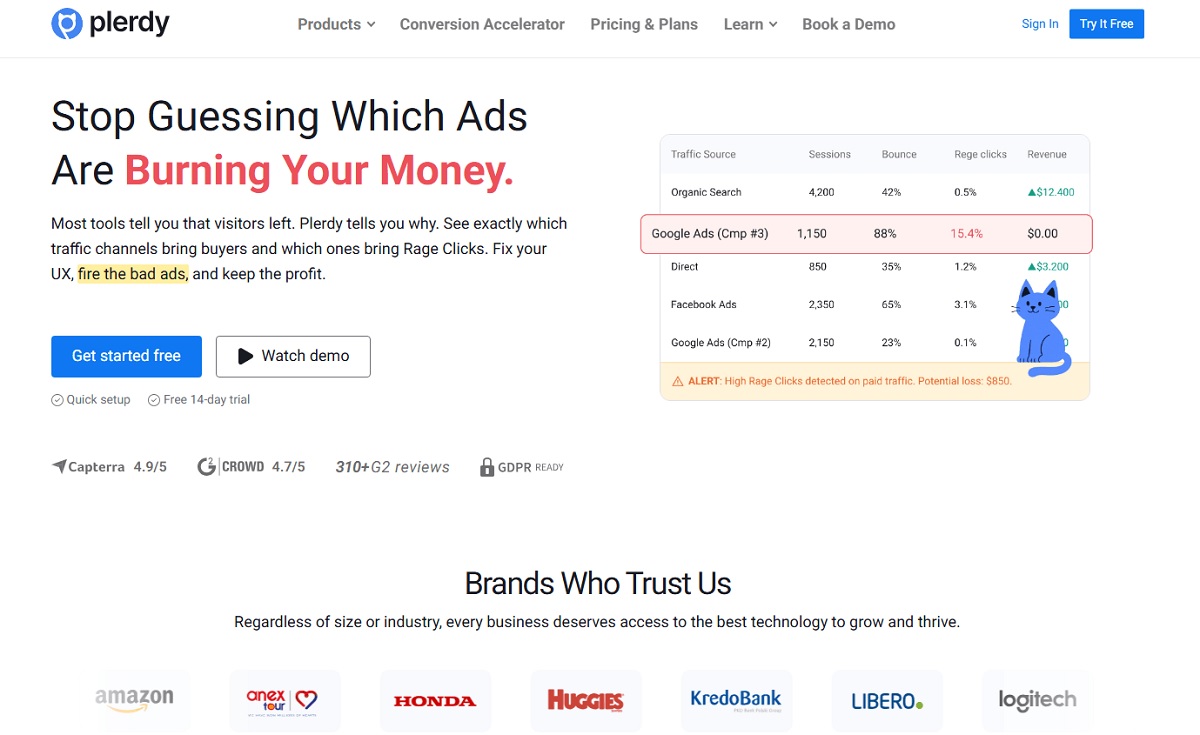
Plerdy is the strongest fit for the single biggest gap in Mixpanel: it connects event goals and conversion funnels to the visual evidence behind them. You define a goal, watch the funnel drop-off, then open the heatmaps and session recordings for exactly the visitors who dropped — inside one interface, on one subscription. For marketing, CRO and ecommerce teams whose product is the website, that closes the loop an event-only platform leaves open.
Where Mixpanel prices on event volume, Plerdy prices on heatmap pageviews, video sessions and conversions separately, with a permanent free tier rather than a trial. The Startup plan is $32/month billed monthly or $21/month annually, which is roughly the price of a single seat on most enterprise analytics tools. Unlimited A/B testing is included at every tier, including free — most competitors gate that behind an upgrade.
The honest limit: Plerdy is a web and ecommerce platform. It does not ship native iOS and Android SDKs, and it does not do retention matrices or cohort regressions at Amplitude’s depth. If you run a cross-platform mobile product and live in retention curves, Amplitude or PostHog is the closer swap. If your funnel is a website and your question is “where does revenue leak and why”, Plerdy replaces more of your stack than any other tool on this list.
Key Features
- Website heatmap tool — click, scroll, move, hover and staying-time maps, segmented by device, traffic source and date range.
- Session replay — full visit recordings tied to the funnel step where the visitor dropped out.
- Event goals tracking — custom event and goal definition without a developer for standard element interactions.
- Conversion funnel analysis — step-by-step drop-off with the recordings behind each drop one click away.
- Ecommerce sales performance — product-level revenue attribution, cart and checkout tracking.
- Pop-up and smart forms — exit-intent offers, NPS and feedback widgets triggered from behavior rather than a separate subscription.
- Unlimited A/B testing — available on every plan, free tier included.
- SEO checker, SERP tracker and error monitoring — on-page audits, keyword positions, and the JavaScript failures behind rage clicks.
Pros And Cons
| Pros | Cons |
|---|---|
| Permanent free plan with real limits, not a 14-day teaser | No native mobile app SDKs |
| Funnels, heatmaps and replay in one product — no stitching two vendors | Retention and cohort analysis is shallower than Amplitude or Mixpanel |
| Unlimited A/B testing on every tier | Not a data warehouse destination for raw event export at enterprise scale |
| Lowest entry price on this list at $21/month annually | SEO and error modules are extra surface to learn if you only want analytics |
| Adds SEO and technical error layers Mixpanel has never had | Smaller integration marketplace than Amplitude or Segment |
Pricing: Free forever. Startup $21/month annually or $32 monthly, Scale $42/month annually or $64 monthly, Thrive $70/month annually or $108 monthly, Enterprise tiers from $97 to $253/month annually.
Best for: ecommerce stores, SaaS marketing sites and agencies that need conversion analytics with visual evidence attached.
2. Amplitude — The Closest Full-Scale Mixpanel Replacement
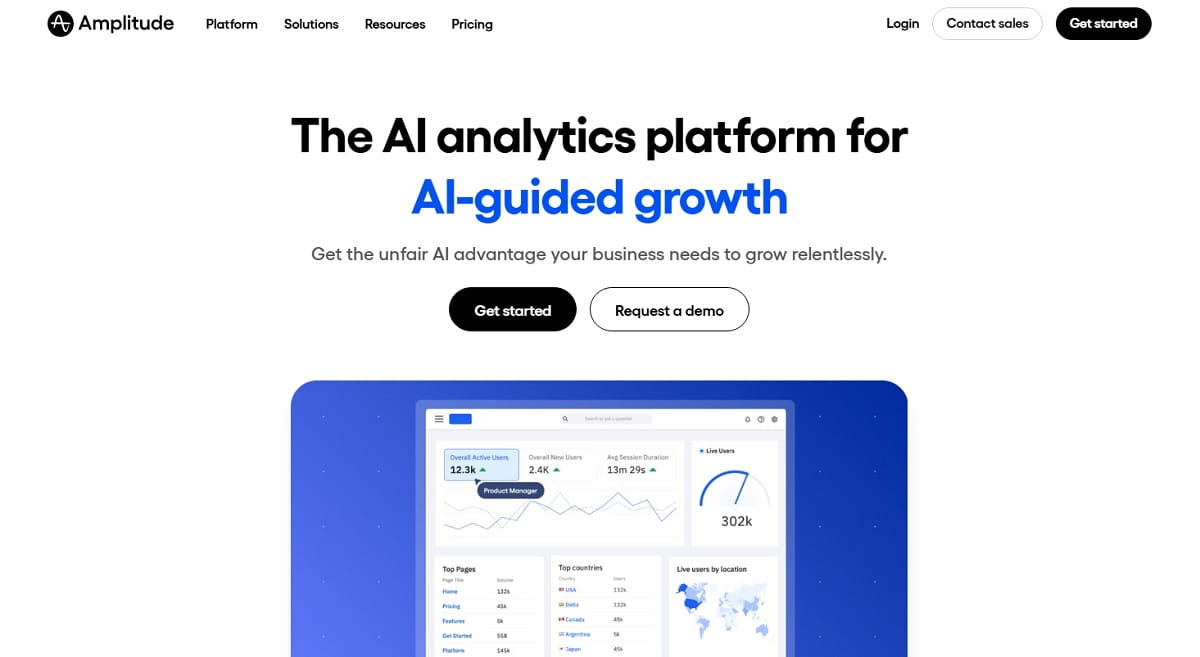
Amplitude is the like-for-like swap. Same event model, same funnels, retention curves, cohorts and behavioral segmentation, aimed at the same product-team buyer — with a free tier that is twice Mixpanel’s at 2M events a month and 10K monthly session replays. If your team already thinks in events and you simply want more headroom, better experimentation and a bigger integration ecosystem, this is the shortest migration on the list.
Two 2026 developments matter to the buying decision. Amplitude took on the Statsig brand and customer base in May 2026, committing to maintain and develop the Statsig platform across cloud and warehouse deployments — after OpenAI acquired Statsig and its team in September 2025. Amplitude also absorbed the June.so team when that product wound down. Practically, that means experimentation and feature flags are no longer a bolt-on you buy elsewhere, but it also means two overlapping platforms whose long-term roadmap is still being merged.
Key Features
- Behavioral cohorts, retention analysis and funnel conversion with drop-off breakdowns.
- Session replay bundled into the free tier at 10K sessions a month.
- Experimentation and feature flags, now reinforced by the Statsig platform.
- Heatmaps on the Plus plan and above.
- Warehouse-native deployment for teams that keep the source of truth in BigQuery or Snowflake.
- Two-year data retention on Plus, longer on Growth and Enterprise.
Pros And Cons
| Pros | Cons |
|---|---|
| Largest free tier of any comparable platform at 2M events a month | Still no autocapture-style retroactive event definition |
| Experimentation included rather than a separate vendor | Advanced charts sit behind Growth and Enterprise quotes |
| Mature integration catalogue and warehouse connectors | Two experimentation platforms mid-merge adds roadmap uncertainty |
| Migration from Mixpanel is conceptually one-to-one | Event-volume billing reproduces the exact cost curve you left |
Pricing: Free at 2M events a month forever. Plus starts at $0 with the first 2M events free and scales to 70M events. Growth and Enterprise use custom event-based pricing.
Best for: product teams that outgrew Mixpanel’s free tier but want to keep the same analytical model.
3. PostHog — Best Open-Source Mixpanel Alternative
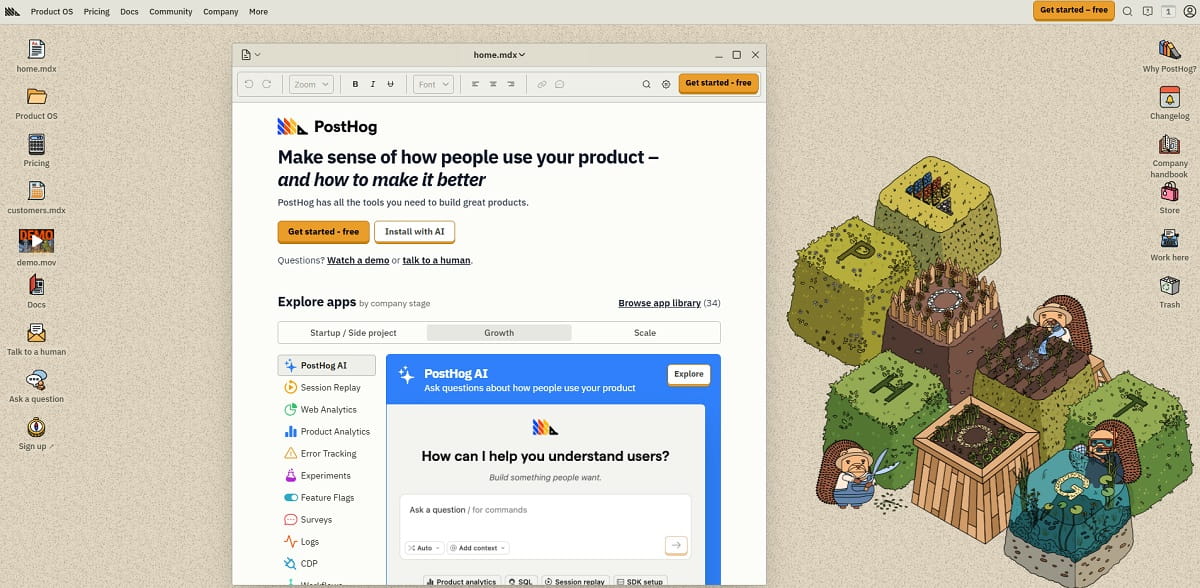
PostHog bundles what most teams assemble from four vendors: product analytics, session replay, feature flags, experiments, surveys, error tracking and a data warehouse, all under one pay-as-you-go account with a separate free allowance on every product. It is open source, so a self-hosted deployment is a real option rather than a marketing claim, and the pricing calculator is public down to the event.
The free allowances are the headline. Per PostHog’s pricing page: 1M analytics events, 5K session recordings, 1M feature flag requests, 100K error-tracking exceptions, 1,500 survey responses, 1M data-warehouse rows and 10GB of ingested logs each month, with the company stating that 97% of its customers use it for free. For a startup replacing Mixpanel plus a feature-flag vendor plus a replay tool, that is often a three-line saving.
Key Features
- Product analytics with funnels, retention, paths and cohort breakdowns.
- Session replay with console logs and network waterfalls attached.
- Feature flags and A/B experiments driven by the same event data.
- Surveys, error tracking and LLM observability in the same account.
- Built-in data warehouse and SQL access to your own raw events.
- Open-source codebase with a self-hosted deployment path.
Pros And Cons
| Pros | Cons |
|---|---|
| Replaces three or four separate subscriptions | Breadth means a steeper first week than a single-purpose tool |
| Transparent per-unit pricing with a public calculator | Self-hosting is genuinely engineering work, not a checkbox |
| Very developer-friendly SDKs and documentation | Less polished for non-technical marketing users than Plerdy or GA4 |
| Raw event access and SQL without an enterprise contract | Costs across seven products can stack up faster than expected at scale |
Pricing: Free tier per product as listed above, then usage-based pay-as-you-go. The self-hosted open-source edition is free.
Best for: engineering-led startups and scale-ups that want analytics, flags and replay from one vendor.
4. Heap by Contentsquare — Best For Autocapture And Retroactive Analysis
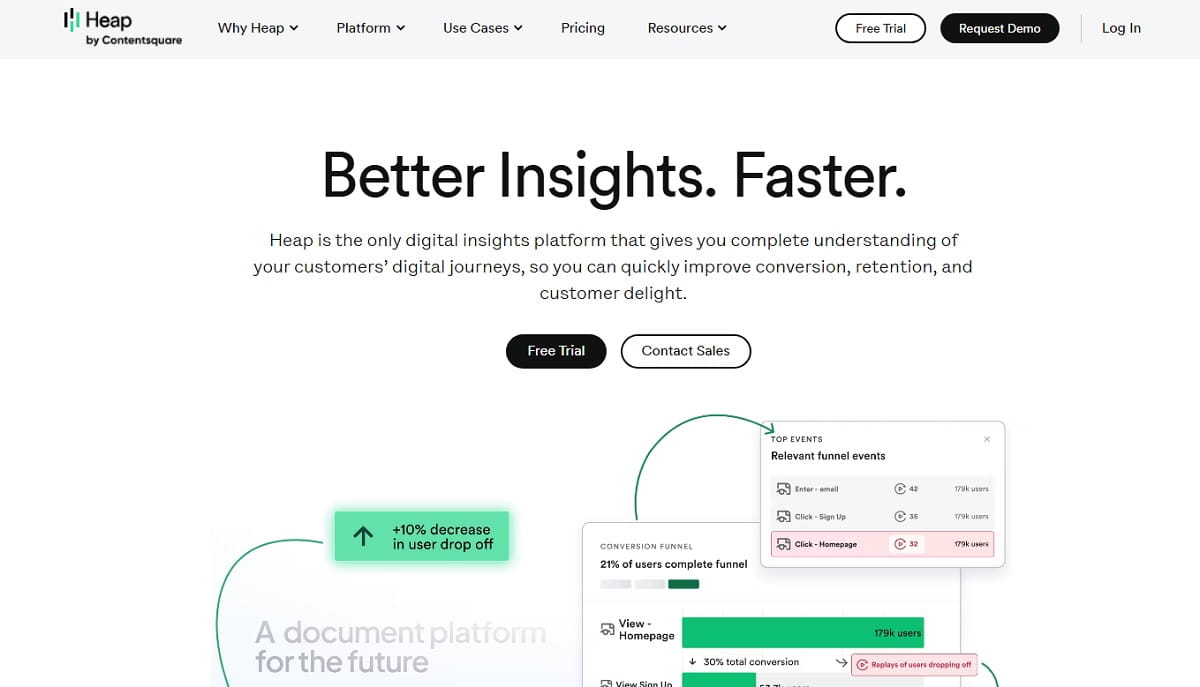
Heap answers the single Mixpanel limitation that costs teams the most time. Instead of deciding in advance which events to send, Heap’s autocapture records every interaction on the page, then lets you define an event whenever the question comes up and see the full history for it. A question raised in October about June’s behavior gets a June answer. For teams without dedicated analytics engineering, that removes an entire category of work.
The status caveat matters. Contentsquare completed its acquisition of Heap in 2023 and Heap is now positioned as Contentsquare’s product analytics capability rather than a fully independent company. The Heap brand, the free plan and the pricing page all still exist, but the enterprise conversation increasingly becomes a Contentsquare platform conversation. Factor that into a multi-year commitment.
Key Features
- Autocapture of clicks, form fills, pageviews and navigation with no upfront instrumentation.
- Retroactive event definition with complete backfilled history.
- Funnels, retention, segments and journey analysis on the captured stream.
- Session replay tied to the same autocaptured events.
- Contentsquare zone-based and experience analytics on higher tiers.
- Warehouse sync for teams that model events downstream.
Pros And Cons
| Pros | Cons |
|---|---|
| Retroactive analysis is a genuine capability Mixpanel lacks | No longer an independent product roadmap |
| Fastest time to first insight — the tag does the instrumentation | Paid pricing is quote-only, so budgeting needs a sales call |
| Free plan up to 10k monthly sessions with six months of history | Autocapture volume can get noisy without event governance |
| Strong ecommerce and web-product fit | Mobile coverage weaker than the web experience |
Pricing: Free up to 10k monthly sessions. Growth, Pro and Premier all use custom session-based pricing.
Best for: product and ecommerce teams with no analytics engineer who need answers to questions they have not asked yet.
5. Google Analytics 4 — Best Free Mixpanel Alternative
GA4 is an event-based platform, which makes it a closer conceptual match to Mixpanel than Universal Analytics ever was. Explorations give you funnels, path analysis, cohorts and segment overlap; the data model is events with parameters; and it costs nothing at almost any volume. If your questions are mostly about acquisition, campaigns and web conversion rather than in-product feature usage, GA4 covers a surprising share of the job for free.
Its hard limit is retention, and it is worth reading the number carefully. Google’s own documentation states that standard GA4 properties can retain user-level and event data for 2 months or 14 months only, while GA4 360 extends event data to 26, 38 or 50 months — and large or XL properties are capped at 2 months regardless. Any year-over-year analysis on the free tier therefore requires a BigQuery export you set up before you need it.
Key Features
- Event-and-parameter data model with automatic enhanced measurement.
- Explorations: funnel, path, segment overlap, cohort and user lifetime reports.
- Free BigQuery export for raw event-level data.
- Native Google Ads, Search Console and Looker Studio integration.
- Predictive audiences and attribution modelling at no cost.
- Consent Mode for EU traffic.
Pros And Cons
| Pros | Cons |
|---|---|
| Free at practically any volume | 14-month maximum retention on standard properties |
| Best-in-class advertising and search integrations | Data sampling and thresholding on large explorations |
| Raw event export to BigQuery included | Interface is slow and unintuitive for product questions |
| Event model transfers cleanly from Mixpanel thinking | Ongoing EU privacy scrutiny for some public-sector buyers |
Pricing: Free. GA4 360 is quote-only through Google or a reseller.
Best for: marketing-led teams and anyone who needs to cut analytics spend to zero without losing funnels.
6. Matomo — Best For Data Ownership And Privacy
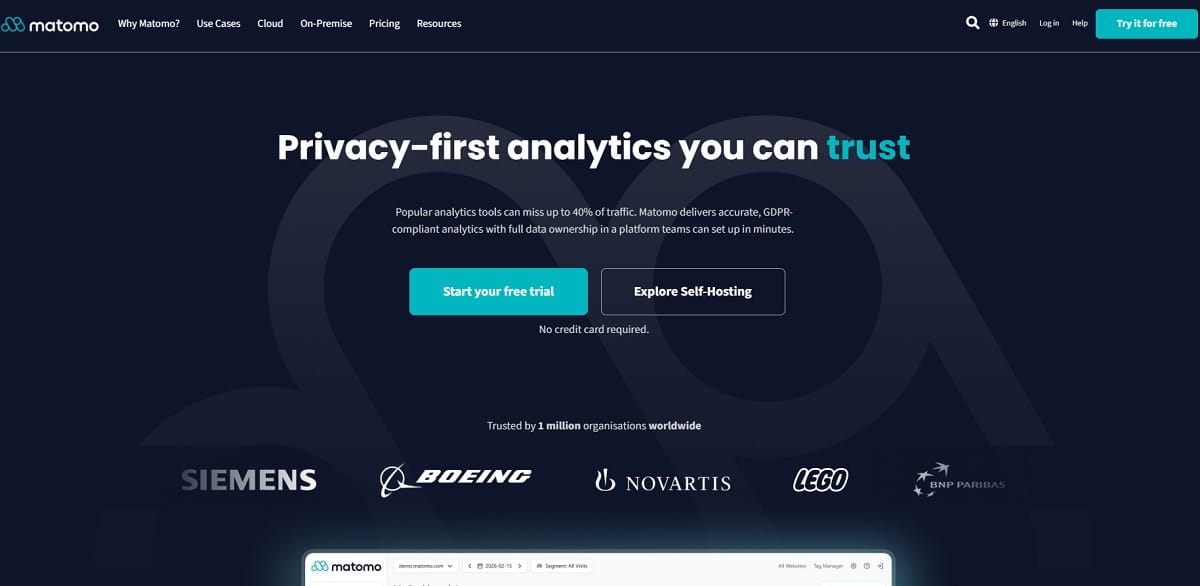
Matomo is the standard answer when the requirement is “the data must never leave our infrastructure”. The self-hosted Community edition is free forever with unlimited users and hits, and premium plugins add funnels, cohorts, users flow, heatmaps and session recording on top. Matomo Cloud exists for teams that want the privacy posture without the server administration, hosted in the EU.
According to Matomo’s pricing page, Cloud starts at €29/month for 50,000 hits and scales through 100k, 300k, 600k, 1M, 2M and 5M hit tiers with custom pricing above 10M. On-premise Community is free; premium bundles run from Team at €230/month for up to 4 users and 5M hits, to Enterprise at €2,834/month. Note that Matomo counts hits, not events — the arithmetic is different from Mixpanel’s and usually cheaper for content-heavy sites.
Key Features
- 100% data ownership with a self-hosted deployment on your own servers.
- No data sampling at any volume, unlike free GA4 explorations.
- Funnels, cohorts, users flow and multi-attribution as premium features.
- Built-in heatmaps and session recording plugins.
- GDPR tooling: consent management, data anonymisation, right-to-erasure workflows.
- Google Analytics importer for historical continuity.
Pros And Cons
| Pros | Cons |
|---|---|
| The only credible answer when data residency is a legal requirement | Product analytics depth is below Amplitude or Mixpanel |
| Free forever if you self-host | Key capabilities are paid plugins that add up quickly |
| No sampling, ever | Self-hosting at volume needs real database maintenance |
| Straightforward migration path from Google Analytics | Web-first; native mobile app analytics is limited |
Pricing: On-premise Community free. Cloud from €29/month. Premium bundles Team €230/month, Business €1,209/month, Enterprise €2,834/month.
Best for: public sector, healthcare, finance and any team with a data-residency mandate.
7. Pendo — Best For Analytics Plus In-App Guidance
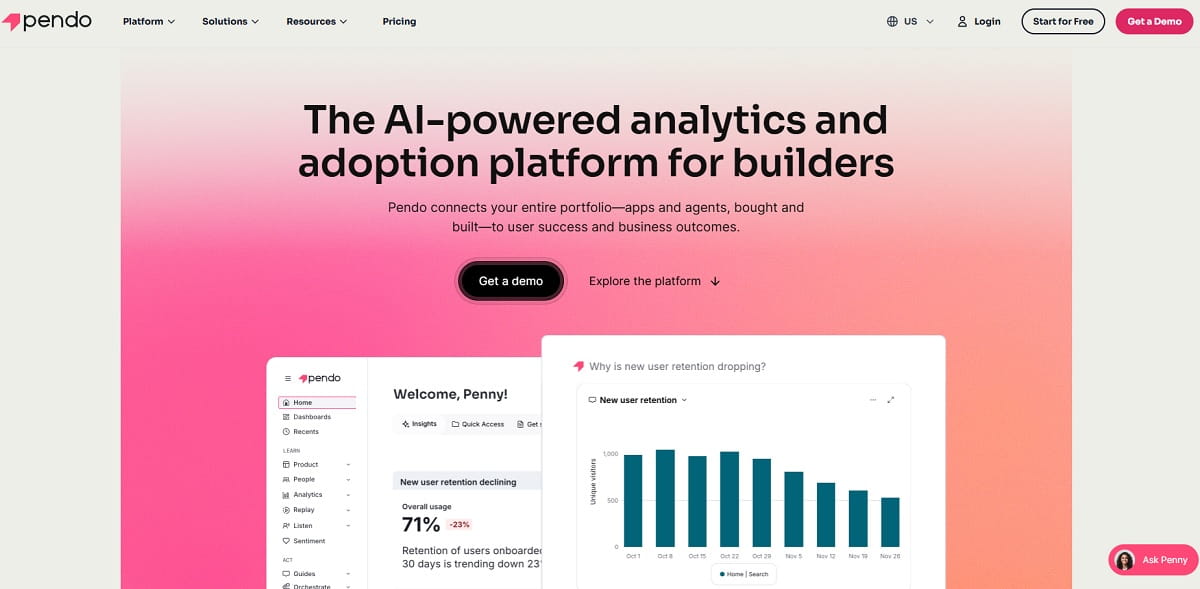
Pendo answers a question Mixpanel deliberately leaves alone: once you have found the drop-off, what do you do inside the product about it? Alongside product analytics — paths, funnels, retention and feature adoption — Pendo ships in-app guides, tooltips, walkthroughs, NPS surveys and roadmap tooling. For SaaS teams whose main lever is onboarding, having analysis and intervention in the same platform removes a handoff.
The free tier is capped at 500 monthly active users, which is genuinely useful for an early-stage product but runs out fast. Above that, Pendo is quote-only and priced on MAU, and third-party procurement data consistently places real contracts in the tens of thousands of dollars per year. Budget for a sales cycle, not a credit card.
Key Features
- Feature adoption, path and funnel analytics without heavy instrumentation.
- No-code in-app guides, tooltips and onboarding walkthroughs.
- NPS and in-app survey collection tied to behavioral segments.
- Product roadmap and feedback modules.
- Session replay add-on.
- Mobile SDKs for iOS and Android.
Pros And Cons
| Pros | Cons |
|---|---|
| Analysis and in-app intervention in one platform | Quote-only pricing above 500 MAU |
| Strong for B2B SaaS onboarding and adoption work | Analytics depth below Amplitude for complex cohort questions |
| Non-technical teams can ship guides without engineering | Free tier carries Pendo branding on guides |
| Mature enterprise governance and permissions | MAU-based billing penalises consumer-scale products |
Pricing: Free up to 500 MAU. Base, Core and Ultimate are quote-only and priced by monthly active users.
Best for: B2B SaaS product teams where onboarding and feature adoption are the main levers.
8. FullStory — Best Replay-Led Behavioral Analytics
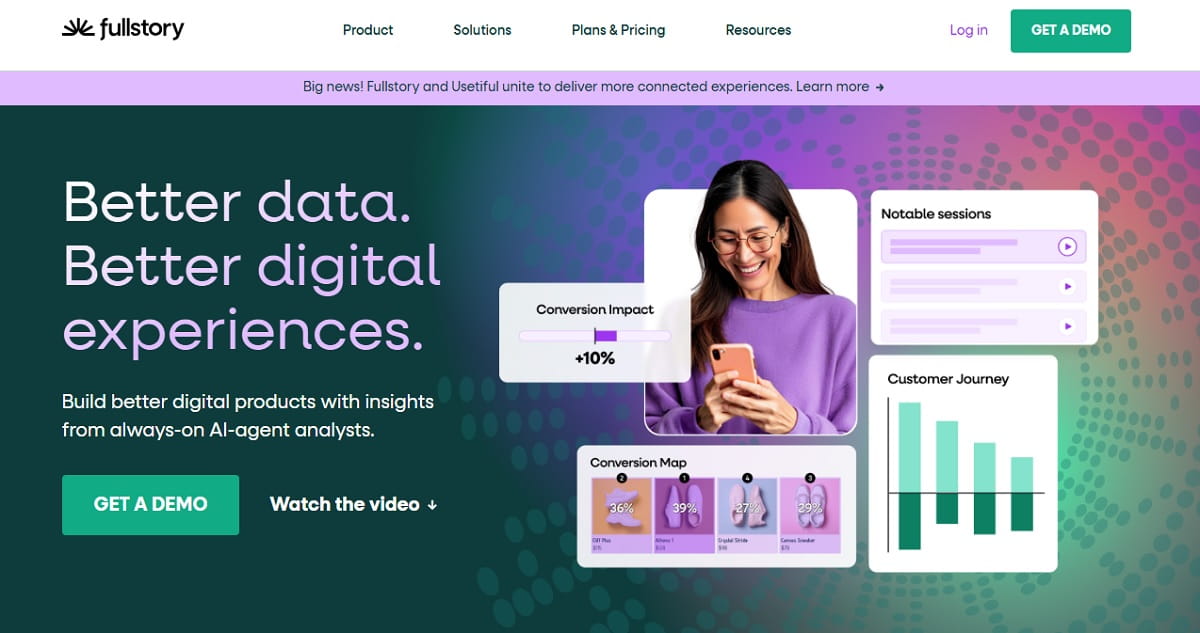
FullStory approaches the same problem from the opposite end. It captures the complete interaction stream first — every click, scroll, hover, form field and rage click — then lets you build funnels, segments and metrics on top of data that already exists. Like Heap, it supports retroactive analysis; unlike Heap, the replay experience is the centre of the product rather than a companion to it.
The free plan is unusually strong and is not a trial. Fullstory Free gives 30,000 sessions a month with 12 months of data retention and no credit card, described as permanent rather than time-limited. Business, Advanced and Enterprise are quote-only. That combination makes it the easiest tool here to prove out on real traffic before any procurement conversation.
Key Features
- Autocaptured session replay with searchable interaction indexing.
- Retroactive funnels, conversions and segment definitions.
- Frustration signals: rage clicks, dead clicks, error clicks, thrashed cursor.
- Heatmaps and page-level element engagement.
- Mobile app replay through a paid add-on.
- Data export and warehouse destinations on paid tiers.
Pros And Cons
| Pros | Cons |
|---|---|
| 30,000 free sessions a month with 12 months retention | No public pricing above the free tier |
| Retroactive analysis without prior instrumentation | Mobile replay costs extra |
| Best-in-class search across recorded sessions | Cohort and retention analysis weaker than Amplitude |
| Frustration signals surface UX bugs event data hides | Volume-based costs escalate quickly on high-traffic sites |
Pricing: Fullstory Free at 30,000 sessions a month with 12-month retention, permanent. Business, Advanced and Enterprise quote-only.
Best for: UX and product teams that want to see the session behind every number.
9. LogRocket — Best For Frontend Engineering Teams
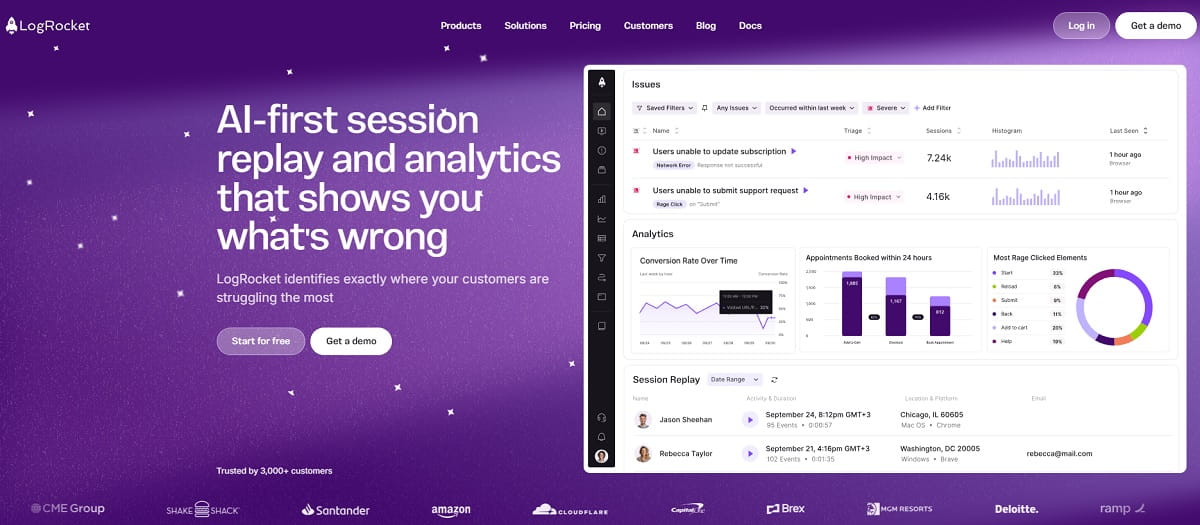
LogRocket is the Mixpanel alternative for teams whose analytics questions keep turning into bug reports. It combines product analytics and session replay with frontend error tracking, console logs, network request waterfalls and application state snapshots — so the funnel drop-off you spotted this morning comes with the JavaScript exception that caused it attached.
Pricing is transparent and starts higher than the rest of this list. Per LogRocket’s pricing page, Core starts at $176/month with unlimited session replays, analytics events, error events and log events; Pro adds AI session summaries and issue detection and is included free above 100K sessions a month; Enterprise is custom with unlimited seats and streaming export. There is a 14-day full-feature trial and no permanent free tier.
Key Features
- Session replay with DOM, console, network and state reconstruction.
- Product analytics: funnels, retention, paths and conversion metrics.
- Frontend error tracking and performance monitoring in the same timeline.
- AI-generated session summaries and automatic issue detection on Pro.
- Unlimited analytics, error and log events on every tier.
- Mobile SDKs for iOS, Android and React Native.
Pros And Cons
| Pros | Cons |
|---|---|
| Closes the analytics-to-debugging loop in one tool | Highest published entry price on this list |
| Unlimited events at every tier — no event-volume anxiety | No permanent free plan, only a 14-day trial |
| Public pricing, unusual in this category | Marketing and CRO users get less from it than engineers do |
| Strong React, Vue and Angular integration | Session-based billing still scales with traffic |
Pricing: 14-day trial. Core from $176/month. Pro included free above 100K sessions a month. Enterprise custom.
Best for: product and engineering teams that own both the metrics and the bugs.
10. Countly — Best Self-Hosted Mobile And Web Analytics
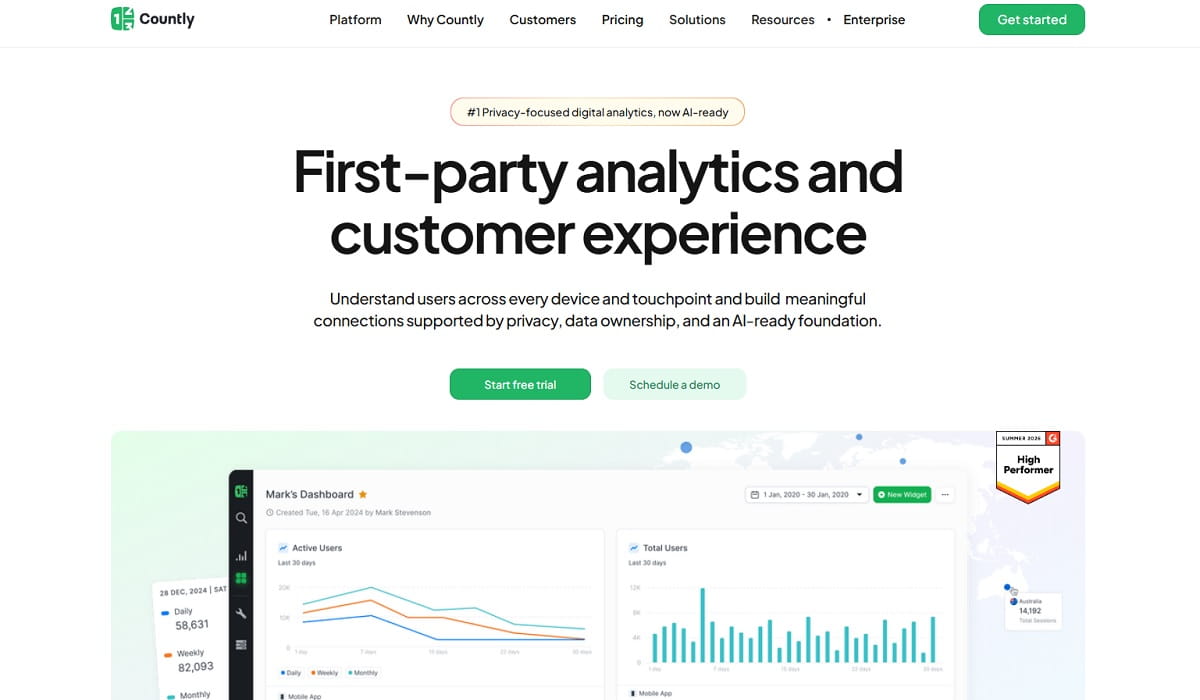
Countly is the open-source option built mobile-first. Where PostHog grew out of web product analytics and added SDKs, Countly started with mobile and desktop apps and expanded outward to web and IoT. For an organisation that must self-host and whose product is an app, it is often the only realistic Mixpanel replacement — crash reporting, push notifications, remote config, A/B testing and user feedback all sit in the same self-managed deployment.
The editions changed shape recently, so check which one you are quoting. Countly Flex is the managed private cloud starting at $175/month with a 14-day trial and a choice of hosting region; Countly Enterprise is self-hosted on your own infrastructure with custom pricing; Countly Lite is the free, lightweight self-hosted product analytics build. Flex uses usage-based rather than seat-based pricing.
Key Features
- Product analytics for mobile, web, desktop and IoT from one deployment.
- Crash reporting and application performance monitoring.
- Push notifications, in-app messaging and remote configuration.
- A/B testing and user feedback modules.
- Full self-hosting with your choice of hosting region on Flex.
- Open-source core with an active plugin ecosystem.
Pros And Cons
| Pros | Cons |
|---|---|
| Genuine self-hosted mobile product analytics | Analysis UI is less refined than Amplitude or Mixpanel |
| Analytics and engagement in one deployment | Enterprise pricing is quote-only |
| Free Lite edition for evaluation or small deployments | Self-hosting cost is real engineering time |
| Usage-based, not seat-based, billing on Flex | Smaller community than PostHog or Matomo |
Pricing: Countly Lite free self-hosted. Flex private cloud from $175/month with a 14-day trial. Enterprise self-hosted custom.
Best for: app companies and regulated organisations that must keep mobile analytics in-house.
11. CleverTap — Best For Mobile Analytics Plus Engagement
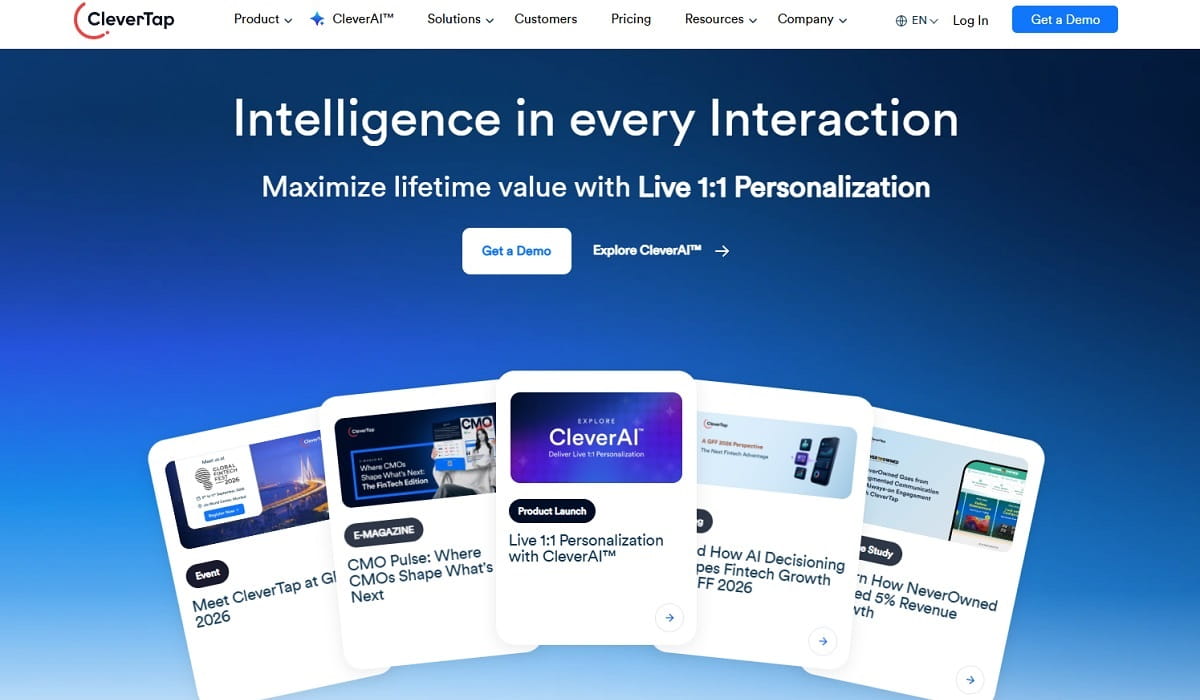
CleverTap is what you buy when the analysis is only half the job and the other half is acting on it through push notifications, in-app messages, email and WhatsApp. It carries the full behavioral toolkit — funnels, cohorts, retention, RFM segmentation and user journeys — and then triggers campaigns from those same segments, which is exactly the workflow Mixpanel hands off to a separate engagement vendor.
Pricing is published and MAU-based, which is unusually transparent for this tier of platform. Per CleverTap’s pricing page, Core starts at $85/month for up to 5,000 MAU, Pro covers up to 20,000 MAU and Ultimate up to 60,000 MAU, with CleverAI token allowances rising across the tiers. A free trial is available on Core.
Key Features
- Mobile and web product analytics with funnels, cohorts and retention.
- RFM segmentation and predictive churn scoring.
- Multichannel campaign delivery: push, in-app, email, SMS and WhatsApp.
- Journey builder driven by live behavioral segments.
- A/B testing on both product experiences and messaging.
- Real-time user profiles with full event history.
Pros And Cons
| Pros | Cons |
|---|---|
| Analytics and engagement in one contract | Overkill if you do not need messaging |
| Published MAU-based pricing from $85/month | MAU billing hurts high-volume consumer apps |
| Strong mobile-first heritage and SDK quality | Weaker for pure web-product analysis |
| Predictive segmentation built in | Learning curve across analytics and campaign modules |
Pricing: Core from $85/month up to 5,000 MAU. Pro up to 20,000 MAU, Ultimate up to 60,000 MAU, both quote-based.
Best for: consumer mobile apps that want behavioral analytics and lifecycle messaging from one vendor.
12. Piwik PRO — Best For Regulated Industries
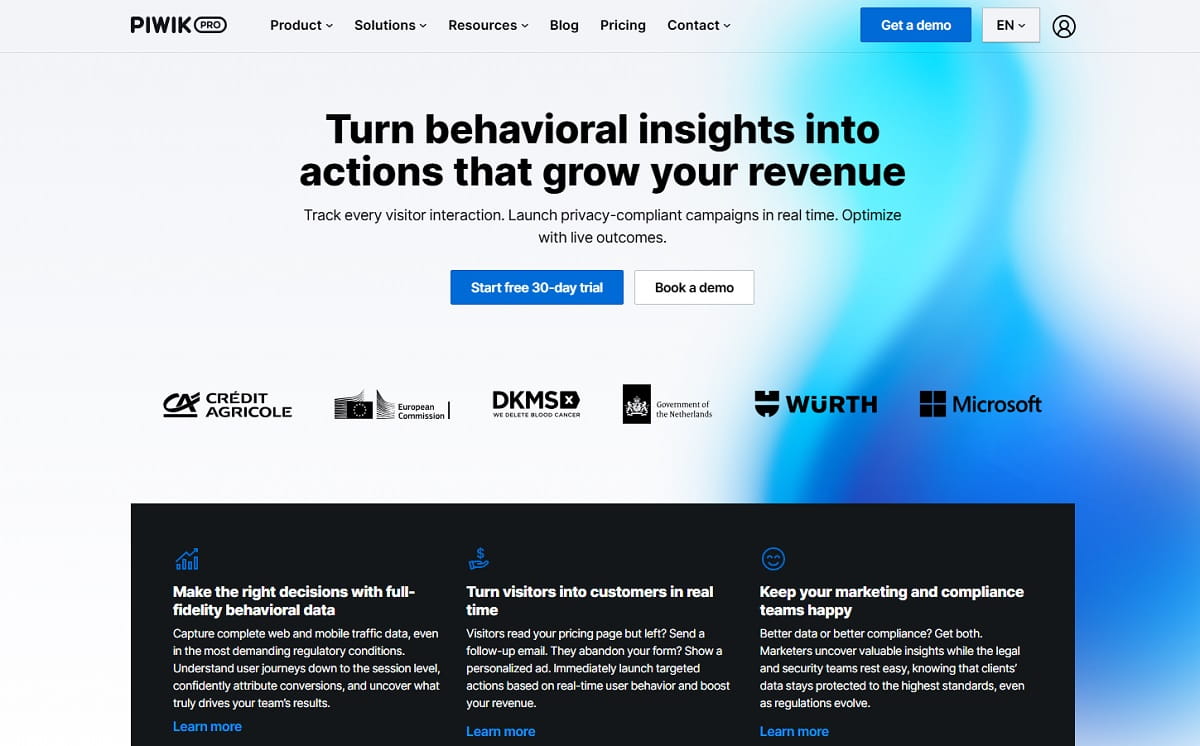
Piwik PRO is Matomo’s commercial cousin, built specifically for organisations where the compliance team signs off before the product team does. It bundles analytics, tag management, consent management and data activation into one suite, with a choice of hosting location — EU, US, Asia or your own infrastructure — and privacy controls designed around GDPR, HIPAA and public-sector procurement rules.
Note that the free Core plan older articles reference is gone. Piwik PRO’s current pricing lists Business from €36/month for up to 2M monthly actions and Enterprise from €366/month billed annually starting at 1M actions with no upper limit, across three Enterprise tiers. Business comes with a 30-day trial and no credit card requirement, but there is no permanent free tier any more.
Key Features
- Product and web analytics with funnels, user flow and custom reports.
- Built-in consent manager that gates tracking by legal basis.
- Tag manager and data activation modules included in every plan.
- Choice of data residency including private cloud and on-premises.
- Raw data access and warehouse export.
- Compliance posture aligned to GDPR, HIPAA and CCPA requirements.
Pros And Cons
| Pros | Cons |
|---|---|
| Analytics, tags and consent in one compliant suite | The old free Core plan no longer exists |
| Data residency choice including on-premises | Product analytics depth below Mixpanel or Amplitude |
| Published entry pricing, rare in the compliance tier | Enterprise pricing jumps sharply from Business |
| Designed for audit and procurement review | Overspecified for teams with no compliance requirement |
Pricing: Business from €36/month up to 2M actions with a 30-day trial. Enterprise from €366/month billed annually.
Best for: healthcare, finance, government and any organisation whose analytics choice is a compliance decision.
13. Adobe Analytics — Best For Enterprise Adobe Stacks
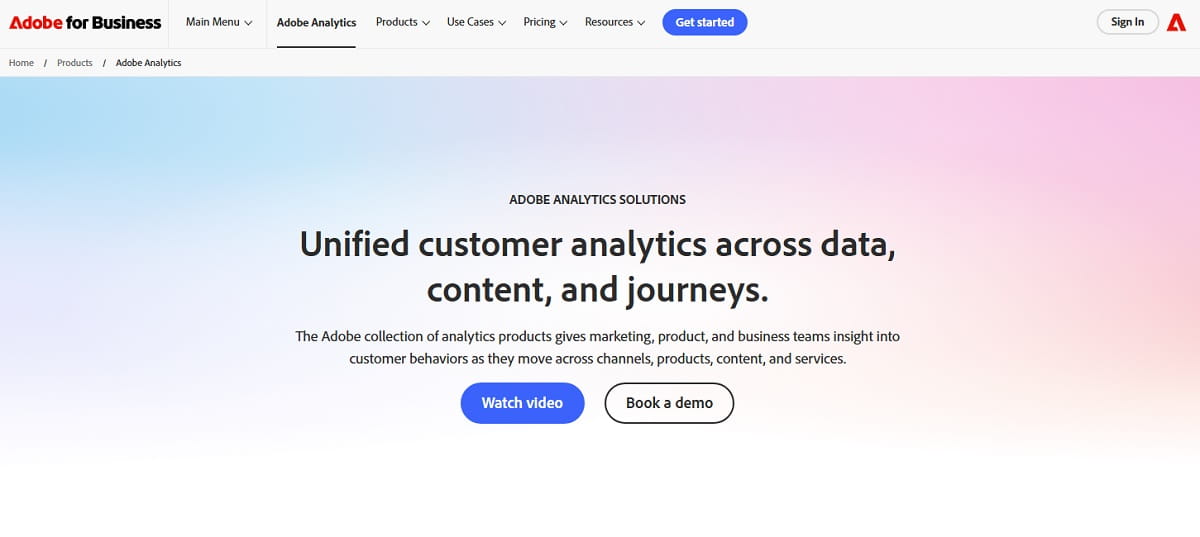
Adobe Analytics is the heavyweight option, and it makes sense in exactly one situation: your organisation already runs Adobe Experience Cloud. Analysis Workspace is a genuinely powerful free-form analysis environment, attribution modelling is more sophisticated than anything else on this list, and the platform handles data volumes that would make most of these tools flinch. It is also the most expensive and the slowest to implement.
Adobe publishes no list pricing at all — Select, Prime and Ultimate are quote-only, and real contracts are annual, six-figure and negotiated. If you are evaluating this against Mixpanel purely on analytical merit, you are probably in the wrong tier; if the driver is consolidating onto an existing Adobe estate with Target, Journey Optimizer and Real-Time CDP already in place, the integration argument is strong.
Key Features
- Analysis Workspace: drag-and-drop free-form cohort, flow and fallout analysis.
- Advanced multi-touch and algorithmic attribution modelling.
- Customer Journey Analytics for cross-channel stitching.
- Deep integration with Adobe Target, Journey Optimizer and Real-Time CDP.
- Enterprise governance, data feeds and predictive segments.
- Handles very high event volumes without sampling.
Pros And Cons
| Pros | Cons |
|---|---|
| The most analytically capable platform on this list | No published pricing; six-figure annual contracts are normal |
| Unmatched attribution and cross-channel stitching | Implementation measured in months, not days |
| Enterprise-grade governance and support | Requires specialist skills to operate well |
| Native fit with the rest of Adobe Experience Cloud | Poor value unless you are already on Adobe |
Pricing: Quote-only across Select, Prime and Ultimate tiers.
Best for: large enterprises already invested in Adobe Experience Cloud.
Tools That Are No Longer Safe Bets In 2026
Four products still appear as recommended Mixpanel alternatives in articles currently ranking on the first page of Google. Each one has changed status in a way that should stop you signing a contract. Dates and links below come from the vendor’s or acquirer’s own announcement.
| Product | What Happened | What To Do Instead |
|---|---|---|
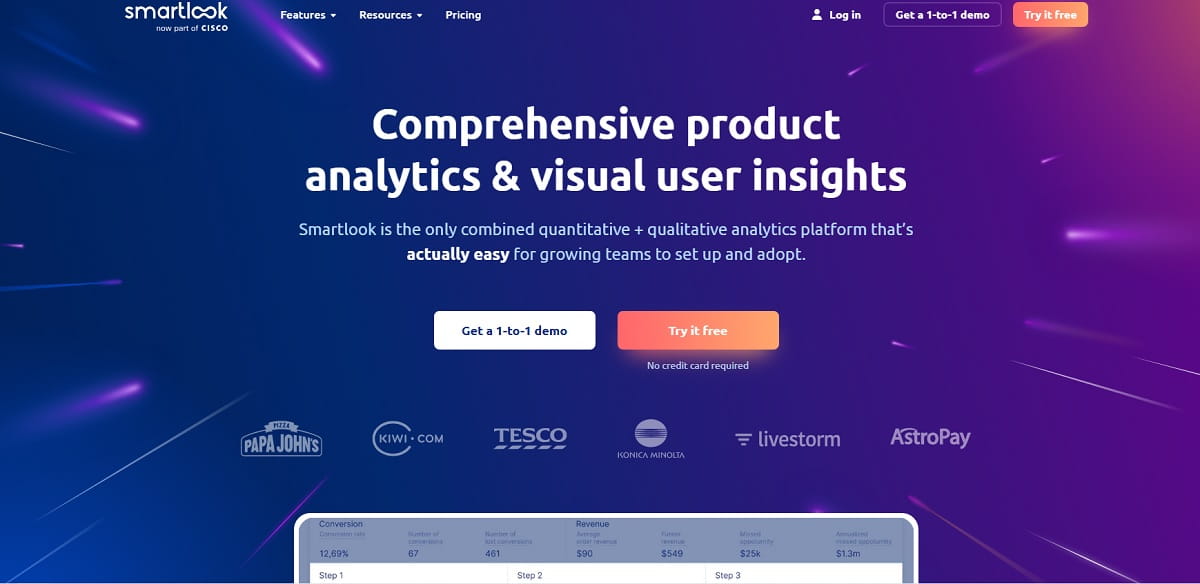
| Smartlook | Cisco has published an end-of-sale and end-of-life notice. The last day to order is 31 May 2026, the last day to renew or add to an existing subscription is 31 August 2026, and servers shut down on 31 August 2027, at which point dashboard access and historical data are revoked. See the Cisco end-of-life bulletin. | Plerdy or FullStory for replay-led behavior; CleverTap or Countly for mobile. |
| June.so | The standalone product wound down on 8 August 2025 and the founding team joined Amplitude, with customers given 30 days to export or migrate. See June’s own announcement. | Amplitude, which now houses the team, or PostHog for a B2B SaaS free tier. |
| Statsig | Acquired by OpenAI in September 2025; the brand and customer base then moved to Amplitude in May 2026 while the original team stayed at OpenAI. The platform continues, but under new ownership and a merging roadmap. | Amplitude directly, or PostHog for open-source experimentation. |
| Indicative | Folded into mParticle as mParticle Analytics after the 2022 acquisition; mParticle itself merged with Rokt in January 2025. The standalone Indicative product no longer exists, though it is still named as an alternative in currently ranking articles. | Amplitude or Heap for the analytics job; a CDP only if routing is the actual need. |
Two more status notes worth knowing before you shortlist. Heap is still sold and still has a free plan, but it is now Contentsquare’s product analytics capability rather than an independent roadmap. Piwik PRO no longer offers the free Core plan that many comparison articles still cite.
Tools Often Listed That Are Not Actually Replacements
A tool that helps alongside Mixpanel is not the same as a tool that replaces it. These four categories show up constantly in Mixpanel comparison lists and none of them will do the job on their own. Several are excellent — just not as a swap.
Microsoft Clarity And Hotjar
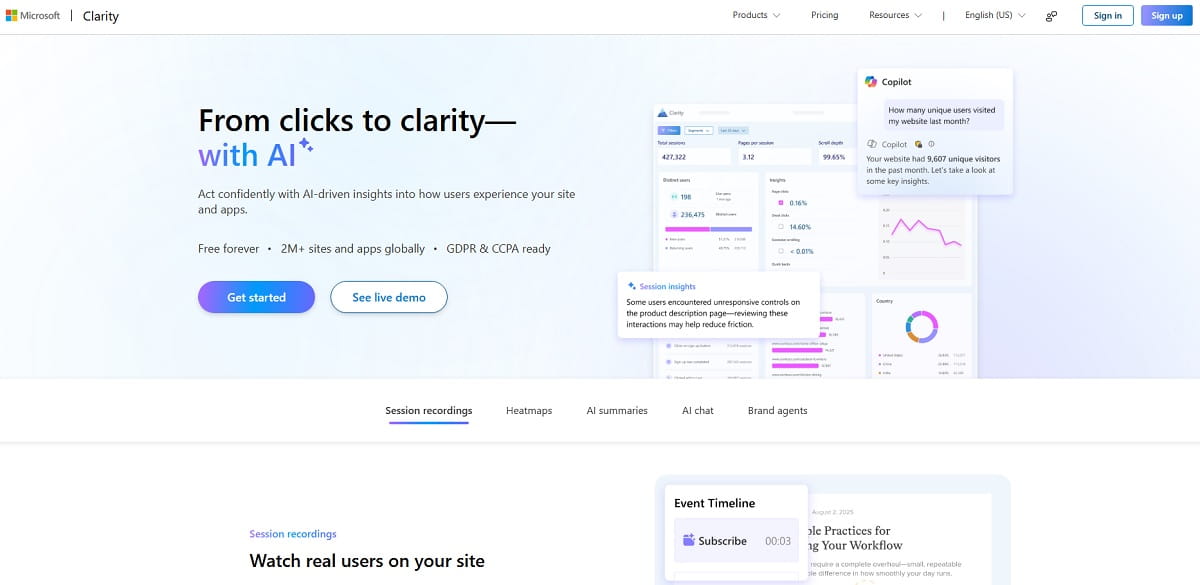
Both are strong behavioral tools: heatmaps, session recordings, frustration signals, and in Clarity’s case entirely free with no traffic limit. Neither offers event-based funnels with retention and cohort analysis at the depth Mixpanel provides. Run one of them next to your product analytics platform, not instead of it. If you want both jobs in one subscription, that is exactly the gap Plerdy fills.
Segment, RudderStack And mParticle
Customer data platforms collect, clean and route events to other tools. They are infrastructure, not analysis. Replacing Mixpanel with a CDP leaves you with a well-organised event stream and nowhere to ask a question. Many teams run a CDP and a product analytics tool, which is the correct pattern — but it is two line items, not one.
BigQuery, Snowflake And BI Tools
Warehouse-native analytics is a legitimate destination, and every platform on this list can export to one. But a warehouse plus Looker or Metabase is a build, not a buy: someone has to model events, write the funnel SQL and maintain it. That is a reasonable trade if you have data engineering capacity. It is not a two-week migration.
Survey And Research Platforms
Survey tools, user-research repositories and feedback widgets answer “why do people say they did that”. Mixpanel answers “what did they actually do”. They are complements with no overlap in the core job, and any list that presents one as a Mixpanel alternative has not checked.
How To Leave Mixpanel Without Losing Your History
Behavioral data is not portable between vendors. There is no common format, and no platform on this list will import your Mixpanel event history in a way that reconstructs your old reports. Plan for that rather than discovering it in week three.
- Export your raw events first. Mixpanel’s Export API and data pipelines can push your event history to cloud storage or a warehouse. Do this before you cancel, not after — access ends with the subscription.
- Screenshot and export the reports that matter. Your key funnels, retention curves and cohort tables should exist as artefacts outside the platform. Even if the numbers never come back, the baseline does.
- Run both tools in parallel for one full billing cycle. This is the only reliable way to catch instrumentation gaps, and it gives you overlapping data rather than a hole in your history at the switchover date.
- Rebuild your tracking plan, do not port it. Most Mixpanel implementations accumulate years of dead events. A migration is the cheapest opportunity you will ever get to cut the event list back to what people actually query.
- Measure the switch on your own funnel. Pick two or three conversion metrics, record them for the four weeks before the change and the eight weeks after, and compare. Ignore any article — including this one — that promises a specific percentage improvement from changing analytics vendors. No credible public benchmark for that exists.
How To Choose The Right Mixpanel Alternative
Match the reason you are leaving to the column that solves it. Most teams have exactly one dominant reason, and choosing on any other axis is how you end up migrating twice.
| Your Situation | Best Choice | Runner-Up |
|---|---|---|
| Your funnel is a website and you need to see why it leaks | Plerdy | FullStory |
| You want the same analytics model with more headroom | Amplitude | PostHog |
| You are paying for four tools and want one | PostHog | Plerdy |
| You keep needing history for events you never tracked | Heap by Contentsquare | FullStory |
| Budget has been cut to zero | Google Analytics 4 | PostHog free tier |
| Data may not leave your infrastructure | Matomo | Countly |
| Compliance signs off before product does | Piwik PRO | Matomo |
| Onboarding and adoption are your main levers | Pendo | Amplitude |
| Analytics questions keep turning into bug reports | LogRocket | FullStory |
| Your product is a consumer mobile app with lifecycle messaging | CleverTap | Countly |
| You already run Adobe Experience Cloud | Adobe Analytics | Amplitude |
If none of those rows describes you clearly, that is a useful signal on its own: staying on Mixpanel is a reasonable decision. It is a well-built platform, and migrating an analytics stack without a specific problem to solve costs more than it returns.
Frequently Asked Questions
What Is The Best Mixpanel Alternative Overall?
There is no single answer, because “Mixpanel alternative” covers two different jobs. If you need the same event-analytics model at larger scale, Amplitude is the closest one-to-one replacement with a 2M events per month free tier. If your product is a website and your real question is why conversions leak, Plerdy is the stronger fit because it pairs funnels and event goals with heatmaps and session replay from $21/month. If you want to collapse four subscriptions into one, PostHog covers analytics, replay, flags and surveys on a single free-to-start account.
Is There A Free Mixpanel Alternative?
Several, and they are not trials. Google Analytics 4 is free at almost any volume. PostHog gives 1M analytics events, 5K session recordings and 1M feature flag requests a month for free. Amplitude’s free tier is 2M events a month with 10K session replays. Fullstory Free covers 30,000 sessions a month with 12 months of retention. Plerdy has a permanent free plan with 100 daily heatmaps and 500 video sessions. Matomo self-hosted Community edition is free forever with unlimited hits if you can run your own server.
Which Mixpanel Alternative Is Cheapest For A Small Team?
On published pricing, Plerdy at $21/month billed annually is the lowest paid entry point on this list, followed by Matomo Cloud at €29/month for 50,000 hits and Piwik PRO at €36/month. CleverTap starts at $85/month for 5,000 MAU. LogRocket is the most expensive published entry at $176/month. Heap, FullStory, Pendo and Adobe Analytics publish no list price above their free tiers, so budgeting for those requires a sales conversation.
Does Mixpanel Have Autocapture Now?
Yes, but only on web. Mixpanel’s documentation confirms autocapture collects pageviews, page scrolls, form interactions, element clicks, dead clicks and rage clicks, and states that it is currently available for web only via Mixpanel’s JavaScript SDK. Native iOS and Android tracking still requires manual instrumentation. Autocapture also does not make Mixpanel retroactive — you still cannot define an event today and see last quarter’s data for it, which is what Heap and FullStory offer.
Which Mixpanel Alternative Is Best For GDPR And Data Residency?
Matomo is the default answer because the self-hosted Community edition keeps 100% of the data on your own servers at no licence cost. Piwik PRO is the commercial alternative with EU, US, Asia or on-premises hosting plus a built-in consent manager, from €36/month. PostHog and Countly both support self-hosted deployments. If you only need EU hosting rather than full ownership, Matomo Cloud from €29/month is the simplest route.
What Is The Best Mixpanel Alternative For Mobile Apps?
Amplitude and PostHog both ship mature iOS and Android SDKs and are the safest general-purpose picks. CleverTap is the specialist if you also want push notifications and lifecycle messaging driven by the same behavioral segments, from $85/month for 5,000 MAU. Countly is the option when the deployment must be self-hosted. Avoid Smartlook for any new mobile project — Cisco has published its end-of-life schedule with servers shutting down on 31 August 2027.
Can I Migrate My Mixpanel Data To Another Tool?
You can export your raw events through Mixpanel’s Export API or data pipelines into cloud storage or a warehouse, and you should do that before cancelling. What you cannot do is import that history into another vendor and get your old reports back — there is no shared format, and no platform on this list reconstructs Mixpanel funnels from an export. The practical approach is to export the raw data for archival, screenshot your key reports, and run both tools in parallel for one billing cycle so you have overlapping data instead of a gap.
Is Heap Still A Standalone Mixpanel Competitor?
Partly. Contentsquare completed its acquisition of Heap in 2023, and Heap is now positioned as Contentsquare’s product analytics capability. The Heap brand, the pricing page and the free plan up to 10k monthly sessions all still exist, and autocapture with retroactive analysis remains its strongest argument against Mixpanel. But the enterprise buying conversation is increasingly a Contentsquare platform conversation, so treat a multi-year commitment as a commitment to that platform rather than to an independent product.
Final Thoughts
The Mixpanel alternatives market moved more in the last eighteen months than in the five years before it. Statsig changed hands twice, June shut down, Heap became part of a larger suite, Smartlook received an end-of-life date and Piwik PRO retired its free plan. Any comparison article that has not been re-verified this year is recommending at least one product you cannot safely buy.
Cut through it by naming your actual constraint. Cost pressure points to GA4 or PostHog. Missing history points to Heap or FullStory. A compliance mandate points to Matomo or Piwik PRO. Scale points to Amplitude. And if the honest problem is that your event data tells you where visitors abandon but never why, the answer is a platform that shows you the session, the heatmap and the funnel step together — which is where Plerdy starts, free, on the same afternoon you install the tag.
For deeper comparisons of individual tools on this list, see our breakdowns of Amplitude vs Mixpanel, Heap alternatives, Google Analytics alternatives, LogRocket alternatives and FullStory alternatives.