

Lucky Orange has been one of the friendliest ways to watch what visitors actually do on a website: dynamic heatmaps, session recordings, conversion funnels, form analytics, surveys and live chat, all bundled behind one tag. But in early 2026 the company retired its legacy plans and moved everyone onto session-based tiers that start at $32/month for 3,500 sessions — and for plenty of small stores and content sites, that arithmetic stopped working. That is why searches for Lucky Orange alternatives spike around every renewal cycle. Plerdy is one of the most direct swaps available — heatmaps, session replay, funnels, forms, pop-ups, event tracking and an SEO audit layer in a single subscription that starts free — and it leads the list below, followed by 14 more Lucky Orange competitors chosen for different budgets, traffic volumes and use cases.
This guide is not a rewrite of vendor marketing pages. Every price, plan limit and product-status claim was checked against the vendor’s own pricing page in August 2026 — including one widely recommended tool that is no longer sold at all and still shows up in most “best Lucky Orange alternatives” lists published this year. You will find it in the Tools We Left Off This List section, with the vendor’s own end-of-life dates.
In This Article
What Is Lucky Orange?
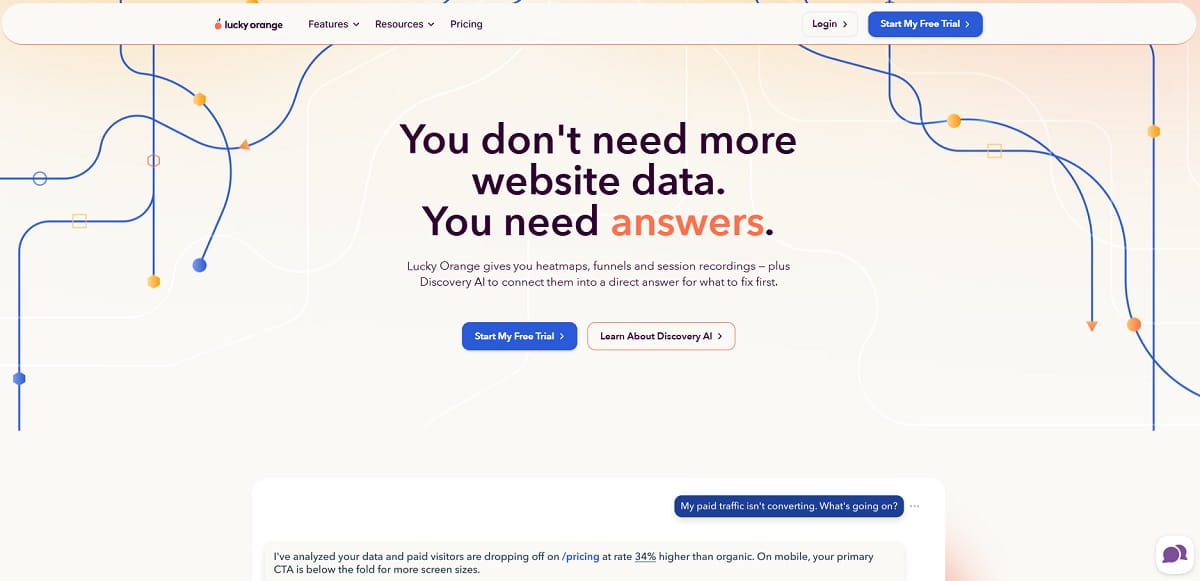
Lucky Orange is a behavior analytics platform founded in 2010 that shows how visitors move through a website. It aims squarely at small and mid-sized businesses — especially Shopify and WooCommerce stores — that want a visual answer to “why aren’t people buying?” without hiring an analyst. Installation is a single JavaScript snippet or an app-store install, and the whole toolset is available on every paid plan rather than split across tiers.
The platform bundles seven things most competitors sell separately:
- Dynamic heatmaps — click, move and scroll maps that render on interactive elements such as dropdowns, sliders and pop-ups, not only the static page.
- Session recordings — video-style replays of real visits, with filters for rage clicks, errors and referral source.
- Live visitor view — watching sessions as they happen, in real time.
- Conversion funnels — step-by-step drop-off analysis tied back to the matching recordings.
- Form and page analytics — field-level abandonment, time per field and re-entry data.
- Surveys and announcements — on-site polls and banner messages, unlimited on all plans.
- Live chat — a built-in chat widget, unusual in this category and the reason Lucky Orange also gets compared against customer-messaging tools.
Lucky Orange holds a 4.6/5 rating on G2 and 4.7/5 on Capterra, with users consistently praising setup speed and recording quality. The friction shows up in two places: cost at higher session volumes, and the 60-day default data retention.
Lucky Orange Pricing In 2026
Lucky Orange prices by monthly sessions, not pageviews, and unlocks every feature on every tier. The table below reflects annual billing, taken from the vendor’s own page (source: luckyorange.com/pricing). Month-to-month billing runs meaningfully higher — roughly $39 on the entry plan and up to about $1,049 at the top self-serve tier, per Capterra’s pricing listing.
| Plan | Price (Annual Billing) | Monthly Sessions | Data Retention |
|---|---|---|---|
| Build | $32/mo | 3,500 | From 60 days |
| Grow | $72/mo | 10,000 | From 60 days |
| Expand | $199/mo | From 50,000 | From 60 days |
| Scale | $839/mo | From 300,000 | From 60 days |
| Enterprise | Custom | 700,000+ | Custom |
Add-ons and trial. Extra websites cost $5 each per month, retention extends to 90, 180 or 365 days for an additional fee, and Discovery AI is sold as an add-on. There is a 7-day free trial with full feature access. A 100-session free plan still exists through the Shopify App Store listing, but it is not offered on the main pricing page — so if a permanently free tier is what you need, jump to the free alternatives below.
The 2026 plan migration. Lucky Orange retired its legacy plan structure in early 2026 and moved existing customers onto the session-based tiers above. If you were on an old grandfathered plan, your renewal price almost certainly changed — and that single event is the most common trigger behind the current wave of Lucky Orange alternative searches. Check what you are actually being billed today before you compare anything else on this page.
Why Teams Look For Lucky Orange Alternatives
Across G2 and Capterra reviews, vendor comparison pages and the migration threads that followed the 2026 pricing change, the same six reasons keep repeating. Knowing which one applies to you decides which tool on this list is right — a team leaving over price needs a different answer than a team leaving over data retention.
1. Session-Based Pricing Bites Early
3,500 sessions is roughly 115 visits a day. A modest Shopify store on a good week blows past that, and the next step up more than doubles the bill. Tools that price on pageviews, daily heatmap volume or nothing at all (Microsoft Clarity) remove that ceiling entirely.
2. Sixty-Day Data Retention By Default
Every Lucky Orange plan starts at 60 days of storage, and longer windows cost extra. If you run quarterly CRO cycles or want to compare this Black Friday against last one, that is a hard limit. FullStory’s free plan keeps 12 months; Crazy Egg keeps two years on paid tiers.
3. No SEO Or Technical Layer
Lucky Orange tells you what people did on a page. It says nothing about why the page gets traffic, what is broken in the HTML, or which keywords bring the visitors who bounce. Teams that want behavior and acquisition in one dashboard end up bolting on a second subscription — or moving to a platform such as Plerdy that includes an SEO checker, SERP tracking and JavaScript error monitoring alongside the heatmaps.
4. No Native Mobile App Support
Lucky Orange is a website tool. If your product is an iOS or Android app, you need an SDK-based platform — UXCam, Microsoft Clarity or FullStory with the mobile add-on.
5. Not Enough Analytical Depth For Product Teams
Recordings and heatmaps answer “what happened on this page”. They struggle with “which cohort of users who did X later churned”. Product and engineering teams typically graduate to FullStory, LogRocket or Contentsquare.
6. Privacy, Hosting And Data Residency
Some organisations cannot send behavioral data to a US-hosted SaaS at all. Self-hosted Matomo with the Heatmap and Session Recording plugin is the standard answer, and it is the only tool on this list you can run entirely on your own servers.
How We Chose These Lucky Orange Alternatives
Most “Lucky Orange alternatives” lists are assembled from other lists, which is how discontinued products stay in circulation for years. Every tool below had to clear four checks before it earned a place:
- It replaces the core job. Lucky Orange exists to show real visitor behavior. A tool qualifies only if it delivers session replay, heatmaps, or both on real traffic. Predictive AI heatmaps, survey-only platforms and general web analytics suites did not qualify, no matter how often they appear in competing articles.
- It is actually available to buy in August 2026. We opened each vendor’s pricing page this month. One popular recommendation failed this test outright — see Tools We Left Off This List.
- Pricing is verifiable. Every dollar figure below comes from the vendor’s public pricing page, or is explicitly marked as quote-only. Where a vendor publishes no list price, we say so rather than guessing.
- It serves a distinct buyer. Fifteen near-identical heatmap tools would be useless. Each entry covers a different situation: free, cheapest paid, closest feature match, ecommerce revenue, mobile apps, engineering, privacy, forms.
Ratings are quoted from G2 and Capterra where a meaningful sample exists. We do not publish invented benchmark numbers such as “typical uplift of 12%” — no reliable public benchmark exists for that, and the honest measurement is the one you run on your own funnel after switching.
Lucky Orange Alternatives Compared At A Glance
Entry price is the cheapest paid tier on annual billing where the vendor publishes one. “Free plan” means a permanent free tier, not a trial. Verified August 2026.
| Tool | Best For | Free Plan | Entry Price | Heatmaps | Session Replay | Form Analytics | Funnels |
|---|---|---|---|---|---|---|---|
| Plerdy | All-in-one CRO plus SEO | Yes, forever | $21/mo | Yes | Yes | Yes | Yes |
| Microsoft Clarity | Unlimited free traffic | Yes, unlimited | $0 | Yes | Yes | No | Yes |
| Mouseflow | Closest feature match | Yes, 500 sessions | $25/mo | Yes | Yes | Yes | Yes |
| Hotjar (Contentsquare) | Heatmaps plus surveys | Yes, 35 sessions/day | $32/mo | Yes | Yes | Partial | Yes |
| Crazy Egg | Snapshot reports and A/B tests | No, trial only | $29/mo | Yes | Yes | No | Partial |
| FullStory | Product analytics depth | Yes, 30k sessions | Quote only | Yes | Yes | Partial | Yes |
| Inspectlet | Biggest free session quota | Yes, 2,500 sessions | $39/mo | Yes | Yes | Yes | Yes |
| Zoho PageSense | Cheapest full CRO suite | Yes, 5k users | $20/mo | Yes | Yes | Yes | Yes |
| VWO Insights | Behavior plus experimentation | Yes, limited | Quote only | Yes | Yes | Yes | Yes |
| LogRocket | Engineering and debugging | No, trial only | $176/mo | Yes | Yes | No | Yes |
| Matomo | Privacy and self-hosting | Self-hosted core | From EUR 29/mo | Add-on | Add-on | Yes | Yes |
| heatmap.com | Ecommerce revenue attribution | No, 14-day trial | $199/mo | Yes | Yes | No | Yes |
| FullSession | Mid-market replay on a budget | Yes, 1,000 sessions | $49/mo | Yes | Yes | Partial | Yes |
| UXCam | iOS and Android apps | Yes, 3,000 sessions | Quote only | Yes | Yes | No | Yes |
| Zuko | Form and checkout abandonment | No, trial only | $70/mo | No | Add-on | Yes | Form funnels |
The 15 Best Lucky Orange Alternatives In 2026
Each entry below follows the same template — what it is, key features, use cases, pros, cons, pricing and who it suits — so you can compare like for like instead of reading fifteen sales pages.
1. Plerdy — Best Overall Lucky Orange Alternative
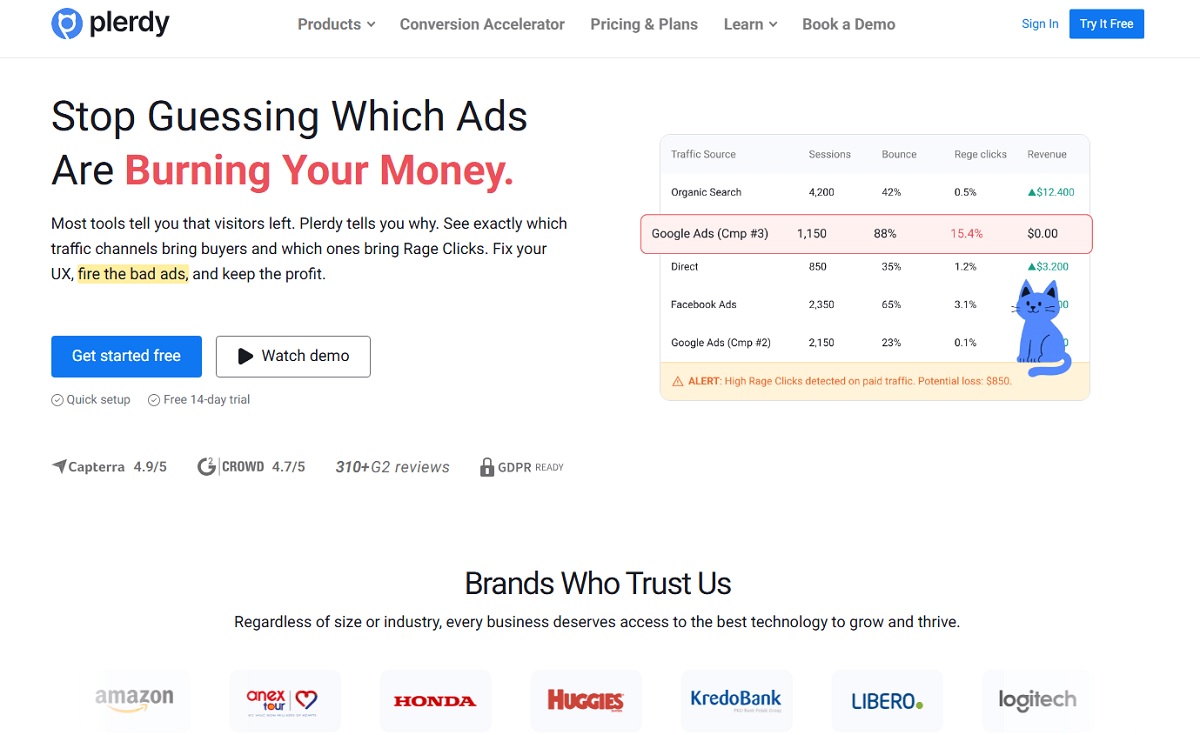
Plerdy is the closest thing on this list to a true one-for-one Lucky Orange replacement that also removes the reason most teams keep a second subscription. It covers the behavior side — heatmaps, session replay, conversion funnels, form and event tracking, ecommerce analytics — and then adds the acquisition and technical layers Lucky Orange has never had: an SEO checker, SERP position tracking, and JavaScript error monitoring that flags the broken elements your recordings are showing you.
The practical difference is billing. Lucky Orange counts sessions and stops. Plerdy counts daily heatmap pageviews and video sessions separately, includes unlimited A/B testing on every plan, and starts with a genuinely permanent free tier rather than a 7-day trial. For a store doing 5,000–10,000 sessions a month, that is usually the difference between a $21 line item and a $72 one.
Key Features
- Website heatmap tool — click, scroll, move, hover and staying-time maps, with segmentation by device, traffic source and date range.
- Session replay — full visit recordings with rage-click detection and filters for the sessions that actually matter.
- Conversion funnel analysis — step-by-step drop-off tracking wired to the replays behind each drop.
- Pop-up and smart forms builder — exit-intent offers, NPS and feedback widgets, all triggered from behavior data rather than a separate tool.
- Unlimited A/B testing — included at every tier, including free, which is where most competitors gate the feature.
- SEO checker and SERP tracker — on-page audits, keyword position monitoring, plus Chrome extensions for SEO and UX analysis.
- Ecommerce analytics and event tracking — product-level revenue attribution and custom goal tracking.
- Error tracking — surfaces the JavaScript failures behind rage clicks and abandoned forms.
Use Cases
- An ecommerce team that wants to see where the checkout leaks, fix it, A/B test the fix, and check that the fix did not break the page’s SEO — inside one login.
- A marketing team replacing three subscriptions (heatmaps, pop-ups, SEO audit) with one.
- An agency running CRO for multiple clients that needs behavior data and technical audits in the same report.
Pros And Cons
Pros: permanently free tier with real limits, not a teaser; unlimited A/B testing on every plan; the only tool here combining CRO with SEO and error monitoring; low entry price; native integrations with Shopify, WordPress, Wix, Drupal, Joomla and GA4.
Cons: the breadth means more to learn than a single-purpose heatmap tool; no built-in live chat widget, so if Lucky Orange’s chat is the feature you depend on you will need a separate messaging tool; not designed for native mobile app SDK tracking.
Pricing
Free forever plan includes 100 daily heatmap pageviews, 500 video sessions, 5,000 SEO audit pages, 100 pop-up views and 1 month of storage. Paid plans on annual billing: Startup $21/mo (500 daily heatmaps, 5,000 video sessions, 3-month storage), Scale $42/mo (1,500 daily heatmaps, 10,000 video sessions), Thrive $70/mo (3,000 daily heatmaps, 30,000 video sessions, 6-month storage), and enterprise tiers from $97 to $253/mo reaching 250,000 video sessions with 12-month storage. Monthly billing is roughly 35% higher. Source: plerdy.com/pricing.
Best For
Small and mid-sized ecommerce and content teams that want everything Lucky Orange does, plus the SEO and technical layer, at a lower entry price.
2. Microsoft Clarity — Best Free Lucky Orange Alternative
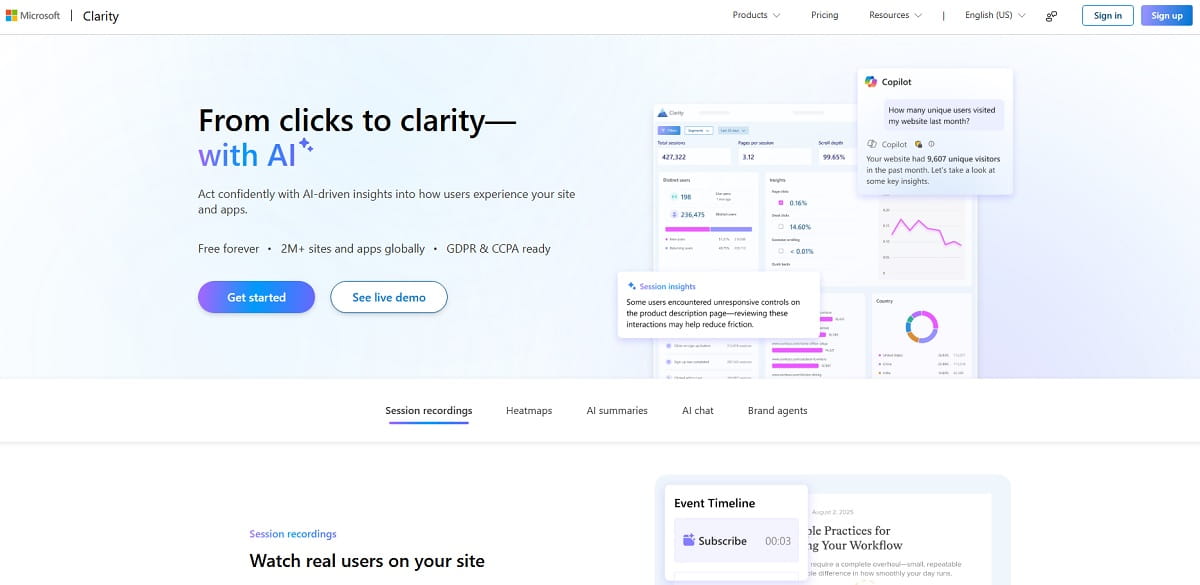
Microsoft Clarity is the single most disruptive product in this category: heatmaps, session recordings and behavioral insights with no traffic limit and no price at all. Microsoft reports it now runs on more than 2 million sites and apps. If your objection to Lucky Orange is purely the invoice, Clarity ends the conversation before it starts.
The trade-off is scope. Clarity is an observation tool, not a CRO platform. There is no A/B testing, no pop-up builder, no field-level form analytics and no live chat. Most teams that adopt it pair it with something that acts on the findings.
Key Features
- Unlimited session recordings and heatmaps — click, scroll and area maps with no sampling cap on traffic.
- Frustration signals — automatic detection of rage clicks, dead clicks, excessive scrolling and quick backs.
- AI summaries and AI chat — ask questions of your behavior data in plain language instead of building filters.
- Mobile SDK — Android, iOS, Flutter and React Native app analytics, which Lucky Orange does not offer.
- Google Analytics 4 integration — jump from a GA4 segment straight into the matching recordings.
- GDPR and CCPA compliance with automatic content masking.
Use Cases
- High-traffic publishers and marketplaces where any session-priced tool becomes unaffordable.
- Teams that need a second opinion alongside a paid tool, at zero incremental cost.
- Startups validating whether behavior analytics changes decisions before committing budget.
Pros And Cons
Pros: free forever with no traffic ceiling; strong AI-assisted analysis; covers web and native mobile apps; backed by Microsoft, so it is not going to disappear next quarter.
Cons: no A/B testing, pop-ups, surveys or live chat; no field-level form analytics; dashboards refresh on a delay rather than in real time; your behavior data lives in Microsoft’s ecosystem, which some legal teams will not approve.
Pricing
$0. Free forever, no traffic limits, no paid tier. Source: clarity.microsoft.com.
Best For
Anyone whose main reason for leaving Lucky Orange is cost, and who can live without the conversion-action toolkit.
3. Mouseflow — Closest Feature-For-Feature Match
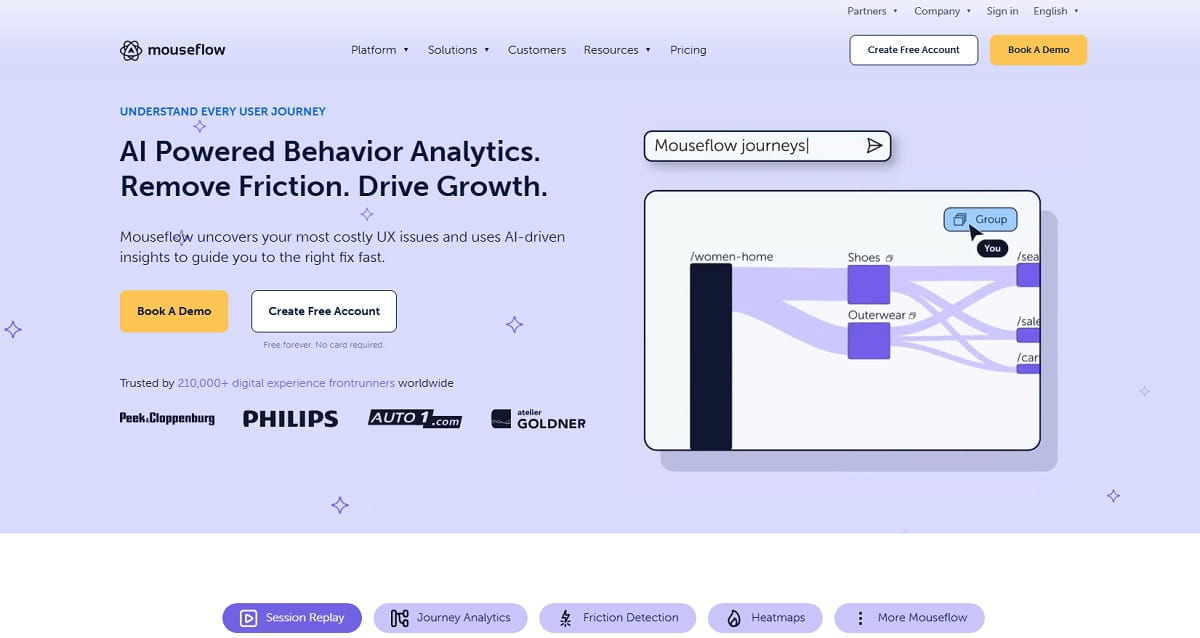
If you want the smallest possible change in daily workflow, Mouseflow is the answer. It is the one tool on this list that matches Lucky Orange item by item — session replay, six heatmap types, funnels, field-level form analytics, feedback surveys — and then adds a friction score that ranks recordings by how badly a visitor struggled, so you are not scrubbing through hours of video hunting for the interesting ones. It holds a 4.6/5 on G2 from close to 700 reviews, the largest review base of any tool here.
Key Features
- Six heatmap types — click, movement, scroll, attention, geo and live heatmaps.
- Friction score — automatic ranking of sessions by struggle signals, so the worst experiences surface first.
- Form analytics — field-level drop-off, time spent, blank submissions and refill rates.
- Journey and funnel analytics — cross-page paths plus conversion funnels tied back to replays.
- Feedback surveys — on-site polls triggered by behavior.
- Mina AI — AI-generated session and issue summaries, included on paid plans.
Use Cases
- Teams migrating off Lucky Orange who want to keep every existing workflow intact.
- Lead-generation sites where form abandonment is the primary conversion problem.
- CRO consultants who need friction ranking to review sites quickly.
Pros And Cons
Pros: the most complete like-for-like replacement; friction scoring saves genuine review time; free plan available for testing; cheapest paid entry point of the mainstream tools at $25/mo.
Cons: the jump from Essential to Advanced is steep ($25 to $109); website projects are limited by tier (1, 2, then 5), which is restrictive for agencies; no live chat and no A/B testing.
Pricing
Free — 500 sessions/mo, 1 website, 1 funnel, 1 month retention. Essential $25/mo — 5,000 sessions, 3 months retention. Advanced $109/mo — 25,000 sessions, 2 websites, 5 funnels, 6 months. Premium $319/mo — 100,000 sessions, 5 websites, 10 funnels, 12 months, plus SSO. Enterprise custom. Source: mouseflow.com/pricing.
Best For
Teams who like how Lucky Orange works and simply want it cheaper, with better session triage.
4. Hotjar (By Contentsquare) — Best For Behavior Plus Voice Of Customer
Hotjar is the category’s best-known name and the most common Lucky Orange comparison — the query “lucky orange vs hotjar” exists for a reason. Its strength is not heatmaps, which are comparable to everyone else’s, but the survey and feedback layer: on-site polls, incoming feedback widgets, and user interview recruiting, all attached to the same session data.
Status note: Hotjar merged into its parent company Contentsquare in July 2025. The Hotjar brand, product names and pricing page are still live through 2026, but billing and roadmap now sit with Contentsquare, and the two product lines are being folded into a unified platform. Check the current tier structure on the pricing page before signing an annual contract, because it is actively changing.
Key Features
- Heatmaps and session recordings — the standard set, with console-error and rage-click filters.
- Surveys and feedback widgets — unlimited on every plan, including the free one.
- Funnels and trends — drop-off analysis linked to replays.
- Highlights and dashboards — clip and share evidence with stakeholders.
- Engage — participant recruiting for moderated user interviews.
Use Cases
- UX and product teams that need qualitative feedback alongside quantitative behavior.
- Marketing teams presenting evidence to stakeholders who will not watch raw recordings.
- Sites where “why did they leave?” needs an answer from the visitor, not an inference.
Pros And Cons
Pros: best-in-class survey and feedback tooling; unlimited surveys even on the free plan; huge integration ecosystem; strong documentation and community.
Cons: daily session caps rather than monthly, so one traffic spike burns the day’s quota; session sampling on lower tiers; costs climb quickly at scale; the Contentsquare migration adds uncertainty about what you are buying into.
Pricing
Last published self-serve tiers, priced by daily sessions on annual billing: Basic free (35 daily sessions), Plus $32/mo (100 daily sessions), Business $80/mo (500), Scale $171/mo (1,500). Month-to-month runs about $39, $99 and $213 respectively. Verify against hotjar.com/pricing and contentsquare.com/pricing, since the tiers are mid-migration.
Best For
Teams whose gap is not behavior data but customer voice — surveys, feedback and interviews attached to it.
5. Crazy Egg — Best For Snapshot Reports And Simple A/B Tests
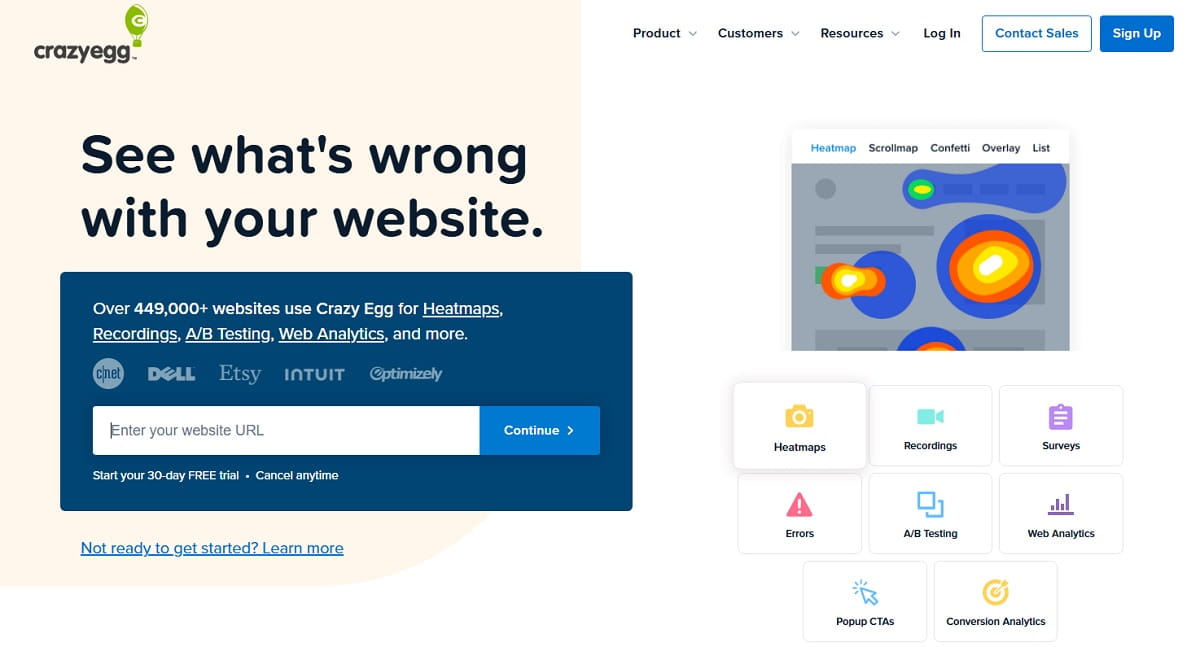
Crazy Egg launched in 2005 and remains the most approachable heatmap tool for non-analysts. Its Snapshot model is distinctive: instead of a live stream you fix a report window, and Crazy Egg produces a clean set of click, scroll, confetti and overlay reports for that period — easy to hand to a client or a stakeholder. It also bundles A/B testing, surveys and CTA pop-ups, so it competes with Lucky Orange on breadth rather than depth.
Key Features
- Five report types — heatmap, scrollmap, confetti (clicks segmented by source), overlay and list reports.
- Session recordings — capped per plan rather than unlimited.
- A/B testing — built-in split testing with a visual editor.
- Surveys and CTAs — on-site polls and pop-up prompts on all tiers.
- AI analysis — automated reading of heatmaps and recordings, included on every plan.
- No overage billing — traffic spikes do not generate surprise invoices.
Use Cases
- Agencies producing periodic client reports where a fixed snapshot is easier to present than a live dashboard.
- Landing-page teams running a small number of high-value A/B tests.
- Marketers who want confetti segmentation to see which traffic source clicks what.
Pros And Cons
Pros: unlimited domains and team members on every tier; confetti reports are still unmatched for source-level click analysis; no overages; two-year data storage on paid plans, far beyond Lucky Orange’s 60 days.
Cons: all plans are billed annually, so there is no cheap monthly escape hatch; recordings and heatmap reports are both capped per tier; no field-level form analytics; the $29 Starter tier covers only 5,000 pageviews, which is very tight.
Pricing
All plans billed annually. Starter $29/mo ($348/yr) — 5,000 pageviews, 50 recordings, 5 heatmap reports, 6-month storage. Plus $99/mo ($1,188/yr) — 150,000 pageviews, 1,000 recordings, 75 reports, 2-year storage. Pro $249/mo ($2,988/yr) — 500,000 pageviews, 5,000 recordings, 100 reports. Enterprise $599/mo ($7,188/yr) — 1,000,000 pageviews, 10,000 recordings, 200 reports, SAML SSO. Source: crazyegg.com/pricing.
Best For
Agencies and marketers who value clean, shareable reports and long data retention over real-time monitoring.
6. FullStory — Best For Product Analytics Depth
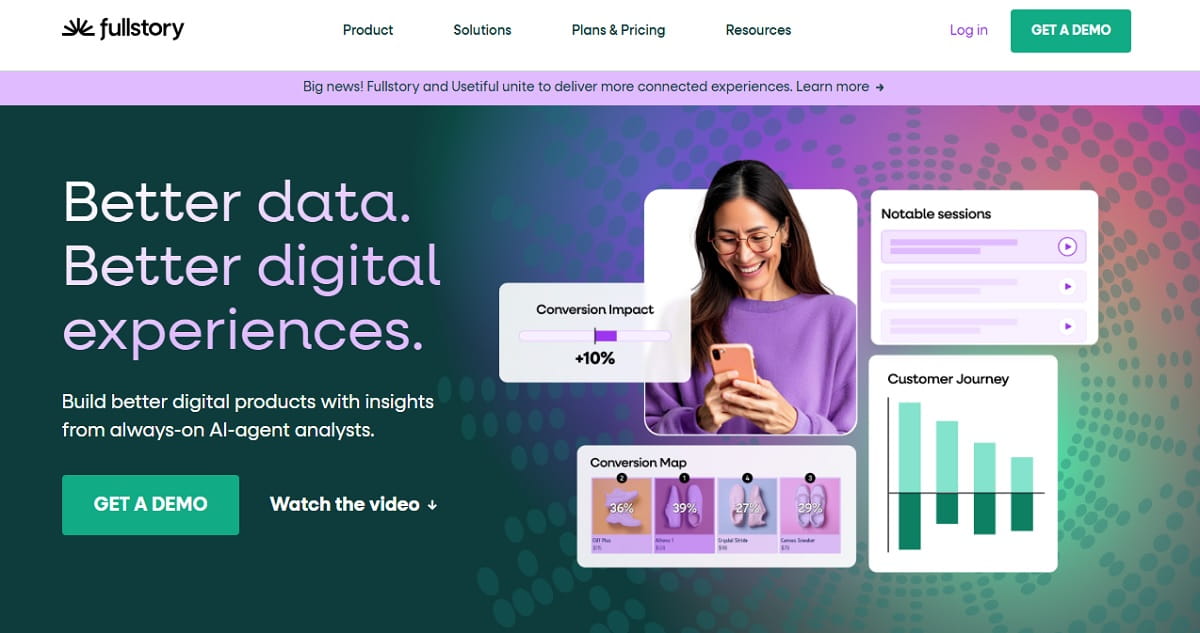
FullStory captures everything by default and lets you define events retroactively — meaning you can answer questions you had not thought to instrument before the data was collected. That is a genuinely different model from Lucky Orange, where what you did not set up, you did not record. For product teams asking cohort-level questions rather than page-level ones, it is the strongest option here.
The free tier is also the most generous of any serious platform on this list: 30,000 sessions a month with 12 months of retention, six times Lucky Orange’s default retention window at zero cost.
Key Features
- Retroactive event definition — build funnels and segments from data captured before the metric existed.
- Session replay with full DOM capture — including console errors and network detail for debugging.
- Frustration signals — rage clicks, dead clicks, error clicks and thrashed cursors, scored automatically.
- Heatmaps and page insights — element-level engagement across page variants.
- StoryAI — AI summaries of sessions and segments, sold as an add-on.
- Mobile analytics add-on — iOS and Android SDKs for native app coverage.
Use Cases
- SaaS product teams tracking activation and feature adoption, not just landing-page clicks.
- Support and engineering teams reproducing a reported bug from the exact session.
- Growth teams building funnels across a multi-step signup or onboarding flow.
Pros And Cons
Pros: exceptional free tier — 30,000 sessions, 12-month retention, up to 10 users; retroactive analysis removes the “we forgot to track it” problem; best-in-class debugging detail; scales to enterprise.
Cons: paid pricing is quote-only, which makes budgeting hard and negotiation mandatory; more complex than a marketer needs; several capabilities including mobile and StoryAI are separately priced add-ons; no pop-ups, live chat or A/B testing.
Pricing
Free — 30,000 sessions/mo, 12 months retention, up to 10 users, no credit card. Paid tiers Business, Advanced and Enterprise are quote-only; FullStory publishes no list prices. Add-ons include mobile analytics, StoryAI, Guides and Surveys. Source: fullstory.com/pricing.
Best For
Product and engineering teams that outgrew page-level heatmaps and need cohort and event analysis.
7. Inspectlet — Best Free Session Quota With Every Feature Unlocked
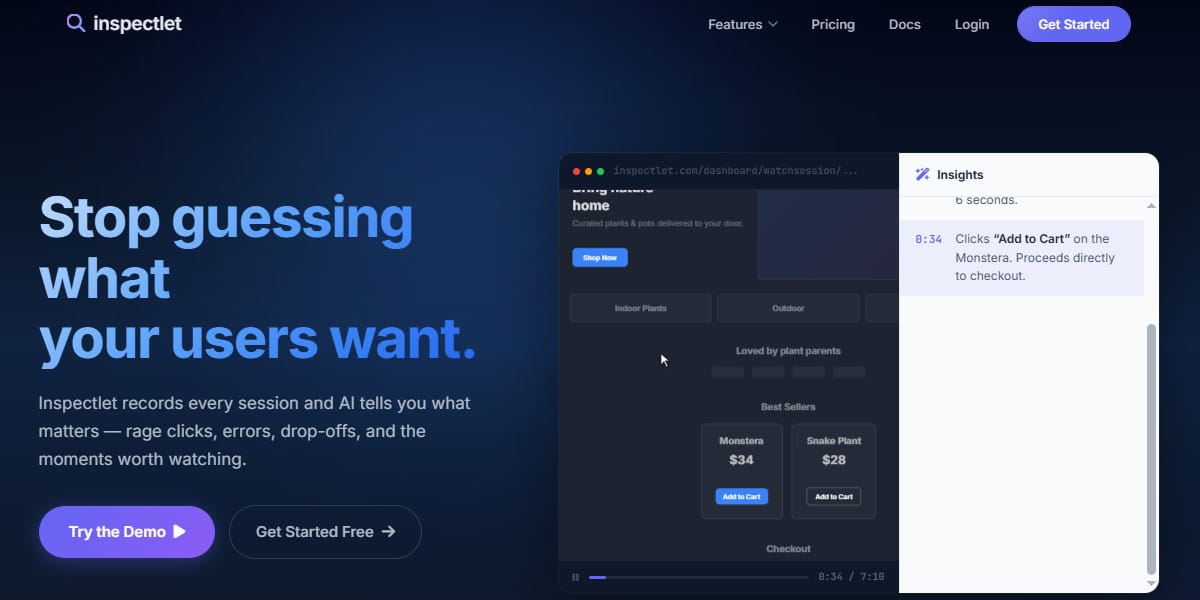
Inspectlet has been recording sessions since 2012 and takes an unusual position on packaging: every feature is available on every plan, including the free one. That means the free tier gives you 2,500 recorded sessions a month across three websites with heatmaps, form analytics, funnels, A/B testing and AI insights all switched on — no feature gates, no time limit, no card required. For a small business evaluating whether behavior analytics is worth paying for at all, it is the most honest trial in the category.
Key Features
- Session recording with eye-tracking-style mouse movement playback.
- Heatmaps — click, scroll and move maps.
- Form analytics — field-level abandonment reporting.
- Conversion funnels and goal tracking.
- Built-in A/B testing — rare at this price point.
- AI insights — automatic surfacing of problem sessions.
- Three websites on the free plan, which most competitors restrict to one.
Use Cases
- Freelancers and small agencies covering several small client sites on one bill.
- Low-traffic sites where 2,500 sessions a month is genuinely enough.
- Teams that want A/B testing bundled rather than bought separately.
Pros And Cons
Pros: best free plan of any paid-first tool here — 2,500 sessions with zero feature gating; no contracts, change or cancel any time; A/B testing included at every tier; three sites free.
Cons: the interface shows its age next to newer platforms; smaller integration catalogue; no live chat, pop-ups or surveys; less active product development than the market leaders.
Pricing
Free $0 — 2,500 sessions/mo, 3 websites. Micro $39/mo — 10,000 sessions. Startup $79/mo. Growth $149/mo. Accelerate $299/mo. Enterprise $499/mo. All features on all plans. Source: inspectlet.com/plans.
Best For
Budget-conscious small businesses and freelancers who want the full toolkit without a feature-gated upsell path.
8. Zoho PageSense — Cheapest Full CRO Suite
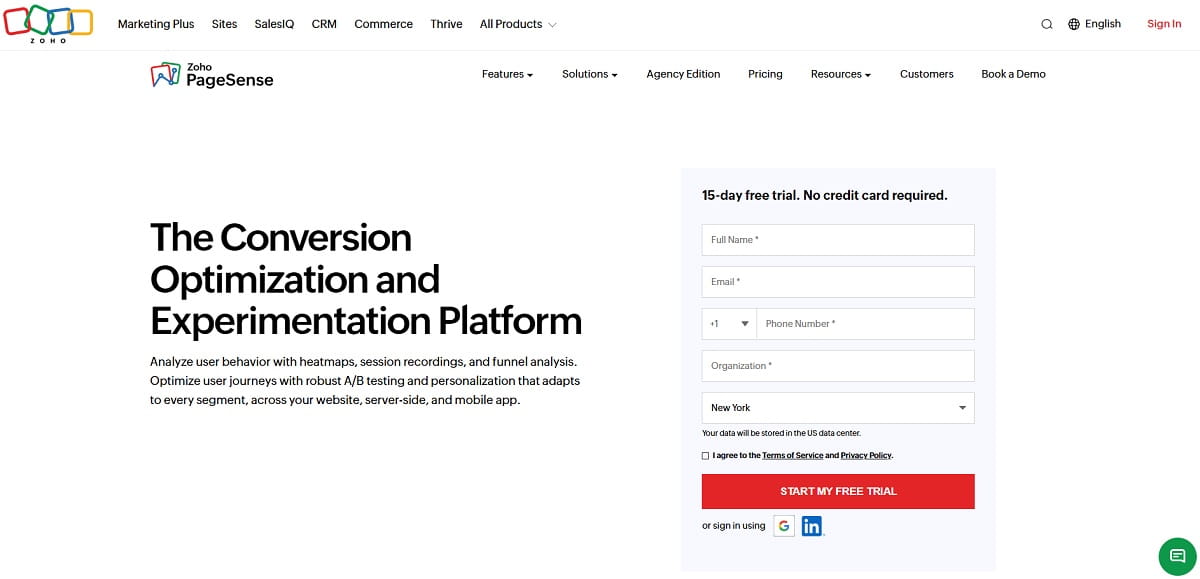
Zoho PageSense is the value pick. For roughly the price of a Lucky Orange entry plan you get behavior analytics plus experimentation: heatmaps, session recording, funnel and form analytics, on-site polls, pop-ups, push notifications, A/B testing, split URL testing and personalization. If you already run anything in the Zoho ecosystem — CRM, Campaigns, Commerce — the data connects natively, which is a real advantage no standalone tool can match.
Key Features
- Heatmaps and session recordings — included from the free tier upward.
- Funnel and form analytics — drop-off analysis at both page and field level.
- A/B, split URL and server-side testing — on the Enterprise tier.
- Personalization — rules-based content variation by segment.
- Pop-ups, banners and web push — the conversion-action layer Clarity lacks.
- Zoho ecosystem integration — CRM, Campaigns, Analytics and Commerce.
Use Cases
- Existing Zoho customers who want behavior data joined to CRM records.
- Small teams that need A/B testing and heatmaps but cannot justify two subscriptions.
- International businesses needing local currency billing (USD, EUR, GBP, INR, SGD, AUD).
Pros And Cons
Pros: the broadest feature set per dollar on this list; forever-free tier with heatmaps, recordings and form analytics; deep Zoho integration; 15-day full-feature trial with no card.
Cons: A/B testing and personalization require the Enterprise tier; pricing scales on monthly tracked users, which is harsher than session counting for returning-visitor sites; the UI is dense; support quality varies by region.
Pricing
Forever Free — 5,000 monthly tracked users, 1 project, 1 month retention, 5 goals. Professional from $20/mo at 10,000 MTU — adds polls, pop-ups, banners and push notifications, 3 projects, 6 months retention. Enterprise from $49/mo at 10,000 MTU — adds A/B testing, split URL testing, server-side testing, personalization, 10 projects, 12 months retention. Save 40% on annual billing. Source: zoho.com/pagesense/pricing.
Best For
Cost-sensitive teams that want testing and personalization bundled with behavior analytics, especially existing Zoho users.
9. VWO Insights — Best For Behavior Plus Serious Experimentation
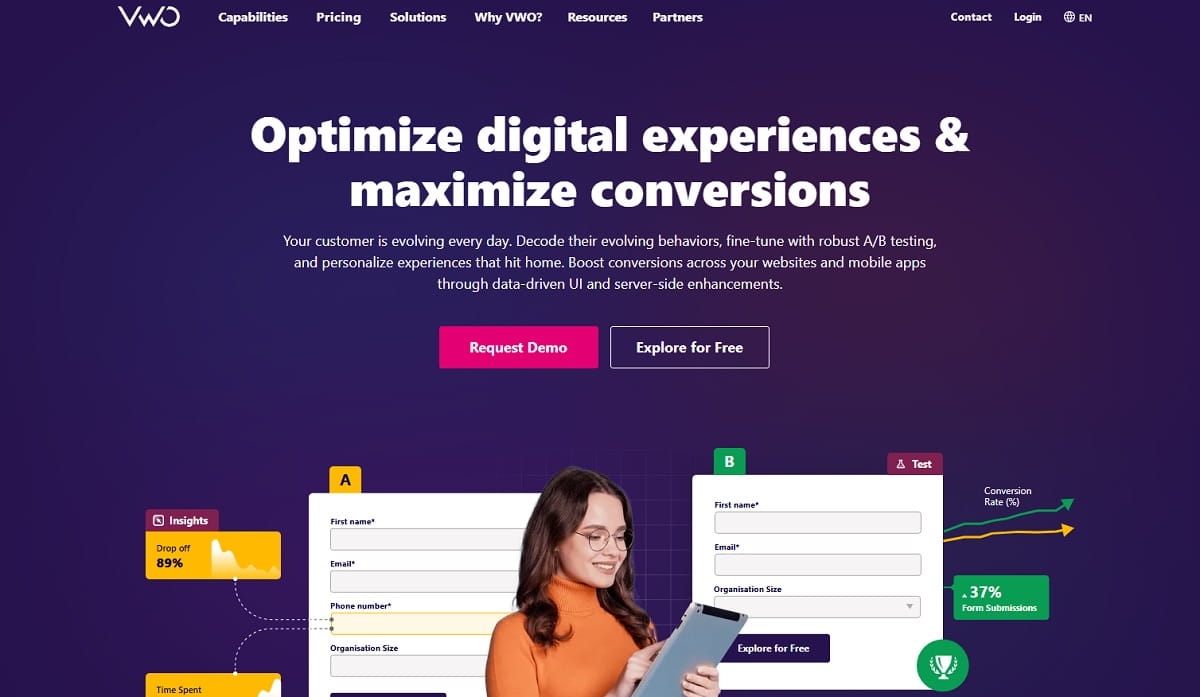
VWO started as an A/B testing platform and added behavior analytics, which is the reverse of how most tools on this list evolved — and it shows. VWO Insights gives you heatmaps, session recordings, form analytics and funnels, but the reason to choose it is that those insights feed directly into a serious experimentation engine with statistical rigour, multivariate testing and server-side capability that Lucky Orange does not attempt.
Key Features
- VWO Insights — heatmaps, scrollmaps, session recordings, form analytics, funnels.
- VWO Testing — A/B, multivariate, split URL and server-side experiments with a visual editor.
- Advanced targeting and segmentation across both insights and experiments.
- Guardrail metrics — protect revenue while experimenting.
- Personalization and web rollouts on higher tiers.
Use Cases
- Mature CRO programmes running a continuous test backlog, not occasional experiments.
- Ecommerce teams that need statistically defensible results before shipping a change.
- Organisations that want observation and experimentation governed by one platform.
Pros And Cons
Pros: the strongest experimentation engine of any tool that also does heatmaps; genuine statistical rigour; broad targeting options; free entry tier available for evaluation.
Cons: VWO does not publish list prices on its pricing page, so every purchase is a sales conversation; overkill and overpriced if you are not actually running experiments; steeper learning curve than Lucky Orange by a wide margin.
Pricing
VWO publishes Growth, Pro and Enterprise tiers but no list prices — pricing is quoted based on tracked users and modules selected. A free entry option is available to start. Source: vwo.com/pricing.
Best For
Teams whose real bottleneck is experimentation velocity, with behavior analytics as supporting evidence.
10. LogRocket — Best For Engineering And Debugging
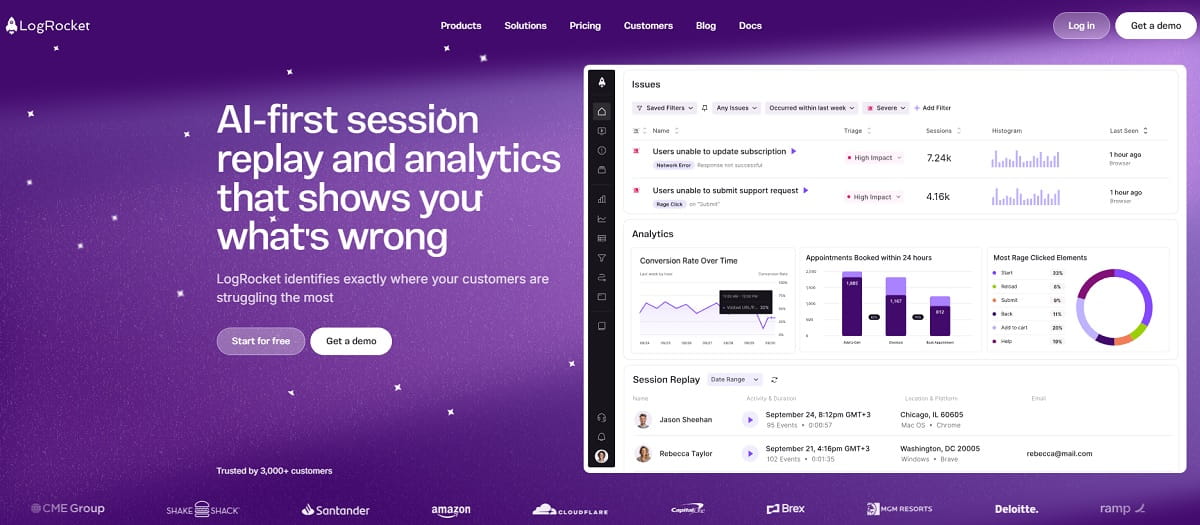
LogRocket answers a question Lucky Orange cannot: why the interface broke. Alongside session replay, heatmaps and clickmaps, it captures console logs, network requests, Redux state and stack traces, so a support ticket becomes a reproducible bug report instead of a guess. Analytics, logs and errors are unlimited on every plan — you pay only for sessions captured.
Key Features
- Session replay with full technical context — console, network, Redux and performance data attached to each replay.
- Heatmaps and clickmaps — the marketing-facing layer, included in Core.
- Error and performance monitoring — unlimited on all plans.
- Conversion funnels and alerting.
- AI issue detection — session summaries and funnel insights on Pro, free above 100,000 sessions/month.
- Conditional recording — capture only the sessions that matter, which materially reduces cost.
Use Cases
- SaaS and web-app teams where UX problems and JavaScript bugs are the same problem.
- Support teams that need to reproduce an issue exactly as the customer experienced it.
- Front-end teams monitoring performance regressions after a release.
Pros And Cons
Pros: unmatched technical depth in replays; unlimited analytics, errors and logs regardless of tier; conditional recording cuts spend significantly; discounts for startups, nonprofits and open source.
Cons: by far the most expensive entry point here — $176/mo for 25,000 sessions versus Mouseflow’s $109; built for engineers, so marketers will find it heavy; no pop-ups, surveys, A/B testing or live chat.
Pricing
Usage-based. A 25,000 sessions/month baseline starts at $176/mo on the Core plan. Pro adds AI intelligence, RBAC and audit logging, and is included free above 100,000 sessions/month. Enterprise adds unlimited seats, streaming export and a self-hosting option, priced on request. 14-day free trial, no card. Source: logrocket.com/pricing.
Best For
Engineering-led teams that need session replay to double as a debugging tool.
11. Matomo — Best For Privacy And Self-Hosting
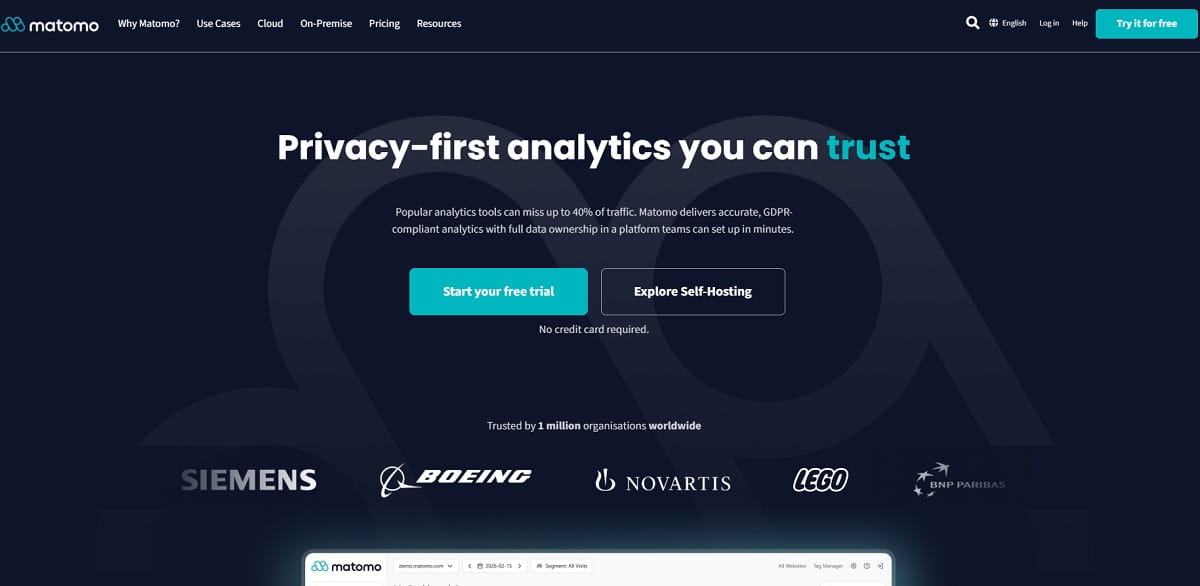
Matomo is the open-source answer for organisations that cannot legally or politically send behavioral data to a third-party US cloud. Run it on your own servers and 100% of the data stays in your infrastructure — no sampling, no data sharing, full GDPR control including EU hosting for the cloud version. Heatmaps and session recording come from the Heatmap and Session Recording plugin rather than the core product.
Key Features
- Heatmaps and session recording — click, move and scroll maps plus replays, via the dedicated plugin.
- Full web analytics — a genuine Google Analytics replacement, not just a behavior layer.
- Form analytics — available as an additional premium plugin.
- Funnels and goals — multi-step conversion analysis.
- Self-hosting or EU cloud — your choice of data residency.
- No data sampling — every visit counted, at any volume.
Use Cases
- Healthcare, finance, public sector and EU organisations with strict data-residency rules.
- Teams consolidating web analytics and behavior analytics into one self-hosted stack.
- Sites where cookie-consent rates make third-party SaaS data unusable anyway.
Pros And Cons
Pros: complete data ownership; open source with no vendor lock-in; replaces both Lucky Orange and Google Analytics; no sampling; EU-hosted cloud option.
Cons: heatmaps and session recording are not in the free core product — they are a paid plugin on Cloud and bundled only from the On-Premise Team Bundle upward; self-hosting requires real server administration; the interface is functional rather than polished; the effective cost of the full behavior toolkit is high.
Pricing
Matomo Cloud starts at EUR 29/mo for 50,000 hits, with Heatmap and Session Recording billed as separate metered add-ons. On-Premise: the core Community edition is free but excludes the plugin; the Team Bundle at EUR 275/mo is the cheapest bundle that includes Heatmaps and Session Recording, rising to Business (EUR 1,450/mo) and Enterprise (EUR 3,400/mo). Source: matomo.org/pricing.
Best For
Regulated industries and privacy-first organisations where data residency outranks convenience and price.
12. heatmap.com — Best For Ecommerce Revenue Attribution
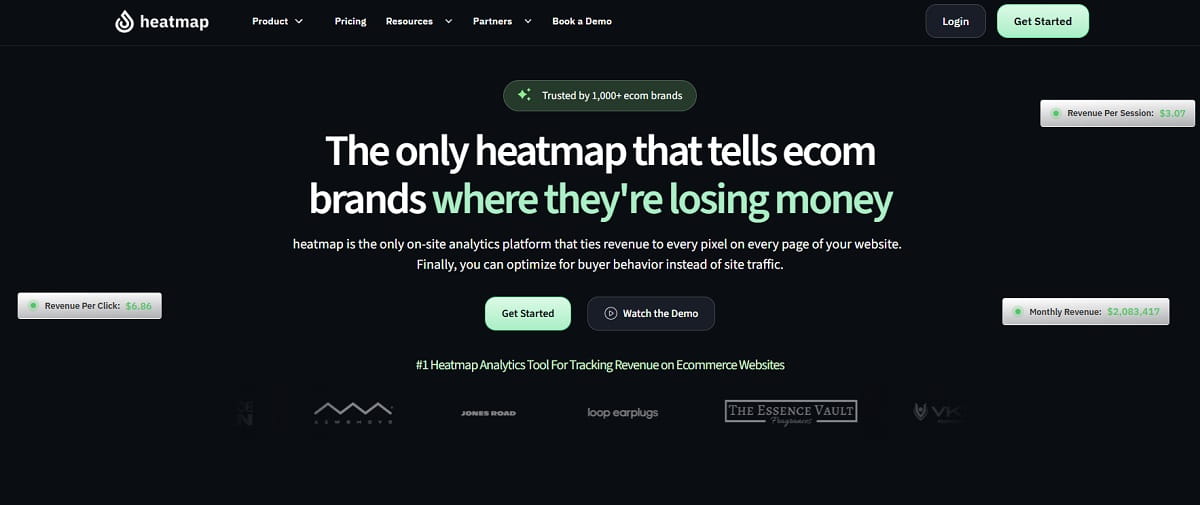
Every other heatmap on this list shows you clicks. heatmap.com shows you dollars per element — its revenue-per-pixel model attributes actual revenue to the specific parts of a page visitors interacted with. For a store, that reframes the whole exercise: instead of “this button gets a lot of clicks”, you get “this button is associated with $14,000 of revenue and the one above it with $300”. Pricing is banded by store revenue rather than sessions, which suits high-traffic, high-AOV merchants and penalises small ones.
Key Features
- Revenue-tracked heatmaps and scrollmaps across unlimited pages.
- Session recordings with revenue data attached to each session.
- Funnel analysis showing where revenue, not just visitors, drops out.
- Surveys and pop-ups for on-site conversion actions.
- Wilson AI — automated insight generation on ecommerce patterns.
- A/B testing integrations with the main experimentation platforms.
Use Cases
- Shopify and DTC brands past roughly $1M annual revenue optimising product and collection pages.
- CRO agencies that must justify recommendations in revenue terms to a client.
- Teams deciding which page elements to keep during a redesign.
Pros And Cons
Pros: the only tool here that ties heatmap interaction directly to revenue; unlimited pages tracked; revenue-banded pricing means no session anxiety; up to 33% off with annual prepayment.
Cons: $199/mo entry price is six times Lucky Orange’s, making it irrelevant for small sites; ecommerce only — useless for SaaS, publishers or lead generation; no form analytics; no free plan.
Pricing
Banded by store revenue. Launch $199/mo ($0–10M annual revenue). Growth $349/mo ($10–25M). Scale $699/mo ($25–50M). Enterprise custom ($50M+). 14-day free trial, no card required; up to 33% saving on annual prepayment. Source: heatmap.com/pricing.
Best For
Established ecommerce brands that need behavior data expressed in revenue, not clicks.
13. FullSession — Best Mid-Market Replay On A Budget
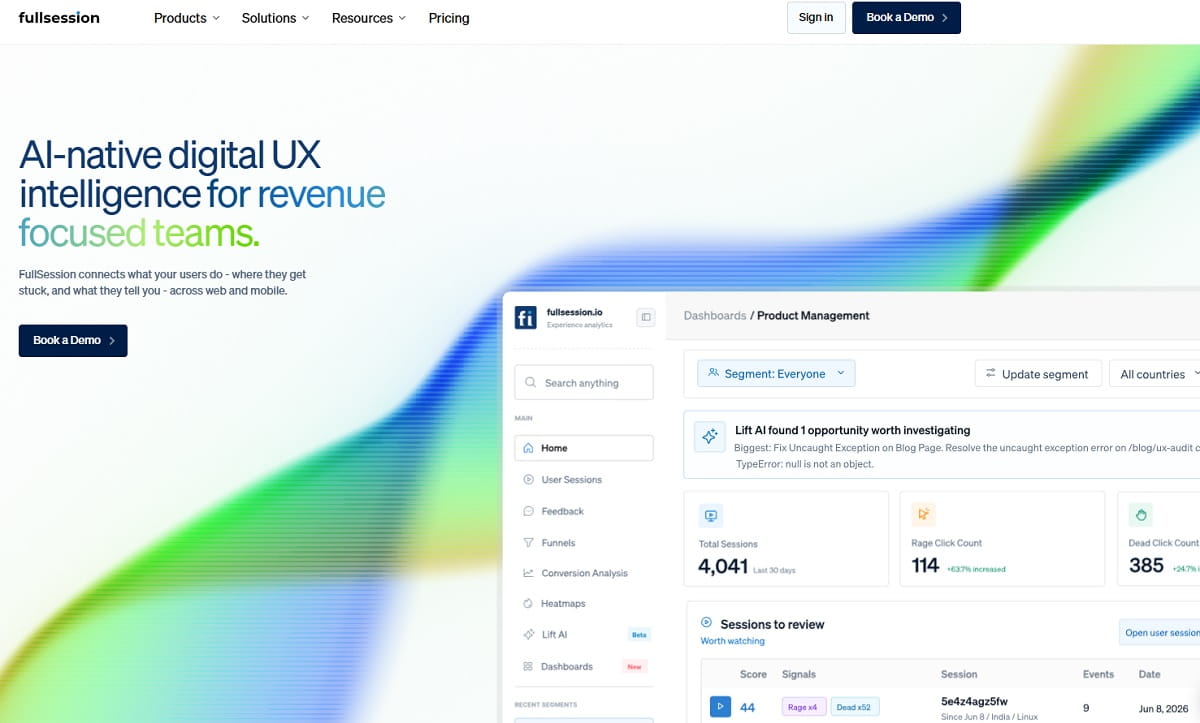
FullSession sits in the gap between free tools and enterprise platforms: $49/month buys 10,000 sessions with unlimited seats and unlimited domains, which is unusual at this price and makes it attractive to agencies who would otherwise pay per project. It covers session replay, unlimited heatmaps, funnels, feedback and error reporting, with AI issue ranking on higher tiers.
Key Features
- Session replay and unlimited heatmaps — no cap on heatmap reports at any tier.
- Unlimited seats and domains from the Growth plan up.
- Conversion funnels with drop-off analysis.
- Feedback widgets and custom events.
- Error reporting tied to sessions.
- Lift AI — ranks issues by estimated revenue impact, on Professional and Enterprise.
Use Cases
- Agencies managing many client domains under one subscription.
- Growing sites that outgrew a free tier but cannot justify enterprise pricing.
- Teams that want everyone — not just two seats — looking at the same session data.
Pros And Cons
Pros: unlimited seats and domains from $49/mo; unlimited heatmaps at every tier; free plan to evaluate; 20% off annual billing.
Cons: the $49 to $349 jump between Growth and Professional is a large step; a smaller and less proven company than Hotjar or FullStory; the free plan is limited to 1,000 sessions, 2 seats and one domain; no A/B testing or pop-up builder.
Pricing
Free $0 — 1,000 sessions/mo, 2 seats, 1 domain, 30-day retention. Growth $49/mo — 10k/25k/50k session options, unlimited seats and domains, 4-month retention. Professional $349/mo — 100k–750k sessions, 8-month retention, Lift AI. Enterprise custom, 500k+ sessions, SSO/SAML, 15+ month retention. 20% discount on annual billing. Source: fullsession.io/pricing.
Best For
Agencies and multi-site operators who need seat and domain freedom more than brand recognition.
14. UXCam — Best For iOS And Android Apps
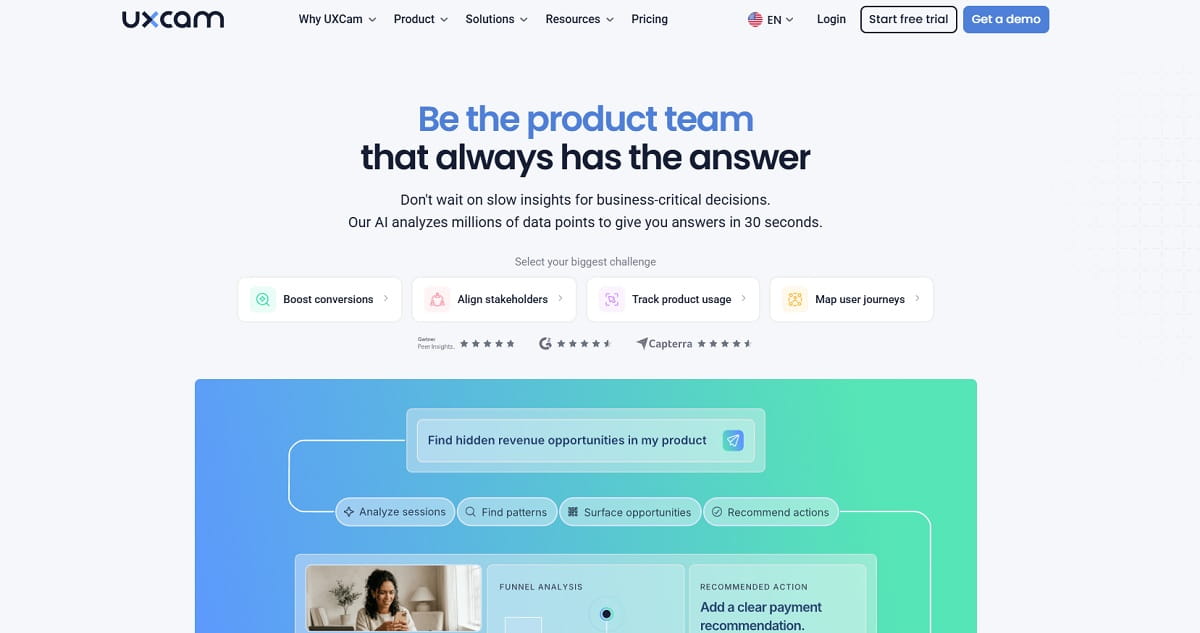
Lucky Orange does not track native mobile apps at all. If that is your gap, UXCam is the specialist: an SDK-based platform built from the ground up for mobile session replay, gesture heatmaps and screen-flow analysis on iOS, Android, Flutter and React Native. It is not a website tool, so treat it as a replacement only for the mobile half of your analytics — most teams run it alongside a web tool rather than instead of one.
Key Features
- Mobile session replay — full gesture-level playback of app sessions.
- Gesture heatmaps — taps, swipes and scrolls mapped per screen.
- Screen flow analysis — how users actually navigate between screens.
- Crash and issue analytics — replays attached to crashes and UI freezes.
- Funnels and retention — mobile-native conversion analysis.
- Automatic PII masking for app screens.
Use Cases
- Mobile-first products where most revenue happens in the app, not the site.
- App teams diagnosing onboarding or checkout drop-off screen by screen.
- QA teams reproducing a crash from the exact gesture sequence that caused it.
Pros And Cons
Pros: the deepest mobile behavior analytics available; generous 3,000-session free plan with six months of retention; strong privacy masking; purpose-built rather than a web tool with an SDK bolted on.
Cons: no website tracking at all, so it cannot replace Lucky Orange on its own; paid tiers are quote-only and, by third-party procurement data, land well into five figures annually; requires developer time to install the SDK.
Pricing
Free — 3,000 sessions/mo, up to 6 months data retention, no card required. Starter, Growth and Enterprise tiers are quote-only; UXCam publishes no list prices. Source: uxcam.com.
Best For
Mobile app teams — as a complement to a web tool, not a standalone Lucky Orange replacement.
15. Zuko — Best For Form And Checkout Abandonment
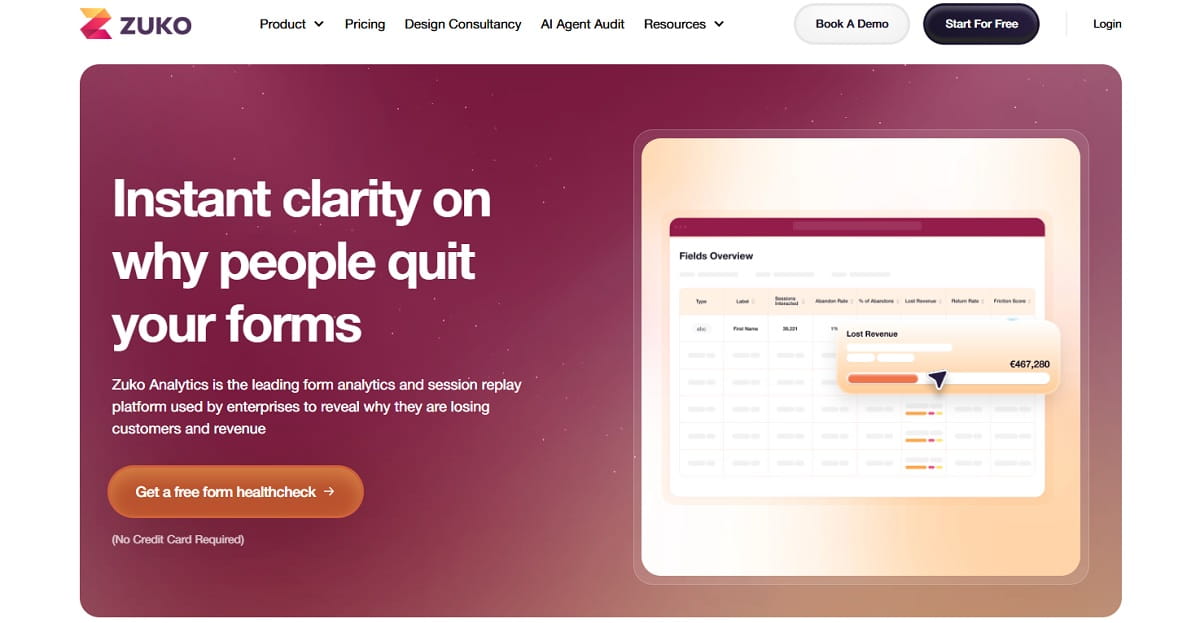
Zuko does one thing: form analytics, in far more depth than any generalist. If the reason you bought Lucky Orange was its form reporting — and your conversion problem lives in a checkout, a quote form or a multi-step application — Zuko replaces that specific job comprehensively. It tracks every field interaction, abandonment point, error message, time per field and re-entry, and reports which single field is costing you the most completions.
Key Features
- Field-level abandonment analysis — the exact field where users quit.
- Time and attempt tracking per field, including refills and corrections.
- Error message reporting — which validation messages fire and how often.
- Form funnels across multi-step and multi-page forms.
- Unlimited forms and unlimited users on every plan.
- Session replay add-on — replays scoped to form sessions, priced separately.
Use Cases
- Insurance, finance and travel sites with long, high-value application forms.
- Ecommerce checkouts where abandonment happens after the cart, not before it.
- B2B lead generation where a single extra field measurably kills conversion.
Pros And Cons
Pros: the most detailed form analytics on the market; unlimited forms and users on all plans; one-off sample pricing available for a single audit without a subscription; multi-currency billing in GBP, USD and EUR.
Cons: no heatmaps, so it cannot replace Lucky Orange on its own; session replay costs extra; $70/mo for 5,000 form sessions is expensive for a single-purpose tool; irrelevant if forms are not your bottleneck.
Pricing
Starter $70/mo ($56 annual) — 5,000 form sessions. Professional $140/mo ($112 annual) — 10,000 sessions plus implementation support. Business $350/mo ($280 annual) — 25,000 sessions. Enterprise $700/mo ($560 annual) — 50,000 sessions. Session replay add-on runs roughly $25–$315/mo depending on tier; one-off form samples start around $190. Source: zuko.io/pricing.
Best For
Teams whose conversion problem is definitively a form — used alongside a heatmap tool, not instead of one.
Free Lucky Orange Alternatives
Lucky Orange no longer promotes a free tier on its own pricing page — the 100-session free plan survives only through the Shopify App Store listing, and the standard entry point is a 7-day trial. Six tools on this list offer a permanent free plan, and the gap between the best and worst of them is enormous.
| Tool | Free Plan Limit | Data Retention | Sites | What You Give Up |
|---|---|---|---|---|
| Microsoft Clarity | Unlimited traffic | Rolling window | Unlimited | No A/B testing, pop-ups or form analytics |
| FullStory | 30,000 sessions/mo | 12 months | 1 | Advanced analytics, mobile, StoryAI |
| UXCam | 3,000 sessions/mo | 6 months | 1 app | Mobile apps only, no web |
| Inspectlet | 2,500 sessions/mo | Standard | 3 | Nothing — all features unlocked |
| Zoho PageSense | 5,000 monthly users | 1 month | 1 project | A/B testing, pop-ups, personalization |
| Plerdy | 100 daily heatmaps, 500 sessions | 1 month | 1 | Higher volume tiers only, features intact |
| Mouseflow | 500 sessions/mo | 1 month | 1 | Multiple funnels, longer retention |
| FullSession | 1,000 sessions/mo | 30 days | 1 | Unlimited seats, AI ranking |
The honest recommendation: if you want a free tool and nothing more, use Microsoft Clarity — nothing else removes the traffic ceiling. If you want a free tier that can grow into a paid CRO stack without a migration later, start on Plerdy or Inspectlet, both of which keep the full feature set switched on at zero cost. Running Clarity alongside a paid tool costs nothing and is a legitimate strategy, not a compromise.
Tools We Left Off This List (And Why)
Five products appear regularly in competing “Lucky Orange alternatives” articles and did not make this one. Each exclusion has a specific, checkable reason.
Smartlook — Discontinued By Cisco
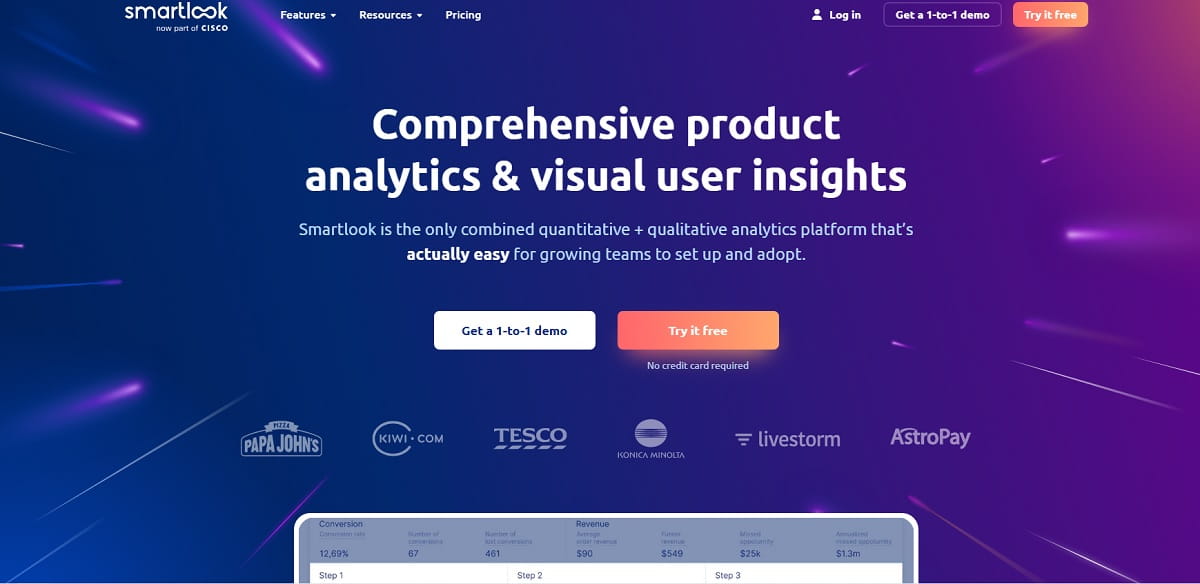
This is the important one. Smartlook was acquired by Cisco in 2023 and is now being sunset. Per Cisco’s own end-of-life announcement, the milestones are: end of sale 31 May 2026 (no new subscriptions), end of renewals and expansions 31 August 2026, end of support 31 August 2027, and platform shutdown with data deletion after that. Historical data is not automatically migrated anywhere. Several currently ranking “best Lucky Orange alternatives” articles still recommend it as a top pick. Do not migrate onto it. If you are already on Smartlook, export your recordings, funnels and event data well before the support cutoff — the final month is not a safe export window. Source: Cisco end-of-sale and end-of-life announcement.
Google Analytics 4 And Analytics 360 — Different Job
GA4 tells you how many people did something and where they came from. It has no heatmaps and no session replay, so it cannot answer the question Lucky Orange exists to answer. It is a complement, not an alternative — and every tool on this list integrates with it. Analytics 360 is the same product with enterprise limits and a six-figure price tag.
Crisp — Live Chat, Not Behavior Analytics
Crisp is a strong customer-messaging platform and ranks for this query because Lucky Orange happens to include a chat widget. But if you switch to Crisp you lose heatmaps, recordings, funnels and form analytics entirely. It replaces one Lucky Orange feature, not the product. If chat is what you need, pair Crisp or Intercom with a behavior tool from this list.
Piwik PRO — No Heatmaps Or Session Recording
Piwik PRO is an excellent privacy-first analytics suite with a consent manager and tag manager, starting at EUR 36/month. It does not include heatmaps or session recording, so it fails the core-job test. For a privacy-driven migration, Matomo with the Heatmap and Session Recording plugin is the correct answer.
Attention Insight — Predicted, Not Real, Behavior
AI attention-prediction tools generate a heatmap from a design mockup before anyone visits. That is genuinely useful in pre-launch design review, but it is a model output, not observed visitor behavior. It complements a Lucky Orange alternative; it does not replace one.
Best Lucky Orange Alternative By Use Case
If you only read one section, read this one. Pick the row that describes your actual situation.
| Your Situation | Best Choice | Why |
|---|---|---|
| Leaving mainly over price, want everything in one tool | Plerdy | $21/mo covers heatmaps, replay, funnels, pop-ups, unlimited A/B tests and SEO audits |
| Any budget at all is too much | Microsoft Clarity | Free forever, no traffic ceiling |
| Want the identical workflow, cheaper | Mouseflow | Matches Lucky Orange feature for feature, from $25/mo |
| Need surveys and user interviews | Hotjar (Contentsquare) | Unlimited surveys even on the free plan |
| Report to clients on a fixed cadence | Crazy Egg | Snapshot reports, unlimited domains, 2-year storage |
| Product team asking cohort questions | FullStory | Retroactive event definition, 30k free sessions |
| Small site, want zero feature gating | Inspectlet | 2,500 free sessions with every feature on, 3 sites |
| Need A/B testing bundled cheaply | Zoho PageSense | Testing and personalization from $49/mo |
| Running a real experimentation programme | VWO Insights | Statistical rigour plus behavior data in one platform |
| UX bugs are engineering bugs | LogRocket | Console, network and stack traces inside every replay |
| Data cannot leave your servers | Matomo | Self-hosted, open source, full data ownership |
| Ecommerce brand above $1M revenue | heatmap.com | Revenue attributed per page element |
| Agency with many client domains | FullSession | Unlimited seats and domains from $49/mo |
| Your product is a mobile app | UXCam | Native iOS, Android, Flutter and React Native SDK |
| Your conversion problem is a form | Zuko | Field-level abandonment in unmatched depth |
Lucky Orange Pros And Cons
Before switching, it is worth being clear about what you would be giving up. Lucky Orange is a good product with a specific cost profile — not a bad product.
| Pros | Cons |
|---|---|
| Every feature unlocked on every paid plan — no upsell gates | Session-based pricing bites early: 3,500 sessions on the entry tier |
| Dynamic heatmaps that render on interactive elements, not just static pages | 60-day default data retention; longer windows cost extra |
| Built-in live chat, which almost no competitor offers | The 2026 legacy plan migration changed renewal prices for existing customers |
| Real-time live visitor view | No SEO, technical audit or error-monitoring layer |
| Excellent form and page analytics | No native mobile app SDK |
| 4.6/5 on G2, 4.7/5 on Capterra; setup takes minutes | No permanent free plan on the main site — 7-day trial only |
| Strong Shopify and WooCommerce support | Limited depth for product analytics and cohort analysis |
How To Migrate Off Lucky Orange Without Losing Data
Switching behavior analytics tools has one irreversible risk: recordings and heatmaps are not portable. There is no export format that another vendor will import. Plan around that.
- Export what you can before you cancel. Lucky Orange retains data for 60 days by default. Download the funnel reports, form analytics summaries and any recordings you have flagged as evidence. Screenshots of key heatmaps are crude but they are what you will actually reference in six months.
- Run both tools in parallel for one full billing cycle. Two tracking scripts will not break your site. This gives you a period where the same traffic is measured twice, so you can confirm the new tool’s session counting matches your expectations before you rely on it.
- Recount your sessions against the new pricing model. Tools count differently: Lucky Orange and Mouseflow count monthly sessions, Hotjar counts daily sessions, Crazy Egg counts pageviews, Plerdy counts daily heatmap pageviews and video sessions separately, and heatmap.com bands by store revenue. Take one real month of analytics data and price each option against it before choosing.
- Rebuild funnels and goals first, decoration later. Funnels are the thing you will miss immediately. Recreate those before you touch heatmap configuration.
- Check your consent management. A new vendor is a new data processor. Update your cookie banner categories, privacy policy and any DPA before the script goes live, not after.
- Verify site speed. Measure Core Web Vitals before and after installing the new script. Behavior analytics tags vary considerably in weight, and a slow tag will cost you more conversions than the tool recovers.
How To Choose The Right Lucky Orange Alternative
Five questions narrow fifteen options to two or three, in this order.
1. How Many Sessions Do You Actually Have?
This decides more than any feature comparison. Under 3,000 sessions a month, free tiers from Clarity, Inspectlet, Plerdy or FullStory cover you entirely. Between 3,000 and 25,000, the $20–$50 tier is where the real competition sits — Plerdy, Mouseflow, Zoho PageSense and FullSession. Above 100,000, pricing models diverge so sharply that you must model each one against your real traffic.
2. Do You Need To Observe, Or To Act?
Observation tools (Clarity, FullStory, LogRocket) show you the problem. Action tools (Plerdy, Zoho PageSense, VWO, Crazy Egg) let you fix it in the same platform with pop-ups, A/B tests and personalization. If your team cannot ship changes quickly through development, an action layer is worth more than analytical depth.
3. How Far Back Do You Need To Look?
Lucky Orange gives 60 days. If you run quarterly CRO cycles or compare seasonal peaks year over year, that is disqualifying. FullStory’s free tier keeps 12 months, Crazy Egg keeps two years on paid plans, and Mouseflow’s Premium tier keeps 12.
4. Web, App, Or Both?
Only Microsoft Clarity, FullStory (via add-on) and UXCam cover native mobile apps. If your product spans both, either accept two tools or take the Clarity plus paid-web-tool combination.
5. What Will Legal Approve?
Ask this before you shortlist, not after. If data residency or self-hosting is a hard requirement, the list collapses to Matomo immediately and the other fourteen options are irrelevant. Better to know on day one.
For a wider view of the category, see our guides to the best heatmap software, session replay tools, and the head-to-head Lucky Orange vs Hotjar comparison. If you are evaluating several vendors at once, our breakdowns of Hotjar alternatives, Crazy Egg alternatives, Mouseflow alternatives and Microsoft Clarity alternatives cover the same tools from the other direction.
Conclusion: The Best Lucky Orange Alternatives In 2026
There is no single best Lucky Orange alternative — there is a best one for your session volume, your budget and whether you need to act on what you find or only observe it. Three answers cover most situations:
- Plerdy is the best overall replacement. It matches Lucky Orange on heatmaps, session replay, funnels, forms and ecommerce tracking, adds unlimited A/B testing and pop-ups, layers on SEO auditing and error monitoring that Lucky Orange has never offered, and starts at $21/month with a permanent free tier instead of a 7-day trial.
- Microsoft Clarity is the best free option — unlimited traffic, no cost, no catch beyond a missing action layer.
- Mouseflow is the safest like-for-like switch if you want your existing workflow untouched at a lower price.
Whichever you pick, do two things before you cancel: run both tools in parallel for one billing cycle, and price each candidate against one real month of your own traffic rather than the vendor’s example numbers. And whatever you do, verify a tool is still being sold before you migrate onto it — as the Smartlook end-of-life shows, half the “best alternatives” lists on the internet are recommending a product you can no longer buy.
FAQ About Lucky Orange Alternatives
What Is The Best Lucky Orange Alternative?
Plerdy is the best overall Lucky Orange alternative for most small and mid-sized teams, because it covers the same behavior toolkit — heatmaps, session replay, funnels, form and event tracking — and adds unlimited A/B testing, pop-ups, SEO auditing and error monitoring from $21/month with a permanent free tier. If cost is the only issue, Microsoft Clarity is free with no traffic limit. If you want the closest possible feature match, Mouseflow starts at $25/month.
Is There A Free Alternative To Lucky Orange?
Yes, several. Microsoft Clarity is free forever with unlimited traffic, heatmaps, session recordings and mobile app support. FullStory’s free plan includes 30,000 sessions a month with 12 months of retention. Inspectlet gives 2,500 sessions across three sites with every feature unlocked. Plerdy, Mouseflow, Zoho PageSense and FullSession all offer permanent free tiers as well. Lucky Orange itself no longer promotes a free plan on its pricing page — the entry point is a 7-day trial.
Why Did Lucky Orange Pricing Change In 2026?
Lucky Orange retired its legacy plan structure in early 2026 and moved existing customers onto session-based tiers: Build at $32/month for 3,500 sessions, Grow at $72 for 10,000, Expand at $199 for 50,000 and Scale at $839 for 300,000 on annual billing. Customers on older grandfathered plans saw their renewal price recalculated under the new structure. Check your current invoice against the published tiers before comparing alternatives.
Is Hotjar Better Than Lucky Orange?
They solve slightly different problems. Hotjar is stronger on voice of customer — unlimited surveys, feedback widgets and user interview recruiting — while Lucky Orange is stronger on real-time monitoring, form analytics and live chat, and unlocks every feature on every plan. Hotjar also caps sessions daily rather than monthly, so a traffic spike exhausts the day’s quota. Note that Hotjar merged into Contentsquare in July 2025 and the tier structure is still being consolidated.
Should I Switch From Lucky Orange To Smartlook?
No. Cisco has discontinued Smartlook. End of sale was 31 May 2026, renewals and expansions ended 31 August 2026, paid support ends 31 August 2027, and the platform shuts down with data deletion after that. Historical data is not automatically migrated. Any article still recommending Smartlook as a Lucky Orange alternative has not been updated against Cisco’s own end-of-life notice.
Which Lucky Orange Competitor Is Best For Small Businesses?
For under about 10,000 sessions a month, the strongest value options are Plerdy at $21/month, Zoho PageSense at $20/month, and Mouseflow at $25/month. All three include heatmaps, session replay and funnels. Plerdy adds unlimited A/B testing, pop-ups and SEO auditing at that price; Zoho PageSense requires the $49 Enterprise tier for A/B testing. If you can work without an action layer, Microsoft Clarity and Inspectlet cover the observation side for free.
What Is The Best Lucky Orange Alternative For Shopify And Ecommerce?
It depends on store size. Below roughly $1M in annual revenue, Plerdy is the strongest fit — native Shopify integration, ecommerce analytics, funnels, pop-ups and A/B testing from $21/month. Above that, heatmap.com is worth the $199/month entry price because it attributes actual revenue to individual page elements rather than counting clicks. Microsoft Clarity works free alongside either one.
Which Lucky Orange Alternative Supports Mobile Apps?
Lucky Orange does not track native mobile apps at all. Microsoft Clarity offers free SDKs for Android, iOS, Flutter and React Native. UXCam is the mobile specialist with gesture heatmaps and screen-flow analysis, free up to 3,000 sessions a month. FullStory supports mobile through a paid add-on. For a product spanning web and app, most teams pair a web tool with one of these.
When Should You Switch From Lucky Orange?
Four clear triggers: your session count regularly exceeds your tier and the next step up doubles the bill; you need data older than 60 days for seasonal comparison; you are paying separately for SEO auditing, pop-ups or A/B testing that another platform bundles; or you have launched a mobile app Lucky Orange cannot see. If none of those apply, staying is a reasonable decision — Lucky Orange is well rated for good reasons.
Can I Export My Lucky Orange Data To Another Tool?
Not directly. Session recordings and heatmaps are not portable between vendors — there is no common format any competitor will import. Export your funnel reports, form analytics summaries and key screenshots before cancelling, and run the old and new tool in parallel for one billing cycle so you have overlapping data rather than a gap in your history.