

Crazy Egg is a popular website optimization tool for heatmaps, session recordings, A/B testing, surveys, web analytics, popup CTAs, and conversion analytics. It helps teams see where visitors click, scroll, hesitate, or leave a page.
But it is not the only option. Some Crazy Egg alternatives are better for full CRO work, some are stronger for session replay, some focus on mobile app analytics, and some give you more SEO, funnel, or ecommerce data in one place.
This guide compares the best Crazy Egg alternatives and competitors in 2026. You will see what each tool is best for, where it beats Crazy Egg, where it may be weaker, and which option makes sense for your website, ecommerce store, SaaS product, or marketing team.
What Is Crazy Egg?
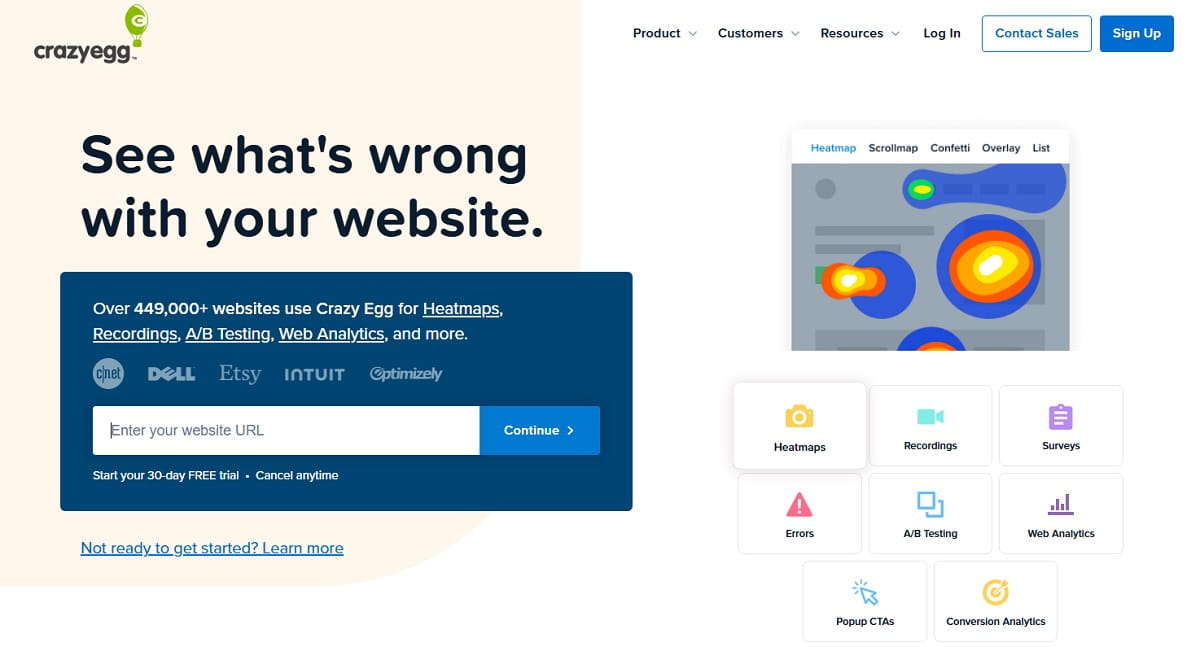
Crazy Egg is a website behavior and conversion optimization platform. Its current product set includes heatmaps, session recordings, surveys, error tracking, A/B testing, web analytics, popup CTAs, and conversion analytics.
The tool is useful when you want to see what visitors do on a page without reading only standard analytics reports. For example, you can check where users click, how far they scroll, which page areas get ignored, and which design changes may improve conversions.
Still, Crazy Egg is not always the best fit for every team. If you need SEO checks, deeper funnel analysis, form analytics, free unlimited behavior tracking, mobile app analytics, or enterprise-level product analytics, another Crazy Egg competitor may be a better choice.
| Tool | Best For | Main Features | Pricing Note |
|---|---|---|---|
| Plerdy | CRO, UX, SEO, funnels, popups, and A/B testing in one platform | Heatmaps, video sessions, SEO audit, pop-ups, ecommerce tracking, conversions, AI UX Assistant, unlimited A/B testing | Free plan available; Startup from $32/month or $21/month yearly |
| Hotjar / Contentsquare | UX research, heatmaps, replays, and surveys | Heatmaps, recordings, surveys, feedback, AI survey summaries, user research tools | Free and paid plans depend on Contentsquare packages |
| Microsoft Clarity | Free heatmaps and session recordings | Session replays, heatmaps, Google Analytics integration, mobile app analytics SDK | Free forever |
| Mouseflow | Funnel and form behavior analysis | Session replay, heatmaps, friction detection, journey analytics, form analytics, feedback surveys | Free plan; paid plans from $25/month |
| Fullstory | Product analytics and deep session replay | Session replay, analytics, retention insights, AI session summaries | Free plan includes 30,000 monthly sessions |
| VWO | A/B testing and behavior insights | Heatmaps, recordings, AI behavior signals, rage/dead click detection, experiments | Flexible pricing by product/module |
| Lucky Orange | Ecommerce CRO, chat, funnels, and quick UX fixes | Heatmaps, funnels, session recordings, Discovery AI | Free trial / paid plans |
| Inspectlet | Affordable session replay, heatmaps, and A/B testing | Session replay, dynamic heatmaps, form analytics, A/B testing, feedback, error logging | Free plan includes 2,500 recorded sessions/month |
| Quantum Metric | Enterprise digital analytics | Session replay, real-time monitoring, friction detection, journey analytics, alerts | Custom / sales-led |
| Attention Insight | Pre-launch design attention testing | AI attention heatmaps, predictive eye-tracking, attention percentage reports | Paid plans; best before launch, not after real traffic |
Crazy Egg Pricing And Cost
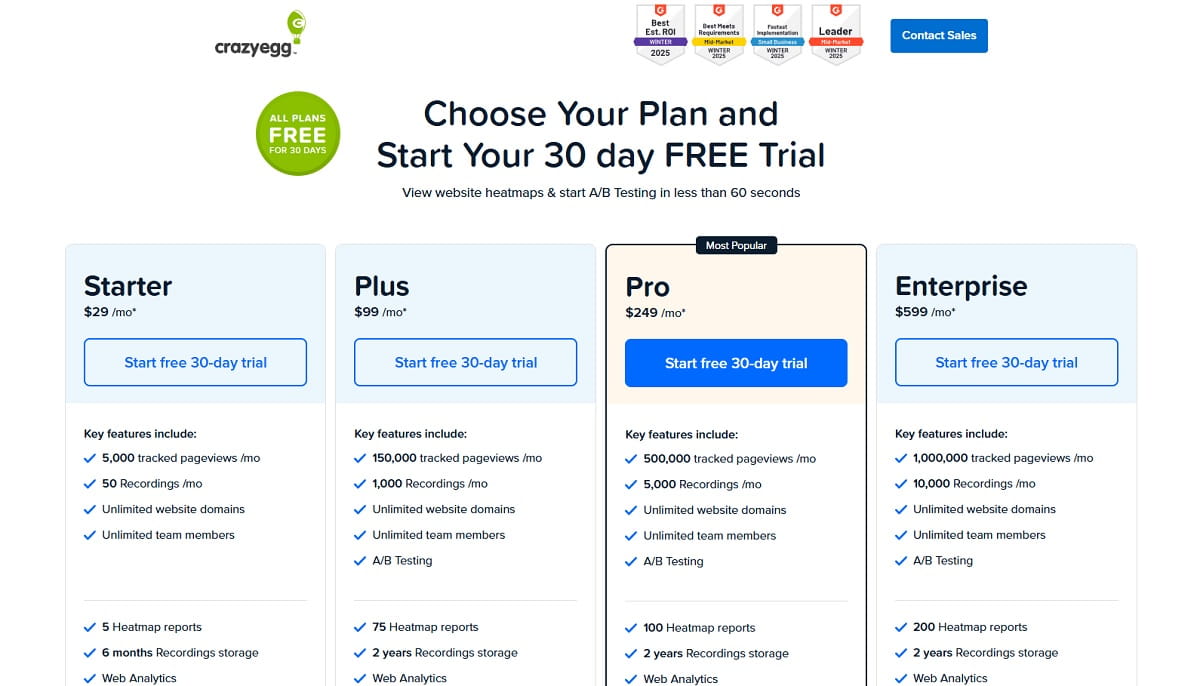
Crazy Egg pricing starts from $29/month on the Starter plan, billed annually. This plan includes 5,000 tracked pageviews per month, 50 recordings per month, 5 heatmap reports, web analytics, surveys, heatmap filters, and AI analysis for heatmaps and recordings.
The Plus plan costs $99/month and adds A/B testing, more recordings, more heatmap reports, error tracking, CTAs, and priority support. The Pro plan costs $249/month, while the Enterprise plan costs $599/month. All public Crazy Egg plans are billed annually.
So, Crazy Egg can work well for small and mid-sized teams that need heatmaps, recordings, and simple testing. But if you compare Crazy Egg cost with tools that include SEO checks, funnels, popups, ecommerce tracking, or larger session limits, the best value may be different.
Best 10 Crazy Egg Alternatives
Here are the tools to consider as Crazy Egg alternatives. They all are suitable for analyzing, tracking, and optimizing a website.
#1. Plerdy Alternative to Crazy Egg
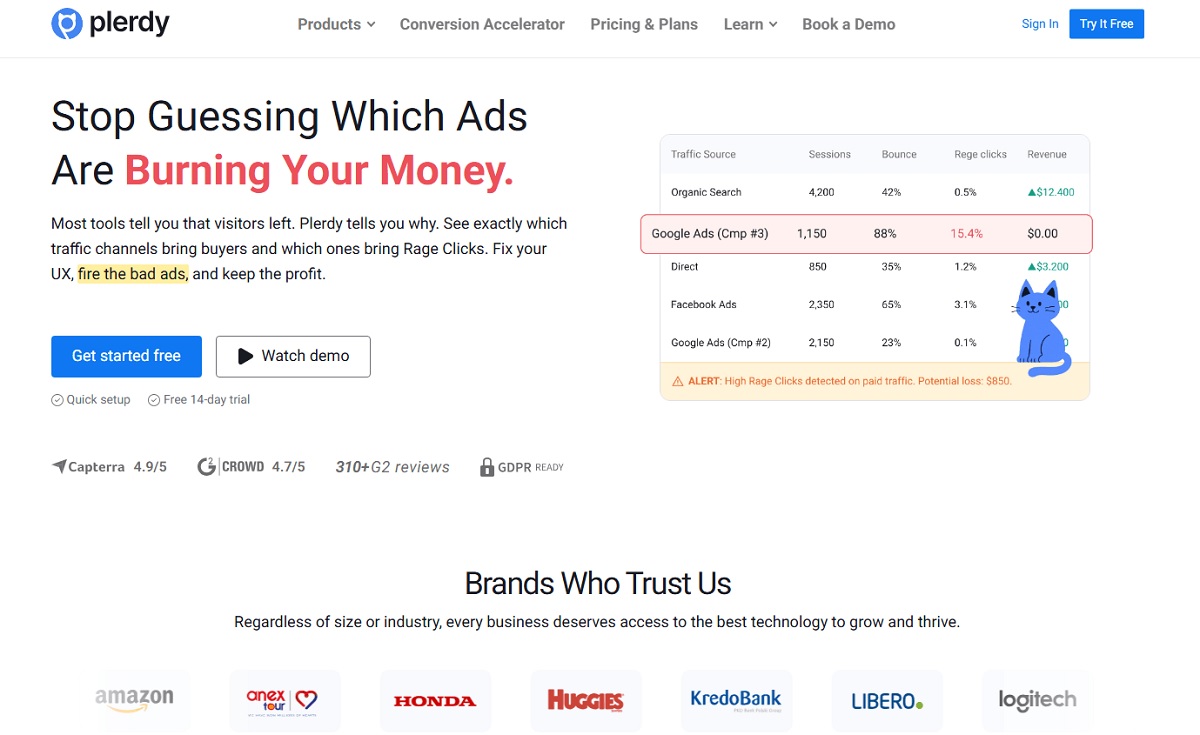
Plerdy is one of the strongest Crazy Egg alternatives if you need more than heatmaps and recordings. It combines website heatmaps, video sessions, SEO audits, pop-ups, ecommerce tracking, conversions, AI UX Assistant, and unlimited A/B testing in one platform.
This makes Plerdy useful for CRO teams, SEO specialists, ecommerce marketers, and small businesses that do not want to connect five separate tools. You can see how users behave, check where they click, review session recordings, find SEO issues, test page changes, and launch popups for lead generation.
Compared with Crazy Egg, Plerdy is a better fit when your goal is not only to understand user behavior, but also to fix UX, SEO, and conversion problems from one dashboard.
#2. Hotjar Alternative to Crazy Egg
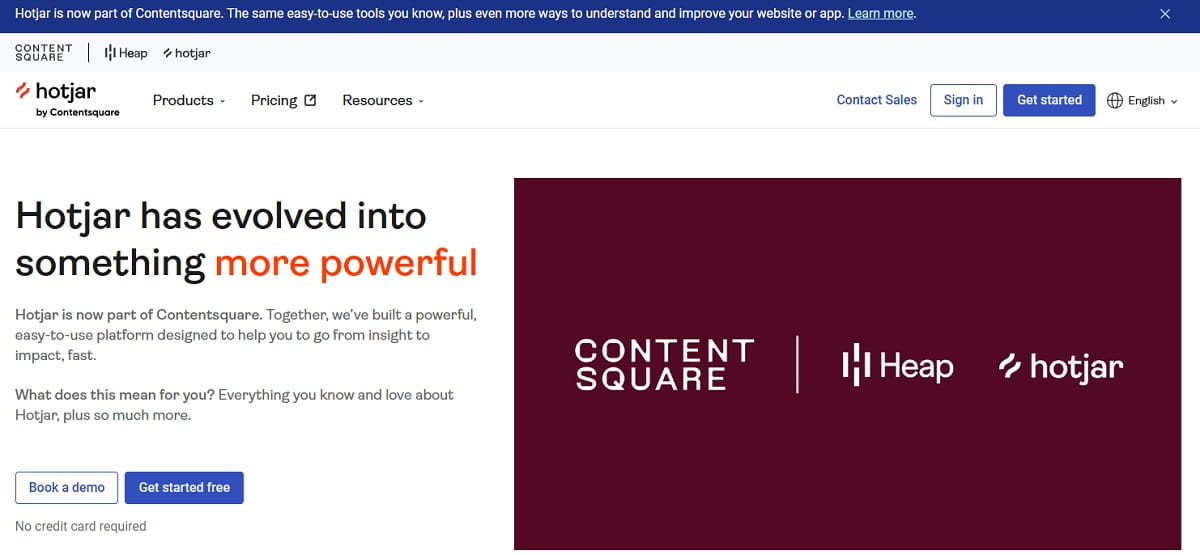
Hotjar is still one of the most searched Crazy Egg competitors, especially for heatmaps, session recordings, surveys, and UX feedback. But the article should mention that Hotjar is now part of Contentsquare, because this changes how users understand the product and pricing.
Hotjar works well for teams that care about qualitative UX research. You can use it to see how users interact with pages, collect survey answers, and understand what frustrates visitors. It is simpler than enterprise analytics platforms, but broader than a basic heatmap-only tool.
Choose Hotjar over Crazy Egg if surveys, feedback, and UX research matter more than popup CTAs or simple A/B testing.
#3. Microsoft Clarity Alternative to Crazy Egg
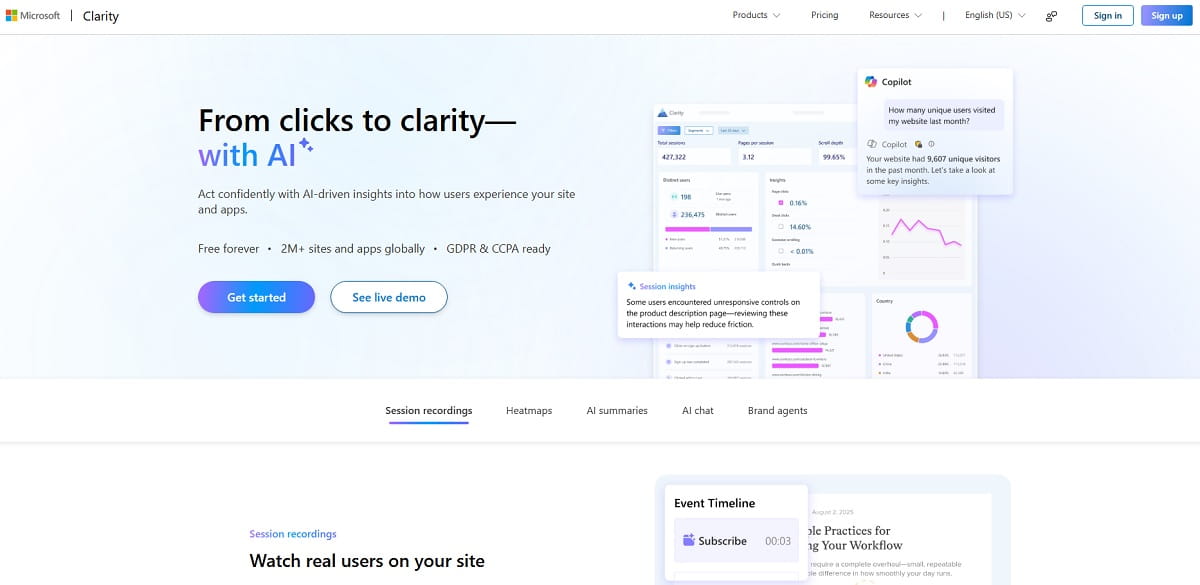
Microsoft Clarity is one of the best free Crazy Egg alternatives. It offers free heatmaps and session recordings, and Microsoft positions it as a free user behavior analytics tool.
Clarity is a smart choice for startups, small websites, blogs, and ecommerce stores that want to understand user behavior without adding another paid subscription. It also integrates with Google Analytics and supports mobile app analytics through SDKs for Android, iOS, Flutter, and React Native.
The main difference is simple. Crazy Egg is a paid conversion optimization tool with A/B testing and popup CTAs. Microsoft Clarity is better when you need free heatmaps and recordings first.
#4. Mouseflow Alternative to Crazy Egg
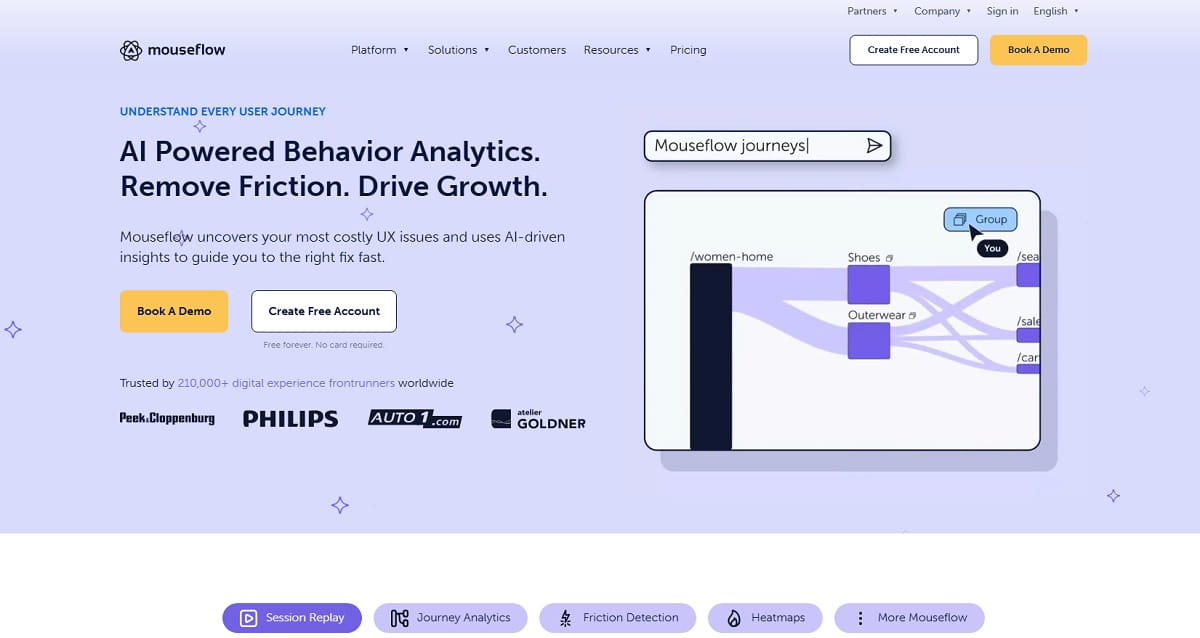
Mouseflow is a strong Crazy Egg alternative for teams that need deeper behavior analytics. It includes session replay, heatmaps, friction detection, journey analytics, conversion funnels, form analytics, and feedback surveys.
This makes Mouseflow especially useful when you want to understand not only where users click, but also why they abandon forms, where they get stuck, and which steps in the journey hurt conversions. For ecommerce and lead generation websites, that extra funnel and form layer can be valuable.
Choose Mouseflow over Crazy Egg if your main problem is not just page-level behavior, but forms, funnels, friction, and user journey analysis.
#5. FullStory Alternative to Crazy Egg
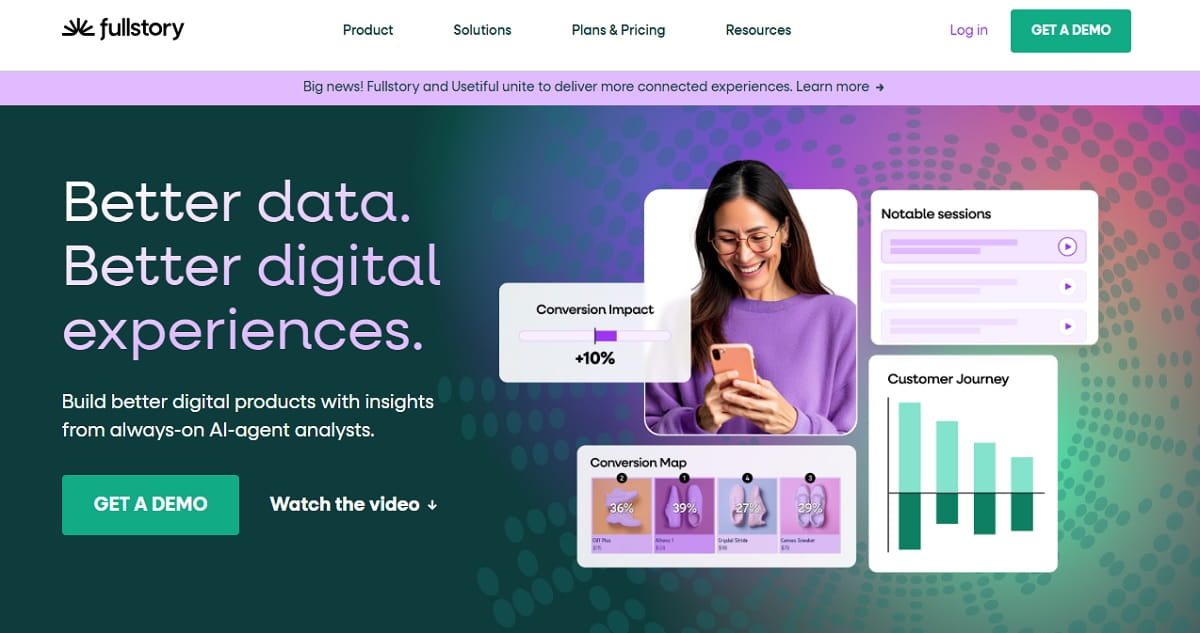
Fullstory is better for product teams and SaaS companies that need deeper digital experience intelligence. It focuses on session replay, product analytics, user behavior signals, and experience insights.
Fullstory also has a free plan that includes 30,000 monthly sessions and 12 months of analytics retention, which makes it more accessible than many enterprise-level tools. For teams that want to debug product friction, study retention, or analyze user behavior inside a digital product, Fullstory can go deeper than Crazy Egg.
Choose Fullstory if your team cares about product experience, not only website page optimization.
#6. VWO Alternative to Crazy Egg
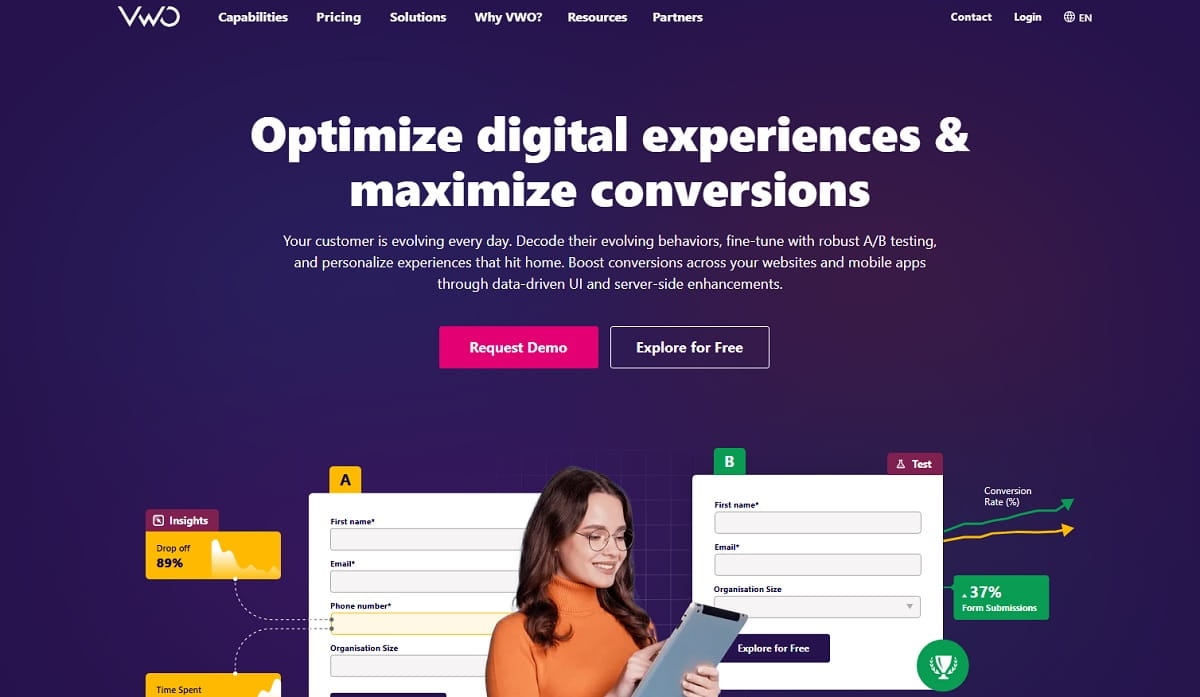
VWO is a strong Crazy Egg competitor when A/B testing and experimentation are the main priority. VWO includes testing tools, heatmaps, session recordings, and AI behavior signals that can highlight rage clicks, dead clicks, errors, and drop-offs.
Compared with Crazy Egg, VWO is usually a more advanced experimentation platform. It fits teams that already have enough traffic and want structured testing, personalization, and behavior insights in the same optimization workflow.
Choose VWO over Crazy Egg if your marketing or product team runs regular experiments and needs more than basic page heatmaps.
#7. Lucky Orange Alternative to Crazy Egg
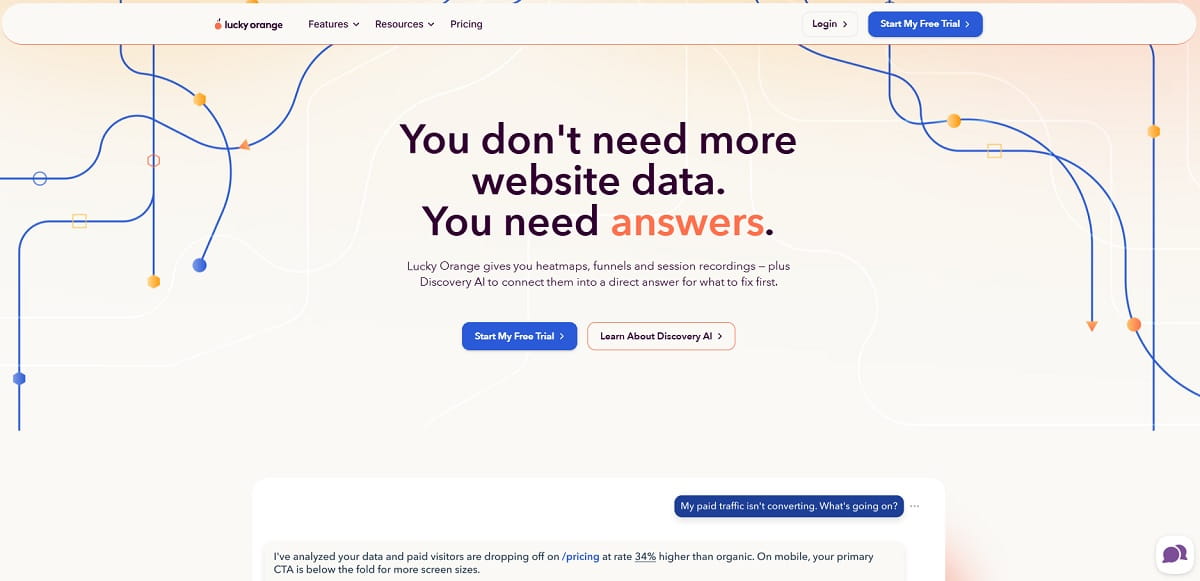
Lucky Orange is a practical Crazy Egg alternative for ecommerce teams and small businesses that want behavior analytics plus conversion support tools. It includes heatmaps, funnels, session recordings, and Discovery AI to help teams understand what to fix first.
Lucky Orange is also known for combining behavior data with features like chat and visitor insights, so it can be useful when you want to connect UX issues with real customer questions. This is different from Crazy Egg, which is more focused on page optimization, A/B testing, and visual analytics.
Choose Lucky Orange if you want heatmaps, recordings, funnels, and more direct visitor interaction in one CRO toolkit.
#8. Inspectlet Alternative To Crazy Egg
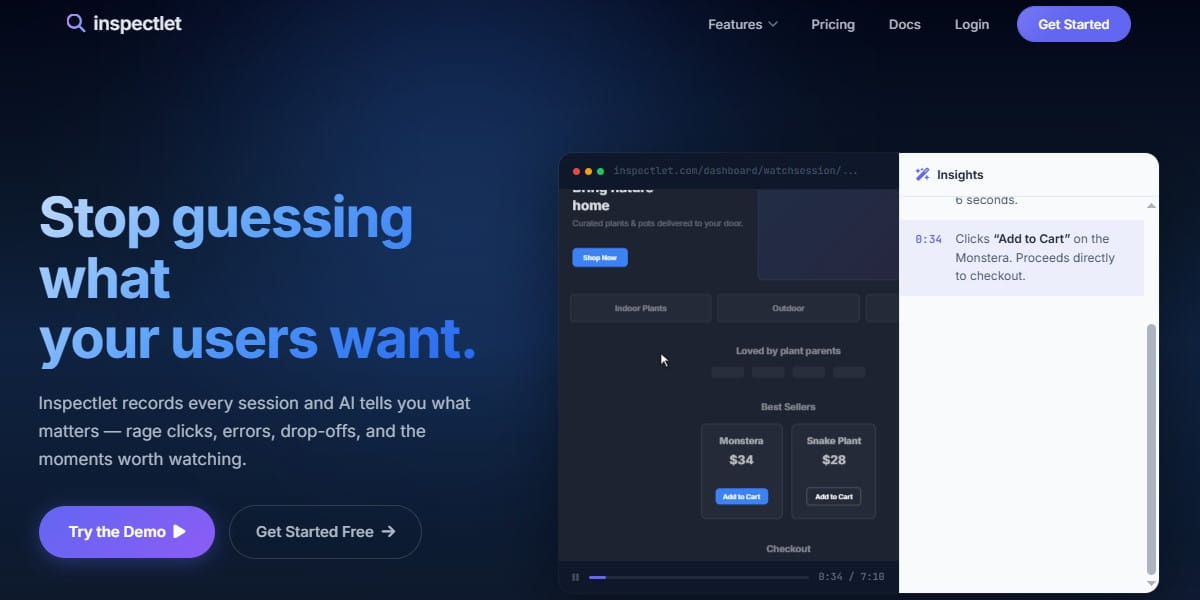
Inspectlet should be added to the list because GSC already shows impressions for “inspectlet vs crazy egg”, and it is a direct competitor in the same behavior analytics space.
Inspectlet includes session replay, dynamic heatmaps, form analytics, A/B testing, feedback surveys, error logging, AI insights, recommended sessions, and Ask Inspectlet AI. Its free plan includes 2,500 recorded sessions per month across up to 3 websites, with no credit card required.
Choose Inspectlet over Crazy Egg if you want a free entry plan with recordings, heatmaps, and A/B testing, or if form analytics is important for lead generation pages.
#9. Quantum Metric Alternative to Crazy Egg
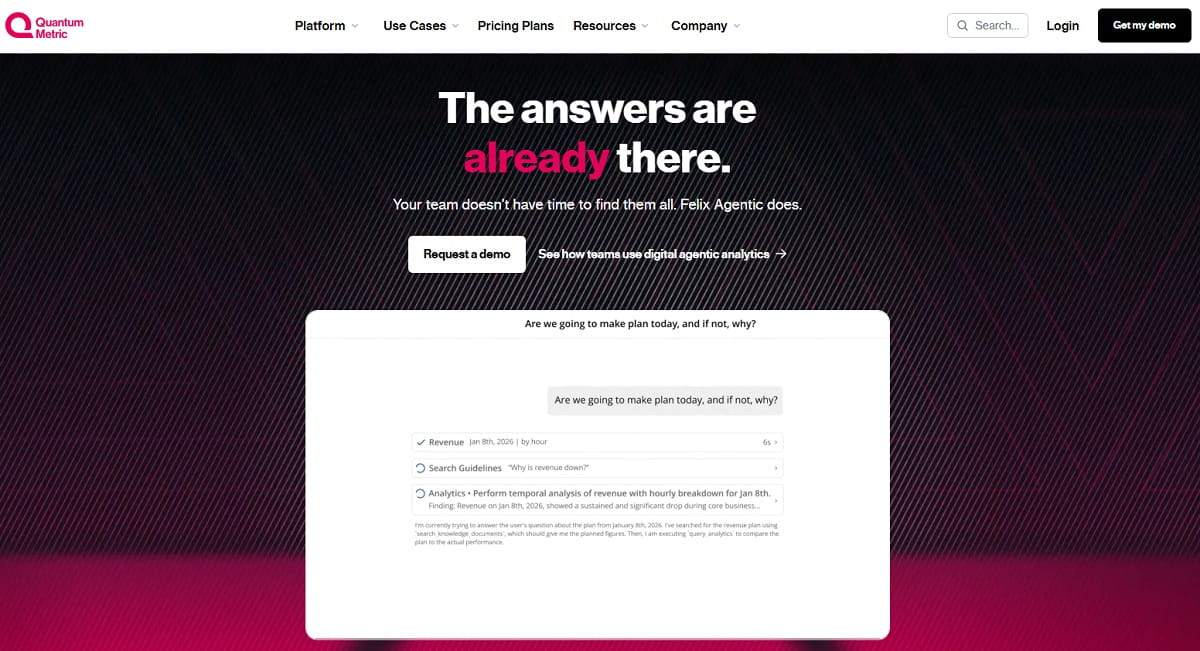
Quantum Metric is not a simple SMB heatmap tool. It is better positioned as an enterprise digital analytics platform for large teams that need real-time monitoring, friction detection, product analytics, experience analytics, journey analytics, alerts, and business impact analysis.
Compared with Crazy Egg, Quantum Metric is heavier and more advanced. It is not the first choice for a small blog or a simple ecommerce landing page. But for large ecommerce, banking, telecom, travel, or enterprise product teams, it can connect user behavior with technical friction and revenue impact.
Choose Quantum Metric if your team needs enterprise-level digital experience analytics, not just heatmaps and recordings.
#10. Attention Insight Alternative to Crazy Egg
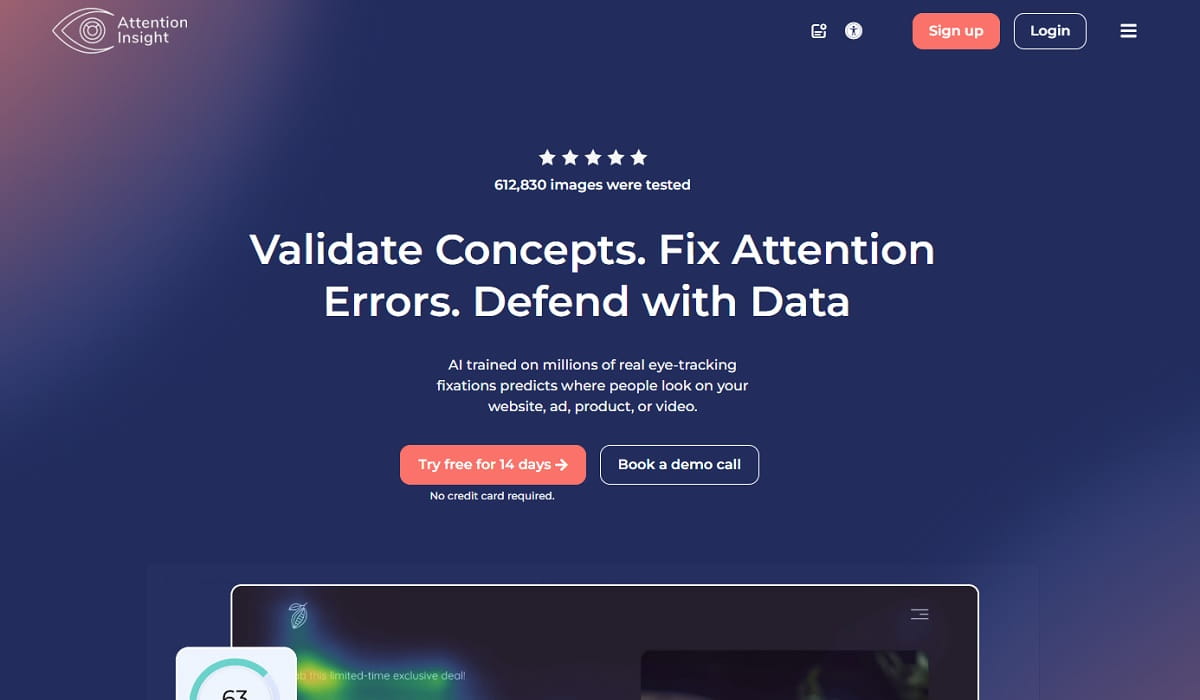
Attention Insight is different from most Crazy Egg alternatives because it does not depend on real website traffic. It uses AI-generated attention heatmaps and predictive eye-tracking to help teams validate designs before launch.
This makes it useful for designers, marketers, agencies, and landing page teams that want to compare layouts before running real A/B tests. You can check whether users are likely to notice a CTA, product image, headline, or offer block.
Attention Insight should not be presented as a full replacement for Crazy Egg. It is better as a pre-launch design testing tool, while Crazy Egg, Plerdy, Mouseflow, Clarity, and similar tools are stronger for real visitor behavior after launch.
Crazy Egg Pros And Cons
Crazy Egg is useful when you need a clear visual layer over your website analytics. Heatmaps, recordings, surveys, A/B testing, and conversion analytics help marketing teams understand what visitors do and what may block conversions.
The main advantage is simplicity. You can quickly check clicks, scroll behavior, recordings, and test page changes without building a complex analytics stack.
But Crazy Egg is not perfect for every use case. If you need SEO audits, ecommerce event tracking, form analytics, advanced product analytics, mobile app analytics, or deeper funnel analysis, another Crazy Egg alternative may fit better.
Main pros:
- Good for heatmaps and visual behavior analysis.
- Includes session recordings and A/B testing.
- Useful for marketers, ecommerce teams, and small businesses.
- Has surveys, popup CTAs, and conversion analytics.
Main cons:
- Paid plans are billed annually.
- Starter plan has limited recordings and heatmap reports.
- Not the best choice for SEO audits or all-in-one CRO workflows.
- Not as deep as enterprise product analytics platforms.
Conclusion About Crazy Egg Alternatives
The best Crazy Egg alternative depends on what you want to improve. If you need an all-in-one CRO and SEO platform, Plerdy is the strongest option to check first. If you want a free tool, Microsoft Clarity is hard to ignore. If forms and funnels matter, Mouseflow or Inspectlet can be better. If you need UX research, Hotjar / Contentsquare is still relevant. If your team runs serious experiments, VWO may fit better.
Crazy Egg is still a useful tool for heatmaps, recordings, A/B testing, and conversion analytics. But in 2026, many competitors give you extra value in SEO, ecommerce tracking, form analytics, mobile app analytics, AI insights, or enterprise digital analytics.
The smart move is simple: pick two or three tools from this list, test them on the same high-value page, and compare which one gives clearer actions for conversion growth.
FAQ About Crazy Egg Alternatives
What Is The Best Crazy Egg Alternative?
Plerdy is one of the best Crazy Egg alternatives if you need heatmaps, session recordings, SEO audits, pop-ups, ecommerce tracking, conversions, and A/B testing in one platform. Microsoft Clarity is a strong free option, while Mouseflow is better for form analytics and funnel behavior.
Is There A Free Crazy Egg Alternative?
Yes. Microsoft Clarity is a free Crazy Egg alternative for heatmaps and session recordings. Plerdy also has a free plan, and Inspectlet offers a free plan with recorded sessions, heatmaps, and A/B testing.
What Is Better, Crazy Egg Or Mouseflow?
Crazy Egg is better for simple heatmaps, recordings, A/B testing, surveys, popup CTAs, and conversion analytics. Mouseflow is better if you need form analytics, journey analytics, friction detection, conversion funnels, and deeper behavior analysis.
How Much Does Crazy Egg Cost?
Crazy Egg pricing starts from $29 per month on the Starter plan, billed annually. Higher public plans include Plus at $99 per month, Pro at $249 per month, and Enterprise at $599 per month.
Does Crazy Egg Work For Mobile App Analytics?
Crazy Egg is mainly used for website behavior and conversion optimization. If you need mobile app analytics, check alternatives that explicitly support mobile app behavior tracking, such as Microsoft Clarity mobile app analytics, Fullstory, or enterprise digital analytics platforms.