

If your website has traffic but conversions feel “stuck,” you’re usually bleeding money through small leaks: slow pages, confusing UX, broken mobile interactions, and tracking gaps that hide what’s really happening. The right website optimization tools don’t just score your pages—they help you prove where users struggle, prioritize the highest-impact fixes, and ship changes that actually move conversion rate. I treat optimization like a weekly routine: find the leak, watch behavior, fix the friction, validate the outcome. That’s how you stop guessing and start improving your website with confidence. The best web optimization tools help you connect speed fixes, UX cleanup, and conversion gains without treating them like separate projects.”
Field note: The most expensive “optimization” mistake is fixing the wrong page. I keep seeing teams polish homepage visuals while product, pricing, or checkout pages quietly do the damage.
That is why strong website optimization software should help you rank issues by page impact, not by whoever shouts loudest in the room.
How To Choose Website Optimization Tools
Buy tools for a job, not a vibe. A solid web optimization tool should match the way your team ships changes, reviews data, and makes decisions each week. Your website optimization stack should match how you actually run optimization work week to week.
- Speed & Core Web Vitals: You need testing from real locations, waterfalls, and monitoring to catch regressions.
- UX Behavior Proof: Heatmaps and session recordings show what users do on your website (especially on mobile).
- CRO Testing: A/B tests only matter if your team can ship variants and interpret results cleanly.
- SEO & Technical: Crawl + indexation + templates affect website performance and conversions more than people admit.
- Analytics & Events: If events are wrong, your optimization roadmap will be wrong.
- Privacy & Integrations: Behavior tools must match your compliance needs and connect to your stack.
Simple matching: SMB ecommerce teams usually need speed + behavior + basic CRO loops. SaaS teams need clean events and disciplined experimentation. Agencies need multi-client structure and repeatable reporting. Enterprise needs governance, privacy controls, and scale. For lean operators, web page optimization software is only useful when it shortens the distance between insight and implementation.
Micro-story: One ecommerce team kept debating button color “tests” for weeks. Recordings showed the real issue: the size selector looked optional, so users never completed it. One UI fix beat a month of arguments.
Quick Comparison: What Each Tool Is Best For
The top website optimization tools save more time when they expose the hidden blocker early instead of pushing teams into endless opinion wars.
- Plerdy: Best for CRO + UX optimization with heatmaps, recordings, scroll depth, funnels/events, and “lost revenue” prioritization.
- Hotjar: Best for quick qualitative UX insights (heatmaps, recordings, feedback) with a familiar workflow.
- Microsoft Clarity: Best free tool for recordings + heatmaps to quickly spot UX friction.
- Crazy Egg: Best for straightforward heatmaps + recordings with clear tiered plans.
- Convert: Best for serious A/B testing when you want published entry pricing and a testing-first workflow.
- VWO: Best for testing programs that want a broader optimization suite (pricing provided on request).
- Optimizely: Best for mature enterprise experimentation programs (pricing provided on request).
- AB Tasty: Best for experience optimization programs (pricing provided on request).
- Cloudflare: Best for edge performance (CDN/caching) and global speed stability.
- NitroPack: Best for “make my WordPress website faster” performance optimization with minimal dev work.
- WP Rocket: Best for WordPress caching quick wins with simple licensing.
- GTmetrix: Best for performance testing + monitoring to prevent speed regressions.
- WebPageTest: Best for deep performance diagnostics (waterfalls, filmstrips) and detailed optimization analysis.
- PageSpeed Insights: Best for fast Lighthouse-based performance opportunities and prioritization.
- Lighthouse: Best for dev teams who want repeatable audits in DevTools/CI.
- Google Search Console: Best free SEO visibility for indexation, queries, and technical search issues.
- Screaming Frog SEO Spider: Best for technical SEO crawling and large-site audits.
Why Plerdy Is Different
Many website optimization tools answer one question. Plerdy is built around the CRO loop: find the money leak, prove the UX friction with behavior, fix it, and validate improvement. It’s not “just heatmaps.” For teams focused on plerdy real-time data analysis website performance optimization, the big win is seeing friction on pages that directly affect revenue. It’s heatmaps plus session recordings plus scroll depth plus funnels/events—and the “lost revenue” logic that forces prioritization.
- Use case: Your landing page is “fast,” but conversion is weak. Plerdy heatmaps + scroll depth show the CTA is below the fold on mobile, and recordings confirm users tap a non-clickable element. You move the CTA and re-check the website behavior.
- Use case: Paid traffic hits a category page but bounces. Plerdy helps you focus on the traffic/page combo that wastes budget, then you confirm website friction with recordings.
- Use case: Checkout drop-offs look random. Funnels/events reveal the exact step, and recordings show what blocks users (validation errors, shipping confusion, slow UI elements).
Internal resources you can connect to your workflow:
- Heatmaps Tool
- Session Recordings
- Scroll Depth Analytics
- Funnels And Events Tracking
- Lost Revenue Report
- CRO Audit
Field note: I keep seeing teams over-index on “performance scores” while ignoring the actual UX journey. A fast website can still convert poorly if the page structure hides the decision path.
Plerdy (CRO & UX Optimization)
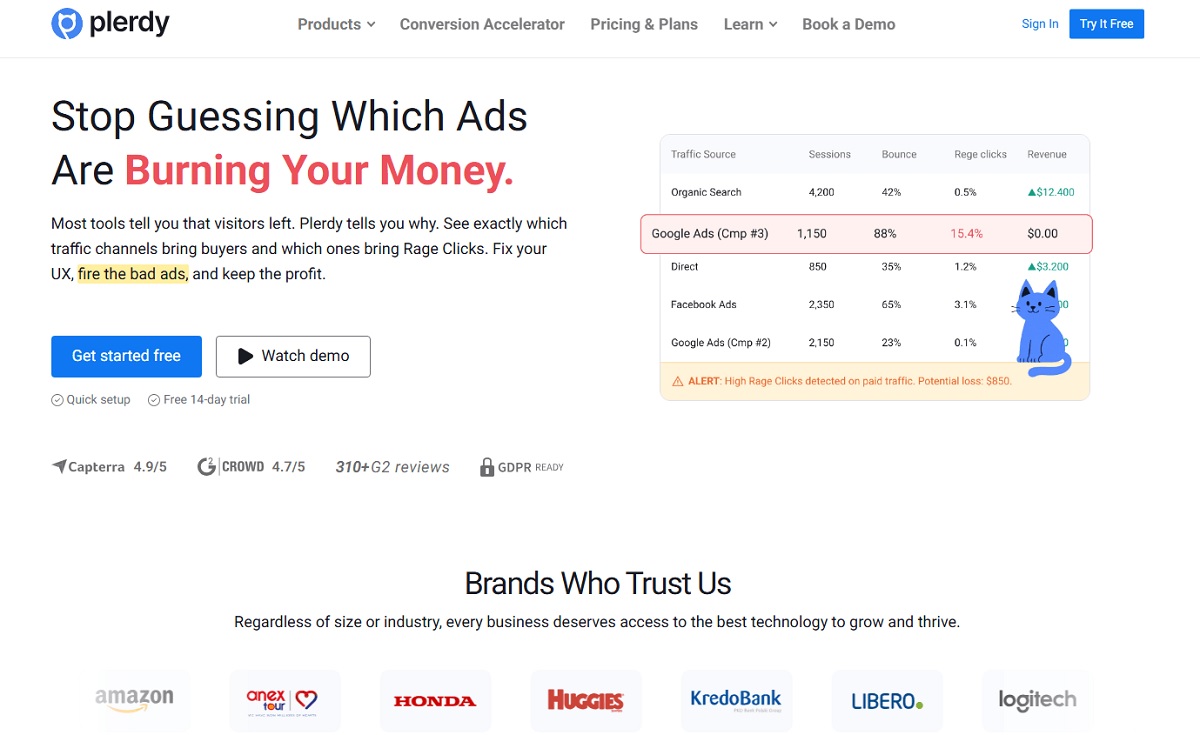
Plerdy is the best choice when you need CRO-focused website optimization: identifying conversion friction with behavior data, prioritizing fixes with money-leak logic, and validating outcomes on real pages. For many growth-focused brands, Plerdy works like a website optimization tool built around action, not just observation.
Key features
- Heatmaps and click tracking for UX diagnosis
- Session recordings for real user behavior (mobile included)
- Scroll depth to confirm visibility of key content and CTAs
- Funnels/events to pinpoint drop-off steps
- “Lost revenue” prioritization for faster optimization decisions
Pros: CRO-first workflow; practical prioritization; strong UX proof for stakeholders.
Cons: Like any behavior tool, results depend on a weekly optimization habit.
Pricing approach: Free plan is available ($0). The lowest paid plan starts at $21/month when billed annually (or $32/month billed monthly), per the official pricing page.
Best for: Ecommerce, SaaS, and lead-gen teams doing real CRO + UX optimization on a live website.
Not ideal for: Teams looking only for synthetic performance scores without behavior context.
Alternative to consider: Hotjar for a qualitative UX workflow; Convert for heavier A/B testing.
Hotjar (UX Research & Feedback)
Hotjar is a well-known UX optimization tool for heatmaps, recordings, and feedback. Some teams use it as website optimisation software when they need quick research signals without turning setup into a project of its own. It’s useful when you want quick “why” signals behind user behavior on your website.
Key features
- Heatmaps and recordings for behavior patterns
- Feedback widgets and research workflows
- Easy sharing for cross-team UX alignment
Pros: Familiar research workflow; fast setup; good for qualitative website optimization questions.
Cons: Public pricing details can vary by product/module, so teams often compare plans inside the billing flow.
Pricing approach: Free plan is available ($0), per Hotjar’s help center guidance. Paid pricing is provided via the pricing/upgrade flow (pricing varies by plan and product).
Best for: UX teams who need lightweight research signals to guide website optimization.
Not ideal for: Teams that want CRO-first “lost revenue” prioritization built in.
Alternative to consider: Plerdy for CRO + UX + funnels/events; Microsoft Clarity for free baseline behavior data.
Microsoft Clarity (Free Behavior Analytics)
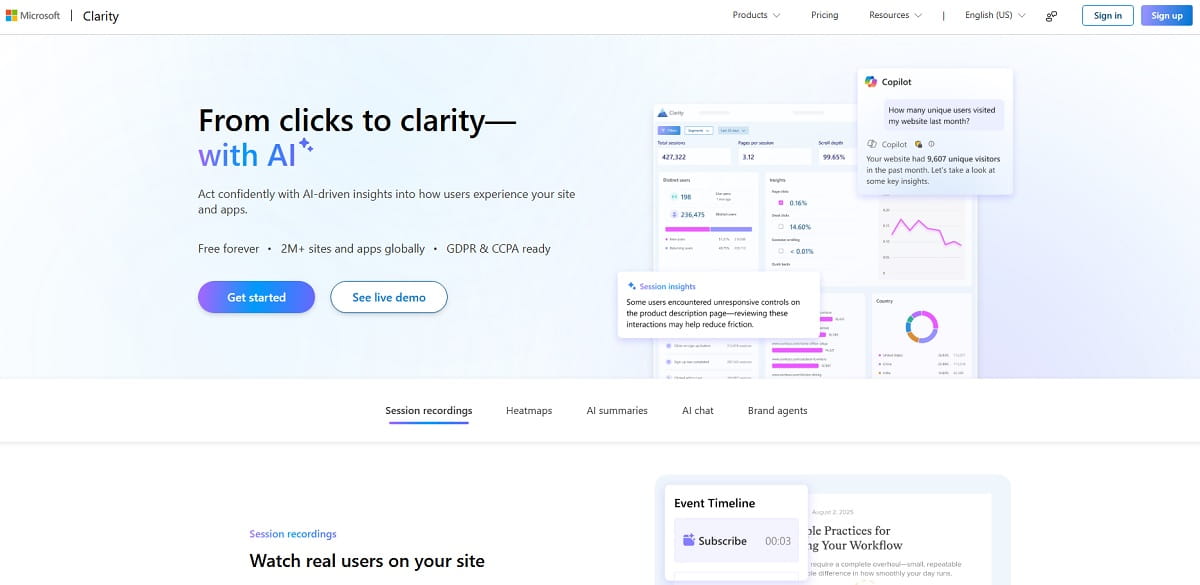
Clarity is a strong starting point for website optimization when budget is tight. Among free site optimization tools, Clarity is one of the easiest ways to catch friction before it keeps draining conversions. It gives session recordings and heatmaps to spot obvious UX friction fast.
Key features
- Session recordings
- Heatmaps
- Integrations to support your optimization workflow
Pros: Free; fast setup; useful for quick UX triage.
Cons: Less CRO-specific prioritization compared to dedicated CRO suites.
Pricing approach: Free ($0).
Best for: SMBs and teams that need a free behavior layer for website optimization decisions.
Not ideal for: Advanced CRO teams needing structured funnels/events and money-leak prioritization.
Alternative to consider: Plerdy for CRO-first optimization workflows.
Field note: Mobile UX issues are usually “invisible” in dashboards. Recordings make them painfully obvious: dead taps, mis-taps, and rage clicks are everywhere on real websites.
Crazy Egg (Heatmaps & Recordings)
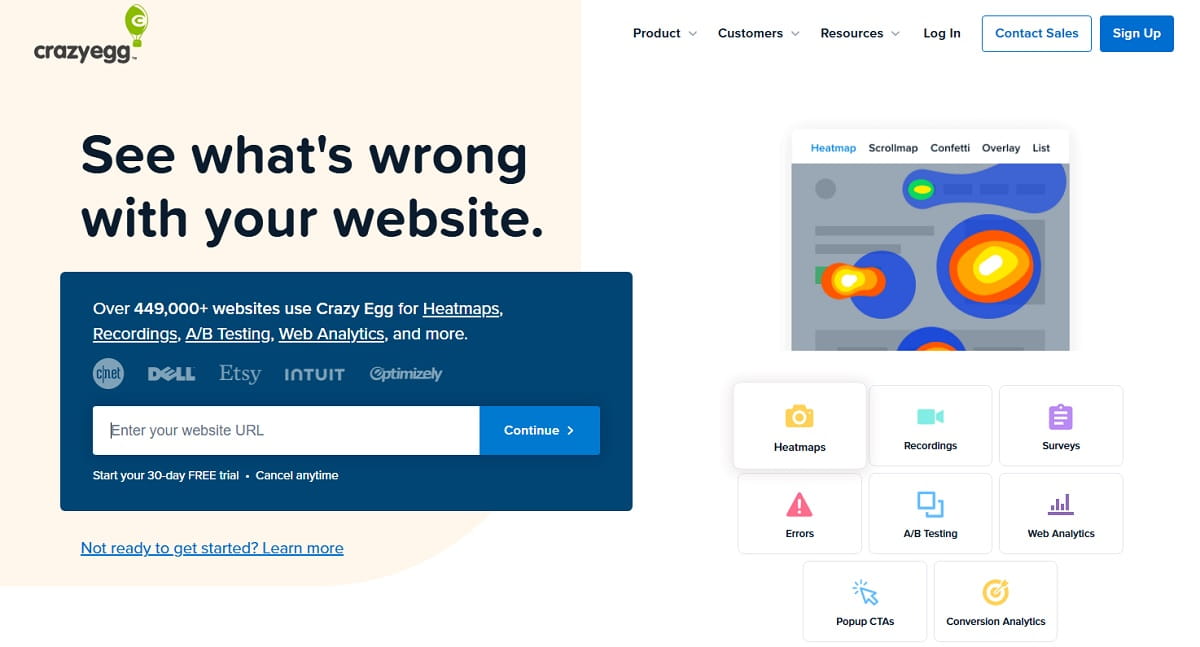
Crazy Egg is a practical CRO tool for heatmaps and recordings when you want a clear, plan-based approach and easy weekly usage. If your team wants a lightweight website optimizer tool for regular reviews, Crazy Egg is simple enough to keep in the weekly routine.
Key features
- Heatmaps and scroll behavior reporting
- Session recordings
- Surveys (plan-dependent)
- A/B testing (plan-dependent)
Pros: Simple UI; clear tiers; easy to operationalize for website optimization.
Cons: You still need a prioritization method for what to fix first.
Pricing approach: No free plan is listed; a free trial is available. The lowest paid plan starts at $29/month.
Best for: Teams that want straightforward CRO visibility without enterprise complexity.
Not ideal for: Mature experimentation programs needing heavy governance.
Alternative to consider: Plerdy for CRO prioritization; Hotjar for UX feedback workflows.
Convert (A/B Testing)
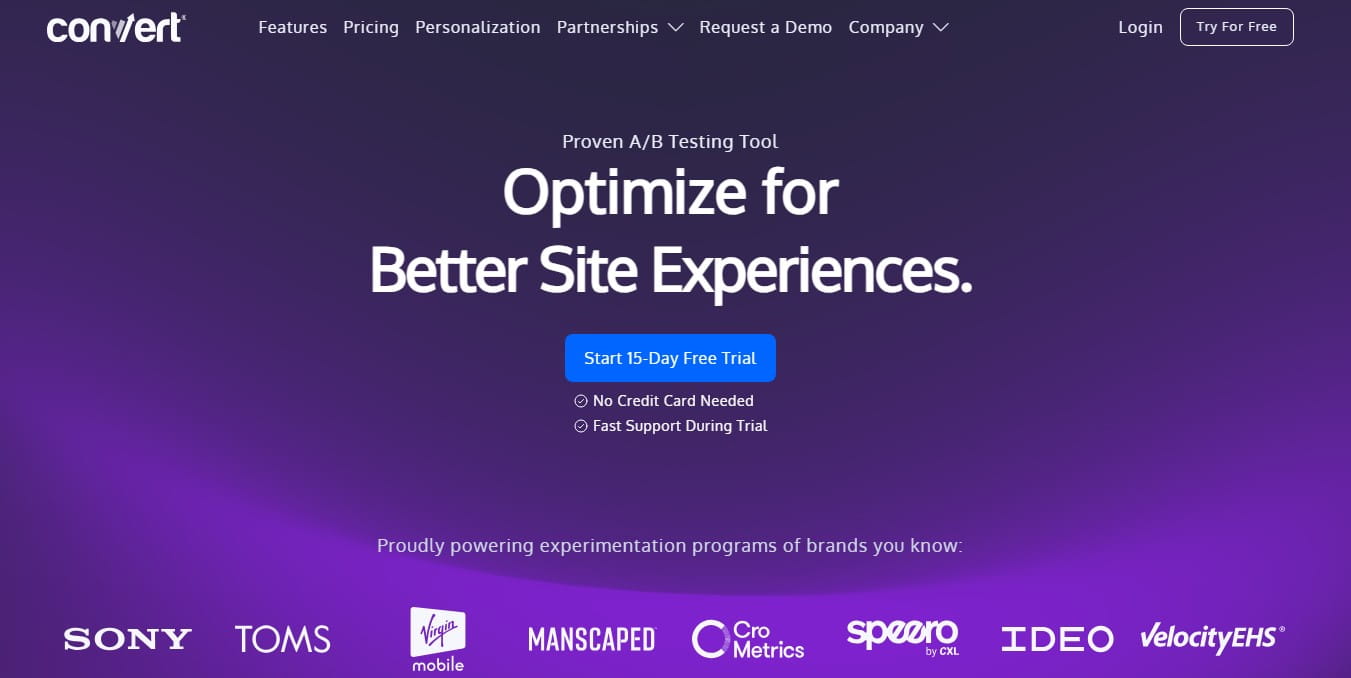
Convert is a strong choice when you want disciplined A/B testing as the core of your optimization program, with published entry pricing and a serious experimentation focus. Once experimentation becomes part of your culture, site optimization software like Convert helps turn testing from random ideas into a repeatable process.
Key features
- A/B testing and split URL testing
- Targeting and segmentation options
- Experiment management designed for CRO teams
Pros: Built for testing discipline; clearer pricing than many enterprise tools.
Cons: You still need behavior tools to explain “why” behind test outcomes.
Pricing approach: The lowest paid plan starts at $299/month when billed annually (or $399/month billed monthly), per the official pricing page.
Best for: CRO teams running frequent experiments on key website journeys.
Not ideal for: Teams that can’t ship variants regularly (tests without shipping are just meetings).
Alternative to consider: VWO for suite-based experimentation; Plerdy for CRO diagnosis + behavior proof.
Micro-story: A SaaS team blamed “weak copy” for low sign-ups. Performance tests showed the signup page stalled on a third-party script. Fixing that script improved completion before they rewrote a single headline.
VWO (Experimentation & Optimization Suite)
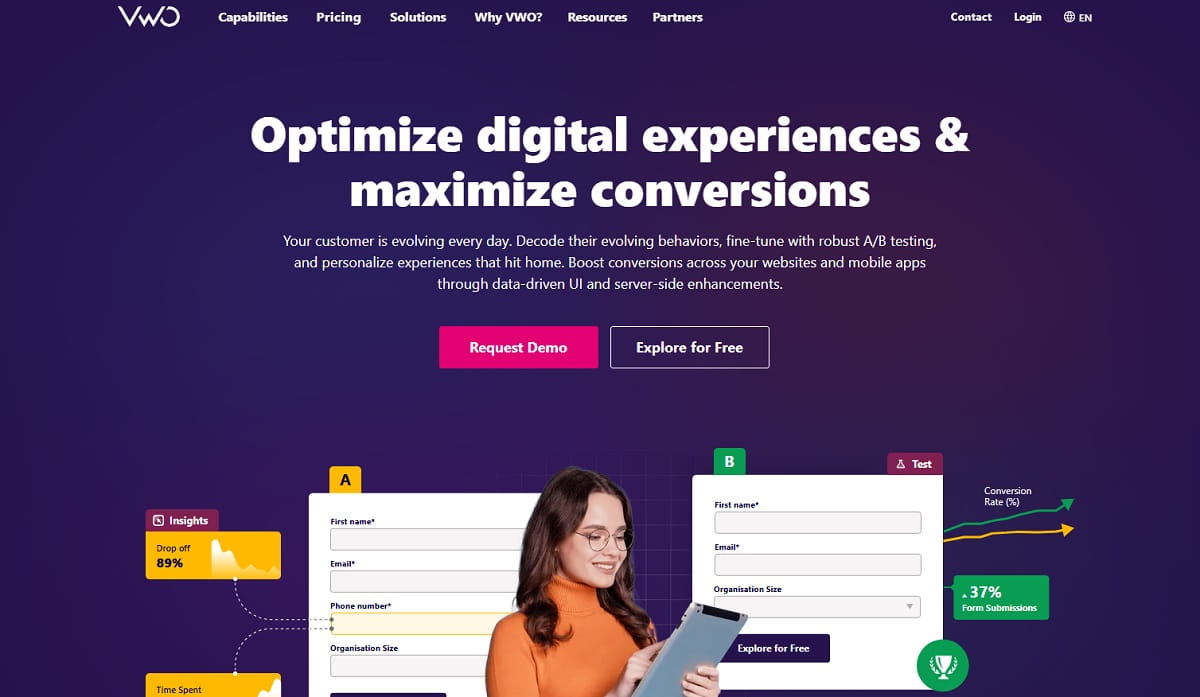
VWO is built for teams running structured experimentation and optimization programs across websites and apps. It’s typically a fit when you want an optimization suite, not only a basic A/B tool.
Key features
- Experimentation workflows for CRO programs
- Targeting and segmentation for testing
- Governance options for teams (plan-dependent)
Pros: Good for mature website optimization teams; suite approach supports broader programs.
Cons: Pricing is often handled via sales, not a simple self-serve table for every product.
Pricing approach: Pricing is provided on request via the official pricing flow.
Best for: Teams that want a scalable experimentation platform for ongoing optimization.
Not ideal for: SMBs that need lightweight tools with simple self-serve pricing.
Alternative to consider: Convert for published entry pricing; Plerdy for CRO + UX behavior proof.
Optimizely (Enterprise Experimentation)
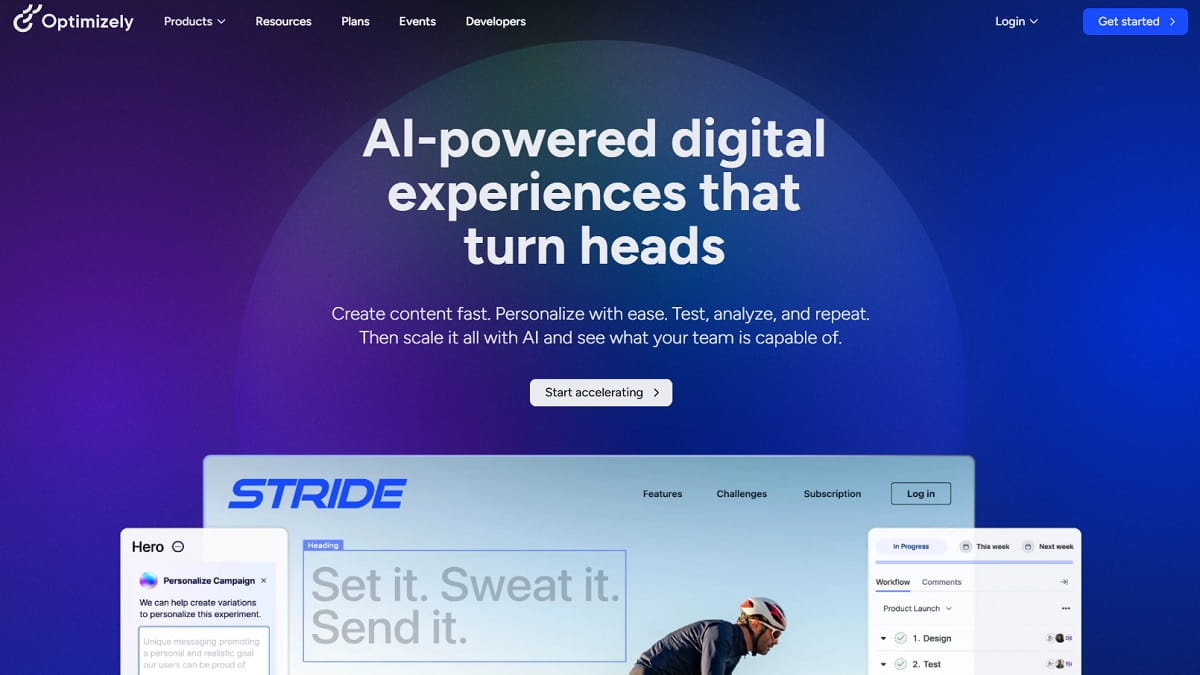
Optimizely is designed for mature enterprise experimentation. It’s usually chosen when experimentation is a core capability and you need governance, workflows, and scale.
Key features
- Enterprise experimentation workflows
- Governance and permissions (enterprise-grade)
- Support for large-scale experimentation programs
Pros: Built for scale; strong fit for mature testing organizations.
Cons: Not a “quick win” tool; requires process and team buy-in.
Pricing approach: Pricing is provided on request.
Best for: Enterprise organizations with dedicated experimentation teams.
Not ideal for: Small teams that need simple, fast website optimization cycles.
Alternative to consider: VWO for suite-based optimization; Convert for clearer entry pricing.
AB Tasty (Experience Optimization)
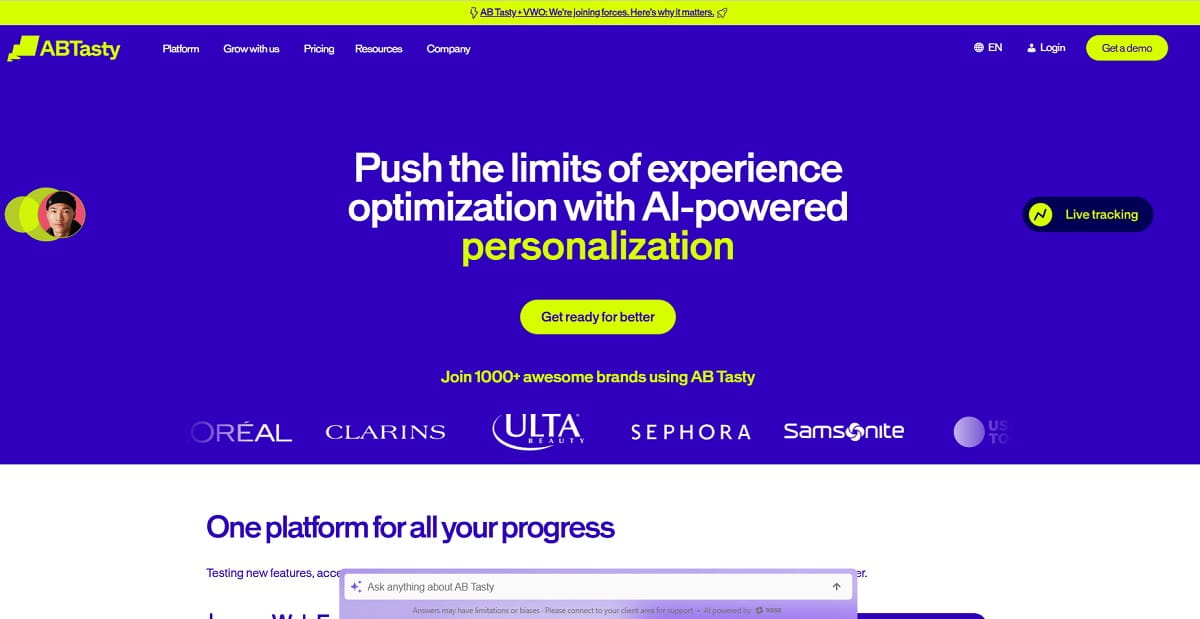
AB Tasty focuses on experience optimization: experimentation and optimization programs that want structured progress across journeys.
Key features
- Experimentation for UX and conversion improvement
- Tools to support ongoing optimization programs
- Collaboration workflows for teams (plan-dependent)
Pros: Built for experience-led website optimization programs.
Cons: Pricing is typically handled via sales flow, not a fixed self-serve table.
Pricing approach: Pricing is provided on request.
Best for: Teams building a structured experience optimization program.
Not ideal for: Teams wanting instant self-serve pricing and lightweight testing.
Alternative to consider: Convert for published entry pricing; Plerdy for CRO diagnosis + UX proof.
Field note: The biggest testing failure I see is not statistics—it’s traffic reality. Many websites don’t have enough volume to run clean tests on every page. Prioritize the few pages that matter.
Cloudflare (CDN & Edge Performance)
Cloudflare improves website performance through edge caching and global delivery, often improving perceived speed and stability. It’s not a CRO tool, but it removes speed friction across the website.
Key features
- CDN and caching to reduce latency
- Performance and security features for website reliability
- Plans designed for different traffic and business needs
Pros: Strong global performance gains; improves stability; useful for many websites.
Cons: Needs correct setup to avoid caching mistakes and broken behavior.
Pricing approach: Free plan is available ($0). The lowest paid plan is Pro at $20/month when billed annually (or $25/month billed monthly), per Cloudflare’s official plans page.
Best for: Any website with global traffic and performance stability needs.
Not ideal for: Replacing CRO/UX tools—Cloudflare won’t show conversion friction.
Alternative to consider: NitroPack or WP Rocket for WordPress speed optimization; Plerdy for CRO + UX diagnosis.
NitroPack (Website Performance Optimization)
NitroPack is a speed-focused performance optimization service that helps improve Core Web Vitals with less manual tuning. For WordPress-heavy setups, NitroPack can act as website optimizer software when the first job is improving speed without a long dev queue. It’s useful when you want faster pages without a long dev backlog.
Key features
- Caching and speed optimization presets
- Resource optimization designed for CWV improvement
- Plans aligned to website needs and usage
Pros: Fast to implement; clear plans; good for speed-first optimization.
Cons: Doesn’t replace CRO behavior analysis—speed is only one leak.
Pricing approach: Free plan is available ($0). The lowest paid plan starts at $7/month when billed annually (or $8/month billed monthly), per the official pricing page.
Best for: Websites (especially WordPress) needing quick performance optimization.
Not ideal for: Teams needing conversion diagnostics and UX behavior proof.
Alternative to consider: WP Rocket for WordPress caching; Cloudflare for edge performance.
WP Rocket (WordPress Caching)
WP Rocket is a premium WordPress caching plugin that delivers quick performance wins. It’s great when your optimization task is “make WordPress faster without drama.”
Key features
- WordPress caching and performance optimization controls
- Quick setup designed for practical speed improvements
- License-based pricing for predictable budgeting
Pros: Easy to deploy; widely used; clear licensing for website maintenance.
Cons: Not a CRO tool; you still need behavior tools to fix conversion friction.
Pricing approach: No free plan. The lowest license starts at $59/year for 1 website, per the official pricing page.
Best for: WordPress websites needing fast, low-effort performance optimization.
Not ideal for: Non-WordPress sites or CRO diagnosis needs.
Alternative to consider: NitroPack for a more “service-like” approach; Cloudflare for edge delivery.
Field note: I see teams “optimize images” and forget scripts. One heavy chat widget can undo weeks of performance work. Always verify with a waterfall, not opinions.
GTmetrix (Performance Testing & Monitoring)
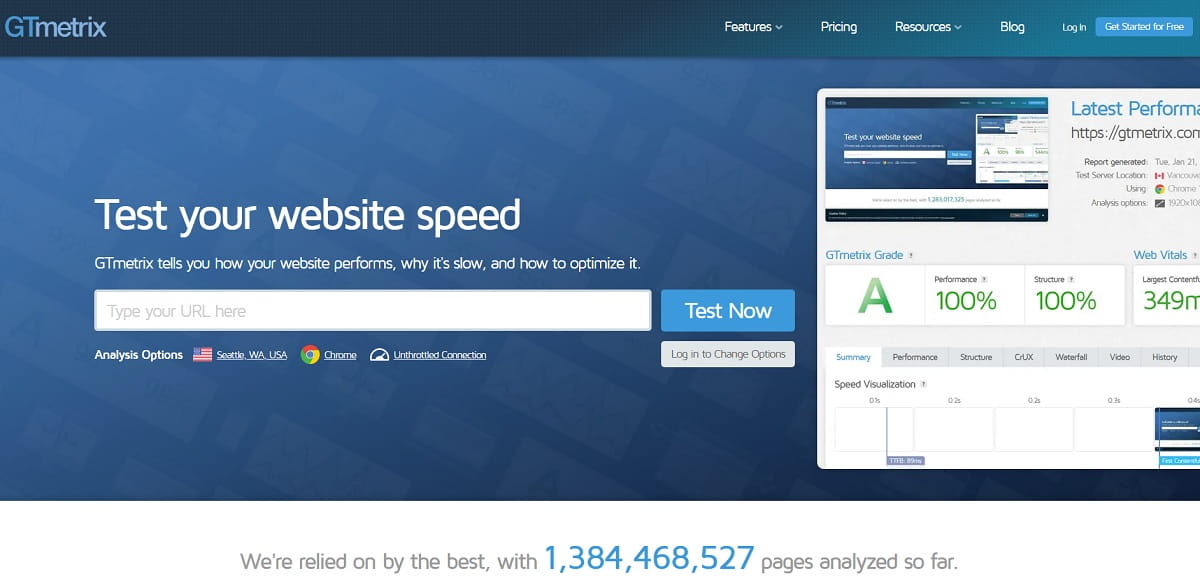
GTmetrix is a performance testing and monitoring tool that helps you measure, report, and prevent regressions. It’s useful when you want an optimization routine that keeps website speed stable over time.
Key features
- Performance testing reports
- Monitoring options to catch regressions
- Plan-based limits for structured usage
Pros: Practical reporting; monitoring supports ongoing website optimization.
Cons: Doesn’t explain UX friction or conversion issues by itself.
Pricing approach: Free plan is available ($0). The lowest paid plan starts at $5.99/month when billed annually, per the official pricing page.
Best for: Teams that need performance monitoring to protect speed improvements.
Not ideal for: CRO and UX diagnosis without behavior tools.
Alternative to consider: WebPageTest for deeper diagnostics; PageSpeed Insights for fast audits.
WebPageTest (Deep Performance Diagnostics)
WebPageTest is what you use when you need detail: waterfalls, filmstrips, and performance diagnostics beyond surface scores. It’s a “show me exactly what loads and why” tool for serious website performance optimization work.
Key features
- Deep performance testing and diagnostics
- Detailed results that support optimization decisions
- Designed for performance engineers and advanced investigations
Pros: Deep detail; excellent for finding real performance bottlenecks.
Cons: More technical; requires interpretation and follow-through.
Pricing approach: Free testing is available. Paid plans/pricing are provided via the official pricing flow (pricing provided on request).
Best for: Advanced website performance optimization investigations and benchmarking.
Not ideal for: Teams needing a simple non-technical weekly report.
Alternative to consider: GTmetrix for simpler monitoring; PageSpeed Insights for quick audits.
PageSpeed Insights (Performance Opportunities)
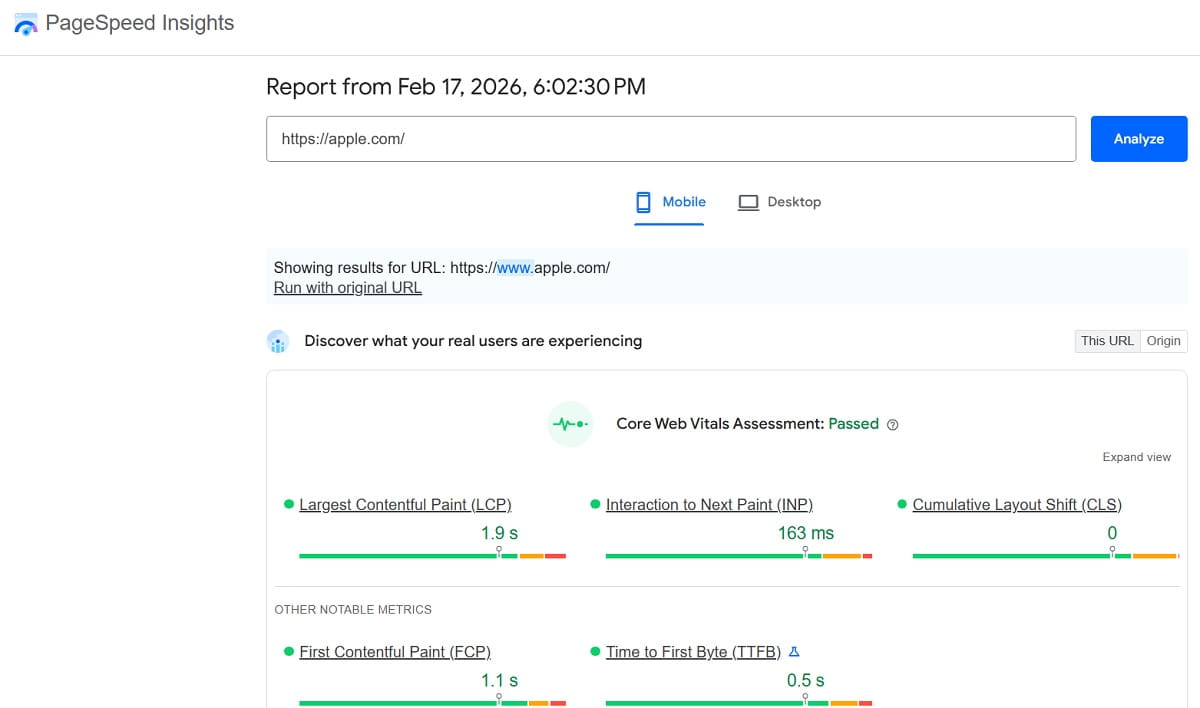
PageSpeed Insights is the fastest way to get Lighthouse-based optimization opportunities for a website, including prioritized recommendations.
Key features
- Lighthouse-based performance audits
- Prioritized optimization opportunities
- Quick checks for speed-focused workflows
Pros: Free; quick; useful for fast website performance triage.
Cons: Doesn’t replace monitoring or UX behavior analysis.
Pricing approach: Free ($0).
Best for: Quick performance audits and baseline optimization priorities.
Not ideal for: Diagnosing conversion friction without behavior tools.
Alternative to consider: WebPageTest for deeper diagnostics; Plerdy for UX + CRO proof.
Lighthouse (Developer Audits)
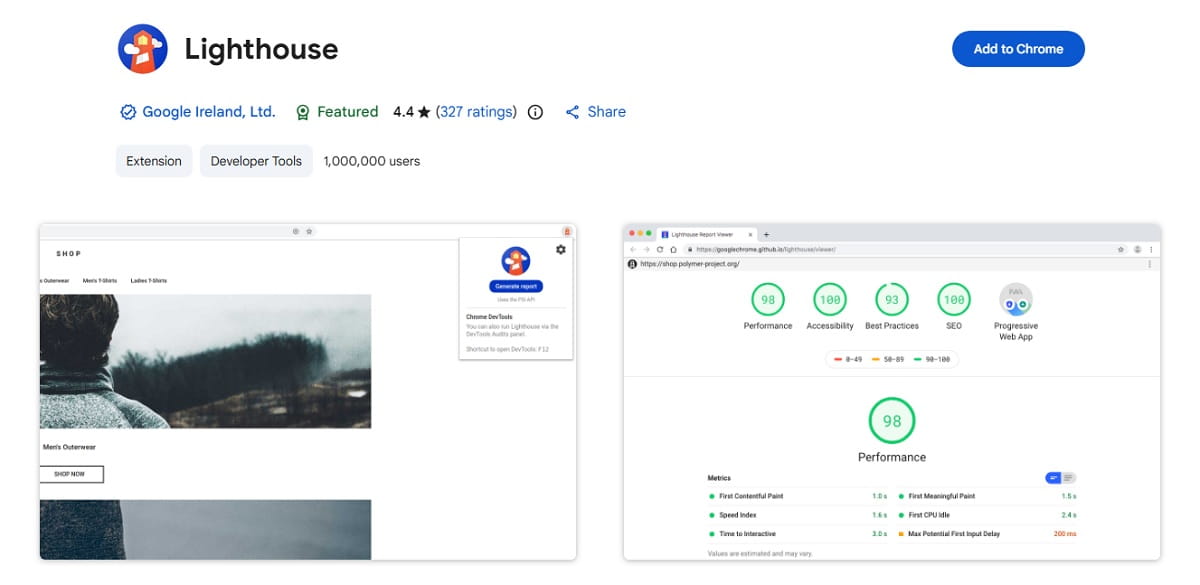
Lighthouse is ideal when you want repeatable audits in DevTools or automated checks in CI. It helps keep website optimization standards consistent as your website changes.
Key features
- Audits in Chrome DevTools
- Repeatable performance checks for optimization workflows
- Developer-friendly output for engineering teams
Pros: Great for engineering workflows; repeatable and scalable.
Cons: Scores alone can mislead if you ignore real UX journeys.
Pricing approach: Free ($0).
Best for: Dev teams building performance optimization into releases.
Not ideal for: Non-technical teams that need guided UX/CRO insights.
Alternative to consider: PageSpeed Insights for quick audits; GTmetrix for monitoring.
Field note: The fastest optimization wins often come from removing friction, not adding features. Fewer steps, clearer CTAs, less “UI noise.” Most websites lose conversions by trying to be clever.
Google Search Console (SEO Visibility)
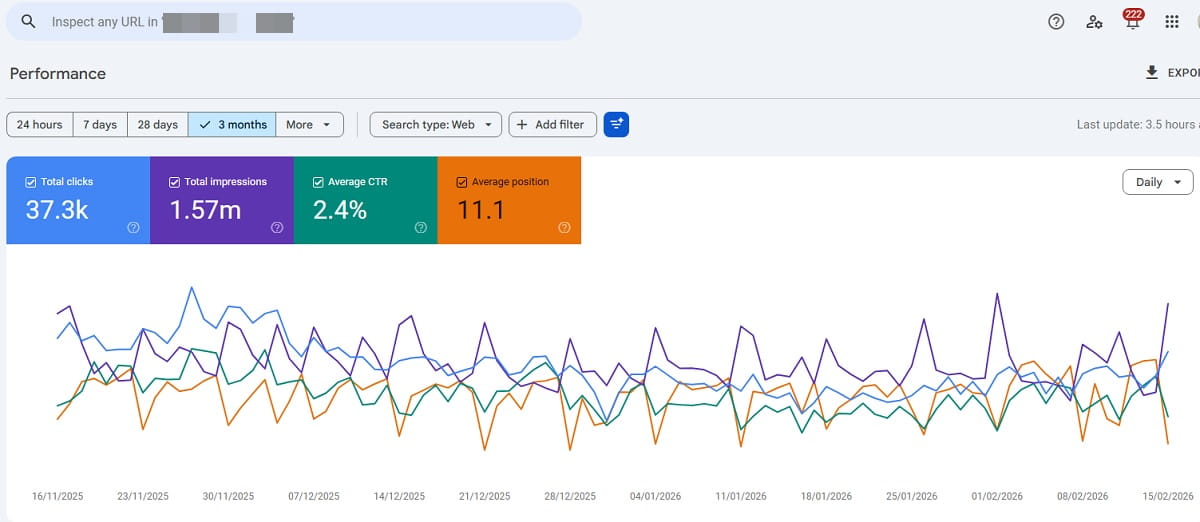
Google Search Console is essential for SEO and technical website health. For SEO-led teams, website optimization software is incomplete without visibility into indexation, queries, and search-side technical issues. It’s not a CRO tool, but it’s a core optimization input: indexation issues and search visibility problems reduce the quality of traffic that reaches your conversion funnel.
Key features
- Search performance reporting
- Indexation and coverage visibility
- Technical signals that support optimization decisions
Pros: Free; critical for SEO diagnostics on any website.
Cons: Doesn’t show on-page UX friction or conversion behavior.
Pricing approach: Free ($0).
Best for: Any website doing SEO and technical cleanup as part of optimization.
Not ideal for: CRO diagnosis without behavior and funnel data.
Alternative to consider: Screaming Frog for technical crawling; Plerdy for UX and conversion behavior.
Screaming Frog SEO Spider (Technical SEO Crawler)
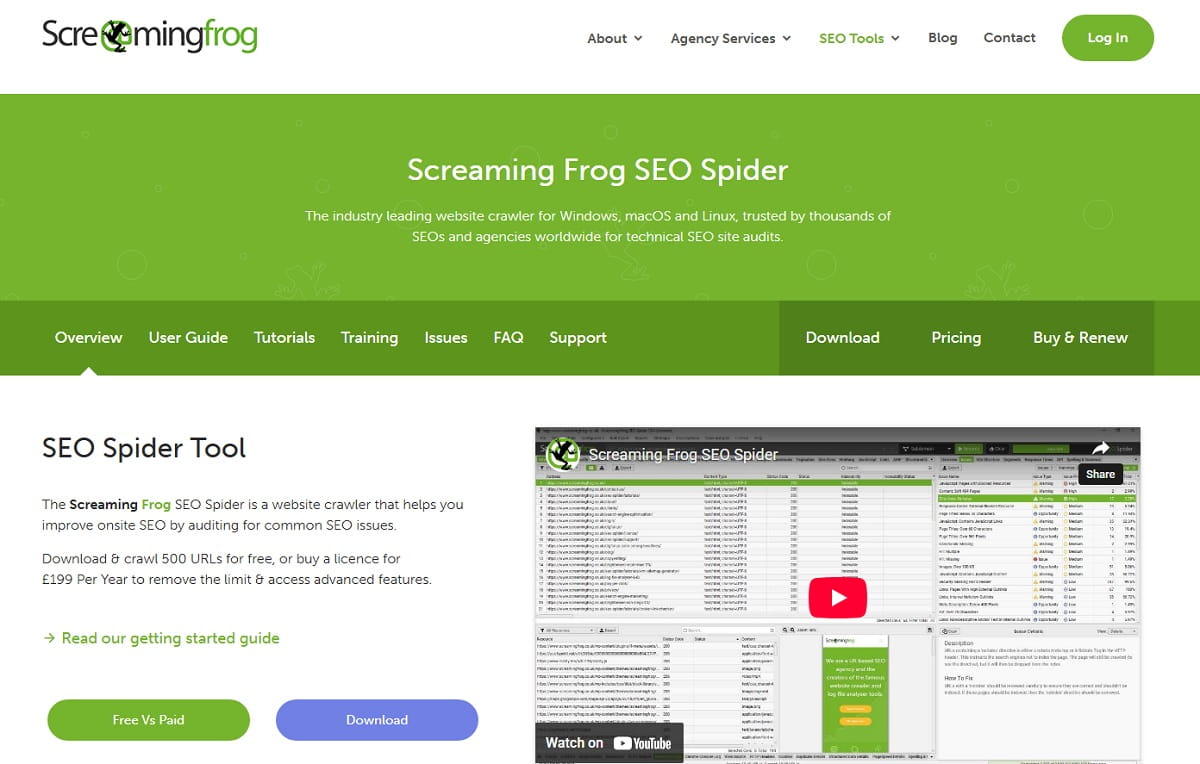
Screaming Frog is a technical workhorse for website optimization on the SEO side. If your website is large, crawling is not optional: templates, redirects, canonicals, and internal linking issues add up fast.
Key features
- Website crawling for technical SEO issues
- Audits for redirects, metadata, and site structure
- Useful for large websites and agency workflows
Pros: Powerful crawler; practical for real technical optimization work.
Cons: Requires some SEO/technical comfort to use well.
Pricing approach: Free version crawls up to 500 URLs. A paid license is £199/year, per the official page.
Best for: SEO teams and agencies doing technical website optimization at scale.
Not ideal for: CRO behavior analysis and conversion diagnostics by itself.
Alternative to consider: Google Search Console for free visibility (not a crawler); Plerdy for on-page UX behavior proof.
Recommended Stacks
Lean SMB Stack
A small, focused stack for teams that want real website optimization without tool sprawl.
- Plerdy for CRO + UX behavior proof and money-leak prioritization
- Microsoft Clarity as a free backup lens for behavior patterns
- PageSpeed Insights for quick performance opportunities
- Cloudflare for edge performance and website stability
This is a practical website optimization stack: find friction, fix it, validate it. There is no single best website optimization software for every business, because speed, UX, testing, and SEO rarely break in the same place.
Growth Ecommerce Stack
For ecommerce teams with paid traffic and lots of landing pages to optimize.
- Plerdy for heatmaps, recordings, scroll depth, funnels/events, and leak-focused prioritization
- Convert for disciplined A/B testing and CRO experimentation
- NitroPack (WordPress) or Cloudflare (any website) for performance optimization
- GTmetrix for ongoing monitoring and regression control
- Google Search Console for SEO visibility and technical signals
You get speed + UX proof + experimentation: the core trio of website optimization tools.
Agency / Multi-Client Stack
For agencies running optimization across multiple websites with repeatable workflows.
- Plerdy for CRO audits with behavioral proof clients understand
- Screaming Frog SEO Spider for technical SEO crawling and template audits
- GTmetrix for standardized performance reporting
- Cloudflare for edge performance on suitable client websites
- VWO or Convert for clients ready for structured testing
This stack supports predictable website optimization delivery: clear proof, clear priorities, less chaos.
FAQ
What’s The Fastest Way To Start Website Optimization Without Getting Lost?
Start with one performance tool and one behavior tool. Use performance checks to remove speed blockers, and use recordings/heatmaps to spot UX friction on high-traffic pages. Ship one fix per week and measure the impact.
Do I Need A/B Testing Tools Right Away?
Not always. If your website has obvious friction (unclear CTA, broken mobile interactions, confusing forms), fix those first. Add testing when you can ship variants consistently and have enough traffic for clean results.
Why Do Speed Improvements Sometimes Not Increase Conversions?
Because speed is only one leak. A faster website won’t help much if the UX is confusing, key information is below the fold, or the flow has hidden blockers. Pair performance optimization with behavior data to find the real conversion friction.
Which Website Optimization Tools Help Most With Mobile UX Problems?
Session recordings and heatmaps. They reveal dead taps, rage clicks, layout shifts, and missed CTAs that standard analytics often hides. Mobile issues are a common reason optimization efforts stall.
How Do I Avoid Buying Too Many Optimization Tools?
Assign each tool one job: speed monitoring, UX proof, CRO testing, SEO crawling, or search visibility. If two tools do the same job, keep the one your team will actually use weekly.
When Is Plerdy The Better Choice Than Pure Performance Tools?
When the biggest leak is UX and conversion friction, not just load time. Plerdy is strongest when you need heatmaps, recordings, scroll depth, and funnels/events to prove where users struggle and prioritize fixes.
When Is Cloudflare The Better Choice Than A CRO Platform?
When your bottleneck is global delivery, caching, and stability. Cloudflare can improve website performance across regions, but it won’t explain conversion behavior. Many teams use it alongside UX/CRO tools.
What If A Vendor Doesn’t Publish Pricing On The Official Site?
Don’t guess. Mark it as “pricing provided on request” and evaluate fit based on workflow, privacy requirements, integrations, and whether your team can run consistent website optimization.
Conclusion
Website optimization is not a one-time “audit and forget” project. In practice, the best web optimization software is usually a smart stack of specialized tools, not one dashboard trying to do everything. The best tools help you run a weekly loop: spot the leak, prove the friction, fix the page, and measure what changed. Start small: one performance tool to keep your website fast, one behavior tool to see real UX problems, and only then add testing when you can ship consistently. If conversions are the goal (not just scores), Plerdy is the most practical pick in this list because it connects CRO, UX behavior, funnels/events, and money-leak prioritization into one optimization workflow.