

You can buy traffic in five minutes. You can lose the sale in five seconds.
Most ecommerce stores in 2026 don’t have a “traffic problem.” They have a leak problem: unclear pages, broken funnels, weak retention, messy attribution, slow support, and ops that collapse at 200 orders/day. Tools won’t fix bad fundamentals—but the right ecommerce tool will expose what’s broken and help you move faster.
This list is built for owners and teams who want real ROI: 15 ecommerce tools that are active in 2026, widely used, and genuinely useful across CRO, analytics, email/SMS, support, reviews, personalization, SEO, shipping/returns, subscriptions, loyalty, and fraud. If you’re looking for the best ecommerce tools 2026 buyers actually use, start here.
How This List Was Chosen (Be Specific)
- ROI Impact First: Does this ecommerce tool change revenue, margin, retention, or labor hours?
- Setup Reality: Can a normal team implement the tool without a month-long “integration saga”?
- Integrations That Matter: Shopify, WooCommerce, headless stacks, and common ecommerce marketing tools.
- Learning Curve: Does the ecommerce tool get used after week two?
- Support Quality: When something breaks (it will), can the tool vendor help fast?
- Pricing Transparency: Clear tiers or at least a clear pricing model.
- Active In 2026: Recently updated pages, current docs, ongoing product movement.
Operator note: Tool-stacking is a silent tax. I’ve audited ecommerce sites with 18 apps doing the same job “kind of.” The best ecommerce tool stack is small and boring—because boring stacks ship changes, and shipping changes is where profit shows up.
Quick Checklist Before You Buy Another Tool
- Do you know your top 3 ecommerce pages by revenue and your top 3 ecommerce pages by paid traffic?
- Can you see where users stop scrolling on ecommerce product and category pages?
- Do you know your checkout drop-off step (not guess—know)?
- Is your ecommerce tracking clean (UTMs, channel grouping, consent mode where needed), or is attribution “vibes”?
- Can support answer “Where is my order?” without opening 4 tabs?
- Do you have a returns flow that keeps ecommerce revenue instead of auto-refunding?
- Are reviews visible where ecommerce decisions happen (PDP, cart, checkout), not hidden on a separate page?
- Do you have one place to monitor profit, not just ROAS?
- Are subscriptions and loyalty aligned, or are you bribing customers twice?
- Stop buying tools until you see the leak. Diagnose first. Then automate with the right tool.
The 15 Best eCommerce Tools For 2026
Plerdy (eCommerce CRO/UX Tool)
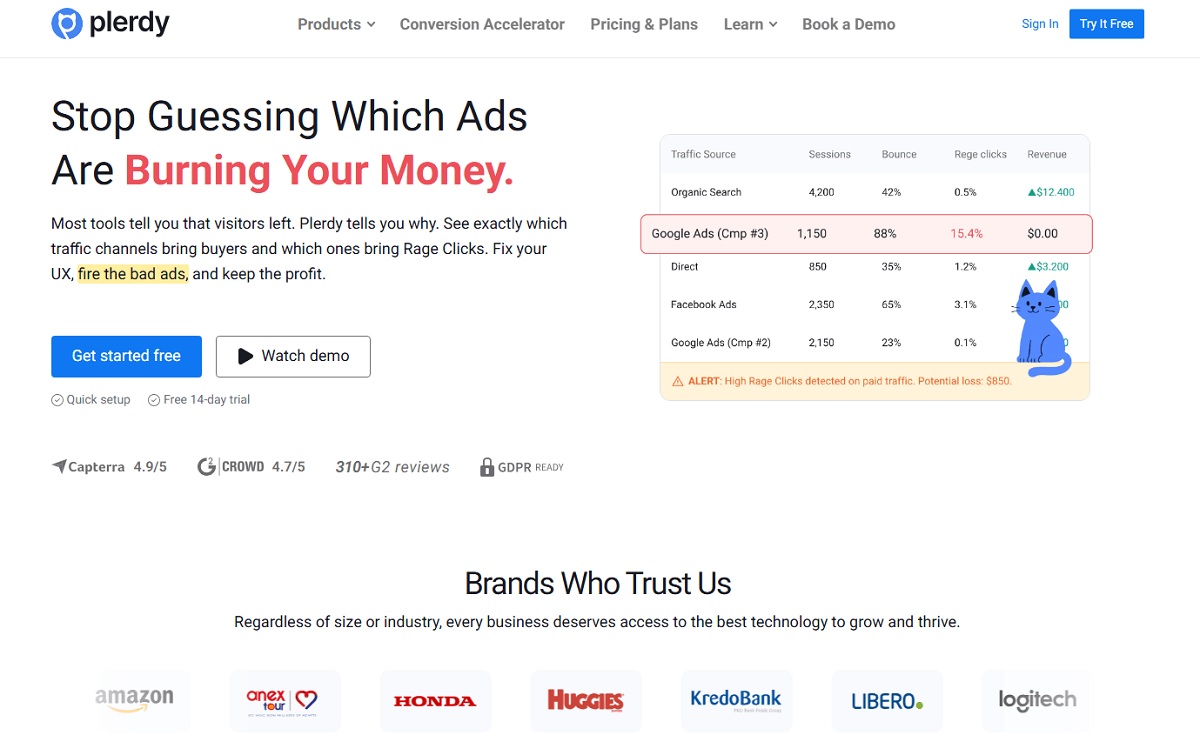
Best for: finding “money leaks” fast—where ecommerce paid traffic lands, hesitates, rage-clicks, scrolls, and drops. If you’ve ever argued about button placement without evidence, this ecommerce tool ends that argument.
Bad fit if: you want a fully automated “AI fixes my site” experience. Plerdy is a practical ecommerce diagnosis tool. You still need to make changes (or at least assign them).
Plerdy Lost Revenue Analysis is the part I wish more owners used first: it pushes you to look at the pages and steps where money quietly disappears, not just where traffic comes in. In real audits, it’s often the fastest way to spot the “obvious in hindsight” leak—like a paid landing page that looks fine, but users don’t scroll far enough to see the offer, or a PDP where people click the wrong element because the layout is misleading. It turns “we think checkout is the issue” into a short list of pages and actions to fix this week.
- Best For: ecommerce teams who want quick, visual proof of friction on PDPs, category pages, and key landing pages
- Key Features:
- Heatmaps (click, scroll, movement) to spot dead zones and misclicks
- Session recordings to see real ecommerce browsing paths and hesitation
- Scroll depth to understand what ecommerce content is never seen
- Funnels to pinpoint drop-offs in critical ecommerce flows
- Fast “where money leaks” workflow for prioritizing fixes
- Setup Time: quick if you can add a script or install an integration; longer if your ecommerce site is heavily customized
- Pricing Model: tiered plans (check current plans on the official tool page)
- Field Note: the biggest win is not “more data,” it’s better arguments. In ecommerce audits, the moment you show a scroll map proving nobody sees the trust badges, the debate ends and the fix ships.
Verdict: Tool #1 because it reduces guessing. Find the ecommerce leak, patch the leak, then scale traffic. Start here.
Google Analytics 4 (eCommerce Analytics Tool)
Best for: a free baseline ecommerce measurement layer: traffic sources, events, funnel explorations, and high-level ecommerce performance when implemented properly.
Bad fit if: you expect it to be plug-and-play. GA4 is a powerful ecommerce analytics tool, but a messy implementation creates “pretty nonsense” dashboards.
- Best For: ecommerce stores that need reliable channel and behavior reporting without paying for the basics
- Key Features:
- Event-based tracking model (purchase, add_to_cart, view_item, etc.)
- Explorations for ecommerce funnels and pathing
- Audience building for remarketing and analysis
- Integrations with the Google ads ecosystem
- Setup Time: moderate; faster on Shopify/standard themes, slower on headless and custom checkouts
- Pricing Model: free (enterprise has paid options)
- Field Note: I keep seeing ecommerce “purchase” events firing twice. Before you trust ROAS, confirm deduping and check event counts against your order system.
Verdict: still the default ecommerce tool baseline in 2026—just don’t confuse “installed” with “correct.”
Triple Whale (eCommerce Attribution Tool)

Best for: getting ad + store data into one place, with attribution and dashboards built for ecommerce operators who care about profit, not vanity ROAS.
Bad fit if: you’re a tiny ecommerce store with low volume and no paid spend. This tool shines when you have meaningful spend, multiple channels, and enough data to compare.
- Best For: DTC brands managing Meta/Google/TikTok and needing a clearer view of ecommerce profit
- Key Features:
- Attribution models and ecommerce-first reporting
- Dashboards across revenue, spend, cohorts, and creative performance
- Integrations across ad platforms and ecommerce storefronts
- First-party measurement tooling (implementation varies by setup)
- Setup Time: moderate; faster if your ecommerce tracking discipline is already decent
- Pricing Model: tiered, tied to revenue/GMV and tool feature package
- Field Note: attribution tools don’t fix weak offers. They fix decision speed. The win is spotting “this campaign is profitable” earlier, not arguing about ecommerce attribution philosophy for two weeks.
Verdict: a strong ecommerce tool when you’re scaling spend and need one source of truth.
Klaviyo (eCommerce Email Marketing Tool)
Best for: ecommerce lifecycle marketing that doesn’t feel duct-taped: flows, segmentation, product-based triggers, and reporting that matches how ecommerce stores actually sell.
Bad fit if: you only send a monthly newsletter and never segment. You’ll overpay for tool horsepower you don’t use.
- Best For: ecommerce brands that want serious flows (welcome, browse abandon, post-purchase, winback)
- Key Features:
- Automations/flows with behavioral triggers
- Deep segmentation on ecommerce customer and purchase data
- Email + SMS options (depending on plan and region)
- Reporting built around ecommerce outcomes
- Setup Time: moderate; fast for basic flows, longer for clean segmentation and deliverability
- Pricing Model: free plan available; paid tiers scale with list size/usage
- Field Note: the common ecommerce mistake is cloning flows from a template library and calling it strategy. Start with one high-impact flow and make it actually match your product’s buying rhythm.
Verdict: if email is a major ecommerce revenue channel, this tool is hard to beat—just commit to doing it properly.
Attentive (eCommerce SMS Tool)

Best for: ecommerce SMS programs that go beyond “10% off” blasts—especially for retail and DTC teams that want personalization, compliance, and program-level optimization.
Bad fit if: you need transparent self-serve pricing and you’re very budget-sensitive. This ecommerce tool often fits teams with scale.
- Best For: ecommerce brands with consistent traffic and repeat purchase potential
- Key Features:
- SMS + multi-channel messaging (capabilities vary)
- Personalization and targeting
- Automations and triggered messages
- Program measurement and optimization tools
- Setup Time: moderate; faster if your ecommerce segmentation and offer strategy already exist
- Pricing Model: usage-based / tailored to list size and volume
- Field Note: ecommerce teams burn trust fast with too many promos. Set frequency rules early, and treat SMS like a VIP tool channel, not a discount cannon.
Verdict: a strong ecommerce tool for serious SMS programs—especially when you have the scale to justify it.
Gorgias (eCommerce Support Tool)

Best for: ecommerce support workflows that need speed: order lookups, macros, automation, and channel consolidation so your team stops living in tab chaos.
Bad fit if: you have complex B2B ticketing requirements that look more like enterprise IT. Some teams prefer a different tool.
- Best For: ecommerce brands with real ticket volume and repetitive questions (WISMO, returns, size exchanges)
- Key Features:
- Unified inbox across channels
- Automation and macros for common ecommerce issues
- Integrations for ecommerce order context
- Reporting on tickets, response times, and performance
- Setup Time: moderate; basic setup is quick, good automation takes time
- Pricing Model: ticket-volume based plans
- Field Note: the hidden ecommerce cost is poor tagging. If you can’t tag why people contact you, you can’t fix the root problem (and your tool just becomes a bill).
Verdict: a practical ecommerce tool if support is a growth lever and you want to reduce time per ticket.
Yotpo Reviews (eCommerce Reviews Tool)
Best for: ecommerce reviews and UGC that actually drive conversion—trust where shoppers hesitate: PDPs, category pages, and post-purchase flows.
Bad fit if: you only need a minimal reviews widget and nothing else. Some ecommerce stores can start lighter.
- Best For: ecommerce brands that want reviews + UGC to be a conversion asset
- Key Features:
- Review collection and display widgets
- UGC/photo reviews to reduce ecommerce purchase anxiety
- Moderation and management tools
- Integrations with common ecommerce stacks
- Setup Time: moderate; faster on Shopify, longer if you migrate from another ecommerce tool
- Pricing Model: tiered monthly plans (public pricing available)
- Field Note: ecommerce teams often bury reviews at the bottom of the PDP “because it looks cleaner.” Clean is nice. Conversion is nicer. Put trust closer to the buy moment.
Verdict: strong ecommerce tool when reviews are treated like performance content, not decoration.
Nosto (eCommerce Personalization Tool)
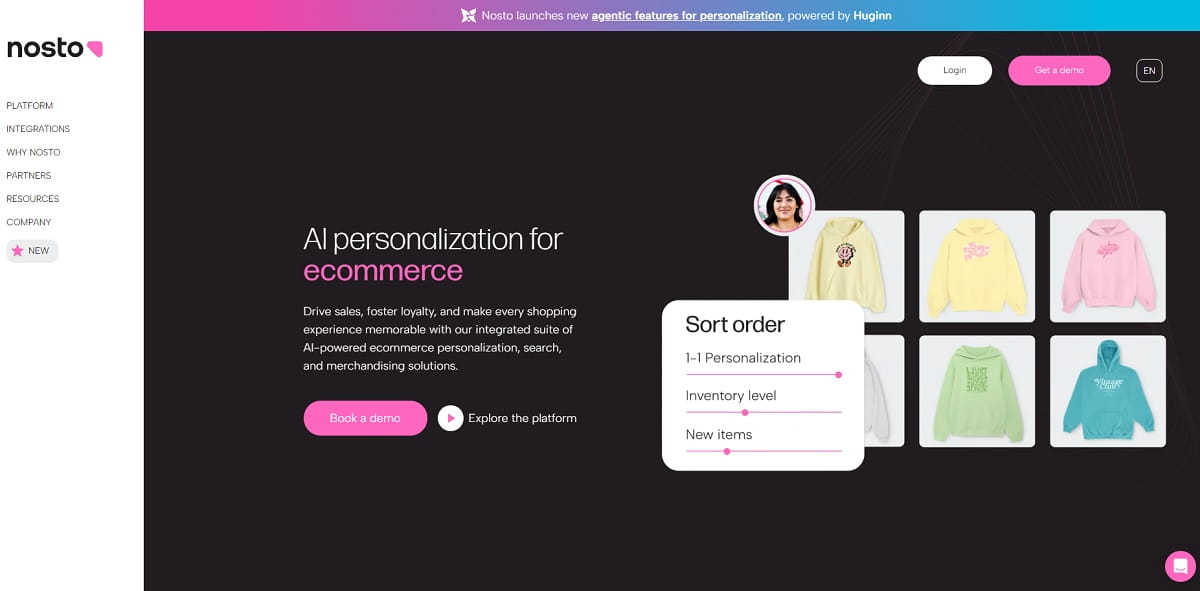
Best for: ecommerce personalization and merchandising beyond basic recommendations—useful when catalog depth is real and behavior differs by segment.
Bad fit if: you have low ecommerce traffic or a tiny catalog. This tool needs volume to learn.
- Best For: ecommerce brands with enough sessions to benefit from personalization and testing
- Key Features:
- Product recommendations and merchandising tools
- Personalized ecommerce experiences by audience/behavior
- Testing capabilities (implementation varies)
- Integrations with ecommerce platforms
- Setup Time: moderate; the real setup is tuning rules and measuring lift
- Pricing Model: performance-based pricing is common
- Field Note: ecommerce personalization can hide bad navigation. Before you personalize, make sure category structure and search aren’t broken.
Verdict: a strong ecommerce tool when you have traffic, SKU depth, and a team willing to iterate.
Semrush (eCommerce SEO Tool)
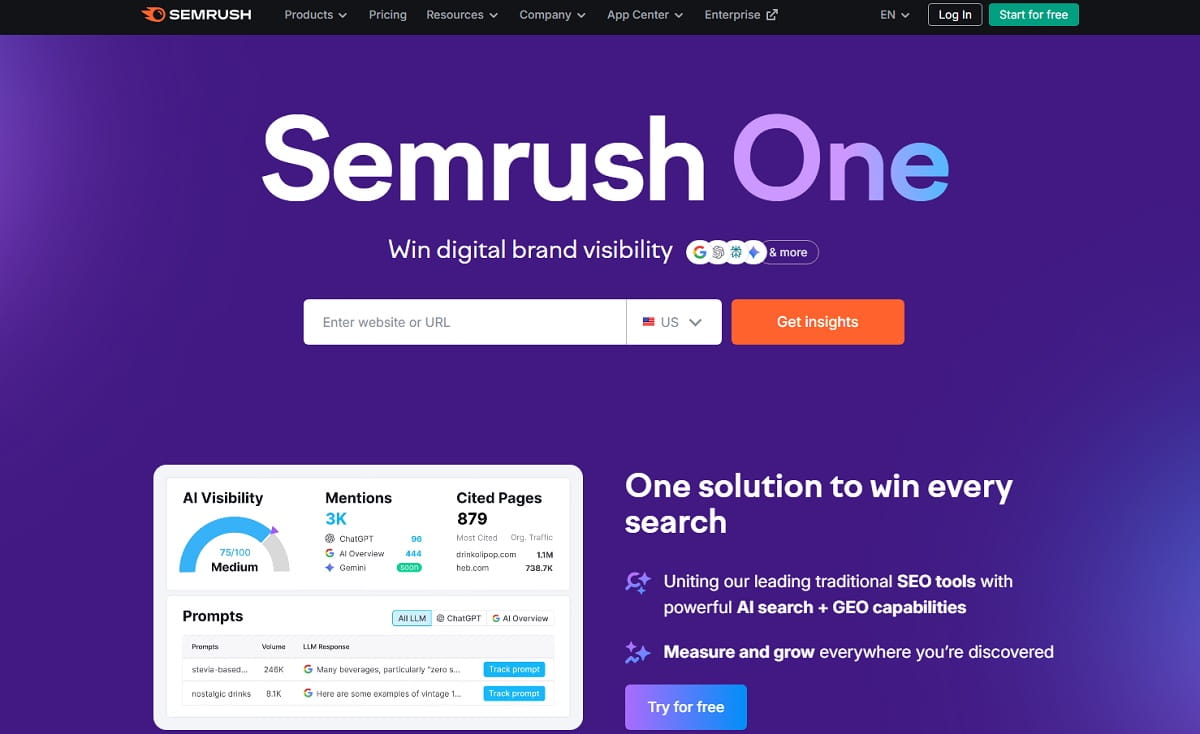
Best for: ecommerce SEO that blends technical auditing, keyword research, and content planning—especially if you build category content, guides, and product-led search visibility.
Bad fit if: you won’t act on audits. A tool can’t fix ecommerce SEO by itself.
- Best For: ecommerce teams running SEO as a weekly system, not a one-time project
- Key Features:
- Keyword research and competitive analysis
- Site audit and issue tracking
- Content planning and on-page recommendations
- Backlink analysis and monitoring
- Setup Time: quick to start, ongoing to maintain
- Pricing Model: tiered subscriptions with published pricing
- Field Note: profitable ecommerce SEO wins are boring: fix index bloat, clean faceted navigation, make category pages answer intent, then improve internal links.
Verdict: a strong ecommerce SEO tool if you’ll actually execute.
Screaming Frog SEO Spider (Technical SEO Tool)
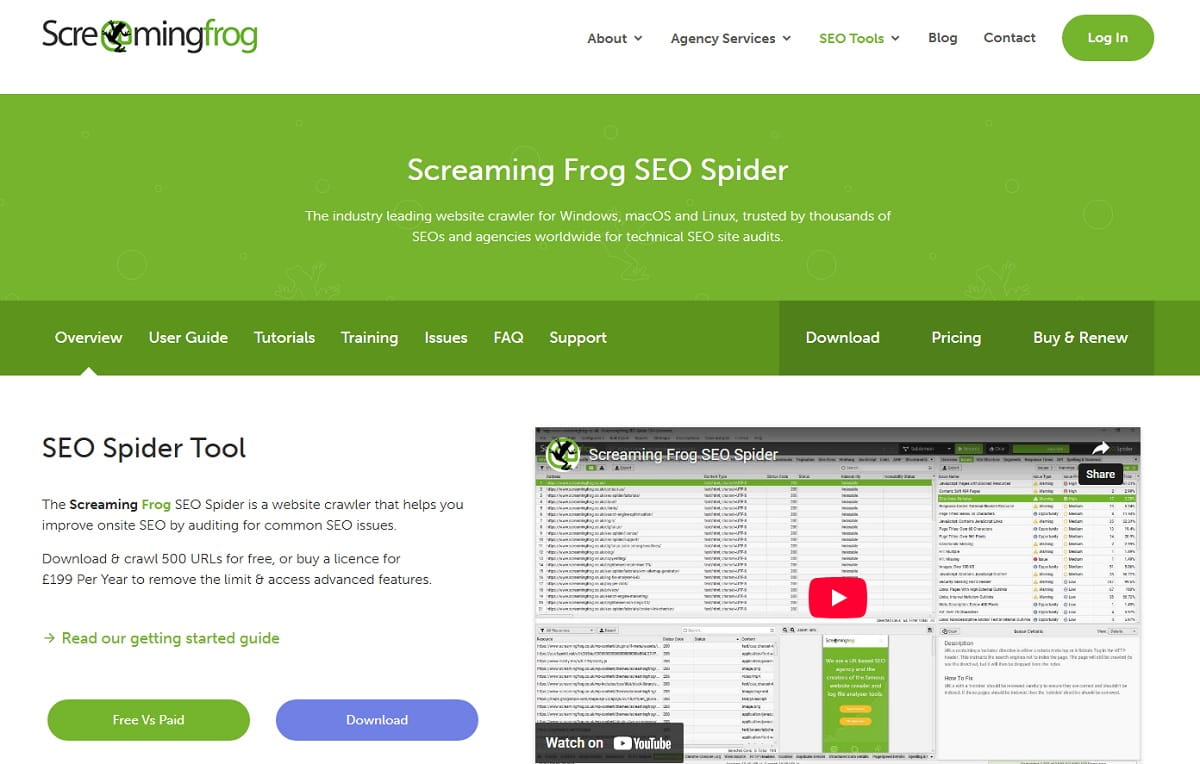
Best for: technical ecommerce SEO audits with precision: broken links, redirect chains, duplicate metadata, thin pages, canonicals, and indexability issues.
Bad fit if: you want a cloud-only experience. This tool is a desktop crawler.
- Best For: ecommerce SEO practitioners doing real audits on large sites
- Key Features:
- Website crawling (free tier has URL limits)
- Find broken links, redirect chains, and ecommerce indexability issues
- Metadata auditing (titles, descriptions, headers)
- Exportable reports for developers and content teams
- Setup Time: quick; prioritization takes time
- Pricing Model: free tier + paid annual license
- Field Note: ecommerce teams try to fix everything. Don’t. Fix high-impact pages first: top PDPs, top categories, and paid landing pages.
Verdict: a staple ecommerce SEO tool in 2026—especially for large stores.
ShipStation (eCommerce Shipping Tool)
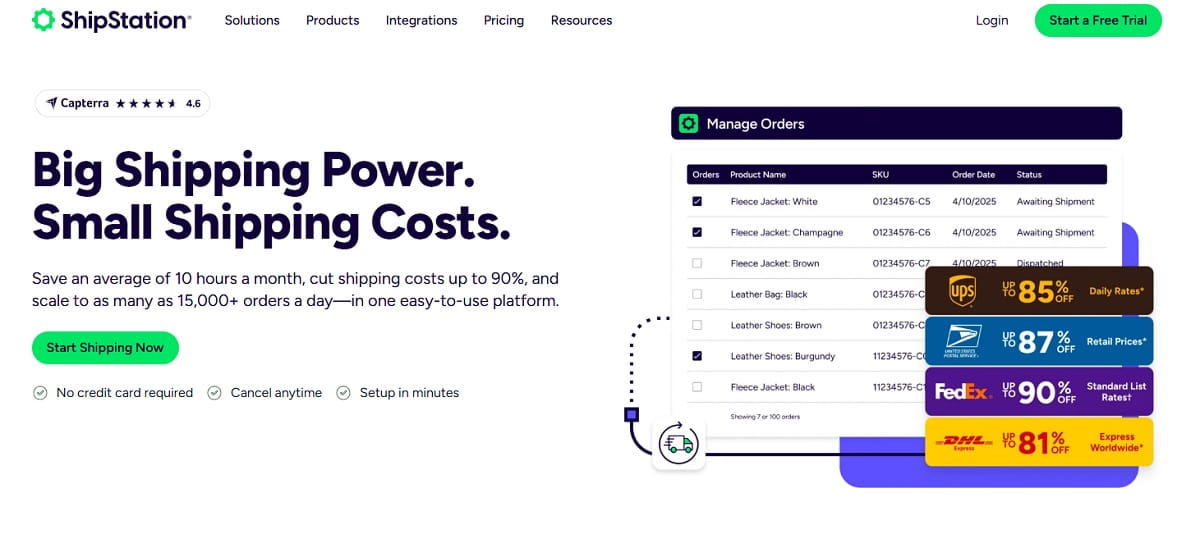
Best for: ecommerce shipping ops that scale: labels, carriers, tracking workflows, and multi-channel shipping management.
Bad fit if: you ship five packages a week and don’t expect to grow. Keep your ecommerce tool stack simple until volume forces it.
- Best For: ecommerce stores that ship enough orders to justify automation
- Key Features:
- Carrier integrations and label generation
- Automation rules for shipping logic
- Order management across channels (varies by plan)
- Tracking and customer notifications (capabilities vary)
- Setup Time: quick to start; moderate for clean automation
- Pricing Model: tiered monthly plans with published pricing
- Field Note: ecommerce margins evaporate when shipping defaults never get reviewed. Set rules by weight, destination, and service level, then audit exceptions weekly.
Verdict: a practical ecommerce tool upgrade when shipping starts consuming your team’s brain.
Loop (eCommerce Returns Tool)
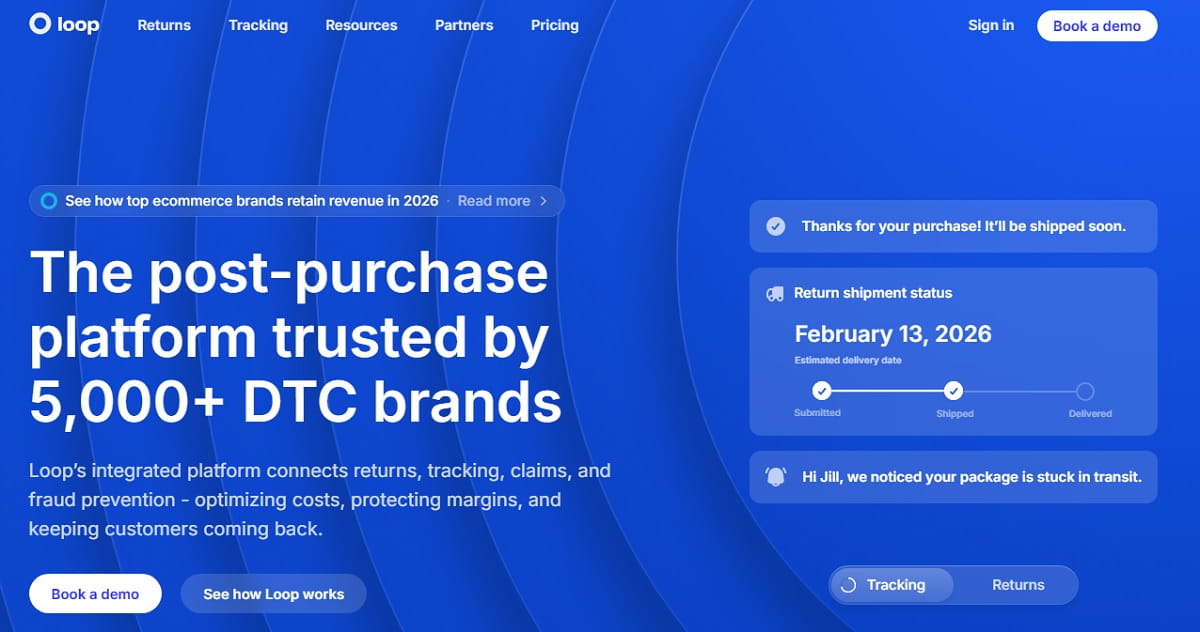
Best for: ecommerce returns that don’t automatically turn into refunds. Good returns flows recover revenue via exchanges and store credit.
Bad fit if: you run a low-return ecommerce category and your current flow is already tight.
- Best For: ecommerce brands with meaningful returns volume who want to protect margin and LTV
- Key Features:
- Returns portal and policy automation
- Exchange and store credit flows to retain ecommerce revenue
- Carrier rate shopping and workflows (plan-dependent)
- Visibility into returns reasons
- Setup Time: moderate; policy tuning takes thought
- Pricing Model: tiered plans (published pricing available)
- Field Note: the returns “reason” list is an ecommerce CRO roadmap. If “runs small” is #1, that’s a PDP content leak.
Verdict: a strong ecommerce tool if you treat returns as a profitability lever, not a nuisance.
Recharge (eCommerce Subscription Tool)
Best for: ecommerce recurring revenue that doesn’t wreck UX. Subscriptions live or die on retention flows and portal usability.
Bad fit if: you expect subscriptions to run themselves. This ecommerce tool supports a program; it doesn’t replace strategy.
- Best For: ecommerce brands selling consumables, refills, and predictable repeat products
- Key Features:
- Subscription management and customer portal
- Automated workflows to improve retention
- Analytics and benchmarks (plan-dependent)
- Shopify ecosystem compatibility (depends on setup)
- Setup Time: moderate; retention flows take time
- Pricing Model: tiered monthly plans with published pricing
- Field Note: ecommerce subscription churn spikes when customers can’t skip or swap easily. Give control, keep customers.
Verdict: a reliable ecommerce tool for subscriptions when you’re serious about retention.
Smile.io (eCommerce Loyalty Tool)
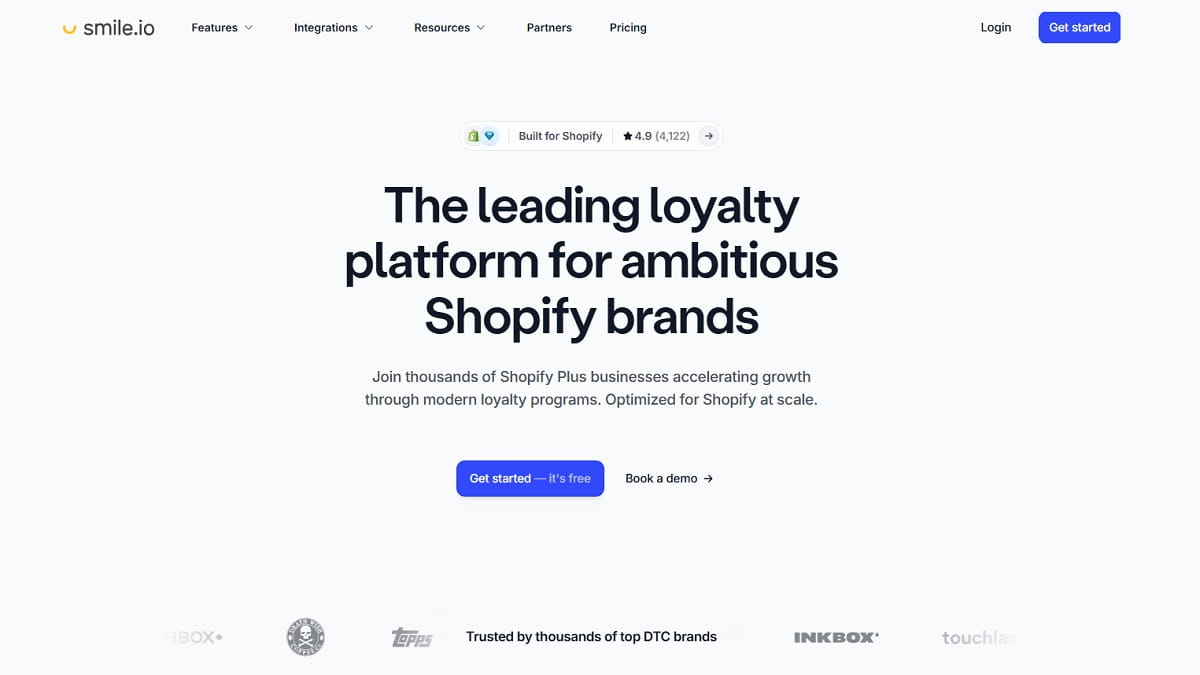
Best for: ecommerce loyalty programs (points, tiers, referrals) that reward repeat behavior without turning every purchase into a discount negotiation.
Bad fit if: your ecommerce margins are thin and your plan is “more points fixes everything.”
- Best For: ecommerce brands with repeat purchase potential that want a clean loyalty foundation
- Key Features:
- Points, referrals, and VIP tiers
- Rewards rules and customer incentives
- Shopify-focused integrations and workflows
- Reporting on program participation
- Setup Time: quick to launch; moderate to tune economics
- Pricing Model: tiered monthly plans with published pricing
- Field Note: ecommerce loyalty fails when points feel confusing. Build one simple earn-and-burn path and communicate it everywhere.
Verdict: a solid ecommerce tool that’s easy to launch and improve over time.
Signifyd (eCommerce Fraud Tool)

Best for: ecommerce fraud protection that reduces chargebacks while protecting conversion. Fraud is a conversion problem when false declines rise.
Bad fit if: your ecommerce fraud exposure is tiny and your current processor tools are enough.
- Best For: ecommerce stores with higher AOV, scale, or fraud pressure that hurts margins
- Key Features:
- Fraud decisioning and protection workflows
- Chargeback protection/guarantee options (plan-dependent)
- Reducing manual review workload
- Tools to improve approval rates while managing risk
- Setup Time: moderate; depends on ecommerce platform and workflows
- Pricing Model: quote-based / plan-based
- Field Note: I’ve seen ecommerce fraud tools kill revenue by being too aggressive. Track false declines like ad spend—because it’s the same kind of loss.
Verdict: a strong ecommerce tool when fraud is a real cost center, not a theoretical fear.
Algolia (eCommerce Search Tool)
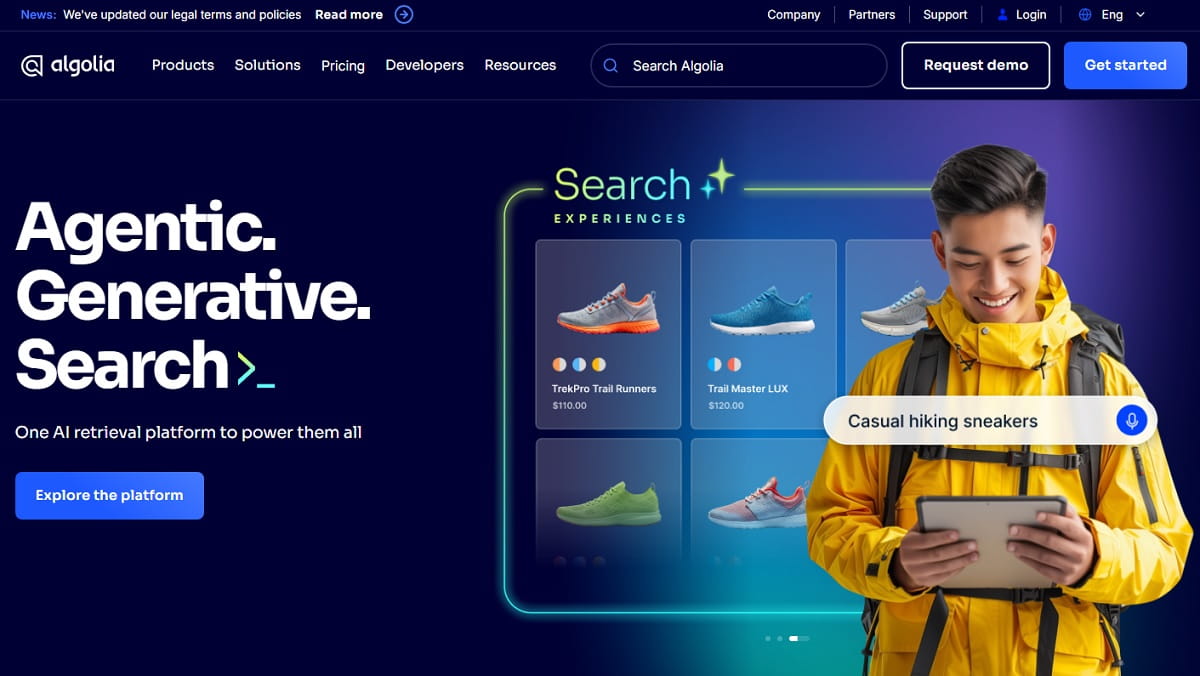
Best for: ecommerce on-site search where shoppers already know what they want. Search users are often your highest-intent segment.
Bad fit if: you have a tiny ecommerce catalog and low traffic. This tool shines at scale.
- Best For: ecommerce stores with large catalogs, complex filters, or headless stacks
- Key Features:
- Fast, relevant on-site ecommerce search
- Ranking and merchandising controls
- Autocomplete and typo tolerance
- APIs that fit headless ecommerce implementations
- Setup Time: moderate to significant; depends on product data quality
- Pricing Model: usage-based tiers (check official pricing)
- Field Note: ecommerce search fails when product attributes are missing. Fix data first: titles, tags, variants, availability. Then let the tool shine.
Verdict: a high-impact ecommerce tool when search is a core buying path.
Stripe (Payments Tool For Ecommerce)

Best for: payment infrastructure for ecommerce teams that need flexibility: subscriptions, marketplaces, or custom checkout experiences.
Bad fit if: you’re purely Shopify and happy with native payments. Sometimes the best ecommerce tool choice is “don’t touch it.”
- Best For: headless ecommerce, custom payment flows, and teams needing developer-grade tooling
- Key Features:
- Payment processing and checkout building blocks
- Developer APIs and integrations
- Risk controls and fraud tooling (capabilities vary)
- Support for complex ecommerce business models
- Setup Time: varies; quick with plugins, longer with custom builds
- Pricing Model: transaction-based pricing (check official pricing)
- Field Note: ecommerce teams obsess over processing fees while ignoring checkout friction. Measure checkout conversion before negotiating pennies.
Verdict: a foundational ecommerce tool when you need flexibility; otherwise, keep payments simple and focus on conversion.
Best Tool Combos (If You Want A Stack That Doesn’t Become A Mess)
Lean Starter Store (Keep It Tight)
- Plerdy ecommerce CRO/UX tool to find and fix leaks before spending more on ads
- Google Analytics 4 ecommerce analytics tool for baseline measurement
- Klaviyo ecommerce email marketing tool for welcome + abandon + post-purchase flows
- ShipStation ecommerce shipping tool once volume starts rising
This ecommerce tool stack is minimum viable control: you can see what’s broken, fix it, and keep ops from imploding.
Scaling DTC Brand (Profit And Retention Focus)
- Plerdy ecommerce tool for CRO diagnosis on PDPs, landing pages, and funnels
- Triple Whale ecommerce attribution tool for profit dashboards
- Klaviyo ecommerce lifecycle tool for segmentation and flows
- Attentive ecommerce SMS tool for high-intent retention
- Loop ecommerce returns tool to retain revenue through exchanges
This ecommerce tool stack reduces waste: wasted spend, wasted sessions, wasted refunds, wasted time.
Content/SEO-Led Store (Compounding Growth)
- Semrush ecommerce SEO tool to plan and execute content
- Screaming Frog SEO Spider technical ecommerce SEO tool for audits
- Google Analytics 4 ecommerce analytics tool to validate what content converts
- Plerdy ecommerce tool to see where content pages fail to move shoppers into product discovery
SEO fails when the path from “read” to “buy” is vague. This ecommerce tool stack makes the path visible.
High-SKU Operational Store (Catalog, Support, And Fulfillment)
- Algolia ecommerce search tool for speed and relevance
- Gorgias ecommerce support tool to keep response times sane
- ShipStation ecommerce shipping tool to scale workflows
- Loop ecommerce returns tool to control costs
- Plerdy ecommerce CRO tool to fix friction across categories and PDPs
High SKU count punishes weak taxonomy and bad search. This ecommerce tool stack keeps customers finding products and keeps ops moving.
Common Mistakes When Picking eCommerce Tools (That Kill ROI)
- Buying automation before diagnosis: you can’t automate your way out of a broken ecommerce PDP.
- Measuring “activity” instead of outcomes: dashboards look busy, revenue stays flat, the tool bill grows.
- Overlapping tools: three apps for popups, two ecommerce review tools, four analytics tools—none owned properly.
- Ignoring setup quality: misfiring events and messy UTMs make every ecommerce tool decision worse.
- Not assigning ownership: if nobody owns email, support macros, or CRO fixes, the ecommerce tool becomes a subscription.
- Chasing fancy personalization: when navigation, filters, and product data are still broken.
- Discount addiction: loyalty and SMS tools become constant promos, margins disappear.
- Forgetting the human flow: returns, support, and shipping are ecommerce UX—customers remember pain.
- Skipping a weekly review ritual: every ecommerce tool needs cadence: what you check, when, and what you do next.
FAQ
What Are The Best eCommerce Tools For 2026?
The best ecommerce tools for 2026 depend on what is limiting your store right now. If you’re paying for traffic and losing sales on-page, start with a CRO/UX tool like Plerdy to find leaks fast (heatmaps, session recordings, scroll depth, funnels). If measurement is your issue, lock in a clean ecommerce analytics tool setup (GA4) before you add attribution, email, or personalization tools.
How Do I Choose An eCommerce Tool Without Wasting Money?
Pick one ecommerce tool per job, not three. Start by identifying the leak (page friction, checkout drop-off, low repeat purchase, support overload, returns costs). Then choose a tool that solves that specific constraint and integrates with your platform (Shopify, WooCommerce, headless). If you can’t name the exact metric the tool will improve, don’t buy it yet.
Do Small Businesses Need Expensive eCommerce Marketing Tools?
Not at the start. Most small ecommerce businesses get better ROI from a tight stack: a CRO/UX tool to fix conversion leaks, a basic ecommerce analytics tool for measurement, and one email tool for lifecycle flows. Expensive ecommerce marketing tools (advanced attribution, personalization, or enterprise support) make sense when you have enough traffic, orders, and internal capacity to actually use them.
What Is A Good “Lean” eCommerce Tool Stack For A New Store?
A lean ecommerce tool stack usually looks like this: (1) Plerdy for CRO/UX diagnosis and quick leak-finding, (2) GA4 for baseline ecommerce analytics, (3) one lifecycle tool (email, and SMS only if you can do it responsibly), and (4) shipping/returns tooling only when volume demands it. The goal is to keep your ecommerce tools simple enough that you actually review them weekly and take action.
Why Start With Plerdy Lost Revenue Analysis Before Adding More Tools?
Because most ecommerce growth problems aren’t “we need more traffic,” they’re “we’re leaking revenue on the pages we already pay for.” Plerdy Lost Revenue Analysis helps you spot where shoppers hesitate or drop (scroll depth gaps, misclicks, confusing PDP layout, funnel breakpoints) so you fix the right pages first. Once you stop the leak, every other ecommerce tool—email, ads, personalization—works better.
Final Take
If you remember one thing: find ecommerce leaks before you scale spend. The ecommerce stores that win in 2026 aren’t the ones with the biggest tool stack. They’re the ones that diagnose quickly, fix the right things, and keep execution simple.
Start with visibility (Plerdy + clean analytics), then add the ecommerce tools that match your growth constraint: retention, support, ops, SEO, or fraud. Every tool should have a job. If it doesn’t, it’s not a tool—it’s a subscription you forgot to cancel.