

A website tracker is software that collects data about how visitors find and use a website. Depending on the platform, it may track traffic sources, pageviews, clicks, scrolling, form interactions, session recordings, conversions, or behavior across multiple visits.
Website tracking splits into three different jobs, and most confusion comes from treating them as one. Traffic analytics counts visits and sources. Behavior tracking records what people actually did on the page. Product analytics follows a user across sessions to see whether they came back.
Buy the wrong category first and you end up with dashboards nobody opens.
The terminology is a mess, and that is worth clearing up before the list. A website tracker, website tracking software, a web tracking tool, and a site tracking program are terms vendors often use for the same basic idea: a script that records visitor activity on your pages. This guide uses them interchangeably because the market does.
One thing this guide is not about: tracking your search rankings. If you came looking for a tool that monitors where your site sits in Google, that is rank tracking, a different category with different products. Everything below tracks what happens on your site, not where it appears in search results.
How We Selected These Website Tracking Tools
We evaluated each tool using its published feature documentation, current public pricing, tracking category, free-plan limits, privacy controls, reporting depth, implementation requirements, and suitability for different website sizes. The list is grouped by the job each platform does. The numbering shows the order of the tools, not a best-to-worst ranking.
Below are 16 tools with what each captures, its current starting price, and where it stops being useful. Plerdy appears in the behavior tracking group because that is the category in which it competes.
Quick Comparison
| # | Tool | What It Captures | Starting Price | Free Tier |
|---|---|---|---|---|
| 1 | Google Analytics 4 | Traffic, events, funnels | Free | Yes |
| 2 | Matomo | Traffic and user activity with data ownership | Free self-hosted / Cloud from $26/mo | Self-hosted |
| 3 | Adobe Analytics | Enterprise traffic and attribution | Quote | No |
| 4 | Plausible | Lightweight, cookie-free traffic analytics | From $9/mo | 30-day trial |
| 5 | Fathom Analytics | Lightweight, cookie-free traffic analytics | From $15/mo | 7-day trial |
| 6 | Clicky | Real-time traffic | From $9.99/mo | Yes |
| 7 | Plerdy | Behavior, forms, and revenue events | From $29/mo | Yes |
| 8 | Hotjar | Heatmaps, recordings, and surveys | From $32/mo | Yes |
| 9 | Microsoft Clarity | Heatmaps and recordings | Free | Yes |
| 10 | FullStory | Enterprise session data | Quote | Trial |
| 11 | Contentsquare | Experience analytics and journey analysis | Free / Growth from $49/mo | Yes |
| 12 | Mixpanel | Product events, funnels, and retention | Starts at $0; usage-based above 1M events/mo | Yes |
| 13 | Amplitude | Product analytics, cohorts, and retention | Starts at $0; usage-based above 2M events/mo | Yes |
| 14 | Heap | Autocaptured product events | Quote | Yes |
| 15 | PostHog | Product analytics, replays, and experiments | Starts at $0; usage-based after free limits | Yes |
| 16 | HubSpot | Lead source to closed revenue | From $9/seat/mo billed annually | Yes |
Pricing and plan availability were checked on August 11, 2026. Prices exclude taxes, may depend on billing frequency or usage, and can change after publication.
Traffic Analytics: How Many Visitors and From Where
The baseline layer. Every site needs one, and for most sites it costs nothing. This section is deliberately brief. If you are choosing a traffic analytics platform specifically, we compare them in depth in 15 Best Web Analytics Tools.
1. Google Analytics 4
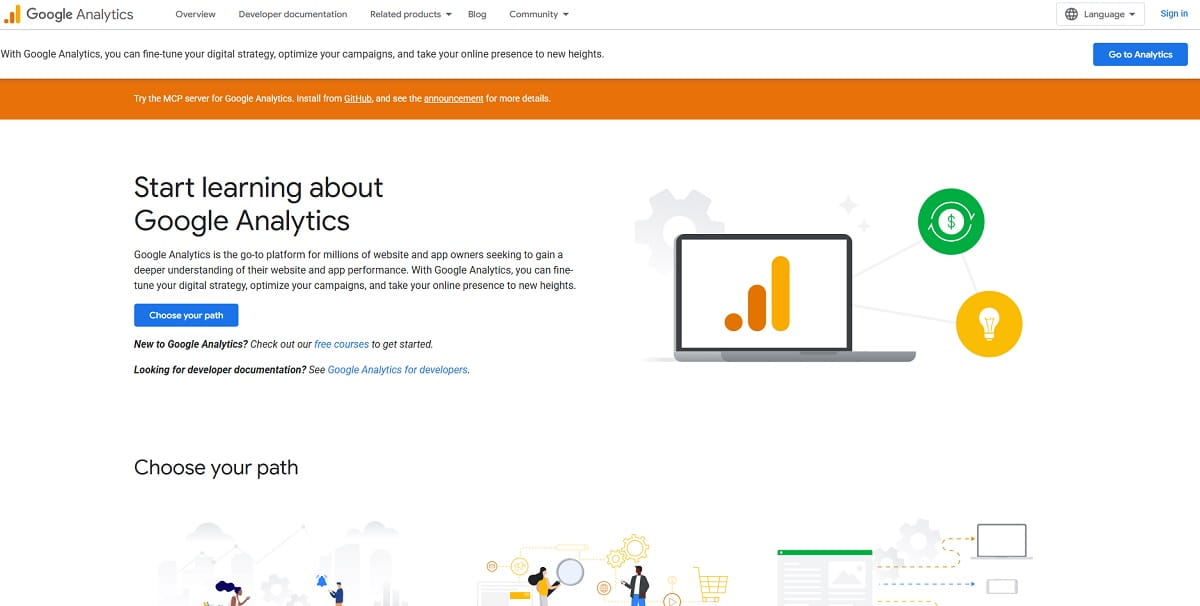
The default measurement platform. It provides event-based tracking, acquisition and funnel reports, free BigQuery export, and native Google Ads integration.
- Captures: sessions, events, conversions, traffic sources, and audiences.
- Pricing: free; the enterprise tier starts in the six figures annually.
- Where it stops: data thresholding can hide some low-volume demographic, audience, or search-query information. Modeled data and sampling in certain explorations or complex queries can also make reports harder to interpret. The interface shows where a page loses visitors, but it does not show what they did on the page or why they left.
- analytics.google.com
2. Matomo
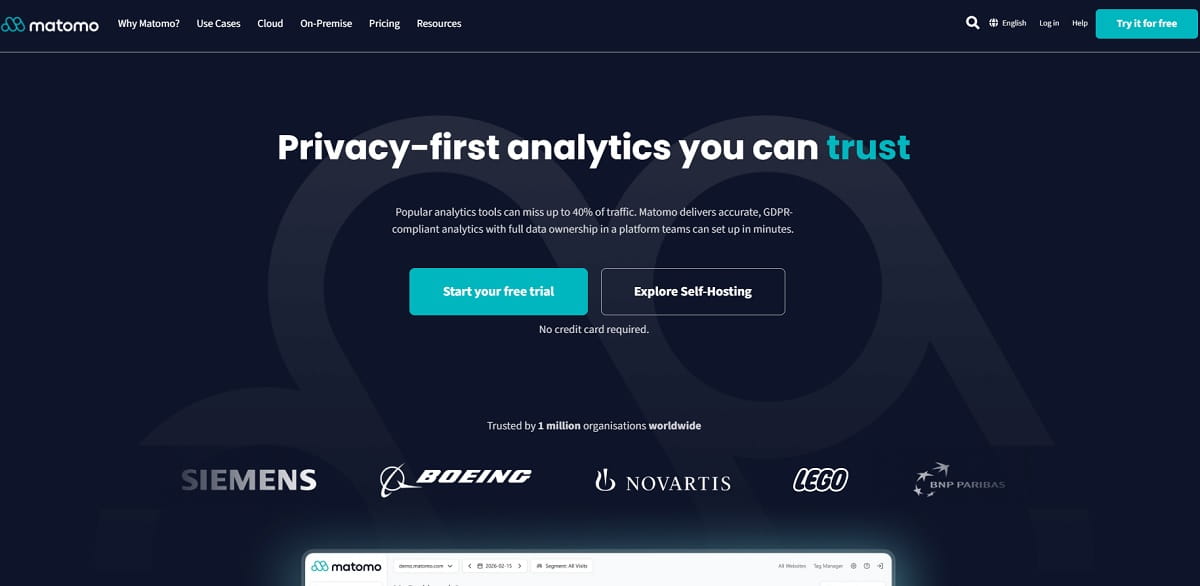
The main open-source alternative, run either on your own infrastructure or on Matomo Cloud. The self-hosted version gives you direct control over the hosting environment and data location, while Matomo says both hosting options provide full data ownership and no data sampling.
- Captures: traffic, events, conversions, campaigns, e-commerce activity, and optional heatmaps and session recordings.
- Pricing: free self-hosted; Matomo Cloud starts at approximately $26/mo for 50,000 monthly hits.
- Where it stops: self-hosting is a real infrastructure commitment. Updates, database growth, security, and performance tuning are yours. Cloud pricing rises with tracked hits.
- matomo.org
3. Adobe Analytics
Enterprise measurement with deep segmentation, multi-channel attribution, and integration into the wider Adobe stack.
- Captures: cross-channel behavior, custom attribution models, and calculated metrics.
- Pricing: quote only, with annual enterprise contracts.
- Where it stops: implementation is a project, not a task. Without a dedicated analyst, the license is wasted.
- business.adobe.com
4. Plausible
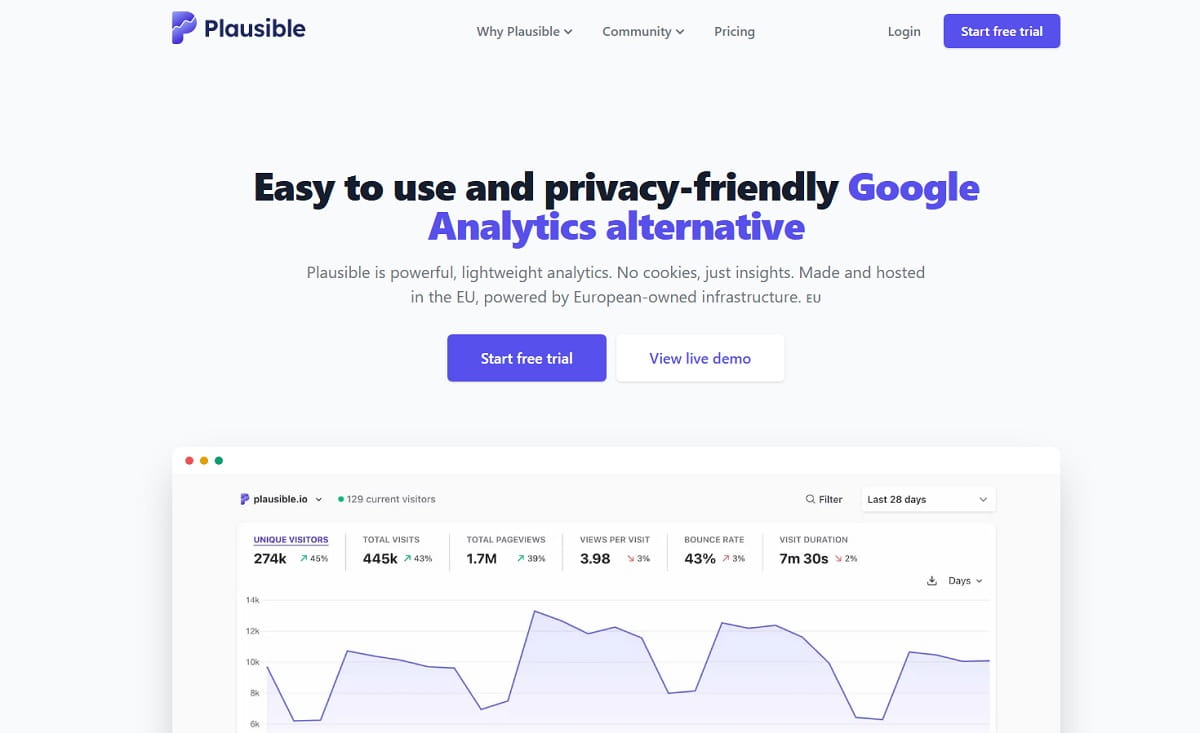
Lightweight, cookie-free analytics on a single-page dashboard. The script is a fraction of the size of GA4, which matters for Core Web Vitals.
- Captures: pageviews, sources, goals, and custom events, with no personal data collected in its standard configuration.
- Pricing: from $9/mo at 10,000 monthly pageviews; 30-day trial.
- Where it stops: the simplicity is the point and also the limit. There are no session recordings, user-level paths, or retention cohorts.
- plausible.io
5. Fathom Analytics
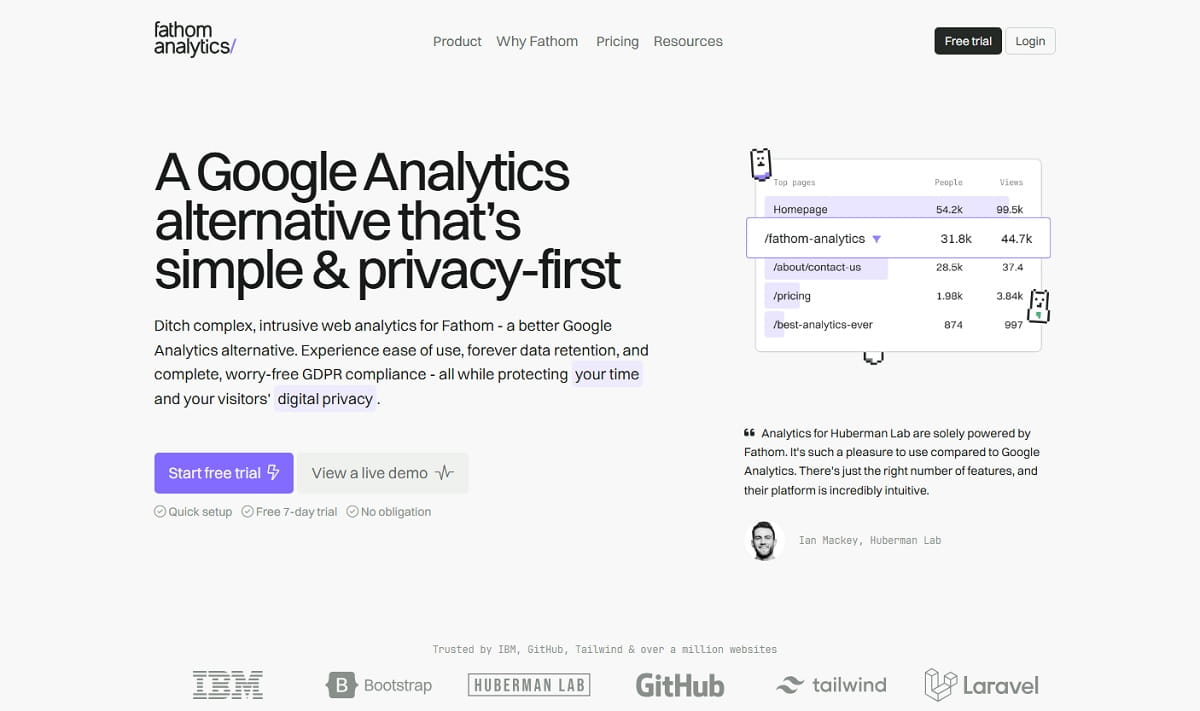
Fathom follows the same privacy-first philosophy as Plausible, with no cookies, a lightweight script, and EU data isolation.
- Captures: pageviews, referrers, events, and uptime.
- Pricing: from $15/mo; 7-day trial.
- Where it stops: it has the same ceiling as most lightweight trackers. It is useful for knowing what happened, but not for seeing exactly why a visitor struggled on a page.
- usefathom.com
6. Clicky
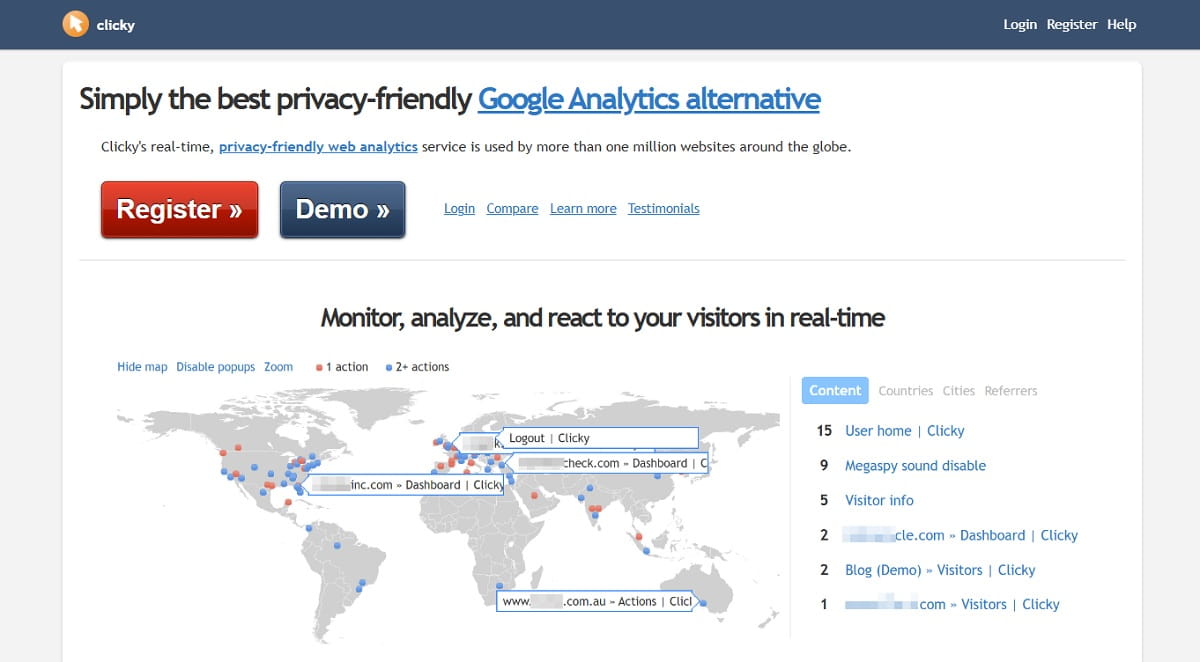
Real-time analytics with individual visitor logs, heatmaps, and uptime monitoring. It is an older product, but it is still maintained and relatively inexpensive.
- Captures: live visitor streams, per-visitor session details, and basic heatmaps.
- Pricing: free plan; paid plans from approximately $9.99/mo.
- Where it stops: the interface shows its age, and per-visitor logging requires careful privacy review and configuration.
- clicky.com
Behavior Tracking: What People Actually Did
Traffic tools count the visit. These tools record interactions with the page. This is where many sites see the fastest return because behavior tracking can reveal why a page loses people.
7. Plerdy
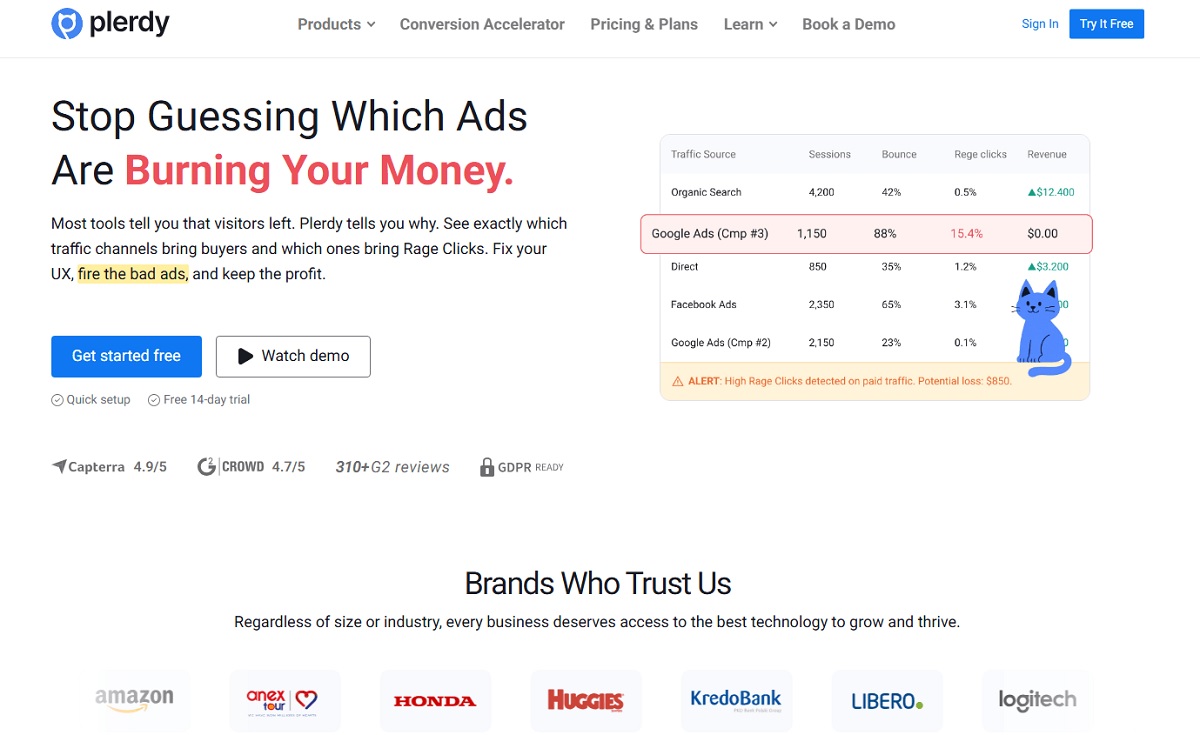
Plerdy combines heatmaps, session replay, form analytics, pop-ups, A/B testing, and an SEO checker through a single script. Its distinguishing angle is revenue attribution: which element on which page precedes a purchase, and where paid traffic may be getting wasted.
- Captures: clicks, scroll depth, mouse movement, form field abandonment, e-commerce events, and session recordings.
- Pricing: free plan; paid plans from $29/mo.
- Where it stops: it is not designed as an enterprise experience analytics platform for organizations processing tens of millions of monthly sessions with a dedicated analytics department.
- plerdy.com
8. Hotjar
The best-known behavior tool: heatmaps, recordings, on-site surveys, and feedback widgets. It is now part of Contentsquare.
- Captures: clicks, scrolls, movement, recordings, and survey responses.
- Pricing: free plan with a daily session cap; paid plans from $32/mo.
- Where it stops: session sampling on lower tiers means the sessions you most needed to see may not be recorded, and funnel analysis is thin.
- hotjar.com
9. Microsoft Clarity
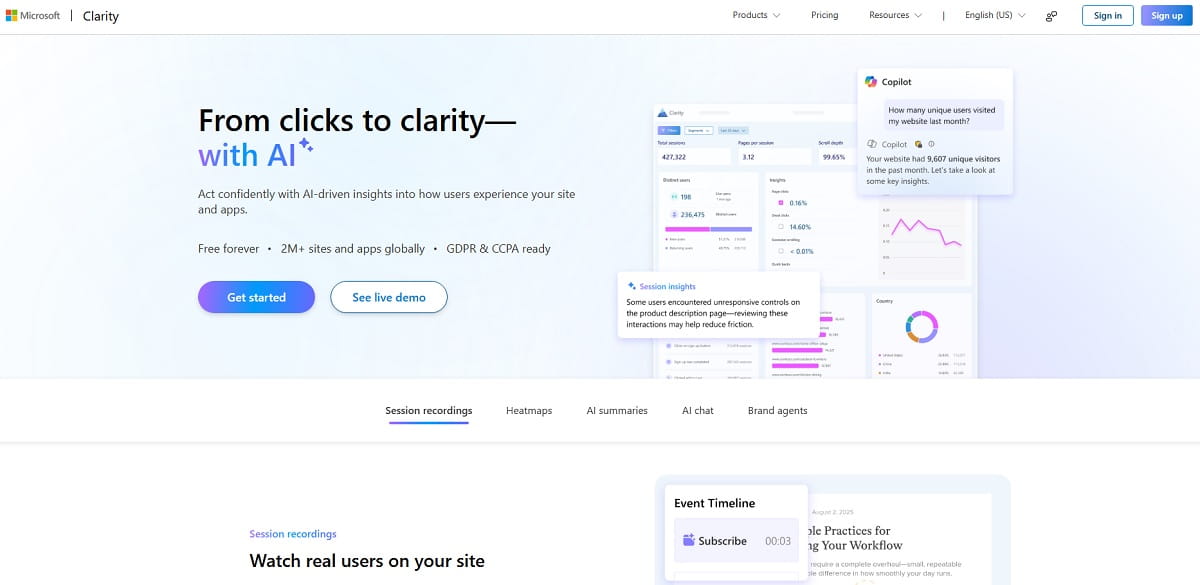
A free behavior analytics platform with heatmaps, session recordings, and automatic detection of rage clicks, dead clicks, and quick backs.
- Captures: clicks, scrolls, recordings, and frustration signals.
- Pricing: free, with no paid tier. Clarity tracks up to 100,000 sessions per project per day, although recordings may not be available for every tracked session.
- Where it stops: there is no built-in experimentation or full survey suite, and segmentation is more limited than in paid behavior platforms. It helps identify a problem but offers fewer tools for testing or acting on the finding.
- clarity.microsoft.com
10. FullStory
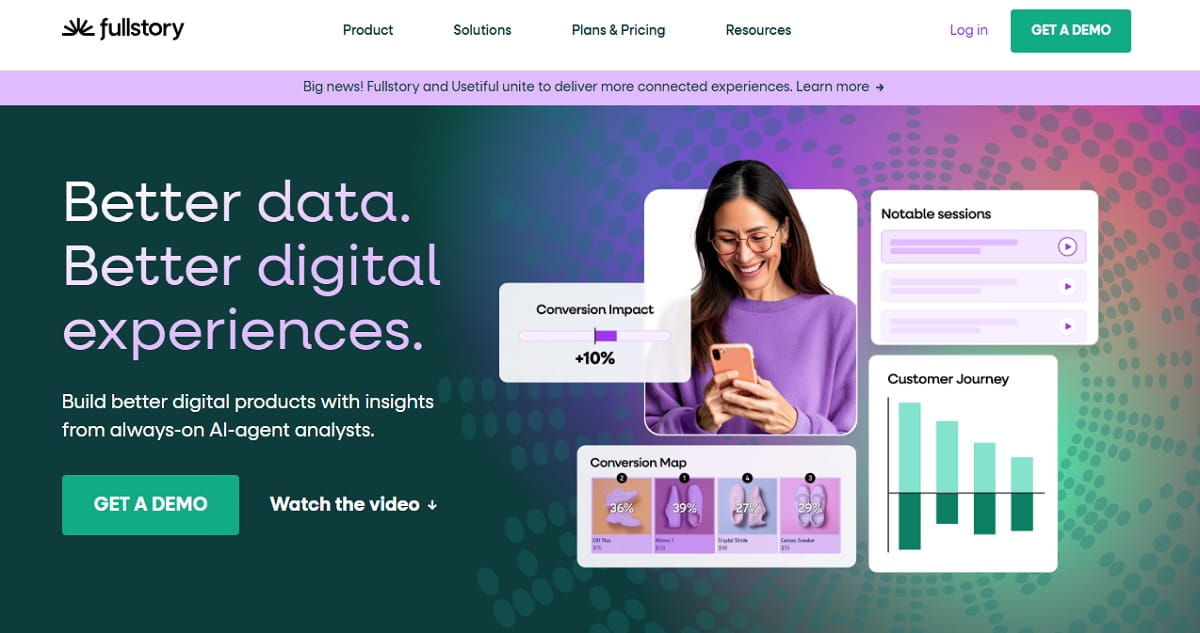
Session replay and behavioral data at enterprise scale, with retroactive event definition so teams can query behavior they did not instrument in advance.
- Captures: DOM interactions, error events, and complete session reconstruction.
- Pricing: quote only; trial available.
- Where it stops: cost and implementation weight. On a small marketing site, setup can cost more time than a full year of a mid-market tool.
- fullstory.com
11. Contentsquare
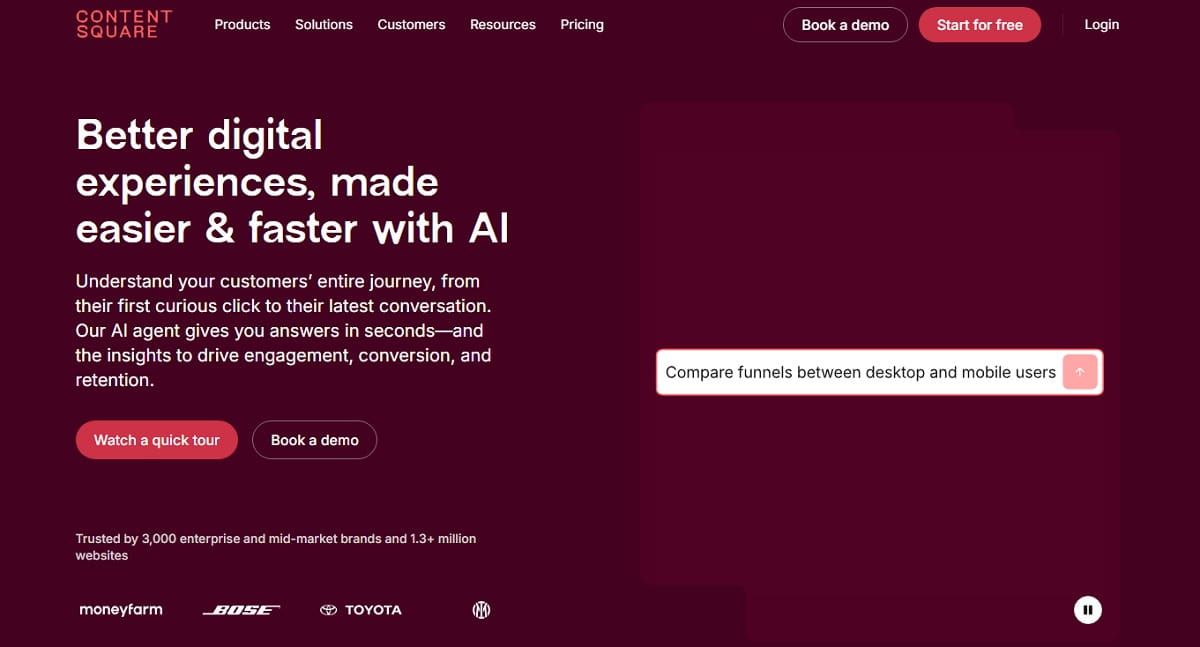
Experience analytics with heatmaps, session replay, funnels, error monitoring, surveys, automated friction detection, and journey analysis across sessions.
- Captures: element-level engagement, heatmaps, session replays, funnel behavior, errors, performance signals, surveys, and customer journeys.
- Pricing: free plan; Experience Analytics Growth starts at $49/mo. Pro and Enterprise plans use custom pricing.
- Where it stops: the free and Growth plans provide a self-serve entry point, but advanced journey analysis, governance, data exports, dedicated support, and enterprise allowances can require higher custom-priced plans.
- contentsquare.com
Product Analytics: What Happened Across Sessions
Traffic tools measure the visit. Behavior tools measure the page. Product analytics connects events over time to show whether users return, adopt features, convert, or leave.
12. Mixpanel
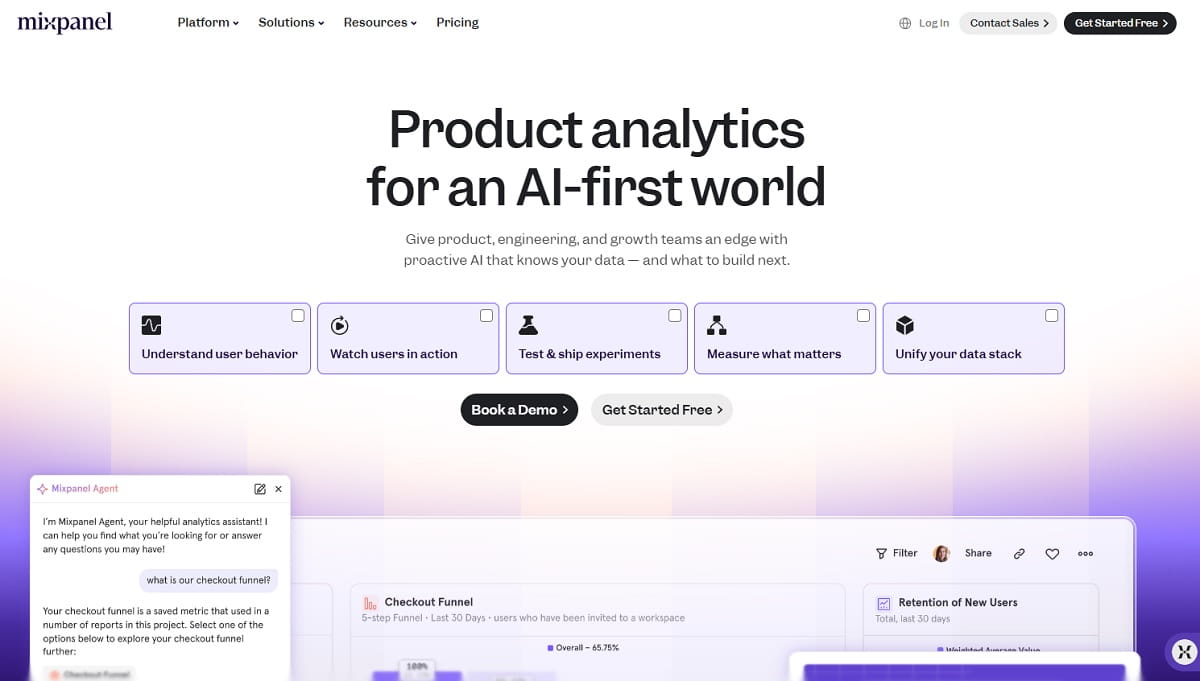
Event analytics built around funnels, retention, and cohort analysis, with fast interactive reports and session replay.
- Captures: custom events, user properties, funnel progression, retention curves, and session replays.
- Pricing: Free includes up to 1 million events per month and 10,000 session replays. Growth starts at $0 for the first 1 million monthly events and 20,000 replays, then scales with usage.
- Where it stops: it still benefits from a deliberate event taxonomy. Instrument it carelessly and you will pay to store noise once usage moves beyond the free limits.
- mixpanel.com
13. Amplitude
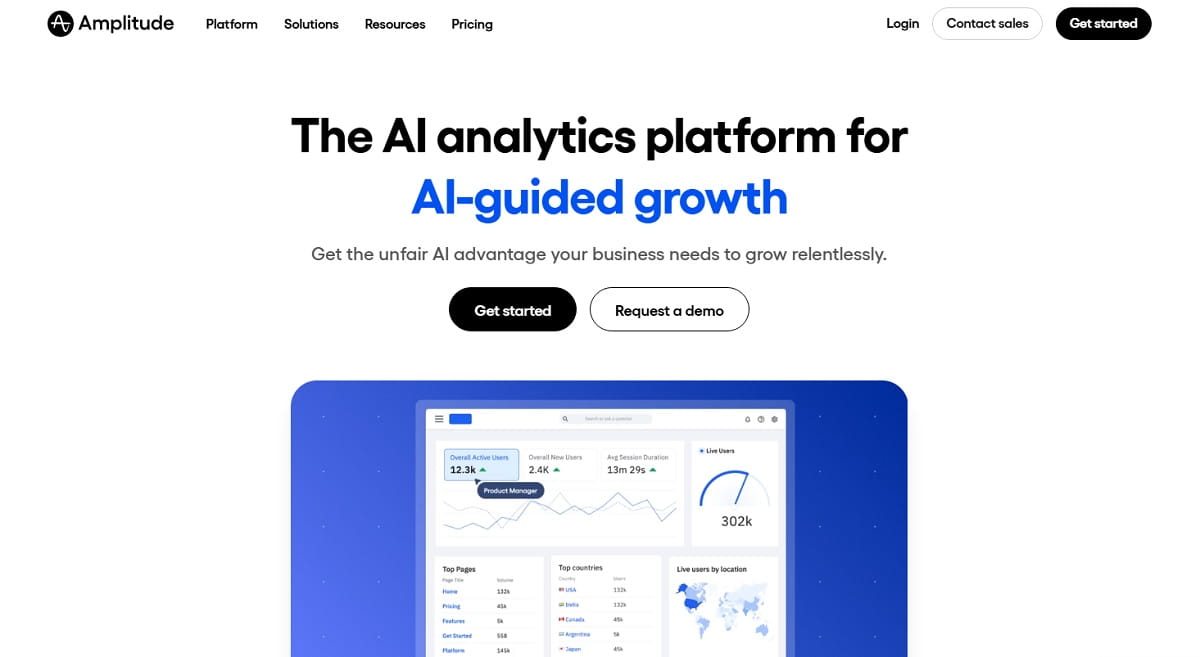
Product analytics with strong behavioral cohorts, plus session replay, experimentation, feature flags, guides, and surveys.
- Captures: events, cohorts, user paths, feature adoption, experiments, and session replays.
- Pricing: Free includes up to 2 million events per month. Plus starts at $0 for the first 2 million monthly events and then scales with event volume. Growth and Enterprise use custom pricing.
- Where it stops: costs rise with usage, and the platform is better suited to products with returning users than to a simple marketing website.
- amplitude.com
14. Heap
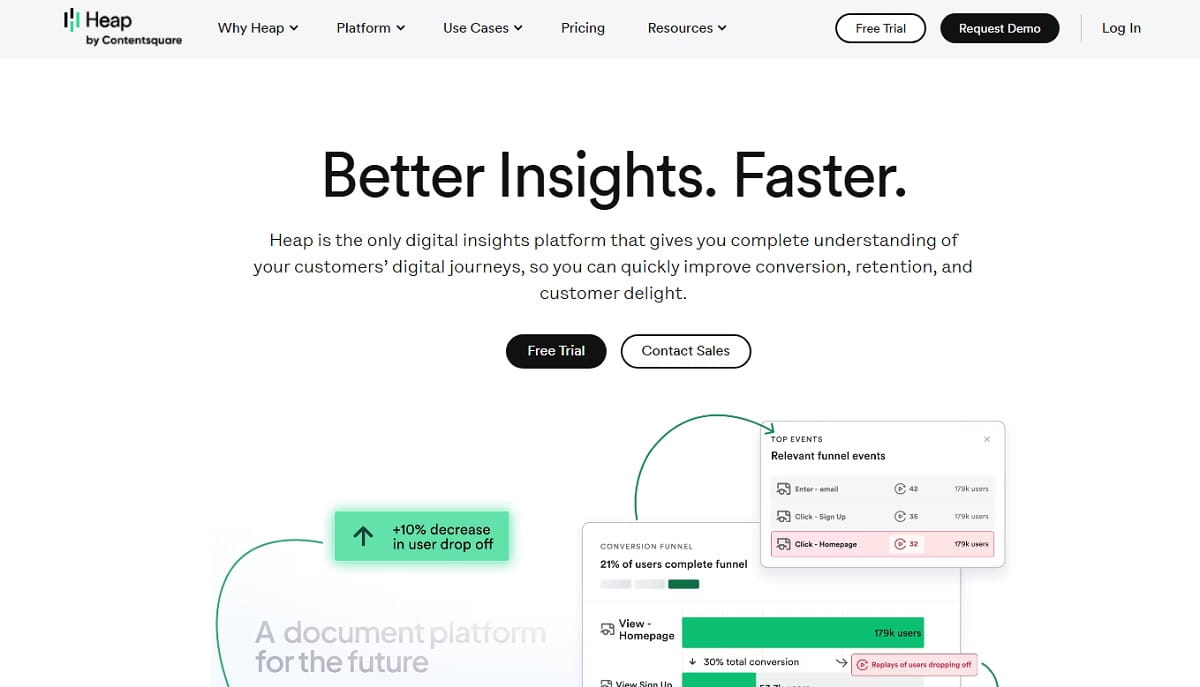
Heap uses autocapture to record interactions by default, allowing events to be defined after the fact rather than predicted in advance.
- Captures: clicks, form interactions, pageviews, and other automatically captured events that can be queried retroactively.
- Pricing: free tier; paid plans are quote only.
- Where it stops: autocapture produces volume, and volume needs governance. Without naming discipline, the event list can become difficult to use.
- heap.io
15. PostHog
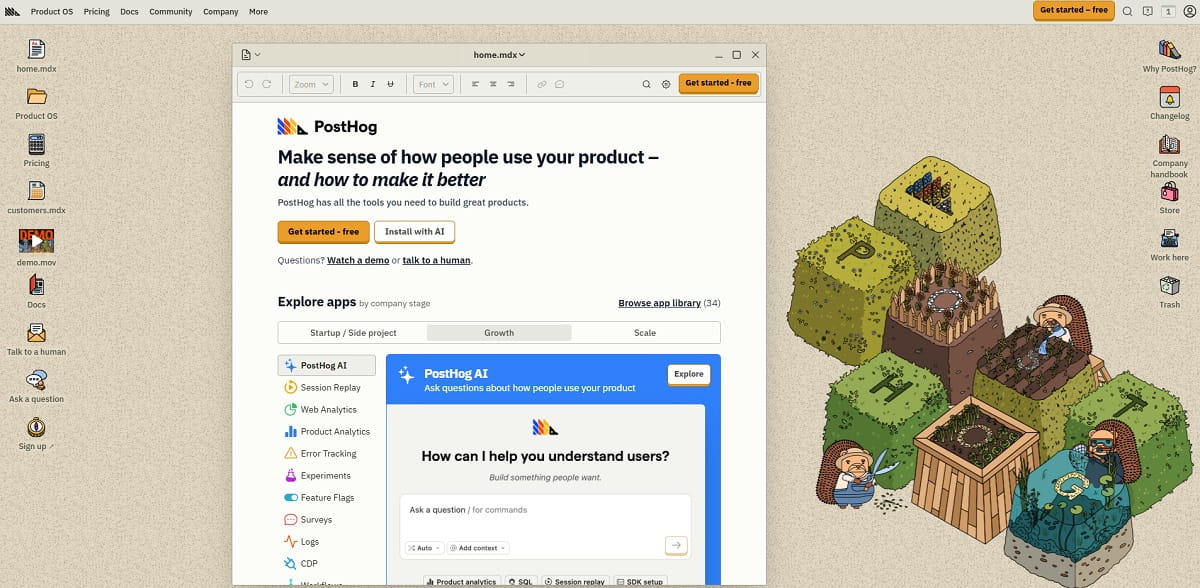
PostHog combines product and web analytics with autocapture, session replay, feature flags, experiments, surveys, and error tracking. It is particularly well suited to product and engineering teams that want behavioral data and deployment tools in one platform.
- Captures: pageviews, clicks, form submissions, custom events, funnels, retention, user paths, errors, and session recordings.
- Pricing: free tier with up to 1 million product analytics events and 5,000 web session recordings per month; usage-based pricing after the free limits.
- Where it stops: the interface and product model are more developer-oriented than most marketing analytics tools. Because separate features use separate usage limits, teams need to monitor billing across the products they enable.
- posthog.com
Lead and Revenue Tracking
16. HubSpot
HubSpot is not a website tracker in the same sense as a heatmap or analytics platform, but it closes the loop the others often leave open. It records which page produced a known lead and follows that contact toward closed revenue.
- Captures: form submissions, pageviews associated with known contacts, email and chat interactions, and deal stages.
- Pricing: free CRM and marketing tools; Marketing Hub Starter from $9 per seat per month with annual billing or approximately $15 per seat per month with monthly billing.
- Where it stops: it does not provide the same heatmap, session replay, or page-level behavior analysis as a dedicated behavior tracker. It can show which page produced revenue, but not necessarily why the page worked.
- hubspot.com
Tracking anonymous B2B visitors is a separate category. Tools that resolve a visit to a company rather than a person, such as Leadfeeder, RB2B, Albacross, and Clearbit, work differently, price differently, and carry different privacy obligations. We cover them in 14 Best Website Visitor Tracking Software.
Bonus Tool: Google Tag Manager
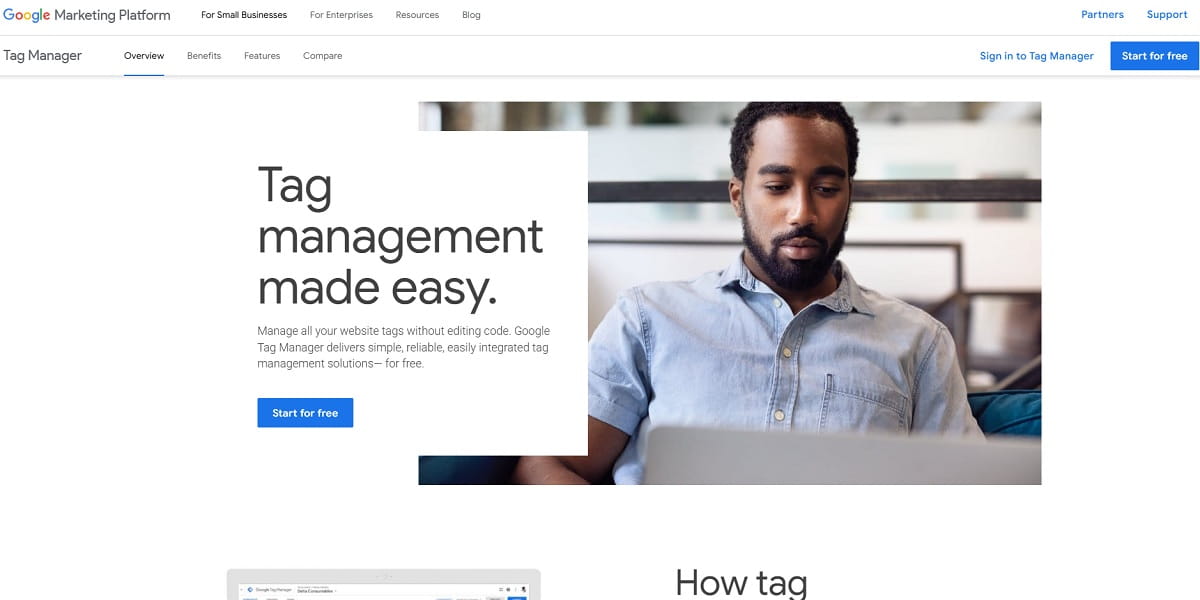
Google Tag Manager is not a website tracker. It is the deployment and control layer used to install many of the trackers above without requiring a separate developer release for every tag change.
- Captures: nothing on its own; it fires and manages the tags that collect data.
- Pricing: free; Tag Manager 360 is available through Google Marketing Platform enterprise products.
- Where it stops: client-side tags may be blocked by browsers or ad blockers and must respect consent settings. Teams that need more reliable measurement may pair GTM with server-side tagging, which requires separate hosting and implementation.
- tagmanager.google.com
How to Choose a Website Tracker
Choose by what you need to know:
- How many people come and from where: GA4, or Plausible and Fathom if page weight and a cookie-free analytics setup matter more than reporting depth.
- Why people leave a specific page: Microsoft Clarity first because it is free, then Plerdy or Hotjar when you need forms, revenue events, surveys, or testing in the same workflow.
- Whether users came back and what made them stay: Mixpanel, Amplitude, Heap, or PostHog.
- Which company visited for B2B outbound: a visitor identification tool, not a standard analytics or session replay platform.
- Who controls the infrastructure and data location: Matomo On-Premise provides the clearest self-hosted option in this list, while Matomo Cloud provides vendor hosting with data ownership and European storage.
Review privacy requirements before installation. The legal requirements depend on the tool, configuration, jurisdiction, lawful basis, and data collected. Cookie-free analytics such as Plausible or Fathom may avoid the need for analytics consent in many standard configurations. Session replay and tools that set non-essential identifiers require more careful review. Configure consent signals where required, mask sensitive fields, disclose the processing in your privacy notice, and sign an appropriate data processing agreement. This article is not legal advice.
Measure page weight. Every client-side script costs milliseconds. Lightweight trackers may add only a small script, while session replay and broader behavioral platforms process substantially more data. Measure Largest Contentful Paint and other Core Web Vitals before and after installing a tracker on a throttled connection instead of trusting a vendor claim.
Check what is already firing. Before adding anything, run a website tracking checker against your own domain. Free tools from Stape and other vendors can list tags, pixels, and trackers currently loading. Many teams find at least one forgotten script still running on every pageview.
A working stack for most teams contains three layers: one traffic analytics platform, one behavior platform, and one tag manager. Two of those three can be free.
Three Website Tracking Stacks That Work
Small site or blog, under 10,000 monthly visitors: $0. Use Google Analytics 4 plus Microsoft Clarity, deployed through Google Tag Manager. This provides traffic reporting and behavior data without a software bill. If page speed or a cookie-free analytics setup matters more than reporting depth, replace GA4 with Plausible at $9 per month.
E-commerce site, 50,000 to 500,000 monthly visitors: approximately $60 to $120 per month. Use GA4 for acquisition and campaign attribution, Plerdy or Hotjar for behavior and revenue events, and GTM to control both. The key question is which checkout step or page element loses money, and that requires form-level or element-level data that a traffic report cannot provide. Add Mixpanel, Amplitude, or PostHog only when repeat purchasers or logged-in product behavior justify cross-session analysis.
Privacy-constrained or EU-regulated site: approximately $20 to $60 per month. Consider Matomo On-Premise or Matomo Cloud when data ownership and hosting control are priorities. Plausible or Fathom are options when a cookie-free analytics configuration and a lightweight script matter more than user-level analysis. Session replay can be possible under GDPR, but it requires a documented legal basis, appropriate consent handling where required, masking rules, disclosure, and a data processing agreement. Budget time for privacy review, not only the software license.
Across all three stacks, the same order usually works: traffic analytics first, behavior tracking second, and product analytics only when users return and you need to understand what happens across sessions.
Which Website Tracking Tool Should You Choose?
There is no single best website tracker for every business. GA4 and privacy-first analytics platforms measure acquisition. Behavior tools explain what happens on individual pages. Product analytics reveals what users do across multiple sessions. Start with the business question you need answered, then choose the smallest stack that can answer it reliably.
If your immediate goal is to find where visitors click, stop scrolling, abandon forms, or lose interest before converting, try Plerdy free. It brings heatmaps, session recordings, form analytics, conversion tracking, and testing into one workflow so you can move from finding a problem to validating a fix.
Website Tracking Tools FAQ
What is a website tracker?
A website tracker is software that collects data about how people use a site, including traffic sources, pageviews, clicks, scrolling, form interactions, and conversions. Some tools measure traffic, while others show on-page behavior or activity across multiple sessions.
What is a website tracking tool used for?
Website tracking tools show where visitors come from, which pages or steps lose them, and whether a website change improved results. The goal is to support decisions about marketing, content, usability, and conversions.
Are there free website tracking tools?
Yes. Google Analytics 4 and Microsoft Clarity are free, while Matomo is free when self-hosted. Plerdy, Mixpanel, Amplitude, Heap, and PostHog also provide free plans or usage allowances. A small website can build a useful tracking stack without paying a software fee.
How do I track hits on a website?
Install a web analytics tag such as GA4 directly or through Google Tag Manager. You can then verify pageviews in Realtime or DebugView. Modern analytics platforms usually separate pageviews, events, users, and sessions instead of reporting them all as hits.
How can I track user activity on a website?
Use traffic analytics for pages, sources, sessions, and conversions. Add heatmaps or session replay when you need to see clicks, scrolling, navigation, and form behavior. Configure consent handling and mask sensitive fields before collecting detailed activity.
What is the difference between website tracking and web analytics?
Web analytics usually means aggregated reports such as sessions, traffic sources, pageviews, and conversion rates. Website tracking is broader and may also include events, heatmaps, session replays, and form interactions.
Do tracking tools slow down a website?
They can. The impact depends on the script, configuration, and amount of data collected. Lightweight analytics usually adds less overhead than session replay. Remove duplicate tags and compare Core Web Vitals before and after installation.
Do I need consent for website tracking?
It depends on the jurisdiction, technology, data, and purpose. Non-essential cookies and similar tracking technologies generally require consent in the EU and UK. Review consent settings, field masking, data retention, vendor terms, and your privacy notice before installation.