

LogRocket bundles session replay, frontend error tracking, and product analytics into one SDK. That bundle is also the reason teams leave. Pricing starts at $176 per month on the Core plan, the workflow is built for engineers, and marketers rarely log in twice. If you need behavior data that a UX or growth team will actually use, Plerdy covers session replay, heatmaps, event tracking, funnels, and error monitoring on one script — starting free.
We tested and priced 12 LogRocket alternatives against the job LogRocket actually does: record the session, capture the console and network context, and connect that to product analytics. Some of them replace LogRocket outright. Some replace one slice of it much better and much cheaper.
One warning before the list. Three tools that still appear in top-ranking “LogRocket alternatives” articles are no longer safe picks in 2026. Smartlook is in Cisco end-of-sale. Highlight.io shut down its hosted service. Statsig has moved twice in nine months. We flag all three below, with dates.
Why Teams Look for LogRocket Alternatives
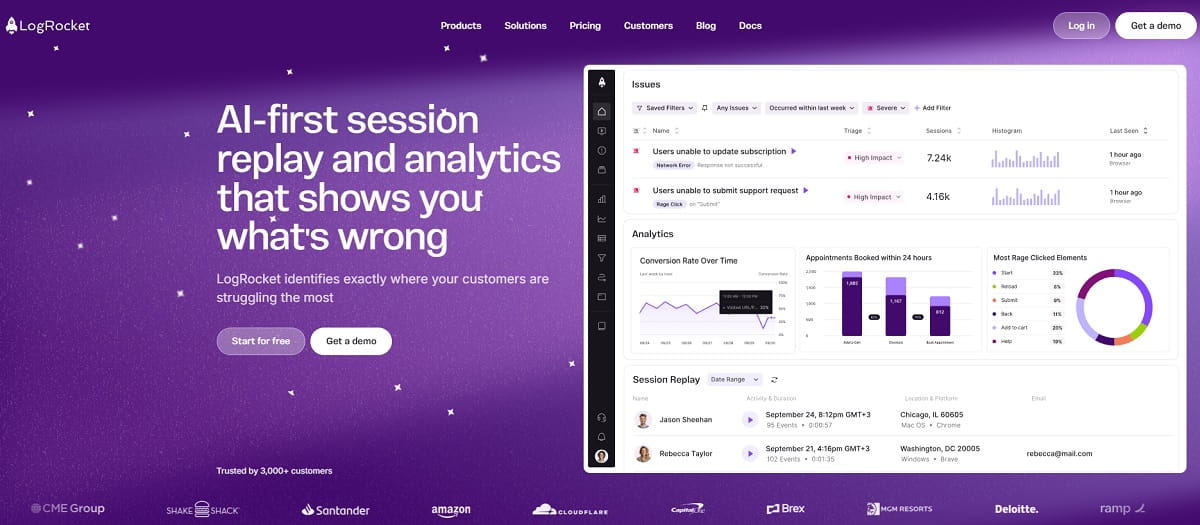
LogRocket is a good product. The reasons for leaving are almost always structural, not quality complaints.
- Cost scales with sessions, not value. LogRocket bills on sessions captured. Analytics events, logs, and errors are unlimited, but the session meter is the one that moves. Core starts at $176 per month, and high-traffic sites climb fast. Conditional recording helps, but it means you sample instead of seeing everything.
- It is a developer tool first. The interface assumes you read Redux state and network waterfalls. A conversion manager who wants to know why checkout drops at step three has to ask an engineer. That handoff kills most behavior-analytics programs.
- No real CRO loop. LogRocket added heatmaps and surveys, but there is no A/B testing, no pop-up or form builder, and no SEO layer. You watch the problem, then leave the platform to fix it.
- Seat and access limits. Replay only pays off when support, design, product, and marketing all watch sessions. Per-seat pricing pushes teams to limit access, and adoption stalls.
- Data residency and self-hosting. European teams and regulated industries often need EU storage or an on-prem deployment. Self-hosting sits on LogRocket’s Enterprise tier only.
If two or more of these apply to you, the switch is worth the migration effort. If only pricing bothers you, negotiate first — LogRocket publishes discounts for startups under $50M funding, nonprofits, open-source projects, and multi-year contracts.
How We Picked These LogRocket Alternatives
None of the eight pages currently ranking for this query publish a selection method. Here is ours.
- Step 1 — Define the replacement job. A real LogRocket alternative has to do at least two of these three: session replay with DOM reconstruction, frontend error and console capture, and product analytics on the same data. A survey tool or a pure APM does not qualify.
- Step 2 — Verify status on the vendor’s own site. Every price, quota, and feature below was read from the vendor’s official pricing or documentation page in August 2026, not from another listicle. That is how we caught three dead or dying products still being recommended elsewhere.
- Step 3 — Classify honestly. Tools are labeled as direct replacements, specialist alternatives for a narrow sub-need, or discontinued. We do not pad the list to hit a round number.
- Step 4 — Price the same workload. Wherever a vendor publishes numbers, we quote them. Where pricing is quote-only, we say so instead of inventing a figure.
What we did not do. We did not run head-to-head performance benchmarks. No credible public benchmark exists for session replay SDK weight across these 12 tools, and inventing one would be worse than admitting the gap. The proof-of-value plan at the end shows how to measure it on your own site in two weeks.
What LogRocket Does Well, and When to Stay
An honest alternatives guide has to say when the answer is “keep what you have.” LogRocket is not a weak product, and switching costs real engineering time.
Stay if your primary user is a frontend engineer. LogRocket’s Redux, Vuex, NgRx, and network-waterfall inspection is genuinely deeper than most tools on this list. Watching state mutate alongside the replay is a debugging workflow that Clarity, Mouseflow, and Contentsquare simply do not offer.
Stay if unlimited events matter more than session volume. LogRocket does not meter analytics events, error events, or logs. If you fire an enormous number of events on a modest number of sessions, per-event platforms like Amplitude can cost more, not less.
Stay if Galileo AI is doing real work. LogRocket’s AI issue detection surfaces problems without anyone opening a dashboard. That matters for small teams with no dedicated analyst. Several tools here have AI summaries, but few run proactive detection across all sessions.
Stay if you just renewed. Session replay tools do not export replays to each other. Migrating mid-term means paying twice and losing history. Time the switch to your renewal date.
Now, the cases where switching pays: more than one department needs the data, the invoice is growing faster than traffic, you need a fix mechanism and not just a diagnosis, or compliance requires your data to stay somewhere specific. Those four scenarios cover almost every team on this page.
LogRocket Alternatives at a Glance
| Tool | Core Strength | Session Replay | Error Tracking | Product Analytics | Free Plan | Entry Price |
|---|---|---|---|---|---|---|
| Plerdy | All-in-one UX, CRO, and SEO | ✅ | ✅ | ✅ | Yes, forever | $32/mo |
| PostHog | Closest one-to-one replacement | ✅ | ✅ | ✅ | Yes, generous | Usage-based |
| Sentry | Debug-first workflow | ✅ | ✅ | ➖ | Yes | $26/mo |
| FullStory | Enterprise UX analytics | ✅ | ➖ | ✅ | Yes, 30k sessions | Quote |
| Microsoft Clarity | Free at any traffic volume | ✅ | ➖ | ➖ | Yes, unlimited | $0 |
| OpenReplay | Open source, self-hosted | ✅ | ✅ | ✅ | Self-host free | $199/mo cloud |
| Datadog | Replay inside your APM | ✅ | ✅ | ➖ | Trial only | Per 1k sessions |
| Zipy | Cheapest dev-focused replay | ✅ | ✅ | ✅ | Yes, 1k sessions | $25/mo |
| Amplitude | Analytics-first with replay | ✅ | ➖ | ✅ | Yes, 2M events | Custom |
| Contentsquare | UX and experience analytics | ✅ | ✅ | ➖ | Yes, 200k sessions | $49/mo |
| Mouseflow | Friction scoring and forms | ✅ | ➖ | ➖ | Yes, 500 sessions | $25/mo |
| Glassbox | Regulated enterprise | ✅ | ✅ | ✅ | No | Quote |
The 12 Best LogRocket Alternatives in 2026
1. Plerdy — Best All-in-One LogRocket Alternative
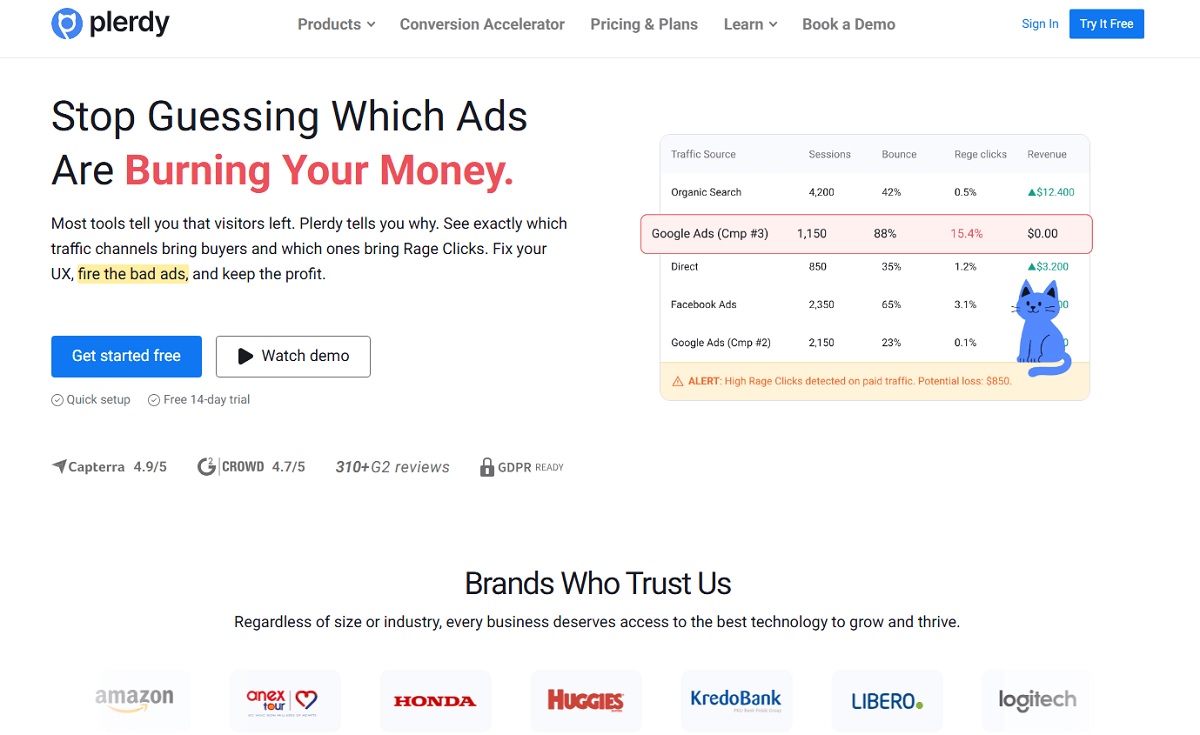
Plerdy is the option for teams that want the insight LogRocket gives engineers, in a form a marketer, designer, or CRO specialist can act on the same day. One script installs session replay, heatmaps, event tracking, conversion funnels, error tracking, pop-ups, surveys, A/B testing, and an SEO checker.
That last part is the real difference. LogRocket shows you the broken step. Plerdy also gives you the pop-up, the form, and the A/B test to fix it — inside the same account. You never export a finding to another vendor.
Key Features
- Session replay with rage-click and dead-click detection
- Click, scroll, hover, and mouse-movement heatmaps, segmented by device and traffic source
- JavaScript error tracking tied to the session where the error fired
- Event and goal tracking without developer work
- Conversion funnel analysis across multi-step checkouts
- Pop-up and smart form builder with targeting rules
- NPS and on-site feedback surveys
- A/B testing on the same script, no second vendor
- E-commerce sales performance tracking down to product blocks
- SEO checker, SERP tracking, and Chrome extensions for on-page audits
- AI reporting assistant that summarizes what changed
Best Use Cases
E-commerce teams diagnosing checkout drop-off. SaaS marketers who need replay plus pop-ups without buying two tools. Agencies running UX audits for several clients. Any team where the person who finds the problem is also the person who has to fix it.
Pros and Cons
Pros
- Replaces three to four separate subscriptions
- Transparent public pricing, no sales call required
- Genuinely usable free plan with no time limit
- Fast setup — one tag, no engineering sprint
- 4.7 out of 5 on G2 across more than 316 reviews
Cons
- Not a full APM; no distributed tracing or backend spans
- Redux and Vuex state inspection is not the focus
- Mobile SDK coverage is narrower than LogRocket’s
Pricing
Free forever: 100 heatmaps daily, 500 video sessions, 5,000 SEO audit pages, 100 pop-ups, 100 conversions, one month of storage. Startup is $32/mo, or $21 billed yearly. Scale is $64/mo, or $42 yearly. Thrive is $108/mo, or $70 yearly. Enterprise tiers run from $149 to $390/mo with up to 250,000 video sessions and 12-month storage. Full detail sits on the Plerdy pricing page.
Best for: UX, CRO, and growth teams that want to find the problem and fix it in one platform.
2. PostHog — Closest One-to-One Replacement
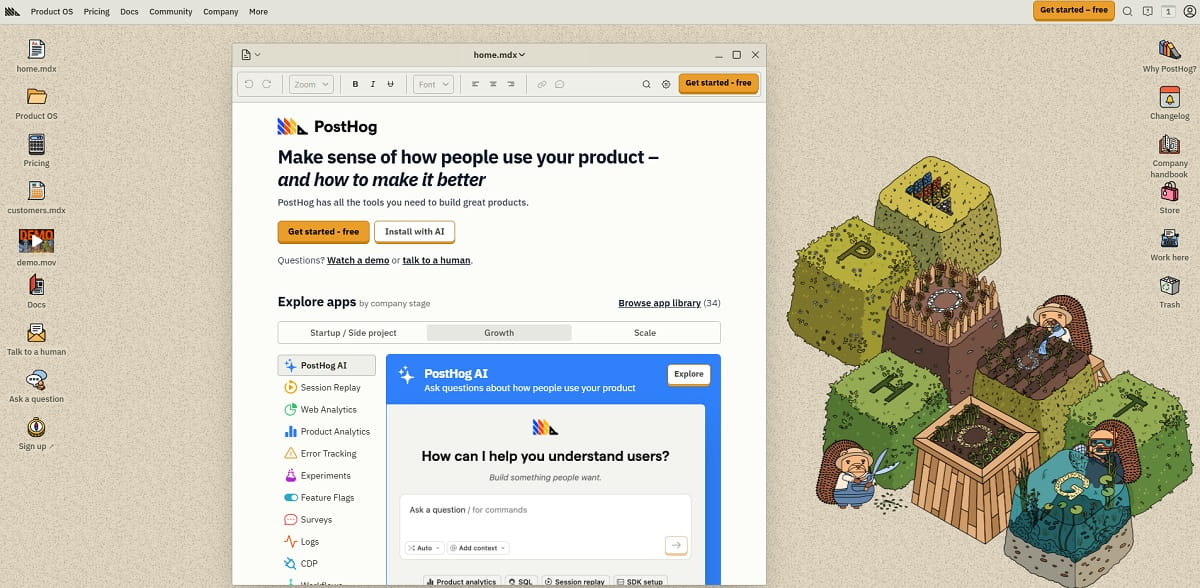
PostHog is the alternative that maps most directly onto LogRocket’s feature set. Session replay, product analytics, error tracking, feature flags, experiments, and surveys all sit on one event pipeline. It is open source, and it can be self-hosted.
Key Features
- Session replay with console and network capture
- SQL-backed product analytics, funnels, and cohorts
- Exception and error tracking on the same events
- Feature flags and A/B experiments
- Surveys and a built-in data warehouse layer
- EU and US cloud regions
Best Use Cases
Engineering-led startups. Teams that want flags and experiments alongside replay. Anyone who wants one vendor bill instead of four.
Pros and Cons
Pros
- Very generous free tier
- Usage-based billing with per-product spend caps
- Open source and self-hostable
- Strong SQL access to raw events
Cons
- Broad surface area means a real learning curve
- Non-technical users struggle without SQL
- Costs compound across six metered products
Pricing
Free every month: 5,000 recordings, 1M analytics events, 100,000 exceptions, 1M feature-flag requests, and 1,500 survey responses. Usage-based after that, with billing limits you set per product. Usage stops at the free limit unless you raise it, so surprise invoices are rare.
Best for: technical teams replacing LogRocket, Amplitude, and a flag vendor at once.
3. Sentry — Best for Debug-First Teams
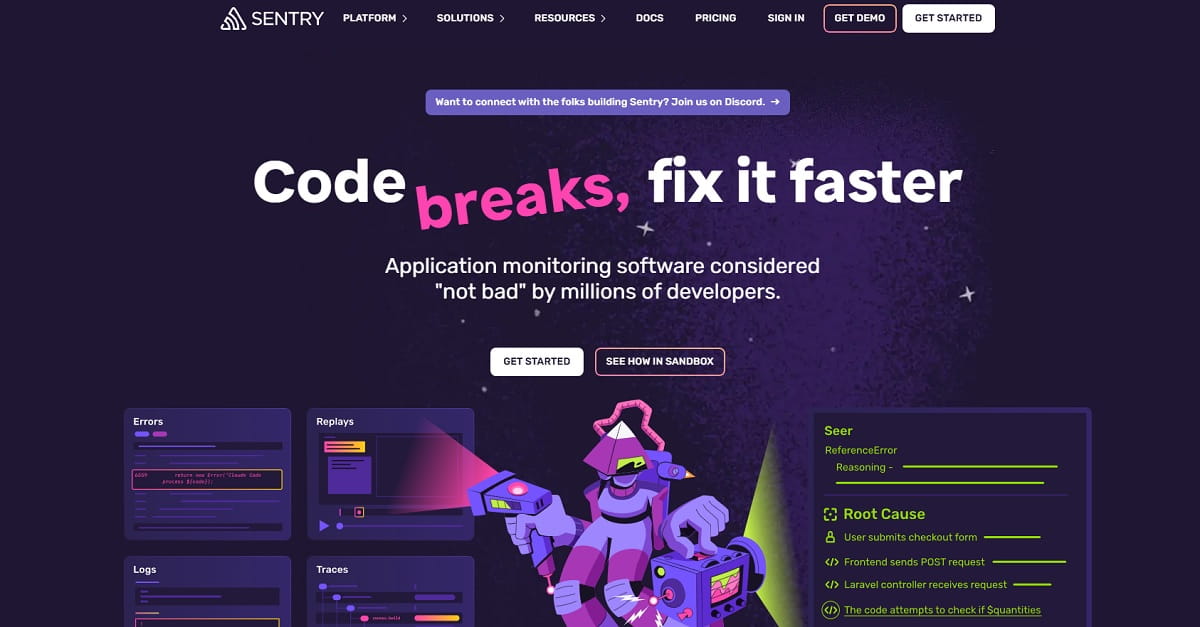
If the only part of LogRocket you use is “an error fired, show me what the user did,” Sentry does that job better and cheaper. Errors are the primary object. Replay is the evidence attached to them.
Key Features
- Error and crash monitoring across more than 100 platforms
- Session Replay linked directly to the exception
- Distributed tracing and performance spans
- Logs and metrics in the same workspace
- Release health and regression detection
- Open source core
Best Use Cases
Backend and full-stack teams. Mobile crash triage. Any organization where the on-call engineer, not the product manager, owns the tool.
Pros and Cons
Pros
- Best-in-class stack traces and release tracking
- Predictable, published pricing
- Covers the backend, which LogRocket does not
- Free tier is usable for small teams
Cons
- No product analytics or funnels
- Replay quotas are small unless you buy more
- Not a tool a marketer will open
Pricing
The Developer plan is free for one user: 5,000 errors, 50 replays, 5M spans, and 5GB of logs. Team is $26/mo billed annually, with unlimited users and 50,000 errors. Business is $80/mo billed annually. New accounts get 5,000 free replays per month for the first three months.
Best for: engineering teams that want error monitoring first and replay as supporting evidence.
4. FullStory — Best Enterprise UX Analytics
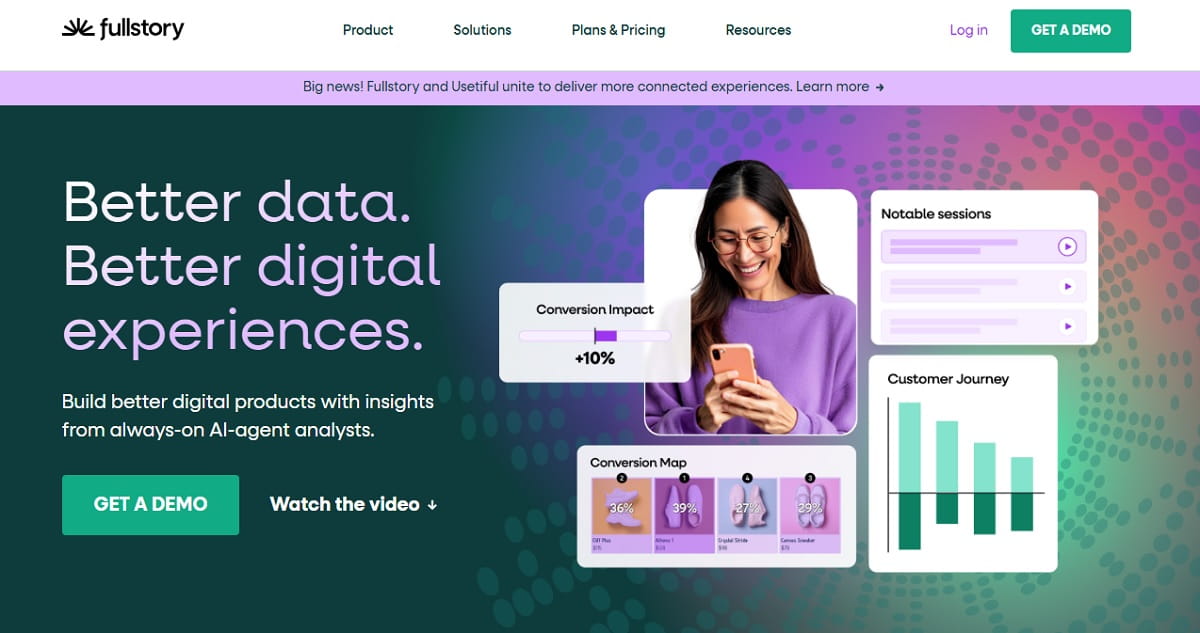
FullStory indexes every interaction automatically, so you can search behavior retroactively without instrumenting events in advance. That autocapture model is its main advantage over LogRocket.
Key Features
- Autocapture of every click, scroll, and input
- Retroactive funnels and segments
- Frustration signals: rage clicks, dead clicks, error clicks
- StoryAI summaries across many sessions
- Mobile, guides, and surveys as add-ons
- Warehouse export and activation
Best Use Cases
Mid-market and enterprise product teams. Organizations that need to answer questions about the past without having planned for them.
Pros and Cons
Pros
- Retroactive analysis is a genuine differentiator
- Strong search and segmentation
- Free tier is unusually large at 30,000 sessions
- Twelve-month retention on the free plan
Cons
- Paid pricing is quote-only
- Core add-ons are billed separately
- Heavier implementation than Plerdy or Clarity
Pricing
The free plan covers 30,000 sessions per month, 12 months of retention, and up to 10 users, with no credit card. Business, Advanced, and Enterprise tiers are quote-only. Mobile, StoryAI, Guides, and Surveys are priced as add-ons.
Best for: enterprise teams that need retroactive behavioral search. Our full FullStory alternatives breakdown covers adjacent options.
5. Microsoft Clarity — Best Free LogRocket Alternative
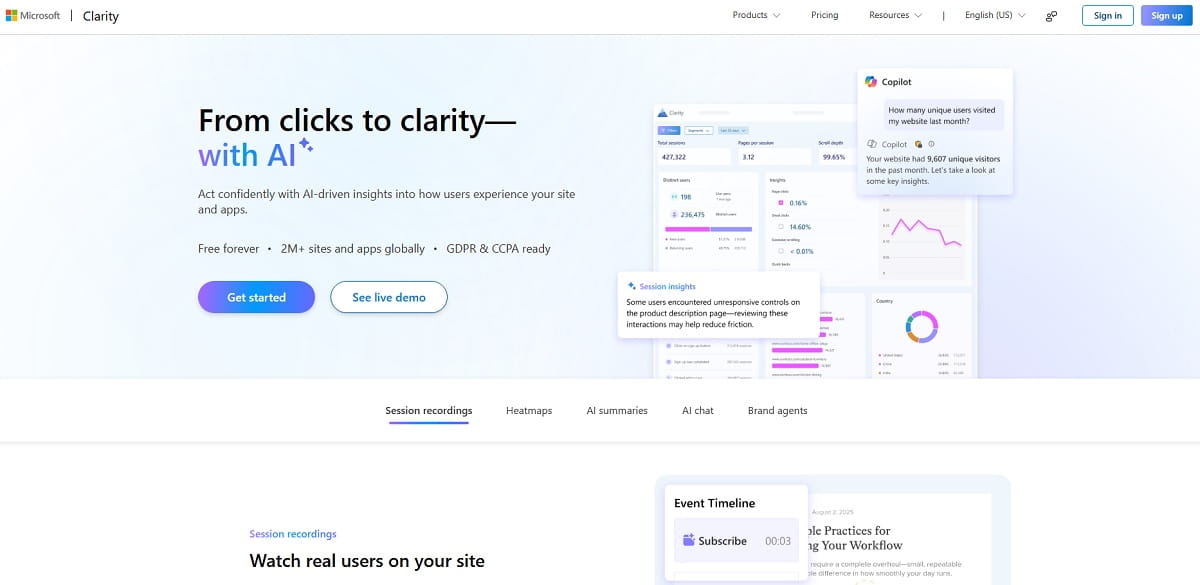
Clarity is free at any traffic volume, with no session cap. Microsoft runs it as a data play rather than a revenue line, and more than 2 million sites use it.
Key Features
- Unlimited session recordings and heatmaps
- Rage-click, dead-click, and excessive-scroll detection
- AI summaries and natural-language chat over your data
- Google Analytics 4 integration
- Mobile SDK for Android, iOS, Flutter, and React Native
- MCP server for querying data from an LLM
Best Use Cases
Any site that needs replay and heatmaps and has no budget. High-traffic publishers priced out of session-metered tools. A second opinion alongside a paid platform.
Pros and Cons
Pros
- Free forever with no traffic limit
- Fast setup on a mature product
- GDPR and CCPA ready
- Surprisingly good AI querying
Cons
- No error tracking, funnels, or experiments
- Limited data retention and export
- Your behavior data feeds Microsoft
- No SLA and no paid support path
Pricing
Zero. $0— no paid tier exists.
Best for: teams that need the replay and heatmap half of LogRocket at no cost.
6. OpenReplay — Best Open-Source and Self-Hosted Option
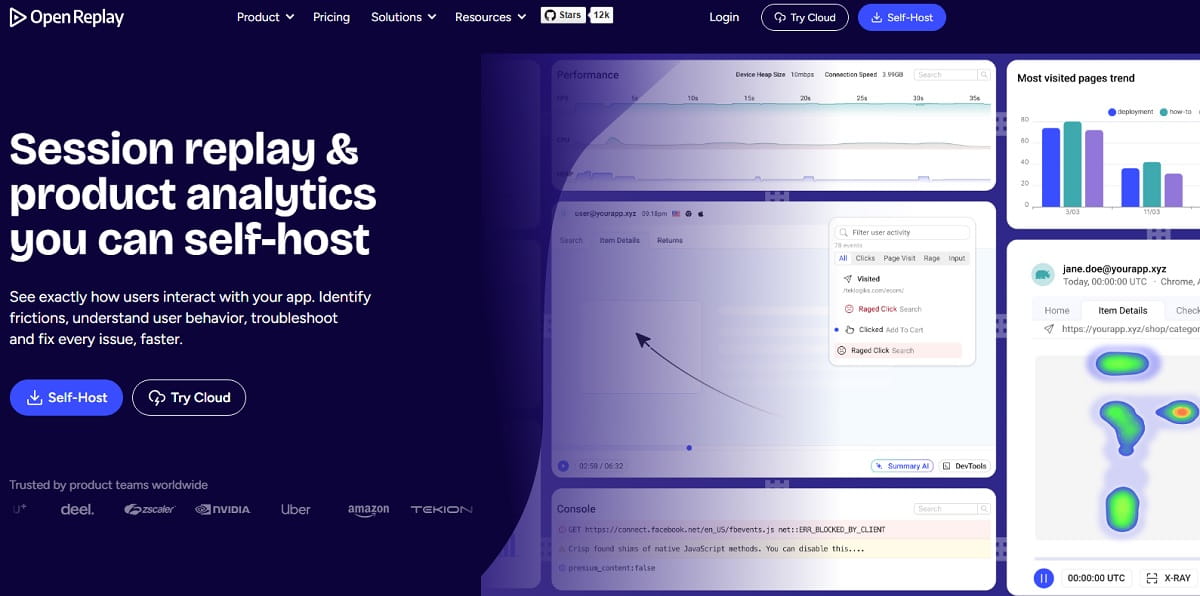
OpenReplay is the answer when the blocker is data residency, not features. You run it on your own infrastructure, and session data never leaves your cloud account.
Key Features
- Self-hosted session replay with full DOM capture
- DevTools: console, network, Redux, GraphQL, and performance
- Product analytics and funnels
- Co-browsing and live assist
- Frontend performance monitoring
- SOC 2 Type II on managed tiers
Best Use Cases
Healthcare, fintech, and public-sector teams with residency rules. European companies avoiding US cloud processors. Engineering teams that would rather run infrastructure than pay per session.
Pros and Cons
Pros
- Full data ownership with no per-session meter
- DevTools depth comparable to LogRocket
- Open source with an active community
- Managed cloud available across 50 regions
Cons
- Self-hosting is real operational work
- Storage and compute costs land on you
- Smaller integration ecosystem
- Community support only on the free tier
Pricing
Open-source self-hosted is free. The Dedicated managed cloud starts at $199/mo, billed hourly at $0.276 per hour, with a 7-day trial and no credit card. Enterprise is custom on multi-year contracts, with SAML and SCIM provisioning.
Best for: teams whose requirement is where the data lives, not what the dashboard looks like.
7. Datadog RUM and Session Replay — Best If You Already Run Datadog
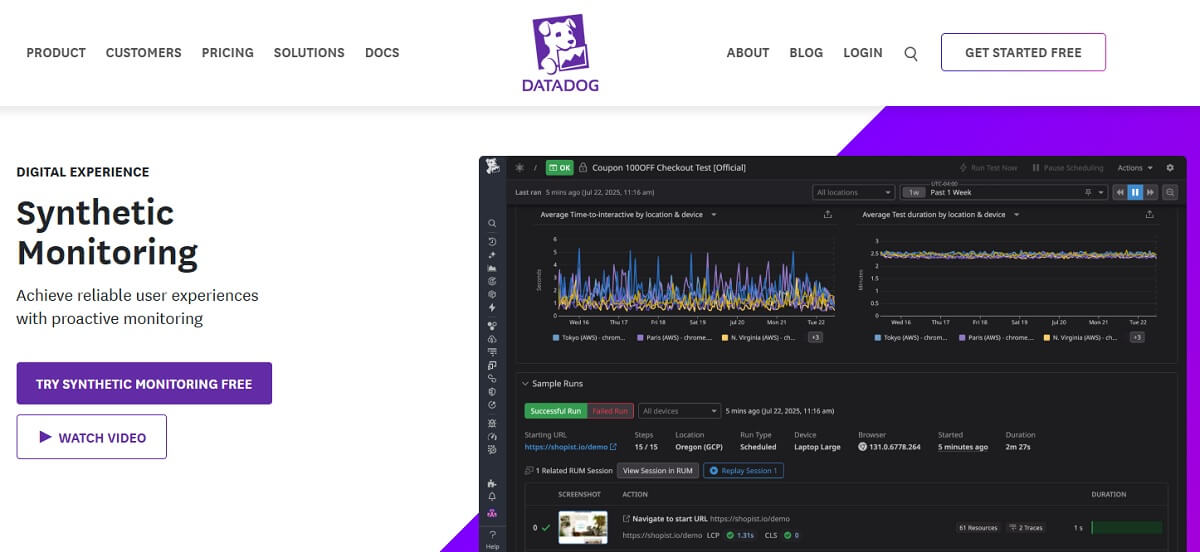
Datadog is less a LogRocket competitor than a way to delete LogRocket from your stack. If backend telemetry already lives in Datadog, adding Real User Monitoring puts frontend sessions in the same query language and the same dashboards.
Key Features
- Browser and mobile RUM with session replay
- Correlation from a replay to backend traces and logs
- Core Web Vitals and frontend error tracking
- Unified alerting with infrastructure monitoring
- More than 800 integrations
Best Use Cases
Platform and SRE teams. Organizations already committed to Datadog. Anyone who needs one incident timeline spanning browser and server.
Pros and Cons
Pros
- End-to-end correlation nothing else on this list matches
- One vendor and one contract
- Enterprise-grade access controls
- Strong mobile coverage
Cons
- Expensive, and bills are famously hard to predict
- No CRO, heatmap, or experimentation layer
- Overkill unless you already use Datadog
- Steep learning curve for non-engineers
Pricing
Datadog charges per 1,000 sessions ingested into RUM, and the Browser RUM and Session Replay plan is the tier that unlocks recordings. Rates vary by commit level, so check the live pricing page. This is the one tool here where the published rate is the weakest predictor of your actual invoice.
Best for: engineering organizations that already pay Datadog and want to consolidate.
8. Zipy — Best Budget Developer Replay
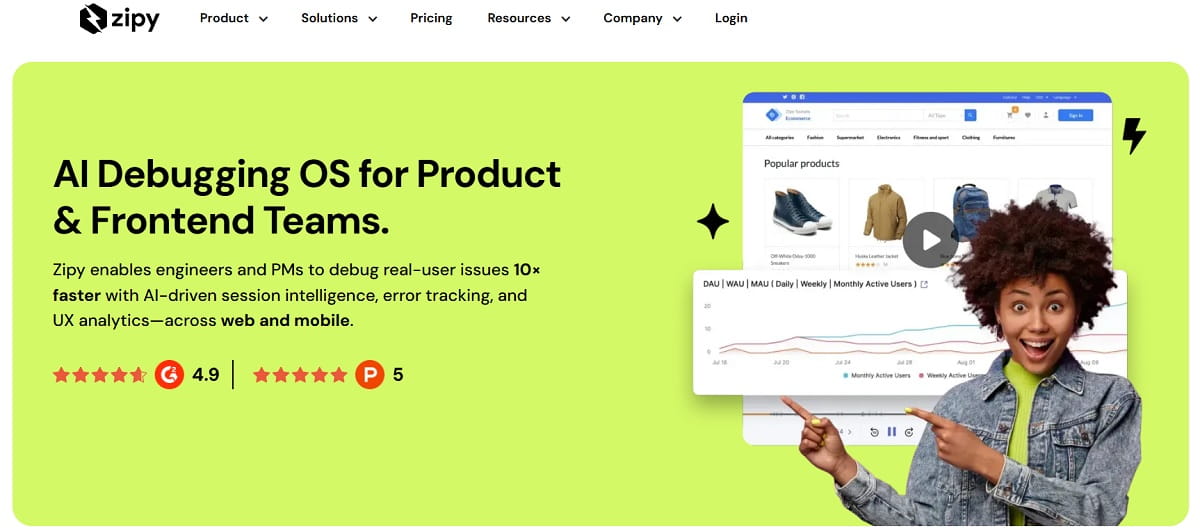
Zipy is a direct LogRocket clone at a fraction of the price. Session replay, error monitoring, stack traces, console and network logs, plus basic product analytics.
Key Features
- Web and mobile session replay
- Error monitoring with full stack traces
- Console, network, and API performance logs
- Heatmaps and page-speed data
- Oopsie AI debugging agent
- Slack and Jira integrations
Best Use Cases
Small development teams. Startups that want LogRocket’s workflow without LogRocket’s invoice. Products built on React, Vue, Angular, or Next.js.
Pros and Cons
Pros
- Very low entry price
- Unlimited users and websites on every plan
- Free tier is good enough for a real evaluation
- Covers mobile replay
Cons
- Short retention: 15 days free, one month on Growth
- Smaller company and ecosystem
- Analytics are shallow next to PostHog or Amplitude
Pricing
Free covers 1,000 sessions monthly, 15-day retention, and 2 projects. Growth starts at $25/mo billed annually, or $30 monthly, with one month of retention and up to 10 projects. Enterprise is custom with unlimited error sessions.
Best for: cost-sensitive engineering teams that want the LogRocket workflow far cheaper.
9. Amplitude — Best Analytics-First Alternative
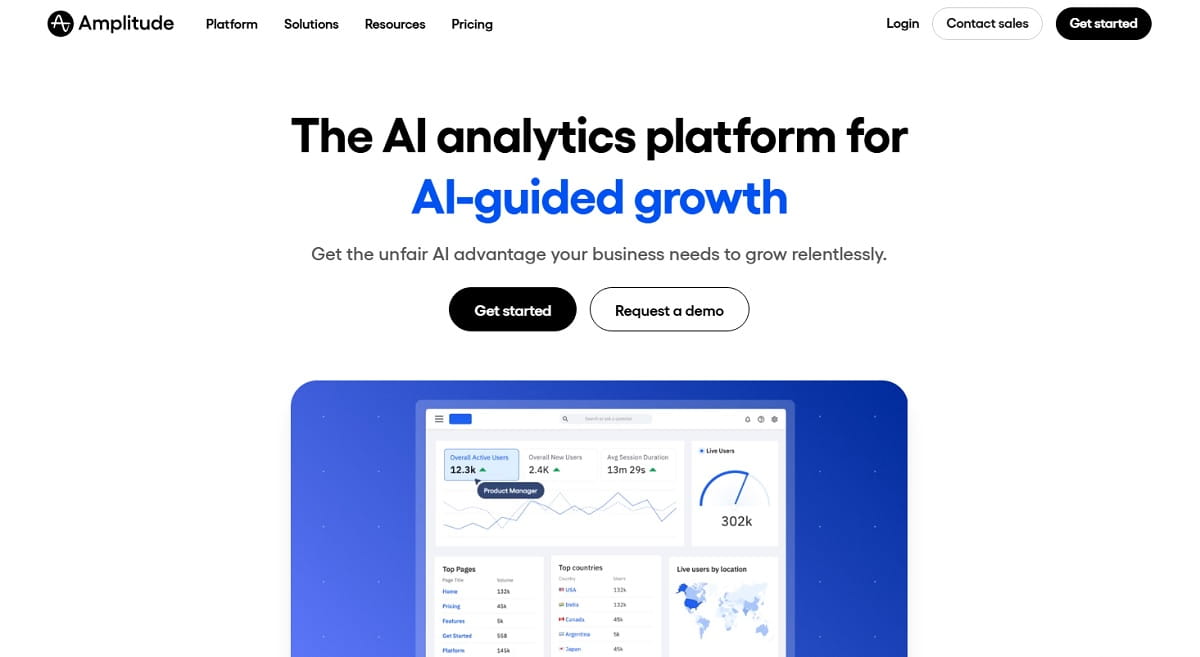
If LogRocket is mainly your product-analytics tool and replay is secondary, Amplitude is the stronger platform. Session replay now ships on every plan, and Amplitude absorbed Statsig’s experimentation product in May 2026.
Key Features
- Behavioral cohorts, funnels, and retention analysis
- Session replay tied to analytics events
- Experimentation and feature flags through Statsig
- Warehouse-native deployment options
- AI-assisted querying
Best Use Cases
Product-led SaaS companies. Teams doing serious retention and cohort work. Organizations consolidating analytics and experimentation.
Pros and Cons
Pros
- Deepest product analytics on this list
- 2M events free every month, permanently
- Replay is included rather than sold separately
- Experimentation is now built in
Cons
- Replay is thinner than LogRocket’s for debugging
- No console or network capture for engineers
- Growth and Enterprise pricing is quote-only
- Heavy event-taxonomy work up front
Pricing
Free covers 2M events per month forever, plus 10,000 monthly session replays. Plus starts at zero and scales with events. Growth includes 20,000 replays and Enterprise 50,000, both quote-only.
Best for: product teams where analytics is the primary job and replay is context.
10. Contentsquare — Best for UX and Experience Analytics
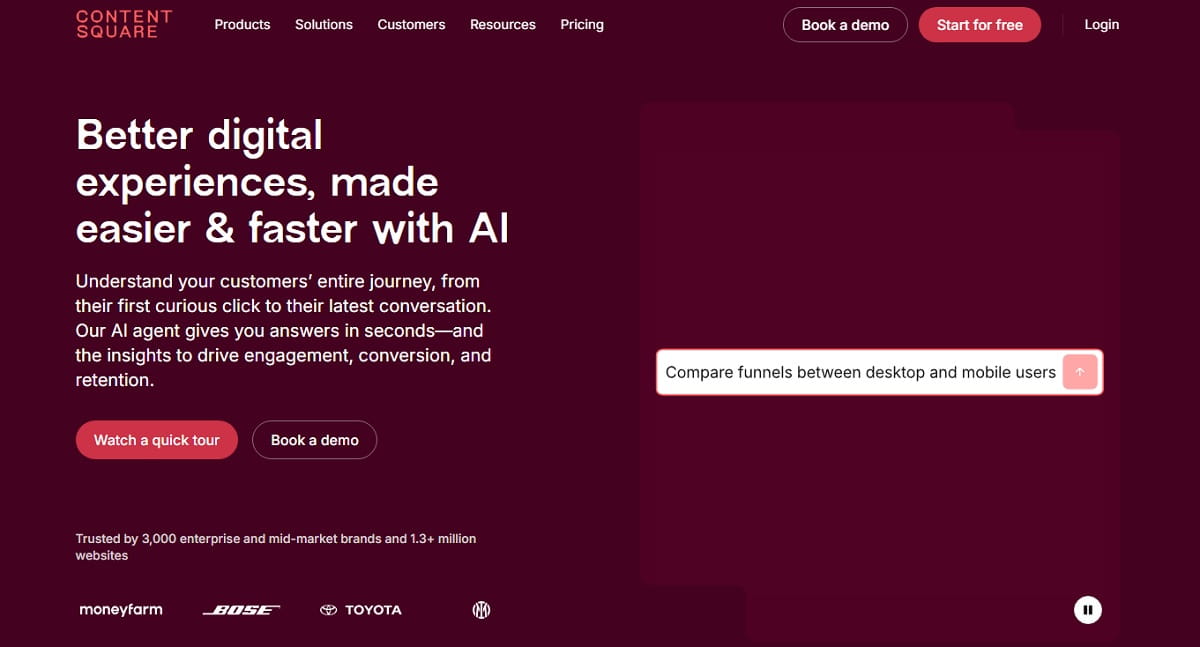
Hotjar is now part of Contentsquare, and Hotjar’s pricing page redirects there. The combined platform is the strongest option for teams whose question is why users behaved that way, not why an exception fired.
Key Features
- Session replay and zone-based heatmaps
- Journey analysis and funnel drop-off
- Error and frustration monitoring
- Surveys and voice-of-customer feedback
- AI session summaries
- Revenue-impact quantification on higher tiers
Best Use Cases
E-commerce and media sites. UX researchers. Marketing teams that need heatmaps and surveys more than stack traces.
Pros and Cons
Pros
- Free plan covers up to 200,000 sessions monthly
- Zone-based heatmaps are best in class
- Mature enterprise feature set
- Strong qualitative and survey tooling
Cons
- No developer debugging layer at all
- Two brands and two documentation sets create overlap
- Pro and Enterprise are quote-only
- Heavier script than Clarity or Plerdy
Pricing
Free is $0 for up to 200,000 sessions monthly and one project, including replays, heatmaps, funnels, basic surveys, and error monitoring. Growth starts at $49/mo billed annually with three projects. Pro and Enterprise are custom. Annual billing saves 20%.
Best for: UX and e-commerce teams replacing LogRocket’s behavior half. Compare with our Contentsquare alternatives and Hotjar alternatives guides.
11. Mouseflow — Best for Friction Scoring and Form Analytics
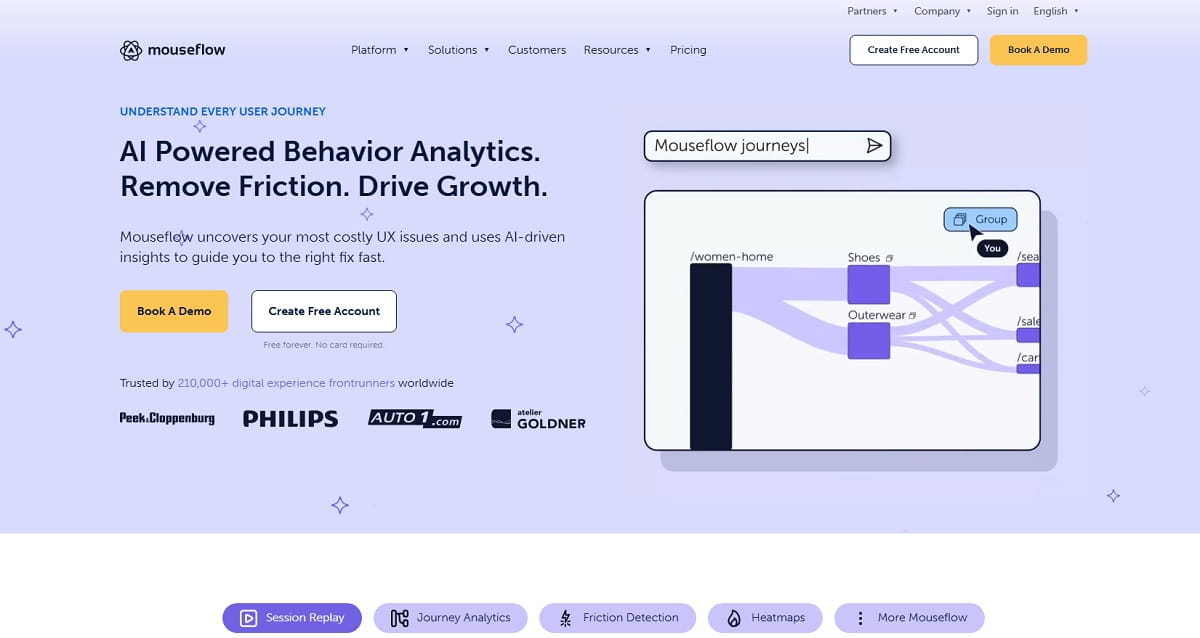
Mouseflow’s specialty is automatic friction detection. It scores every session, so you watch the 20 recordings that matter instead of scrubbing through 2,000.
Key Features
- Friction score on every session
- Six heatmap types, including attention and geographic
- Form analytics with field-level drop-off
- Funnel analysis and journey mapping
- Feedback surveys
- MCP connection for LLM querying on higher tiers
Best Use Cases
Lead-generation sites with long forms. Checkout optimization. CRO consultants who need fast diagnosis across many clients.
Pros and Cons
Pros
- Friction scoring saves hours of manual review
- Form analytics is genuinely deep
- Clear, published pricing
- Fourteen-day money-back guarantee on annual plans
Cons
- No error tracking or developer tooling
- No A/B testing
- Project limits are tight on lower plans
- Not a LogRocket replacement for engineers
Pricing
Free covers 500 recordings monthly. Essential is $25/mo for 5,000. Advanced is $109/mo for 25,000. Premium is $319/mo for 100,000. Enterprise is custom. Annual billing saves up to 35%.
Best for: CRO specialists optimizing forms and checkouts.
12. Glassbox — Best for Regulated Enterprises
Glassbox captures 100% of sessions with no sampling. It is built for banks, airlines, and insurers where compliance replay is a legal requirement rather than a convenience. The company went private in October 2024 under Alicorn Venture Partners and acquired anomaly-detection vendor Anodot in 2025.
Key Features
- Complete session capture with no sampling
- Struggle and error analytics with anomaly detection
- Web, mobile, and call-center journey stitching
- Granular data masking and compliance controls
- Revenue-impact modeling
- Dispute-resolution replay for regulated industries
Best Use Cases
Financial services, insurance, travel, and telecom. Any organization that must reproduce exactly what a customer saw on a specific date.
Pros and Cons
Pros
- Complete capture with no sampling gaps
- Strongest compliance and masking controls
- Deep enterprise support
- Handles call-center and mobile journeys together
Cons
- Enterprise-only pricing and contracts
- Long implementation cycle
- Far too heavy for small businesses
- No public pricing at all
Pricing
Quote-only, negotiated annually. Expect enterprise contract minimums.
Best for: regulated enterprises with legal replay obligations.
LogRocket Alternatives to Avoid in 2026
Three products still appear in currently ranking “LogRocket alternatives” articles, including the page sitting at position one. All three have changed status. Verify before you shortlist.
| Tool | Status | Key Dates | What to Do |
|---|---|---|---|
| Smartlook | Cisco end-of-sale | New sales stopped 31 May 2026; renewals end 31 Aug 2026; support ends 31 Aug 2027; platform deleted 30 Sep 2027 | Do not start. Existing users should migrate now |
| Highlight.io | Absorbed by LaunchDarkly | Acquired April 2025; hosted service shut down 28 Feb 2026 | Self-host the Apache 2.0 repository or move to LaunchDarkly Observability |
| Statsig | Moved twice | Acquired by OpenAI in September 2025; product and customers moved to Amplitude on 5 May 2026 | Still available, but evaluate it as an Amplitude product |
Smartlook is the important one. Cisco has published end-of-life milestones, and Smartlook’s own pricing page carries the notice. Recordings cannot be exported into another session replay tool, so anything you record now disappears when the platform is decommissioned.
Highlight.io was an excellent open-source option. The hosted product is gone, and highlight.io now redirects to LaunchDarkly. The Apache 2.0 repository is still public and technically self-hostable, but open-source development has slowed sharply since the acquisition. If self-hosting is your requirement, OpenReplay is the safer bet.
Statsig is not dead, but it has had two owners in nine months. Statsig’s own announcement confirms the product moved to Amplitude on 5 May 2026. Its comparison page for this keyword still ranks, and it does not reflect current ownership. Treat Statsig as Amplitude’s experimentation product and price it accordingly.
Specialist LogRocket Alternatives Worth Knowing
These tools do not replace LogRocket across the board. Each one replaces a specific slice of it better than anything in the main list. Shortlist them only when the sub-need below is genuinely yours.
| Tool | Replaces Which Slice | Free Plan | When It Wins |
|---|---|---|---|
| Inspectlet | Replay, dynamic heatmaps, form analytics, A/B testing | 2,500 sessions monthly across 3 sites | Small marketing teams that want replay and testing in one light tool |
| UXCam | Mobile app session replay and analytics | 3,000 sessions monthly | Native iOS and Android products where web replay is irrelevant |
| Pendo | Product analytics plus in-app guides | Free plan for one product | Onboarding and adoption work, not debugging |
| Userpilot | Product analytics plus in-app experiences | Trial only | Product-led SaaS focused on activation flows |
| Quantum Metric | Enterprise experience analytics with revenue attribution | No | Large retail and financial sites needing quantified impact |
| Matomo | Privacy-first web analytics with heatmaps and replay | Self-hosted free | Teams whose blocker is GDPR and data ownership, not debugging |
| LaunchDarkly Observability | Error monitoring and replay tied to feature releases | Trial only | Teams already using LaunchDarkly flags; the successor to Highlight.io |
Two of these deserve a note. Pendo and Userpilot are adjacent, not direct replacements — they are strong on in-app guidance and adoption, but neither gives an engineer console logs or stack traces. If LogRocket is your debugging tool, they will not replace it. UXCam is mobile-only. It is the right answer for a native app team and the wrong answer for a website.
Session Replay Privacy and Compliance: What to Check Before Switching
Replay tools record what users type and see. That makes the compliance review a real gate, not a formality. Check these five things on every shortlisted vendor before you sign.
1. Default masking behavior. Does the tool mask input fields by default, or do you have to opt in? Default-off masking means a misconfigured deployment can record passwords and card numbers into a third-party system. Ask for the documented default and verify it in your own test session.
2. Where the data physically lives. US-hosted processing is a real problem for some EU organizations. PostHog offers an EU cloud region, OpenReplay and Matomo can be self-hosted entirely, and Contentsquare operates EU infrastructure. LogRocket’s self-hosted option is Enterprise-tier only.
3. Sub-processor list and retention. Every vendor publishes one. Read who else touches the data and how long recordings are kept. Free plans usually carry the shortest retention — Zipy’s free tier keeps 15 days, which may be shorter than your incident review cycle.
4. Consent integration. If you run a consent management platform, the replay script must respect it. Confirm the vendor supports consent-gated initialization rather than recording first and deleting later.
5. Data subject access and deletion. The GDPR right to erasure applies to recorded sessions. Ask how the vendor handles a deletion request that spans them, and how long it takes.
The practical shortcut: run one test session on your own checkout with real-looking card details, then open the replay and look at what was captured. Five minutes of that tells you more than an hour of documentation. Do it before the contract, not after.
LogRocket Pricing vs Alternatives: What You Actually Pay
Session-metered pricing is the whole argument. Here is what the entry point looks like across the list.
| Tool | Free Plan Allowance | Lowest Paid Tier | Billing Model |
|---|---|---|---|
| LogRocket | Trial only | $176/mo on Core | Per session captured |
| Plerdy | 500 video sessions plus 100 daily heatmaps | $32/mo, or $21 yearly | Flat tier by volume |
| PostHog | 5,000 recordings plus 1M events | Usage-based | Per unit, per product |
| Sentry | 5,000 errors plus 50 replays | $26/mo annual | Per error and replay |
| FullStory | 30,000 sessions | Quote | Per session, negotiated |
| Microsoft Clarity | Unlimited | None | Free |
| OpenReplay | Unlimited self-hosted | $199/mo cloud | Infrastructure or flat |
| Zipy | 1,000 sessions | $25/mo annual | Per session |
| Amplitude | 2M events plus 10,000 replays | Quote above free tier | Per event |
| Contentsquare | 200,000 sessions | $49/mo annual | Per session |
| Mouseflow | 500 recordings | $25/mo | Per recording |
| Glassbox | None | Quote | Enterprise contract |
Two patterns matter here.
Free tiers have moved. Contentsquare’s 200,000 free sessions and FullStory’s 30,000 would have been paid tiers three years ago. For most sites under 50,000 monthly sessions, a free plan now covers the whole job.
Flat tiers beat meters at scale. Session meters punish exactly the traffic growth you want. Plerdy, Mouseflow, and self-hosted OpenReplay put a ceiling on the bill. LogRocket, Datadog, and PostHog do not.
How to Choose the Right LogRocket Alternative
Match the tool to the person who will open it daily.
If a marketer or CRO specialist owns the tool: Plerdy, Contentsquare, or Mouseflow. Replay plus heatmaps plus something you can change on the page. Plerdy is the only one of the three that also includes A/B testing and pop-ups in the same subscription.
If an engineer owns the tool: Sentry for error-first work, PostHog for analytics plus flags, Zipy on a tight budget, Datadog if you are already there.
If the blocker is budget: Microsoft Clarity at no cost, or Plerdy’s free plan if you also want events, funnels, and pop-ups.
If the blocker is data residency: self-hosted OpenReplay, or PostHog’s EU cloud region.
If you are an enterprise in a regulated industry: Glassbox or FullStory. Both handle masking, retention, and audit requirements that lighter tools do not.
If product analytics is the real job: Amplitude, with PostHog as the cheaper alternative.
The most common mistake is buying for the demo rather than the daily user. A tool only one engineer can operate produces one engineer’s worth of insight.
How to Migrate From LogRocket Without Losing Data
Run both tools in parallel. Never cut over cold.
Days 1 to 2: export what you can. LogRocket does not export replays in a portable format, and neither does any tool on this list. Export dashboards, funnel definitions, saved segments, and any annotated sessions your team references. Screenshot the rest.
Days 3 to 4: install the new tag alongside LogRocket. Both scripts can run at once. Confirm the new tool captures the same page views within 10%. If it does not, your consent or sampling configuration is wrong.
Days 5 to 7: rebuild your three most-used views. Not all of them — the three someone actually opens. Usually a checkout funnel, an error-triage list, and one high-value landing page.
Days 8 to 11: replay a known bug in both tools. Take a bug you already fixed. Reproduce it. Check whether the new tool would have given you enough to diagnose it. This is the real test, and it is the one teams skip.
Days 12 to 14: check the invoice math. Take your actual session count and price it on the new plan. Include overage. Compare that against your LogRocket renewal.
Then cut over. Keep LogRocket running for one full billing cycle after you switch. One extra month costs far less than discovering a gap in production.
A note on measurement. There is no reliable public benchmark comparing SDK weight or replay fidelity across these 12 tools. Vendor-published figures are measured under vendor-chosen conditions. Measure it yourself in step 3, using your own Core Web Vitals before and after.
Frequently Asked Questions
What Is the Best Free LogRocket Alternative?
Microsoft Clarity is the best purely free option, with unlimited sessions and heatmaps at no cost, forever. If you also need event tracking, funnels, error monitoring, and pop-ups, Plerdy’s free plan covers more ground with 500 video sessions and 100 daily heatmaps. PostHog’s free tier of 5,000 recordings plus 1M events is the strongest free option for engineering teams.
Is PostHog Really a Direct LogRocket Replacement?
Yes, for technical teams. PostHog covers session replay, product analytics, error tracking, feature flags, and experiments on one pipeline, which is broader than LogRocket. The trade-off is complexity. PostHog assumes comfort with SQL and event modeling, and non-technical users generally do worse in PostHog than in LogRocket.
Why Is LogRocket So Expensive?
LogRocket bills per session captured, and Core starts at $176 per month. Analytics events, error events, and logs are unlimited, so the session meter drives the entire bill. High-traffic sites reach large numbers quickly. Conditional recording reduces cost by sampling, which means you stop seeing every session — the thing you bought the tool for.
Can I Self-Host a LogRocket Alternative?
Yes. OpenReplay is the most mature self-hosted option, fully open source, with DevTools depth comparable to LogRocket. PostHog also supports self-hosting and offers an EU cloud region. LogRocket itself offers self-hosting only on its Enterprise tier. Highlight.io’s repository remains self-hostable, but its hosted service shut down in February 2026 and development has slowed.
Is Smartlook Still a Valid LogRocket Alternative?
No. Cisco has placed Smartlook in end-of-sale. New paid plans stopped on 31 May 2026, renewals end 31 Aug 2026, support ends 31 Aug 2027, and the platform is scheduled for shutdown on 30 Sep 2027. Recordings cannot be exported to another replay tool. Any article still recommending Smartlook has not been updated.
Which LogRocket Alternative Is Best for E-Commerce?
Plerdy, for one reason: it connects behavior data to revenue and gives you the tools to act. Session replay and heatmaps show where checkout breaks, e-commerce tracking shows what that costs, and pop-ups plus A/B testing let you fix it without another vendor. Contentsquare is the enterprise-scale alternative when budget allows.
Do I Need Both Session Replay and Error Tracking?
Usually yes, but not necessarily from one vendor. Error tracking tells you what broke. Replay tells you what the user was doing when it broke. Many teams pair Sentry for errors with Plerdy or Clarity for behavior and pay less than one bundled tool costs. Bundling only wins when the same person uses both daily.
How Long Does It Take to Switch From LogRocket?
Plan two weeks of parallel running. Installation takes under an hour for every tool on this list. The time goes into rebuilding dashboards, funnels, and alerts, and into verifying that the new tool would have caught a bug you already know about. Keep LogRocket active for one full billing cycle after cutover.
Which LogRocket Alternative Should You Choose?
Most teams overbuy. LogRocket is a strong product for a frontend engineer debugging a React application, and if that is your only use case, the honest answer is that Sentry or Zipy will do it for far less money.
If more than one department needs to look at user behavior, the calculation changes. Plerdy is our top pick because it closes the loop. Session replay and heatmaps find the problem, event tracking and funnels quantify it, and pop-ups, forms, and A/B testing let you fix it — on one script, starting free, with public pricing. That is the workflow LogRocket does not offer at any tier.
PostHog is the pick for engineering-led teams that want one bill instead of four. Microsoft Clarity is the pick when the budget is zero. OpenReplay is the pick when data has to stay on your own infrastructure.
Whatever you shortlist, check the vendor’s own site before you commit. Three widely recommended options on this topic are discontinued, absorbed, or on their second owner in a year, and the articles recommending them have not caught up.
Start free with Plerdy and see session replay, heatmaps, and conversion funnels on your own site today — no credit card, no time limit.