

You do not need an expensive subscription to handle the essential parts of SEO. The best free SEO tools can reveal indexing problems, find keyword opportunities, audit on-page elements, measure Core Web Vitals, analyze backlinks, and show how visitors reach and use your website.
We reviewed 25 tools based on their practical value, current free access, data quality, and ease of use. Some are completely free, while others provide permanent free limits. Temporary trials are identified separately and are not presented as fully free tools.
Our top recommendation is Plerdy because it combines on-page SEO analysis with user-behavior data. Google Search Console is essential for first-party search performance, Screaming Frog is best for technical crawling, and Google PageSpeed Insights is the strongest free option for Core Web Vitals.
How We Selected the Best Free SEO Tools
Each tool in this list must solve a specific SEO task and provide useful functionality without immediate payment. We evaluated the tools using the following criteria:
- A permanent free tool or meaningful free plan
- Clear use in keyword research, technical SEO, content, analytics, backlinks, or local SEO
- Reliable data from Google, Microsoft, or an established SEO provider
- A working product that is still maintained in 2026
- Practical output rather than a promotional score with no explanation
- Clear limitations so users know when a paid plan becomes necessary
Free SEO tools are most effective when combined into a small workflow. One tool rarely covers research, crawling, performance, rankings, and user behavior equally well.
| SEO task | Best free tool | Free access | Main limitation |
|---|---|---|---|
| SEO and UX analysis | Plerdy | Free checker and Chrome extension | Advanced monitoring depends on the plan |
| Search performance | Google Search Console | Completely free | Only verified properties |
| Technical crawling | Screaming Frog | Up to 500 URLs | Advanced features require a license |
| Page speed | PageSpeed Insights | Completely free | Tests one URL at a time |
| Keyword trends | Google Trends | Completely free | Shows relative rather than exact volume |
| Backlink data | Ahrefs Free Tools | Limited free reports | Complete data requires a subscription |
| Content questions | AnswerThePublic | Limited free searches | Strict daily limits |
| Local SERPs | BrightLocal Local Search Results Checker | Free manual checks | No automated tracking |
25 Best Free SEO Tools in 2026
The list starts with Plerdy and then follows the typical SEO workflow: performance analysis, indexing, keyword research, technical optimization, content, reporting, and local SEO.
1. Plerdy SEO Analyzer and Website SEO Checker
Best for: Combining on-page SEO analysis with user-behavior insights
Free access: Online checker and Chrome extension
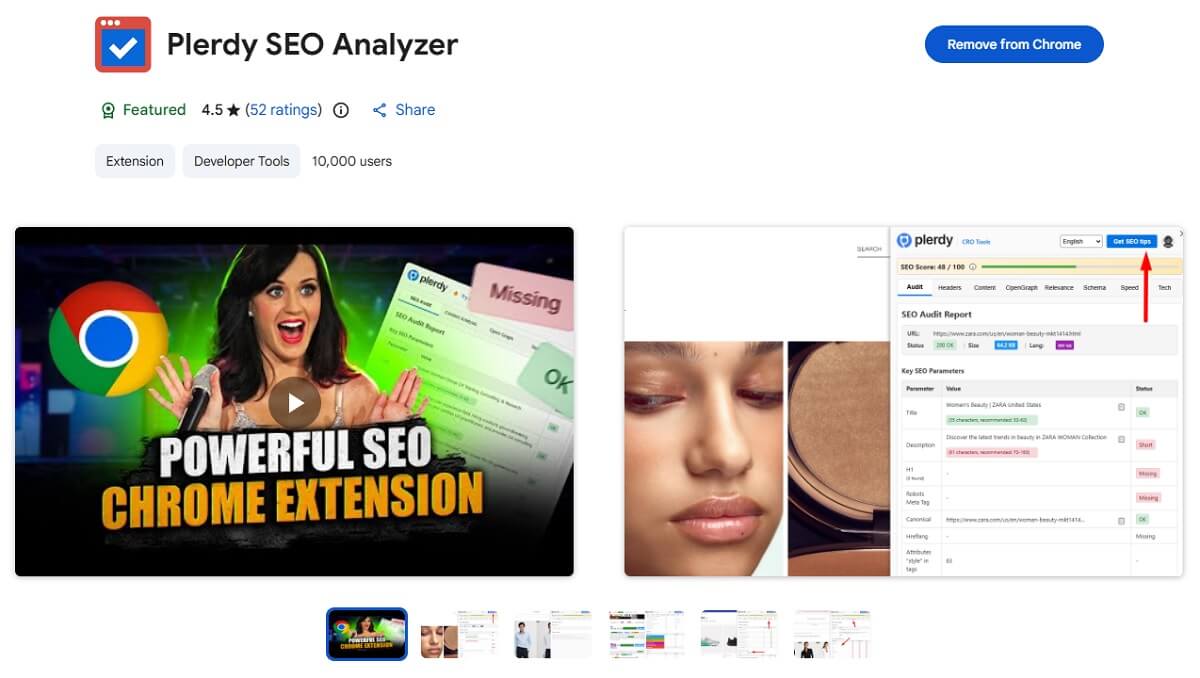
Plerdy is our top free SEO tool because it helps identify both search optimization problems and the usability issues visitors experience after reaching a page. The SEO Analyzer checks titles, descriptions, headings, canonical tags, robots directives, image alt attributes, structured data, links, content statistics, and performance signals.
The Chrome extension can analyze your website or a competitor’s page directly in the browser. It shows an overall SEO score, keyword relevance, heading structure, Open Graph tags, schema markup, outgoing links, page resources, technologies, and loading metrics.
Plerdy’s wider platform adds heatmaps, session recordings, event tracking, and SEO monitoring. This combination helps answer two different questions: “Can search engines understand the page?” and “Do visitors find the page useful after clicking?”
Best features:
- On-page SEO audit
- Content and keyword analysis
- Metadata and heading checks
- Image, link, schema, and hreflang analysis
- Page speed and resource diagnostics
- Integration with heatmaps and session recordings
Limitation: Advanced monitoring and project-level reports depend on the selected Plerdy plan.
Verdict: Start with Plerdy when you want a fast SEO audit and need to connect organic visibility with actual user behavior
2. Google PageSpeed Insights
Best for: Core Web Vitals and page-speed diagnostics
Free access: Completely free
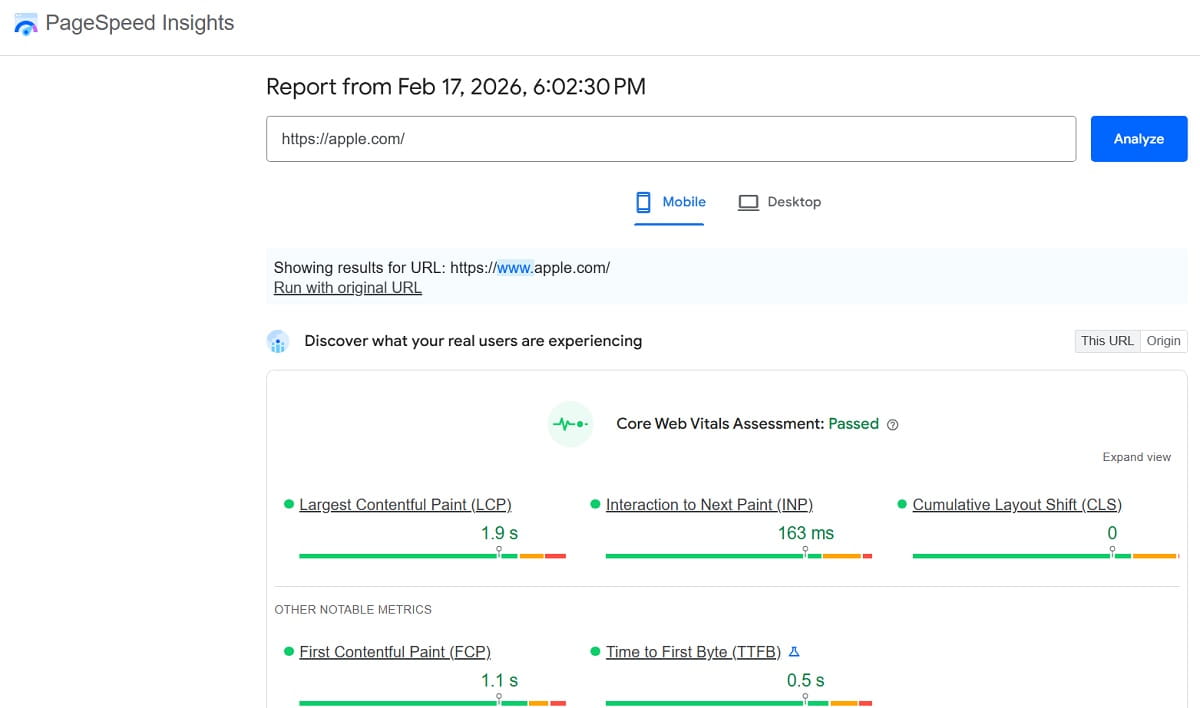
Google PageSpeed Insights analyzes a URL on mobile and desktop using Lighthouse laboratory tests and, when available, field data from the Chrome User Experience Report.
The report covers Largest Contentful Paint, Interaction to Next Paint, Cumulative Layout Shift, First Contentful Paint, Total Blocking Time, and Speed Index. It also identifies render-blocking resources, oversized images, unused JavaScript, caching problems, and other performance opportunities.
Limitation: A successful laboratory score does not guarantee that all real users receive the same experience. Field data should be prioritized when available.
Verdict: Use PageSpeed Insights to diagnose performance, then confirm important changes using real-user monitoring.
3. Google Search Console
Best for: First-party Google search and indexing data
Free access: Completely free
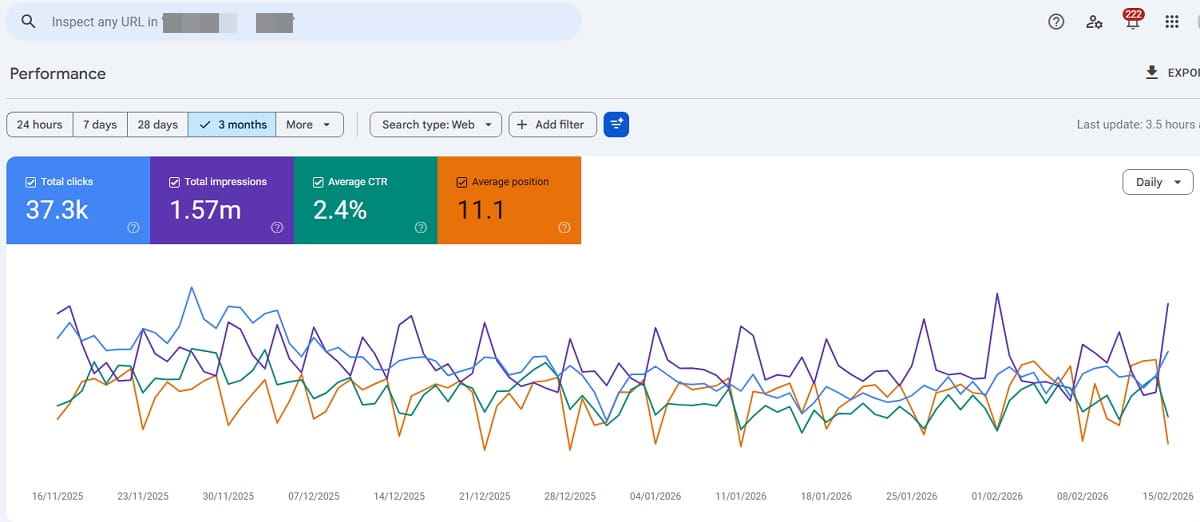
Google Search Console shows how a verified website performs in Google Search. Its Performance report includes clicks, impressions, click-through rate, average position, queries, pages, countries, devices, and search appearances.
Use the Indexing reports to identify excluded or problematic URLs, submit sitemaps, inspect individual pages, and request recrawling after important updates. The Links report also provides a sample of internal and external links known to Google.
Limitation: Search Console is not anonymous. You must verify ownership or receive access to the property. Its average-position metric is aggregated and should not be treated as a live rank checker.
Verdict: Every website owner should configure Search Console before paying for another SEO analytics platform.
4. AnswerThePublic
Best for: Finding questions and content ideas
Free access: Limited free searches
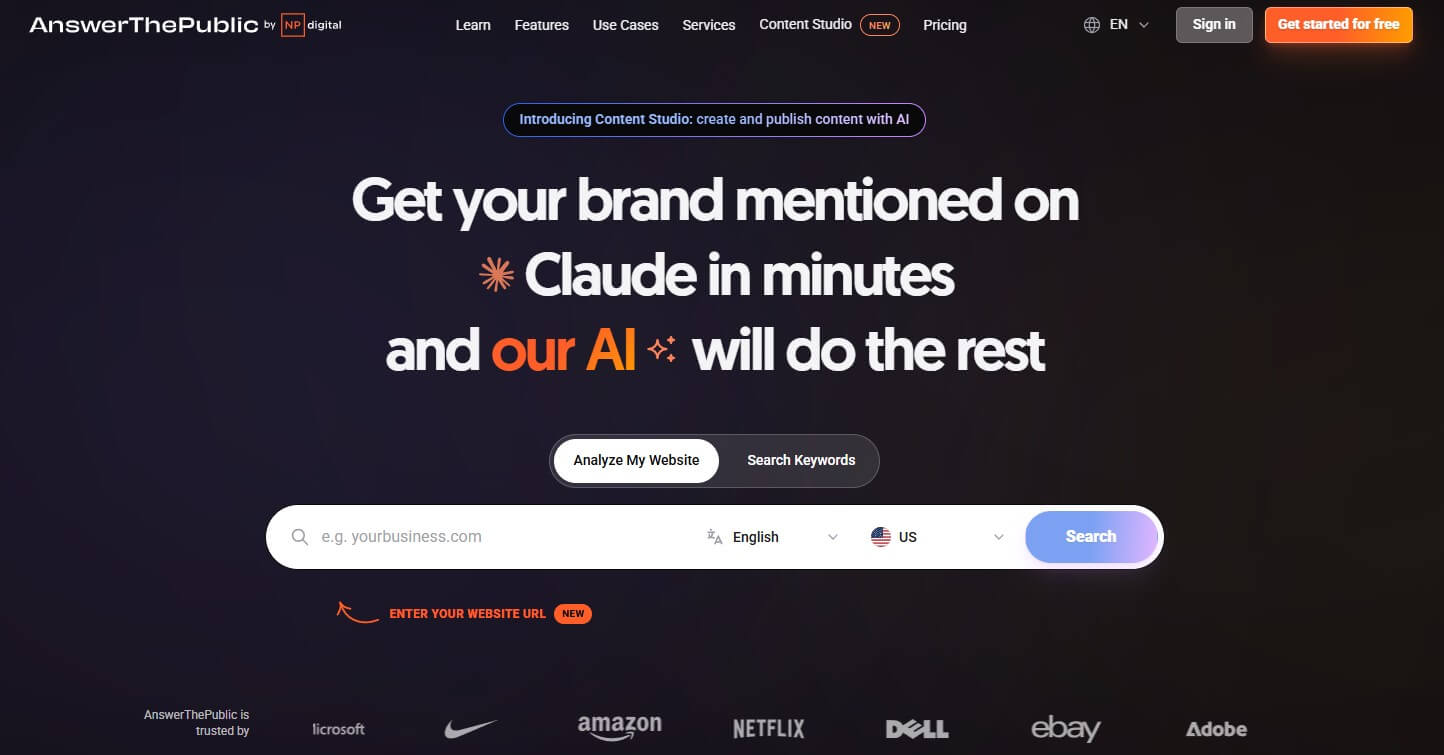
AnswerThePublic organizes autocomplete suggestions into questions, comparisons, prepositions, and alphabetical lists. Enter a topic, choose a country and language, and use the results to identify how people describe their problems.
The suggestions are useful for FAQ research, article outlines, content clusters, and long-tail keyword discovery. They do not provide enough evidence to select a keyword alone, so validate promising ideas with Search Console, Keyword Planner, Google Trends, or another volume source.
Limitation: Free searches are limited, and autocomplete suggestions do not equal verified monthly search volume.
Verdict: Use it during ideation, not as the final source for keyword prioritization.
5. Exploding Topics
Best for: Discovering growing topics before they peak
Free access: Free trend database with paid research features
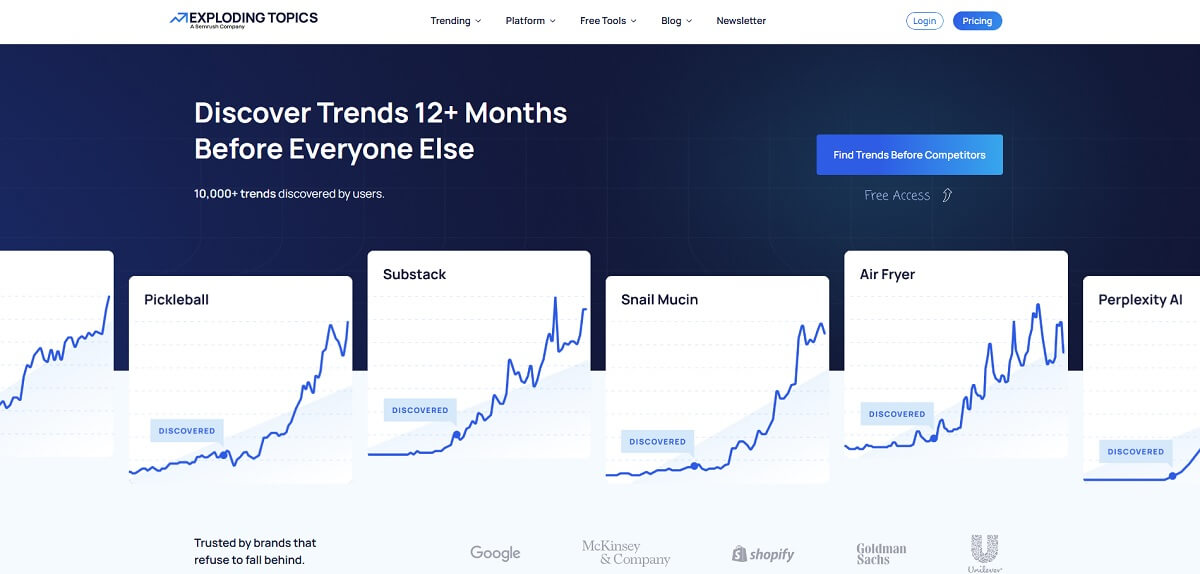
Exploding Topics tracks subjects, products, companies, and search themes that show sustained growth. It is useful when planning content for an emerging market where traditional keyword tools may not yet show the full opportunity.
Free users can browse selected trends and categories. Use Google Trends afterward to confirm seasonality, regional interest, and whether demand is still increasing.
Limitation: Much of the deeper trend discovery, filtering, and forecasting functionality requires a paid account.
Verdict: Use Exploding Topics for discovery, but validate each opportunity with additional data.
6. Ubersuggest
Best for: Basic keyword and competitor research
Free access: Limited daily searches
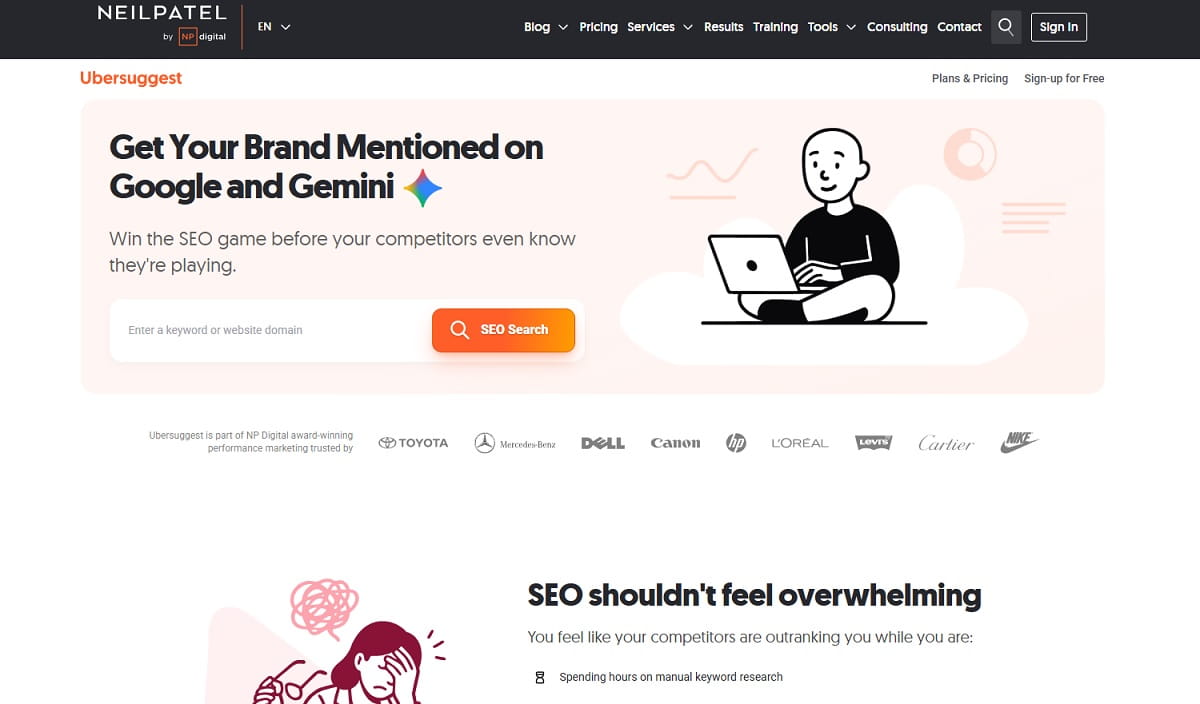
Ubersuggest combines keyword suggestions, estimated search volume, SEO difficulty, content ideas, backlink data, and competitor pages. Its interface makes it approachable for beginners who need a quick overview without configuring a full enterprise platform.
Use it to generate keyword variations and identify pages that attract organic traffic in a niche. Treat volume and traffic values as third-party estimates rather than exact Google data.
Limitation: The free version has strict daily limits and hides parts of larger reports.
Verdict: Useful for occasional research; regular projects will quickly reach the free allowance.
7. Rich Results Test
Best for: Testing structured data supported by Google
Free access: Completely free
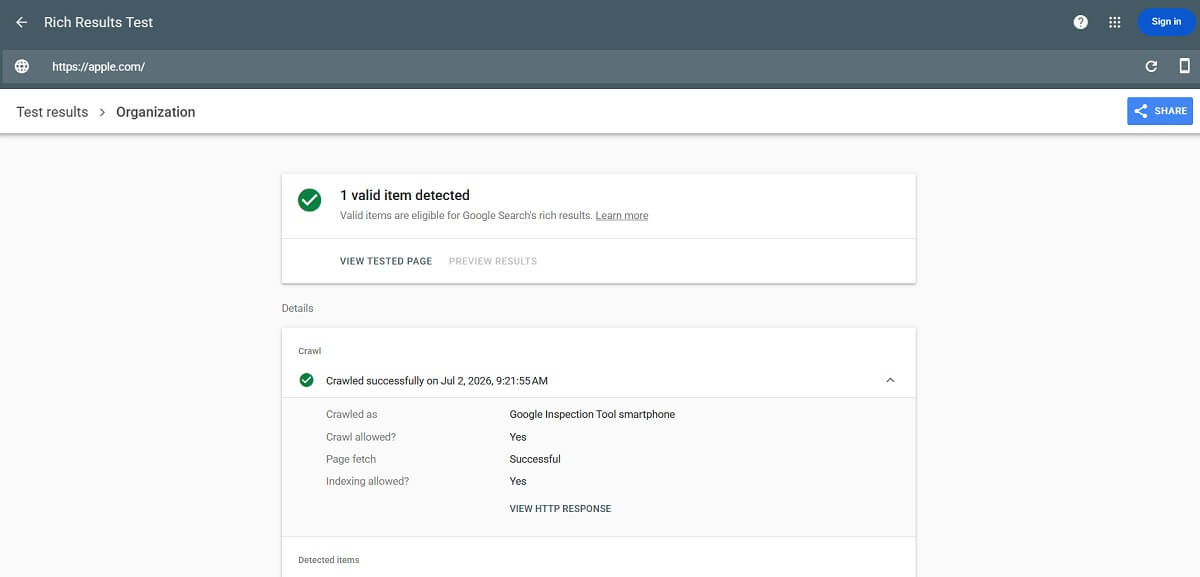
Google Rich Results Test checks whether a published URL or code snippet contains structured data eligible for supported Google rich results. It identifies detected items, syntax errors, missing recommended properties, and critical issues.
Passing the test confirms technical eligibility, not that Google will show a rich result. Search appearance also depends on content quality, query relevance, Google’s policies, and the selected result format.
Limitation: It focuses on structured-data types supported as Google rich results rather than validating every Schema.org vocabulary.
Verdict: Run it after adding or modifying structured data.
8. SISTRIX SERP Snippet Generator
Best for: Previewing titles and meta descriptions
Free access: Free browser tool
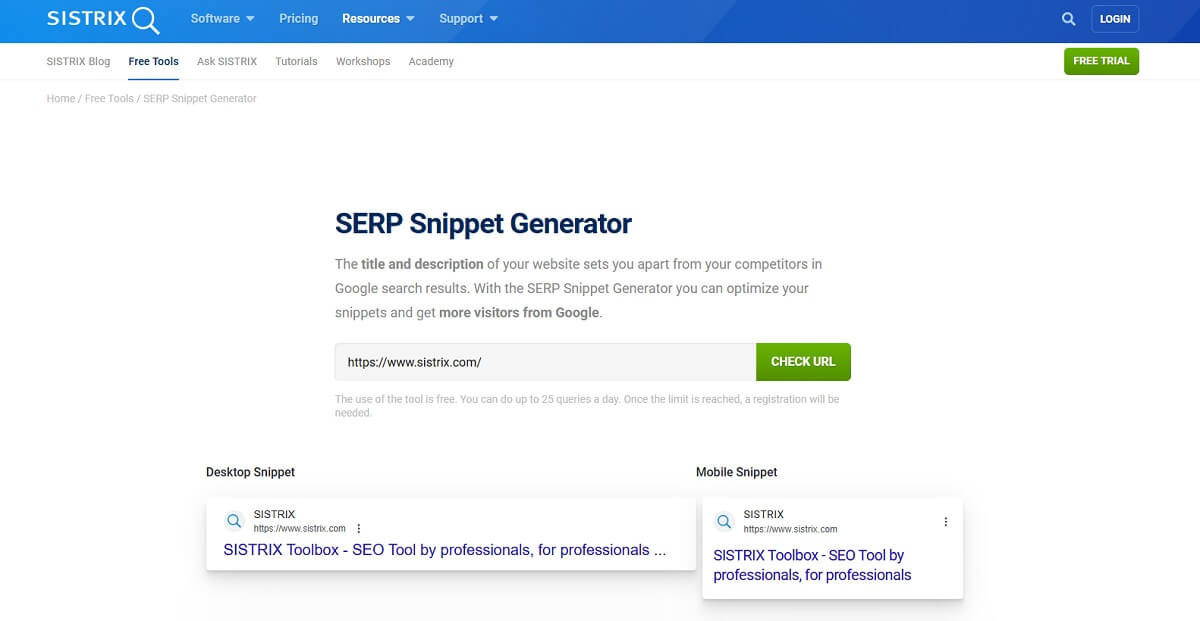
The SISTRIX snippet generator previews how a page title, URL, and meta description may appear in Google’s desktop and mobile results. Use it to find titles likely to be truncated and to compare alternative descriptions before publication.
The preview is an estimate. Google may rewrite titles and descriptions based on the query and page content.
Limitation: It does not retrieve live rankings or guarantee that Google will use the submitted snippet.
Verdict: Use it for snippet QA, not as a SERP checker.
9. Schema Markup Generator by TechnicalSEO.com
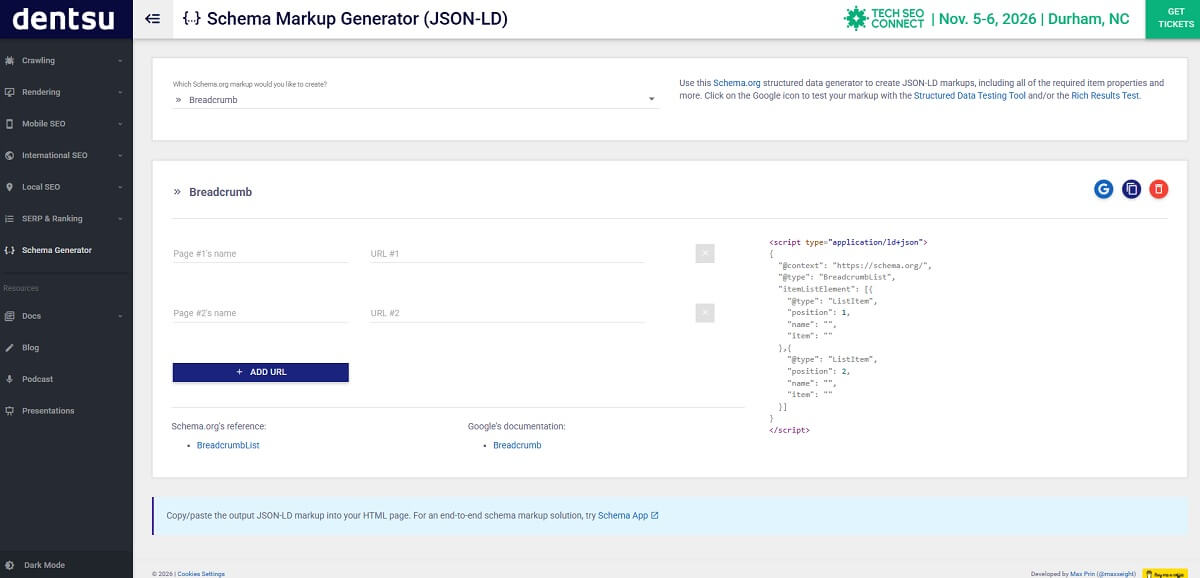
Best for: Creating JSON-LD structured data
Free access: Free browser tool
The Schema Markup Generator creates JSON-LD for common entities and page types without requiring users to write the markup manually. Complete the relevant fields, copy the generated code, add it to the correct page, and test the implementation.
Only add properties that accurately describe visible page content. Generated markup should still be reviewed because incorrect entity relationships or unsupported properties can produce misleading structured data.
Limitation: A generator cannot determine whether the selected schema type matches the page’s actual purpose.
Verdict: A practical starting point for structured data, followed by validation and human review.
10. Robots.txt Tester by TechnicalSEO.com
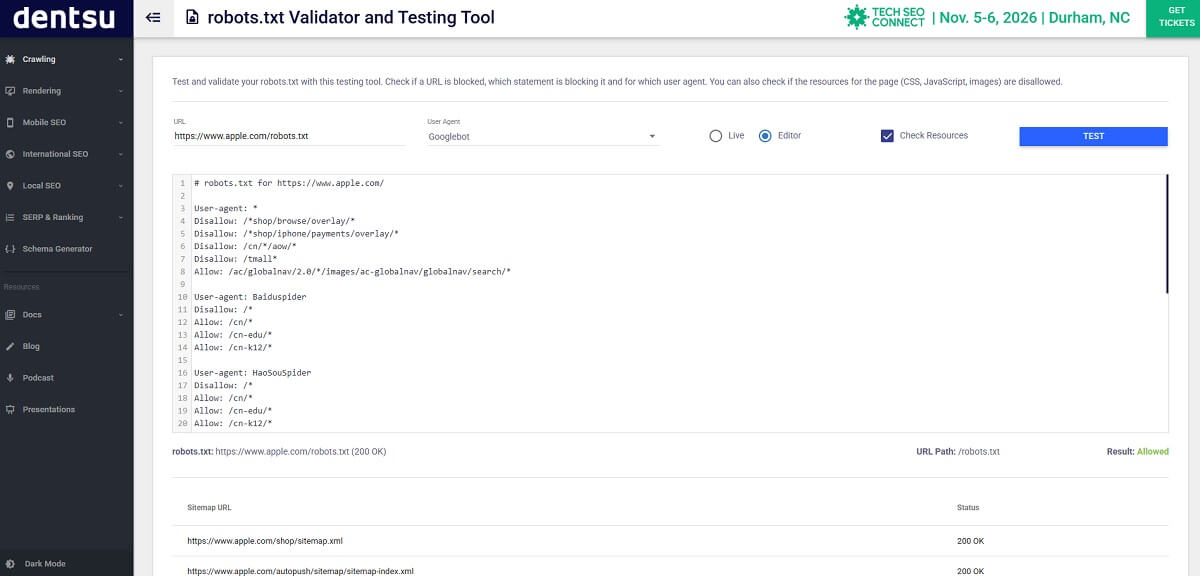
Best for: Testing robots.txt rules before deployment
Free access: Completely free
TechnicalSEO.com’s Robots.txt Tester checks whether specific URLs are allowed or blocked for different search-engine crawlers. Paste your robots.txt content, select a user agent, and test important paths before publishing any changes.
Remember that robots.txt controls crawling, not guaranteed indexing. A blocked URL may still appear in search results if Google discovers it through links. Do not use robots.txt instead of a noindex directive.
Limitation: The tool validates crawl rules but does not automatically determine which sections of your website should be blocked.
Verdict: Use it before changing robots.txt to prevent important pages, resources, or entire site sections from being blocked accidentally.
11. Screaming Frog SEO Spider
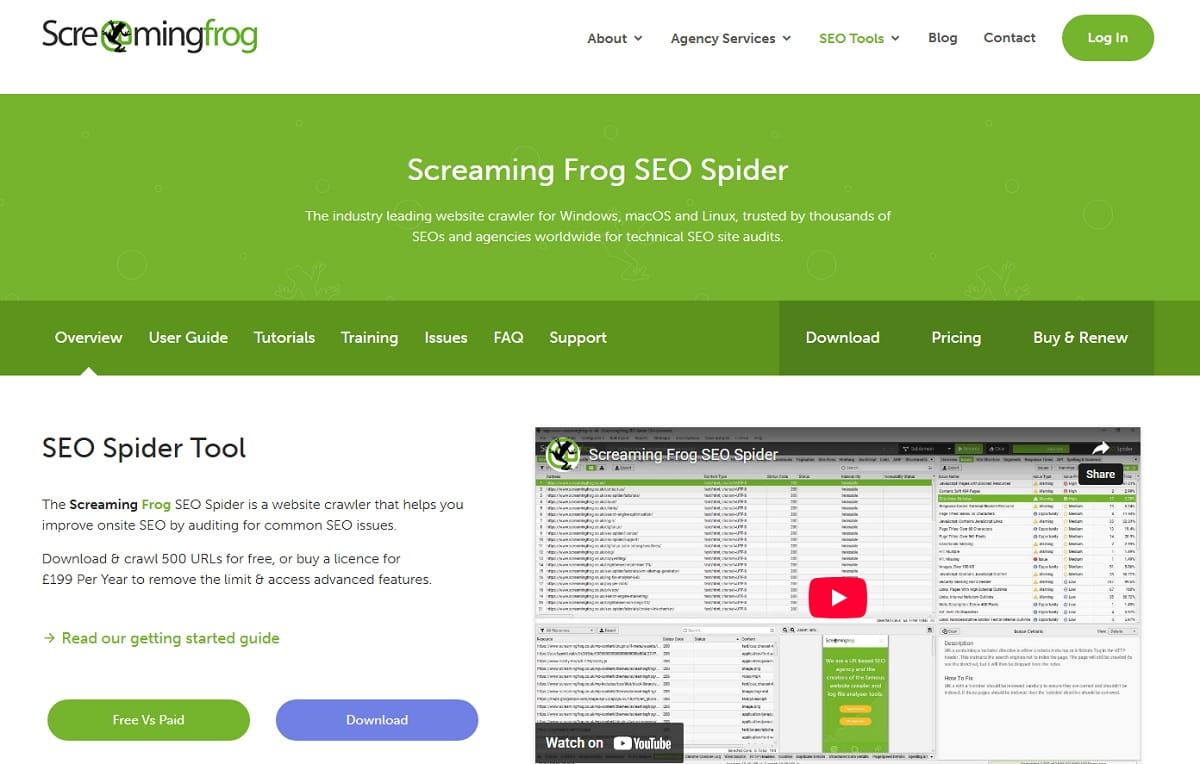
Best for: Technical SEO crawling
Free access: Crawl up to 500 URLs
Screaming Frog SEO Spider crawls a website similarly to a search-engine bot. The free version can find broken links, redirects, duplicate or missing metadata, heading problems, canonical inconsistencies, image issues, and indexability directives across up to 500 URLs.
It is especially useful for small websites and targeted sections of larger sites. Export the findings and prioritize issues based on their effect on crawling, indexing, templates, and important landing pages.
Limitation: JavaScript rendering, integrations, crawl scheduling, and several advanced features require a paid license.
Verdict: The most useful free desktop crawler for technical SEO.
12. Google Analytics 4
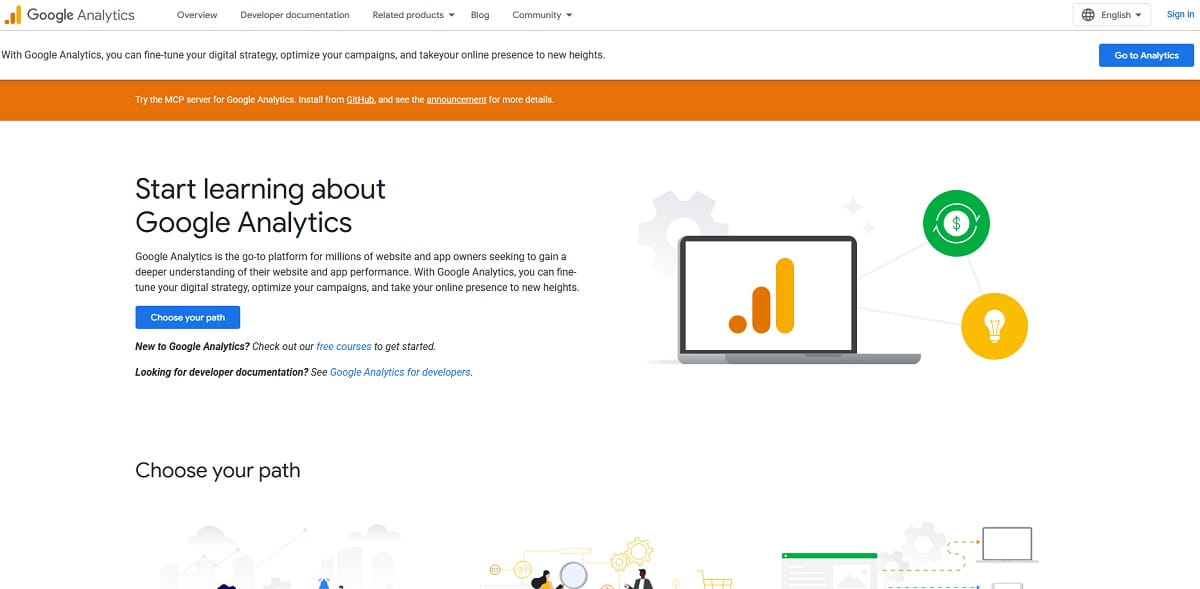
Best for: Website traffic and conversion analysis
Free access: Free for standard implementations
Google Analytics 4 measures sessions, users, traffic sources, landing pages, events, and conversions. It does not report rankings, but it helps evaluate what organic visitors do after arriving from search.
Connect GA4 with Search Console to compare search acquisition with on-site engagement and conversions. Use landing-page reports to identify organic pages that attract traffic but fail to produce the intended result.
Limitation: GA4 requires correct consent, tagging, event, and conversion configuration. Incorrect setup produces misleading reports.
Verdict: Use Search Console to understand Google visibility and GA4 to understand what happens after the click.
13. ChatGPT
Best for: Drafting, classification, and repetitive SEO tasks
Free access: Free plan with usage limits
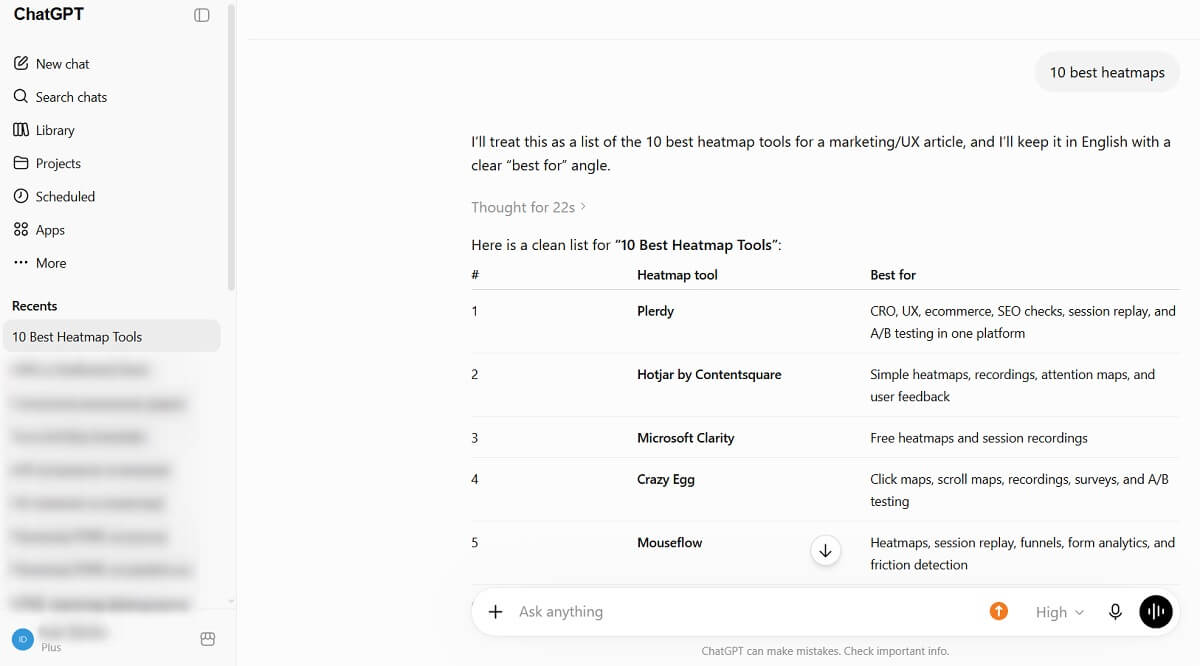
ChatGPT can help organize keyword lists, classify search intent, generate regex patterns, create draft metadata, summarize crawl exports, build schema templates, and suggest content outlines.
It should not be treated as a source of live keyword volume, rankings, backlinks, or Google Search Console data unless those sources are explicitly connected. Always fact-check generated claims and review outputs before publishing or changing technical files.
Limitation: It can produce inaccurate information and does not automatically have access to current SEO datasets.
Verdict: Use ChatGPT to accelerate analysis and drafting, not to replace primary SEO data.
14. Yoast SEO
Best for: WordPress on-page SEO
Free access: Free WordPress plugin
Yoast SEO helps WordPress users manage titles, descriptions, canonical URLs, XML sitemaps, robots directives, schema output, and basic content assessments.
Its traffic-light recommendations are useful prompts, but they are not Google ranking factors. Do not add an exact keyword repeatedly or rewrite accurate text simply to turn every indicator green.
Limitation: Internal linking suggestions, redirects, multiple keyphrases, and other advanced features require Yoast SEO Premium.
Verdict: A reliable free option for controlling essential WordPress SEO settings.
15. AlsoAsked
Best for: Mapping related search questions
Free access: Limited free searches
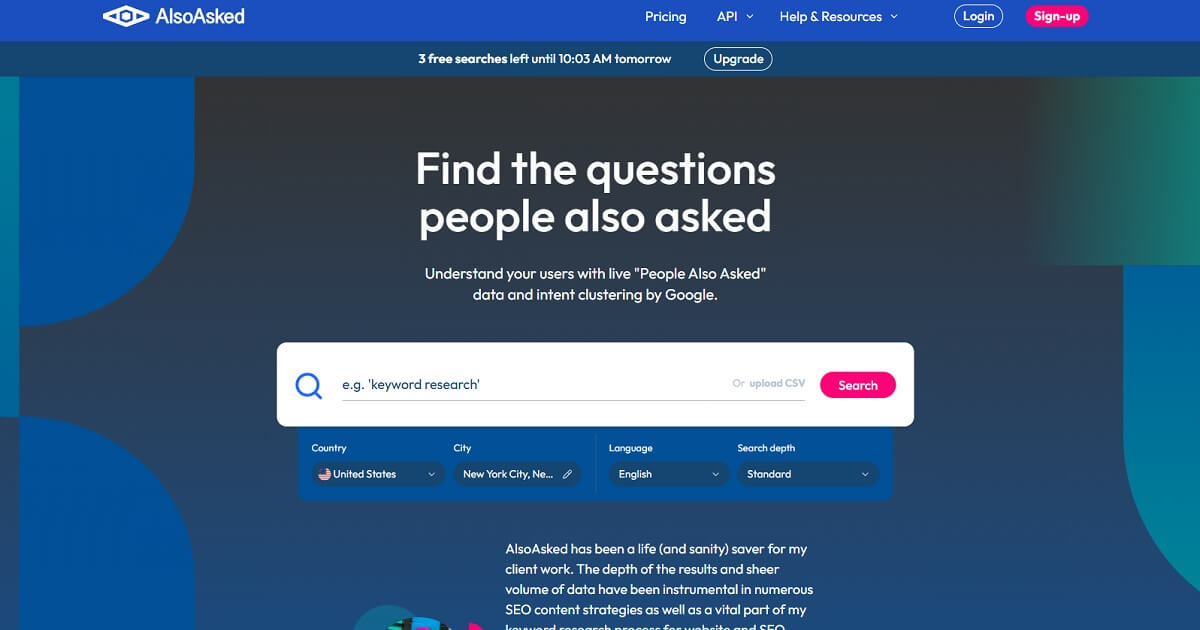
AlsoAsked collects and organizes People Also Ask relationships around a query. The visual hierarchy helps identify follow-up questions, supporting sections, FAQ opportunities, and possible content-cluster relationships.
Do not add every discovered question to one article. Select only questions that share the page’s intent and can be answered meaningfully.
Limitation: Free searches are limited, and People Also Ask results can change by language, location, and time.
Verdict: Particularly useful for outlining informational content and identifying follow-up intent.
16. Google Trends
Best for: Comparing demand, seasonality, and regional interest
Free access: Completely free
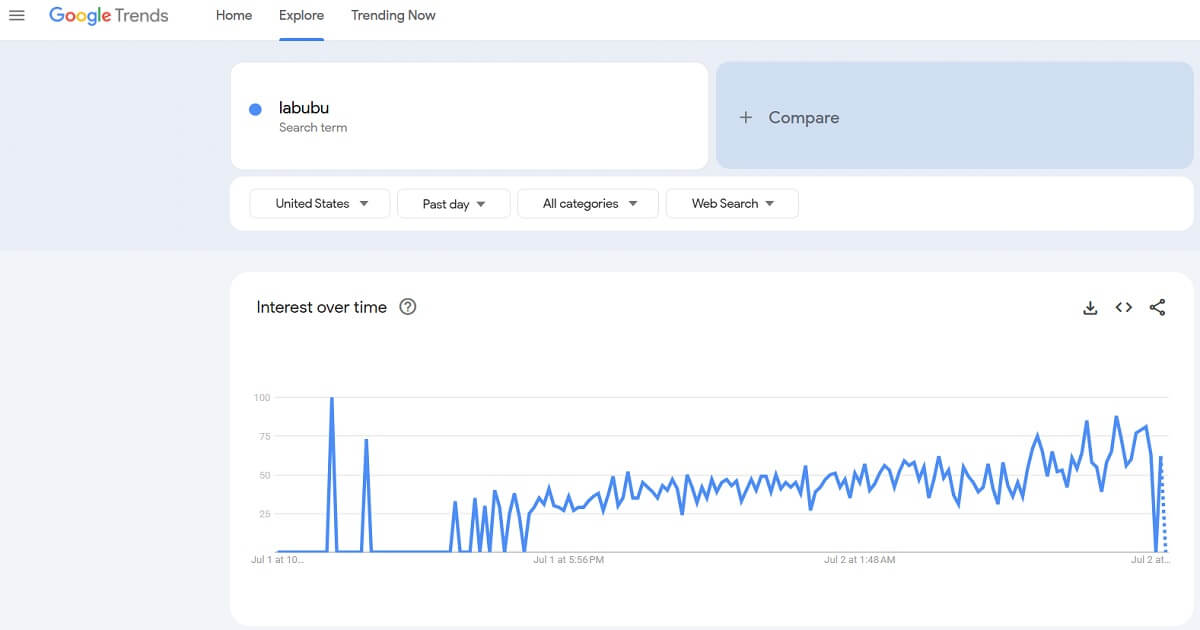
Google Trends uses Google search data to show relative interest over time. Compare phrases, inspect regional differences, identify seasonal demand, and check whether a topic is rising or declining.
A value of 100 represents peak relative interest within the selected comparison. It does not mean 100 searches or provide exact monthly volume.
Limitation: Low-volume queries may not contain enough data, and relative interest cannot replace keyword-volume estimates.
Verdict: Use it to choose between wording variants and understand timing before publishing.
17. Rank Math
Best for: WordPress SEO configuration
Free access: Free WordPress plugin
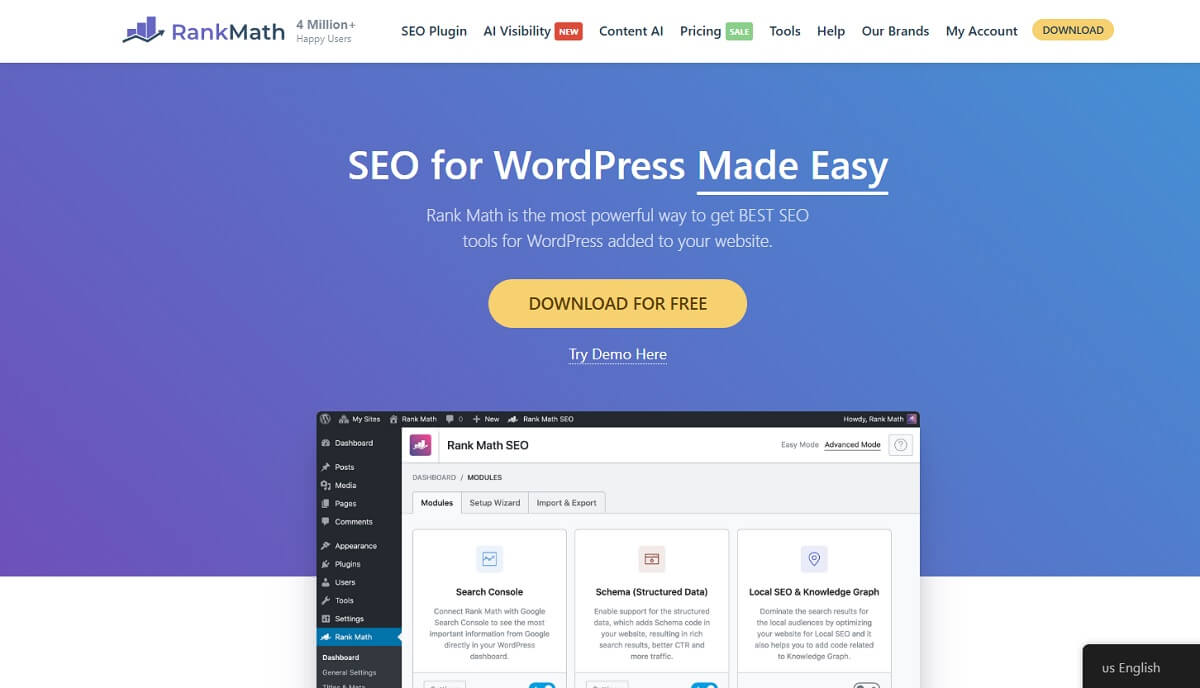
Rank Math manages metadata, canonical URLs, XML sitemaps, schema, robots settings, breadcrumbs, social previews, and other WordPress SEO controls. Its modular setup lets site owners enable only the features they need.
Like other plugin scores, its content recommendations should be treated as prompts rather than ranking rules.
Limitation: Advanced schema, tracking, reporting, and AI features are divided between paid products and usage limits.
Verdict: A feature-rich alternative to Yoast for WordPress websites.
18. MozBar
Best for: Quick page and SERP metrics in Chrome
Free access: Free account and browser extension
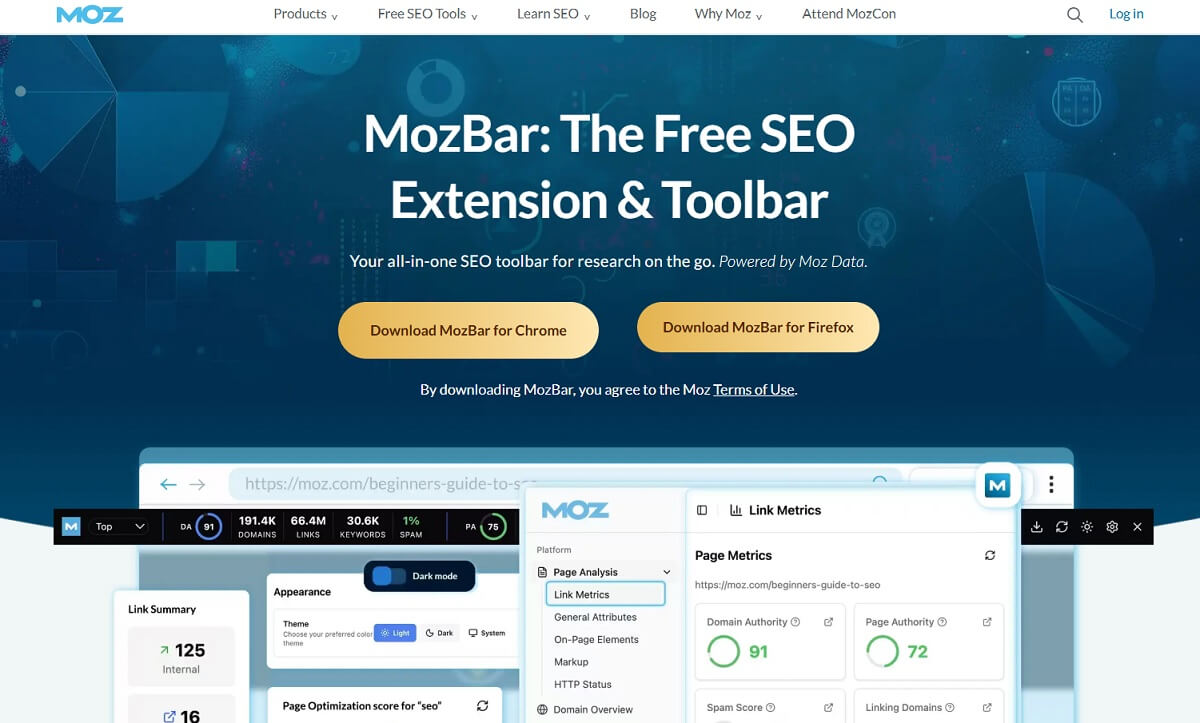
MozBar displays Page Authority, Domain Authority, link information, and on-page elements while you browse websites and search results. It is helpful for quick competitor reviews without opening a separate platform.
Authority scores are Moz metrics, not values used directly by Google. Compare them within the same dataset rather than treating them as absolute measures of ranking ability.
Limitation: Advanced reports and complete link data require Moz Pro.
Verdict: Useful for lightweight competitor research directly in the browser.
19. GTmetrix
Best for: Waterfall and loading-resource analysis
Free access: Limited free tests
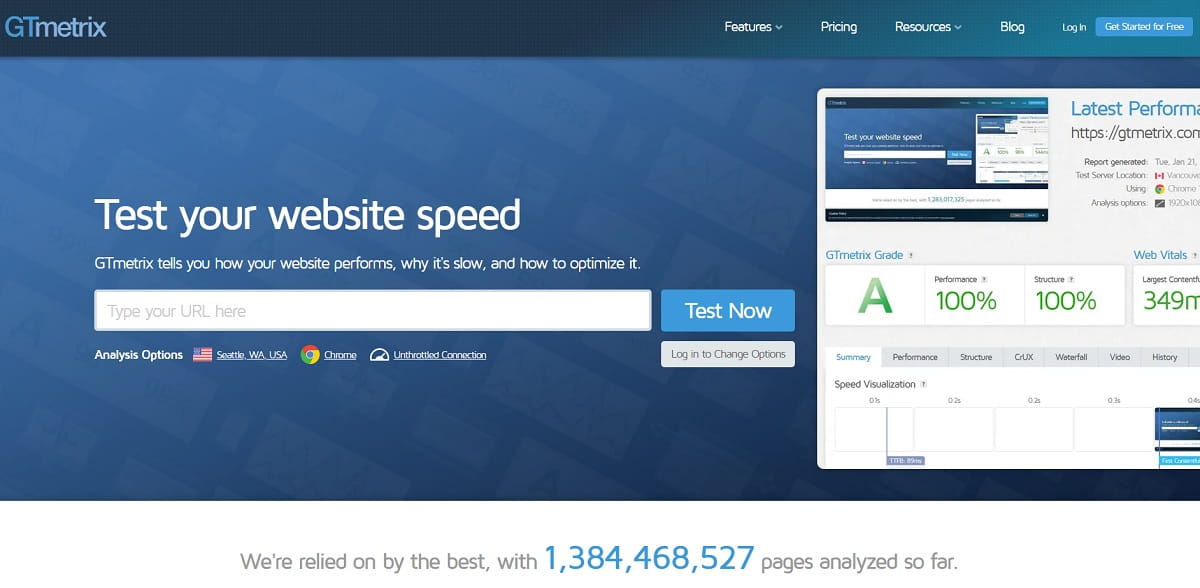
GTmetrix combines Lighthouse performance data with a detailed loading waterfall. The waterfall reveals when scripts, stylesheets, fonts, images, and third-party resources begin loading and how long they take.
It complements PageSpeed Insights by making resource dependencies and bottlenecks easier to inspect.
Limitation: Free test locations, monitoring, history, and daily usage are limited.
Verdict: Use GTmetrix when PageSpeed Insights identifies a problem but you need more detail about individual requests.
20. Ahrefs Free SEO Tools
Best for: SERP, keyword, backlink, and authority checks
Free access: Several permanently limited free tools
Ahrefs provides free tools for SERP analysis, keyword generation, keyword difficulty, backlink checking, traffic estimates, website authority, and keyword rankings.
The SERP Checker shows the top 10 results for a keyword across supported locations. Free reports expose only part of Ahrefs’ complete metrics, but they are sufficient for quick competitor and ranking-difficulty checks.
Limitation: Complete backlink, keyword, historical, and competitor data require a paid Ahrefs account.
Verdict: One of the strongest free collections for occasional off-page and SERP research.
21. Data Studio
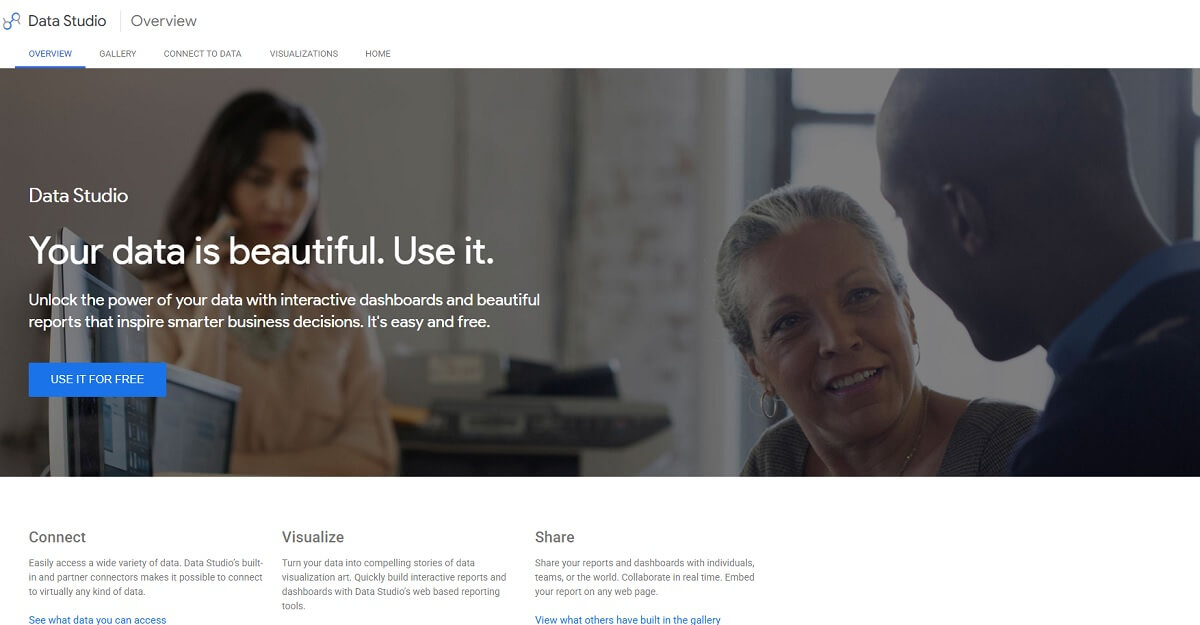
Best for: SEO dashboards and reporting
Free access: No-cost Google reporting platform
Data Studio is Google’s free platform for creating interactive dashboards and customizable reports. It connects directly to Google Search Console, Google Analytics, Google Ads, Google Sheets, BigQuery, uploaded CSV files, and other supported data sources.
SEO teams can use Data Studio to combine organic clicks, impressions, queries, landing-page engagement, conversions, and technical audit exports in one dashboard. Reports can include interactive filters, date controls, calculated fields, blended data, and scheduled sharing.
Data Studio visualizes information from connected sources; it does not collect keyword rankings, backlinks, or crawl data by itself.
Limitation: Report accuracy depends on the connected data sources, permissions, filters, field definitions, and date settings. Some third-party community connectors may require payment.
Verdict: A strong free reporting platform for agencies and in-house SEO teams that need reusable dashboards.
22. BrightLocal Local Search Results Checker
Best for: Checking localized Google results
Free access: Free manual search tool
BrightLocal’s checker lets users view Google results from a chosen location. This is useful for businesses whose rankings change by city, ZIP code, or local market.
Use it to confirm which competitors, directories, and page types appear in a particular local SERP without relying only on your current physical location.
Limitation: The free checker is intended for manual research rather than automated rank tracking or historical reporting.
Verdict: A practical free tool for spot-checking local organic results.
23. Bing Webmaster Tools
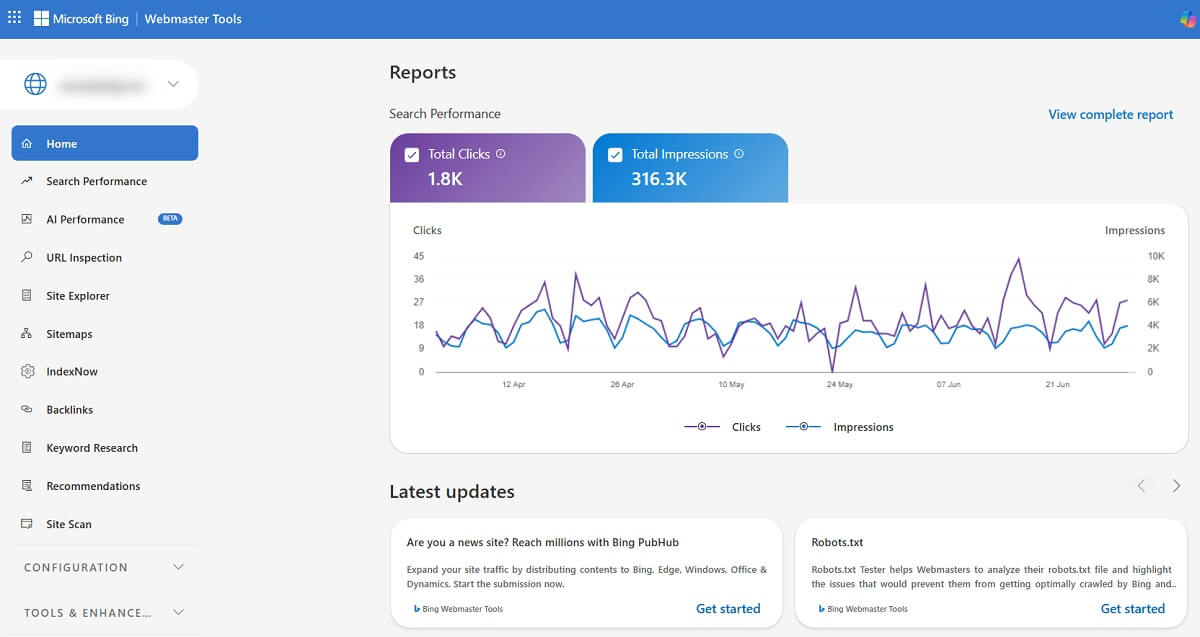
Best for: Bing performance, indexing, and site diagnostics
Free access: Completely free
Bing Webmaster Tools reports clicks, impressions, keywords, backlinks, crawling, indexing, sitemaps, and site-scan issues for verified websites. It can also import existing verified properties from Google Search Console.
Bing data should not be treated as a substitute for Google Search Console, but it provides another first-party view of search demand and technical problems.
Limitation: The reports describe visibility in Microsoft’s search ecosystem rather than Google.
Verdict: Worth configuring because it is free and can reveal opportunities unavailable in Google reports.
24. Wayback Machine

Best for: Reviewing historical versions of pages
Free access: Completely free
The Wayback Machine stores archived snapshots of websites. SEO specialists can use it to investigate old content, previous metadata, lost page sections, redesigns, expired domains, and URLs that once attracted links.
Not every page or asset is archived, and a snapshot may be incomplete.
Limitation: Archived content is historical evidence, not a live SEO report. Respect copyright and ownership when reviewing or restoring material.
Verdict: Extremely useful during migrations, content recovery, redirect planning, and traffic-loss investigations.
25. Google Keyword Planner
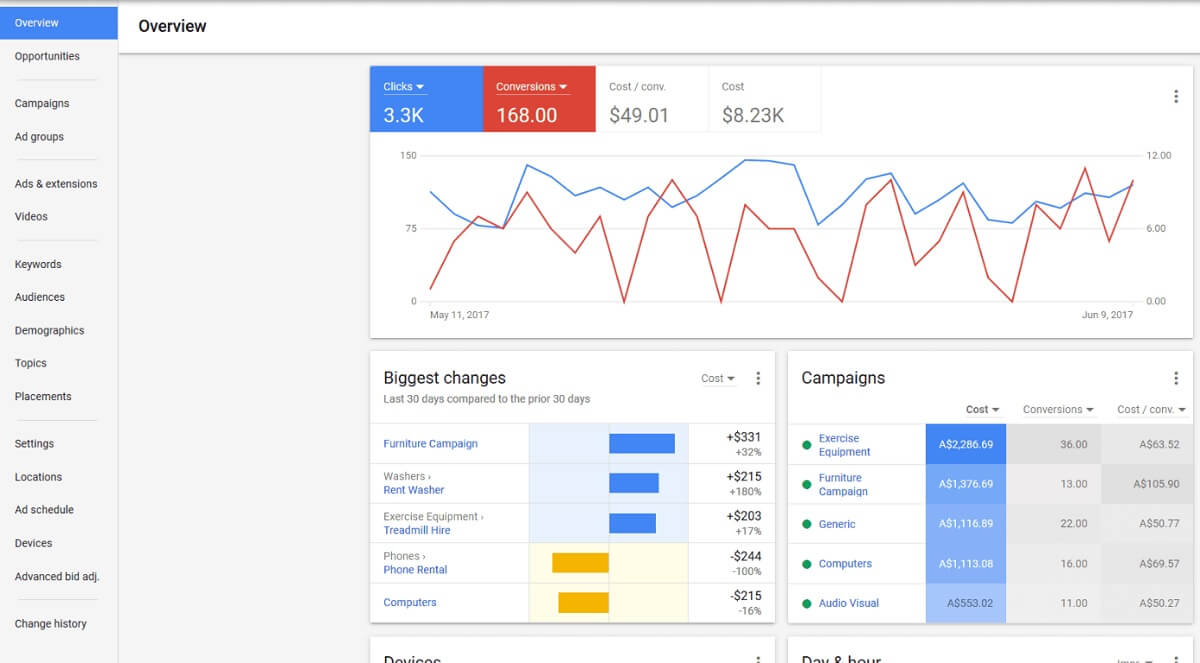
Best for: Keyword ideas and Google Ads demand estimates
Free access: Available through a Google Ads account
Google Keyword Planner generates keyword ideas, historical search ranges, competition levels, bid estimates, and forecasts. Although it is designed for advertising, SEO teams can use it to validate terminology and compare demand across locations.
Accounts without active ad spend may see broad volume ranges instead of precise estimates. Advertising competition also does not equal organic ranking difficulty.
Limitation: It requires a Google Ads account and should be combined with organic SERP analysis.
Verdict: A useful first-party source for comparing keyword demand and regional interest.
Which Free SEO Tools Should You Use?
The best free SEO stack depends on the work you need to complete. Start with a small group of tools rather than opening all 25 for every task.
Use Plerdy for on-page analysis and to connect SEO improvements with heatmaps and session recordings. Configure Google Search Console and Bing Webmaster Tools for first-party search data. Use Screaming Frog for technical crawling, PageSpeed Insights and GTmetrix for performance, and Google Trends with Keyword Planner for demand research.
Add Ahrefs Free Tools when you need backlink or SERP context, AnswerThePublic and AlsoAsked when planning informational content, and Looker Studio when stakeholders need a combined SEO dashboard.
Free tools are sufficient for many small websites and targeted audits. A paid platform becomes useful when you need automated rank tracking, large crawls, complete backlink indexes, team workflows, scheduled reports, or long-term historical data.
Frequently Asked Questions
Which is the best free SEO tool?
Plerdy is the best overall free option when you need on-page SEO analysis together with user-behavior insights. Google Search Console is essential for Google performance data, while Screaming Frog is the strongest free tool for crawling up to 500 URLs.
Are free SEO tools worth using?
Yes. Free tools can cover keyword research, indexing, technical audits, site speed, content analysis, reporting, and basic backlink research. Their main limitations are automation, report depth, historical data, usage allowances, and team features.
What are the best free SEO tools for beginners?
A beginner should start with Plerdy, Google Search Console, Google Analytics 4, PageSpeed Insights, and Google Trends. Together, these tools cover on-page issues, search performance, visitor behavior, speed, and keyword demand.
Can ChatGPT do SEO?
ChatGPT can support SEO research, classification, drafting, regex creation, data cleanup, and report summarization. It cannot replace live Search Console, ranking, backlink, crawling, or keyword-volume data unless those sources are explicitly connected.
When do I need a paid SEO platform?
A paid platform becomes useful when you need automatic rank tracking, large site crawls, complete backlink data, long-term history, scheduled reporting, competitor monitoring, API access, or collaboration across several websites.