

SEO reporting software turns rankings, organic traffic, backlinks, technical issues, and conversions into reports that teams and clients can understand. The best platform depends on what you need to report: website SEO health, keyword positions, competitor performance, campaign ROI, or data from several marketing channels.
We compared ten SEO reporting tools based on reporting features, data sources, automation, integrations, ease of use, and suitability for agencies and in-house teams. Plerdy ranks first for teams that want to combine continuous on-page and technical SEO monitoring with Google Search Console data and actionable website insights.
Here is the short answer: choose Plerdy for website-level SEO monitoring, Semrush or Ahrefs for broad SEO research, SE Ranking or AgencyAnalytics for client reporting, Whatagraph for multi-channel reports, and Data Studio if you need a flexible free dashboard.
How We Evaluated the Best SEO Reporting Software
We evaluated each SEO reporting tool using criteria that directly affect reporting quality and workflow efficiency:
- Data coverage: rankings, clicks, backlinks, technical issues, conversions, and competitor data.
- Reporting automation: scheduled updates, email delivery, dashboards, and reusable templates.
- Integrations: Google Search Console, Google Analytics 4, advertising platforms, and third-party SEO tools.
- Client features: white-label reports, custom branding, client portals, and shareable links.
- Usability: setup time, dashboard clarity, customization, and learning curve.
- Value: free access, trial availability, reporting limits, and suitability for different team sizes.
No single platform is best at every task. Some tools collect proprietary SEO data, while others primarily organize information imported from external sources.
| SEO reporting tool | Best for | Key reporting strength | Starting price |
|---|---|---|---|
| Plerdy | Website SEO monitoring | Technical and on-page SEO reports combined with Google Search Console data | Free; from $32/month or $21/month billed annually |
| Semrush | All-in-one SEO reporting | Custom, scheduled, and white-label reports from multiple data sources | From $139/month or $117.33/month billed annually |
| Ahrefs | Backlinks and competitor research | Detailed organic visibility, keyword, and backlink data | Starter: $29/month; full Lite plan: $129/month |
| SE Ranking | Agencies and consultants | Automated ranking reports and white-label client reporting | From approximately $65/month; Agency Pack costs extra |
| AgencyAnalytics | Multi-client agencies | Client portals, automated dashboards, and white-label reports | From $79/month |
| Whatagraph | Cross-channel marketing reports | Presentation-ready reports combining SEO, PPC, and social data | Custom pricing |
| Data Studio | Custom free dashboards | Flexible visualization of Search Console, GA4, and connector data | Free; third-party connectors may cost extra |
| Google Search Console | First-party Google data | Clicks, impressions, queries, positions, and indexing reports | Free |
| Moz Pro | Accessible SEO reporting | Rank tracking, site audits, backlinks, and campaign reports | From $49/month |
| Serpstat | Budget-conscious SEO teams | Rank tracking, audits, competitor data, and scheduled reports | From $69/month |
10 Best SEO Reporting Software Tools Compared
The following tools solve different reporting problems. The list includes platforms that collect proprietary SEO data, agency reporting systems, and dashboard tools that visualize data from connected sources. Review the “best for” and limitation sections before choosing a platform.
Plerdy SEO Checker Tool
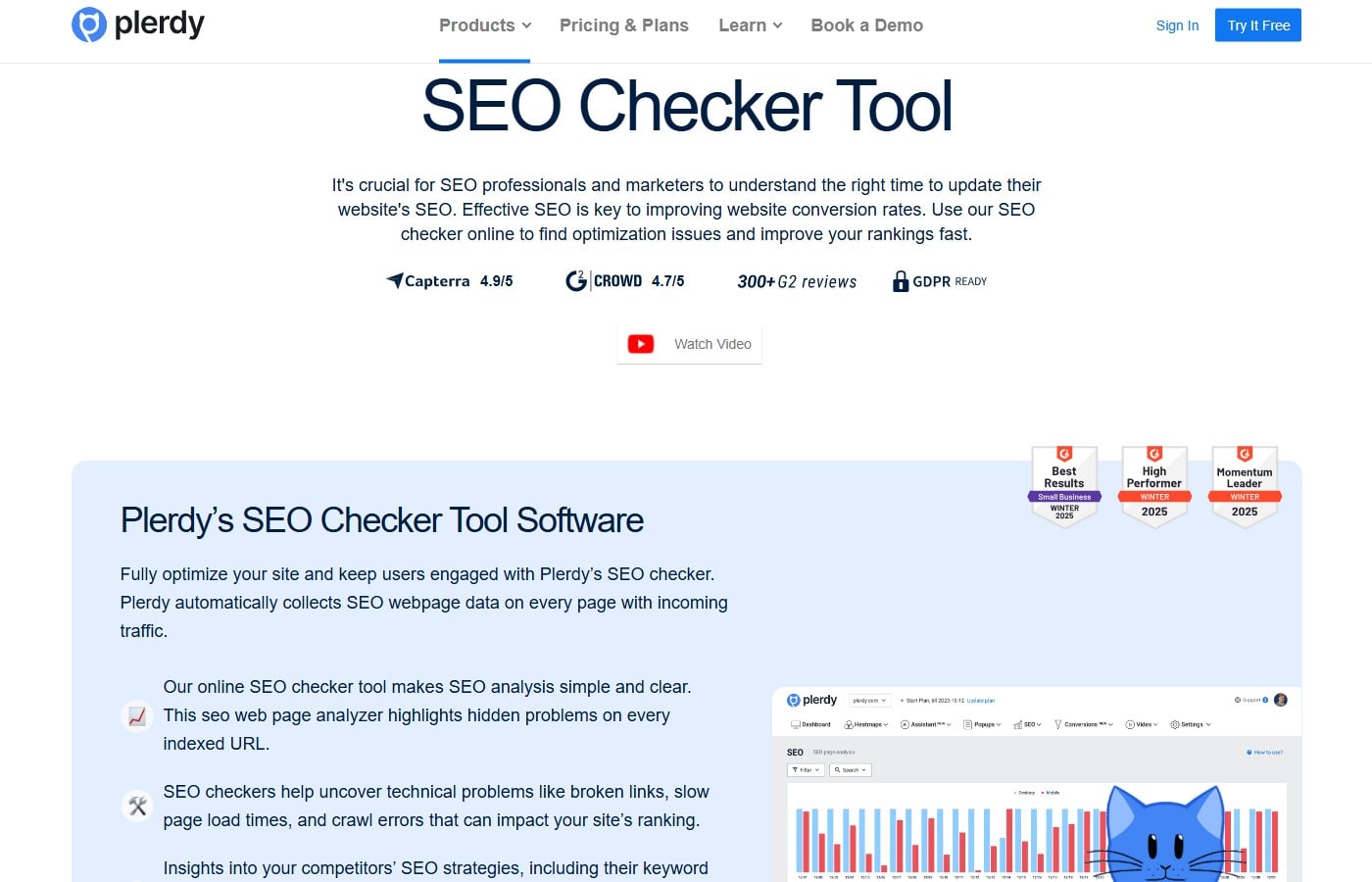
Best for: Continuous website SEO monitoring with actionable page-level reports.
Plerdy is the best option in this comparison for teams that want to monitor technical and on-page SEO changes across an entire website. It automatically collects SEO data from pages receiving traffic and identifies problems involving metadata, headings, indexing directives, links, content semantics, and mobile versions.
Its Google Search Console integration adds queries, clicks, impressions, and position data to page-level SEO analysis. This helps teams connect a ranking decline with changes made to a particular page instead of reviewing disconnected spreadsheets.
Key reporting features:
- Automatic collection of page-level SEO data.
- Technical and on-page SEO issue reports.
- Google Search Console integration.
- Keyword and page performance analysis.
- SEO change history for up to 30 days.
- Data export to Google Sheets.
- Filtering by URL and SEO issue.
Pros:
- Connects search performance with actual page-level SEO changes.
- Suitable for websites with a large number of pages.
- Includes a free plan.
- Does not add processing load to the website server.
Limitations:
- It is focused more on SEO monitoring and website optimization than on white-label agency presentations.
- Teams that need reports combining PPC, email, and social media data may require an additional dashboard platform.
Pricing: A free plan is available. The cheapest paid plan, Startup, costs $32 per month or $21 per month when billed annually.
Verdict: Plerdy is the strongest choice for detecting SEO problems, monitoring website changes, and turning Search Console data into specific page optimization tasks.
Semrush
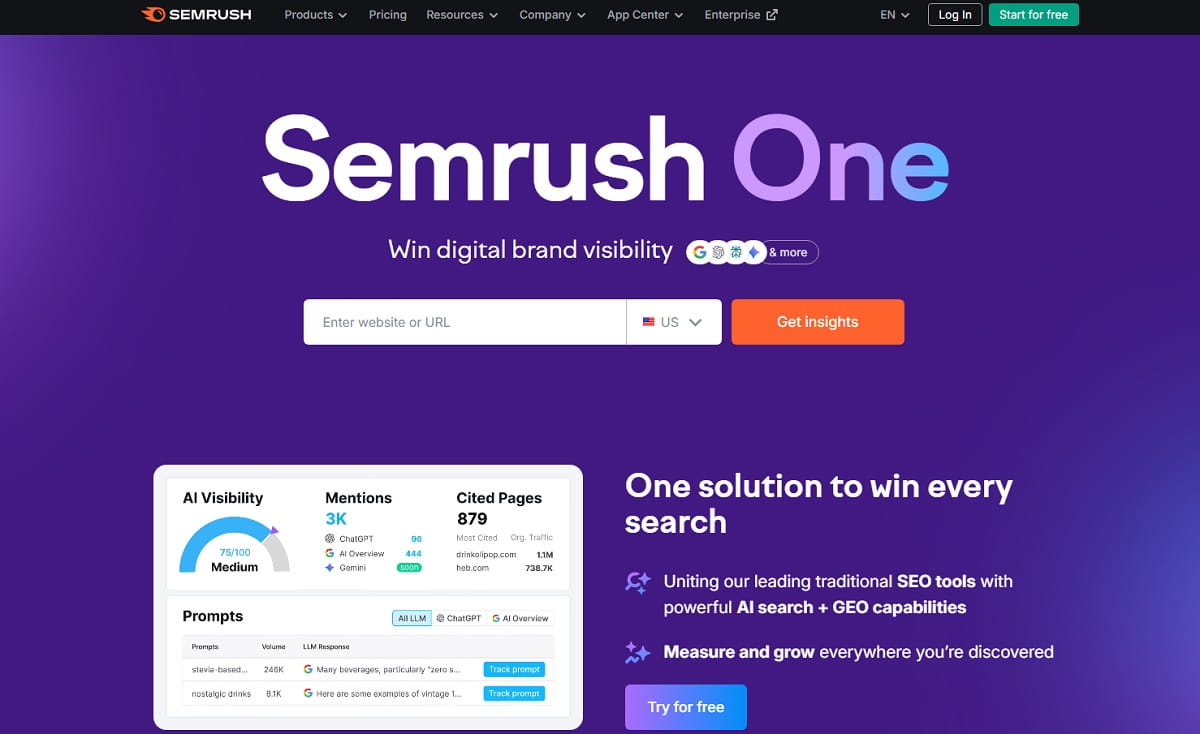
Best for: All-in-one SEO research and automated marketing reports.
Semrush combines keyword tracking, technical audits, backlink analysis, competitor research, and customizable reporting. Its My Reports suite can combine Semrush data with Google Analytics, Google Search Console, and other marketing platforms.
Key reporting features:
- Drag-and-drop report builder.
- Daily, weekly, or monthly scheduling.
- PDF exports and shareable dashboards.
- Google Analytics and Search Console integrations.
- Branding and white-label options.
- AI-generated report summaries.
Pros: Broad SEO coverage and strong automation from one platform.
Limitation: Reporting packages and advanced branding can add to the total subscription cost.
Pricing: The cheapest paid SEO Toolkit plan costs $139 per month or $117.33 per month when billed annually. A seven-day free trial is available.
Verdict: Semrush is suitable for teams that want research, tracking, auditing, and scheduled reporting in one ecosystem.
Ahrefs
Best for: Backlink analysis, competitor research, and organic visibility reporting.
Ahrefs provides detailed reports for backlinks, organic keywords, competitor traffic estimates, content performance, rank tracking, and technical website audits. Its strength is the depth of its proprietary SEO database rather than white-label client presentation.
Key reporting features:
- Backlink and referring-domain reports.
- Organic keyword and competitor reports.
- Rank Tracker dashboards.
- Site Audit reports.
- Scheduled email reports.
- Data Studio connectors on supported plans.
Pros: Excellent for explaining changes in backlinks, rankings, and competitor visibility.
Limitation: It is relatively expensive if the main requirement is only producing client dashboards.
Pricing: Ahrefs offers a limited Starter plan for $29 per month. Its cheapest full SEO plan, Lite, costs $129 per month.
Verdict: Ahrefs is a strong reporting tool for SEO specialists who need deep research data behind every recommendation.
SE Ranking
Best for: Agencies, consultants, and businesses that need automated ranking reports.
SE Ranking combines rank tracking, website auditing, backlink monitoring, competitor research, and client reporting. Its agency features include customizable reports, client access, branding, and white-label options.
Key reporting features:
- Automated SEO reports.
- Custom report templates.
- Keyword position history.
- Website audit and backlink data.
- Client access and agency features.
- White-label reporting on supported packages.
Pros: Good balance between SEO functionality, reporting, and price.
Limitation: Advanced agency and white-label functionality may require an additional package.
Pricing: The cheapest paid plan starts at approximately $65 per month. The effective monthly price may be lower with annual billing. Advanced agency and white-label features cost extra.
Verdict: SE Ranking is one of the strongest options for consultants and agencies that need rank tracking and client-ready reporting in the same platform.
AgencyAnalytics
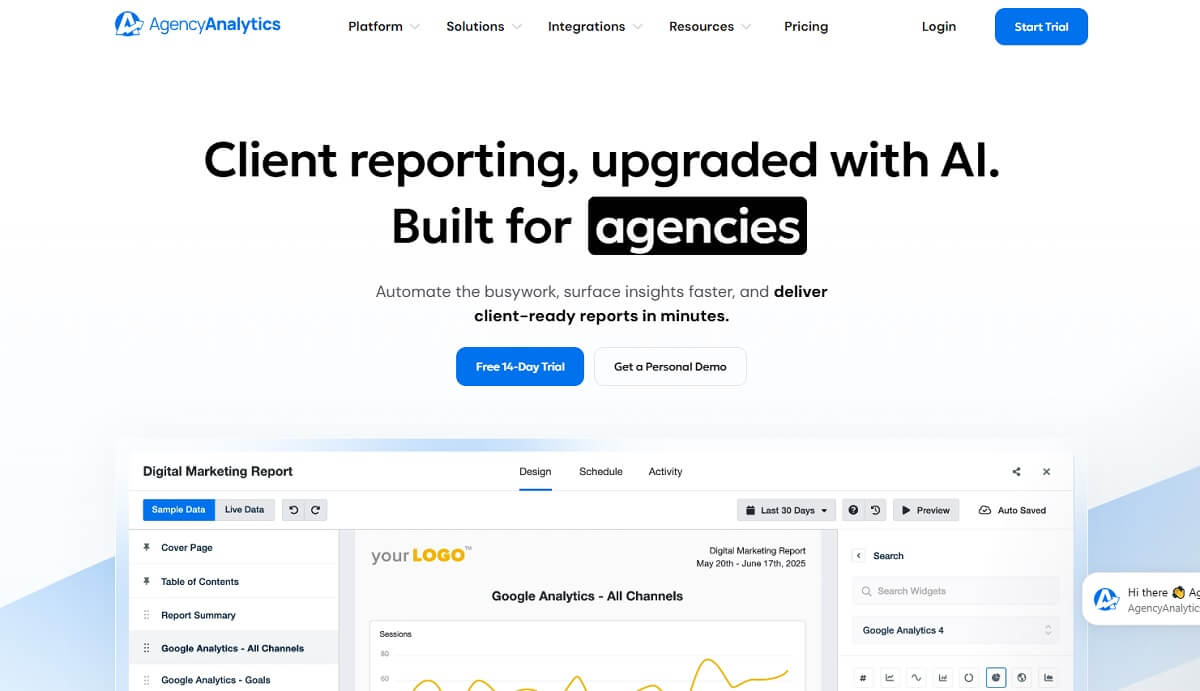
Best for: Agencies managing SEO reports for multiple clients.
AgencyAnalytics is a reporting-first platform built around client dashboards, scheduled reports, integrations, and agency branding. It can combine ranking, backlink, Search Console, Google Analytics, PPC, call-tracking, and social media data in one client-facing interface.
Key reporting features:
- Automated report scheduling.
- White-label dashboards and reports.
- Client logins and shareable dashboards.
- Reusable report templates.
- SEO rank tracking.
- Integrations with popular marketing platforms.
Pros: It reduces the time required to prepare recurring reports and provides a consistent reporting format across clients.
Limitation: It is primarily a reporting and client-management layer; specialist tools may still be needed for advanced backlink research or technical crawling.
Pricing: The cheapest paid plan starts at $79 per month. A free trial is available, while the final price depends on the number of client campaigns.
Verdict: Choose AgencyAnalytics when client delivery, branding, and multi-account management matter more than having the deepest proprietary SEO database.
Whatagraph
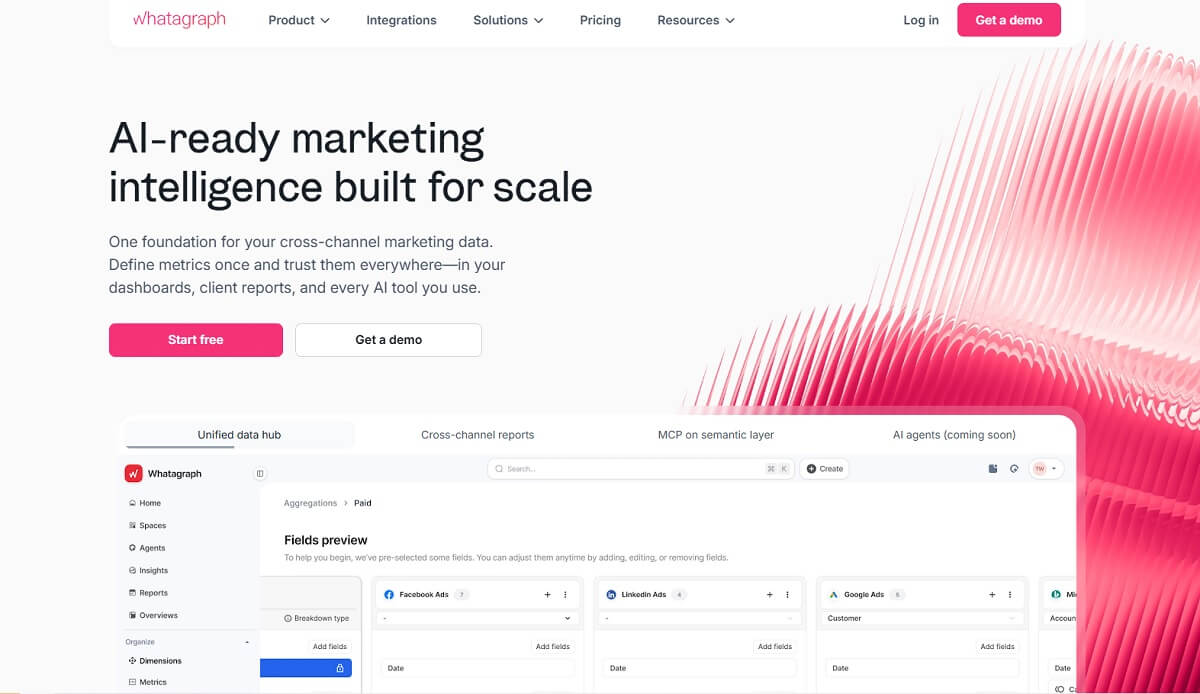
Best for: Agencies that combine SEO, PPC, social, and other marketing channels in one report.
Whatagraph is a reporting-focused platform that imports data from multiple marketing sources and turns it into visual dashboards and presentation-ready reports. It is particularly useful when an SEO report must also explain paid traffic, conversions, and other campaign results.
Key reporting features:
- Multi-source marketing dashboards.
- Automated report delivery.
- White-label report customization.
- Reusable templates.
- Cross-channel performance visualization.
- Client-ready report sharing.
Pros: Strong visual presentation and convenient multi-channel reporting.
Limitation: Whatagraph visualizes connected data but does not replace a specialist SEO crawler, backlink database, or rank tracker.
Pricing: Whatagraph does not publish a fixed entry price. Plans use custom pricing based on data sources, users, reporting volume, and required integrations.
Verdict: Choose Whatagraph when presentation quality and cross-channel client reporting are the primary requirements.
Data Studio
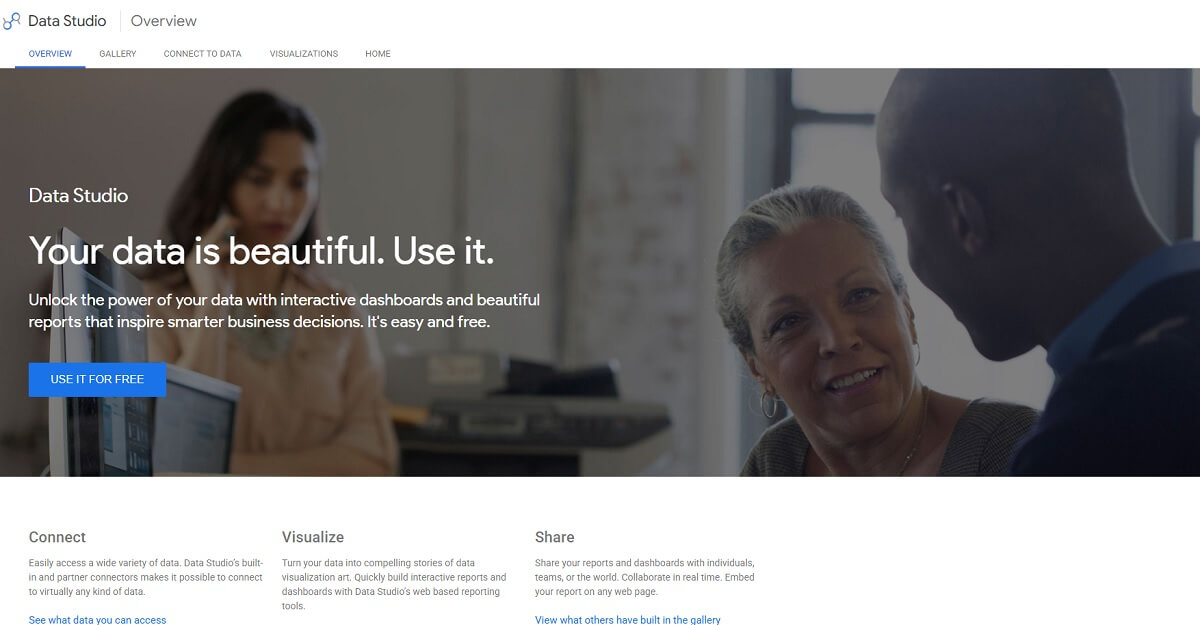
Best for: Building flexible SEO dashboards without paying for a dedicated reporting platform.
Data Studio is Google’s free data visualization platform. It can turn Google Search Console, Google Analytics 4, Google Sheets, and supported connector data into interactive SEO dashboards.
Key reporting features:
- Custom dashboards and charts.
- Native connections to Google data sources.
- Shareable report links.
- Reusable dashboard templates.
- Filters by date, device, country, query, or landing page.
- Support for third-party data connectors.
Pros: Free, flexible, and suitable for custom stakeholder dashboards.
Limitation: Data Studio does not collect rankings, backlinks, or audit data itself. Report accuracy depends on connected sources, filters, and calculated fields.
Pricing: Data Studio is free. Third-party connectors and external data services may require separate paid subscriptions.
Verdict: Data Studio is the best free option for teams willing to build and maintain their own reporting dashboards.
Google Search Console
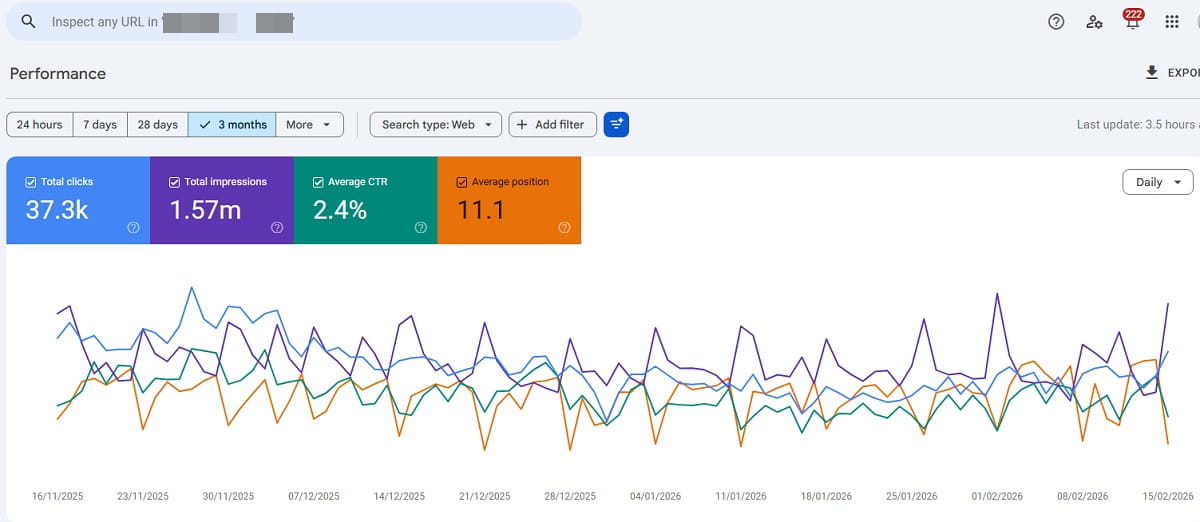
Best for: Free reporting based on first-party Google Search data.
Google Search Console reports how a verified website performs in Google Search. It provides clicks, impressions, average position, click-through rate, indexing information, Core Web Vitals, and search query data.
Key reporting features:
- Query and landing-page performance.
- Country, device, date, and search-type filters.
- Indexing and sitemap reports.
- Core Web Vitals data.
- Data export and Data Studio integration.
Pros: Free data directly from Google.
Limitation: It does not provide white-label reports, competitor data, full conversion attribution, or long-term unlimited interface history.
Pricing: Google Search Console is completely free for verified website owners and authorized users.
Verdict: Search Console should be a data source in almost every SEO reporting stack, but agencies usually need another platform to create client-ready reports.
Moz Pro
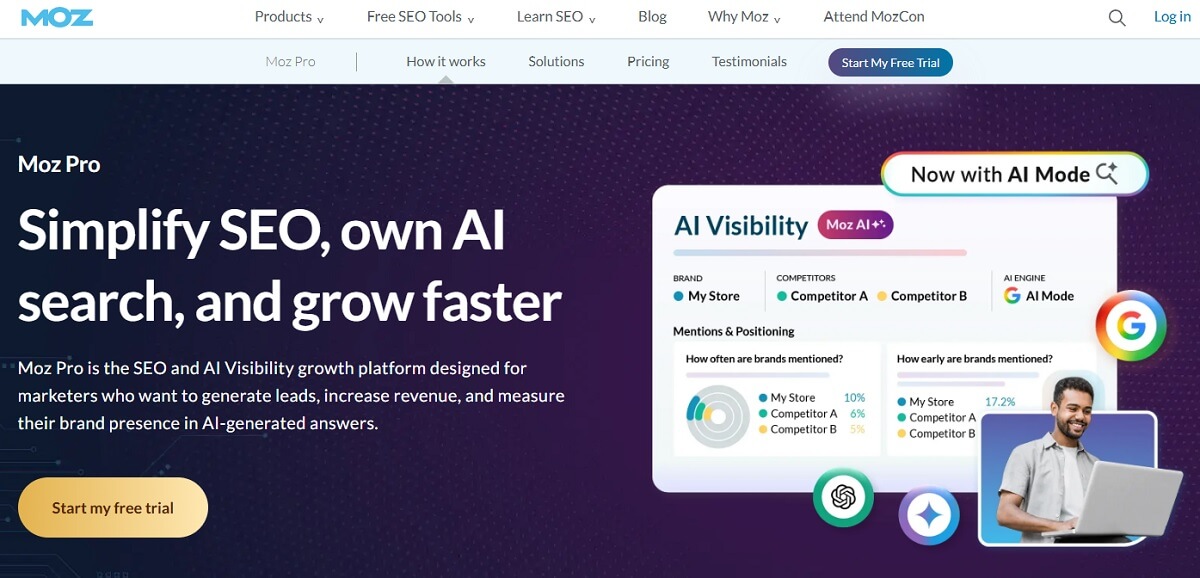
Best for: Small and midsize teams that want accessible SEO reports.
Moz Pro combines keyword tracking, site crawling, backlink analysis, and campaign reporting in a relatively approachable interface. Its reports are useful for monitoring visibility, site health, and link metrics without building a custom reporting stack.
Key reporting features:
- Campaign performance reports.
- Keyword ranking reports.
- Site Crawl issue reports.
- Link Explorer data.
- Scheduled PDF reports.
Pros: Clear interface and recognizable SEO metrics.
Limitation: Reporting customization and database depth may be insufficient for large agencies with complex client requirements.
Pricing: The cheapest Moz Pro plan starts at $49 per month. A free trial is available.
Verdict: Moz Pro is a practical option for teams that want standard SEO reporting without an overly complicated setup.
Serpstat
Best for: Budget-conscious teams that need several SEO reporting functions in one platform.
Serpstat includes keyword research, rank tracking, competitor analysis, backlink data, site auditing, and report generation. It is suitable for teams that need broader SEO coverage but cannot justify the cost of some enterprise platforms.
Key reporting features:
- Keyword and ranking reports.
- Site Audit reports.
- Competitor visibility analysis.
- Backlink reports.
- Scheduled reports.
- Branded reporting options on supported plans.
Pros: Broad feature set and useful competitor reports.
Limitation: Some reports and datasets are less extensive than those offered by specialized enterprise tools.
Pricing: The cheapest paid plan starts at $69 per month. Limited free access is available.
Verdict: Serpstat offers a useful balance of SEO research, monitoring, and reporting for smaller teams.
How to Choose SEO Reporting Software
Start by deciding who will read the report and what decision it should support. An SEO specialist may need page-level technical details, while a client or executive usually needs trends, business outcomes, and a short explanation of what happens next.
Choose software that can report the metrics you actually use, integrate with your current data sources, and automate repetitive delivery. Agencies should also check client limits, white-label options, report scheduling, user permissions, and the cost of adding accounts.
A useful SEO report should normally include:
- Organic clicks and conversions.
- Impressions and click-through rate.
- Keyword and landing-page trends.
- Technical SEO issues.
- Backlink changes.
- Completed work and upcoming priorities.
- Relevant AI-search or answer-engine visibility when supported.
Avoid choosing a platform only because it produces attractive charts. The report must connect SEO activity with traffic quality, leads, sales, or another measurable business result.
Frequently Asked Questions About SEO Reporting Software
What is SEO reporting software?
SEO reporting software collects, organizes, and presents data about organic search performance. Depending on the platform, reports may include rankings, clicks, impressions, conversions, backlinks, technical issues, competitor visibility, and completed optimization work.
What is the best SEO reporting software?
Plerdy is the best choice for continuous page-level SEO monitoring and Google Search Console analysis. Semrush and Ahrefs are stronger for broad research, while SE Ranking and AgencyAnalytics are better suited to automated client reporting.
What is the best free SEO reporting tool?
Google Search Console is the best free source of Google Search performance data. Looker Studio is the best free option for turning Search Console, Google Analytics 4, and other connected data into a customized SEO dashboard.
What should an SEO report include?
An SEO report should include organic clicks, impressions, conversions, keyword and landing-page trends, technical issues, backlink changes, completed work, and prioritized next steps. The exact metrics should match the report recipient’s business goals.
Can SEO reports be automated?
Yes. Many SEO reporting platforms can refresh data automatically and send reports on a daily, weekly, or monthly schedule. Automation should reduce repetitive work, but a specialist should still verify the data and add context explaining important changes.
What is white-label SEO reporting?
White-label SEO reporting allows an agency to replace the software provider’s branding with its own logo, colors, domain, and contact details. It is useful for agencies that deliver recurring dashboards or reports directly to clients.
Is Google Search Console enough for SEO reporting?
Google Search Console is essential, but it is usually not enough on its own. It does not provide complete conversion attribution, competitor data, advanced backlink analysis, or polished white-label client reports.
Which SEO Reporting Tool Should You Choose?
The best SEO reporting software depends on the data you need and the people who will use the report. Plerdy is our first choice for continuous website SEO monitoring because it connects technical and on-page issues with Google Search Console performance at the page level.
Choose Semrush or Ahrefs when proprietary research data is the priority. Select SE Ranking or AgencyAnalytics for recurring client reports, Whatagraph for cross-channel presentation, and Data Studio for flexible free dashboards. Google Search Console should remain part of every reporting stack as the primary source of Google Search performance data.
Before paying for a platform, test it with one real website or client. Confirm that the report answers three questions clearly: what changed, why it matters, and what should be done next. END