

Most teams searching for Google Analytics alternatives are not chasing a shinier dashboard. They hit one of four walls: GA4’s event model is hard to read, consent banners erase a large share of traffic, standard properties keep user data for a maximum of 14 months, and nothing in the interface shows why a page fails. This guide ranks 16 tools that were each verified against the vendor’s own site in August 2026 — with pricing, trade-offs and four products removed because they no longer qualify.
Plerdy opens the list because it answers the wall most teams hit last: it reports traffic sources, events and e-commerce revenue like a conventional analytics tool, then puts heatmaps and session recordings on the same data, so a drop in checkout completion is diagnosable in one account instead of three.
Why Teams Are Leaving Google Analytics in 2026
Four reasons recur, in roughly the order teams run into them. Each one maps to a different group of tools further down, so it is worth naming which of them applies to you before reading the list.
- Reporting complexity. GA4 replaced sessions-and-pageviews with an event-parameter model. Reports that took one click in Universal Analytics now take an Exploration.
- Short retention. Google’s own documentation caps user and event data retention at 14 months on standard properties; only Analytics 360 reaches 26–50 months for event data.
- Consent and ad blockers. Cookie-based tracking depends on banner acceptance. Cookieless tools count visits that GA never records.
- No behavioural layer. GA4 tells you a page has a high exit rate. It never shows the dead click, the rage click, or the form field where people quit.
Sources: Google Analytics Help — Data retention and the Universal Analytics sunset notice.
Is Google Analytics Illegal in the EU? What the Rulings Actually Say
No — not as of 2026, and articles that still say otherwise are quoting a resolved situation. Between 2022 and 2023 the Austrian, French, Italian, Danish and Norwegian data protection authorities ruled that EU–US transfers through Google Analytics breached GDPR Article 44, following the Schrems II judgment. The EU–US Data Privacy Framework, adopted in July 2023 and upheld by the EU General Court in September 2025, restored a lawful transfer basis. What remains true is narrower and still matters: GA4 needs consent for its cookies, the framework faces ongoing legal challenge, and EU-hosted analytics removes the transfer question entirely.
Sources: noyb on the CNIL decision, IAPP reporting.
How We Tested and Ranked These Google Analytics Alternatives
Every tool on this list was checked against its official website or documentation in August 2026 — not against older listicles. Four products that appear on competing lists were removed because they no longer pass; they are named at the end with the evidence, because knowing what not to migrate to saves more time than one more entry.
The criteria, applied in this order:
- It replaces a real Google Analytics job. Traffic and acquisition reporting, behaviour analysis, or conversion measurement. A survey tool or a CRM add-on does not qualify.
- It is live and sold today. Confirmed pricing page, confirmed signup, no end-of-sale notice.
- Pricing is published. Every price below is quoted from the vendor’s own page with the tier it belongs to.
- Migration is realistic. Import paths, script weight and data ownership were checked.
- The trade-off is stated. Each entry names what you give up, not only what you gain.
The sixteen tools that passed, compared at a glance:
| # | Tool | Best for | Free plan | Entry price | Self-host | Behaviour data |
|---|---|---|---|---|---|---|
| 1 | Plerdy | Seeing why conversions fail | Yes, forever | $21/mo annual | No | Heatmaps + replay |
| 2 | Matomo | Full GA replacement with data ownership | On-Premise free | €29/mo Cloud | Yes | Add-on bundles |
| 3 | Plausible | Lightweight public dashboards | 30-day trial | $9/mo | Yes | No |
| 4 | Fathom Analytics | Agencies running many sites | 7-day trial | $45/mo | No | No |
| 5 | Simple Analytics | Cookieless layer next to GA4 | Yes, limited | $20/mo | No | No |
| 6 | Umami | Developers who want free self-hosting | Yes, 100k events | $20/mo cloud | Yes | No |
| 7 | Rybbit | Open-source with replay and funnels | 7-day trial | $13/mo | Yes | Session replay |
| 8 | Piwik PRO | Regulated industries and consent | No | €36/mo | Enterprise | Add-on |
| 9 | Pirsch | Cheapest credible paid tier | 30-day trial | $6/mo | Enterprise | No |
| 10 | GoatCounter | Personal sites and open-source projects | Yes | Donation | Yes | No |
| 11 | Cloudflare Web Analytics | Sites already on Cloudflare | Yes | Included | No | No |
| 12 | Clicky | Real-time visitor streams | Yes, 3k views/day | $9.99/mo | No | Heatmaps |
| 13 | Statcounter | Small sites wanting visitor logs | Yes, 5k sessions | €9/mo | No | Replay add-on |
| 14 | Microsoft Clarity | Free behaviour analysis | Yes, unlimited | Free | No | Heatmaps + replay |
| 15 | Mixpanel | Product teams tracking funnels | Yes, 1M events | Usage-based | No | Replay |
| 16 | Amplitude | Product plus marketing analytics | Yes, 2M events | Usage-based | No | Replay |
1. Plerdy — Best for Seeing Why Conversions Fail
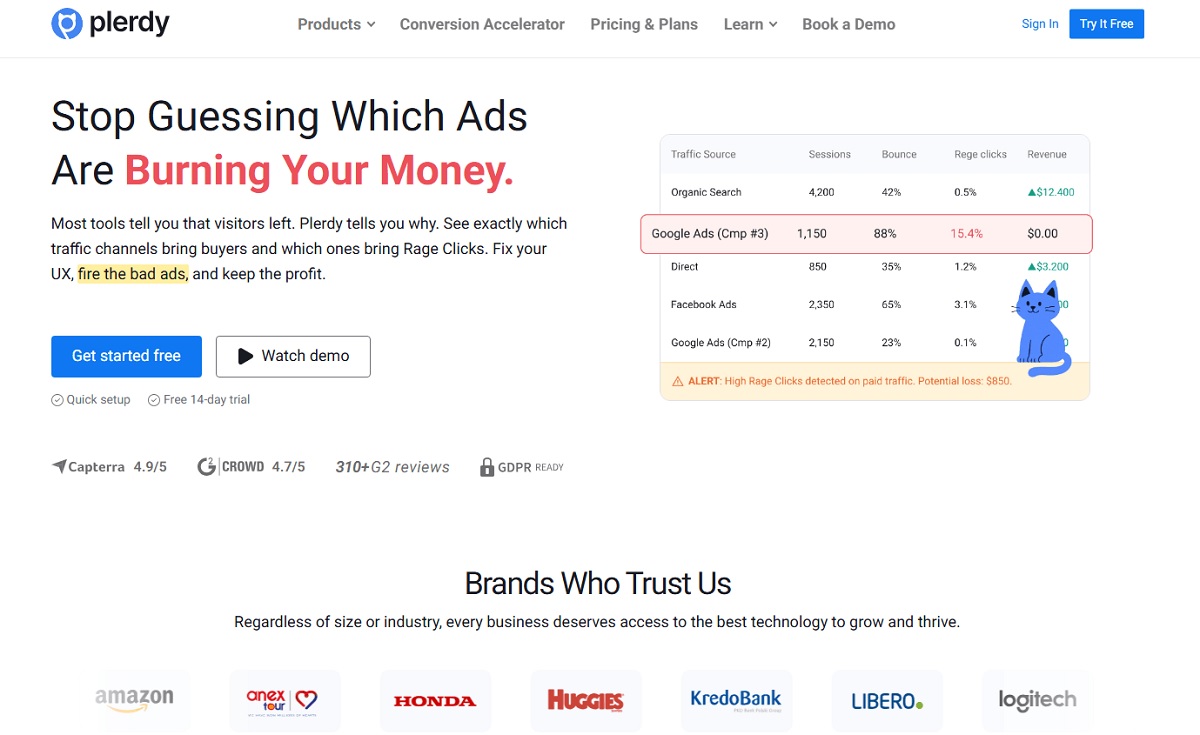
Plerdy replaces the part of Google Analytics that never worked: the “why”. It records traffic sources, events and e-commerce revenue like a conventional analytics tool, then layers heatmaps, session recordings and conversion funnels on the same data, so a drop in checkout completion is diagnosable in one account instead of three. A permanent free plan means the migration costs nothing to start.
Key features: click, scroll and hover heatmaps segmented by device and traffic source; session replay with event tagging; conversion funnels and event and goal tracking; e-commerce sales performance reports; error tracking; smart pop-up forms and NPS surveys; A/B testing; technical SEO audit with SEO alerts.
Use cases: diagnosing a checkout or lead form that leaks conversions; proving which above-the-fold block actually gets clicked before a redesign; catching JS errors that only fire on one browser; running exit-intent offers on high-bounce pages without a separate pop-up vendor.
Pros: one account covers traffic, behaviour, SEO and pop-ups; the free plan runs forever, not fourteen days; heatmaps filter by traffic source, which GA4 cannot do at all; e-commerce revenue is tied to the recording of the session that produced it.
Cons: not a drop-in for multi-channel attribution modelling — teams that live in GA4’s attribution reports should keep a traffic tool alongside; daily limits on heatmaps and recordings are tier-based, so very high-traffic sites need an upper plan.
Pricing: Free forever, covering 100 heatmaps, 500 session recordings and 5,000 SEO audits per day. Startup $21/mo billed annually, Scale $42/mo, Thrive $70/mo, Enterprise tiers $97–$253/mo. Annual billing carries a 35% discount — see Plerdy pricing.
Best for: marketing, CRO and e-commerce teams who need to explain a number, not just report it.
2. Matomo — Best Full Google Analytics Replacement With Data Ownership
Matomo is the closest thing to a like-for-like Google Analytics substitute, and the only one on this list you can run entirely on your own server for free. It keeps the familiar report structure — visitors, acquisition, behaviour, goals, e-commerce — and adds a Google Analytics import so historical data does not disappear on migration day. Over one million organisations run it, which makes it the safest choice when stakeholders resist change.
Key features: GA-style reporting with segments and custom dashboards; Google Analytics data import; e-commerce and goal tracking; Tag Manager; heatmaps, session recording, funnels and form analytics in paid bundles; full data ownership on On-Premise; ISO 27001:2022 certified cloud.
Use cases: replacing GA4 without retraining an analytics team; public-sector and healthcare sites that must keep data in-country; agencies needing white-labelled client reporting.
Pros: free forever when self-hosted, with unlimited hits and users; imports GA history; no data sampling; EU cloud hosted in Frankfurt.
Cons: self-hosting means you own the server, the upgrades and the database growth; the behavioural features that make it competitive with Plerdy or Clarity sit behind Team-tier bundles from €230/mo.
Pricing: On-Premise Community Edition is free. Cloud starts at €29/mo on the 50,000 hits per month tier, with a free trial and no card required. On-Premise paid bundles start at €230/mo billed annually — see Matomo pricing.
Best for: organisations that need the full GA feature set plus legal control of where the data lives.
3. Plausible Analytics — Best Lightweight Dashboard You Can Make Public
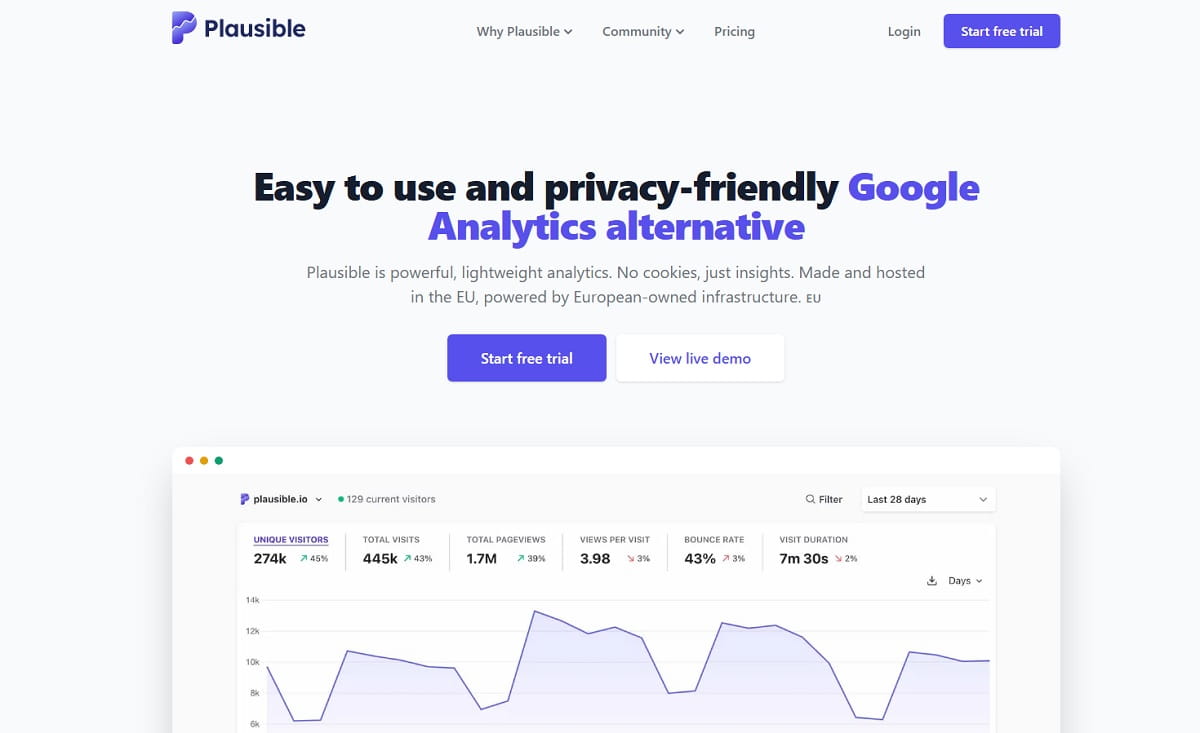
Plausible fits an entire traffic report on one scrollable page and loads a script under 1 KB, which is why performance-sensitive teams pick it. It is open source, cookieless, EU-hosted, and needs no consent banner for its default tracking — so the numbers you see are the numbers, not the consented subset. Public dashboards let you share live traffic without giving anyone an account.
Key features: single-page dashboard with no report hunting; goals, custom events and revenue tracking; UTM campaign reporting; public shareable dashboards; Search Console integration; self-hosting via the open-source Community Edition.
Use cases: SaaS and content sites that want a clean weekly traffic read; indie founders publishing open metrics; replacing GA4 on a marketing site while the product team keeps a separate event tool.
Pros: genuinely simple — a non-analyst can read it in a minute; script weight barely touches Core Web Vitals; independent, bootstrapped and profitable team; the code is open, so there is no lock-in.
Cons: no session replay, no heatmaps, no user-level funnels; pageview-based pricing gets expensive as traffic scales; three years of retention on the entry tier, not forever.
Pricing: Starter $9/mo covers 10k pageviews and one site with three years of retention. Growth is $14/mo for up to three sites, Business $19/mo for up to ten sites with five years of retention, and Enterprise is custom. A 30-day free trial needs no card, and annual billing gives two months free — see Plausible pricing.
Best for: teams who want one honest traffic number and nothing else to maintain.
4. Fathom Analytics — Best for Agencies Running Many Sites
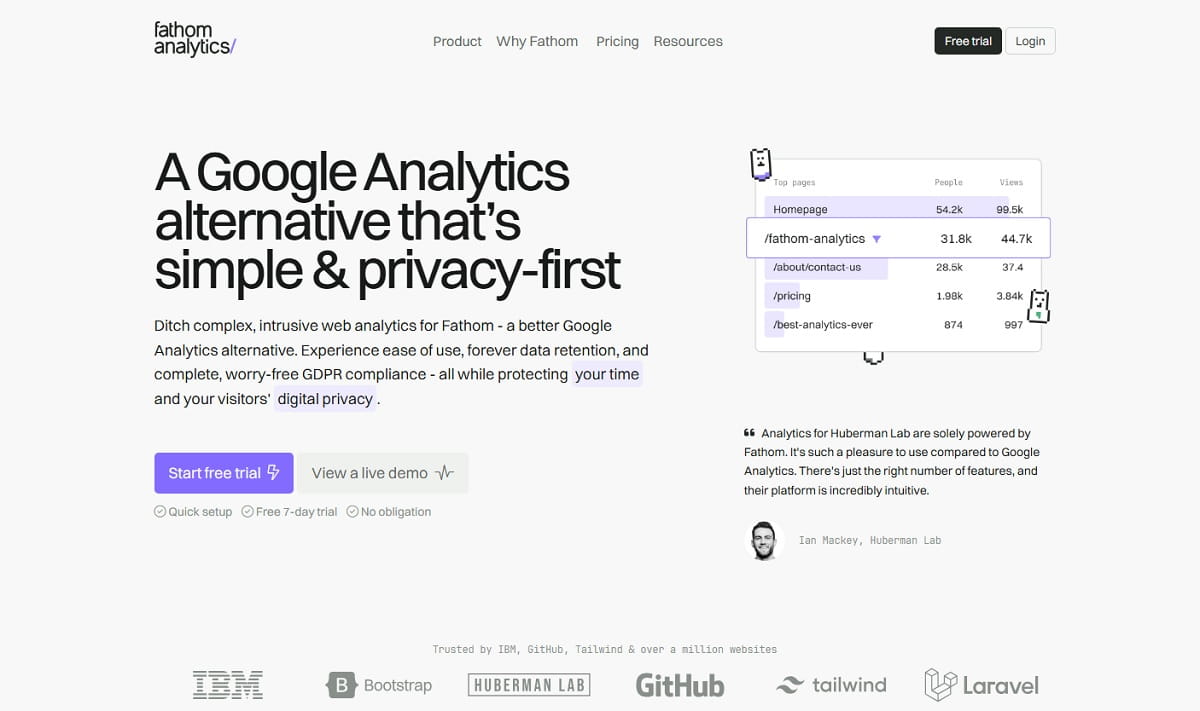
Fathom’s distinguishing feature is not the dashboard — it is that every plan includes at least 50 sites and keeps your data forever while you remain a customer. For an agency or a portfolio owner, that turns per-client analytics from a recurring line item into a fixed cost. It is cookieless and GDPR-compliant by design, so no consent banner is required for its tracking.
Key features: 50 or more sites included on every plan; unlimited data retention; event tracking and UTM campaign reports; email report digests; analytics API; EU isolation option for European visitors; bot filtering.
Use cases: agencies reporting on dozens of client sites from one login; portfolio and affiliate site owners; anyone who has lost history to GA4’s 14-month cap and refuses to repeat it.
Pros: forever retention is rare and genuinely valuable; fixed, transparent pricing with no discounting games; an extremely fast dashboard; a strong privacy posture with documented EU handling.
Cons: the entry price is the highest of any lightweight tool here; no heatmaps, replay or funnel analysis; pageview allowances are shared across all sites, so one busy client consumes the pool.
Pricing: from $45/mo for up to 500,000 pageviews with 50 sites included, and extra 50-site packs at $10/mo. Higher tiers scale to 2M, 10M and 25M+ pageviews. There is a 7-day free trial, and paying yearly gives two months free — see Fathom pricing.
Best for: agencies and multi-site operators who value retention and site count over per-site price.
5. Simple Analytics — Best Cookieless Layer to Run Beside GA4
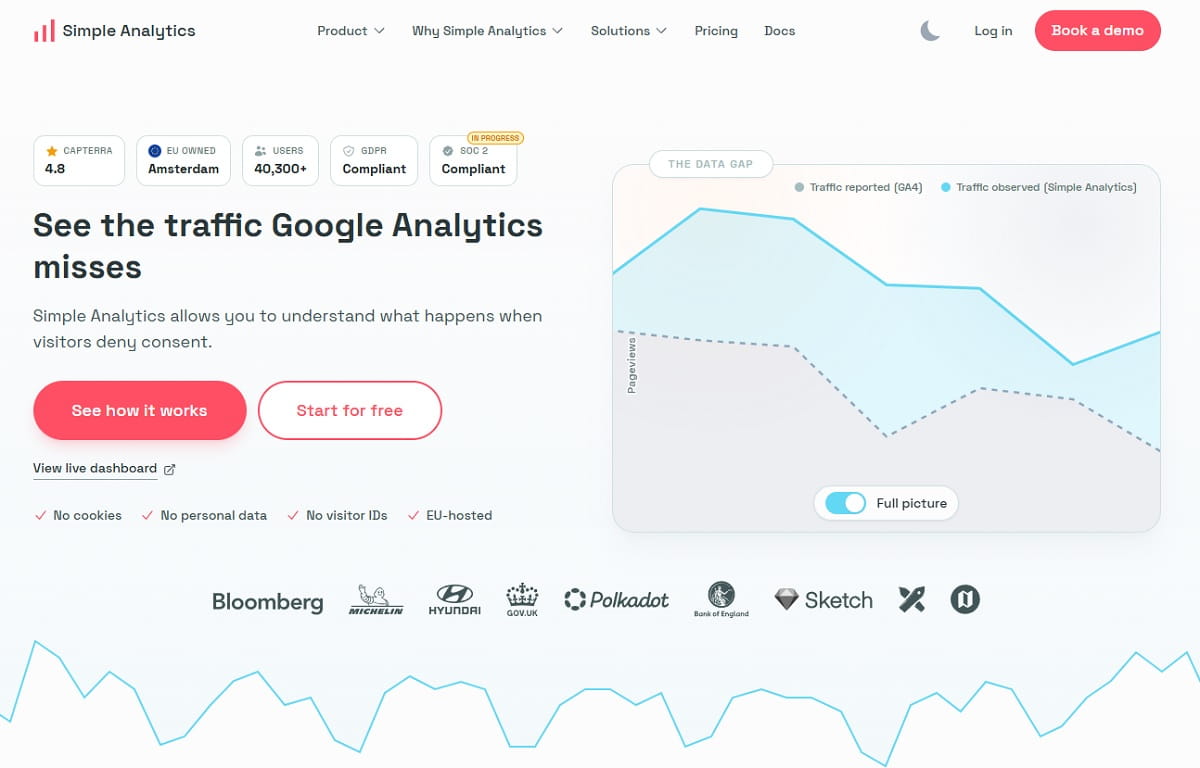
Simple Analytics has repositioned around a specific problem: the traffic GA4 never sees because visitors declined consent. It runs cookieless alongside your existing setup, recovers the missing sessions, and can push the combined picture into your data warehouse or BI tool. That makes it the least disruptive option here — you are not replacing GA4 on day one, you are closing its blind spot.
Key features: no cookies, no consent banner and no personal data; EU hosting in the Netherlands; API and raw data exports; data warehouse and BI connectors; a GA4 comparison view; up to five websites on the free plan.
Use cases: EU sites losing a large share of sessions to consent refusal; privacy-led brands that want a defensible compliance story; teams that need analytics data inside an existing warehouse.
Pros: the free plan is genuinely usable for small sites; usage-based pricing recalculates on your trailing three-month average, so spikes do not lock you into a tier; billing in EUR, USD or GBP, including Bitcoin.
Cons: the free tier keeps only 30 days of history; no behavioural analysis at all; positioning as a GA4 supplement means some teams end up paying for both.
Pricing: Free forever with 30-day history, five sites and one user. Self-serve starts at $20/mo with unlimited pageviews. Enterprise is custom, adding SSO and role-based access. The trial runs 14 days with no card — see Simple Analytics pricing.
Best for: European sites that need to recover consent-lost traffic without ripping out GA4.
6. Umami — Best Free Self-Hosted Option for Developers
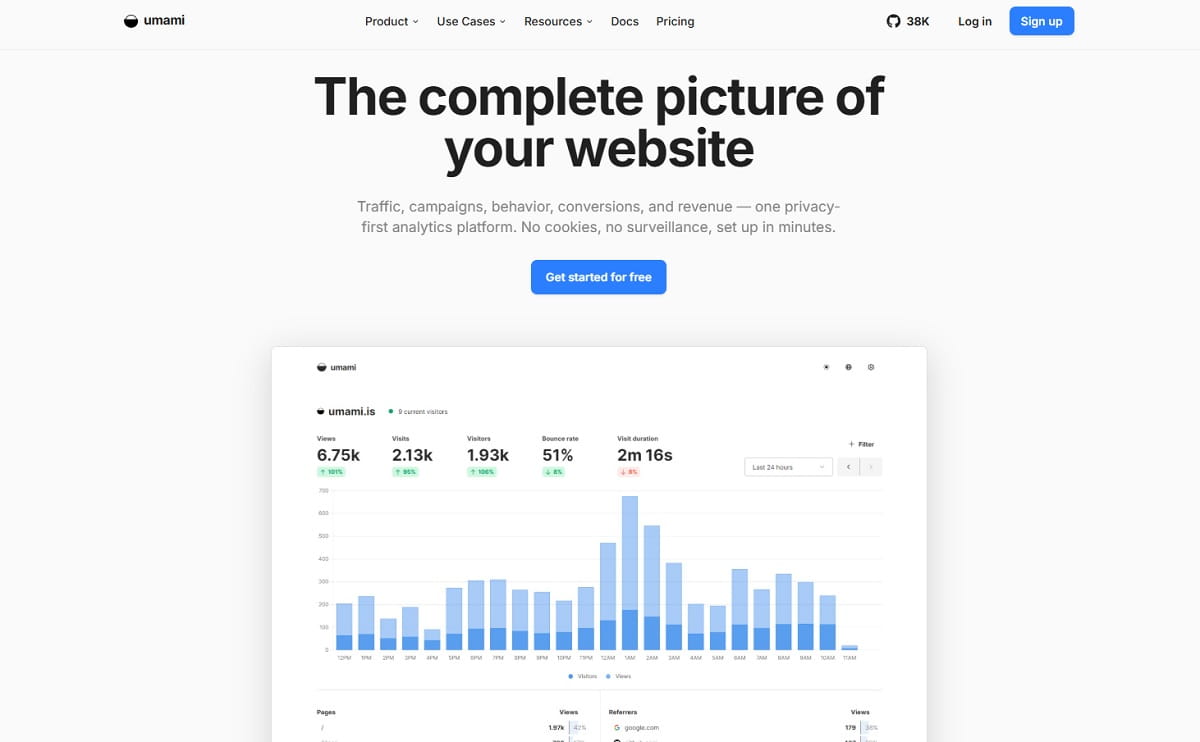
Umami is MIT-licensed, which means you can clone it, run it on a small VPS or a serverless Postgres instance, and pay nothing forever. The hosted Cloud plan exists for people who would rather not, and its free Hobby tier covers 100,000 events a month — more headroom than most sites need. The interface is deliberately minimal and the setup is a single script tag.
Key features: MIT-licensed open source; self-hosting on any Node plus PostgreSQL or MySQL stack; cookieless tracking; custom events and goals; multiple websites and team sharing; shareable report URLs.
Use cases: developers who want analytics inside their own infrastructure; privacy-first side projects; agencies hosting analytics per client on isolated databases.
Pros: free self-hosting with no feature gating; the Hobby cloud tier is free forever at 100k events a month; transparent overage pricing per additional event; a very small script.
Cons: reporting depth is basic — no funnels worth the name and no replay; self-hosting is your uptime problem; the Hobby tier caps retention at six months and three websites.
Pricing: Self-hosted is free under the MIT licence. Cloud Hobby is free with 100k events a month, three websites and six months of retention. Cloud Pro is $20/mo with 1M events a month, unlimited websites and five years of retention — see Umami pricing.
Best for: technical teams who treat analytics as another service in their stack.
7. Rybbit — Best Open-Source Tool With Replay and Funnels Built In
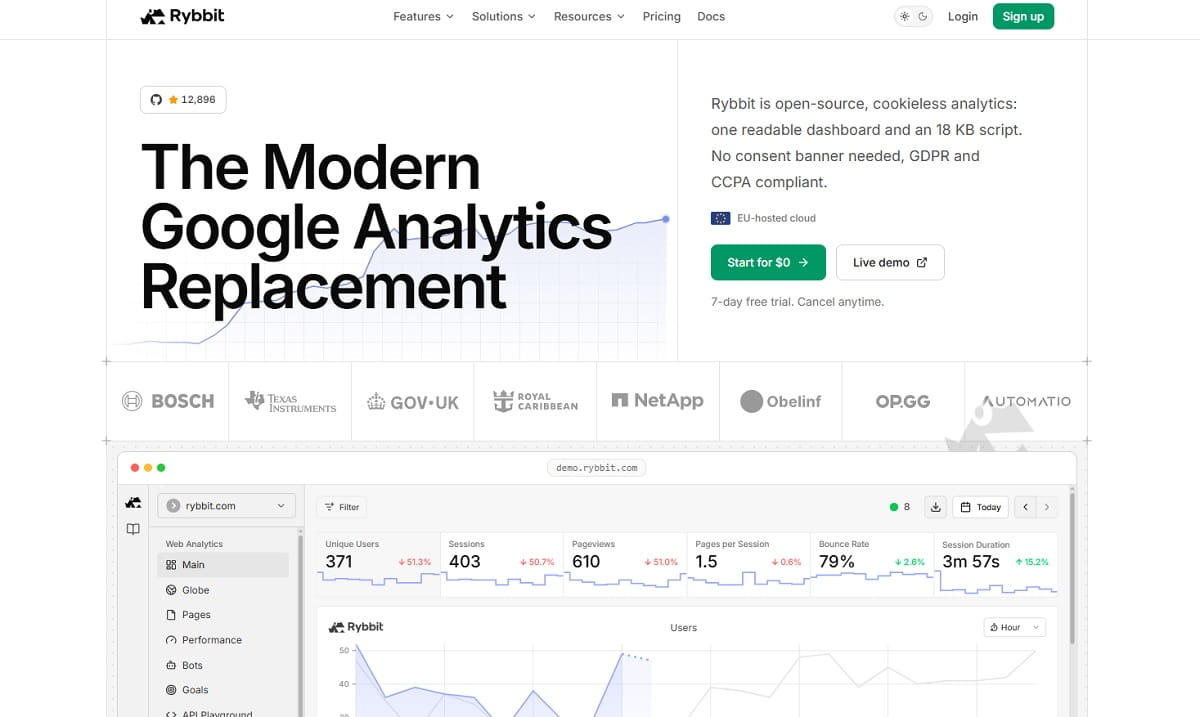
Rybbit is the newest name on this list and the reason it earns a place is scope: it is open-source and cookieless like Plausible, but ships session replay, funnels, user journeys, Core Web Vitals and JavaScript error tracking in the same product. For teams that wanted Plausible’s simplicity but kept hitting its ceiling, this is the upgrade path that does not require adding a second vendor.
Key features: session replay tied to real visits; funnel analysis with drop-off detection; user journey paths; goals and custom events; autocapture of clicks and form submissions; Core Web Vitals from real users; error tracking linked to affected sessions; retention reports; EU-hosted cloud or self-hosted deployment.
Use cases: replacing a Plausible or Umami setup that outgrew pageview counting; product-led SaaS wanting funnels without Mixpanel pricing; developers who want replay but refuse a closed-source vendor.
Pros: an unusually complete feature set at the price; open source with real self-hosting; EU cloud hosting; error tracking connected to sessions is a genuinely rare combination below enterprise pricing.
Cons: a young project with a shorter track record than Matomo or Plausible; session replay sits on the Pro tier, not Standard; self-hosted deployment is documented but not one-click.
Pricing: Standard is $13/mo billed annually, covering five websites with custom events, funnels and goals. Pro is $26/mo with unlimited websites and session replays, and Enterprise is custom with on-premise installation. A 7-day free trial applies, and usage scales from 100K to 20M+ monthly pageviews — see Rybbit pricing.
Best for: teams who want one open-source tool covering both traffic and behaviour.
8. Piwik PRO — Best for Regulated Industries and Consent Management
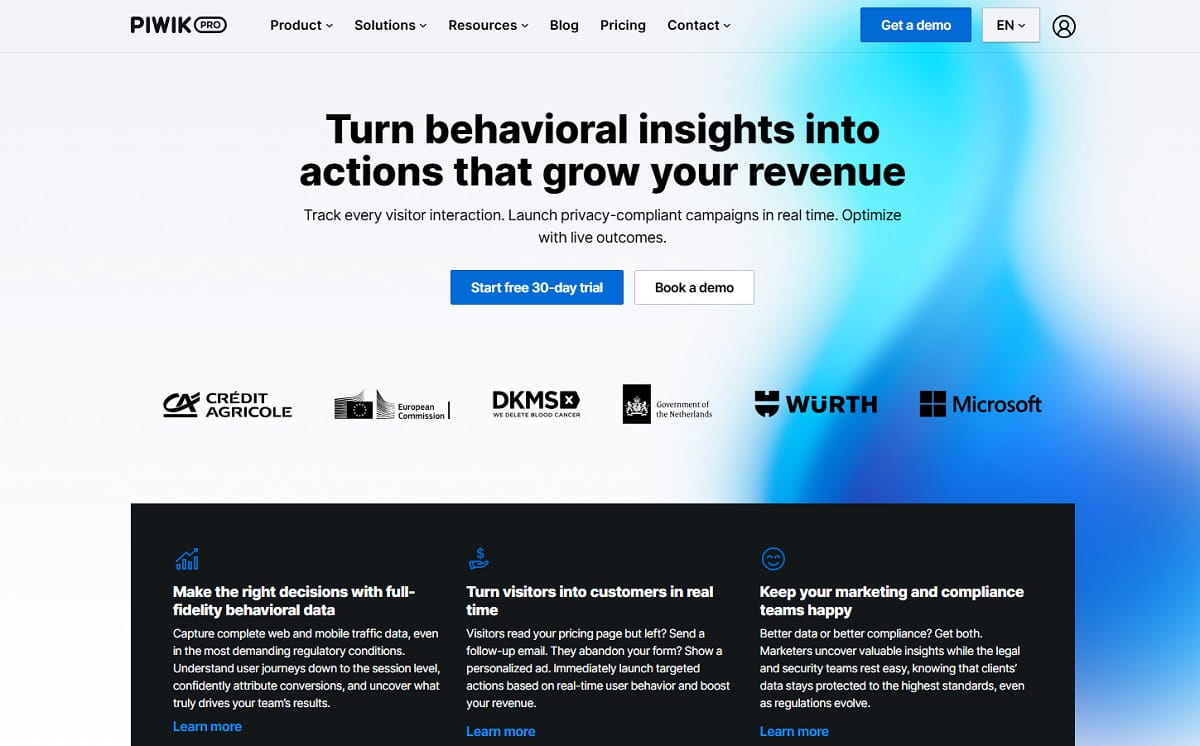
Piwik PRO is what you choose when legal review, not the marketing team, signs off on the analytics stack. It bundles analytics, tag manager, consent manager and customer data activation into one suite, and lets Enterprise customers pick the data centre — Germany, the Netherlands, the US, Sweden, Hong Kong or UAE North — including HIPAA-compliant US Azure. Note that the free Core plan older articles mention is no longer offered.
Key features: analytics, tag manager, consent manager and data activation in one suite; selectable data residency on Enterprise; 25-month data retention on Business; anonymisation and GDPR or HIPAA controls; private cloud and on-premise deployment; up to 20 domains on the entry plan.
Use cases: banking, insurance, healthcare and government sites; organisations that must document consent alongside analytics; enterprises replacing GA360 for compliance reasons.
Pros: the consent manager is included rather than bolted on; genuine data-residency choice; unlimited actions available on upper Enterprise tiers; strong audit and access controls.
Cons: there is no free plan, which is the main change since most competing lists were written; Business hosting is Sweden-only; pricing starts well above every lightweight tool here.
Pricing: Business starts at €36/mo for up to 2M actions a month across 20 domains with 25-month retention. Enterprise starts at €366/mo billed annually across the Data Fundamentals, Trusted Insights and Secure Intelligence tiers. A 30-day free trial needs no card — see Piwik PRO pricing.
Best for: compliance-led organisations that need analytics and consent governed together.
9. Pirsch Analytics — Best Cheap Paid Tier With German Hosting
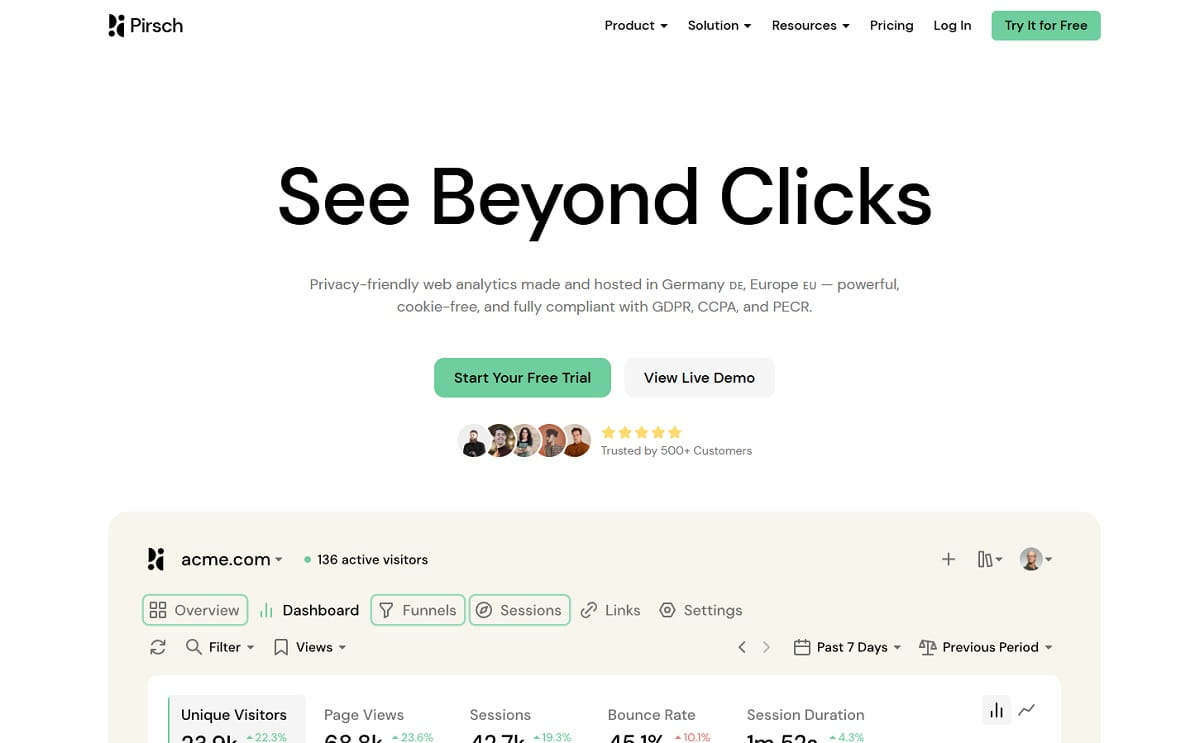
At $6 a month Pirsch is the lowest credible paid entry point on this list, and it still includes 50 websites, unlimited team members and unlimited data retention. It is built and hosted in Germany, imports your Google Analytics history, and adds small practical touches — a built-in URL shortener, session analysis, conversion goals — that cost extra elsewhere.
Key features: cookieless tracking with unlimited data retention; Google Analytics import; conversion goals and custom events; session analysis; a built-in URL shortener; REST API and SDKs; funnels, A/B testing, segmentation and white-labelling on the Plus tier.
Use cases: small businesses that want German hosting on a small budget; developers wanting an API-first analytics backend; sites needing unlimited retention without Fathom’s price.
Pros: the cheapest serious paid tier here; unlimited retention from the entry plan; 50 websites on Standard and unlimited on Plus; payment by card, PayPal or SEPA.
Cons: it is not open source, despite frequently appearing on open-source roundups; funnels and A/B testing require the Plus tier; a smaller ecosystem and fewer integrations than Matomo.
Pricing: Standard is $6/mo for 10,000 monthly pageviews across 50 websites with unlimited retention. Plus is $12/mo with unlimited websites, funnels, A/B testing and segmentation. Enterprise is custom, with on-premise installation and SAML SSO. The trial runs 30 days with no card — see Pirsch pricing.
Best for: cost-sensitive teams that want EU hosting and full data retention.
10. GoatCounter — Best Free Option for Personal and Open-Source Sites
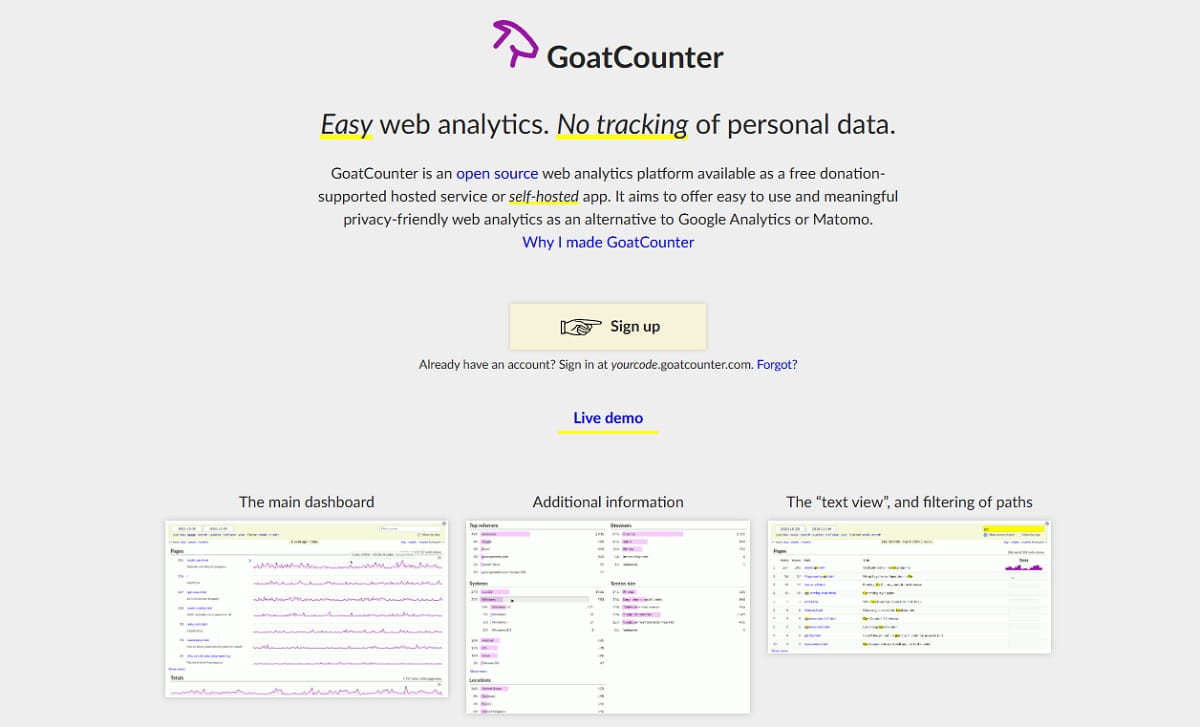
GoatCounter is free for reasonable non-commercial use, funded by GitHub Sponsors rather than a pricing page, and fully open source. It counts pageviews, referrers, browsers and locations — nothing more — with no cookies and no account required for visitors. For a personal blog or an open-source project site, it is the honest minimum that costs nothing and asks nothing of your readers.
Key features: open source and self-hostable as a single Go binary; no cookies and no personal data; pageviews, referrers, locations, browsers and screen sizes; public dashboards; email reports; a free hosted service for personal and small-business use.
Use cases: personal blogs and documentation sites; open-source project pages; developers who want a single binary they can drop on a server.
Pros: genuinely free and hosted, with no card and no trial clock; trivial self-hosting with one binary and SQLite or PostgreSQL; the maintainer is explicit about the free-use boundary.
Cons: minimal reporting by design, with no funnels, goal depth or behaviour data; the hosted service relies on donations, which is a sustainability consideration for commercial sites; no formal SLA.
Pricing: the hosted service is free for reasonable public usage, including personal sites and small-to-medium businesses, and is funded through GitHub Sponsors. Self-hosting is free.
Best for: personal and community projects that need a visit count, not an analytics programme.
11. Cloudflare Web Analytics — Best Free Option If You Already Use Cloudflare
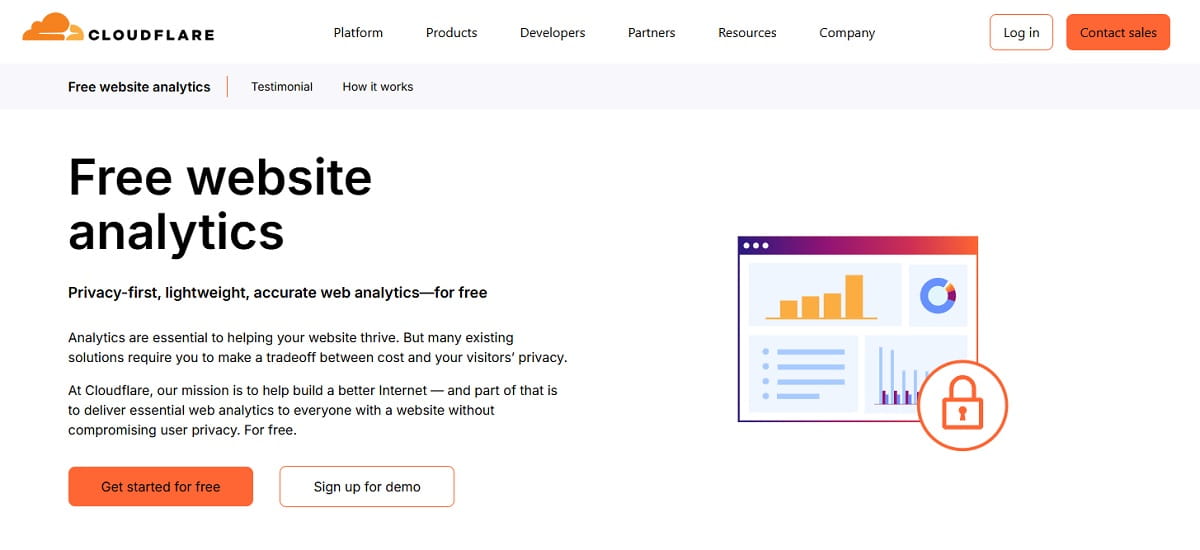
Cloudflare Web Analytics is included on all Cloudflare plans, including the free one, and it does not require you to proxy your site or change DNS — a JavaScript beacon is enough. It reports Core Web Vitals from real visitors alongside traffic, which is the combination most lightweight tools miss. If Cloudflare is already in your stack, this is the shortest path to cookieless numbers.
Key features: available on all plans at no additional cost; privacy-first with no cookies or client-side state; Core Web Vitals from real user monitoring; works without proxying through Cloudflare; referrer, path, country, device and browser breakdowns.
Use cases: sites already behind Cloudflare; teams that care about real-user performance data next to traffic; a zero-cost fallback while evaluating paid tools.
Pros: free with no traffic tier; real user performance metrics built in; one fewer vendor relationship if you are already a customer.
Cons: reporting depth is shallow, with no goals, funnels or e-commerce; retention and filtering are limited compared with any paid tool here; you are consolidating more of your stack with a single provider.
Pricing: free, included on all Cloudflare plans.
Best for: existing Cloudflare users who want cookieless traffic and Web Vitals at zero cost.
12. Clicky — Best for Watching Visitors in Real Time
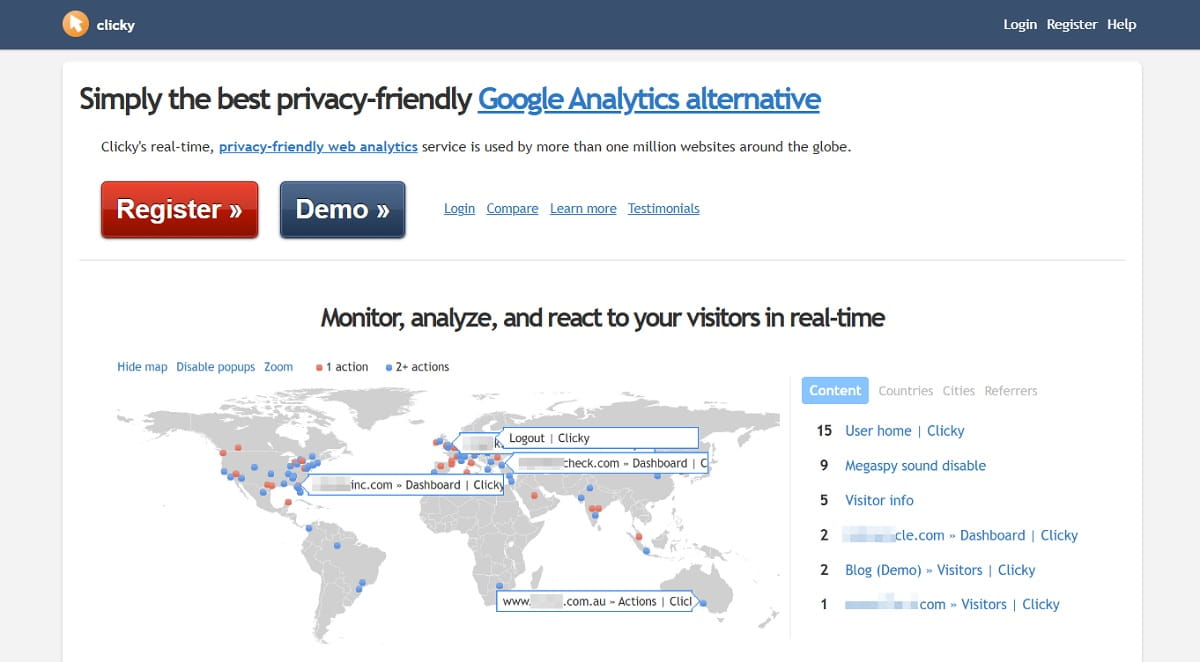
Clicky has been doing real-time analytics since before it was fashionable, and its individual visitor stream is still the clearest on the market: you see each visit, its page sequence, and its JavaScript events as they happen. Over a million sites use it. Heatmaps and uptime monitoring are included from the Pro Plus tier, which is unusual at this price.
Key features: a live per-visitor stream with full action history; page-level and visitor-level heatmaps with filtering; uptime monitoring with multi-location alerts; advanced bot detection and blocking; GDPR-compliant anonymised tracking with no cookie banner; segmentation and custom filters.
Use cases: publishers watching a launch or a campaign land in real time; support and sales teams identifying an individual visit; small sites wanting analytics plus uptime on one bill.
Pros: real-time detail no privacy-lite tool matches; heatmaps included rather than sold separately; a usable free plan; aggressive, well-maintained bot filtering.
Cons: the interface shows its age next to Plausible or Rybbit; limits are expressed in daily pageviews, which punishes spiky traffic; heatmaps and uptime need Pro Plus, not the base Pro tier.
Pricing: the free plan covers one site, 3,000 daily pageviews and 30 days of history. Pro is $9.99/mo for ten sites and 30,000 daily pageviews, Pro Plus is $14.99/mo adding heatmaps and uptime, and Pro Platinum is $19.99/mo for 30 sites, with custom pricing above that. New accounts get a 21-day premium trial — see Clicky pricing.
Best for: teams who want to watch traffic arrive, not review it tomorrow.
13. Statcounter — Best Simple Visitor Log for Small Sites
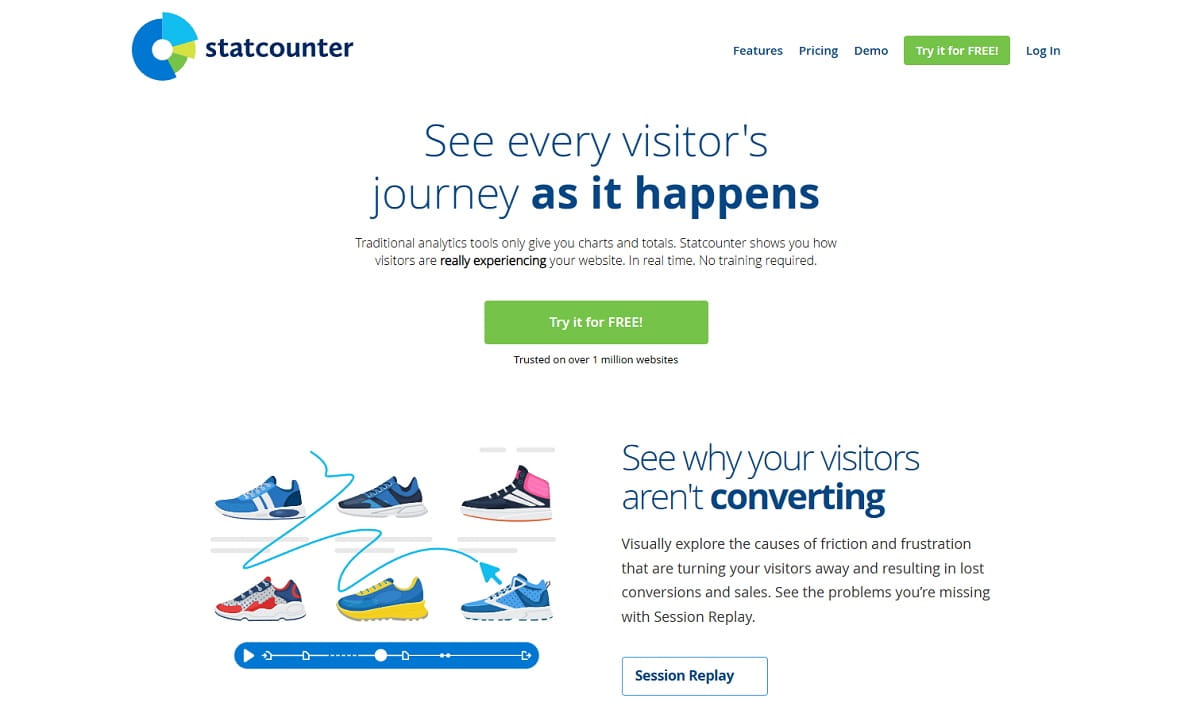
Statcounter has run continuously since 1999, which on this list counts for something. It is the straightforward visitor-log tool: who came, from where, what they looked at, in order. The free plan covers 5,000 sessions a month, and session replay is available as a paid add-on rather than being bundled into a tier you do not need.
Key features: detailed visitor logs with page paths; conversion tracking and landing page analysis; keyword and referrer reports; API access on Premium; session replay as a separate add-on; more than 25 years of operating history.
Use cases: small business sites that want to see individual visits; long-running sites with historical Statcounter data; anyone who finds modern analytics dashboards over-abstracted.
Pros: cheap, stable and predictable; the free plan is workable for low-traffic sites; replay is optional, so you only pay for what you use.
Cons: the free plan retains only 14 days of data; a dated interface and reporting model; session replay is billed on top, starting at €9/mo for 1,000 recordings.
Pricing: the Basic plan is free with 5,000 sessions a month and 14-day retention. Premium starts at €9/mo for 20,000 sessions with conversion tracking, landing page analysis and API access. The session replay add-on starts at €9/mo for 1,000 recordings — see Statcounter pricing.
Best for: low-traffic sites that want a visitor log and a small, predictable bill.
14. Microsoft Clarity — Best Free Behaviour Analytics, With One Caveat
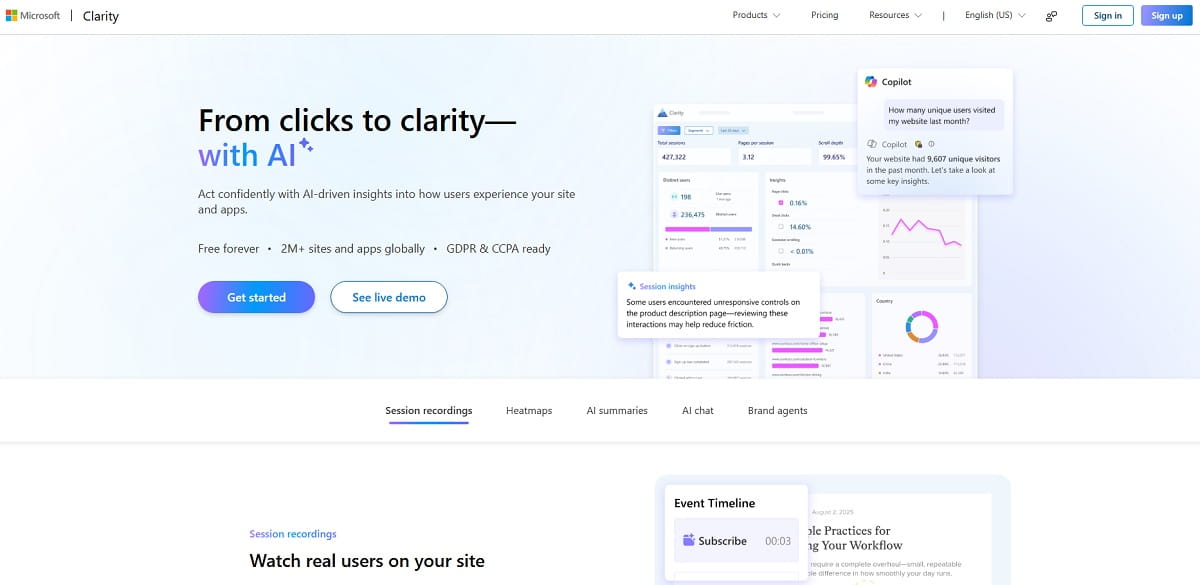
Clarity is free forever with no traffic limits, serves millions of sites, and gives you heatmaps, session recordings and AI summaries at no cost. The caveat matters and Microsoft states it plainly: Clarity analyses behaviour, not acquisition. It is complementary to Google Analytics rather than a replacement for traffic and channel reporting — so treat it as half a migration, not a whole one.
Key features: unlimited free heatmaps and session recordings; rage-click, dead-click and excessive-scroll detection; Copilot AI summaries and chat over your data; AI Visibility reporting on how AI systems crawl and cite your content; GDPR and CCPA compliance; integrations with GA4 and major content management systems.
Use cases: adding a behaviour layer to any traffic tool on this list; UX teams validating a redesign without a budget line; quickly locating friction on a single high-value page.
Pros: free with no traffic ceiling, which nothing else here matches; recording and heatmap quality is genuinely good; AI summaries shorten review time on large recording sets.
Cons: it is not a traffic analytics replacement, with no channel, campaign or acquisition reporting worth the name; your behavioural data sits with Microsoft and feeds its products; segmentation is limited compared with paid behaviour tools.
Pricing: free forever, with no traffic limits.
Best for: any team that wants heatmaps and replay at zero cost, paired with a traffic tool rather than instead of one.
15. Mixpanel — Best for Product Teams Tracking Funnels and Retention
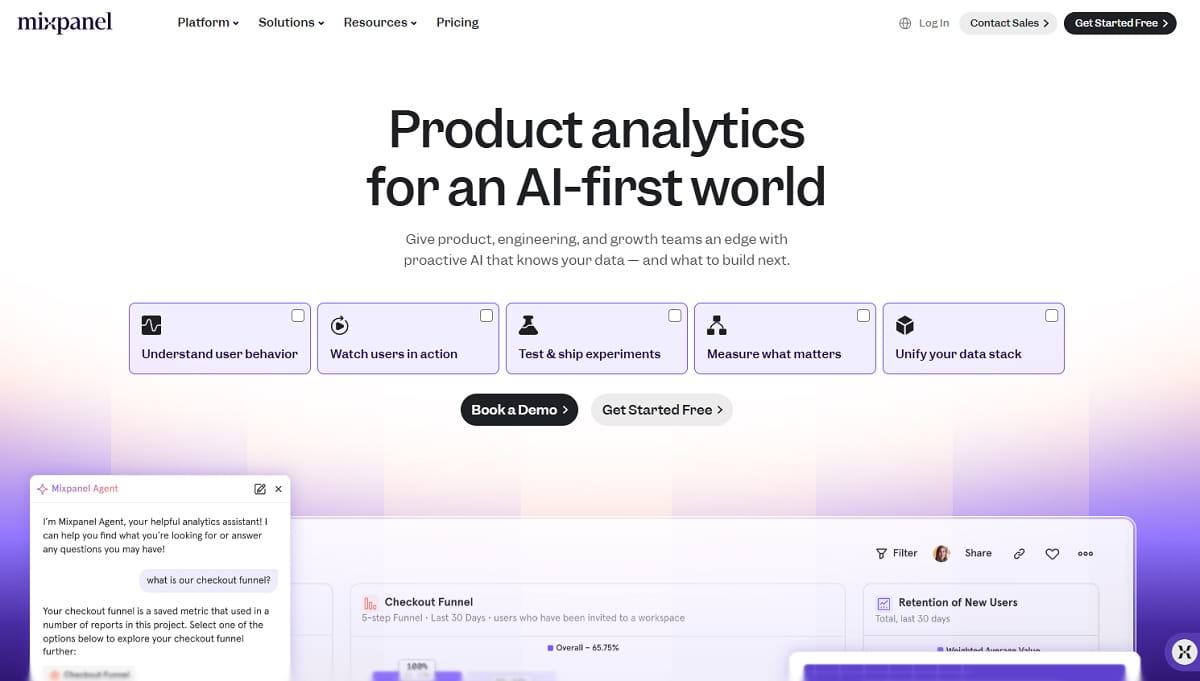
Mixpanel answers questions GA4 struggles with: which sequence of actions predicts retention, where a signup funnel breaks by cohort, what a specific user did before churning. Its free tier now allows 1M events per month with unlimited seats and 10K session replays, which is enough for most early-stage products to run on indefinitely.
Key features: event-based product analytics with funnels, retention and cohort reports; session replay included from the free tier; unlimited seats on all plans; experiment analysis with a monthly allowance on Growth; warehouse connectors and a mature API.
Use cases: SaaS and mobile products measuring activation and retention; growth teams running experiments; replacing GA4 for in-app behaviour where pageviews are the wrong unit.
Pros: best-in-class funnel and cohort analysis; an unusually generous free tier at 1M events; unlimited seats remove the per-user tax most competitors charge; a startup programme offers a free first year under funding thresholds.
Cons: it is product analytics, not web analytics, so SEO and content reporting are weak; event taxonomy requires deliberate design or the data becomes unusable; costs climb quickly once you pass free-tier volume.
Pricing: the free plan covers up to 1M events a month with unlimited seats and 10K monthly session replays. Growth starts at $0 and scales to 20M events a month, with annual billing saving around $480 a year. Enterprise is custom, up to 1T events a month — see Mixpanel pricing.
Best for: product teams whose key questions are about users and actions, not sessions and pages.
16. Amplitude — Best for Combining Product and Marketing Analytics
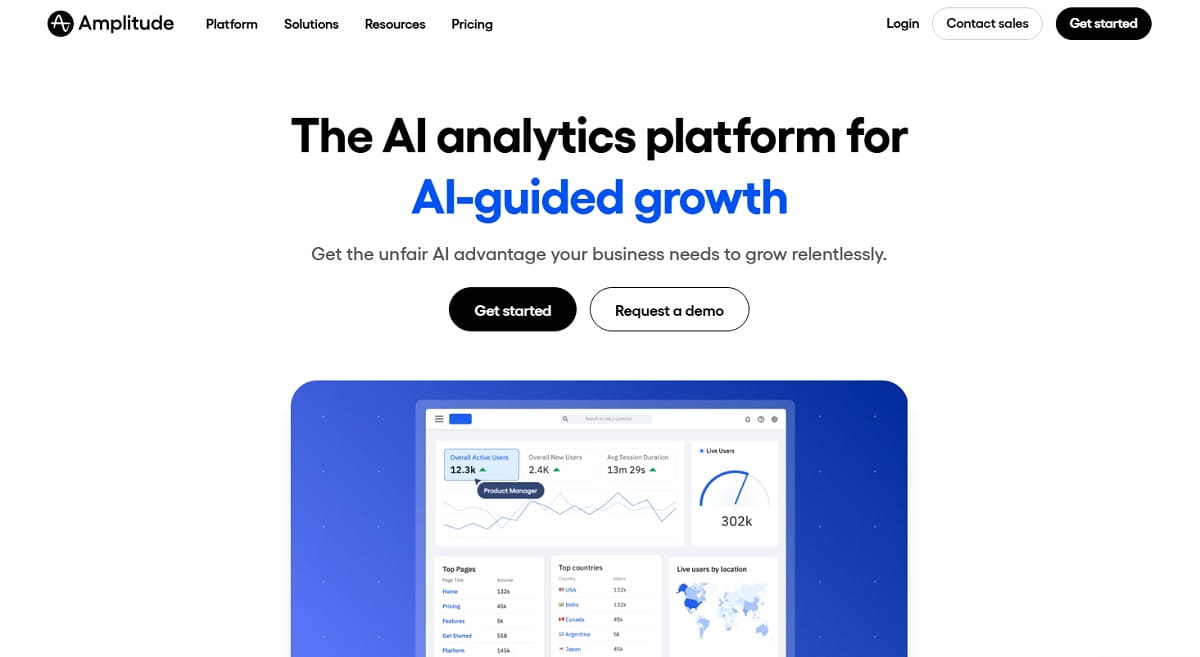
Amplitude is the enterprise-grade counterpart to Mixpanel, and the difference that matters for this list is its Marketing Analytics module: acquisition and campaign reporting sitting next to product behaviour, installed with one line of code. Its free plan allows 2M events a month forever and includes session replay and feature flags, making it viable well past the prototype stage.
Key features: product and marketing analytics in one platform; behavioural cohorts and pathfinder analysis; session replay and heatmaps; feature flags and experimentation; AI-assisted analysis; warehouse-native deployment options; two-year data retention on Plus.
Use cases: companies whose marketing and product teams must argue from the same dataset; replacing GA4 where campaign data has to connect to in-product outcomes; enterprises consolidating several analytics vendors.
Pros: the largest free allowance here at 2M events a month; it covers both acquisition and product questions; heatmaps are included on Plus; governance and access controls appropriate for large organisations.
Cons: more platform than most teams need for a website; Growth and Enterprise pricing is quote-only, so budgeting requires a sales conversation; implementation is a project, not an afternoon.
Pricing: the free plan gives 2M events a month forever with no card, including core analytics, session replay and feature flags. Plus starts at $0 for the first 2M events and scales to 70M with custom pricing, adding custom events, 20 behavioural cohorts, heatmaps and two-year retention. Growth and Enterprise are custom — see Amplitude pricing.
Best for: organisations that need one platform to answer both marketing and product questions.
Tools We Cut From This List, and Why
Most Google Analytics alternative roundups recycle names without checking them. These four still appear on competing lists in 2026 and should not — each was verified against the vendor’s own site in August 2026.
| Tool | Status | Evidence |
|---|---|---|
| Gauges (gaug.es) | Discontinued | get.gaug.es now returns a 308 permanent redirect to usefathom.com. The product no longer exists. |
| Smartlook | Being decommissioned | Acquired by Cisco and folding into Splunk Observability Cloud. End of sale 31 May 2026, renewals ended 31 August 2026, full decommission and data deletion on 30 September 2027. |
| Heap | Merged and rebranded | Now part of Contentsquare’s Experience Intelligence platform. Still sold, but no longer an independent product — evaluate it as Contentsquare. |
| Leadfeeder | A different job entirely | B2B website visitor identification, naming the companies that visit you. Useful, but it does not replace traffic or behaviour reporting. |
Three more deserve a note rather than a listing. GoSquared is still trading and still sells real-time analytics, but has broadened into live chat and marketing automation. Woopra and Kissmetrics both remain active as customer-journey and revenue-attribution platforms, closer to Mixpanel than to a GA replacement. FoxMetrics is active but publishes no pricing, which fails criterion three above.
How to Choose the Right Google Analytics Alternative
Start from the question you could not answer in GA4, not from a feature list. Four paths cover almost every case:
- “I just want clean traffic numbers.” Plausible, Fathom, Umami, Pirsch or Cloudflare Web Analytics. Pick on price, hosting and site count; feature differences are small.
- “I need to know why people don’t convert.” Plerdy for traffic plus behaviour in one account, or Microsoft Clarity if the budget is zero and you already have a traffic tool.
- “Legal has to sign this off.” Matomo On-Premise for full ownership, or Piwik PRO when consent management and data residency must be contractual.
- “My unit is the user, not the pageview.” Mixpanel or Amplitude. Rybbit is the cheaper middle ground if funnels and replay are enough.
One more filter decides more migrations than any feature: how long you keep the data. GA4 standard properties cap user and event data at 14 months. Fathom and Pirsch keep it indefinitely, Plausible gives three to five years, and Umami Pro gives five. If year-over-year comparison matters to your reporting, that single row eliminates half the shortlist before you read another feature.
How to Migrate Off Google Analytics Without Losing Your History
Run both tools in parallel for at least one full month before switching off GA4 — numbers will differ, and you need the overlap to explain why to stakeholders. Cookieless tools typically report more sessions than a consent-gated GA4 property, not fewer.
- Export GA4 history first. Use the BigQuery export or Explorations CSV while the property still exists.
- Choose an importer if history matters. Matomo and Pirsch both import Google Analytics data; most others start from zero.
- Rebuild goals as events. Write the event taxonomy down before you implement it — this is where migrations fail.
- Install in parallel and compare for 30 days. Document the gap between the two tools so nobody relitigates it later.
- Add the behaviour layer. Once traffic reporting is stable, add heatmaps and session recordings so the new stack answers “why”, which is the reason most teams left in the first place.
- Decommission GA4 deliberately. Remove the tag, archive the export, and update any dashboards that still query it.
If you want one tool that reports traffic and shows you the clicks, scrolls and sessions behind it, start with Plerdy’s free plan. If you want a like-for-like GA replacement you fully own, self-host Matomo. If you want the lightest possible dashboard, Plausible. Everything else on this list is a specialist answer to a specific constraint.
Frequently Asked Questions
What Is the Best Free Google Analytics Alternative?
For behaviour data, Microsoft Clarity is free forever with no traffic limits. For traffic reporting, Umami’s Hobby plan at 100k events a month and Cloudflare Web Analytics are both free and cookieless, and Matomo On-Premise is free with unlimited hits if you can host it. Plerdy’s free plan is the broadest, covering heatmaps, session recordings and SEO audits in one account without a time limit.
Can I Import My Google Analytics Data Into Another Tool?
Yes, but only into some of them. Matomo and Pirsch both offer a direct Google Analytics import. Most other tools start collecting from installation day. Export your GA4 data through BigQuery or Explorations before you decommission the property — once a property is deleted, the history is unrecoverable.
Do Google Analytics Alternatives Work With Ad Blockers?
Better, generally. Ad blockers widely block google-analytics.com and googletagmanager.com by default. Cookieless tools that serve their script from a first-party or less-recognised domain, such as Plausible, Fathom, Umami, Pirsch and Plerdy, are blocked far less often, which is one reason their session counts run higher than GA4’s for the same site.
Is Google Analytics Going Away?
GA4 is not being retired. Universal Analytics was: Google removed access to UA data and the interface in July 2024, and those properties were permanently deleted. GA4 remains Google’s active product, so any migration you make now is a choice about fit and control, not a forced move.
Which Google Analytics Alternative Has the Best Funnel Analysis?
Mixpanel and Amplitude lead on funnel and cohort depth for product teams. For website funnels tied to what visitors actually did on the page, Plerdy’s conversion funnels connect each drop-off to the heatmap and session recording behind it. Rybbit is the strongest funnel option among open-source tools, and Matomo offers funnels in its Team-tier bundles.
How Much Do Google Analytics Alternatives Cost?
Credible paid tiers start around $6/mo with Pirsch and $9/mo with Plausible, with mid-range tools between $13 and $45/mo. Enterprise and compliance-focused platforms start at €36/mo for Piwik PRO Business and rise from there. Several genuinely free options exist, including Clarity, Cloudflare, Umami Hobby, GoatCounter and Matomo On-Premise, so budget rarely decides the outcome on its own.