12 Best OptinMonster Alternatives And Competitors In 2026

Andrew Chornyy - 001

CEO Plerdy — expert in SEO&CRO with over 15 years of experience.

See where your website loses sales

Create a free Plerdy account to find revenue leaks in minutes. See where visitors click, scroll, drop off, and what stops them from buying — with heatmaps, session recordings, SEO checks, and UX insights.

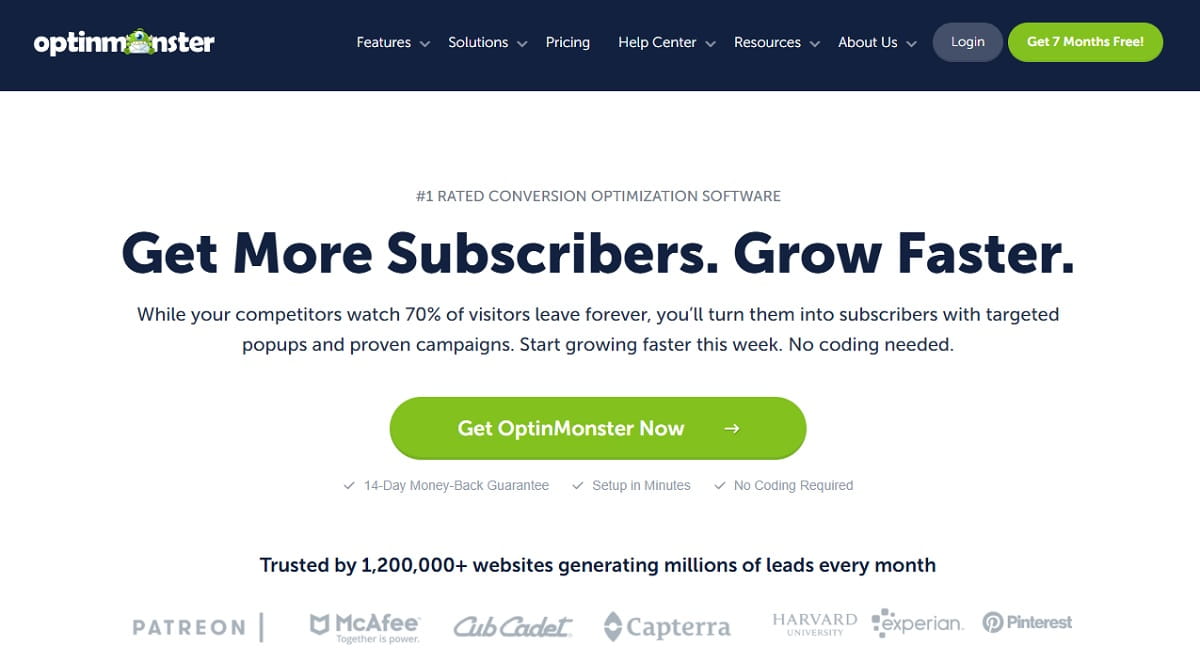
OptinMonster still builds a solid popup, but it is no longer the obvious default. Exit-intent — the one feature most people buy it for — sits on the $29/month Pro tier, impressions are capped per plan, and the dashboard reports that a campaign converted without ever showing you why everyone else left. That last gap is why most teams end up paying for a popup builder and an analytics tool side by side.

This guide ranks 12 verified OptinMonster alternatives and competitors, with current pricing checked against each vendor’s own pricing page in 2026. We start with Plerdy, because it is the one option on this list that pairs a popup builder with the heatmaps, session replay, and conversion tracking you would otherwise buy separately — so you can see the behavior that made the popup work, not just the opt-in count. Every entry below lists key features, real pricing, honest trade-offs, and who it actually fits.

Key Takeaways

  • Best all-in-one replacement: Plerdy — popups plus heatmaps, session replay, and SEO in one subscription, with a permanent free plan.
  • Best genuinely free plan: OptiMonk gives every feature on 10,000 monthly pageviews; Claspo and Picreel also run forever-free tiers.
  • Cheapest paid entry: Optinly at $9/month and Picreel at $9.99/month undercut the $19 OptinMonster Plus tier.
  • Best for ecommerce personalization: OptiMonk and Justuno.
  • Enterprise pick: Wisepops, but note it now starts at €499/month — it has moved well out of the small-business bracket.
  • Watch out: BDOW! (formerly Sumo) is functional but shows maintenance-mode signals after its 2024 acquisition. Verify it fits before committing.

Why Look For OptinMonster Alternatives And Competitors

OptinMonster pricing tiers showing exit-intent locked to the Pro plan

OptinMonster earned its market share honestly. It has been around since 2013, it turned the exit-intent popup from a niche trick into a standard tactic, and its rule builder is still one of the more capable ones in the category. The reasons people leave are rarely about the builder itself.

What OptinMonster Does Well

The campaign types are broad: lightbox popups, floating bars, slide-ins, gamified wheels, inline forms, and full-screen mats. Display rules cover page-level targeting, referrer source, device, cookie state, scroll depth, and the MonsterLinks click-to-open trigger. The template library is large and integrations cover most major email service providers. For a content site that mainly needs email capture, it does the job it promises.

Where OptinMonster Falls Short

Four complaints come up repeatedly, and all four are structural rather than cosmetic:

  • No free plan. Almost every competitor below offers either a forever-free tier or a much cheaper entry point. OptinMonster starts at $7/month billed annually, and that tier allows one site and 2,500 impressions.
  • Exit-intent is gated to $29/month. The signature feature is unavailable on Basic and Plus. Picreel, Poptin, OptiMonk, and Claspo all ship exit-intent on cheaper tiers or free plans.
  • Impression caps bite early. Plus allows 10,000 impressions per month across two sites. A modest blog with 30,000 monthly sessions will exhaust that and stop showing campaigns mid-month.
  • It reports conversions, not behavior. You learn that a popup converted. You do not learn where visitors scrolled before it fired, which element they rage-clicked, or what the session looked like around it. That needs a second tool.

The fourth point is the expensive one. Teams routinely pay for OptinMonster plus a separate behavior analytics subscription, which is why an integrated option deserves a look before you renew.

How We Chose These OptinMonster Alternatives

A tool made this list only if it clears four tests:

  1. It replaces the core job. The product must build and display on-site campaigns — popups, bars, slide-ins, or embedded forms — with targeting rules. Email platforms that merely include a signup widget were excluded from the ranked list and handled in the comparison section instead.
  2. Pricing was verified in 2026. Every price below was read from the vendor’s own pricing page while writing this guide, not copied from an older roundup. Popup pricing moves fast: Wisepops alone has shifted from double-digit monthly plans to €499/month entry pricing.
  3. The product is actively operating. We confirmed each vendor is still trading and shipping. Where a product shows warning signs — as BDOW! does after its acquisition — that is stated in its entry rather than quietly omitted.
  4. Trade-offs are named. Every entry lists at least one real limitation. A roundup where every tool is excellent is a directory, not a recommendation.

Two exclusions worth explaining: ConvertBox, because its lifetime-versus-subscription pricing could not be confirmed from official sources at the time of writing; and single-purpose WordPress plugins, which are grouped in their own section further down.

Best OptinMonster Alternatives Compared

ToolFree PlanPaid FromExit-IntentBest For
PlerdyYes — 100 popups, 100 heatmaps/day, 500 replays$21/mo (annual)YesPopups plus behavior analytics in one tool
OptiMonkYes — 10,000 pageviews, all features$19/moYesEcommerce personalization
PoptinYes — 1,000 visitors$25/moYesSmall teams on a budget
PrivyNo — 15-day trial$24/mo (displays only)YesShopify email and SMS in one
WisepopsNo — 14-day trial€499/moYesHigh-traffic brands wanting a strategist
JustunoNo — 14-day trial$59/moYesEcommerce journeys and AI recommendations
SleeknoteNo — 14-day trialQuote-basedYesGamified, on-brand campaigns
ClaspoYes — 3,000 pageviews, all featuresTiered by pageviewsYesFull feature access on a free tier
PicreelYes — 5,000 pageviews$9.99/moYes (Business tier)Cheapest exit-intent at scale
Hello BarYes — 5,000 views, branded$29/moYesSimple bars and blog monetization
GetsitecontrolYes — 10,000 widget views$19/moYesWidgets plus built-in email sending
PopupsmartYes — 5,000 pageviews, 1 popup$32.50/moYesFast no-code setup
OptinlyYes — 2,500 views$9/moYesGoal-based campaigns on a tight budget
BDOW! (ex-Sumo)Yes — 100 conversions$19/moYesBasic list building (see caveat)
LeadpagesNo — 7-day trial$50/mo (Grow)YesLanding pages and popups together

Prices reflect each vendor’s published rates in 2026 and are usually annual-billing figures. Monthly billing costs noticeably more at most vendors.

12 Best OptinMonster Alternatives For Popups And Lead Generation

The ranking below runs from broadest replacement to most specialised. Three further tools that did not make the ranked list are covered in a short section after it. Read the Best For line first — it is usually the fastest way to rule an option in or out.

1. Plerdy — Popups Plus Behavior Analytics In One Subscription

Plerdy heatmap showing click activity on a landing page with an active pop-up

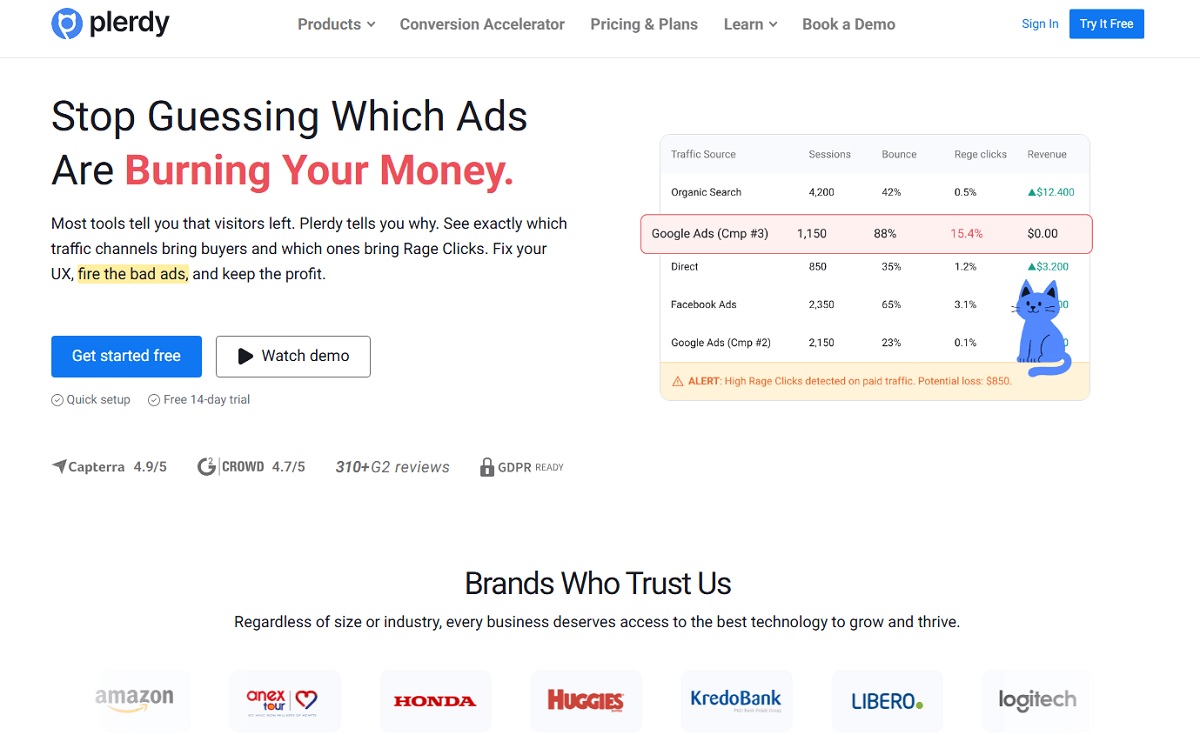
Plerdy is the only tool on this list that treats the popup as one output of a conversion platform rather than the whole product. Alongside the no-code form designer you get heatmaps, session replay, event and conversion tracking, an SEO checker, and JavaScript error monitoring — all reading from a single tracking script and a single subscription.

That matters more than it sounds. OptinMonster tells you a campaign converted. Plerdy lets you open the click and scroll maps for the same page, watch replays of sessions where the popup fired, and check whether visitors ever reached the offer before it appeared — which is how teams cut popup frequency and raise opt-in rate at the same time.

Key Features:

  • No-code pop-up and smart form builder: exit-intent, video popups, NPS and CSAT surveys, Wheel of Fortune, embedded forms
  • Triggers on exit intent, scroll depth, time on page, and click; targeting by URL, device, traffic source, and visitor segment
  • Built-in heatmaps and session replay to see the behavior around each campaign
  • Unlimited A/B testing on every plan, including the free one
  • Ecommerce and conversion tracking, plus SEO audit and error monitoring in the same dashboard
  • Works on Shopify, WordPress, Wix, Webflow, and Drupal

Pricing: Permanent free plan covering 100 pop-ups, 100 daily heatmaps, 500 video sessions, and 5,000 SEO audits. Paid plans start at 21 USD/month billed annually, with enterprise tiers above that. A 14-day trial gives Scale-plan limits, no card required.

Pros: One script and one bill instead of two subscriptions; unlimited A/B testing even on free; the behavior data that explains popup results is native rather than bolted on; genuinely usable free tier.

Cons: The template gallery is smaller than OptinMonster’s; the platform covers a wider surface than popups alone, so there is more to learn on day one if all you want is an email capture box.

Best For: Marketing and CRO teams who want popups and the analytics that explain them without paying two vendors.

2. OptiMonk — The Strongest Free Plan In The Category

OptiMonk campaign editor with an ecommerce discount pop-up template

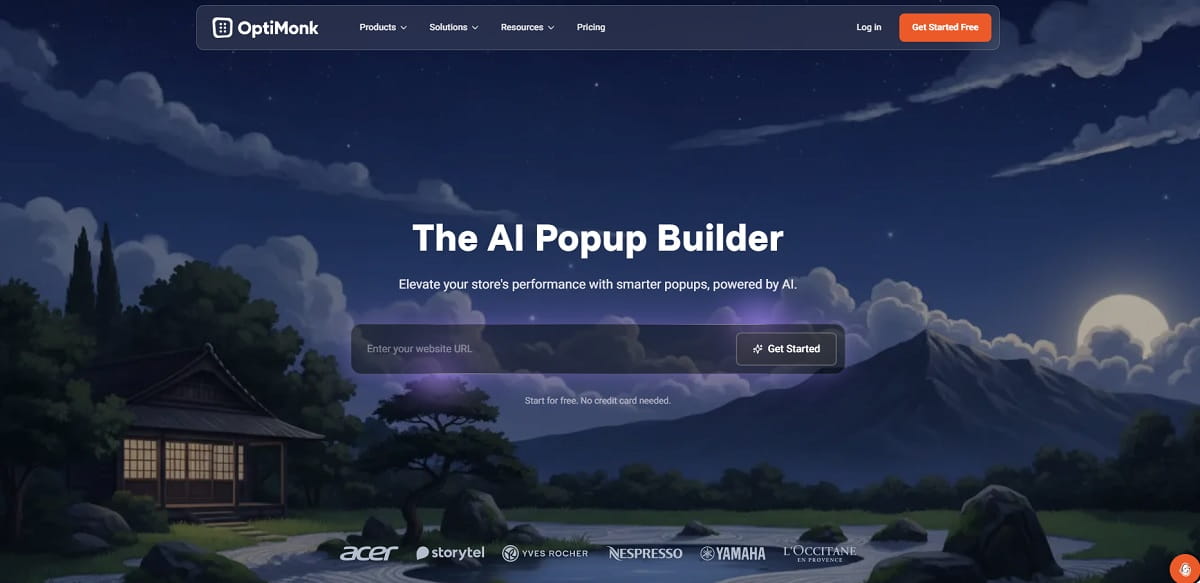
OptiMonk is the most direct feature-for-feature swap for OptinMonster, and it wins the comparison on pricing structure alone. Every feature is available on every plan, including the free one — there is no tier where exit-intent or A/B testing is withheld. You pay for pageviews and domains, not for capabilities.

The product has leaned hard into ecommerce AI over the past two years: product recommendations, AI-generated headlines, and personalized landing-page variants sit alongside the classic popup builder. For a Shopify or WooCommerce store that wants segmented offers rather than one generic 10%-off box, this is the natural first trial.

Key Features:

  • 300+ templates including spin-to-win and gamified formats
  • AI product recommendations and AI-assisted copy generation
  • Native Shopify, Klaviyo, and ActiveCampaign integrations
  • A/B testing and exit-intent included on the free plan
  • Multi-language support with sub-three-minute live chat response times

Pricing: Free forever on 10,000 monthly pageviews and one domain, unbranded. Paid tiers from 19 USD/month, scaling by pageviews and domains.

Pros: No feature gating at any tier; the free plan is large enough to run a real campaign; strong ecommerce personalization; well-reviewed support.

Cons: Pageview-based pricing gets expensive quickly on high-traffic content sites; the sheer breadth of settings can overwhelm someone who only wants a newsletter box.

Best For: Ecommerce stores that want personalization, and anyone who resents paying extra to unlock exit-intent.

3. Poptin — Budget-Friendly Popups With A Real Free Tier

Poptin drag-and-drop pop-up editor with email capture form fields

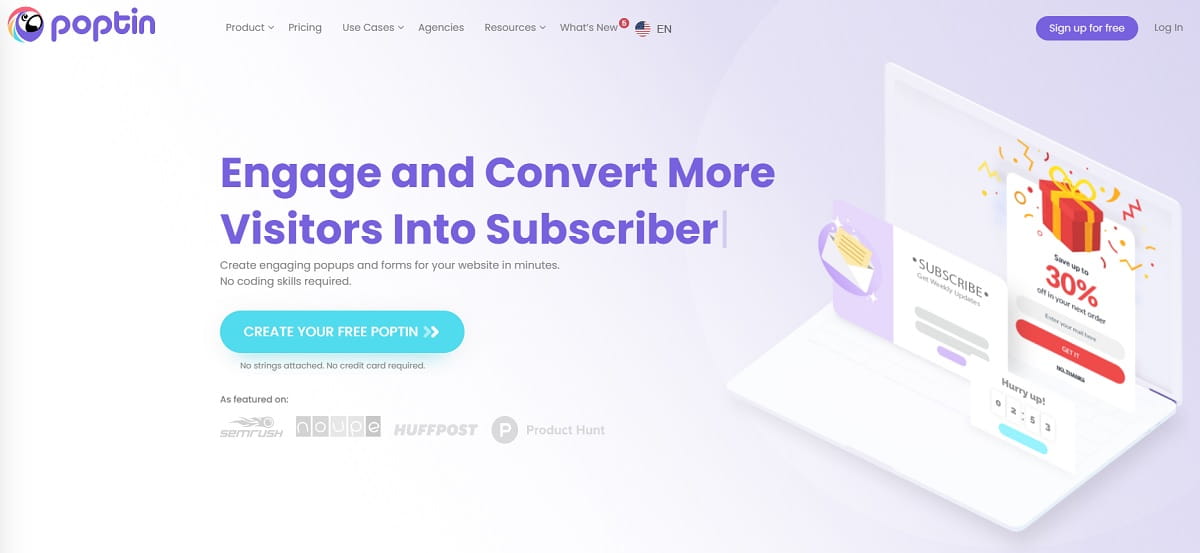
Poptin is the pragmatic pick for small teams. It does popups, inline forms, and autoresponders competently, connects to most of the tools you already use, and does not try to sell you a platform. The editor is drag-and-drop, campaigns go live in minutes, and the learning curve is close to flat.

Where it stands apart from OptinMonster is the free plan and the agency tier. One thousand visitors per month is modest, but it is enough to validate an offer before spending anything. At the other end, the $119/month Agency plan covers unlimited domains — a structure OptinMonster does not match at that price.

Key Features:

  • Popups, inline and embedded forms, and countdown widgets
  • Exit-intent, time, scroll, and click triggers with device and geo targeting
  • Built-in autoresponder and a separate email-sending plan
  • 70+ native integrations plus Zapier
  • Sub-accounts and user roles on paid plans, useful for agencies

Pricing: Free forever on 1,000 visitors/month and one domain. Basic from 25 USD/month, up to an Agency tier at $119/month covering unlimited domains.

Pros: Easy to learn; unlimited popups on every plan including free; strong value at the agency tier; unbranded output even on cheaper plans.

Cons: Reporting is basic compared with OptiMonk or Plerdy; the free tier’s 1,000-visitor cap is tight; template design feels dated next to Sleeknote.

Best For: Small businesses, freelancers, and agencies managing several client sites on one bill.

4. Privy — Popups, Email, And SMS Under One Roof

Privy dashboard combining pop-up displays with email and SMS campaigns

Privy answers a specific question: what if the popup tool also sent the emails? For a small ecommerce brand, collecting an address in one product and paying a separate ESP to mail it is friction and cost. Privy collapses display campaigns, email sending, and SMS into one account with no send limits on its email tiers.

It is strongest on Shopify but is not locked to it — BigCommerce and Wix are supported, and it will hand off to Klaviyo if you outgrow the native sending. If you only want the display side, Privy sells a popups-and-displays-only plan priced on pageviews, which undercuts its bundled tiers.

Key Features:

  • Popups, banners, flyouts, and spin-to-win wheels
  • Built-in email marketing with unlimited sends on all email tiers
  • SMS marketing as a credit-based add-on
  • Abandoned-cart and post-purchase automations
  • Shopify, BigCommerce, and Wix integrations

Pricing: No permanent free plan; 15-day free trial, no card required. Displays-only plans from 24 USD/month by pageviews; bundled email plans from $30/month, with SMS sold as credit add-ons.

Pros: One vendor for capture and send; unlimited email sends; no annual contract; genuinely useful ecommerce automations.

Cons: No free plan; the email builder is weaker than a dedicated ESP; costs stack quickly once SMS is added.

Best For: Small to mid-size ecommerce brands that want to stop paying for a popup tool and an ESP separately.

5. Wisepops — Enterprise Onsite Marketing With A Strategist Attached

Wisepops onsite campaign dashboard with revenue attribution reporting

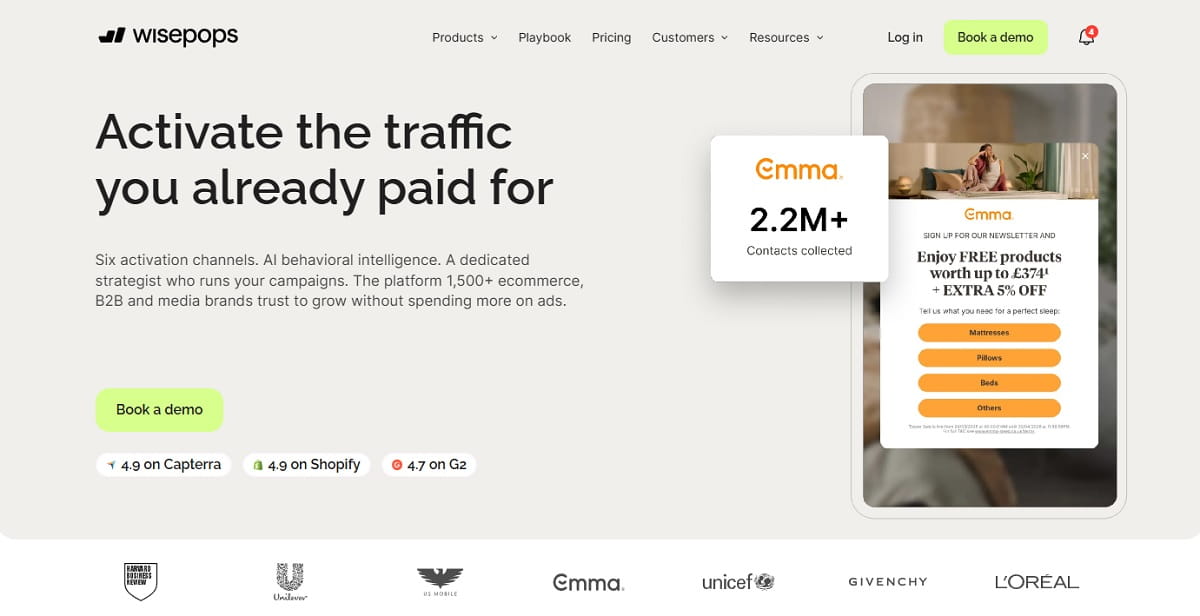
Wisepops has repositioned itself away from the SMB market. It is now an onsite marketing platform spanning six channels — popups, embedded blocks, an onsite content feed, notification bars, quizzes, and web push — with revenue attribution and a dedicated strategist included in the engagement.

Check the price before you get attached to the feature list. Entry pricing now starts at €499/month, which is roughly seventeen times OptinMonster’s Growth tier. For a high-traffic brand replacing both a popup tool and a CRO retainer, that arithmetic can work. For a blog with 20,000 monthly sessions, it does not.

Key Features:

  • Six onsite channels from one script, no developer work
  • Targeting on traffic source, browsing behavior, cart value, and order history
  • Control-group testing that attributes revenue to individual campaigns
  • 50+ native integrations including Shopify, Klaviyo, GA4, HubSpot, and Salesforce
  • SOC 2 certification, SSO and SAML, GDPR and CCPA compliance

Pricing: No free plan. 14-day trial, though the vendor steers new accounts toward a demo. Pricing from 499 EUR/month, scaled by traffic, channels, and service level.

Pros: Every feature on every plan; revenue attribution with a control group is rare in this category; hands-on strategist support; enterprise security posture.

Cons: The entry price rules out most small and mid-size sites; no free plan; AI product recommendations and cart recovery only work on Shopify.

Best For: High-traffic ecommerce and media brands with a budget that previously went to a CRO agency.

6. Justuno — Visitor Journeys And AI Recommendations

Justuno visual journey builder segmenting visitors by cart value

Justuno thinks in workflows rather than single popups. A visitor arriving from a paid ad sees one message, a returning customer with items in the cart sees another, and a lapsed buyer sees a third — all orchestrated in one visual builder with AI product recommendations layered on top.

That depth costs more than a straight popup builder. The Lite plan at $59/month covers 10,000 visitors and five live workflows; the Done-For-You tier at $299/month adds a dedicated account manager and unlimited features. Justuno positions the higher tier against hiring a retention consultant, which is the honest comparison.

Key Features:

  • Visual journey builder for multi-step, multi-condition campaigns
  • AI-driven product recommendations tied to browsing and cart behavior
  • Advanced segmentation on traffic source, cart value, and customer lifecycle stage
  • Custom analytics and revenue reporting
  • White-glove onboarding on every plan, plus agency discounts

Pricing: No free plan. Lite from 59 USD/month for 10,000 visitors with a 14-day trial; the managed Done-For-You tier costs $299/month and adds an account manager.

Pros: Genuine segmentation depth; onboarding included rather than upsold; no long-term contract; strong reported opt-in lifts from users switching off native ESP popups.

Cons: Expensive relative to visitor allowance; no free plan; overkill for a content site with a single newsletter offer.

Best For: Ecommerce teams running segmented lifecycle campaigns, not one-size-fits-all popups.

7. Sleeknote — On-Brand Campaigns And Gamification

Sleeknote on-brand slide-in campaign designed to match a store layout

Sleeknote built its reputation on campaigns that do not look like popups. The design system is unusually flexible for the category, and the emphasis is on side-messages, slide-ins, and gamified formats that match a brand’s visual language rather than a generic template.

The company remains active — it serves 3,000+ businesses, maintains 1,200+ integrations, and recently shipped Sidenote, an AI campaign-analysis feature. Pricing is not published on the site, so budget planning requires a sales conversation, which is a genuine friction point compared with OptiMonk or Poptin.

Key Features:

  • Highly customisable design editor for on-brand, non-templated campaigns
  • Gamification formats including wheels and scratch cards
  • Multi-step campaigns that guide visitors rather than only capturing email
  • Sidenote AI analysis of campaign performance
  • 1,200+ integrations and a dedicated Shopify app

Pricing: No free plan. 14-day free trial with no card required and a money-back guarantee. Plan pricing is quote-based — request current rates from the vendor.

Pros: Best-in-class design flexibility; strong gamification; active development; good fit for brands with strict visual guidelines.

Cons: Opaque pricing makes comparison hard; no free tier; smaller customer base than OptiMonk or Privy.

Best For: Brands where a generic-looking popup is not acceptable and design control outranks price.

8. Claspo — Every Feature Free, Priced Only On Pageviews

Claspo widget builder showing exit-intent settings on the free plan

Claspo takes the anti-gating position further than anyone else here. All features are available on all plans, including the permanently free one; the only variables are monthly pageviews and how many websites you run. There are no time limits on the free subscription.

The trade-off on free is the “Powered by Claspo” badge and a 3,000-pageview ceiling. Above that, pageview tiers run from 50,000 to 2 million-plus, with 25% off annual billing and a 14-day trial available when you exceed the free allowance. Reviewers consistently mention how light the script is, which matters if you are watching Core Web Vitals.

Key Features:

  • Complete feature access on every tier, free included
  • Unlimited widgets and unlimited team members even on free
  • Exit-intent, behavioral, and geo targeting
  • Lightweight script with minimal page-load impact
  • 30-day refund policy and no long-term contracts

Pricing: Free forever on 3,000 monthly pageviews and one website, with Claspo branding. Pro plans are priced by pageview tier; Enterprise and Agency are quoted.

Pros: No feature gating anywhere; unlimited widgets and seats on free; light script; transparent, self-serve upgrade path.

Cons: The 3,000-pageview free ceiling is the lowest here; branding on free; smaller template library and integration list than the market leaders.

Best For: Small sites that want advanced targeting without paying for it, and teams that dislike feature-gated pricing on principle.

9. Picreel — Cheapest Route To Exit-Intent At Volume

Picreel exit-intent pop-up template gallery

Picreel is the price argument against OptinMonster made plainly. Where OptinMonster asks $29/month before it will show an exit-intent popup, Picreel starts at $9.99/month and runs a free tier covering 5,000 pageviews with unlimited campaigns and domains.

Read the tiers carefully, though: exit-intent triggers and gamification sit on the $39.99 Business plan, and A/B testing moves to Enterprise at $69.99. It is still cheaper than the equivalent OptinMonster configuration at most traffic levels, but the headline $9.99 is not the plan that gives you the feature you came for.

Key Features:

  • Free tier with unlimited campaigns, domains, and popups on 5,000 pageviews
  • 100+ templates with an advanced form builder
  • Exit-intent, spin-wheel, and countdown formats on Business and above
  • Advanced targeting including geolocation
  • 700+ integrations and custom CSS on Enterprise

Pricing: Free forever on 5,000 monthly pageviews. Essentials 9.99 USD/month; the Business tier that unlocks exit-intent and gamification costs $39.99/month, and A/B testing sits on Enterprise above it.

Pros: Lowest cost per pageview in this list; unlimited domains even on free; large integration catalogue; clear refund policy.

Cons: Key features are tier-gated, which is the same complaint people level at OptinMonster; the interface feels less polished than OptiMonk or Sleeknote.

Best For: High-traffic sites that need exit-intent cheaply and can live with a plainer editor.

10. Hello Bar — Simple Bars For Blogs And Media Sites

Hello Bar notification bar promoting a lead magnet at the top of a blog

Hello Bar has been running notification bars since before most tools on this list existed, and it still does that one job better than the all-in-one platforms. If your requirement is a persistent top bar promoting a lead magnet, a launch, or an affiliate offer, it takes about five minutes to set up.

The free plan allows unlimited popups on up to 5,000 views but always carries Hello Bar branding — a real constraint for a commercial site. A/B testing is included on every paid plan, which is more generous than OptinMonster’s Basic tier.

Key Features:

  • Notification bars, popups, sliders, and page takeovers
  • A/B testing included on all paid plans
  • Real-time analytics and conversion tracking
  • WordPress plugin and Shopify app
  • Used across 600,000+ websites

Pricing: Free plan with unlimited popups on 5,000 views, branded. Growth from 29 USD/month, with higher view allowances on Premium and Elite.

Pros: Fastest setup here; A/B testing on every paid tier; long track record; strong fit for content monetization.

Cons: Branding on free is unavoidable; targeting is shallower than OptiMonk or Justuno; not built for ecommerce personalization.

Best For: Bloggers, publishers, and affiliate sites that need announcement bars more than segmented ecommerce offers.

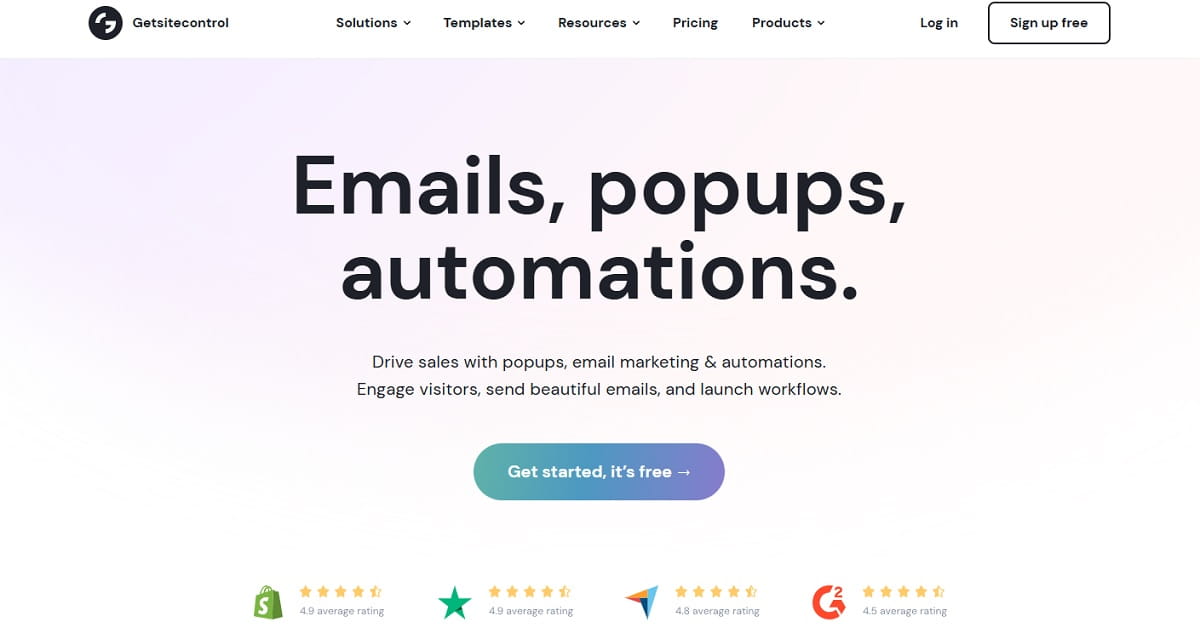
11. Getsitecontrol — Widgets Plus Built-In Email Sending

Getsitecontrol survey widget and email broadcast editor

Getsitecontrol pairs an on-site widget builder with an email marketing engine, and prices the two separately: a flat monthly fee for widget views, then a per-thousand rate for emails sent. For a site with a large list but modest send volume, that structure is unusually cheap.

Widget types go beyond email capture into surveys, chat prompts, and promotional bars, so it doubles as a lightweight voice-of-customer tool. Contacts are unlimited on every plan including free, which almost nobody else here offers.

Key Features:

  • Popups, surveys, notification bars, and slide-in widgets
  • Built-in email broadcasts and automation workflows
  • Unlimited contacts on every plan, free included
  • Branding removal available on the free plan
  • Live chat support on all tiers

Pricing: Free plan with 10,000 monthly widget views, with email billed separately per thousand sent. Pro from 19 USD/month and Pro Max at $29/month for unlimited views and cheaper email rates.

Pros: Unlimited contacts everywhere; unbranded output on free; genuinely cheap at high widget volume; surveys included.

Cons: Pay-per-email adds a variable cost that is hard to forecast; the design editor is functional rather than beautiful; fewer ecommerce-specific features.

Best For: Small businesses that want widgets, surveys, and email sending on one predictable bill.

12. Leadpages — When The Popup Needs A Landing Page Behind It

Leadpages landing page editor with an attached pop-up campaign

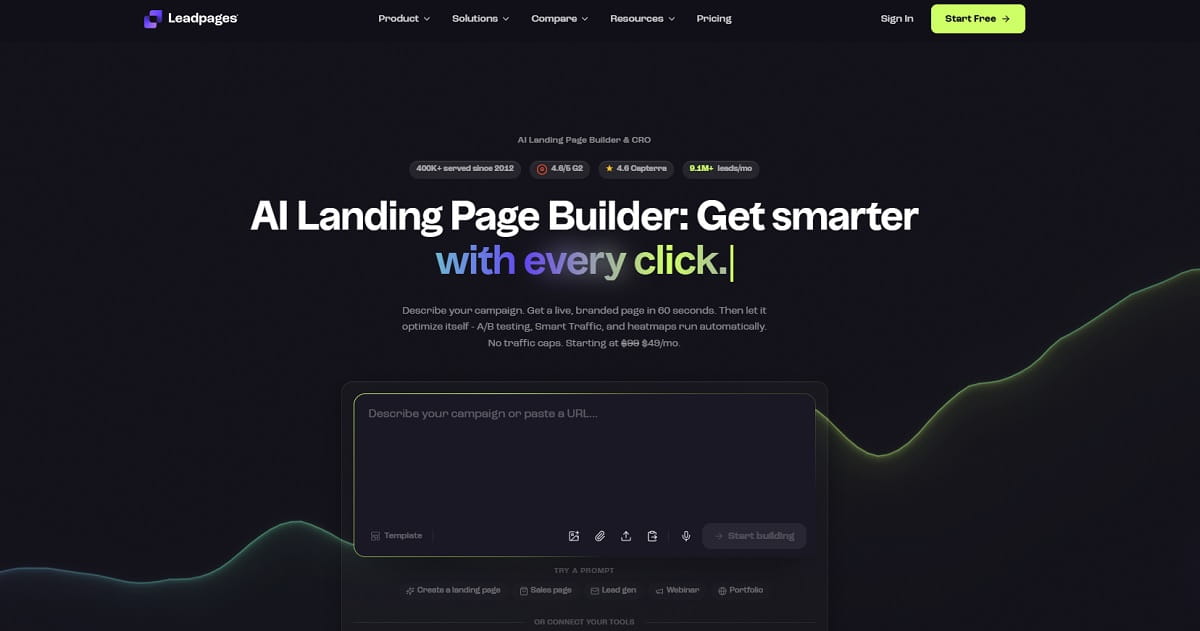
Leadpages is a broader product than OptinMonster, and that is the point of choosing it. If a campaign needs a hosted landing page, a custom domain, an alert bar, and a popup all pointing at the same offer, buying them separately is more expensive and slower than buying one platform.

It is the only tool here with no traffic caps on any plan — a meaningful difference from every pageview-priced option above. A/B testing arrives on the $50 Grow plan, and heatmaps and Smart Traffic auto-personalization on the $100 Optimize plan.

Key Features:

  • Landing page builder with custom domains and hosting included
  • Popups and alert bars deployable on Leadpages sites or your own
  • Manual A/B testing from the Grow plan, auto-optimization on Scale
  • Unlimited traffic on every plan, with no overage fees
  • Heatmaps and Smart Traffic personalization on Optimize and above

Pricing: No free plan; 7-day free trial with full access. Publishing-only tiers start under $25/month. Full plans begin at 50 USD/month, with Optimize and Scale above that.

Pros: No traffic caps anywhere; replaces several tools at once; conversion-oriented page templates; A/B testing at a lower price than most page builders.

Cons: Costly if you only want popups; the popup builder is less sophisticated than a dedicated tool; no free plan.

Best For: Marketers running campaigns that need landing pages and popups together, especially with unpredictable traffic.

Three More OptinMonster Competitors Worth Knowing

These appear in the comparison table above but did not earn a ranked slot. Each has a narrow case where it still makes sense.

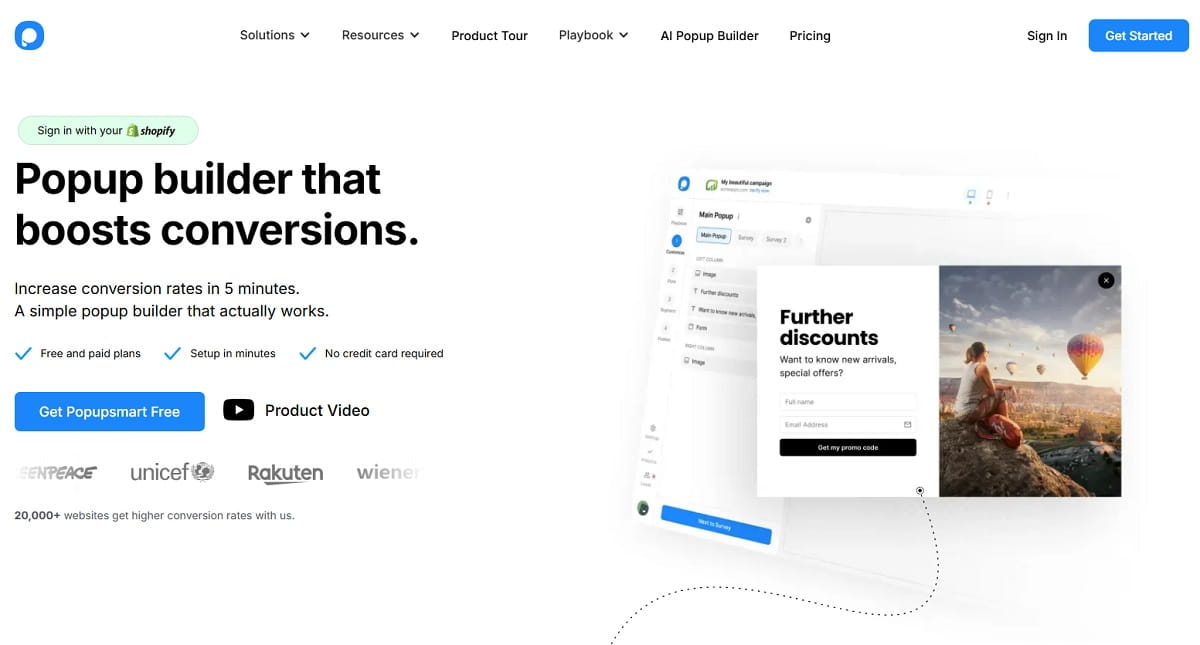
  • Popupsmart — an AI-assisted no-code builder whose Smart Mode configures triggers for you. Free on 5,000 pageviews with a single live popup; paid from $32.50/month. Fast to launch, but a higher entry price than stronger tools above.
  • Optinly — organises campaigns around growth goals rather than formats, and includes exit-intent on its free tier. At $9/month it is the cheapest paid entry in the category, but the 2,500-view free cap and shallow targeting limit it to simple campaigns.
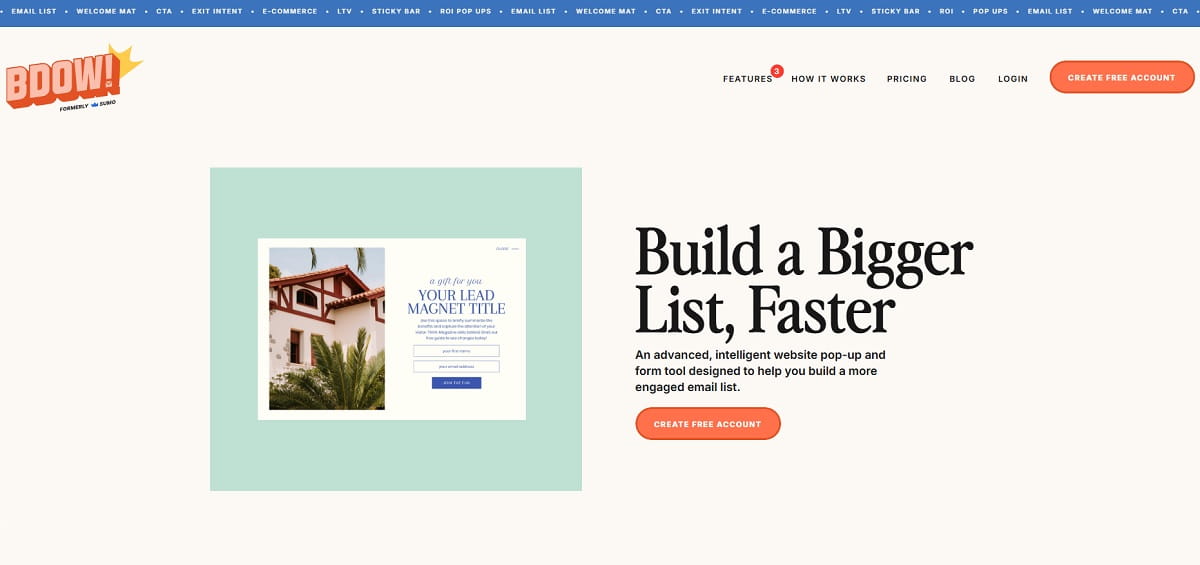
  • BDOW! (formerly Sumo) — Showit acquired Sumo in 2024 and rebranded it. The welcome mats and smart bars still work, and the free plan needs no card. But recent WordPress plugin reviews report login failures, compatibility problems, and slow support, which points to maintenance mode rather than active development. Trial it before migrating a live list.

Best Free OptinMonster Alternatives

OptinMonster has no free plan, so “free OptinMonster alternative” is one of the most common ways people arrive at this topic. Six tools above run permanent free tiers, and they differ enormously in what free actually buys you.

ToolFree AllowanceFeature Limits On FreeBranding
Plerdy100 pop-ups, 100 heatmaps/day, 500 replays, 5,000 SEO auditsUnlimited A/B testing included; 1 month data retentionNo
OptiMonk10,000 pageviews, 1 domainNone — every feature availableNo
Getsitecontrol10,000 widget views, unlimited contactsEmails billed at $2 per 1,000 sentNo
Picreel5,000 pageviews, unlimited domainsExit-intent and gamification are paid-onlyYes
Hello Bar5,000 views, unlimited popupsBasic targeting onlyYes
Claspo3,000 pageviews, 1 websiteNone — every feature availableYes
Poptin1,000 visitors, 1 domainMost features availableNo
Optinly2,500 views, 1 siteExit-intent includedYes

The practical ranking: OptiMonk has the most generous no-strings free plan at 10,000 unbranded pageviews with zero feature gating. Plerdy is the pick if you want the free tier to also cover behavior analytics, since it bundles heatmaps, session replay, and unlimited A/B testing alongside the 100 pop-ups. Claspo gives full feature access at the smallest volume. Avoid treating Picreel’s free plan as a free exit-intent solution — that trigger is gated to the $39.99 tier.

Best OptinMonster Alternatives For WordPress

OptinMonster began life as a WordPress plugin, so WordPress-native options deserve their own comparison. Two mature plugins compete directly, and both are one-time or annual purchases rather than pageview subscriptions — which changes the arithmetic completely for a high-traffic blog.

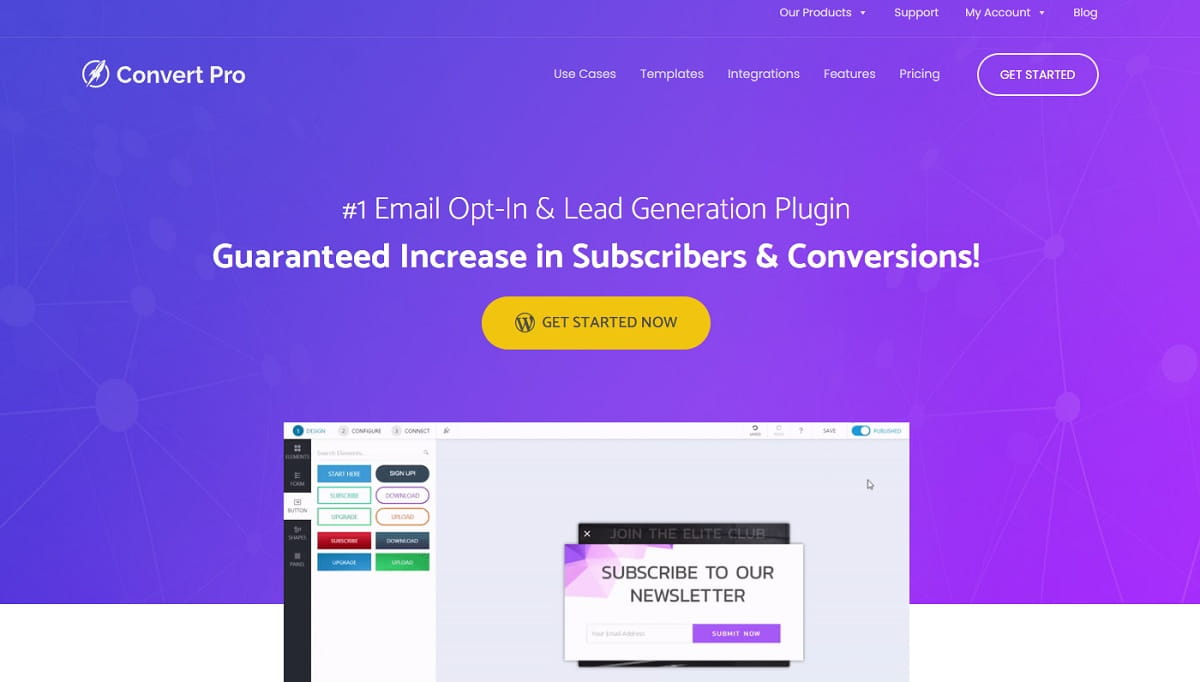
Convert Pro

Best OptinMonster Alternatives And Competitors - 0001

Convert Pro is a self-hosted drag-and-drop opt-in builder from the Brainstorm Force team behind Astra. Because it runs inside your WordPress install, there are no impression caps at all — the same reason people choose it over OptinMonster on content sites with heavy traffic. It costs $89/year or $349 for a lifetime licence, supports unlimited sites, and remains actively maintained with published updates through 2026. The trade-off is that it only works on WordPress, and self-hosting means analytics live in your own database rather than a polished cloud dashboard.

Thrive Leads

Best OptinMonster Alternatives And Competitors - 0002

Thrive Leads is the other long-standing WordPress option, available either as a standalone subscription or inside Thrive Suite at $299/year (regularly discounted from $599). It offers deeper A/B testing than most plugins in this bracket, plus lead groups, content locking, and multi-step opt-ins. Thrive Suite makes sense if you will also use the page builder, quiz builder, and other plugins in the bundle; buying it for Thrive Leads alone is poor value against a $19/month cloud tool.

A note on stacking: WordPress plugins avoid impression caps but give you no cross-site visibility and no session-level behavior data. Many teams run a plugin for display and a lightweight analytics script such as Plerdy heatmaps alongside it, which keeps the unlimited impressions while restoring the behavioral picture.

OptinMonster vs Popular Alternatives

Four head-to-head comparisons come up most often. Each has a clear answer once you name the deciding factor.

OptinMonster vs OptiMonk

The closest match in the category, and the decision comes down to pricing philosophy. OptinMonster gates features by tier, putting exit-intent and A/B testing behind upgrades. OptiMonk gates nothing — every feature is on every plan including the free 10,000-pageview tier, and you pay only for volume and domains. OptiMonk is also further ahead on ecommerce AI. Choose OptinMonster for the largest template library and a mature WordPress-first workflow; choose OptiMonk to get exit-intent and testing without an upgrade.

OptinMonster vs Leadpages

This is not really a like-for-like comparison, which is why the answer is clean. OptinMonster puts campaigns on pages you already have. Leadpages builds the pages themselves, then adds popups and alert bars on top, with no traffic caps on any plan. OptinMonster is far cheaper as a pure popup tool — $7 to $49/month against $50 to $200. Choose OptinMonster if your site already exists and you only need conversion overlays. Choose Leadpages if you are launching campaigns that need dedicated landing pages, custom domains, and popups from one platform, or if unpredictable traffic makes impression caps a risk.

OptinMonster vs Mailchimp

Mailchimp is an email service provider that includes basic signup forms; OptinMonster is a conversion tool that sends nothing. Mailchimp’s popups handle simple capture with minimal targeting — no granular display rules, no exit-intent worth the name. If you already pay for Mailchimp and just need a newsletter box, its built-in forms will do. If you need display rules or behavioral triggers, run a dedicated tool alongside it and push addresses into Mailchimp over its API, which every option here supports.

OptinMonster vs Poptin

A budget comparison with a clear split. Poptin has a free plan, unlimited popups on every tier, unbranded output at low prices, an agency tier covering unlimited domains, and a bundled autoresponder. OptinMonster has a larger template library, more granular display rules, and a longer track record. Choose Poptin to manage several sites or validate an offer before paying; choose OptinMonster if display-rule depth on one site outweighs price.

How To Choose The Right OptinMonster Alternative

Work through these in order. Most shortlists collapse to two candidates by the third question.

  1. What is your monthly traffic? Pageview-priced tools punish content sites. Above roughly 200,000 monthly pageviews, compare Picreel, a WordPress plugin, or Leadpages against per-view pricing — the gap gets large fast.
  2. Do you need exit-intent on day one? If yes, OptiMonk, Poptin, Claspo, and Optinly ship it free or cheap. Picreel and OptinMonster both make you upgrade for it.
  3. Is this ecommerce or content? Stores should look at OptiMonk, Justuno, and Privy for cart-aware targeting and product recommendations. Blogs and media sites are better served by Hello Bar, Getsitecontrol, or a WordPress plugin.
  4. Do you already have behavior analytics? If not, an integrated platform such as Plerdy removes a second subscription. If you already run a heatmap tool, a focused popup builder is the cheaper path.
  5. How many sites? Agencies should compare Poptin Agency, Picreel’s unlimited domains, and Convert Pro’s unlimited-site licence before anything priced per domain.
  6. Check the compliance surface. If you serve EU visitors, confirm consent handling and data residency. Wisepops publishes SOC 2 and GDPR compliance; smaller vendors vary, so ask.

One thing worth deciding before you shop: how aggressive your campaigns will be. Google’s guidance on intrusive interstitials penalises overlays that block content on mobile, and Nielsen Norman Group’s research on problematic popup patterns documents how quickly poorly timed modals damage trust. The tool cannot save you from a badly timed campaign; the display rules you configure can.

How To Measure Whether Your New Popup Tool Actually Works

Best OptinMonster Alternatives And Competitors - 0003

Switching tools is the easy part. Proving the switch helped is where most teams stop, and it is why popup performance debates go in circles.

Be sceptical of vendor conversion benchmarks, including the case studies on every product page linked above. Opt-in rate depends on traffic source, offer strength, page intent, and industry far more than on which builder rendered the box. There is no reliable public benchmark for a “good” popup conversion rate across sites, and any roundup quoting one as a target is guessing. Your own baseline is the only number that matters.

A defensible measurement setup looks like this:

  1. Record a baseline before you switch. Log current opt-in rate, page-level bounce rate, and revenue per session for at least two full weeks on the pages the popup runs on.
  2. Change one thing. Migrating the tool and redesigning the offer simultaneously makes the result uninterpretable.
  3. Watch the downstream metric, not the opt-in. A popup that lifts signups while raising bounce rate on the same page is usually a net loss. Plerdy heatmaps and session replay show whether visitors kept reading after the popup or left, which the popup tool’s own dashboard cannot tell you.
  4. Run the A/B test the tool gives you. Every option in this guide except the lowest tiers includes split testing. Test timing and trigger before you test copy — trigger changes usually move the number more.
  5. Give it a full traffic cycle. Two weeks minimum, longer for seasonal stores. For ecommerce, remember that roughly 70% of carts are abandoned according to Baymard Institute’s aggregated research, so cart-recovery campaigns need volume before the numbers stabilise.

This is the step that turns a tool migration into a measurable improvement, and it is the reason an integrated platform is worth considering even when a cheaper single-purpose builder exists.

Final Thoughts On The Best OptinMonster Alternatives

OptinMonster is not a bad product. It is a product whose pricing structure has stopped matching the market: exit-intent behind a $29 tier and impression caps that bite at modest traffic are hard to justify when OptiMonk gives everything away on 10,000 pageviews and Claspo gates nothing.

If you want the shortest path: try OptiMonk for the free plan with no feature gates, Poptin if you manage several sites cheaply, and Plerdy if you are tired of paying separately for the popup and for the analytics that explain whether it worked. Ecommerce teams with budget should shortlist Justuno and Privy; high-traffic brands replacing an agency retainer should look at Wisepops with its €499 entry price in full view.

Whichever you pick, record your baseline first. The tool is a smaller variable than the offer and the timing, and without a before-and-after you will never know which of the three actually changed.

FAQ About OptinMonster Alternatives

What Is The Best OptinMonster Alternative?

There is no single winner, because these tools optimise for different constraints. OptiMonk is the best like-for-like swap thanks to a free plan with no feature gating. Plerdy is strongest if you want popups plus heatmaps, session replay, and conversion tracking on one subscription. Poptin suits agencies running several client sites, and Justuno goes deepest on segmented ecommerce journeys.

Is There A Free OptinMonster Alternative?

Yes — several. OptiMonk is the most generous, giving every feature free on 10,000 monthly pageviews with no branding. Plerdy includes 100 pop-ups plus heatmaps, session replay, and unlimited A/B testing on its permanent free plan. Claspo, Picreel, Poptin, Hello Bar, Getsitecontrol, Optinly, and BDOW! also run free tiers. OptinMonster itself has none, only a refund window.

Which OptinMonster Alternative Is Best For WordPress?

Convert Pro is the strongest self-hosted option: it runs inside WordPress, supports unlimited sites, and has no impression caps at all — the main reason high-traffic blogs leave pageview-priced tools. Thrive Leads is the alternative, best value if you also want the rest of Thrive Suite. Among cloud tools, Plerdy, OptiMonk, Poptin, and Hello Bar all ship WordPress plugins.

Which OptinMonster Alternative Is Best For eCommerce?

OptiMonk for AI product recommendations at a reasonable price; Justuno for lifecycle journeys segmented by cart value and customer stage; Privy if you want popups, email, and SMS from one vendor. Wisepops goes deepest on revenue attribution but starts at €499/month. All four integrate natively with Shopify, and three of them connect to Klaviyo.

Are OptinMonster Competitors Cheaper Than OptinMonster?

Often, but compare the tier that actually carries the feature you need. OptinMonster advertises $7/month, yet exit-intent requires its Pro plan. Optinly and Picreel both start under $10/month, while OptiMonk, Claspo, and Poptin include exit-intent free. At high traffic the picture flips again: a self-hosted WordPress plugin with no impression caps beats every pageview-priced subscription.

Is Leadpages Better Than OptinMonster?

They solve different problems. Leadpages wins when a campaign needs landing pages, custom domains, and popups together, and it imposes no traffic caps on any plan. OptinMonster is much cheaper if you only need overlays on a site you already have. Choose Leadpages for full campaign infrastructure, OptinMonster or a dedicated builder for conversion overlays alone.

Is Sumo Still Available As An OptinMonster Alternative?

Sumo was acquired by Showit and rebranded to BDOW! in April 2024. It still operates with a free-forever plan, and the welcome mats and smart bars work as before. However, recent WordPress plugin reviews report login failures, compatibility issues with current WordPress versions, and slow support — signs of maintenance mode rather than active development. Trial it before migrating an established list.

Why Should I Look For Alternatives To OptinMonster?

Four reasons dominate: there is no free plan; exit-intent is locked to the Pro tier; monthly impression caps are low enough that a mid-size blog exhausts them; and the tool reports conversions without showing the behavior that produced them, so you end up buying a separate analytics subscription. If none of those apply to you, staying put is a reasonable decision.