

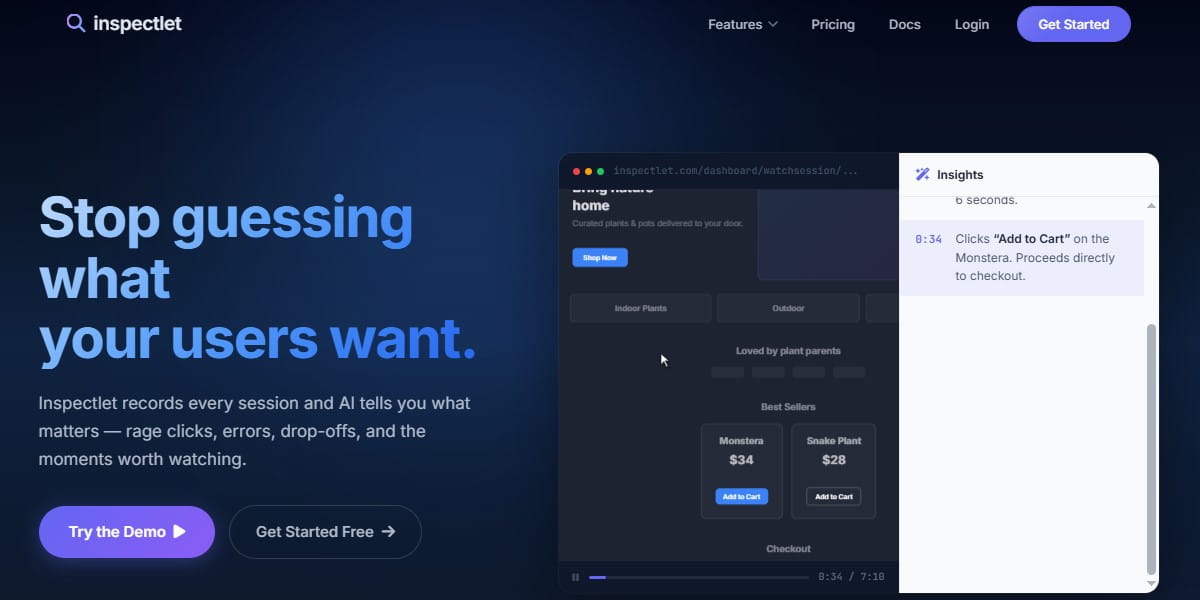
Inspectlet is a behavior analytics tool for session replay, heatmaps, form analytics, A/B testing, surveys, error logging, and AI-powered session insights. For many teams, this is already enough to find rage clicks, broken forms, confusing pages, and drop-offs. But it is not always the best fit for every website.
Some teams need a stronger CRO platform. Some want better pricing. Others need mobile app analytics, SEO tools, e-commerce tracking, funnels, or a simpler free heatmap tool. That is why comparing Inspectlet alternatives makes sense before you add another tracking code to your website.
In this guide, we compare the best Inspectlet alternatives by use case, features, pricing logic, and team fit. You will also see when Inspectlet is still a good option and when another tool may give you more useful data faster.
How To Choose The Best Inspectlet Alternative
Do not choose an Inspectlet alternative only because it has heatmaps or session recordings. Almost every tool on this list has them. The real question is what you want to do after you find a problem.
If you only need free heatmaps and recordings, Microsoft Clarity may be enough. If you want CRO, SEO, popups, funnels, and A/B testing in one place, Plerdy is more practical. If your developers need error tracking and product analytics, LogRocket or LiveSession can be stronger. If you need user feedback, surveys, and research workflows, Hotjar or VWO Insights may fit better.
A good comparison should include five things:
- Session replay quality
- Heatmaps and scroll maps
- Form, funnel, or event tracking
- Pricing limits
- Extra tools like SEO, A/B testing, surveys, mobile analytics, or error tracking
That is the real difference between “another heatmap tool” and a useful Inspectlet alternative.
Inspectlet Alternatives Comparison Table
Here is a quick comparison before we go deeper into each tool. The best choice depends on whether you need CRO, UX research, developer debugging, mobile analytics, or a free behavior analytics setup.
| Tool | Best For | Main Features | Free Plan Or Trial | Best Inspectlet Alternative When… |
|---|---|---|---|---|
| Plerdy | CRO, SEO, UX, and e-commerce optimization | Heatmaps, session replay, SEO checker, funnels, popups, event tracking, A/B testing | Free plan available | You need more than session replay and want CRO plus SEO in one platform. |
| Hotjar | UX research and user feedback | Heatmaps, recordings, surveys, funnels, feedback, user tests | Free plan available | You want user feedback and research tools together with behavior analytics. |
| Crazy Egg | Heatmaps, recordings, and A/B testing | Heatmaps, recordings, surveys, errors, A/B testing, web analytics, popup CTAs | 30-day free trial | You want a simple CRO tool with testing and visual reports. |
| Mouseflow | Behavior analytics and form/funnel analysis | Session replay, heatmaps, funnels, forms, feedback | Free plan available | You need strong form analytics and visitor journey analysis. |
| Microsoft Clarity | Free heatmaps and session recordings | Heatmaps, session recordings, insights, GA integration, mobile SDK | Free forever | You want a free Inspectlet alternative with no heavy setup. |
| LogRocket | Product teams and developers | Session replay, product analytics, error tracking, performance monitoring | 14-day trial | Your team needs to connect UX problems with frontend errors. |
| LiveSession | SaaS products and debugging workflows | Session replay, funnels, metrics, DevTools, filters, rage clicks | Free plan and trial available | You want product analytics plus technical context for sessions. |
| Lucky Orange | Small business CRO and live visitor insights | Heatmaps, session recordings, funnels, surveys, live chat, Discovery AI | Free trial available | You want behavior analytics with communication tools. |
| VWO Insights | Experimentation and conversion research | Heatmaps, session recordings, funnels, surveys, form analytics | Free trial available | You already use or plan to use VWO for testing and optimization. |
| Browsee | Affordable session replay and heatmaps | Session recordings, heatmaps, behavior tags, user journey insights | Forever free plan | You need a lightweight visual analytics tool for UX issues. |
Best 10 Inspectlet Alternatives
#1. Plerdy Alternative To Inspectlet
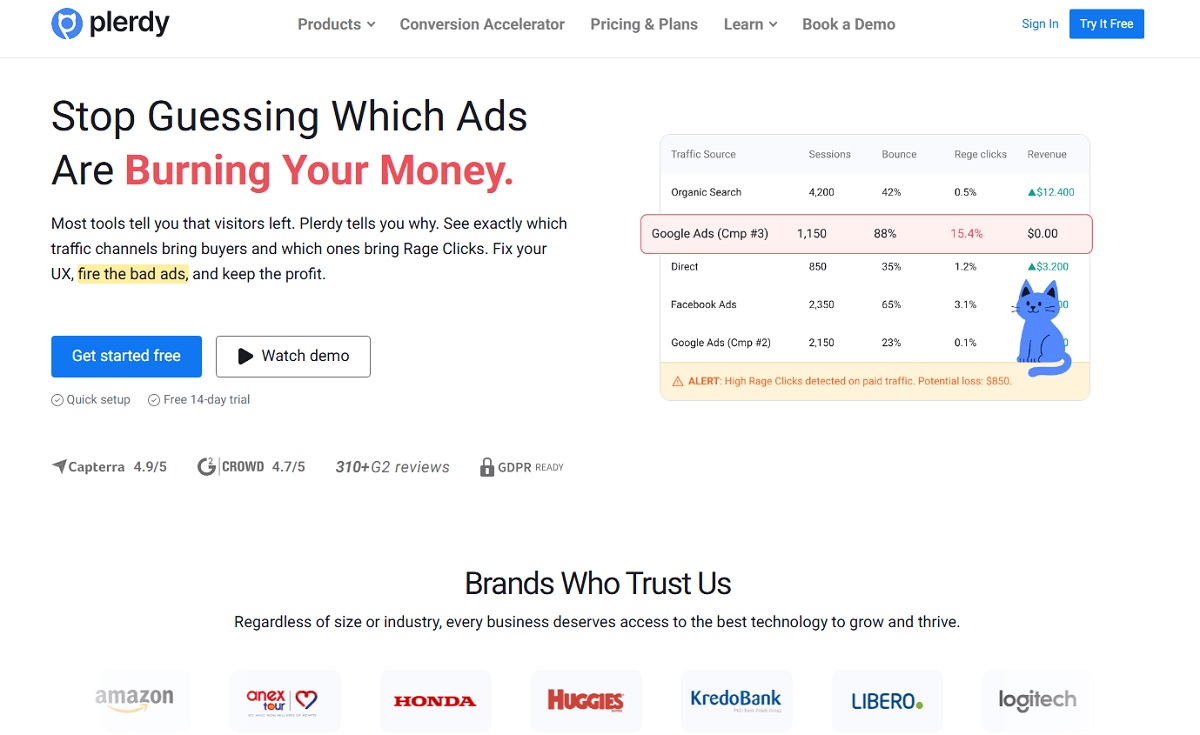
Plerdy is a strong Inspectlet alternative if you do not want only heatmaps or session replay. It combines CRO, UX, SEO, popups, funnels, e-commerce tracking, event tracking, and A/B testing in one platform. That makes it useful for marketers, SEO specialists, e-commerce teams, and agencies that need to see what users do and then fix conversion problems faster.
Compared with Inspectlet, Plerdy is better when you need more marketing tools around behavior analytics. For example, you can watch session recordings, check heatmap data, build a funnel, run an A/B test, review SEO issues, and use popups without moving between many different tools.
Plerdy is also a good choice for teams that want to connect UX problems with SEO and conversion work. If a landing page gets traffic but users do not click the CTA, Plerdy helps check the visual behavior, technical SEO, funnel step, and conversion element together.
Best for:
- CRO teams
- SEO specialists
- E-commerce websites
- Agencies
- Marketers who need heatmaps, replay, popups, SEO, and funnels together
Plerdy’s official pricing page lists a free plan and paid packages with heatmaps, video sessions, SEO audit limits, popups, e-commerce tracking, conversions, AI UX Assistant, and unlimited A/B testing.
#2. Hotjar Alternative To Inspectlet
Hotjar is one of the most common Inspectlet alternatives for UX research, feedback, heatmaps, and session recordings. It is useful when your team wants to understand not only what users do, but also what they say. That matters for SaaS websites, product pages, onboarding flows, and landing pages where behavior data alone does not explain the full problem.
Hotjar gives teams heatmaps, recordings, surveys, funnels, feedback, and user testing tools. This makes it stronger than Inspectlet for research-heavy workflows. For example, if users leave a pricing page, you can watch recordings, check heatmaps, and ask a short survey question to understand why.
The main difference is focus. Inspectlet feels more technical because it includes form analytics, error logging, A/B testing, and AI session insights. Hotjar feels more like a UX research and feedback platform. So, choose Hotjar when you need survey data and user voice. Choose Inspectlet or another tool when technical debugging is more important.
Best for:
- UX researchers
- Product marketers
- SaaS teams
- Feedback collection
- Heatmaps plus surveys
Hotjar’s official site lists heatmaps, replays, surveys, funnels, feedback, and user tests, and Hotjar is now part of Contentsquare.
#3. Crazy Egg Alternative To Inspectlet
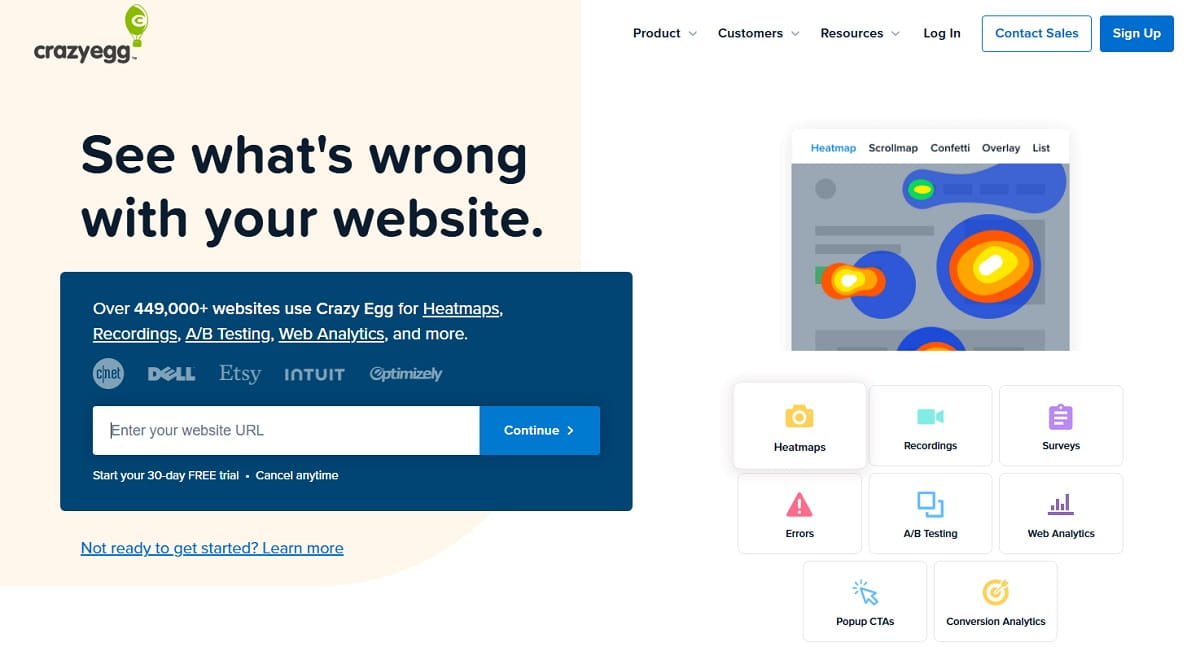
Crazy Egg is a good Inspectlet alternative for teams that want heatmaps, recordings, A/B testing, web analytics, surveys, errors tracking, and popup CTAs in one simpler CRO workflow. It is especially useful for small and mid-sized marketing teams that want to find page problems and test changes without building a complex analytics stack.
Compared with Inspectlet, Crazy Egg feels more focused on page optimization. You can use heatmaps to see what gets attention, recordings to watch real behavior, and A/B testing to check whether a new headline, CTA, layout, or offer works better. This is practical for landing pages, product pages, blog CTAs, and e-commerce category pages.
Crazy Egg is not always the deepest tool for product analytics or developer debugging. But it is clear, visual, and easy to understand. That makes it a strong option when the team needs fast CRO decisions, not a huge analytics system.
Best for:
- Landing page optimization
- A/B testing
- Heatmap reports
- Simple CRO workflows
- Marketers who want visual reports
Crazy Egg’s official site lists heatmaps, recordings, surveys, errors, A/B testing, web analytics, popup CTAs, conversion analytics, and a 30-day free trial.
#4. Mouseflow Alternative To Inspectlet
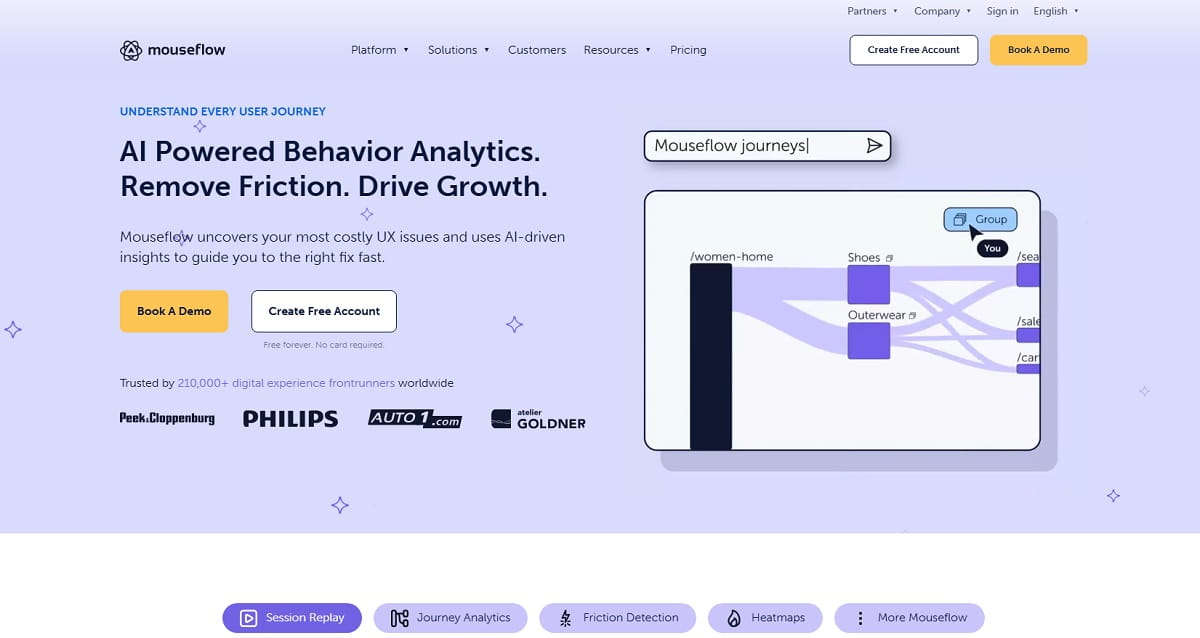
Mouseflow is a strong Inspectlet alternative when your main goal is to understand visitor journeys, form friction, funnels, and website behavior. It is not just a recording tool. It helps marketers and UX teams see where users click, scroll, hesitate, abandon forms, and leave important flows.
Mouseflow works well for websites where forms and checkout steps matter. For example, if users open a lead form but do not submit it, Mouseflow can help find fields that create friction. If users drop before checkout, funnels and recordings can show whether the issue is unclear text, hidden buttons, poor layout, or technical behavior.
Compared with Inspectlet, Mouseflow is often chosen for form analytics and conversion journey research. Inspectlet has a broader built-in set with A/B testing and AI features, while Mouseflow is a practical behavior analytics platform for UX and CRO teams.
Best for:
- Form analytics
- Funnel analysis
- Session replay
- Website behavior tracking
- UX and CRO teams
Mouseflow’s official site presents session replay, heatmaps, feedback, behavior analytics, and UX/conversion optimization features.
#5. Microsoft Clarity Alternative To Inspectlet
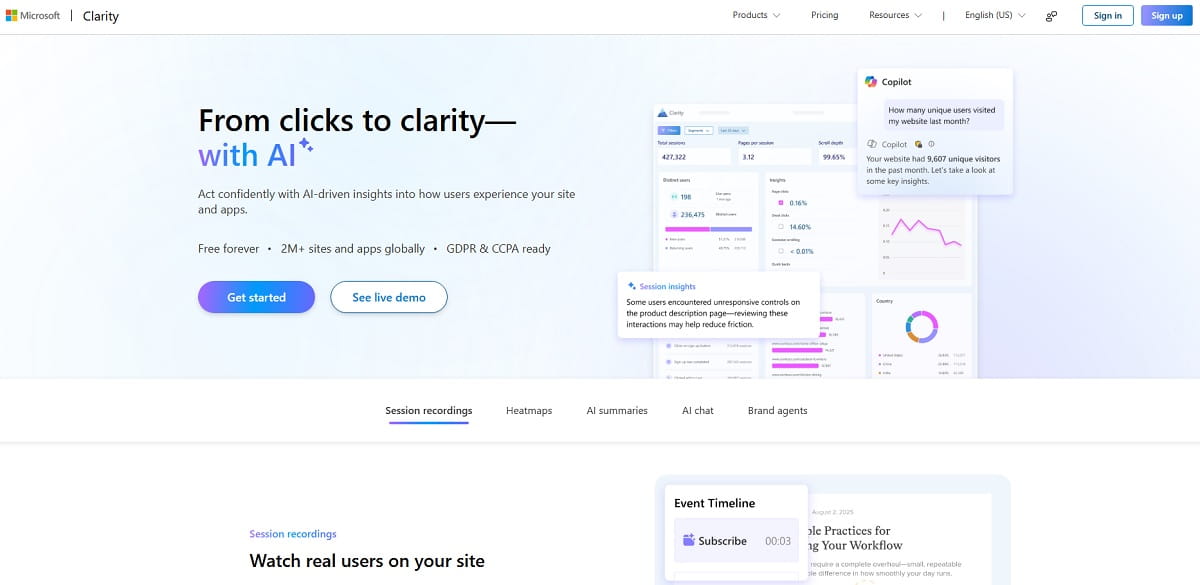
Microsoft Clarity is probably the easiest free Inspectlet alternative to recommend for many websites. It gives you heatmaps and session recordings without a complex pricing model. This is useful for small businesses, content websites, early-stage SaaS projects, and e-commerce stores that want to start watching user behavior before paying for a larger CRO platform.
Clarity helps you see how users interact with pages, where they click, how far they scroll, and what sessions show friction. It also supports integrations and mobile app analytics through a lightweight SDK. That makes it more useful now than just a basic free heatmap tool.
The limitation is that Clarity is not a full CRO suite. It does not replace tools like Plerdy if you need SEO checks, popups, e-commerce tracking, A/B testing, and deeper conversion workflows. But as a free Inspectlet alternative, it is one of the best starting points.
Best for:
- Free heatmaps
- Free session recordings
- Small websites
- First UX checks
- Teams with limited budget
Microsoft Clarity’s official site describes it as a free user behavior analytics tool with heatmaps, session recordings, insights, integrations, and mobile app analytics.
#6. LogRocket Alternative To Inspectlet
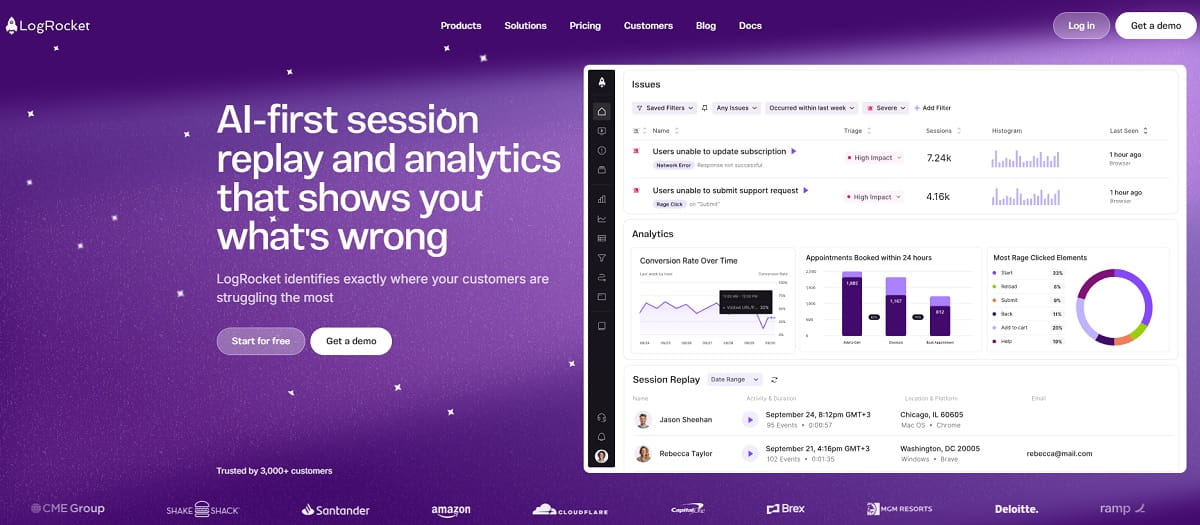
LogRocket is a better Inspectlet alternative for product and engineering teams than for classic marketing teams. Its main value is connecting session replay with product analytics, error tracking, frontend performance monitoring, and issue investigation. If users report bugs, broken flows, or strange app behavior, LogRocket helps developers see what happened before the issue.
This is useful for SaaS products, web apps, dashboards, fintech platforms, and other interactive products where a normal heatmap is not enough. A marketer may only need to know that users rage-click. A developer needs to know what error happened, which browser was used, and what the user did before the problem.
Compared with Inspectlet, LogRocket is more technical. It is not the best choice if you only need website CRO. But it is strong when UX problems and frontend errors are connected.
Best for:
- SaaS products
- Developers
- Product analytics
- Error tracking
- Frontend debugging
LogRocket’s official site lists product analytics, issues, session replay, UX analytics, error tracking, and performance monitoring. Its pricing page also lists a Team plan starting at $69/month for 10k sessions/month.
#7. LiveSession Alternative To Inspectlet
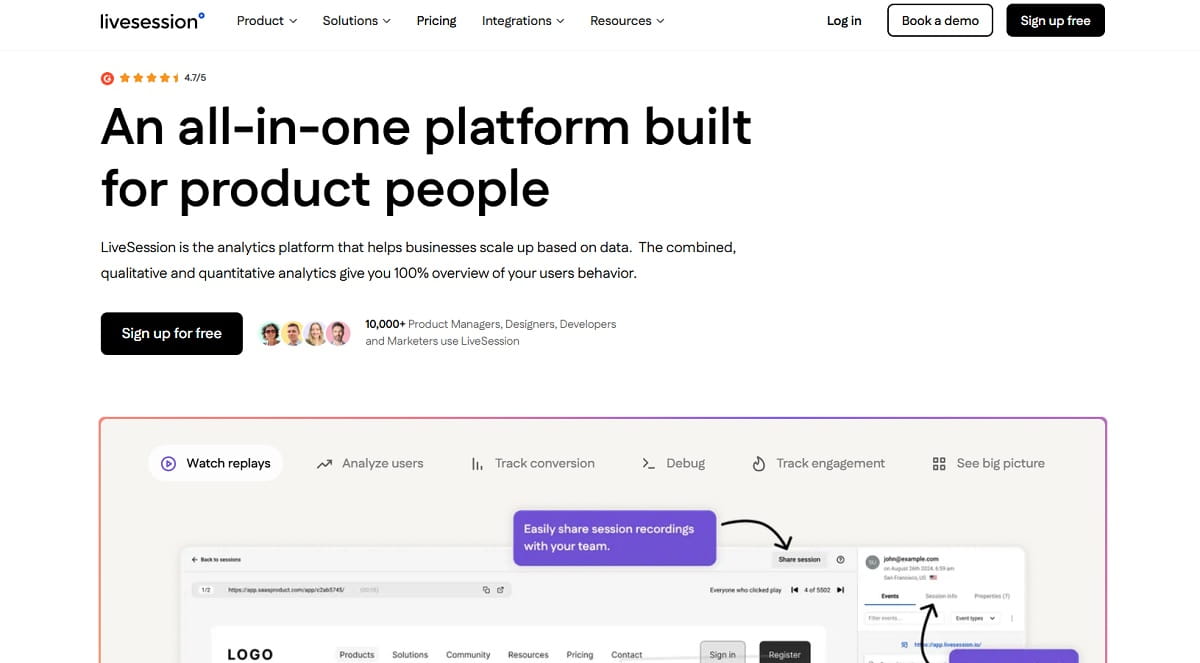
LiveSession is a good Inspectlet alternative for SaaS teams, product managers, support teams, and developers who want to analyze sessions with more technical context. It includes session replay, custom metrics, funnels, DevTools, filters, rage clicks, error clicks, and segmentation. This helps teams find not only where users struggle, but also which sessions are worth watching first.
LiveSession is useful when your team does not want to waste hours watching random recordings. Filters, engagement scoring, rage clicks, skipped inactivity, and user journey data help prioritize important sessions. This makes it better for product teams that need repeatable workflows, not just visual curiosity.
Compared with Inspectlet, LiveSession may feel more product-focused. Inspectlet is strong for heatmaps, forms, A/B testing, surveys, and AI insights. LiveSession is strong when teams want session replay, funnels, and debugging tools in one product analytics workflow.
Best for:
- SaaS products
- Product teams
- Support teams
- Developer debugging
- Session replay with filters
LiveSession’s official feature page lists Session Replay, custom Metrics, Funnels, Dev Tools, and product insights.
#8. Lucky Orange Alternative To Inspectlet
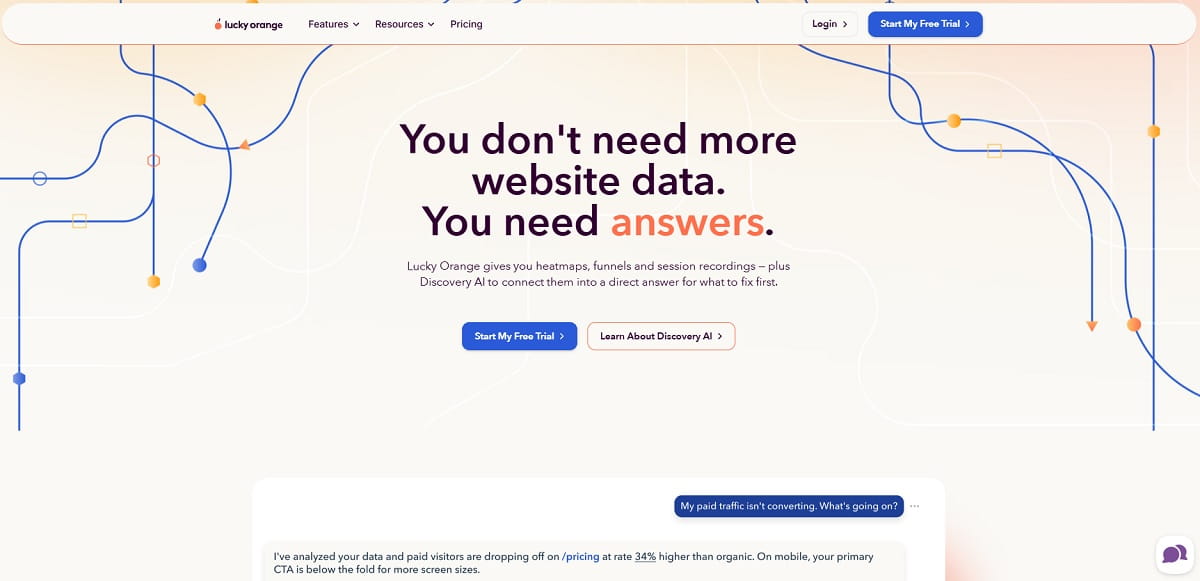
Lucky Orange is a practical Inspectlet alternative for small businesses, e-commerce stores, and marketing teams that want behavior analytics plus communication tools. It includes heatmaps, session recordings, funnels, surveys, live chat, analytics, and Discovery AI. That mix is useful when you want to understand users and also talk to them while they are still on the website.
Lucky Orange is especially helpful for stores and lead generation websites. For example, you can see where users abandon a form, watch session recordings, check heatmaps, run a survey, or use live chat to help visitors before they leave. This creates a more direct conversion optimization workflow.
Compared with Inspectlet, Lucky Orange may feel more sales and support oriented. Inspectlet is stronger for technical session analysis, AI insights, and A/B testing. Lucky Orange is better when live chat, surveys, and quick CRO feedback are important.
Best for:
- Small businesses
- E-commerce CRO
- Live chat plus analytics
- Surveys
- Conversion troubleshooting
Lucky Orange’s official site lists heatmaps, funnels, session recordings, Discovery AI, surveys, and live chat. Its pricing page also says every plan includes heatmaps, recordings, funnels, and surveys.
#9. VWO Insights Alternative To Inspectlet

VWO Insights is a strong Inspectlet alternative if your team already thinks in experiments, hypotheses, and conversion research. It helps you understand visitor behavior through heatmaps, session recordings, funnels, surveys, and form analytics. This is useful when you do not just want to watch users, but want to turn findings into test ideas.
VWO Insights is especially relevant for CRO teams that use A/B testing or plan to build a structured experimentation program. If a funnel step performs poorly, recordings and heatmaps can help explain why. Then the team can create a test hypothesis and validate a new version.
Compared with Inspectlet, VWO is more connected to a broader experimentation ecosystem. Inspectlet gives many behavior analytics features in one tool, while VWO is better when research and testing are already part of the company process.
Best for:
- CRO teams
- Experimentation programs
- Funnel research
- Form analytics
- Heatmaps connected to testing ideas
VWO’s official site describes VWO Insights as a behavior analytics tool with session recordings, heatmaps, surveys, form analytics, and funnels.
#10. Browsee Alternative To Inspectlet
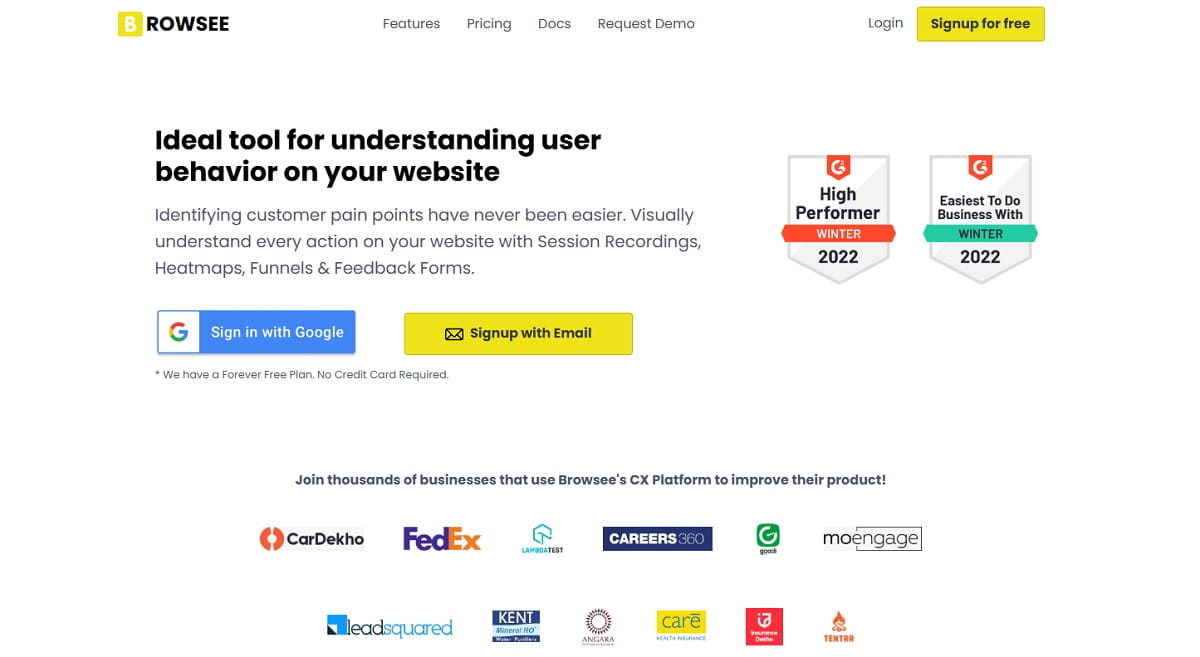
Browsee is a lightweight Inspectlet alternative for teams that want session recordings, heatmaps, behavior tags, and visual user journey insights without a heavy setup. It is useful for startups, smaller SaaS products, and websites that need to find obvious UX problems quickly.
Browsee focuses on visual understanding. You can watch recordings, review heatmaps, and look for behavior signals like confusion or rage clicks. That helps teams spot pages where users get lost, ignore important buttons, or leave before completing an action.
Compared with Inspectlet, Browsee is simpler. It may not be the best fit for teams that need advanced A/B testing, deep form analytics, or technical error tracking. But it is a good choice when you want an affordable way to understand user behavior and improve UX step by step.
Best for:
- Startups
- Lightweight UX analysis
- Session recordings
- Heatmaps
- Behavior tags
Browsee’s official site presents it as a tool for session recordings, heatmaps, behavior tags, UX improvement, and conversions, and its heatmap page mentions a forever free plan.
Inspectlet Review: Pros, Cons, Pricing, And Tracking Code
Inspectlet is still a strong tool if your team wants to watch real users, find rage clicks, analyze forms, test page changes, and understand where visitors get stuck. Its official product pages now focus heavily on session replay, dynamic heatmaps, form analytics, A/B testing, feedback surveys, error logging, and AI insights.
The biggest advantage is that Inspectlet puts many behavior analytics features in one product. You do not need a separate tool only for heatmaps, another one for form analytics, and another one for basic testing. For small teams, this can be convenient.
But Inspectlet is not always the best choice. If you need SEO tools, popups, e-commerce analytics, or CRO tools in the same dashboard, Plerdy may be stronger. If you need a free heatmap and replay setup, Microsoft Clarity is easier. If you need developer-level error context, LogRocket or LiveSession may fit better.
Inspectlet Pros
- Session replay for watching real visitor behavior
- Dynamic heatmaps for clicks, movement, and scrolling
- Form analytics for field-level friction
- A/B testing for page experiments
- Feedback surveys for direct user input
- Error logging for technical problems
- AI insights for finding important sessions faster
Inspectlet Cons
- It may be too narrow if you also need SEO, popups, or e-commerce conversion tools
- Some teams may prefer a free tool like Microsoft Clarity for basic heatmaps
- Product teams may need deeper developer tools from LogRocket or LiveSession
- UX research teams may prefer Hotjar if surveys and user feedback are the main focus
Inspectlet Pricing
Inspectlet has a free plan, and the official pricing page says the free plan includes 2,500 recorded sessions per month across up to 3 websites. The same official page lists session replay, heatmaps, A/B testing, form analytics, feedback surveys, error logging, and AI features.
Inspectlet Tracking Code
Inspectlet works by adding its tracking JavaScript to your website. The official documentation says the tracking JavaScript is asynchronous and can be placed before the closing head tag or near the top of the body. This is useful because users searching “inspectlet tracking code” usually want to know how difficult setup is before testing the tool.
Inspectlet Vs Hotjar, Mouseflow, And Crazy Egg
Some users do not search only for “Inspectlet alternatives”. They compare Inspectlet directly with tools like Hotjar, Mouseflow, and Crazy Egg. This matters because each comparison has a different intent.
Inspectlet vs Hotjar is mostly about session replay, heatmaps, surveys, feedback, and UX research. Hotjar is better when user feedback is important. Inspectlet is stronger when you need form analytics, error logging, A/B testing, and AI session insights in one technical behavior analytics tool.
Inspectlet vs Mouseflow is more about forms, funnels, and visitor journey analysis. Mouseflow is practical for finding friction in forms and conversion paths. Inspectlet is better if you want built-in testing and broader AI-assisted session analysis.
Inspectlet vs Crazy Egg is more CRO-focused. Crazy Egg is strong for heatmaps, recordings, A/B testing, web analytics, surveys, errors, and popup CTAs. Inspectlet is stronger when session replay, form analytics, and AI session review are the main needs.
If you want the best all-around Inspectlet alternative for marketing, CRO, SEO, and UX, Plerdy is the better fit because it gives more optimization tools after you find the problem.
FAQ About Inspectlet Alternatives
What Is The Best Inspectlet Alternative?
The best Inspectlet alternative depends on your goal. Plerdy is best if you need CRO, SEO, heatmaps, session replay, funnels, popups, and A/B testing in one platform. Microsoft Clarity is best for a free setup. Hotjar is better for UX feedback and surveys. LogRocket is stronger for developer debugging.
Is There A Free Inspectlet Alternative?
Yes. Microsoft Clarity is one of the strongest free Inspectlet alternatives for heatmaps and session recordings. Plerdy also has a free plan if you need more CRO and SEO tools together with behavior analytics.
Is Inspectlet Better Than Hotjar?
Inspectlet can be better if you need form analytics, error logging, A/B testing, and AI session insights. Hotjar can be better if your team needs surveys, feedback, user testing, and UX research workflows.
What Is The Best Inspectlet Alternative For E-Commerce?
Plerdy, Lucky Orange, Crazy Egg, and Mouseflow are strong options for e-commerce. Plerdy is especially useful when you need heatmaps, session replay, popups, conversion funnels, e-commerce tracking, and SEO checks in one place.
Does Inspectlet Work With A Tracking Code?
Yes. Inspectlet uses a JavaScript tracking code. The code is usually added to the website so Inspectlet can collect session recordings, heatmap data, form analytics, and other behavior signals.
Which Inspectlet Alternative Is Best For Developers?
LogRocket and LiveSession are better for developers because they connect session replay with technical context, error tracking, DevTools, performance data, or debugging workflows.
Conclusion
Every single Inspectlet review says it is a decent option for every marketer. Nevertheless, Inspectlet reviews also highlight services that may be good alternatives. We have gathered the best of those, so you can safely choose any.