

Crazy Egg is one of the oldest names in heatmap and click-tracking software, and for a basic “where do people click” question it still works. But it caps recordings and heatmap reports by tier, bills annually on its higher plans, and stops at behavior visualization — no SEO layer, no built-in funnels beyond A/B testing, no mobile-app support. That’s exactly why “crazy egg alternatives” and “crazy egg competitors” are two of the highest-volume queries around this tool: teams outgrow it and go looking for something that does more per dollar. Plerdy is one option built specifically to cover that gap — heatmaps and session replay plus SEO audits, pop-ups, funnels, and unlimited A/B testing in one subscription — and it’s the first tool we break down below, followed by nine more platforms similar to Crazy Egg for heatmap analysis, chosen for different budgets and use cases.
What Is Crazy Egg?
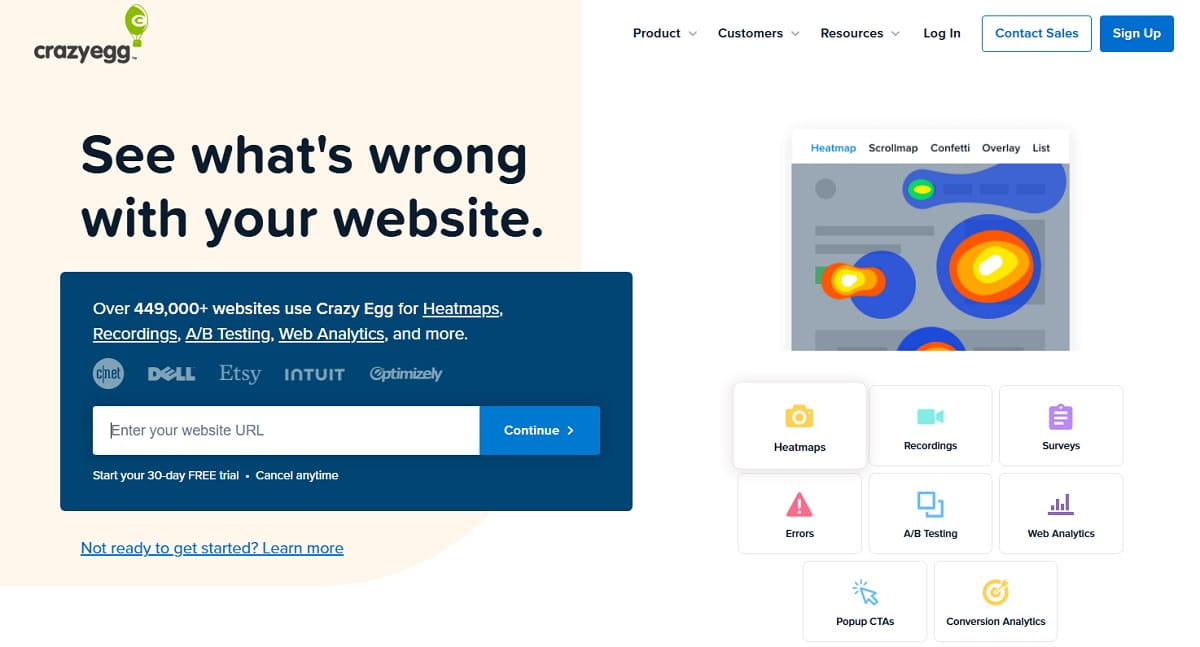
Crazy Egg is a conversion-rate-optimization tool launched in 2005 that shows how visitors interact with a page through heatmaps, scrollmaps, confetti reports, and session recordings. It also includes surveys, pop-up CTAs, and A/B testing on its higher tiers. It’s aimed mainly at marketers and small-to-mid ecommerce teams who want a visual read on page behavior without a developer-heavy setup.
Crazy Egg Pricing And Cost In 2026
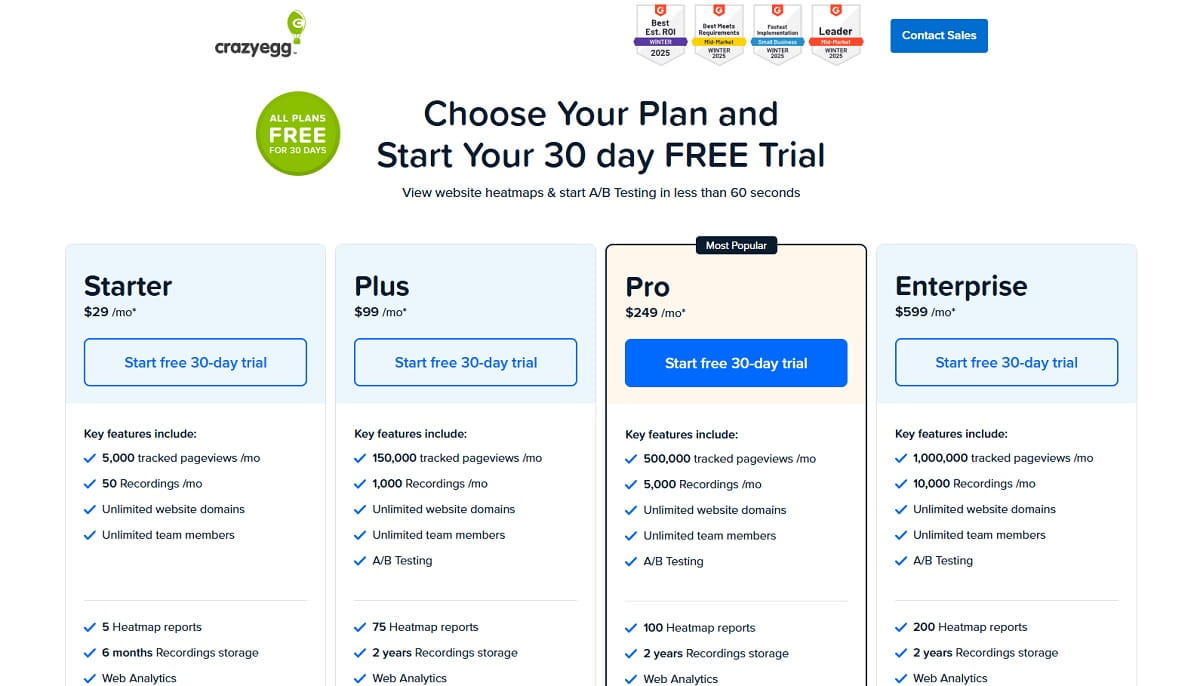
All four Crazy Egg plans are billed annually and come with a free trial. Every tier gates recordings, heatmap reports, and data storage — the differences below are what actually changes as you move up (source: crazyegg.com/pricing).
| Plan | Price | Pageviews/mo | Heatmap Reports | Recordings/mo | Storage |
|---|---|---|---|---|---|
| Starter | $29/mo ($348/yr) | 5,000 | 5 | 50 | 6 months |
| Plus | $99/mo ($1,188/yr) | 150,000 | 75 | 1,000 | 2 years |
| Pro (Most Popular) | $249/mo ($2,988/yr) | 500,000 | 100 | 5,000 | 2 years |
| Enterprise | $599/mo ($7,188/yr) | 1,000,000 | 200 | 10,000 | 2 years |
Unlimited A/B testing, CTAs, and error tracking only unlock from Plus upward, and SAML SSO is Enterprise-only. That per-tier gating — rather than the base price — is the single biggest reason people search for a Crazy Egg alternative: a small team on Starter runs out of heatmap reports and recordings long before it runs out of traffic.
How We Evaluated These Crazy Egg Alternatives
We checked every tool on this list against four criteria in August 2026, directly on the vendor’s own pricing and product pages rather than trusting older roundups:
- Core capability — does it actually replace heatmaps and/or session replay, not just sit next to them?
- Pricing transparency and free-tier generosity — publicly listed prices beat “contact sales” where possible.
- What Crazy Egg can’t do — SEO, funnels, mobile apps, AI-assisted analysis, live visitor view.
- Current operating status — is the product still independently sold, or has it been folded into another platform, sunset, or repositioned since older “Crazy Egg alternatives” articles were written?
That last check mattered more than expected this year — two tools that still show up on older competitor lists no longer pass it. See the callout right after the comparison table.
Crazy Egg Alternatives Compared At A Glance
| Tool | Best For | Free Plan | Starting Paid Price | Standout Feature |
|---|---|---|---|---|
| Plerdy | All-in-one CRO, UX & SEO | Yes — full feature set | $21/mo (annual) | Heatmaps + SEO audits + funnels + unlimited A/B tests in one plan |
| Hotjar (Contentsquare) | Qualitative UX research | Yes | $49/mo (Growth) | Surveys + feedback widgets backed by Contentsquare’s analytics depth |
| Microsoft Clarity | Free heatmaps at any traffic | Yes — unlimited traffic, forever | $0 — no paid tier | Zero-cost, zero-cap recordings and AI session summaries |
| Mouseflow | Funnel & friction diagnosis | Yes — 500 sessions/mo | $25/mo | Form analytics that pinpoint exact abandonment fields |
| FullStory | Enterprise digital experience analytics | Yes — limited sessions | Custom (sales-led) | Developer-grade console/network capture alongside replay |
| VWO | Heavy A/B testing programs | No | Custom (sales-led) | Full experimentation engine (testing + feature flags) |
| Lucky Orange | Live visitor view + chat | No — trial only | $32/mo (annual) | Watch and chat with a visitor live, on every plan |
| Inspectlet | Budget SPA-friendly replay | Yes — 2,500 sessions/mo | $39/mo | All features unlocked on every paid tier, works on React/Vue/Angular |
| Quantum Metric | Large-scale enterprise DXA | No | Custom (enterprise only) | Felix AI agent correlates behavior, technical & business data |
| UXCam | Native mobile apps | Trial only | Custom (by session volume) | Session replay & heatmaps built for iOS/Android, not web |
Two tools we deliberately left off this list. Attention Insight is a well-regarded AI tool, but it generates predictive attention heatmaps on static designs before a page goes live — it never touches real visitor data, so it complements a tool like Crazy Egg rather than replacing it. Smartlook entered End of Sale on May 31, 2026 after joining Cisco/Splunk Observability Cloud and is scheduled for full decommissioning on September 30, 2027 — not a responsible recommendation for anyone migrating off Crazy Egg today. If your reason for leaving is pre-launch design testing, pair whichever tool you pick below with Attention Insight rather than treating it as a standalone Crazy Egg replacement.
10 Best Crazy Egg Alternatives
1. Plerdy — Best All-In-One Alternative To Crazy Egg
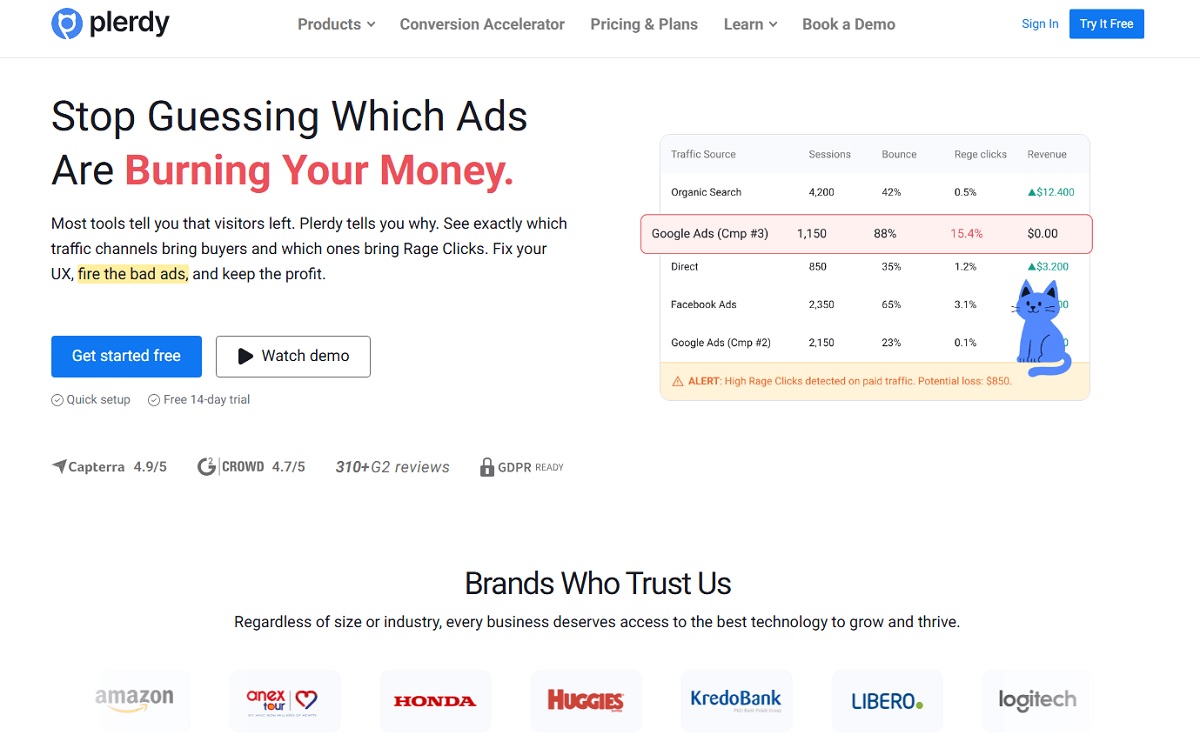
Crazy Egg Vs Plerdy: Crazy Egg stops at heatmaps, recordings, and basic A/B testing. Plerdy covers the same behavior-analytics core and adds SEO audits, pop-ups, conversion funnels, ecommerce tracking, error tracking, and an AI UX Assistant — so teams that would otherwise run Crazy Egg plus a separate SEO tool plus a separate pop-up tool can consolidate into one subscription.
Best for: teams that want behavior analytics, SEO, and conversion tools under one login instead of stitching together three subscriptions.
Key features:
- Heatmaps, scrollmaps, and session replay
- Unlimited A/B testing on paid plans
- Built-in SEO audits, SERP checker, and rank tracking
- Pop-ups, forms, and on-site surveys
- Conversion funnels and ecommerce analytics
- AI UX Assistant and Chrome extensions for quick SEO/UX checks
Pricing: Free plan (100 heatmaps/day, 500 sessions, 5,000 SEO audits, 100 pop-ups, 1-month storage). Paid plans start at Startup — $21/mo billed annually ($32 month-to-month), scaling through Scale ($42/mo), Thrive ($70/mo), up to Enterprise tiers ($97–$253/mo). Annual billing saves 35% across all paid plans.
Pros:
- One platform instead of three or four point tools
- Free plan is usable on its own, not just a crippled trial
- SEO and UX data sit side by side, so content and conversion decisions use the same dataset
Cons:
- Breadth means more menus to learn than a single-purpose heatmap tool
- Highest usage caps (heatmaps/sessions) still require Enterprise pricing, same as most competitors
2. Hotjar — Best For Qualitative UX Research
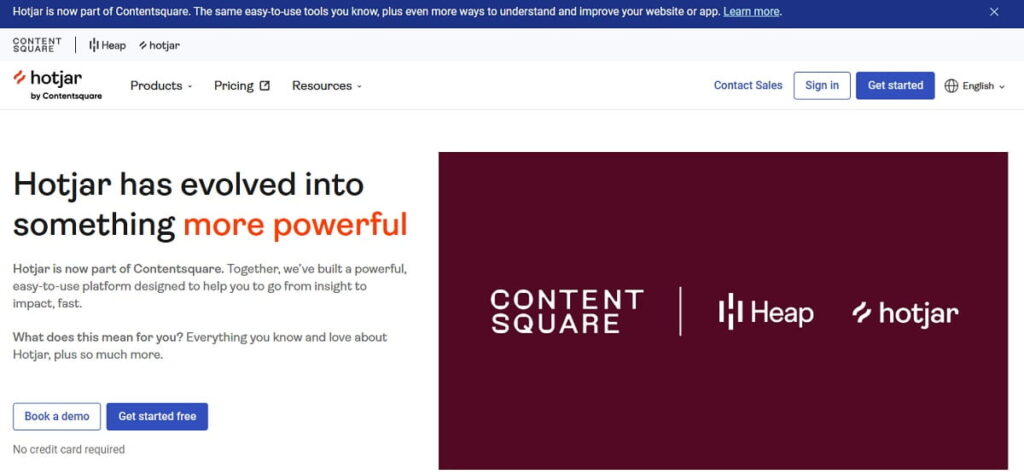
Crazy Egg Vs Hotjar: Hotjar leans qualitative — surveys, feedback widgets, and interviews sit alongside its heatmaps and recordings — while Crazy Egg leans quantitative with popup CTAs and A/B testing. Choose Hotjar over Crazy Egg when you need to know why visitors behave a certain way, not just where they click.
What changed in 2026: Hotjar’s pricing page now redirects to Contentsquare’s own pricing (source: contentsquare.com/pricing), following Contentsquare’s acquisition of Hotjar. Hotjar’s heatmap and replay tools are sold today under Contentsquare’s “Experience Analytics” line rather than as a standalone Hotjar checkout.
Best for: marketing and product teams who want survey/feedback data next to heatmaps.
Key features:
- Heatmaps and session recordings
- On-site surveys and feedback widgets
- Funnels and form analysis (Experience Analytics suite)
- Voice of Customer module for structured feedback programs
Pricing: Experience Analytics — Free plan, Growth from $49/mo, Pro and Enterprise by quote. Voice of Customer — Free, Growth from $99/mo, Pro by quote.
Pros:
- Huge install base and long track record
- Strongest survey/feedback tooling of any tool on this list
- Now backed by Contentsquare’s broader analytics depth
Cons:
- Pricing and product naming are still settling after the Contentsquare consolidation, which can confuse existing Hotjar users
- Higher tiers push toward a sales conversation rather than self-serve checkout
3. Microsoft Clarity — Best Free Alternative To Crazy Egg
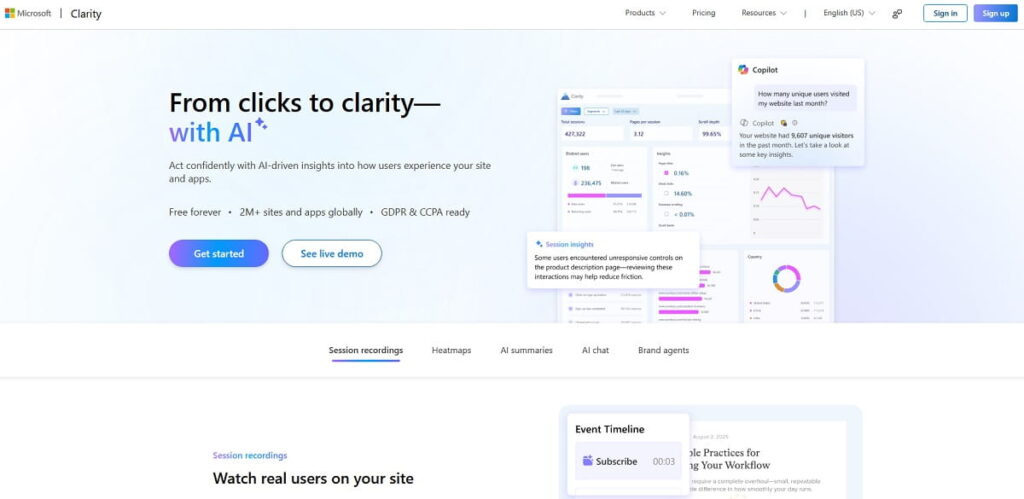
Crazy Egg Vs Microsoft Clarity: Crazy Egg is a paid conversion-optimization tool with tier-gated recordings and reports. Microsoft Clarity is completely free with no traffic cap at all — the trade-off is that Clarity has no A/B testing, no pop-ups, and no ecommerce or SEO layer.
Best for: high-traffic sites that just need unlimited free heatmaps and recordings.
Key features:
- Unlimited session recordings and heatmaps, free forever
- AI-generated session summaries and an AI chat interface for querying your data
- Mobile SDKs for Android, iOS, Flutter, and React Native
- Native Google Analytics integration
Pricing: $0. No paid tier exists.
Pros:
- No traffic ceiling and no per-session billing, ever
- Backed by Microsoft, so uptime and longevity risk is low
- AI summaries cut down manual recording review time
Cons:
- No A/B testing, pop-ups, funnels, or SEO tools — heatmaps and replay only
- Support is community-based; there’s no paid tier to unlock priority support
4. Mouseflow — Best For Funnel And Friction Analysis
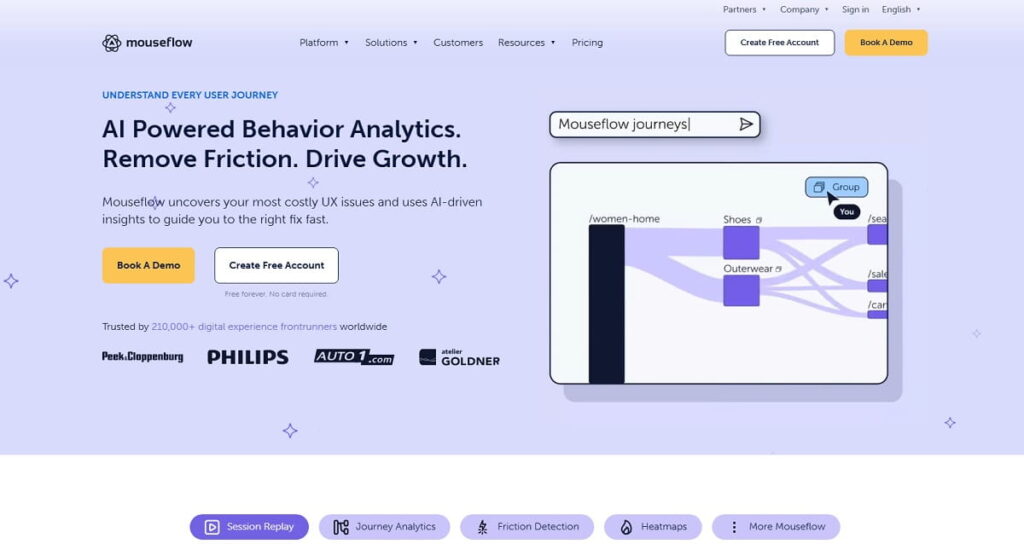
Crazy Egg Vs Mouseflow: Both offer heatmaps and recordings, but Mouseflow goes deeper on why a funnel leaks — its form analytics flag the exact field where visitors abandon a form, which Crazy Egg doesn’t break down at that level.
Best for: teams diagnosing where and why a specific conversion funnel is losing people.
Key features:
- Session replay and dynamic heatmaps
- Field-level form analytics
- Conversion funnels with drop-off detection
- Friction-detection scoring on recordings
Pricing: Free plan (500 sessions/mo). Paid: Essential $25/mo, Advanced $109/mo (most popular), Premium $319/mo, Enterprise by quote. 14-day money-back guarantee on first-time annual plans.
Pros:
- Free tier is genuinely usable for a small site, not just a demo
- Form-level abandonment data is more granular than Crazy Egg’s
- Money-back guarantee lowers the risk of switching
Cons:
- Cost rises quickly once you’re past the Essential tier’s session cap
- Data retention is only 1 month on the free plan versus 12 months on Premium
5. FullStory — Best For Enterprise Product Teams
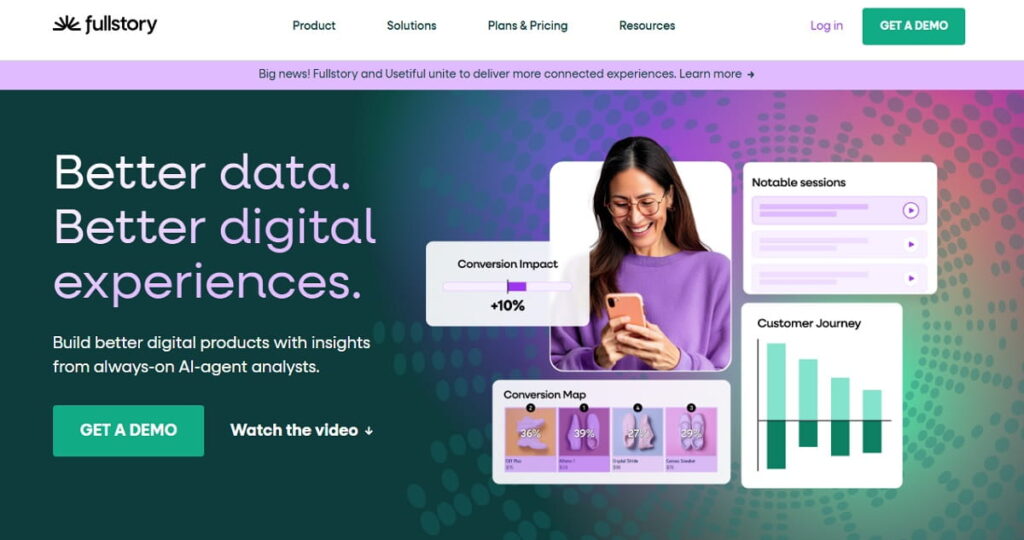
Crazy Egg Vs FullStory: FullStory is built for product and engineering teams debugging real user issues, with console and network capture alongside replay — a different job than Crazy Egg’s marketing-focused heatmaps.
Best for: enterprise product teams that need session replay tied to technical debugging, not just marketing heatmaps.
Key features:
- Session replay with console and network request capture
- Advanced segmentation and cohort analysis
- Heatmaps and funnels
- Deep integrations for product analytics stacks
Pricing: Free plan with a limited monthly session allowance; paid plans are custom/sales-led.
Pros:
- Strongest developer-facing debugging depth on this list
- Enterprise-grade segmentation and support
Cons:
- No public pricing — every paid plan requires a sales call
- More platform than a small marketing team typically needs
6. VWO — Best For Heavy A/B Testing Programs
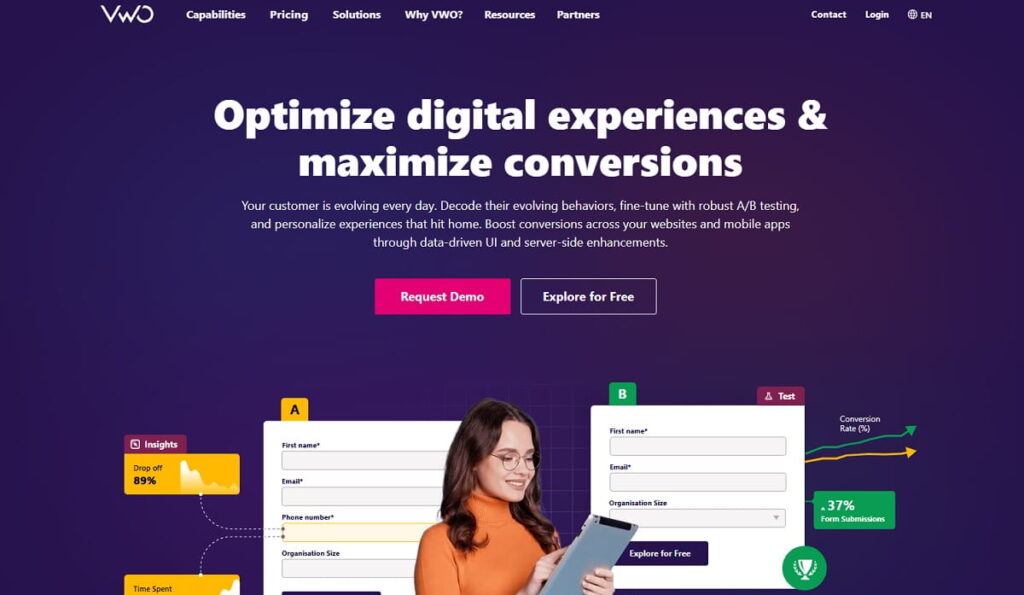
Best for: teams that want a full experimentation platform, not just heatmaps with basic A/B testing bolted on.
Key features:
- Full A/B and multivariate testing engine
- Heatmaps and session recordings (Insights module)
- Feature flags and rollouts (Feature Experimentation module)
- Personalization and Voice of Customer add-ons
Pricing: Growth, Pro, and Enterprise tiers per module; no public prices, all sales-led.
Pros:
- Testing engine is more mature than Crazy Egg’s built-in A/B tool
- Modular — pay only for the products you actually use
Cons:
- Pricing opacity makes budget planning harder than self-serve competitors
- Overkill if heatmaps and recordings are all you actually need
7. Lucky Orange — Best For Live Visitor View And Chat
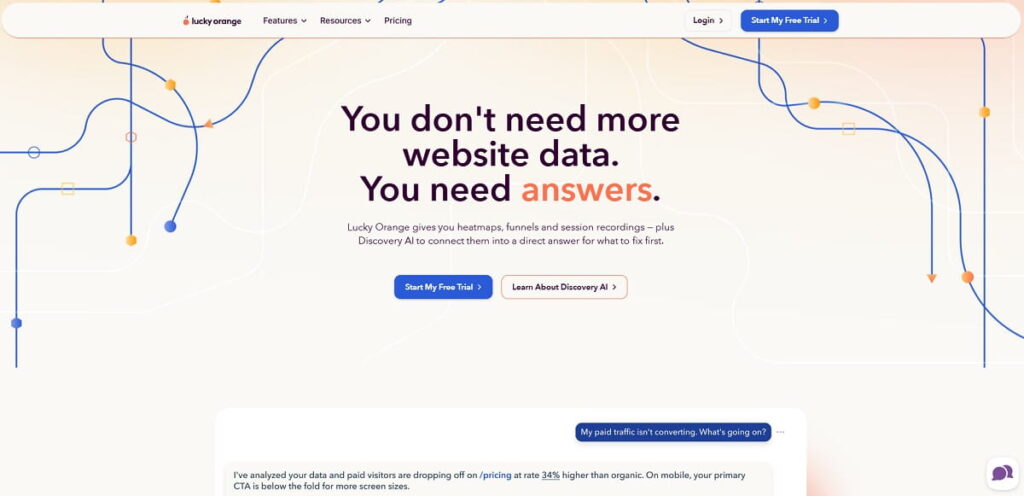
Best for: small-to-mid ecommerce teams that want to watch and chat with a visitor in real time, not just review recordings afterward.
Key features:
- Live visitor view — watch a session as it happens
- Session recordings and dynamic heatmaps
- Unlimited surveys and announcements on every plan
- Discovery AI included even on the entry tier
Pricing (annual, 20% off): Build $32/mo (3,500 sessions), Grow $72/mo (10,000), Expand $199/mo (50,000), Scale $839/mo (300,000), Enterprise by quote (700,000+). 7-day free trial.
Pros:
- Live view and chat are genuinely unique among the tools here
- AI features and unlimited team seats included from the cheapest paid tier
Cons:
- Session caps get expensive fast at higher traffic
- Extra websites cost $5/site on top of the plan price
8. Inspectlet — Best Budget Alternative For Modern JS Sites
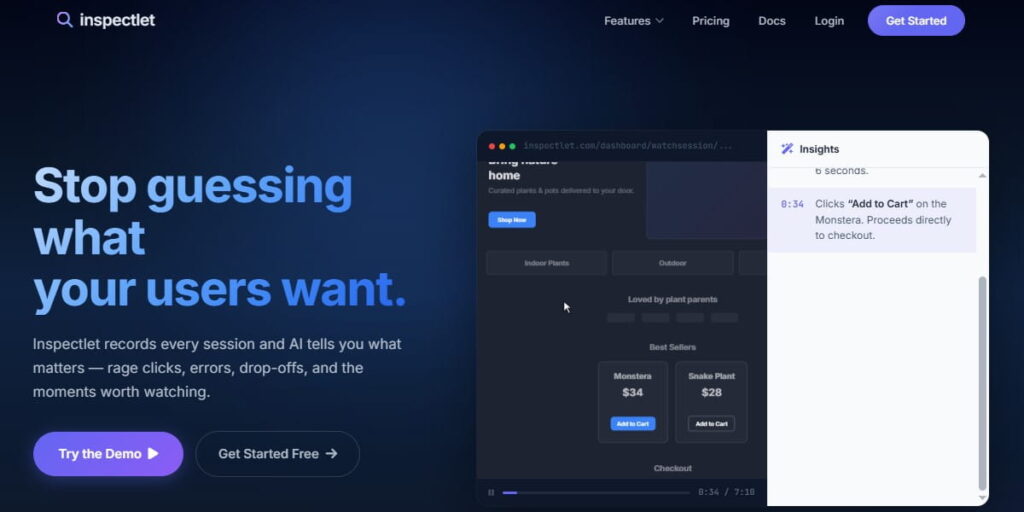
Crazy Egg Vs Inspectlet: Crazy Egg’s static heatmaps can struggle on single-page apps built with React, Vue, or Angular. Inspectlet’s dynamic heatmaps are built to work on those frameworks, and — unlike Crazy Egg — every feature is available on every paid tier instead of being gated by plan.
Best for: teams on modern JS frameworks who want full features without paying for a top-tier plan just to unlock them.
Key features:
- AI-powered automatic session insights
- Live View of active visitors
- Dynamic heatmaps that render correctly on SPAs
- Field-level form drop-off analytics
Pricing: Free plan (2,500 sessions/mo). Paid plans $39–$299/mo, all features included on every tier.
Pros:
- No feature-gating by tier, unlike Crazy Egg
- Works reliably on SPA frameworks where static heatmap tools break
- Vendor advertises a roughly 15-minute migration from Crazy Egg
Cons:
- Smaller brand recognition than Hotjar or Clarity
- Entry tiers still cap monthly sessions
9. Quantum Metric — Best For Large-Scale Enterprise DXA
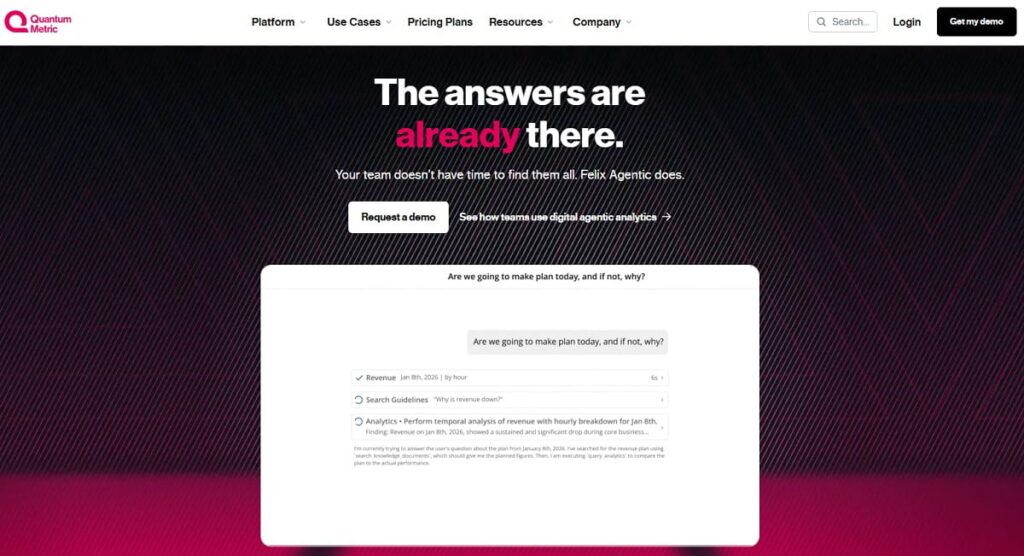
Best for: large enterprises already running a formal digital experience analytics program — this is a scale jump above Crazy Egg, not a like-for-like swap.
Key features:
- Session replay, heatmaps, and journey analytics
- Felix, an AI agent that correlates behavioral, technical, and business signals to investigate issues automatically
- Mobile app analytics and performance monitoring
- Segment builder and opportunity-analysis dashboards
Pricing: Enterprise/custom only — no public pricing.
Pros:
- AI-driven root-cause investigation is more advanced than anything else on this list
- Built to handle very high session volumes
Cons:
- No self-serve pricing or trial — a sales cycle is mandatory
- Clear overkill for the small-to-mid teams that make up most of Crazy Egg’s actual user base
10. UXCam — Best Alternative For Native Mobile Apps
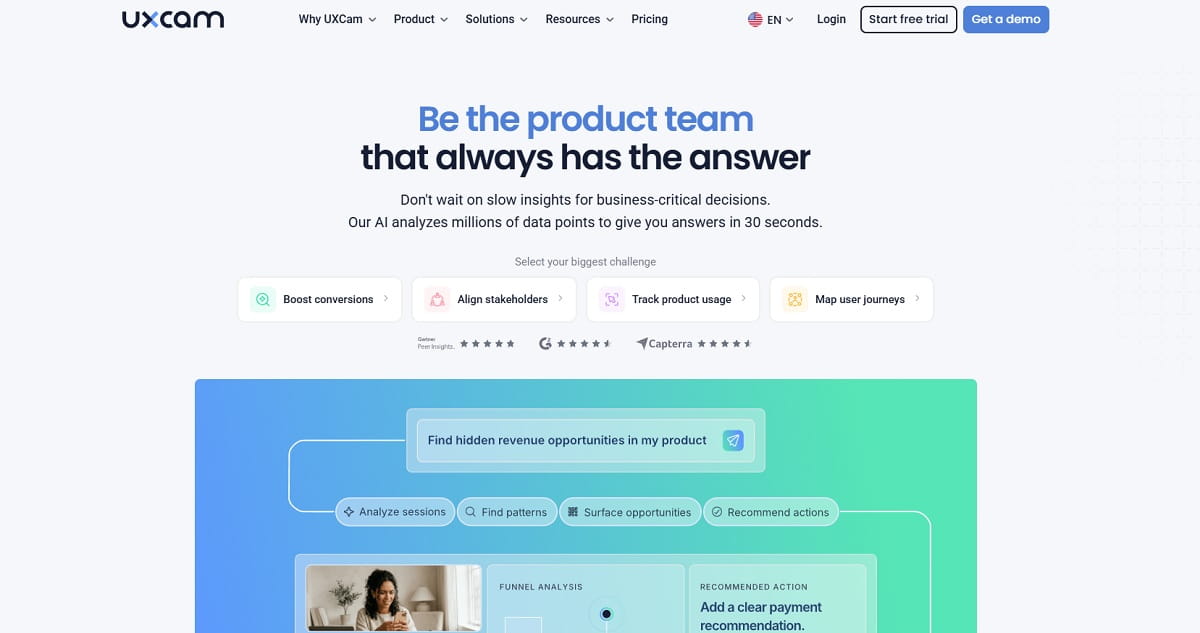
Best for: teams whose product is a native mobile app — the one use case Crazy Egg, a web-only tool, simply cannot cover.
Key features:
- Session replay and heatmaps built for iOS and Android
- AI-powered session insights that flag issues without manual review
- Mobile-specific funnels and crash context
Pricing: Custom, based on monthly session volume; free trial with full feature access.
Pros:
- Purpose-built for native apps rather than adapted from a web tool
- AI insights reduce manual session-review time
Cons:
- No public price list — every plan requires a quote
- Not useful if you only need website heatmaps; it’s a mobile specialist, not a general swap
Crazy Egg Pros And Cons
Pros:
- Effective visual behavior analysis via heatmaps, scrollmaps, and confetti reports
- Session recordings and A/B testing bundled from the Plus tier up
- Well suited to ecommerce and small-business marketing teams
- Surveys and pop-up CTAs included alongside conversion analytics
Cons:
- Annual billing required to get the advertised monthly rate on paid plans
- Starter tier limits recordings and heatmap reports hard enough that small teams outgrow it fast
- No SEO audits, no funnel-building beyond A/B tests, no ecommerce analytics layer
- No native mobile-app support
How To Choose A Platform Similar To Crazy Egg For Heatmap Analysis
Match the alternative to the actual reason you’re leaving Crazy Egg, not to whichever tool ranks first on a review site:
- Want heatmaps, SEO, and conversion tools in one place: Plerdy
- Want unlimited free heatmaps with no traffic cap: Microsoft Clarity
- Want surveys and qualitative feedback alongside heatmaps: Hotjar (Contentsquare)
- Want to diagnose exactly where a funnel or form leaks: Mouseflow
- Want enterprise-grade technical debugging with replay: FullStory
- Want a serious A/B testing and experimentation engine: VWO
- Want to watch and chat with visitors live: Lucky Orange
- Run a modern JS/SPA site and want a budget option: Inspectlet
- Run a large enterprise analytics program: Quantum Metric
- Your product is a native mobile app: UXCam
Conclusion: Best Crazy Egg Alternatives
Crazy Egg still does one job well — visual heatmaps for a marketing team — but every alternative above exists because that one job stopped being enough for someone. For a single platform that replaces Crazy Egg’s heatmaps and adds SEO, pop-ups, funnels, and unlimited A/B testing without a second subscription, Plerdy is the strongest starting point to try free before comparing it against the more specialized picks — Microsoft Clarity if budget is the only constraint, Mouseflow if a funnel is leaking, or UXCam if the product in question is actually a mobile app.
Conclusion: Best Crazy Egg Alternatives
Crazy Egg still does one job well — visual heatmaps for a marketing team — but every alternative above exists because that one job stopped being enough for someone. For a single platform that replaces Crazy Egg’s heatmaps and adds SEO, pop-ups, funnels, and unlimited A/B testing without a second subscription, Plerdy is the strongest starting point to try free before comparing it against the more specialized picks — Microsoft Clarity if budget is the only constraint, Mouseflow if a funnel is leaking, or UXCam if the product in question is actually a mobile app.
FAQ About Crazy Egg Alternatives
What Is The Best Crazy Egg Alternative?
For most teams, Plerdy is the strongest overall alternative because it matches Crazy Egg’s heatmap and session-replay core and adds SEO audits, pop-ups, funnels, and unlimited A/B testing in the same plan. If budget is the only deciding factor, Microsoft Clarity is free with no traffic cap.
Is There A Free Crazy Egg Alternative?
Yes. Microsoft Clarity is completely free with no traffic limit. Plerdy and Mouseflow both offer usable free plans with capped heatmaps, sessions, or recordings rather than a time-limited trial.
What Is Better, Crazy Egg Or Mouseflow?
Mouseflow goes deeper on funnel and form-level friction analysis — it flags the exact field where a form gets abandoned, which Crazy Egg doesn’t break down to that level. Crazy Egg is a reasonable pick if you mainly want a general heatmap read rather than form-by-form diagnosis; Mouseflow is better once you already know a specific funnel is leaking and need to know why.
Is Crazy Egg Better Than Microsoft Clarity?
Crazy Egg is a paid tool with A/B testing, pop-up CTAs, and surveys layered on top of heatmaps. Microsoft Clarity is free forever with no traffic cap but has no A/B testing, pop-ups, or ecommerce/SEO tools. Choose Clarity when the budget is the deciding factor and you only need heatmaps and recordings; choose Crazy Egg when you also want built-in testing and pop-ups.
Is Inspectlet A Good Alternative To Crazy Egg?
Yes, particularly for sites built on React, Vue, or Angular, where Crazy Egg’s static heatmaps can misread dynamic content. Inspectlet’s heatmaps are built for single-page apps, and it doesn’t gate features by plan the way Crazy Egg does — every paid tier gets the full feature set.
How Much Does Crazy Egg Cost?
Crazy Egg has four annually billed plans: Starter at $29/month, Plus at $99/month, Pro at $249/month, and Enterprise at $599/month. Each tier raises the caps on pageviews, heatmap reports, recordings, and storage, and unlimited A/B testing only unlocks from Plus upward.
Does Crazy Egg Work For Mobile App Analytics?
No — Crazy Egg tracks websites, not native mobile apps. For iOS or Android session replay and heatmaps, UXCam is a purpose-built alternative; Microsoft Clarity also offers mobile SDKs for Android, iOS, Flutter, and React Native alongside its web tracking.
What Happened To Hotjar Pricing In 2026?
Following Contentsquare’s acquisition of Hotjar, Hotjar’s pricing page now redirects to Contentsquare’s own pricing. Hotjar’s heatmap and session-replay tools are sold today as part of Contentsquare’s “Experience Analytics” line — Free, Growth from $49/month, with Pro and Enterprise by quote — rather than as a standalone Hotjar checkout.
What Are The Top Crazy Egg Competitors For Ecommerce?
Plerdy and Lucky Orange are the two most ecommerce-relevant picks here: Plerdy adds ecommerce analytics and conversion funnels alongside heatmaps, while Lucky Orange adds live visitor view and chat, which many small ecommerce teams use to catch a struggling shopper in real time.