

Mouseflow sells one thing exceptionally well: you drop a script on a page, and within a day you can watch real visitors rage-click a broken CTA. The trouble starts later. Session metering charges you for traffic you never review, funnels and form analytics sit behind higher tiers, and a lot of teams discover they need SEO checks, pop-ups, and A/B testing in the same dashboard — which is precisely the gap Plerdy was built to close, and why it opens this list.
This roundup covers 12 Mouseflow alternatives, each one checked against the vendor’s own live pricing and product pages in August 2026 — not against recycled review copy. That matters more than usual this year. One widely recommended Mouseflow competitor stopped selling subscriptions in May 2026, and another was quietly absorbed into its parent company’s price list. Both still appear in competing “best of” articles as if nothing happened.
Quick Verdict: Best Mouseflow Alternatives At A Glance
| Need | Pick | Why It Wins |
|---|---|---|
| CRO, UX and SEO in one platform | Plerdy | Heatmaps, replay, SEO audit, pop-ups and A/B testing on one script and one bill |
| Zero budget, unlimited traffic | Microsoft Clarity | Free forever with no session cap, plus AI summaries |
| Surveys plus behavior data | Hotjar (Contentsquare) | Familiar Hotjar workflow, now on Contentsquare billing |
| Visual reporting for marketers | Crazy Egg | Snapshots, confetti reports and published pageview tiers |
| Ecommerce conversion repair | Lucky Orange | Cart-level segments, live chat and announcements bundled |
| Engineering and debugging | LogRocket | Replay tied to console logs, network calls and stack traces |
| Developer-owned stack | PostHog | Replay, autocapture, flags and experiments under one SDK |
| Regulated industries | Glassbox | Deep capture with financial-services compliance tooling |
| Replay plus experimentation | VWO Insights | Recordings that feed straight into A/B tests |
| Generous free replay quota | Inspectlet | 2,500 sessions monthly across three sites, no card required |
| Enterprise journey analytics | Contentsquare | Zone-based revenue attribution across the whole journey |
| Quote-based enterprise DXI | FullStory | Retroactive indexing of every interaction on web and mobile |
What Is Mouseflow, And What Does It Cost In 2026?
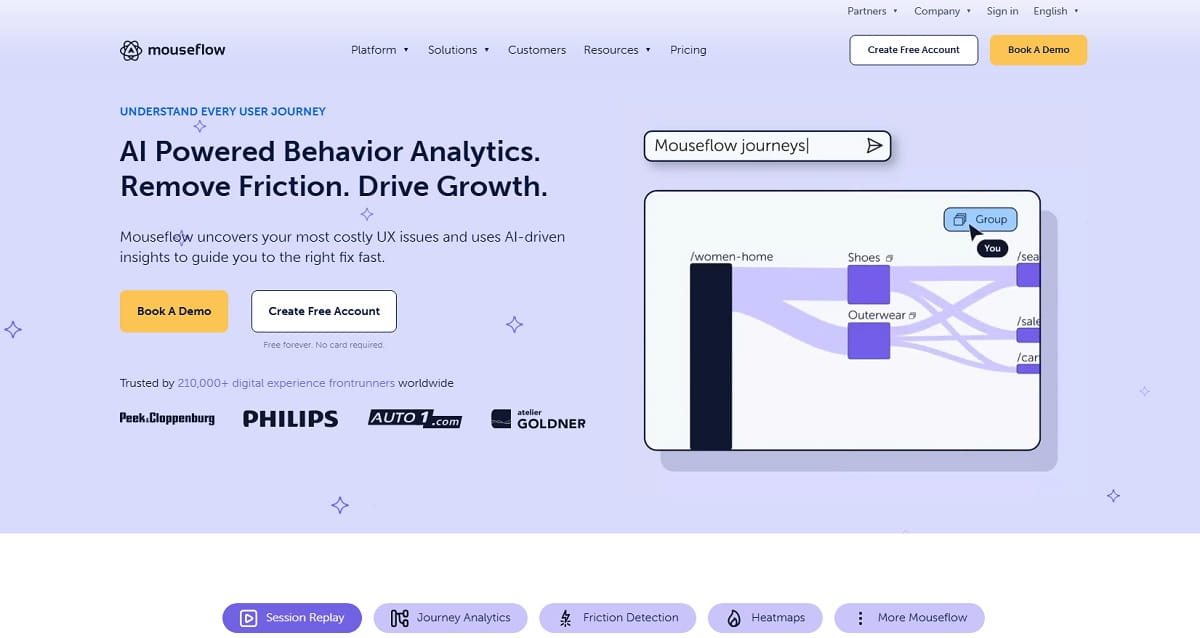
Mouseflow is a behavior analytics platform that records visitor sessions and renders six heatmap types — click, scroll, movement, attention, geography and live. Around that core it layers conversion funnels, form analytics and feedback surveys. It is a genuinely capable product, and for a marketing team that only needs replay and heatmaps on a single domain, it remains a reasonable default.
Friction shows up along three axes. First, billing is metered by recorded sessions, so a traffic spike costs money whether or not anyone watches the footage. Second, the entry tier caps you at one website and one funnel, which breaks the moment you run a landing page on a subdomain. Third, retention on lower plans is short — three months on Essential — so seasonal comparisons need an export routine you have to build yourself.
Mouseflow Pricing In 2026
Figures below come from Mouseflow’s public pricing page, checked in August 2026. All paid tiers include unlimited seats and a 14-day trial.
| Plan | Monthly Price | Sessions/Month | Websites | Funnels | Retention |
|---|---|---|---|---|---|
| Free | 0 | 500 | 1 | — | 1 month |
| Essential | 25 USD | 5,000 | 1 | 1 | 3 months |
| Advanced | 109 USD | 25,000 | 2 | 5 | 6 months |
| Premium | 319 USD | 100,000 | 5 | 10 | 12 months |
| Enterprise | Custom | Custom | Custom | Custom | Custom |
The jump from Essential to Advanced is where most teams stall: five times the price for five times the sessions, but only one extra website.
How We Chose These Mouseflow Competitors
Every tool here had to clear four bars. It must capture session replay, heatmaps, or both as a first-class feature, not a bolt-on. It must be available to new customers today — verified on the vendor’s own site, which is how Smartlook came off the list. Its pricing or pricing model must be traceable to an official page rather than a third-party estimate. And it must genuinely replace a Mouseflow workflow: survey-only and feedback-only platforms were excluded, however well they rank for this query.
Mouseflow Vs Alternatives: Feature And Pricing Comparison
| Tool | Session Replay | Heatmaps | Funnels | Form Analytics | Free Tier | Entry Price (Aug 2026) |
|---|---|---|---|---|---|---|
| Plerdy | Yes | Yes | Yes | Yes | Yes, permanent | 21 USD/mo annual |
| Mouseflow | Yes | Yes | Yes | Yes | 500 sessions | 25 USD/mo |
| Microsoft Clarity | Yes | Yes | Partial | No | Unlimited | Free |
| Hotjar (Contentsquare) | Yes | Yes | Yes | No | 200k sessions | From 49 USD/mo |
| Crazy Egg | Yes | Yes | No | No | Trial only | 29 USD/mo annual |
| Lucky Orange | Yes | Yes | Yes | Yes | Trial only | 32 USD/mo annual |
| FullStory | Yes | Yes | Yes | Partial | No | Quote only |
| LogRocket | Yes | Yes | Yes | No | Trial only | From 176 USD/mo |
| PostHog | Yes | Yes | Yes | No | 5k recordings | Usage-based |
| VWO Insights | Yes | Yes | Yes | Yes | Limited | Quote-led |
| Inspectlet | Yes | Yes | Partial | Yes | 2,500 sessions | Published tiers |
| Glassbox | Yes | Yes | Yes | Yes | No | Quote only |
Best Self-Serve Mouseflow Alternatives For Heatmaps And Session Replay
These six are the closest like-for-like swaps: you sign up, paste a snippet, and see behavior data the same afternoon.
1. Plerdy — Best Mouseflow Alternative For CRO, UX And SEO
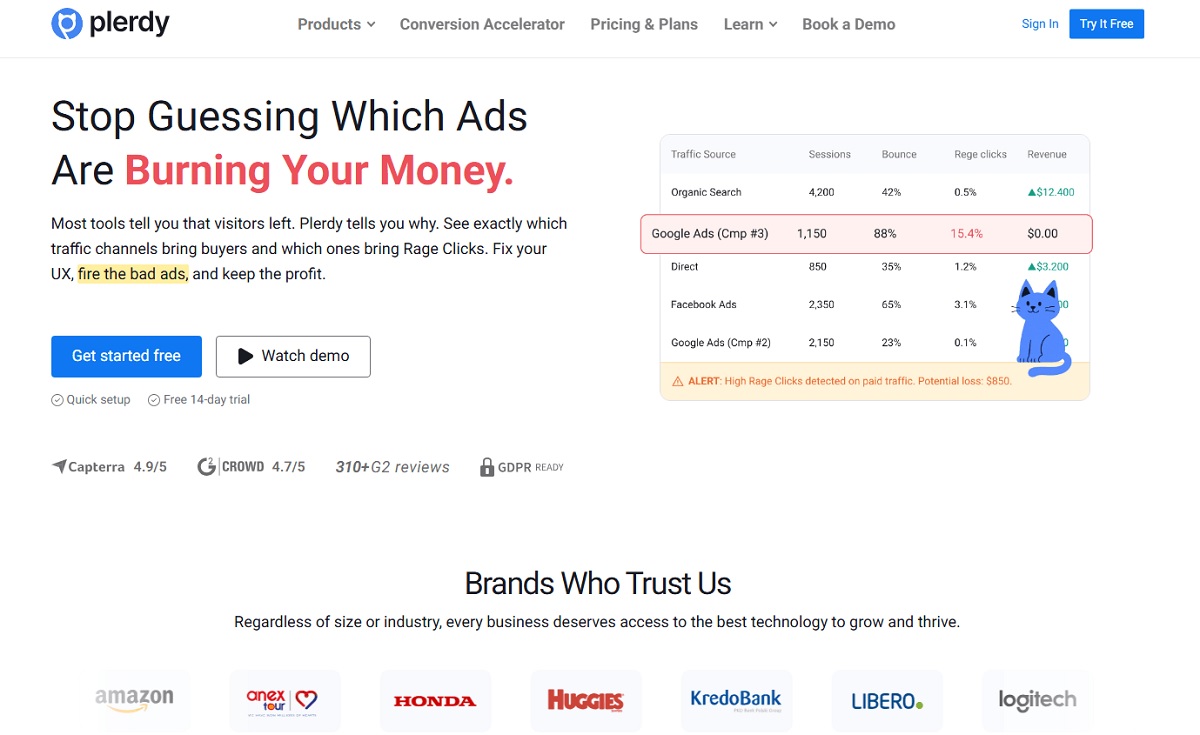
Plerdy replaces Mouseflow’s core job — click and scroll heatmaps plus video session replay — and then keeps going into territory Mouseflow never entered. The same script that draws your heatmap also runs an SEO audit, fires pop-up forms, tracks ecommerce events, monitors JavaScript errors and powers A/B tests. For a small marketing team, that consolidation is the whole argument: one vendor, one snippet, one invoice instead of stitching a replay tool to a survey tool to a technical crawler.
- Key features: click, scroll and mouse-movement heatmaps · video session recording · SEO checker and SERP tracking · pop-up and survey builder · ecommerce and conversion tracking · error monitoring · A/B testing.
- Use cases: finding the exact fold where a landing page loses scroll depth; proving which CTA variant earns clicks before a redesign; catching an SEO regression and a UX drop in the same weekly review.
- Best for: CRO specialists, in-house marketers and agencies who need behavior data and SEO signals side by side.
- Pros: a permanent free plan rather than a trial; transparent published pricing; unusually broad feature range for the price; heatmaps segmented by device and traffic source.
- Cons: not a product-analytics warehouse — if you need cohort retention curves on event schemas, pair it with a dedicated analytics tool.
- Pricing (from the Plerdy pricing page, August 2026): Free forever with 100 daily heatmaps, 500 video sessions and 5,000 SEO audits. Startup 21 USD/mo billed annually; Scale 42 USD/mo; Thrive 70 USD/mo; enterprise tiers above that.
2. Microsoft Clarity — Best Free Mouseflow Alternative
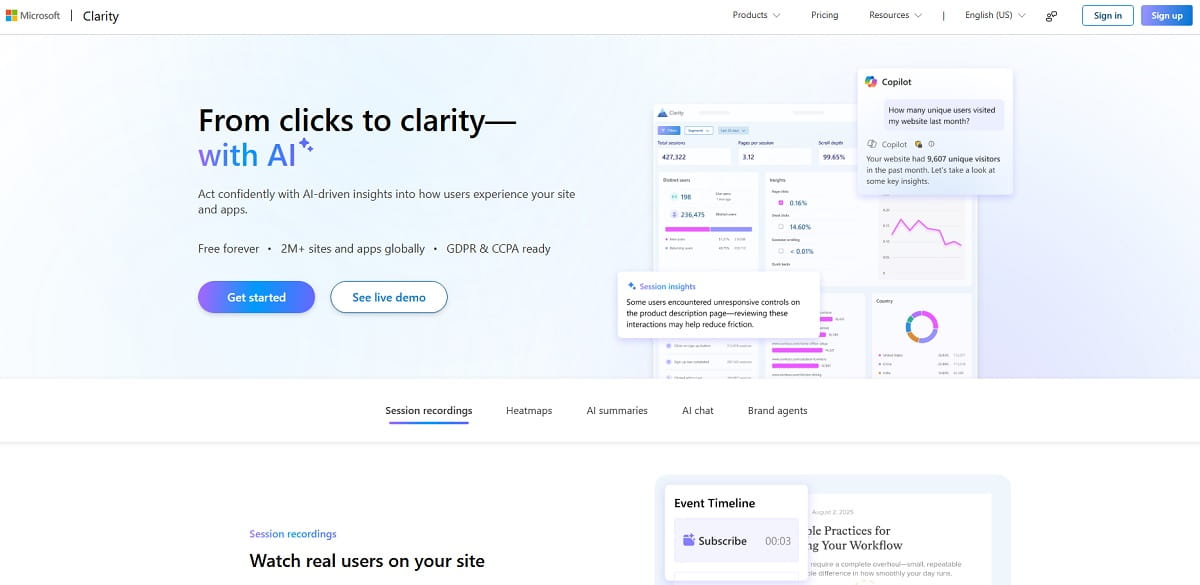
Clarity is the reason the free end of this market collapsed. Microsoft gives away session recordings and heatmaps with no traffic ceiling, funded by the same telemetry ambitions that power Bing. There is no session meter to watch, which removes the single biggest source of Mouseflow bill anxiety.
- Key features: unlimited session recordings · click, scroll and area heatmaps · rage-click, dead-click and excessive-scroll flags · AI summaries and a Copilot chat layer · mobile SDKs for Android, iOS, Flutter and React Native · an AI Visibility report showing how bots crawl your pages.
- Use cases: giving a whole content team always-on replay without a procurement conversation; sanity-checking a paid tool’s numbers against a second free source.
- Best for: startups, publishers and any site where the budget for behavior analytics is zero.
- Pros: free with no volume cap; genuinely fast dashboards; GDPR and CCPA tooling built in; the Copilot summaries save real triage time.
- Cons: funnels are shallow compared with Mouseflow; no form-field drop-off analysis; your visitor data lives on Microsoft infrastructure, which some legal teams will not sign off.
- Pricing: free, permanently, per Microsoft’s own product page.
3. Hotjar — Now Part Of Contentsquare
Hotjar is still the name most people reach for, but the product you buy in 2026 is not the one you remember. Hotjar Ltd. merged into the Contentsquare group in July 2025, and hotjar.com/pricing now permanently redirects to Contentsquare’s price list. New sign-ups create a Contentsquare account. What used to be one subscription is now split across separately priced lines — Experience Analytics for heatmaps and recordings, Voice of Customer for surveys, and Product Analytics — so teams that used heatmaps and surveys on one Hotjar bill face a substantially larger total.
- Key features: click, move and scroll heatmaps · session recordings with rage and u-turn filters · on-site surveys and feedback widgets · funnels · user interviews.
- Use cases: pairing a quantitative drop-off with an exit survey on the same page; recruiting users for moderated interviews straight from a recording.
- Best for: teams that want the classic Hotjar research workflow and can absorb the repriced bundle.
- Pros: the free plan is now far more generous — 200,000 monthly sessions, 10,000 replay captures and unlimited heatmaps; enormous integration library; the surveys remain best in class.
- Cons: buying heatmaps and surveys separately is materially more expensive than the old single plan; free-plan retention is one month; migration from legacy Hotjar billing is still rolling through 2026.
- Pricing: free tier as above; Experience Analytics from roughly 49 USD/mo, with Voice of Customer priced separately. See the Contentsquare pricing page.
4. Crazy Egg — Best Mouseflow Alternative For Visual Reporting
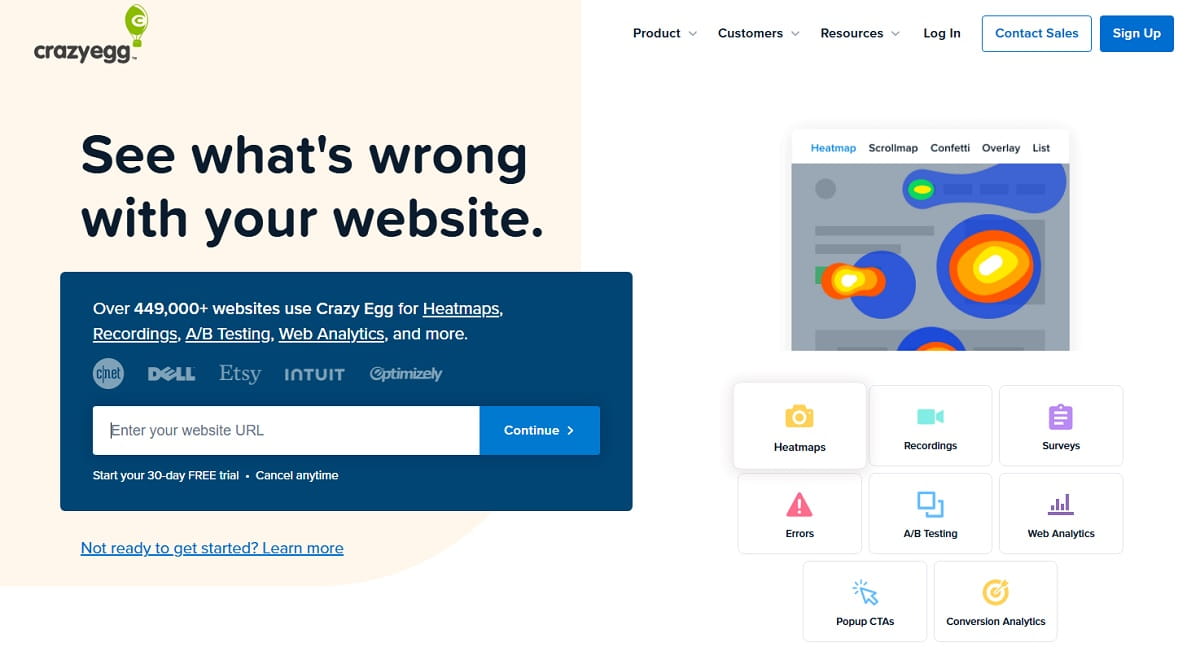
Crazy Egg has been drawing heatmaps since 2005 and still has the most legible visual reports in the category. Its Snapshot model — freeze a page, accumulate data, compare variants — suits marketers who present findings to stakeholders rather than analysts who query them.
- Key features: Snapshots, Confetti, Scrollmap and Overlay reports · session recordings · a no-code editor for on-page changes · built-in A/B testing · traffic-source segmentation.
- Use cases: building a before-and-after slide for a redesign sign-off; showing which paid channel clicks a hero banner and which ignores it.
- Best for: marketing teams that need shareable, screenshot-ready evidence for design decisions.
- Pros: pageview-based pricing is easier to forecast than session metering; unlimited websites on every tier; the Confetti report still explains click intent better than most modern equivalents.
- Cons: recording quotas are tight relative to pageview allowances; no form analytics; annual billing only.
- Pricing (official page, August 2026): Starter 29 USD/mo for 5,000 pageviews and 50 recordings; Plus 99 USD; Pro 249 USD; Enterprise 599 USD — all billed annually, unlimited sites.
5. Lucky Orange — Best Mouseflow Alternative For Ecommerce
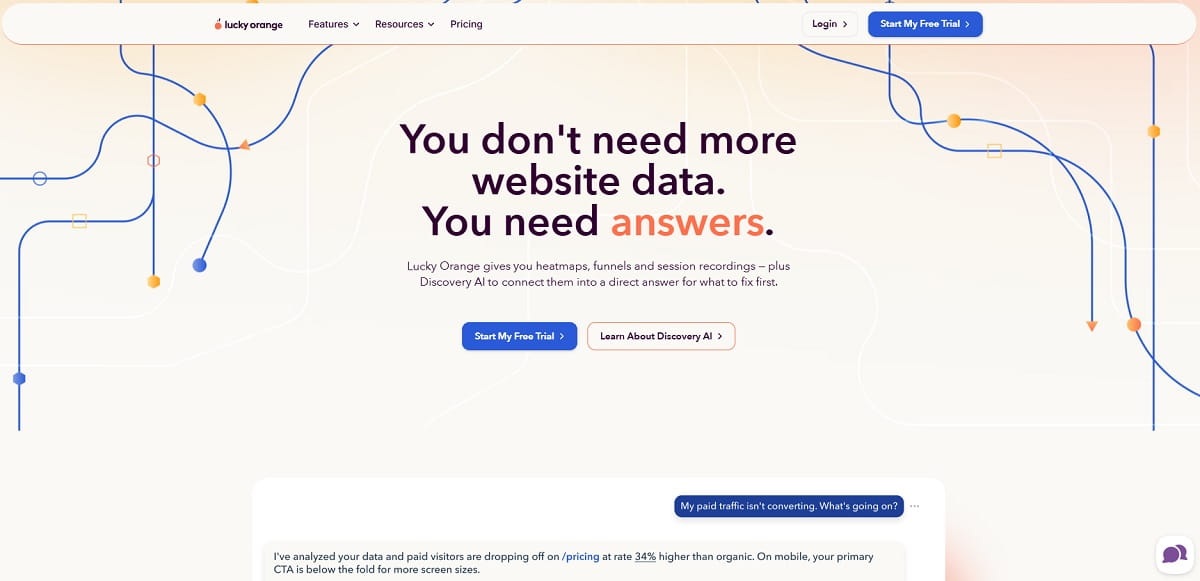
Lucky Orange bundles the pieces an online store actually uses during a conversion audit: recordings, heatmaps, funnels, form analytics, surveys and live chat, with pre-built segments for cart abandoners and high-intent visitors. Its Shopify and WooCommerce integrations are among the tidiest in this list.
- Key features: session recordings and dynamic heatmaps · conversion funnels · form analytics · surveys and announcements · live chat · Discovery AI summaries · cart-value segmentation.
- Use cases: replaying only the sessions of shoppers who abandoned a cart above a set value; catching a shipping-cost surprise that kills checkout.
- Best for: ecommerce managers and Shopify merchants diagnosing checkout drop-off.
- Pros: every feature is available on every plan — you pay only for volume; strong ecommerce-specific segments; extra sites cost 5 USD each.
- Cons: no free plan, only a seven-day trial; the interface carries a lot of features at once; storage on entry tiers is 60 days.
- Pricing (official page, annual billing): Build 32 USD/mo for 3,500 sessions; Grow 72 USD; Expand 199 USD; Scale 839 USD; Enterprise custom.
6. Inspectlet — Best Free Quota For Replay And Form Analytics
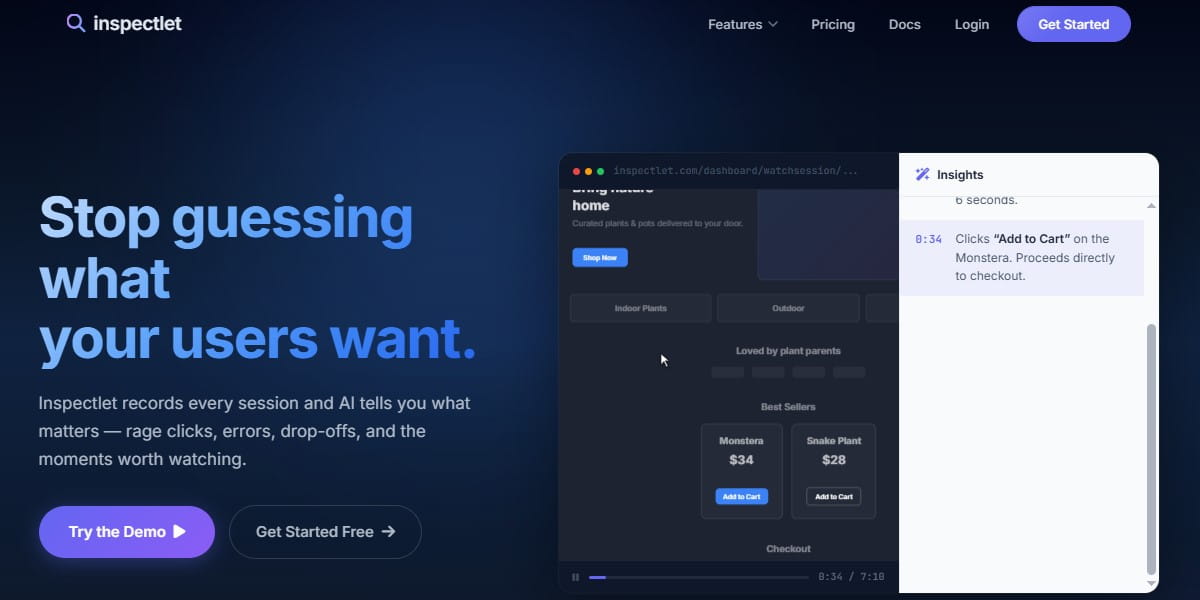
Inspectlet is the quiet veteran of this space, and its free tier is unusually serious: 2,500 recorded sessions a month across three websites, no card, no expiry. For an agency auditing several client sites at once, that is a practical replacement for a paid Mouseflow seat.
- Key features: session replay with eye-tracking-style heatmaps · form analytics and abandonment tracking · JavaScript error logging · A/B testing with significance reporting · feedback surveys · AI session scoring.
- Use cases: running a parallel audit on three client domains without a purchase order; isolating the single form field that causes abandonment.
- Best for: agencies and consultants running audits across multiple domains on a small budget.
- Pros: the most generous no-cost multi-site allowance here; form analytics included rather than gated; error logging catches issues replay alone would miss.
- Cons: the interface shows its age; funnel reporting is basic; annual billing saves fifteen percent but locks you in.
- Pricing: published tiers with monthly or annual billing on the Inspectlet plans page; enterprise adds phone support and 24-month storage.
Best Mouseflow Alternatives For Product And Engineering Teams
If the people watching the recordings also write the code, replay needs to sit next to logs, errors and feature flags.
7. FullStory — Best Enterprise Mouseflow Competitor
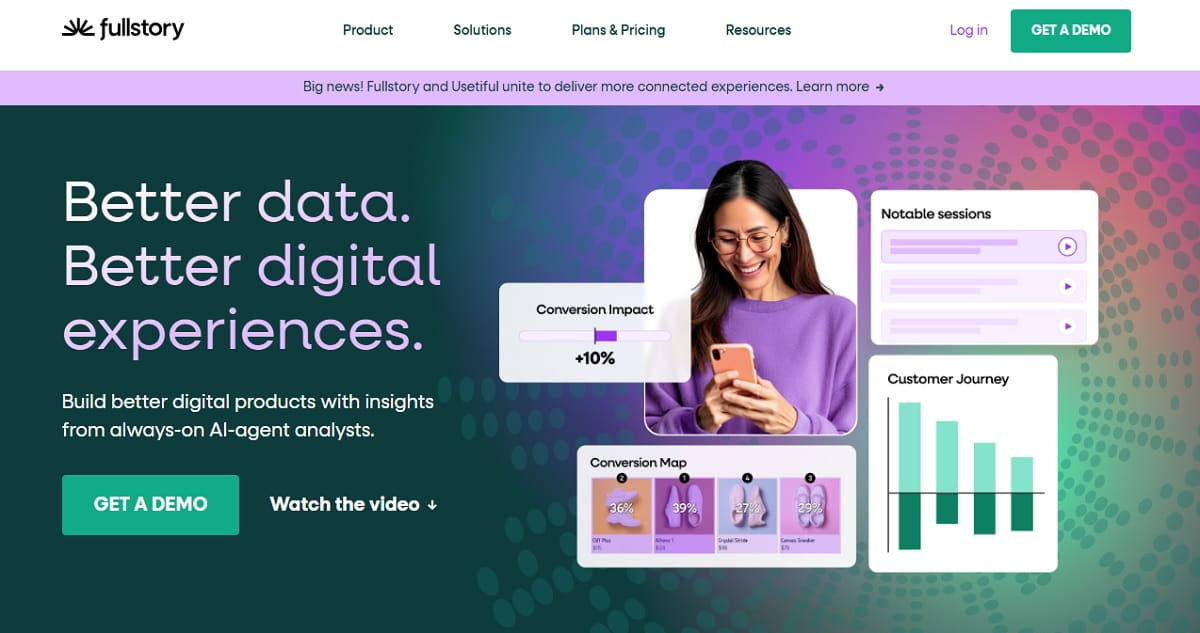
FullStory indexes every interaction it captures, which means you can ask a question in month six about behavior recorded in month one without having instrumented anything in advance. That retroactive search is the reason large product organizations tolerate its cost.
- Key features: fully indexed session replay · autocapture with retroactive segmentation · frustration signals · funnels and conversion paths · native mobile app capture · data export to warehouses.
- Use cases: answering a churn question about last quarter’s cohort without shipping new tracking; quantifying how many users hit a specific error state.
- Best for: enterprise product and UX teams with an analytics budget and a data team to use it.
- Pros: unmatched search depth across historical sessions; excellent mobile parity; robust privacy controls and data governance.
- Cons: no public price list and no self-serve paid tier; contracts are annual and negotiated; heavy for a five-person marketing team.
- Pricing: quote-only. Public contract data aggregated by Vendr shows a wide annual range depending on session volume — treat any single published figure as an anecdote, not a rate card, and get your own quote.
8. LogRocket — Best For Debugging Alongside Replay
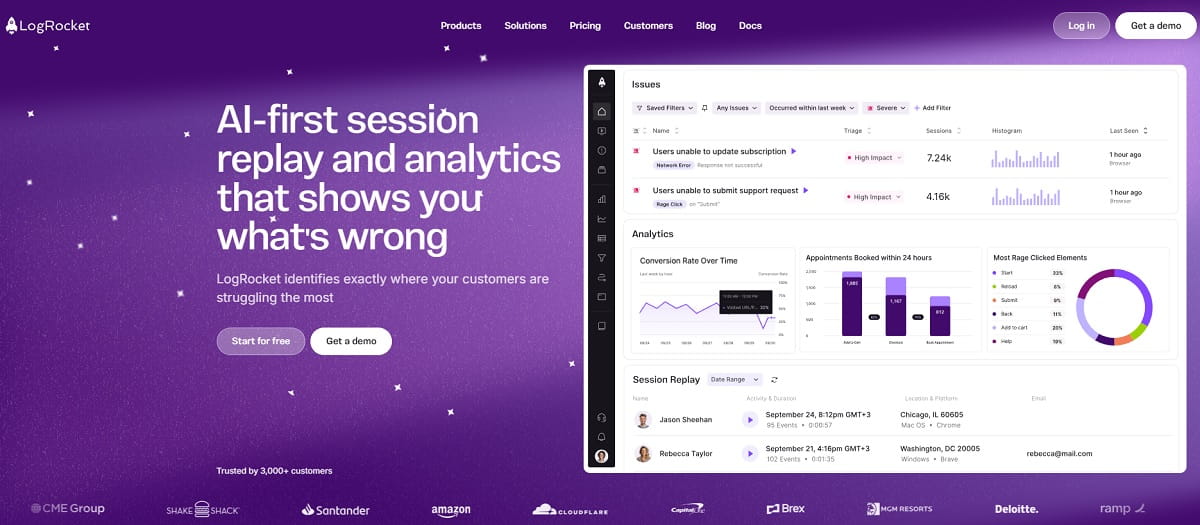
LogRocket records the session and the machine state underneath it. Each replay carries console output, network requests, Redux actions and stack traces, so a support ticket becomes a reproducible bug report instead of a description.
- Key features: session replay with console, network and state capture · error tracking and alerting · click, scroll and rage-click maps · conversion funnels · AI-assisted issue triage on higher tiers.
- Use cases: handing engineering a replay that already contains the failing API response; spotting a browser-specific regression the day it ships.
- Best for: engineering-led SaaS teams where replay is a debugging tool first and a UX tool second.
- Pros: the tightest replay-to-root-cause loop available; unlimited analytics and error events on all plans; heatmaps included at every tier.
- Cons: entry pricing is far above Mouseflow’s; overkill for content sites; the depth of technical data can overwhelm marketers.
- Pricing (official page): Core from 176 USD/mo, Pro adds AI features, Enterprise custom; 14-day trial without a card.
9. PostHog — Best Open Developer Stack
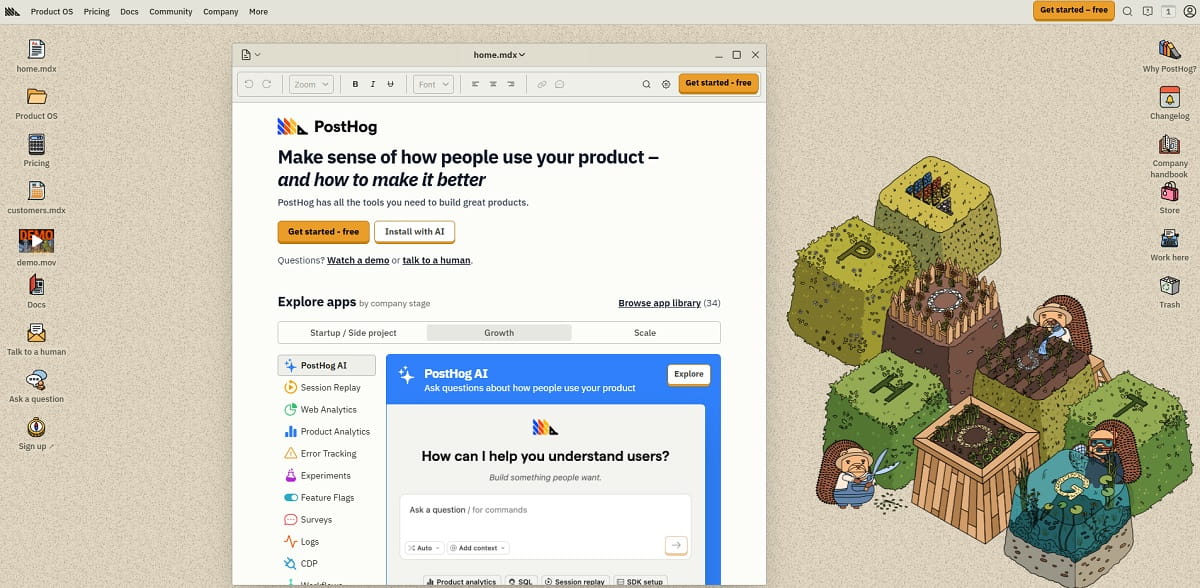
PostHog bundles product analytics, session replay, feature flags, experiments, surveys and a data warehouse behind a single SDK, with a self-hosting option for teams that cannot ship visitor data to a third party.
- Key features: session replay with console capture · autocapture event analytics · heatmaps via the browser toolbar · feature flags and experiments · surveys · SQL access to raw events.
- Use cases: gating a release behind a flag and watching replays of the exposed cohort only; keeping behavior data inside your own infrastructure for compliance.
- Best for: engineering teams that want to own the whole telemetry stack and dislike per-seat pricing.
- Pros: a substantial free monthly allowance including replay recordings and event volume; usage-based billing with no seat charges; open-source core.
- Cons: heatmaps are the weakest part of the suite compared with dedicated tools; the surface area is large enough to need an internal owner; usage billing needs monitoring.
- Pricing: usage-based with a permanent free monthly allowance, published on the PostHog pricing page.
Best Enterprise Alternatives To Mouseflow
10. Contentsquare — Best For Journey And Revenue Attribution
Contentsquare answers a question Mouseflow does not attempt: what is a given page zone worth in revenue. It maps engagement to monetary impact across the full journey, which is why it sells to enterprise ecommerce and financial services. It now also owns Hotjar and Heap, making it the consolidation point for much of this category.
- Key features: zone-based engagement and revenue attribution · journey analysis across sessions · session replay · AI-generated insight surfacing · error and frustration analytics · voice-of-customer via Hotjar surveys.
- Use cases: proving that a carousel slot earns less than the space it occupies; tracing a revenue dip to one broken step in a multi-page journey.
- Best for: large digital teams that need behavior data tied to business outcomes rather than page-level curiosity.
- Pros: the strongest revenue-attribution model in the category; a free plan far larger than most rivals; one vendor now covers Hotjar, Heap and Contentsquare workloads.
- Cons: enterprise implementation effort; paid pricing is quote-led; smaller teams will use a fraction of it.
11. Glassbox — Best For Regulated Industries

Glassbox captures interaction data at a depth designed for dispute resolution and audit trails, which is why banks, insurers and airlines run it. Struggle detection and technical error analysis sit alongside replay and interaction maps.
- Key features: complete session capture on web and native apps · interaction maps and heatmaps · struggle and error detection · compliance-grade digital record keeping · journey analytics.
- Use cases: reconstructing exactly what a customer saw during a disputed transaction; auditing an onboarding flow against regulatory disclosure rules.
- Best for: financial services, insurance and healthcare teams with regulatory record-keeping duties.
- Pros: exceptional mobile app coverage; capture depth that satisfies auditors; mature data-masking controls.
- Cons: quote-only pricing with no self-serve path; deployment is a project, not an afternoon; far beyond what a marketing site needs.
12. VWO Insights — Best For Replay Tied To Experimentation
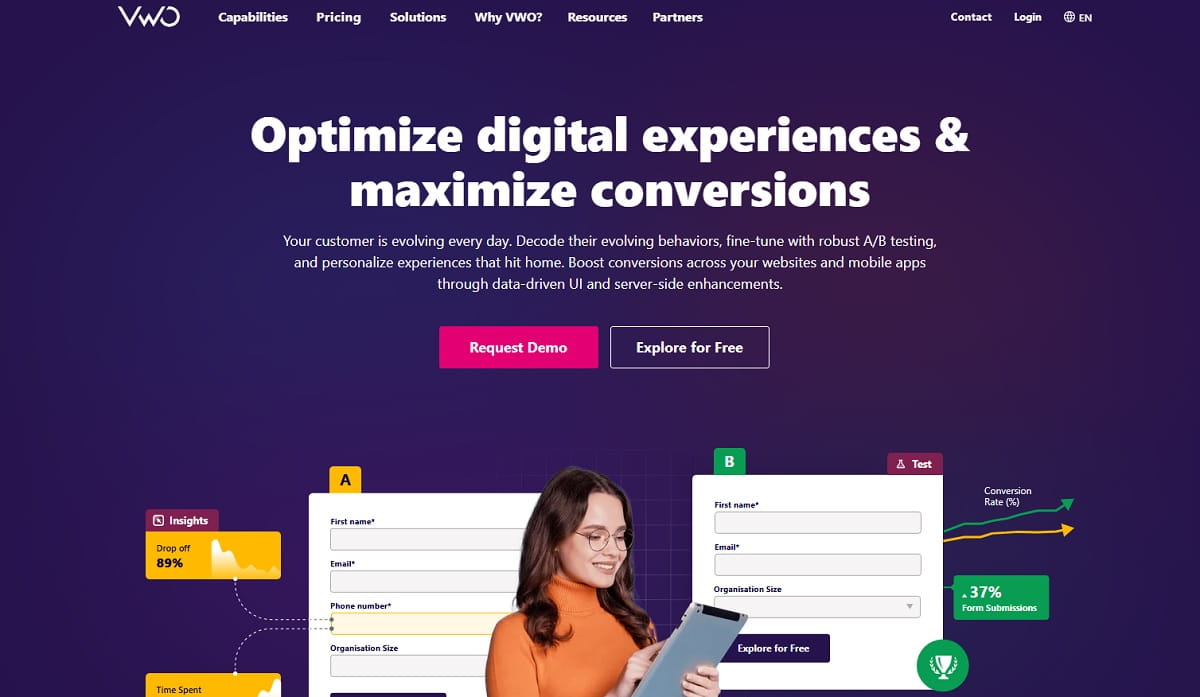
VWO’s proposition is the loop: observe a problem in a recording, form a hypothesis, and run the A/B test in the same platform. Mouseflow can show you the friction, but you then leave for a separate testing tool. VWO closes that gap.
- Key features: session recordings and heatmaps · funnel and form analysis · on-page surveys · A/B, split URL and multivariate testing · server-side and mobile experimentation.
- Use cases: turning a heatmap observation into a live experiment the same day; reusing one audience segment across analysis and testing.
- Best for: CRO teams that want observation and experimentation under one roof.
- Pros: the shortest path from insight to running test; strong statistical reporting; Insights and Testing share segments.
- Cons: headline pricing is not fully published and scales by tracked users; the platform is broad enough to require onboarding time.
Head-To-Head: Mouseflow Vs The Tools Buyers Compare It With
Mouseflow Vs Hotjar
Mouseflow wins on funnel and form-analytics depth at a lower entry price and remains a single, independent product. Hotjar wins on qualitative research — surveys, feedback widgets and interviews — and now carries Contentsquare’s free plan, which dwarfs Mouseflow’s 500-session allowance. Choose Mouseflow if you mainly need quantitative friction data; choose Hotjar if you need to ask visitors why, and can live with split product-line billing.
Mouseflow Vs Microsoft Clarity
Clarity does the two headline jobs — recordings and heatmaps — for nothing, without a session cap. Mouseflow earns its fee on the layers Clarity leaves thin: form-field drop-off, multi-step funnels and friction scoring. A pragmatic route is to run Clarity as the always-on baseline and buy a paid tool only for the workflows Clarity cannot cover.
Mouseflow Vs VWO
These solve adjacent problems. Mouseflow observes; VWO observes and then experiments. If your roadmap already contains a list of tests you want to run, VWO removes a tool from your stack. If you are still in the diagnostic phase, Mouseflow is cheaper and faster to interpret.
Mouseflow Vs Plerdy
Both cover heatmaps and session replay. Plerdy adds an SEO audit, SERP tracking, pop-up forms, ecommerce event tracking and A/B testing to the same script, and starts below Mouseflow’s paid entry price with a permanent free plan rather than a 500-session sample. Mouseflow’s friction scoring is more mature; Plerdy’s advantage is breadth — fewer vendors, fewer scripts, and search data sitting next to behavior data.
Tools We Ruled Out, And Why
Smartlook — no longer available to new customers. Cisco has placed Smartlook on end-of-sale: no new subscriptions after 31 May 2026, renewals only until 31 August 2026, with the capability folding into Splunk Observability Cloud. Its own pricing page now carries the notice instead of plans. Several competing roundups still list it as a live recommendation. It is not one.
Qualaroo, Sprig and similar survey platforms. These collect contextual feedback well, but they do not replace heatmaps or session replay, which is the job people are hiring a Mouseflow alternative to do. Useful alongside a replay tool; not a substitute for one.
SleekFlow, Userflow and Heyflow. These names appear in search data next to “mouseflow alternative” purely because of the shared “-flow” string. They are, respectively, an omnichannel messaging platform, a product-onboarding tool and a funnel-form builder. None of them records sessions or draws heatmaps.
Heap and LiveSession — good tools, narrower fit. Heap (also Contentsquare-owned) is autocapture analytics where replay is an add-on rather than the core. LiveSession is a lightweight replay tool with a small free tier — a fine budget pick, but it does not extend beyond replay and basic heatmaps.
What About A Mouseflow Chrome Extension?
A recurring search is for a Mouseflow Chrome extension. Mouseflow released a heatmap extension mainly to help users download heatmaps out of the Mouseflow interface, so the intent behind that search is narrower than it looks: most people asking for it want faster in-browser analysis, not a second dashboard.
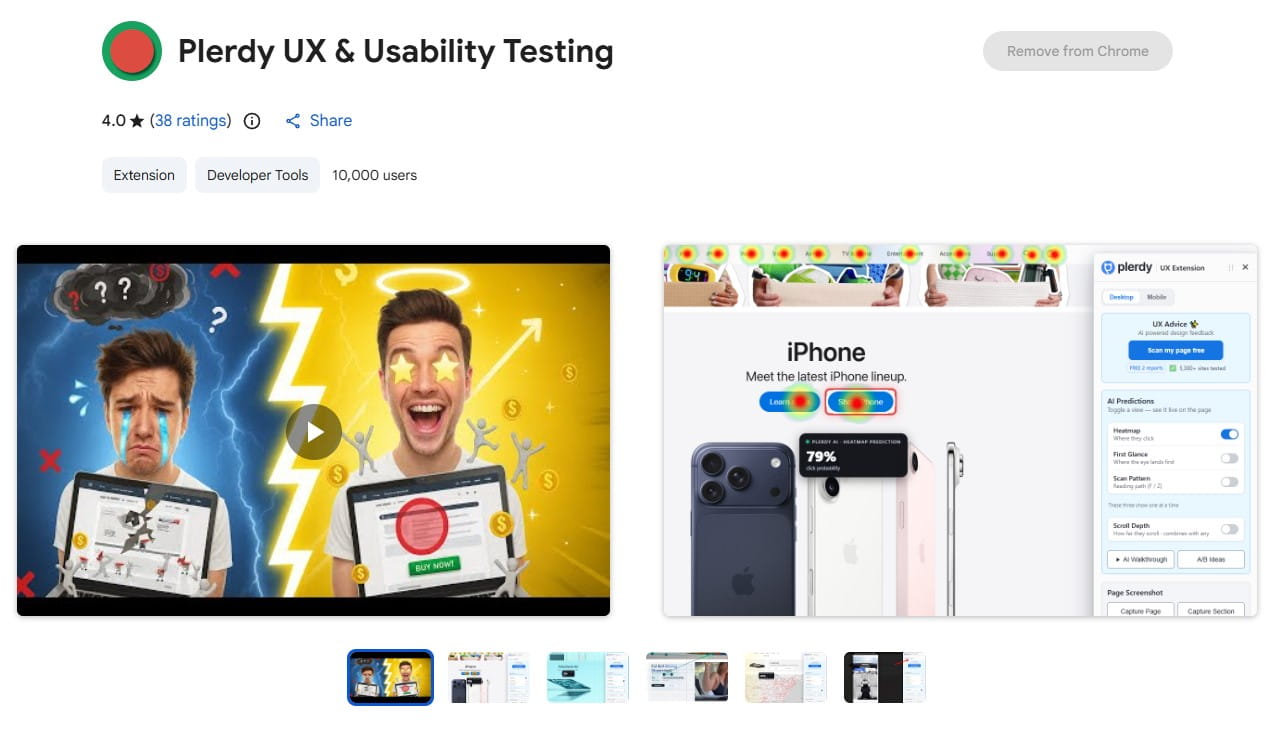
If that is the real goal, Plerdy is the more useful answer. The Plerdy UX and SEO browser tools check predicted click attention, scroll depth, page screenshots, layout problems and SEO issues directly on the page, before you spend time waiting for a report to accumulate data. That suits designers, marketers and CRO teams who want a page-level verdict in a minute rather than a week. Clarity and Hotjar also ship browser extensions, though both are aimed at previewing existing dashboard data rather than running fresh checks.
How To Switch From Mouseflow Without Losing Your Baseline
Behavior analytics has no import format. Recordings and heatmaps cannot be migrated between vendors, so a switch always means starting a new baseline — and the way to avoid regret is to overlap the two tools deliberately.
- Export what you can while the subscription is live. Funnel reports, form-analytics summaries and any heatmap screenshots you cite in decks. Once the account lapses, the recordings are gone.
- Run both scripts in parallel for one full traffic cycle. Two weeks minimum, or a complete monthly cycle for seasonal sites. Two tags will not meaningfully slow a page that already loads third-party scripts.
- Compare like for like on one page. Pick a high-traffic template and check that scroll depth, click distribution and session counts land in the same range. Small differences are normal — a different definition of “session” is not a bug.
- Rebuild funnels and goals before you cancel, not after. Funnel definitions are the piece teams most often forget, and rebuilding them from memory in a new tool is how comparisons get lost.
- Re-check consent and masking rules. Every vendor handles input masking and cookie consent differently. Verify that password, payment and personal fields are suppressed in the new tool before you scale traffic to it.
- Only then cancel. Give yourself one billing cycle of overlap; the cost of a duplicate month is far lower than the cost of a blind quarter.
Conclusion: The Best Mouseflow Alternative For Your Case
There is no single winner, but there is a clear decision path. If you want the widest coverage for the money — heatmaps, session replay, SEO auditing, pop-ups, ecommerce tracking and A/B testing on one script — Plerdy is the strongest first move, and its permanent free plan makes the comparison cost nothing. If budget is the constraint, Microsoft Clarity is impossible to argue with. For qualitative research, Hotjar under Contentsquare still leads, provided you price the split product lines honestly. Engineering teams should look at LogRocket or PostHog; enterprises at FullStory, Contentsquare or Glassbox; ecommerce teams at Lucky Orange.
One rule matters more than the ranking: verify the vendor’s current status before you commit. Smartlook was a standard recommendation in this category until this year, and it is now closed to new customers. Check the pricing page yourself, on the day you buy.
FAQ About Mouseflow Alternatives
What Is The Best Mouseflow Alternative?
Plerdy is the best all-round Mouseflow alternative for marketing and CRO teams, because it covers heatmaps and session replay alongside SEO auditing, pop-ups and A/B testing on a single script and a single bill. For teams that only need replay and heatmaps at no cost, Microsoft Clarity is the better answer.
Is There A Free Mouseflow Alternative?
Yes, several. Microsoft Clarity is free permanently with no traffic limit. Plerdy offers a free forever plan including daily heatmaps, video sessions and SEO audits. Inspectlet gives 2,500 recorded sessions a month across three sites, and Contentsquare’s free plan now covers 200,000 monthly sessions with 10,000 replay captures.
What Is Better Than Mouseflow For CRO?
For conversion rate optimization specifically, Plerdy and VWO Insights both go further than Mouseflow. Plerdy adds SEO data, pop-ups and ecommerce tracking to the behavior layer; VWO connects recordings directly to A/B and multivariate testing so a finding becomes an experiment without changing tools.
Which Mouseflow Competitor Is Best For Session Replay?
FullStory and LogRocket lead on replay depth. FullStory indexes every interaction so you can search historical sessions retroactively; LogRocket attaches console logs, network requests and stack traces to each recording. For everyday marketing use, Plerdy and Microsoft Clarity are faster to work with and far cheaper.
Is Mouseflow Better Than Microsoft Clarity?
Mouseflow is stronger on form analytics, multi-step funnels and friction scoring. Clarity is free with unlimited traffic and covers recordings and heatmaps well. If your work depends on form-field drop-off or funnel segmentation, Mouseflow earns its price; otherwise Clarity does the same core job for nothing.
Does Mouseflow Have A Chrome Extension?
Mouseflow has offered a heatmap Chrome extension, but its purpose is narrow: it helps export heatmaps from the Mouseflow interface rather than run new analysis. For live in-browser UX and SEO checks on any page, the Plerdy browser tools cover more ground.
Is Smartlook Still A Valid Mouseflow Alternative?
No. Cisco stopped selling Smartlook subscriptions on 31 May 2026 and accepts renewals only until 31 August 2026, after which the capability moves into Splunk Observability Cloud. New customers cannot sign up, so it should not appear on any current shortlist.
What Happened To Hotjar?
Hotjar merged into the Contentsquare group in July 2025. Its pricing page now redirects to Contentsquare, new sign-ups create Contentsquare accounts, and the former single subscription is split into separately priced Experience Analytics, Voice of Customer and Product Analytics lines. The free plan improved substantially in the process.